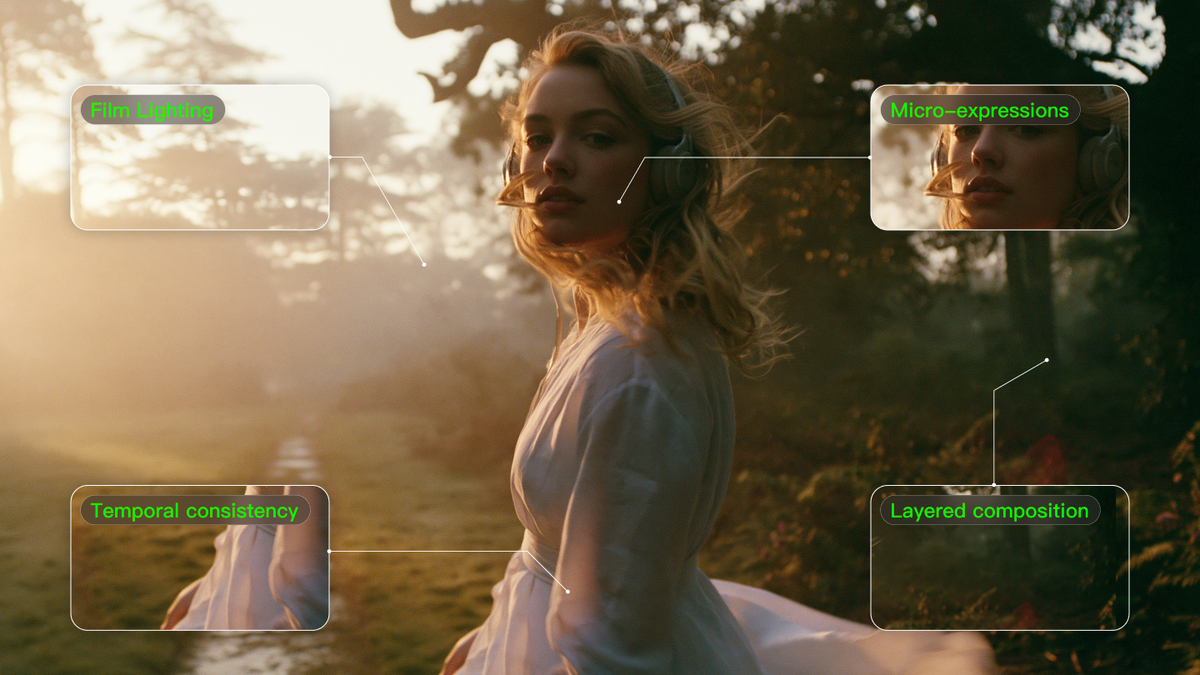
Making AI videos that seem real is not all about the right tools. Basic videos can be created by most individuals, but those that blow minds need something extra. The magic happens in the way you communicate with the AI. Your prompt is your brush, and understanding how to use it is what makes the difference.
The difference between amateur and professional-appearing AI videos boils down to the specifics of your prompts. At the same time, novice users may type "person walking in park," while more experienced creators understand how to create whole universes with their descriptions. The following five methods will allow you to bridge that gap from good to remarkable.
Technique 1: Master Multi-Layered Scene Composition
Consider your video as a play on a stage. You have background, middle ground, and foreground. The majority of individuals toss everything into a single, cluttered description. Intelligent creators construct their scenes in layers.
Step 1: Begin with your background first. In place of "forest scene," write "dense oak forest with morning mist filtering through the canopy."
Step 2: Next, add your middle ground: "weathered stone path winding between moss-covered rocks."
Step 3: Lastly, put your subject in the foreground: "elderly man in worn leather jacket walking slowly toward camera."
This layered method provides the AI with explicit directions on depth. Every element has its own space and significance. The outcome? Three-dimensional-feeling videos rather than flat cutouts stuck together.
When you isolate these elements, you also keep the AI from confusing things. Your subject will not inadvertently meld into the background. Trees remain in the background, paths remain in the mid-ground, and people remain in the foreground where they should be.
Technique 2: Define Dynamic Environmental Physics
Real life has forces that act upon everything. Wind blows hair and clothing. Rain causes ripples. Gravity drags things downwards. Include these natural forces in your prompts to help make scenes realistic.
Rather than "woman standing outside," go with "woman standing in light breeze, sundress slightly swaying, loose hair blowing across her face." This informs the AI precisely how the environment is meant to interact with your subject.
Water scenes require particular care. Don't simply state "by the ocean." Instead, "standing knee-deep in ocean waves, water making tiny splashes around legs, wet sand visible under clear water." The AI is aware of these physical relationships and draws them naturally.
Weather effects work the same way. "Person in rain" becomes "person hurrying through heavy rainfall, coat collar turned up, droplets bouncing off shoulders, wet pavement reflecting streetlights." These details make viewers feel like they're actually there.
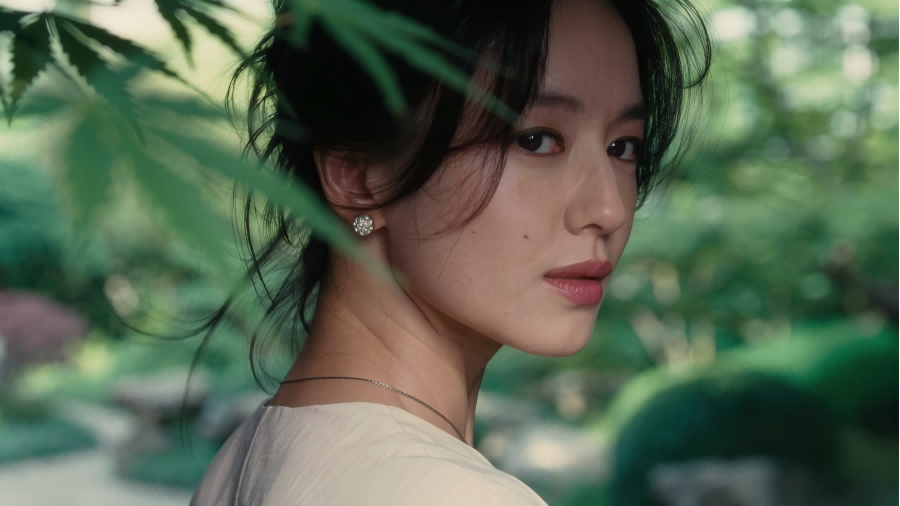
Technique 3: Inject Micro-Expressions for Emotional Nuance
Faces are the most difficult to get right.
What separates a creepy video from an engaging one is often the eyes and subtle expression. Generic terms such as "happy person" no longer suffice.
Zoom in on particular facial details.
"Eyes somewhat narrowed with real warmth, corners crinkling naturally" trumps "smiling face" any day. When describing sadness, go for "lips pressed together, gaze downward, faint furrow between eyebrows."
The trick is to be specific without going overboard.
Choose one or two facial features to highlight. Too much detail bewilders the AI and produces stilted outcomes. A subtle tilt of the head, a faint smile, or eyes that appear to gaze straight at the viewer can turn a static face into a living human being.
And don't neglect the rest of the body.
Shoulders slump in fatigue or square in confidence. Hands fidget in nervousness or casually rest at someone's side. These little details sell the emotion just as much as facial expressions.
Technique 4: Master Light and Shadow through Cinematographic Language
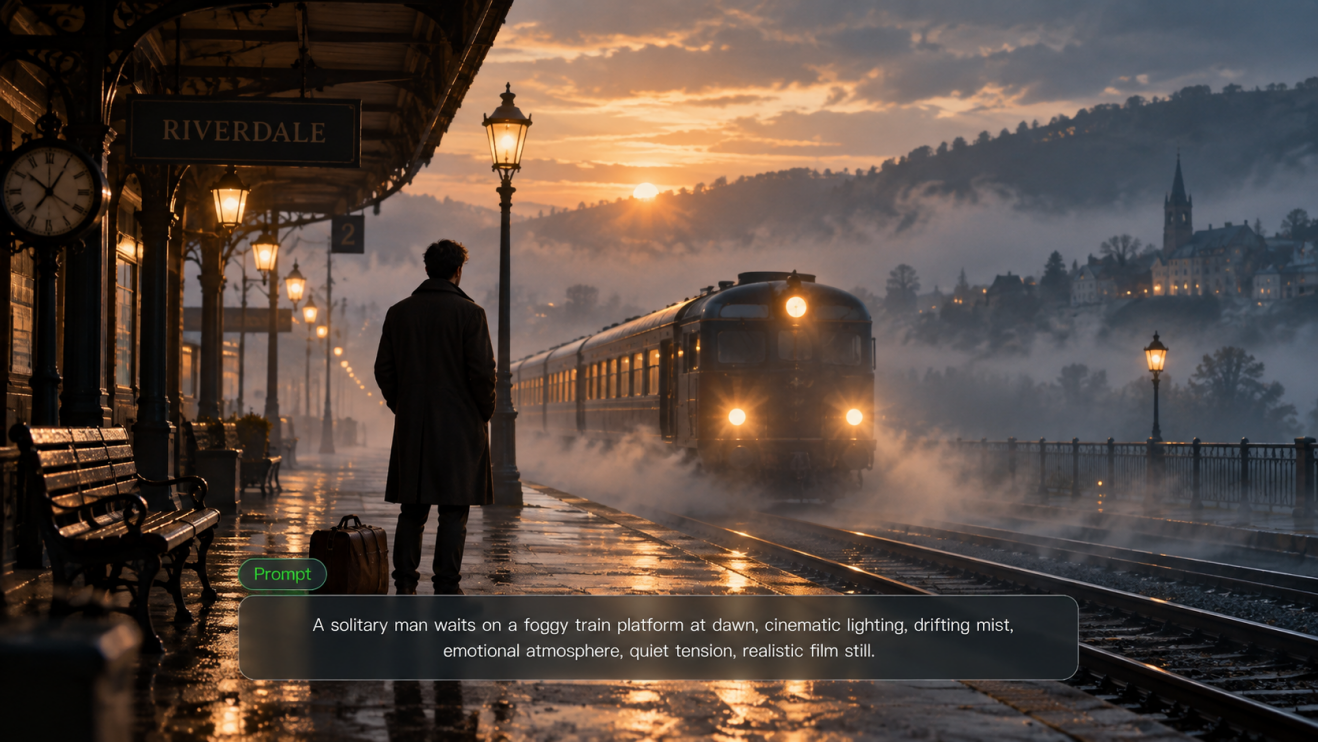
Lighting distinguishes between cinematic masterpieces and amateur videos. Rather than leaving it to the AI to hopefully work out, inform the AI precisely what type of lighting you desire in professional terms.
"Golden hour side lighting" produces warm, dramatic shadows. "Soft diffused light from overcast sky" provides even, flattering light. "Hard directional light creating sharp shadows" is dramatic and contrasty. Each description evokes different light setups in the AI's mind.
For interior scenes, specify light sources. "Warm tungsten light from table lamp creating cozy atmosphere" is more effective than "interior lighting." "Harsh fluorescent office lighting casting unflattering shadows" instantly establishes a different mood.
And don't overlook reflected light. "Sunlight reflecting off water creating dancing light patterns on the subject's face" or "warm light reflecting off a brick wall" adds complexity that makes scenes feel more realistic. These secondary light sources are what create the difference between flat and dimensional lighting.
Technique 5: Ensure Temporal Consistency for Flawless Sequences
The greatest difficulty in AI video is maintaining consistency throughout the clip.
Clothing changes color, faces distort, and objects vanish. Avoiding this takes strategic prompt composition.
Begin by defining your character's looks quite specifically:
"25-year-old woman with shoulder-length brown hair, blue cotton t-shirt and dark jeans." Then remind throughout your prompt by alluding back to them: "her brown hair catching the light," "blue shirt against the green background."
Do the same for objects.
If you have a red car in your scene, say "the red sedan" several times in various contexts. That way, the AI will recall that it's there and keep it appearing the same.
Spatial relationships are important as well.
If a person is moving from left to right, reaffirm this direction: "moving from the left side of the frame toward the right edge," "progressing rightward along the path." This keeps the AI from switching directions arbitrarily halfway through the video.
How to Merge These Sophisticated Techniques for Optimum Impact
These methods are most effective when combined. Here is how to frame a sophisticated prompt that incorporates all five techniques:
- Background layer:
"Misty forest clearing at dawn, soft golden light filtering through tall pines."
- Middle ground with physics:
"Gentle morning breeze blowing tall grass, forming faint wave patterns along the meadow."
- Foreground subject with micro-expressions:
"Young woman in flowing white dress, hint of a smile playing at the corners of her mouth, eyes showing quiet contentment."
- Lighting information:
"Warm side lighting forming gentle shadows on her face, dress material shining translucent in backlight."
- Consistency reinforcement:
"The woman walks slowly forward, white dress trailing behind her, keeping a peaceful expression throughout."
This format provides the AI with clear directions for each item while allowing them to remain structured and simple to interpret.
Common Pitfalls in Advanced Prompting and How to Avoid Them
Complex prompts can backfire if not handled carefully.
Too many conflicting instructions confuse the AI. Keep related concepts grouped together using parentheses: "(gentle wind, hair movement, dress swaying)" versus scattered references throughout the prompt.
Order is important as well.
Place your most significant elements first. The AI gives more weight to the start of your prompt, so begin with your main topic and main action.
Prevent contradictory descriptions.
Do not request both "bright sunny day" and "moody dramatic shadows" within the same scene. Choose one lighting mood and maintain it throughout your prompt.
Mind your word count.
Very long prompts actually work to your disadvantage. The AI gets bogged down and begins to ignore sections of your instructions. Be detailed but concise.
FAQs
Q1. How Long Must My Sophisticated Prompts Be?
Target 50-100 words per most scenes. That is sufficient space for detail without confusing the AI. Extremely complicated scenes may require more, but over 150 words tends to yield poorer results. Prioritize the most vital details instead of attempting to describe everything you can imagine. Quality trumps quantity in prompt engineering.
Q2. Can I Apply These Techniques to Any AI Video Generator?
These techniques apply to most platforms, yet each AI has its own strengths. Some are better at lighting, others at faces. Try your prompts on various platforms to determine which yields the best outcome for your particular requirements. What works flawlessly on one generator may require adjustments on another.
Q3. How Can I Tell if I’m Being Too Detailed in My Prompts?
If your videos begin to appear unnatural or the AI starts disregarding sections of your instructions, you're likely doing too much. Red flags include subjects with too many opposing characteristics, lighting that defies physical logic, or scenes that seem busy. Dial it back and stick to three to four major elements per prompt.
Q4. What’s the Most Common Error Novices Make With Advanced Prompting?
Attempting to utilize each method simultaneously on their initial try. Begin with one or two techniques, learn them inside and out, then build up progressively. It's preferable to perfect a straightforward layered composition than to concoct a jumbled mess with all five methods done incorrectly.
Ready to Transform Your AI Videos?
These advanced prompting skills do require practice, but the payoff is well worth the effort. Begin with one skill, master it, and then build on it by adding more skills to your arsenal. Your audience will see the difference right away between your professional-appearing, polished videos and the amateurish videos that are saturating social media. The future of AI video production is in the hands of producers who can effectively communicate their vision to these amazing text-to-video tools.