> ## Documentation Index
>
> Fetch the complete documentation index at: https://kling.ai/document-api/llms.txt
> Use this file to discover all available pages before exploring further.
# Kling Image 4.0 User Manual
> Source: https://kling.ai/document-api/api/usage-guide/kling-image-4-0
> Locale: en
> Current Tab: Kling Image 4.0 User Manual
> This content is optimized for LLMs. In-page tabs are expanded and UI-only controls are omitted.
::: info-box
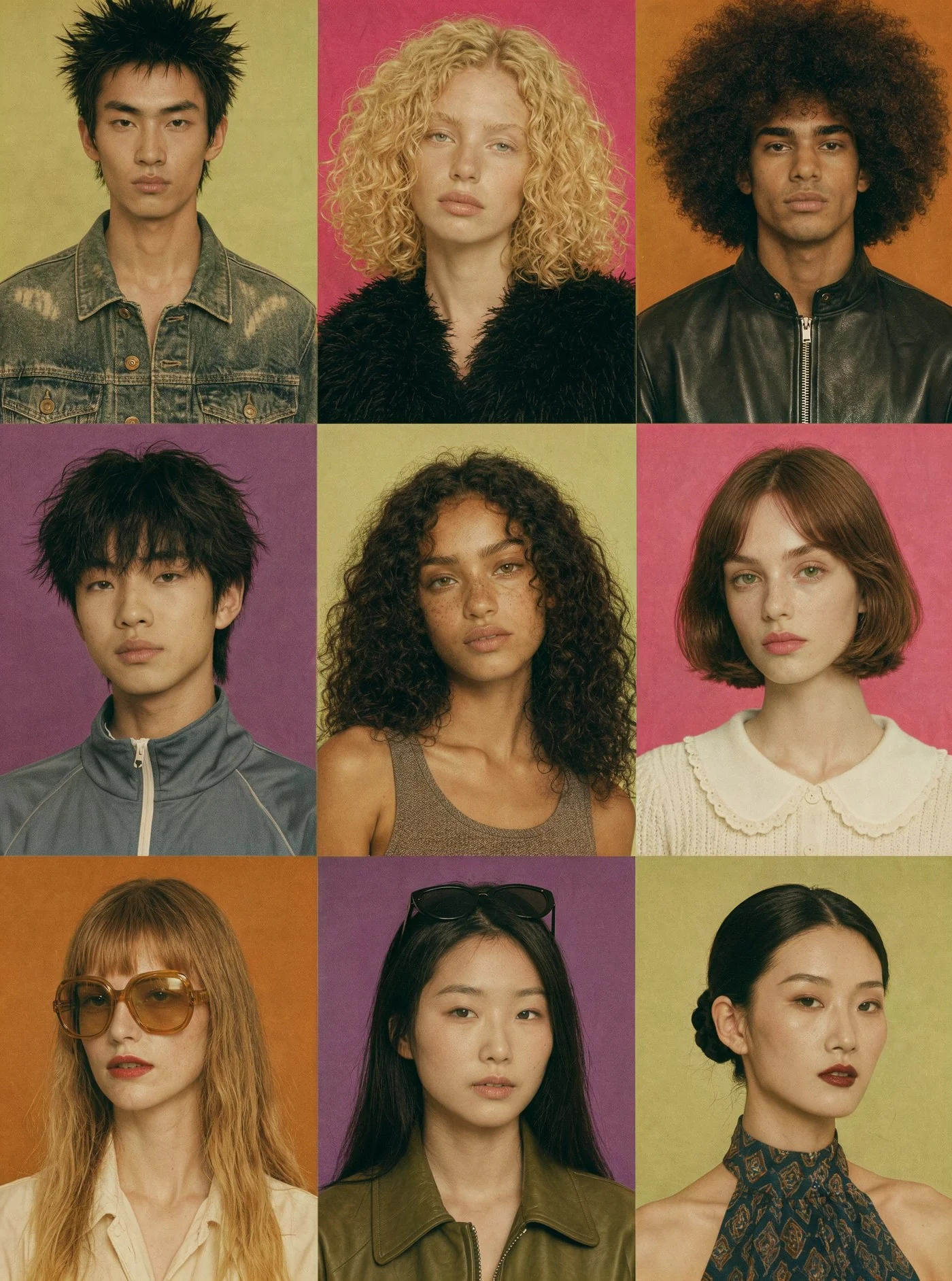
Kling Image 4.0 is an image-generation model that supports text descriptions, single and multiple reference images, coordinated image sets, and long-form e-commerce and web design images. It can be used for character design, photography, posters, product assets, greeting cards, and presentation pages.
This guide covers model capabilities, API tasks, input requirements, output specifications, and prompt writing techniques to help you generate images from text and reference assets.
## 1 Model Access Requirements
Before calling the Kling Image 4.0 model, ensure you meet at least one of the following conditions:
- Purchase a Flagship resource pack ([Purchase](https://kling.ai/dev/pricing?scrollTo=image))
- Account cash balance > 0. You can submit an inquiry to discuss top-up options ([Business Inquiry](#business-consult))
## 2 Before You Start
### 2.1 Task Types and Limits
First, distinguish between "standalone images," "coordinated image sets," and "a single long page." Text-to-image and reference-based generation share the standard image endpoint — inputs are expressed via contents and outputs via settings. Long images use a dedicated endpoint.
| Comparison | Standalone Images | Coordinated Image Sets | Long Images |
| ---------------- | -------------------------------------------- | --------------------------------------------------------------- | ----------------------------------------------------------------------------------------------------------------------------------------------- |
| Suitable Tasks | Photos, posters, single character sheets | Storyboards, character series, product sets, presentation pages | E-commerce detail pages, web visuals |
| Create Endpoint | POST /image-generation/kling-4.0 | POST /image-generation/kling-4.0 | POST /long-image-generation/kling-4.0 |
| Mode Parameter | result_type=single | result_type=series | skill=ecommerce / webpage |
| Image Count | n: 1–9, default 1 | series_amount: 2–10 or auto, default 4 | One complete long image |
| Resolution | 2k / 4k / 8k, default 2k | 2k / 4k / 8k, default 2k | 1k / 2k, default 1k |
| Reference Assets | Images and multi-image elements combined ≤10 | Images and multi-image elements combined ≤10 | E-commerce detail pages require 1–3 images; for webpage design, you can provide up to one style reference image and one subject reference image |
If three-view, four-panel, or nine-panel layouts appear within a single image, use single. Only choose series when you want multiple independent but interconnected images. n has no effect under series.
### 2.2 Configuration Method
#### Standard Images and Coordinated Image Sets
- Call /image-generation/kling-4.0.
- Add type="prompt" in contents and write the complete prompt into text.
- When reference images are needed, add type="refer_image" and provide a publicly accessible image URL or valid Base64 via url.
- Assign a task-unique id to each referenced asset, and use @id in the prompt. Assets not explicitly referenced still take effect as references.
- Set result_type, image count, resolution, and aspect_ratio according to your task.
Prompt example:
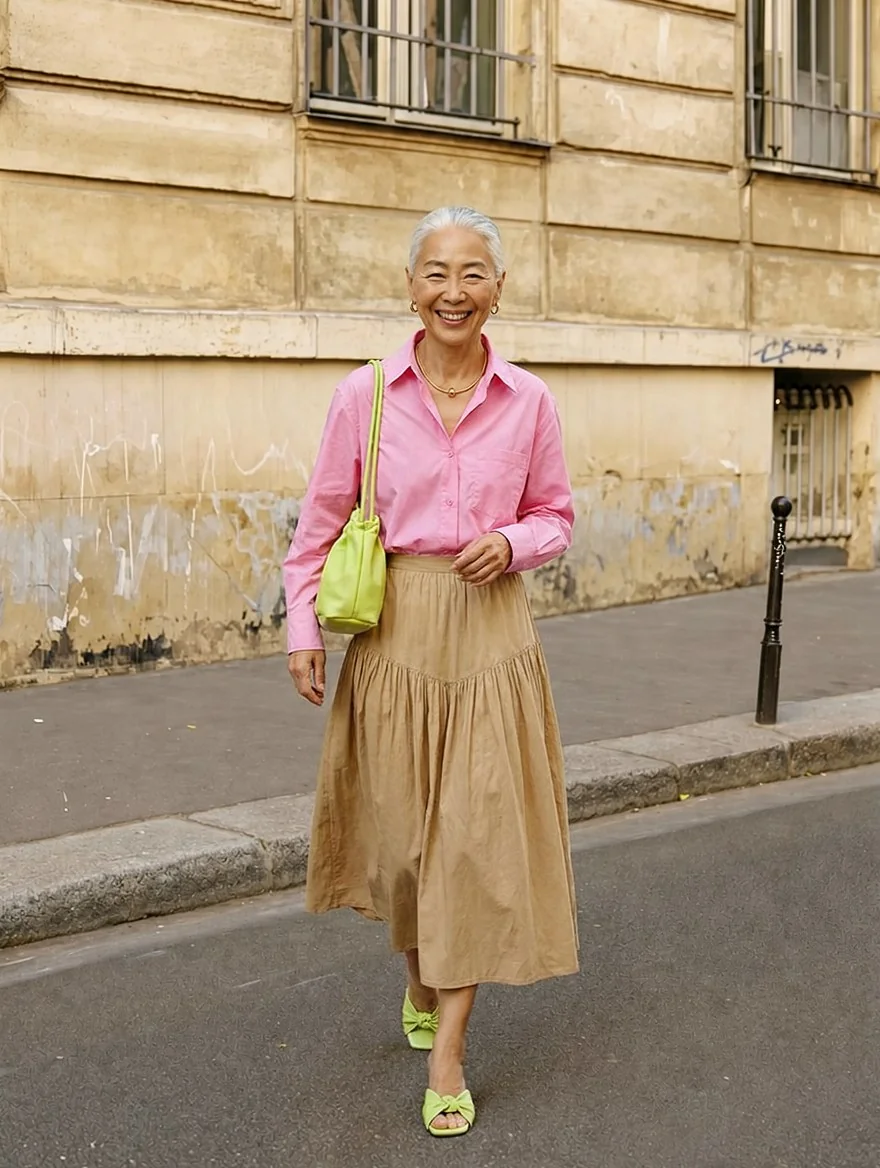
> Reference @person for identity, @outfit for clothing, and @accessory for accessories. Preserve the person's facial features, clothing colors, and key design details. Generate a natural-light street fashion photo.
Standard images also support type="element", referencing multi-image elements created from images via element_id, sharing the 10-asset quota with reference images. Use input asset types supported by the Image endpoint.
#### E-commerce Detail Pages and Web Design Long Images
Call /long-image-generation/kling-4.0, using the same prompt and refer_image structure. settings.skill is required: ecommerce for e-commerce, webpage for web visuals. E-commerce requires 1–3 images; for webpage design, you can provide up to one style reference image and one subject reference image. E-commerce supports the length setting; web design does not. Each call returns one long image only — no internal illustrations, HTML, or editable design files.
### 2.3 Error Handling
A successful task creation does not mean generation is complete. Check code, message, and request_id in the synchronous response, then query using `data.id`. If generation fails, check the task status and message. Troubleshoot authentication, field values, image accessibility, asset specifications, and quota separately. Keep request_id for debugging. Do not automatically retry creation requests with unknown results.
## 3 Getting Started
### Step 1: Prepare Account and API Key
Create a new API Key in the [Developer Console](https://kling.ai/dev/api-key) and set the environment variable in the same terminal. The following is for Bash/zsh. On Windows, run in a compatible terminal or adjust for your environment.
```bash
export KLING_API_KEY="Replace_with_your_API_Key"
```
### Step 2: Create an Image Task
The following example creates one image from a text description. After submitting, save the task ID from the response for querying generation progress and retrieving results.
```cURL
curl --request POST \
--url "https://api-singapore.klingai.com/image-generation/kling-4.0" \
--header "Authorization: Bearer ${KLING_API_KEY}" \
--header "Content-Type: application/json" \
--data-raw '{
"contents": [
{
"type": "prompt",
"text": "A casual snapshot of an orange cat in a cozy living room. An adult orange tabby—neither too fat nor too thin—sits upright on a dark gray fabric sofa, facing the camera with its head tilted slightly to one side, its green eyes fixed on the photographer with curiosity. The cat has short, dense fur, rounded cheeks, a pink nose, and clearly visible whiskers. Beside it rests an off-white plush throw pillow, while a soft blanket featuring yellow and dark blue patterns lies in the foreground. In the background, a large, bright window reveals a view of houses and trees outside; to the left, a round wall mirror, some greenery, and other living room furniture are partially visible. Natural daylight streams in from the window, casting a soft rim light along the cat’s silhouette. A vertical, medium-shot composition with the aesthetic of an indoor, iPhone-captured photo—evoking a warm, everyday atmosphere with realistic fur texture."
}
],
"settings": {
"result_type": "single",
"n": 1,
"resolution": "2k",
"aspect_ratio": "3:4"
}
}'
```
| Parameter | Purpose | This Example |
| --------------------- | --------------------------- | ---------------------------- |
| contents[].type | Input category | prompt |
| contents[].text | Full image description | Orange cat living room photo |
| settings.result_type | Output mode | single |
| settings.n | Number of standalone images | 1 |
| settings.resolution | Clarity | 2k |
| settings.aspect_ratio | Aspect ratio | 3:4 |
Response example (field structure shown; IDs are placeholders):
```json
{
"code": 0,
"message": "SUCCEED",
"request_id": "example-request-id",
"data": {
"id": "example-task-id",
"status": "submitted",
"create_time": 1790000000000,
"update_time": 1790000000000
}
}
```
### Step 3: Query Task Status
Replace the placeholder in the query URL with the real `data.id` from the creation result. Use either task_ids or external_task_ids — not both. GET parameters go in the URL; no JSON request body is sent. You can use the callback mechanism instead of continuous polling to avoid excessive queries.
```cURL
curl --request GET \
--url "https://api-singapore.klingai.com/tasks?task_ids=Replace_with_real_task_ID" \
--header "Authorization: Bearer ${KLING_API_KEY}" \
--header "Content-Type: application/json"
```
| status | Meaning | Next Step |
| ---------- | -------------------- | --------------------------------------------------------------- |
| submitted | Submitted | Wait for processing |
| processing | Processing | Query later or wait for callback |
| succeeded | Generation succeeded | Read outputs and download |
| failed | Generation failed | Check message and input; troubleshoot with request_id if needed |
### Step 4: Retrieve Images
The data field in the query response is an array. Match the target task, and when successful, read outputs[].url. Image sets share a group_id and are returned in group order — not reordered by filename. The example below shows a single-image structure; the URL is not a real downloadable result.
```json
{
"code": 0,
"message": "SUCCEED",
"request_id": "example-query-id",
"data": [
{
"id": "example-task-id",
"status": "succeeded",
"message": "",
"outputs": [
{
"type": "image",
"url": "https://example.com/result.png"
}
]
}
]
}
```
Generated result links are in anti-leech format. Result images are purged after 30 days. Download and transfer them promptly. Configure callbacks via options.callback_url. See the [Callback Protocol](https://kling.ai/document-api/api/get-started/callbacks) for notification details.
## 4 What's New in Kling Image 4.0
### 4.1 Native Camera Realism
Organize images through specific actions, lived-in environments, shooting distance, and natural light. Suitable for smartphone snapshots, documentary photography, and cinematic stills. Realism doesn't require everything to be sharp or bright — moderate occlusion, depth of field, and uneven lighting are also visual information.
### 4.2 Text Rendering and Complex Layouts
Supports specifying main titles, subtitles, small text, typefaces, and positions in the prompt for posters, covers, and brand visuals. A single image supports up to 2,000 characters of generated text. Actual rendering quality varies by language, font, text density, and layout. After generation, proofread proper nouns, numbers, punctuation, and small text.
### 4.3 Native 8K
Standard single images and image sets support 2k, 4k, and 8k. Long-image skills are limited to 1k and 2k — the 8k parameter from standard images does not apply.
### 4.4 Coordinated Image Sets and Multi-Asset Consistency
A single prompt can coordinate 2–10 related images. By describing each image individually along with consistency requirements, you can create storyboards, character sheets, product assets, or presentation pages. Character images, clothing images, product images, and style images can each play distinct roles — avoid writing only "reference all images."
### 4.5 Font and Style Guidance
Supports specifying fonts in the prompt, e.g., "Font: Nova Grid". See Section 6.8 for the current list of model-supported fonts.
### 4.6 Page-Level Long Images
E-commerce detail pages and web design use the long-image endpoint, forming a complete page visual from content modules.
## 5 Capabilities Overview
### 5.1 Model and Output Specifications
| Item | Standard Images / Image Sets | Long Images |
| -------------- | -------------------------------------------------------------------------------------------------------------------- | ----------------------------------------------------------------------------------------------------------------------------------------------------------------- |
| Model Endpoint | image-generation/kling-4.0 | long-image-generation/kling-4.0 |
| Resolution | 2k, 4k, 8k | 1k, 2k |
| Aspect Ratio | auto and 8 fixed ratios | No standard-image aspect_ratio config |
| Text Input | Pure English ≤50,000 chars; pure non-English ≤21,000 chars; mixed: English_chars/50000 + non-English_chars/21000 ≤ 1 | Prompt required; pure English ≤166,000 chars; pure non-English ≤71,000 chars; mixed: English_chars/166000 + non-English_chars/71000 ≤ 1 |
| Image Input | JPG/JPEG/PNG, ≤30MB, both sides ≥300px, ratio 2:5–5:2 | Same image specs; E-commerce detail pages require 1–3 images; for webpage design, you can provide up to one style reference image and one subject reference image |
| Output Format | Single image or multiple coordinated images | One complete long image per call |
### 5.2 Typical Creative Capabilities
| Creative Goal | Task Mode | Prompt Focus |
| -------------------------------------- | ------------------------------------- | ---------------------------------------------------------- |
| Lifestyle photos and documentary | single | Subject state, scene, lighting, shooting method |
| Character multi-view sheets | single or series, based on page count | View order, layout, character features |
| Storyboards | series | Total count, per-frame stills, unified character and style |
| Style/color re-rendering | single + multiple references | Separate style source from subject source |
| Products and styling | single or series + references | Product structure, clothing details, model identity |
| Posters / key visuals / greeting cards | single | Exact copy, typeface, hierarchy, and position |
| E-commerce / web pages | Long image ecommerce or webpage | Product facts, module order, brand and copy |
| Presentation pages | series | Page count, per-page content, unified visual system |
## 6 Featured Capabilities and Usage
### 6.1 Text-to-Image
**Use text to describe what the subject is doing, the environment they're in, and how the image is shot or designed. For realistic images, start with "subject + action or state + specific scene + shooting method."**
::::: container guide-case
:::: container guide-case-input
Input
Prompt:
```text
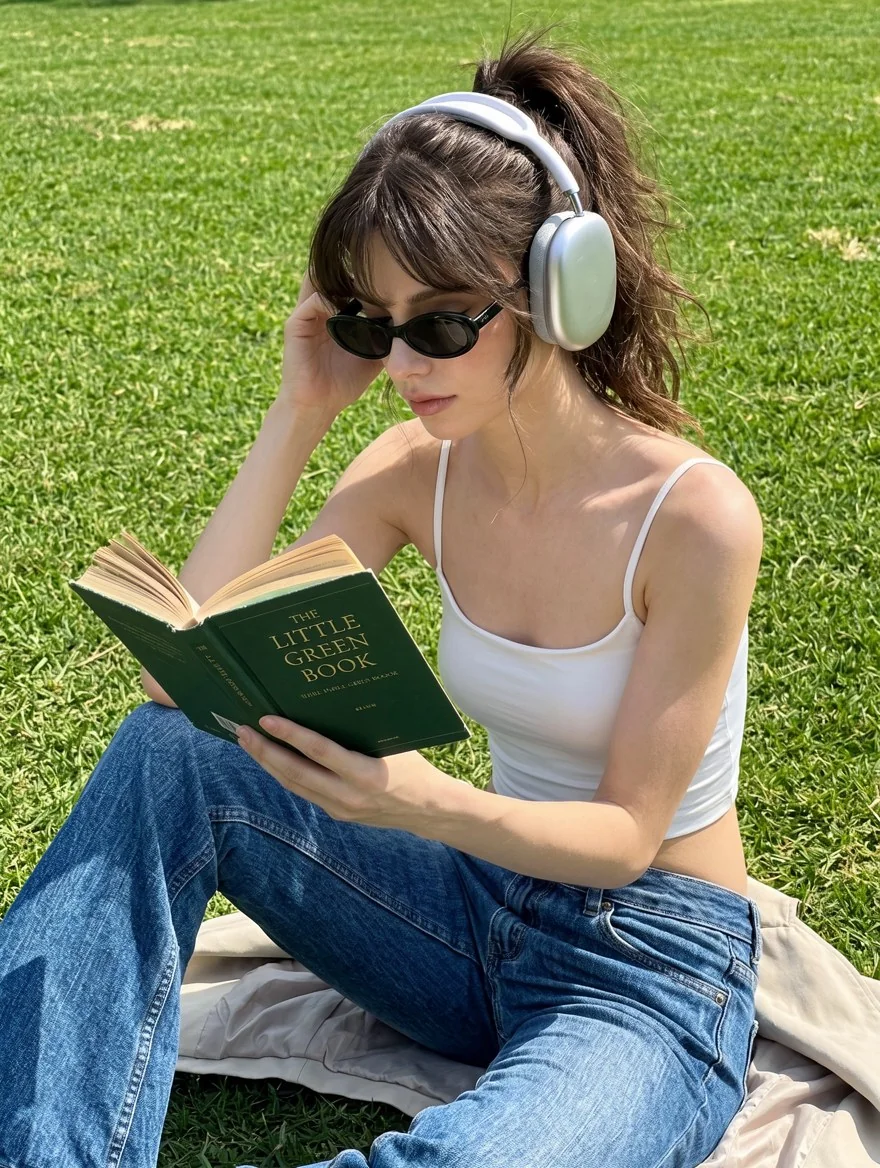
A young woman in her twenties sits alone on a lush green lawn on a sunny summer day, reading a book. She has naturally fair skin, delicate facial features, full lips, and long dark brown hair tied into a loose, voluminous high ponytail, with wispy, slightly messy bangs and a few strands framing her face. She wears narrow black oval sunglasses with dark gray lenses and large silver over-ear wireless headphones, creating a nostalgic early-2000s fashion aesthetic.
She is dressed in a fitted white spaghetti-strap tank top and loose, low-rise blue wide-leg jeans with natural fading and soft fabric creases. Sitting on the grass with her legs naturally bent, she raises one knee close to her chest and leans slightly forward. Her left hand holds an open English novel with a dark green vintage-style cover and retro typography, while her right hand gently touches the headphone ear cup, as if adjusting the volume. She looks down at the book with a calm, focused expression and a relaxed posture.
Setting: A spacious summer park with a large, vibrant green lawn. No prominent buildings or other people are visible in the background. The ground is covered in dense, evenly distributed grass, with a few scattered dry blades. A light beige jacket lies beside her, serving as an improvised seat and adding to the authenticity of the outdoor reading scene.
Composition and camera angle: Vertical medium-close portrait, shot from a slightly elevated angle just above the subject's eye level. The woman is centered in the frame, cropped around her thighs and knees. Her head, headphones, sunglasses, and green book form the main focal points. Her raised knee occupies the lower-left corner, while her arms and book create a natural triangular composition. The background consists of an expansive, evenly textured green lawn, keeping the composition simple and highlighting her outfit and reading activity.
Lighting and texture: Backlit by strong midday summer sunlight from behind, creating distinct warm highlights along her shoulders and arms. The metallic headphone exterior catches bright reflections, while the black sunglass lenses show realistic reflections of the surroundings. Natural shadows fall across parts of her face and book. The lawn appears richly saturated, with clearly visible grass textures under the sunlight. Slightly vintage warm color grading, natural skin texture, authentic ambient lighting, and high-contrast summer outdoor photography.
Clean Girl aesthetic, casual Western street style, summer reading photo dump, authentic iPhone photography, Instagram lifestyle photography. Relaxed, bright, independent, and youthful.
```
Prompt only, no reference images.
:::: container guide-case-output
Output
**API code:**
```cURL
curl --request POST \
--url "https://api-singapore.klingai.com/image-generation/kling-4.0" \
--header "Authorization: Bearer ${KLING_API_KEY}" \
--header "Content-Type: application/json" \
--data-raw '{
"contents": [
{
"type": "prompt",
"text": "A young woman in her twenties sits alone on a lush green lawn on a sunny summer day, reading a book. She has naturally fair skin, delicate facial features, full lips, and long dark brown hair tied into a loose, voluminous high ponytail, with wispy, slightly messy bangs and a few strands framing her face. She wears narrow black oval sunglasses with dark gray lenses and large silver over-ear wireless headphones, creating a nostalgic early-2000s fashion aesthetic.\nShe is dressed in a fitted white spaghetti-strap tank top and loose, low-rise blue wide-leg jeans with natural fading and soft fabric creases. Sitting on the grass with her legs naturally bent, she raises one knee close to her chest and leans slightly forward. Her left hand holds an open English novel with a dark green vintage-style cover and retro typography, while her right hand gently touches the headphone ear cup, as if adjusting the volume. She looks down at the book with a calm, focused expression and a relaxed posture.\nSetting: A spacious summer park with a large, vibrant green lawn. No prominent buildings or other people are visible in the background. The ground is covered in dense, evenly distributed grass, with a few scattered dry blades. A light beige jacket lies beside her, serving as an improvised seat and adding to the authenticity of the outdoor reading scene.\nComposition and camera angle: Vertical medium-close portrait, shot from a slightly elevated angle just above the subject'\''s eye level. The woman is centered in the frame, cropped around her thighs and knees. Her head, headphones, sunglasses, and green book form the main focal points. Her raised knee occupies the lower-left corner, while her arms and book create a natural triangular composition. The background consists of an expansive, evenly textured green lawn, keeping the composition simple and highlighting her outfit and reading activity.\nLighting and texture: Backlit by strong midday summer sunlight from behind, creating distinct warm highlights along her shoulders and arms. The metallic headphone exterior catches bright reflections, while the black sunglass lenses show realistic reflections of the surroundings. Natural shadows fall across parts of her face and book. The lawn appears richly saturated, with clearly visible grass textures under the sunlight. Slightly vintage warm color grading, natural skin texture, authentic ambient lighting, and high-contrast summer outdoor photography.\nClean Girl aesthetic, casual Western street style, summer reading photo dump, authentic iPhone photography, Instagram lifestyle photography. Relaxed, bright, independent, and youthful."
}
],
"settings": {
"result_type": "single",
"n": 1,
"resolution": "2k",
"aspect_ratio": "auto"
}
}'
```
### 6.2 Single-Image Reference
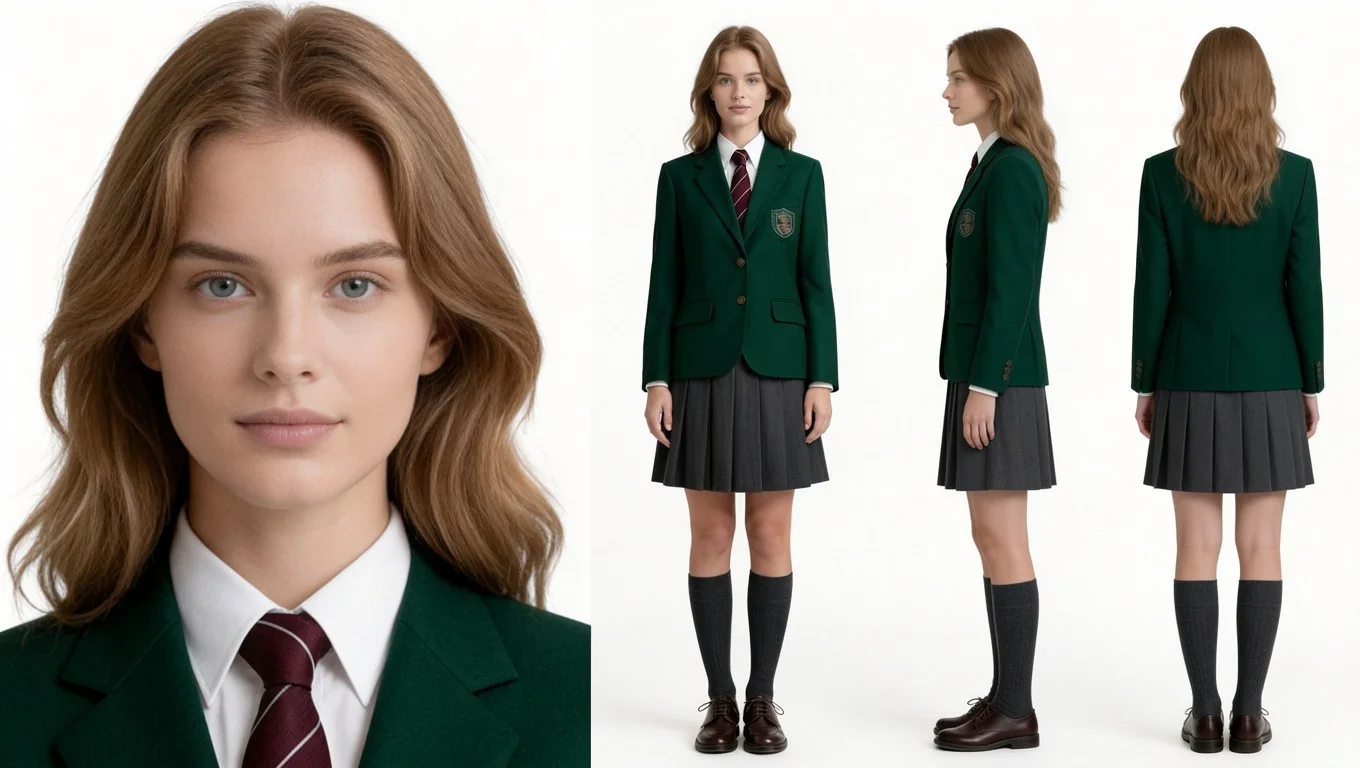
**Generate a new image based on one reference image. Useful for character multi-view sheets and pose variations. Specify which views and layouts to change, and which appearance and clothing features to keep consistent.**
::::: container guide-case
:::: container guide-case-input
Input
Prompt:
```text
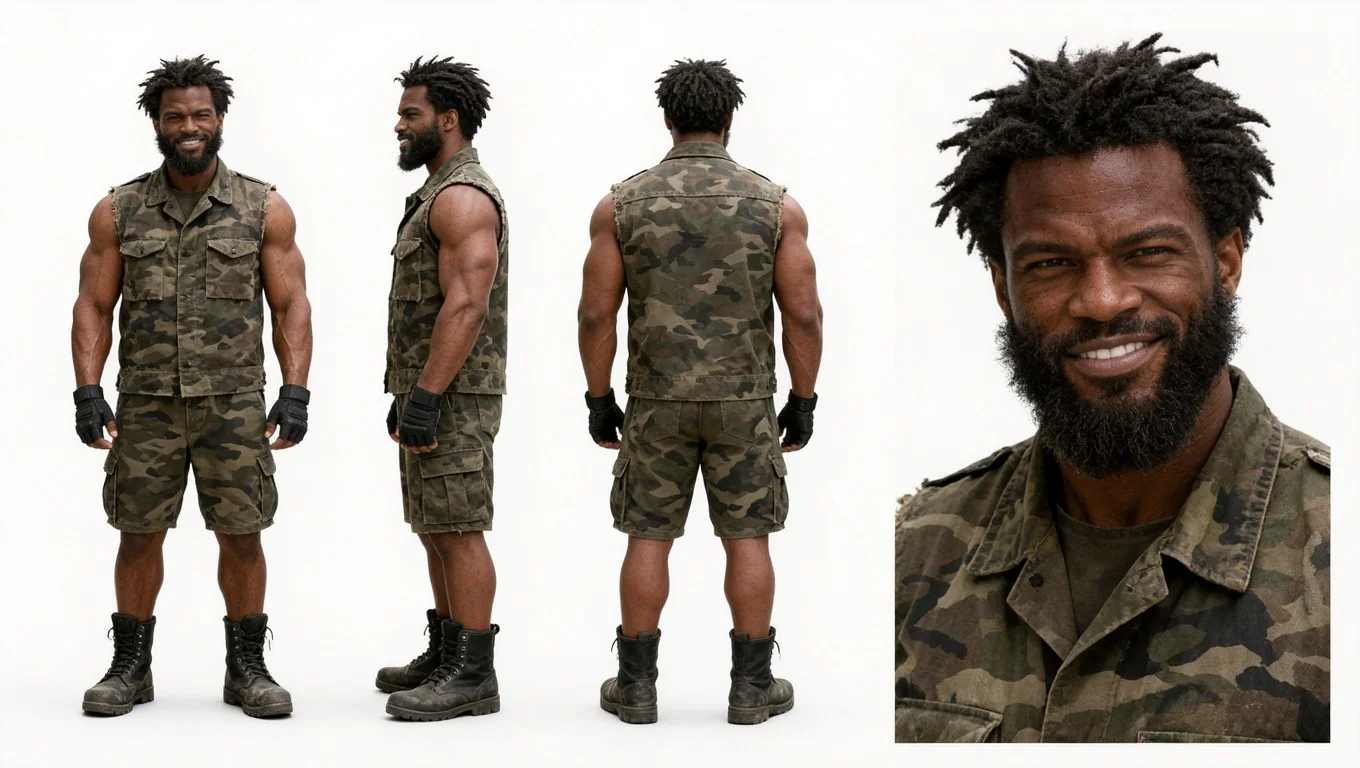
Based on the appearance of the person in the reference image, generate a standard three-view character sheet of the same character against a pure white background, showing the full-body front, side, and back views. Place a high-resolution close-up of the character's face on the left, with the three full-body views neatly arranged on the right. Maintain complete consistency in facial features, hairstyle, clothing, overall appearance, and visual style across all views.
```
:::: container guide-case-output
Output
**API code:**
```cURL
curl --request POST \
--url "https://api-singapore.klingai.com/image-generation/kling-4.0" \
--header "Authorization: Bearer ${KLING_API_KEY}" \
--header "Content-Type: application/json" \
--data-raw '{
"contents": [
{
"type": "prompt",
"text": "Based on the appearance of the person in the reference image, generate a standard three-view character sheet of the same character against a pure white background, showing the full-body front, side, and back views. Place a high-resolution close-up of the character'\''s face on the left, with the three full-body views neatly arranged on the right. Maintain complete consistency in facial features, hairstyle, clothing, overall appearance, and visual style across all views."
},
{
"type": "refer_image",
"url": "https://p1-kling.klingai.com/kcdn/cdn-kcdn112452/tutorials/kling-image-4-0/api-examples-20261110/character.png",
"id": "character"
}
],
"settings": {
"result_type": "single",
"n": 1,
"resolution": "2k",
"aspect_ratio": "16:9"
}
}'
```
### 6.3 Multi-Image Reference
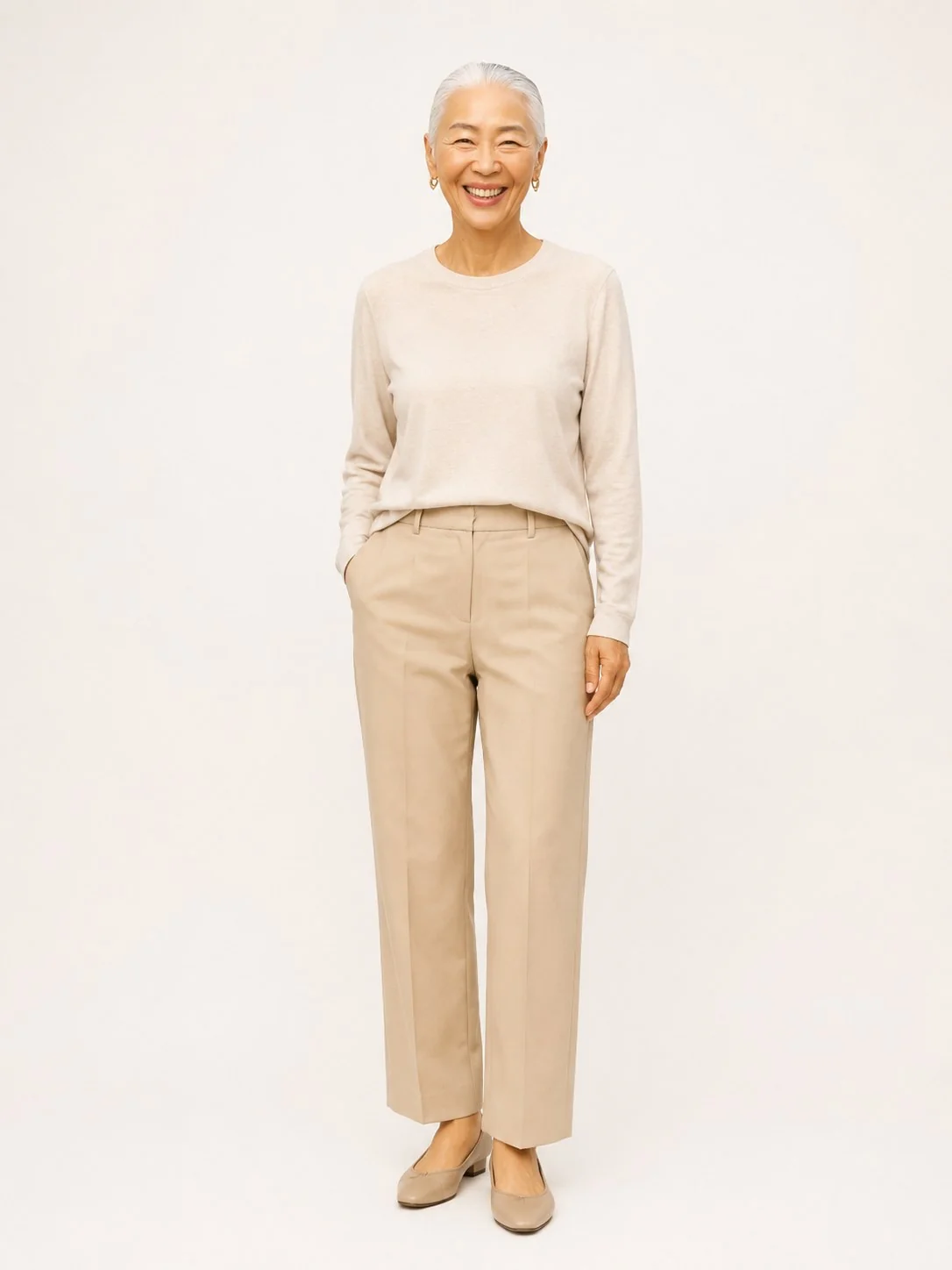
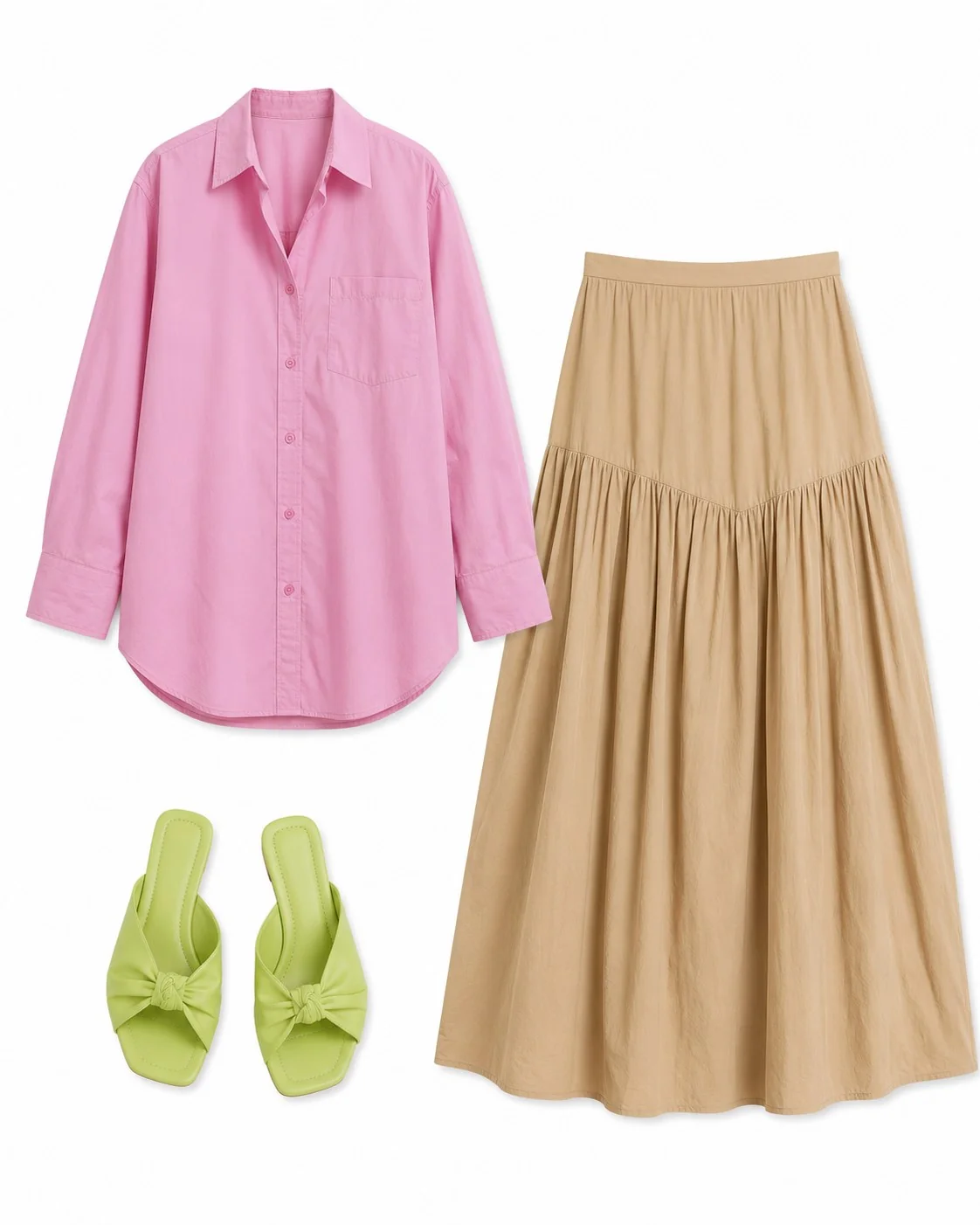
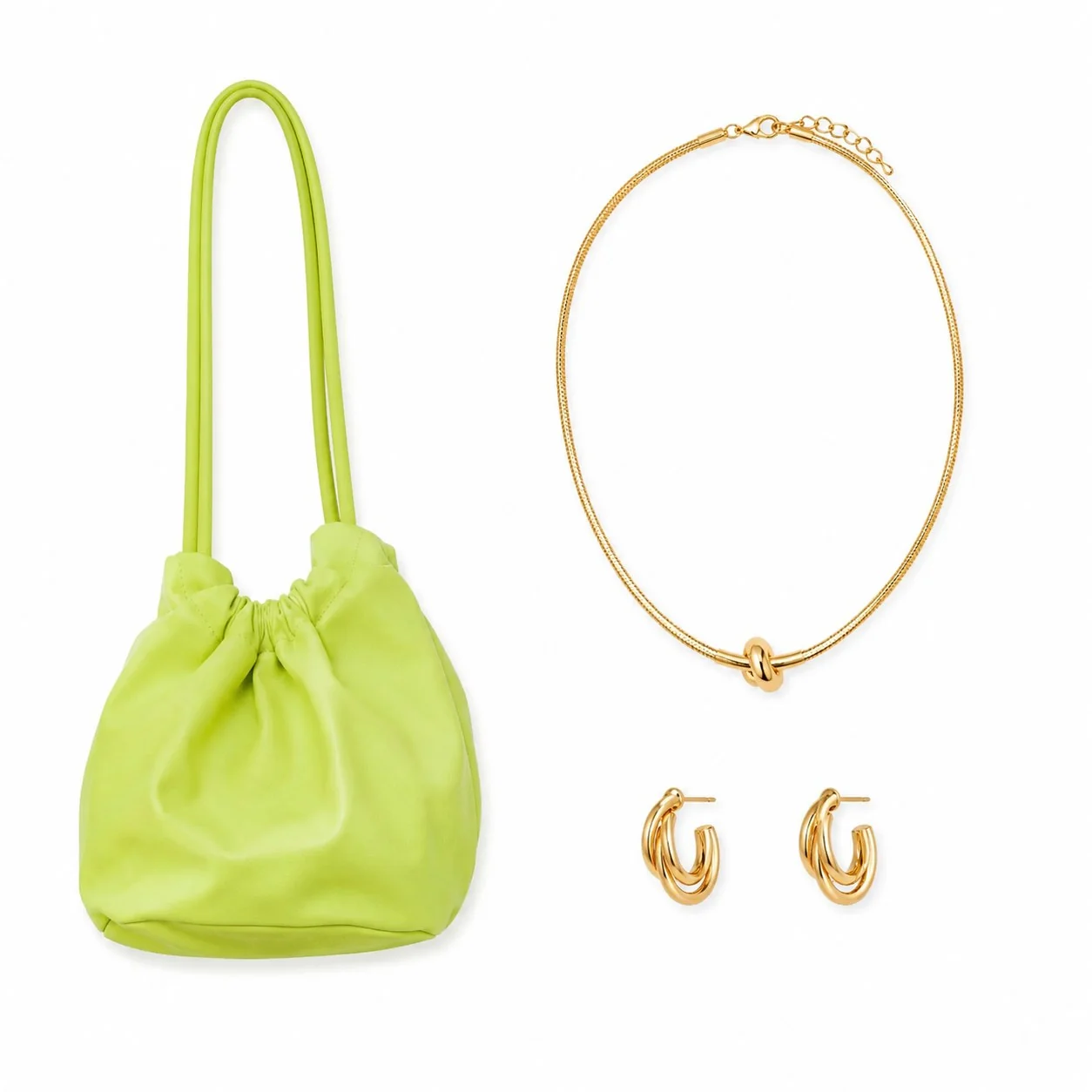
**Combine people, clothing, products, or scenes from multiple reference images into a new image. Describe each image's purpose and the features to preserve — e.g., which image provides the person, which provides clothing and accessories.**
::::: container guide-case
:::: container guide-case-input
Input
Prompt:
```text
Asset roles: @ref_1: person identity; @ref_2: clothing flat lay; @ref_3: bags and accessories; @ref_4: street background.
The person wears all the clothing from the images and walks down the street.
```
:::: container guide-case-output
Output
**API code:**
```cURL
curl --request POST \
--url "https://api-singapore.klingai.com/image-generation/kling-4.0" \
--header "Authorization: Bearer ${KLING_API_KEY}" \
--header "Content-Type: application/json" \
--data-raw '{
"contents": [
{
"type": "prompt",
"text": "Asset roles: @ref_1: person identity; @ref_2: clothing flat lay; @ref_3: bags and accessories; @ref_4: street background.\nThe person wears all the clothing from the images and walks down the street."
},
{
"type": "refer_image",
"url": "https://p1-kling.klingai.com/kcdn/cdn-kcdn112452/tutorials/kling-image-4-0/api-examples-20261110/outfit_ref_1.png",
"id": "ref_1"
},
{
"type": "refer_image",
"url": "https://p1-kling.klingai.com/kcdn/cdn-kcdn112452/tutorials/kling-image-4-0/api-examples-20261110/outfit_ref_2.png",
"id": "ref_2"
},
{
"type": "refer_image",
"url": "https://p1-kling.klingai.com/kcdn/cdn-kcdn112452/tutorials/kling-image-4-0/api-examples-20261110/outfit_ref_3.png",
"id": "ref_3"
},
{
"type": "refer_image",
"url": "https://p1-kling.klingai.com/kcdn/cdn-kcdn112452/tutorials/kling-image-4-0/api-examples-20261110/outfit_ref_4.png",
"id": "ref_4"
}
],
"settings": {
"result_type": "single",
"n": 1,
"resolution": "2k",
"aspect_ratio": "auto"
}
}'
```
### 6.4 Storyboard Image Sets
**Generate a coordinated set of storyboard images from a single description, keeping characters, clothing, scenes, and props consistent. Describe each storyboard's action, shot size, and camera position in order, with each image capturing a distinct moment.**
::::: container guide-case
:::: container guide-case-input
Input
Prompt:
```text
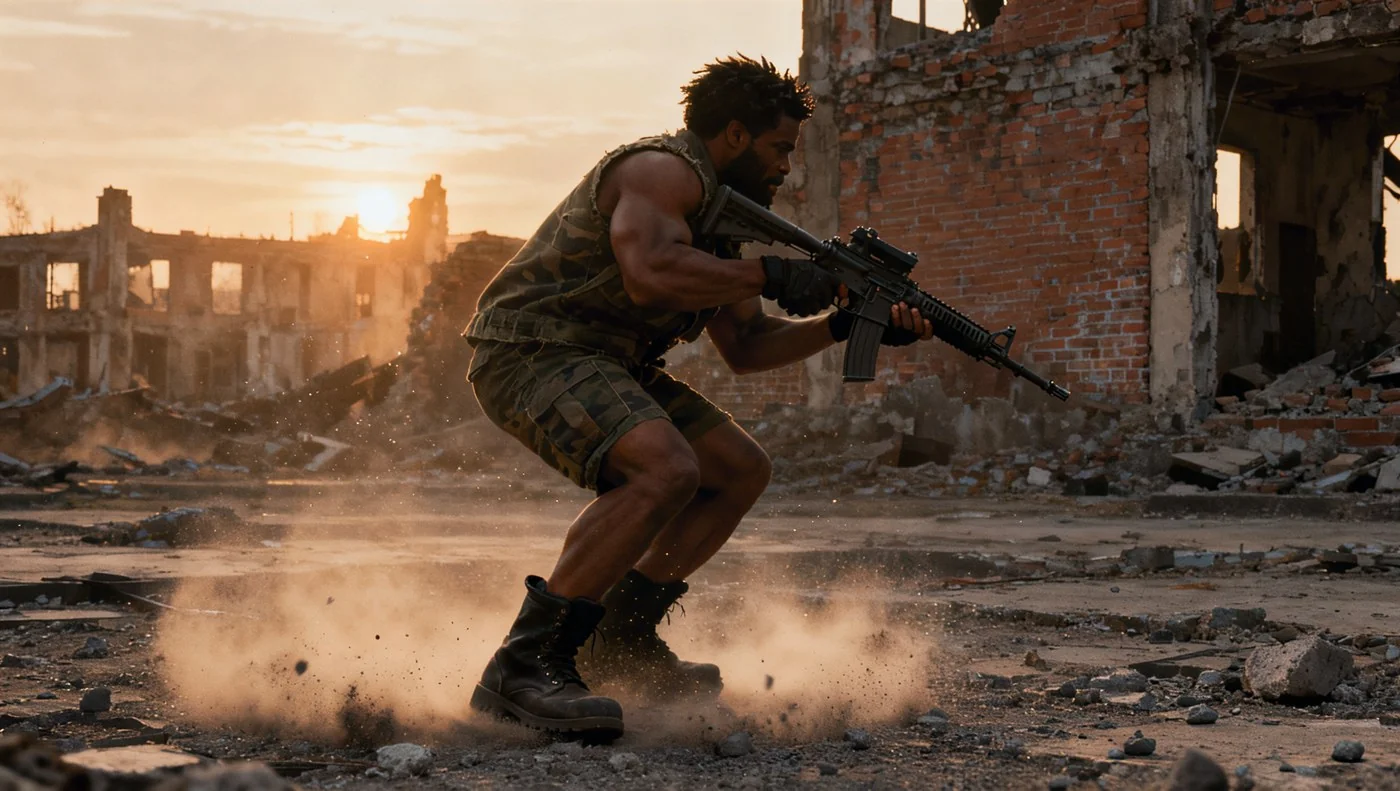
Asset roles: @ref_1: action film protagonist.
Dusk industrial ruins, warm golden backlight, cool gray shadows, thick smoke and firelight, gritty film texture, strong depth and impact, fast-paced action with a slightly shaky camera feel; the whole environment carries the background rumble of explosions and gunfire. Convey the protagonist's pressure as he storms into the firefight.
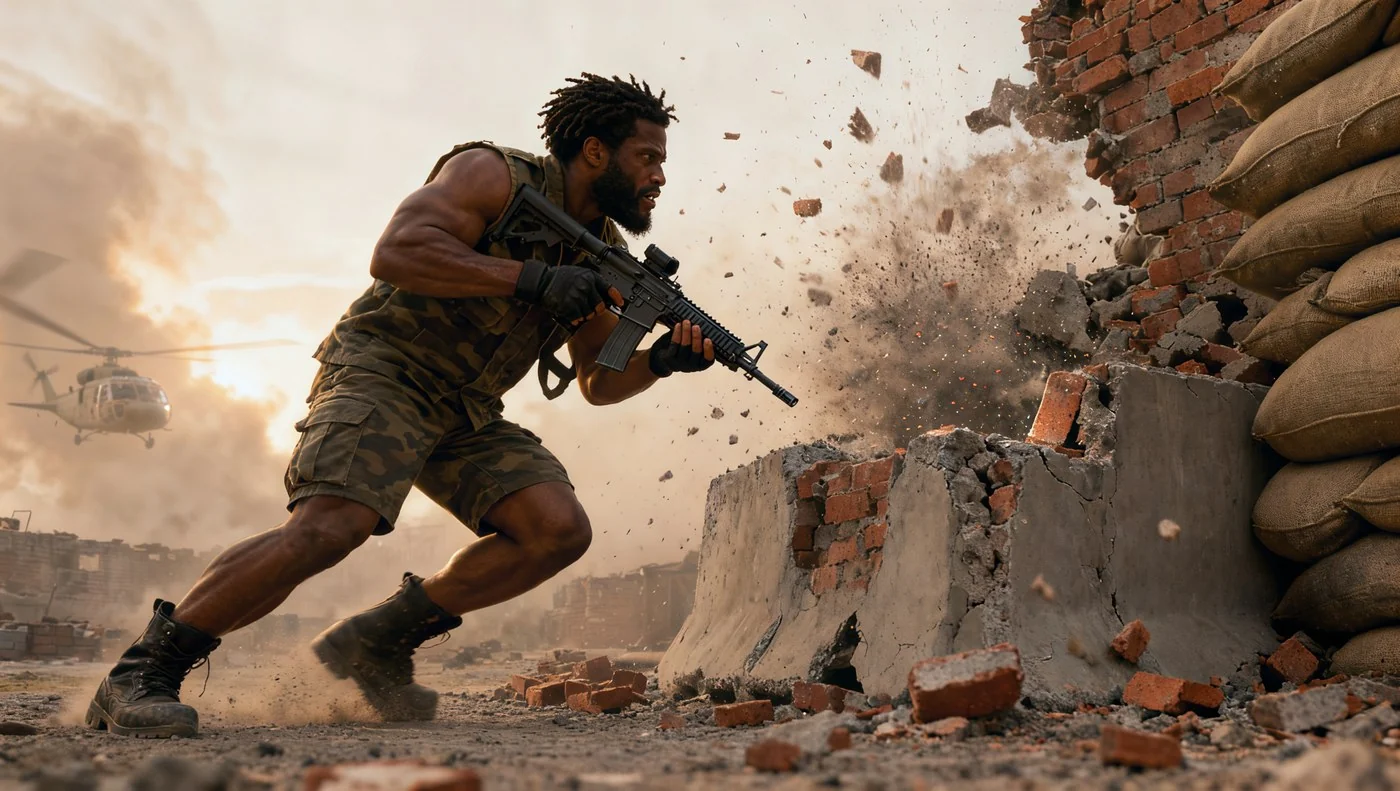
01 | Arrival · The protagonist arrives with his rifle; capture the instant his boots hit the ground and he settles into a crouch. His coat hem is whipped up by rotor wash, dust envelops his body, and the same broken wall remains in the background.
02 | Sprint to the sandbags · Side medium shot: the protagonist charges with his rifle toward a sandbag position a few steps away. The wall ahead is hit, debris flies, his body leans forward with fierce strides, and the helicopter fades into the dust curtain behind left.
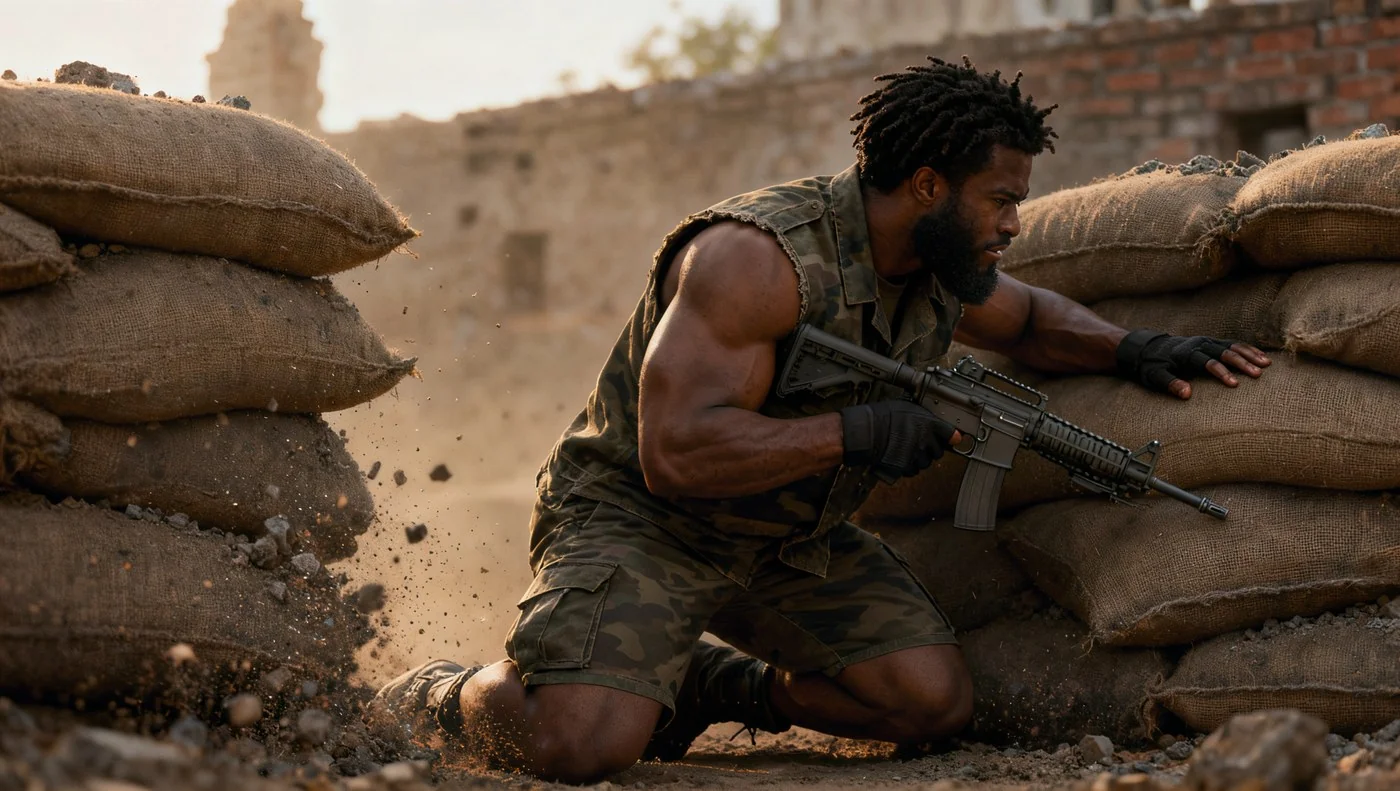
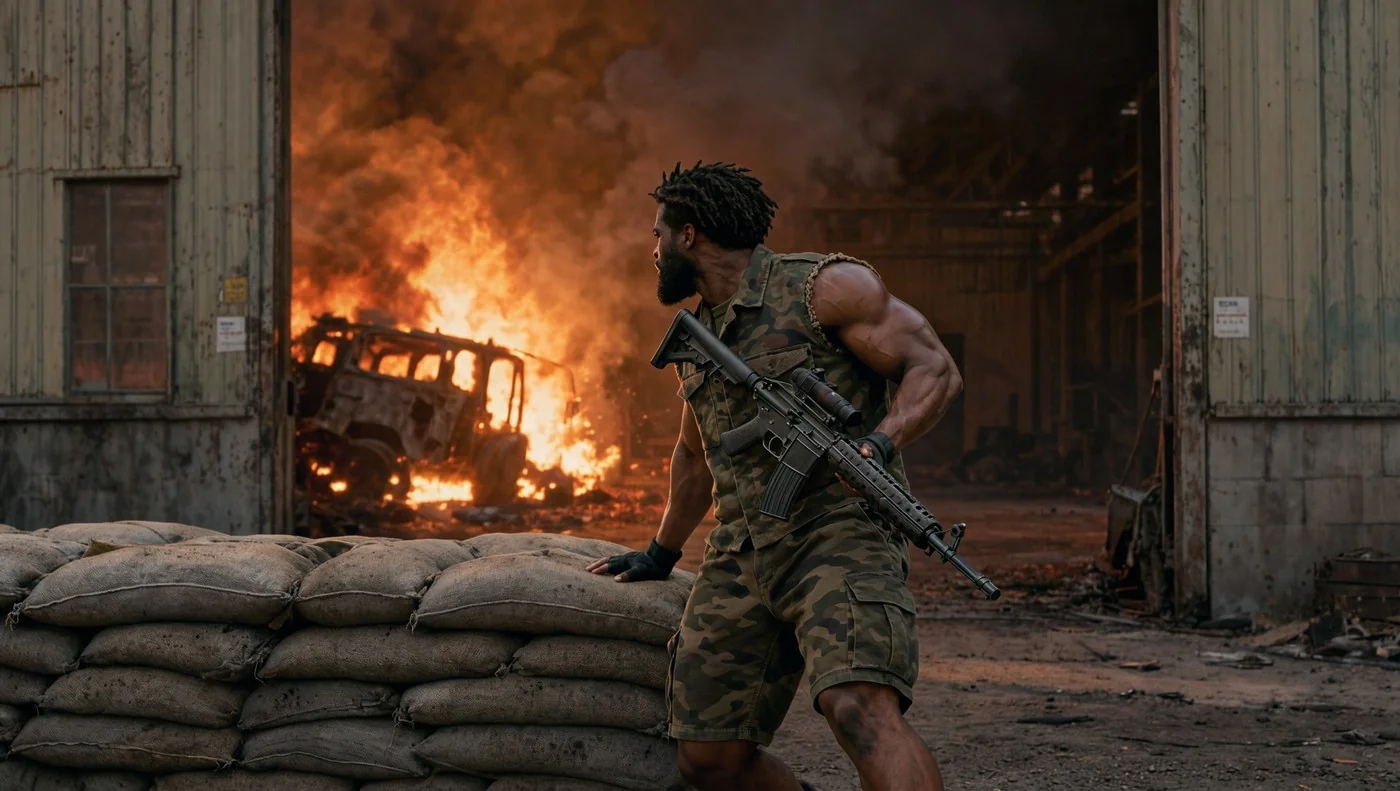
03 | Into the fight · Side medium shot: behind the sandbags, one hand braced on the bag edge. Impacts burst sand and dust on the far side, gravel streaks past the foreground; capture the urgent instant as he pulls his body fully into cover.
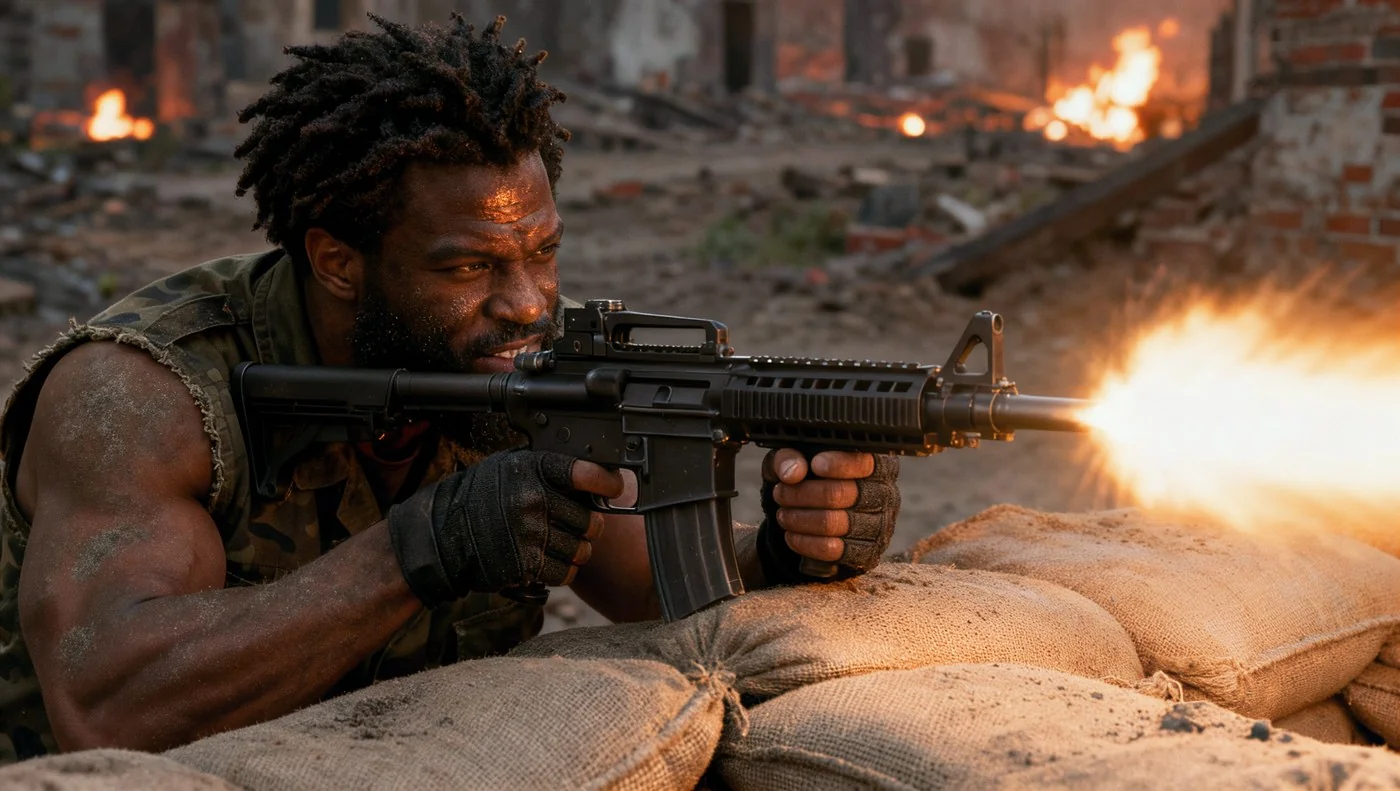
04 | Pop up and fire · Medium close-up: the protagonist leans out over the same sandbag edge and shoots; brief muzzle flash lights his profile. Distant factory windows flicker with return fire, dust sprays in the foreground, and his body and rifle form a strong diagonal.
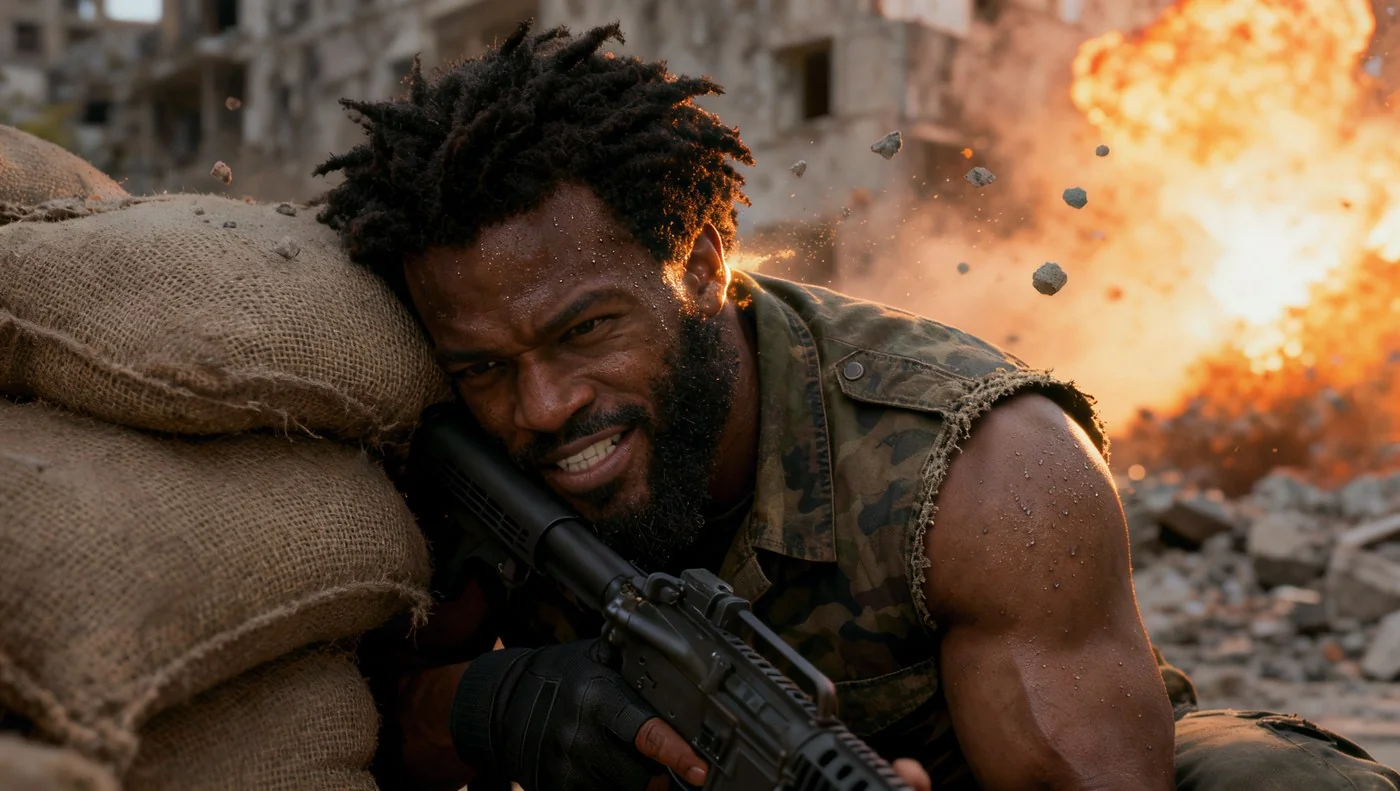
05 | Ducking lower · Tight close-up: following the shots, he quickly drops lower, shoulder pressed to the sandbags. Sand grains fly past his helmet, sweat mixed with dust on his face, eyes tense; a background blast lights half his face.
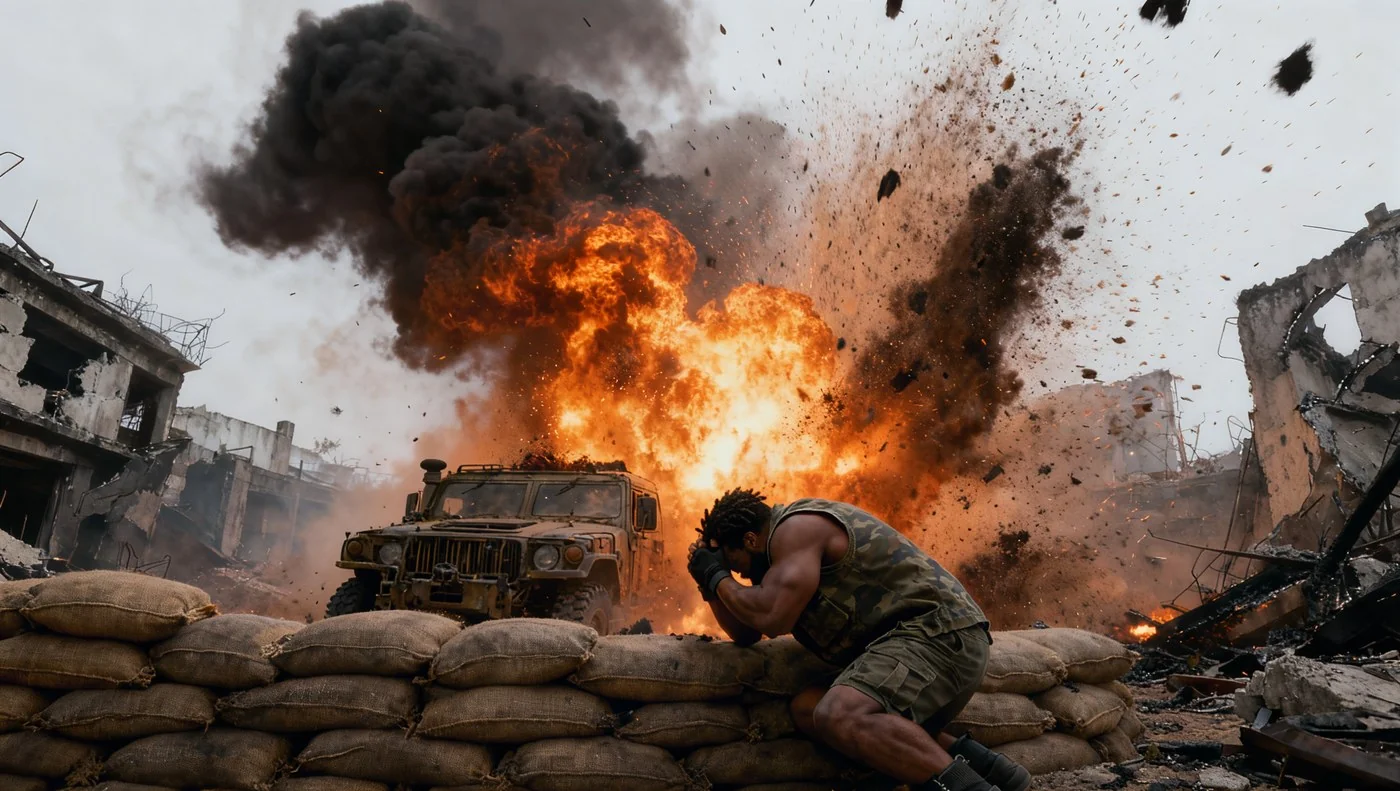
06 | Nearby explosion · Ultra-wide low angle: a derelict vehicle beyond the sandbags explodes; flames, black smoke, and a wave of dirt erupt. The protagonist curls low in the foreground, arms shielding his head; debris scattering toward the camera forms the film's impact peak.
07 | Rising through the smoke · Side medium shot: following the explosion, he braces on the sandbag and rises, turning toward a factory doorway a few steps behind. Smoke rolls over his shoulders, the vehicle still burning, firelight tracing the silhouette of a lone man.
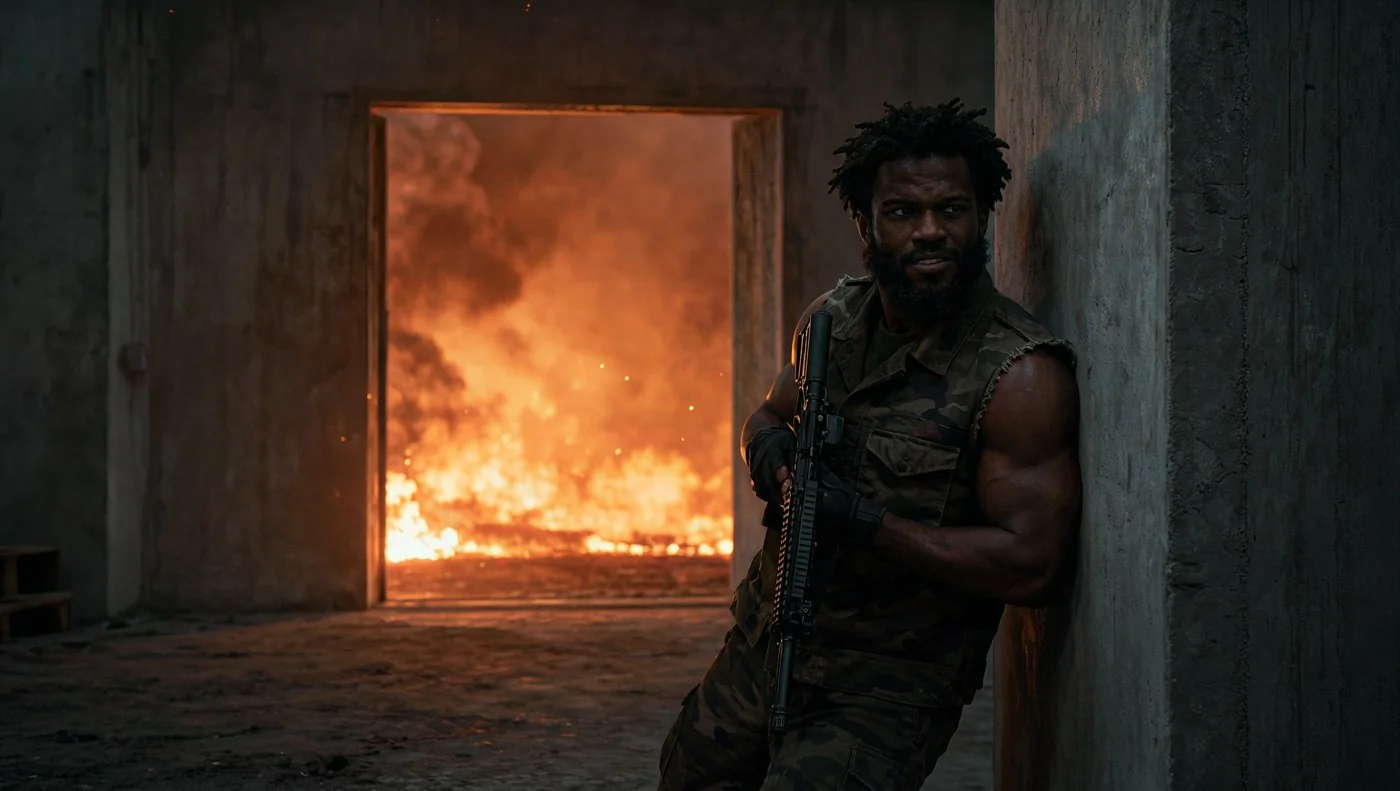
08 | Slip through the doorway · Seen from inside the doorway looking out: the protagonist steps in bent low, shoulder and back against the wall beside the door, rifle held in close. Sparks and sand drift past outside; the cold dark interior contrasts sharply with the blazing battlefield.
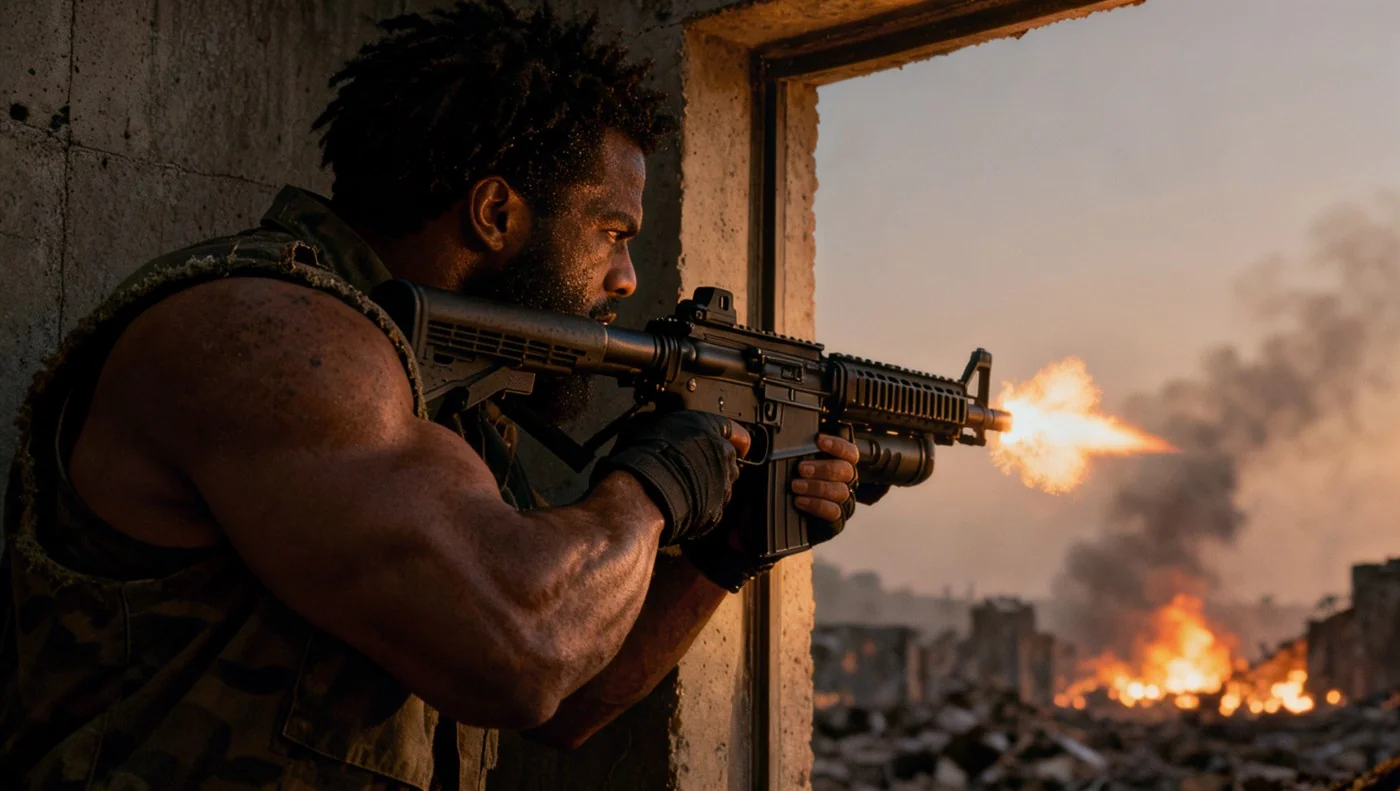
09 | Return fire at the door · Medium close-up: continuing from the wall-hugging pose, he fires sideways from the door frame. Muzzle flash tears through the gloom, lighting his sweat- and dust-covered face; thick smoke and firelight churn outside, ending on the lone-man-against-the-odds action beat.
```
:::: container guide-case-output
Output
**API code:**
```cURL
curl --request POST \
--url "https://api-singapore.klingai.com/image-generation/kling-4.0" \
--header "Authorization: Bearer ${KLING_API_KEY}" \
--header "Content-Type: application/json" \
--data-raw '{
"contents": [
{
"type": "prompt",
"text": "Asset roles: @ref_1: action film protagonist.\nDusk industrial ruins, warm golden backlight, cool gray shadows, thick smoke and firelight, gritty film texture, strong depth and impact, fast-paced action with a slightly shaky camera feel; the whole environment carries the background rumble of explosions and gunfire. Convey the protagonist'\''s pressure as he storms into the firefight.\n01 | Arrival · The protagonist arrives with his rifle; capture the instant his boots hit the ground and he settles into a crouch. His coat hem is whipped up by rotor wash, dust envelops his body, and the same broken wall remains in the background.\n02 | Sprint to the sandbags · Side medium shot: the protagonist charges with his rifle toward a sandbag position a few steps away. The wall ahead is hit, debris flies, his body leans forward with fierce strides, and the helicopter fades into the dust curtain behind left.\n03 | Into the fight · Side medium shot: behind the sandbags, one hand braced on the bag edge. Impacts burst sand and dust on the far side, gravel streaks past the foreground; capture the urgent instant as he pulls his body fully into cover.\n04 | Pop up and fire · Medium close-up: the protagonist leans out over the same sandbag edge and shoots; brief muzzle flash lights his profile. Distant factory windows flicker with return fire, dust sprays in the foreground, and his body and rifle form a strong diagonal.\n05 | Ducking lower · Tight close-up: following the shots, he quickly drops lower, shoulder pressed to the sandbags. Sand grains fly past his helmet, sweat mixed with dust on his face, eyes tense; a background blast lights half his face.\n06 | Nearby explosion · Ultra-wide low angle: a derelict vehicle beyond the sandbags explodes; flames, black smoke, and a wave of dirt erupt. The protagonist curls low in the foreground, arms shielding his head; debris scattering toward the camera forms the film'\''s impact peak.\n07 | Rising through the smoke · Side medium shot: following the explosion, he braces on the sandbag and rises, turning toward a factory doorway a few steps behind. Smoke rolls over his shoulders, the vehicle still burning, firelight tracing the silhouette of a lone man.\n08 | Slip through the doorway · Seen from inside the doorway looking out: the protagonist steps in bent low, shoulder and back against the wall beside the door, rifle held in close. Sparks and sand drift past outside; the cold dark interior contrasts sharply with the blazing battlefield.\n09 | Return fire at the door · Medium close-up: continuing from the wall-hugging pose, he fires sideways from the door frame. Muzzle flash tears through the gloom, lighting his sweat- and dust-covered face; thick smoke and firelight churn outside, ending on the lone-man-against-the-odds action beat."
},
{
"type": "refer_image",
"url": "https://p1-kling.klingai.com/kcdn/cdn-kcdn112452/tutorials/kling-image-4-0/api-examples-20261110/ref_6124598575989755167.png",
"id": "ref_1"
}
],
"settings": {
"result_type": "series",
"series_amount": 9,
"resolution": "2k",
"aspect_ratio": "16:9"
}
}'
```
### 6.5 Scene Image Sets
**Using a core scene asset, generate different scenes under the same visual style. Describe the scenes to expand and specify the art style, architectural language, and color palette to keep consistent.**
::::: container guide-case
:::: container guide-case-input
Input
Prompt:
```text
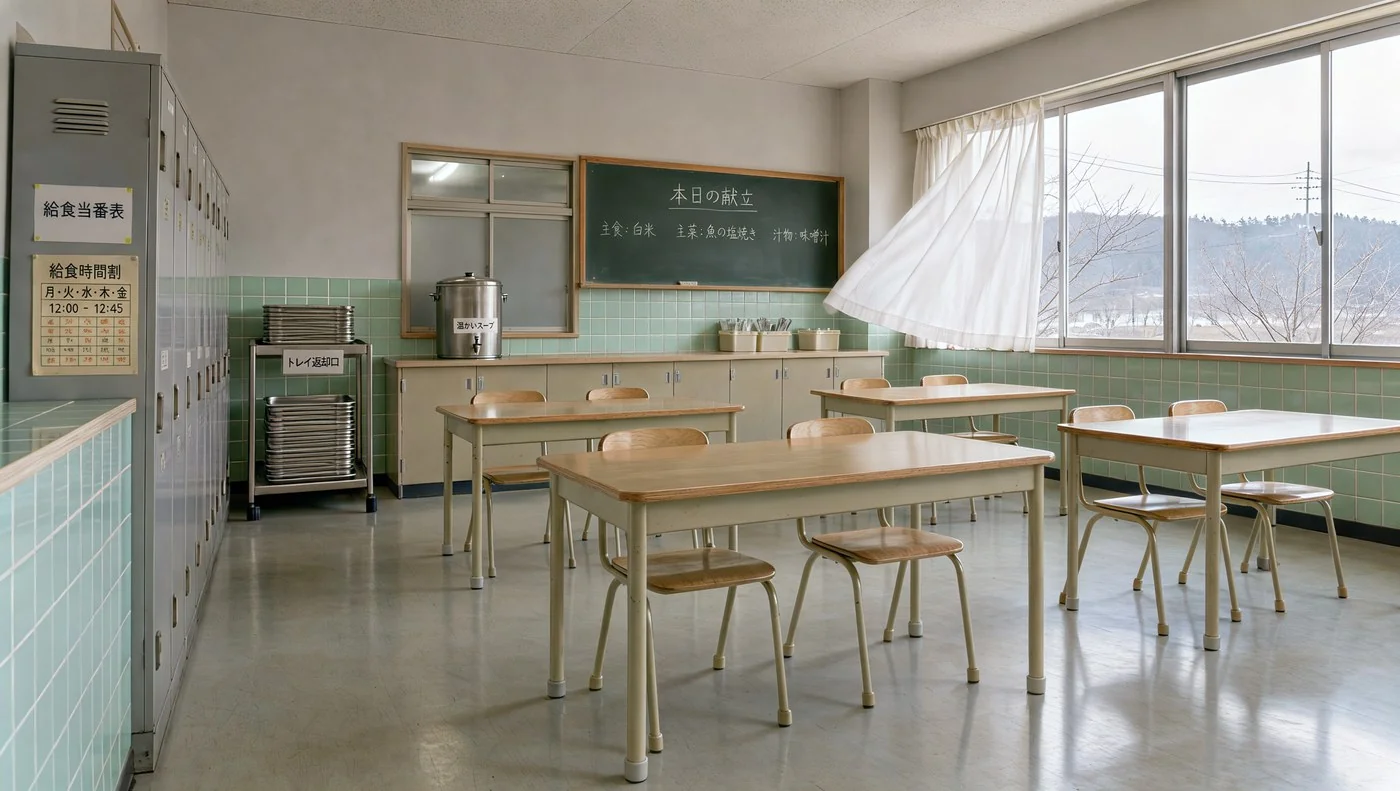
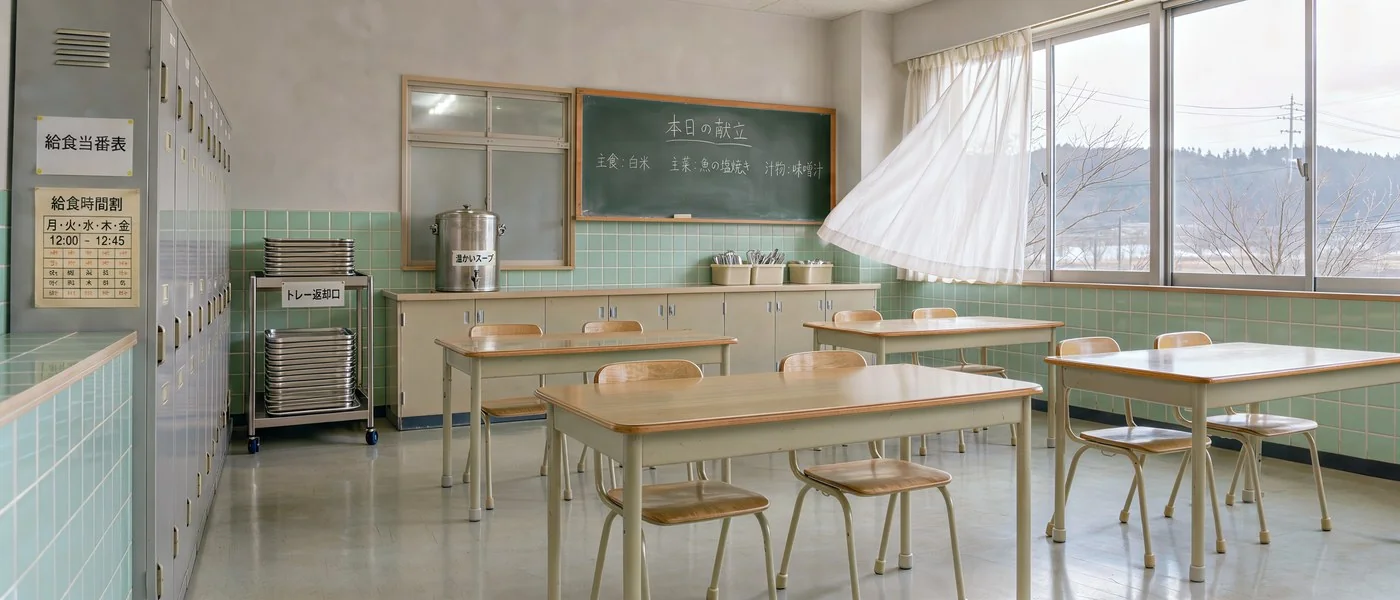
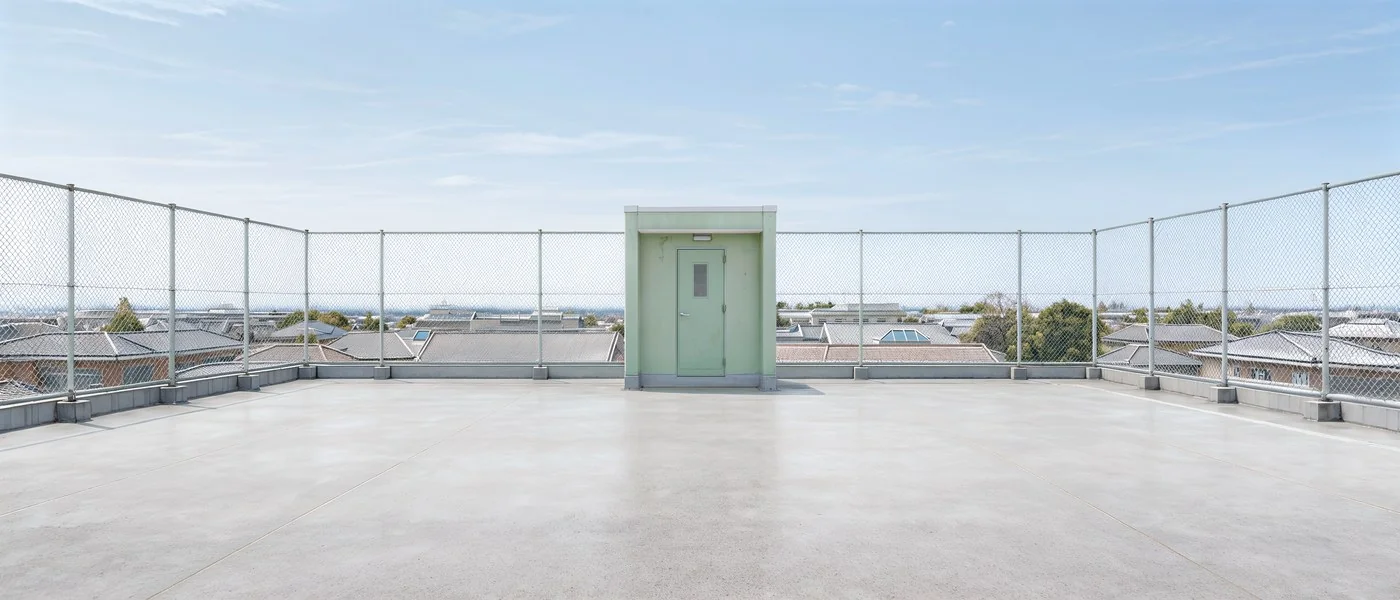
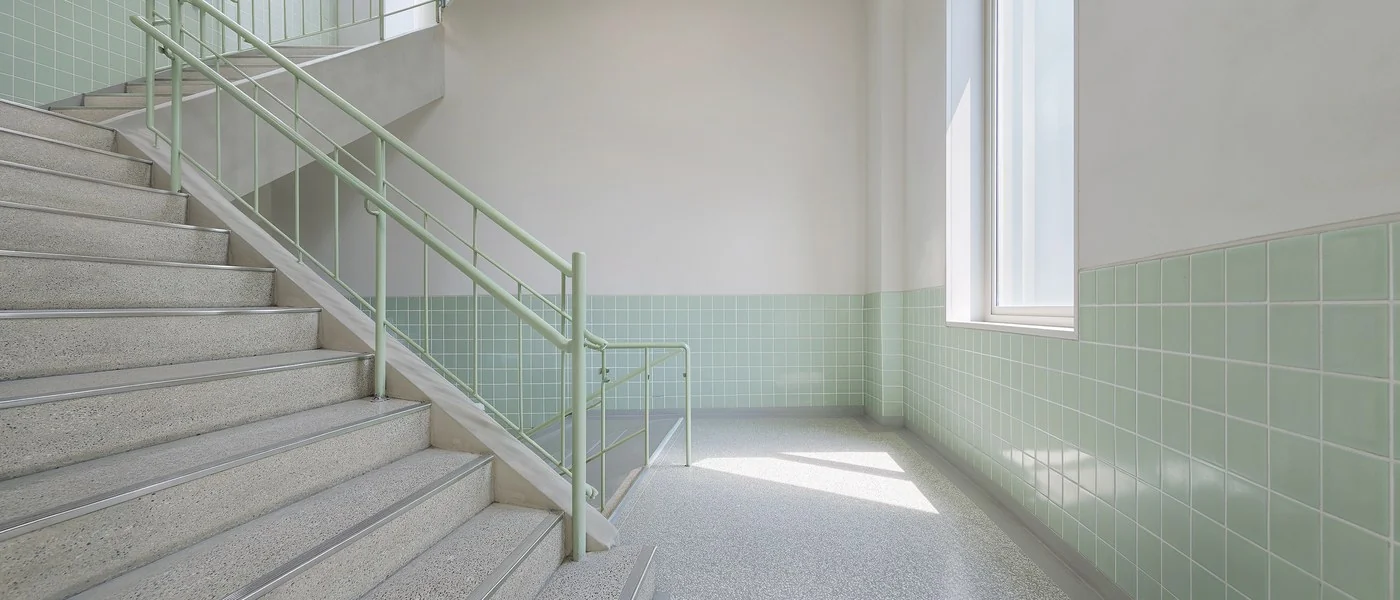
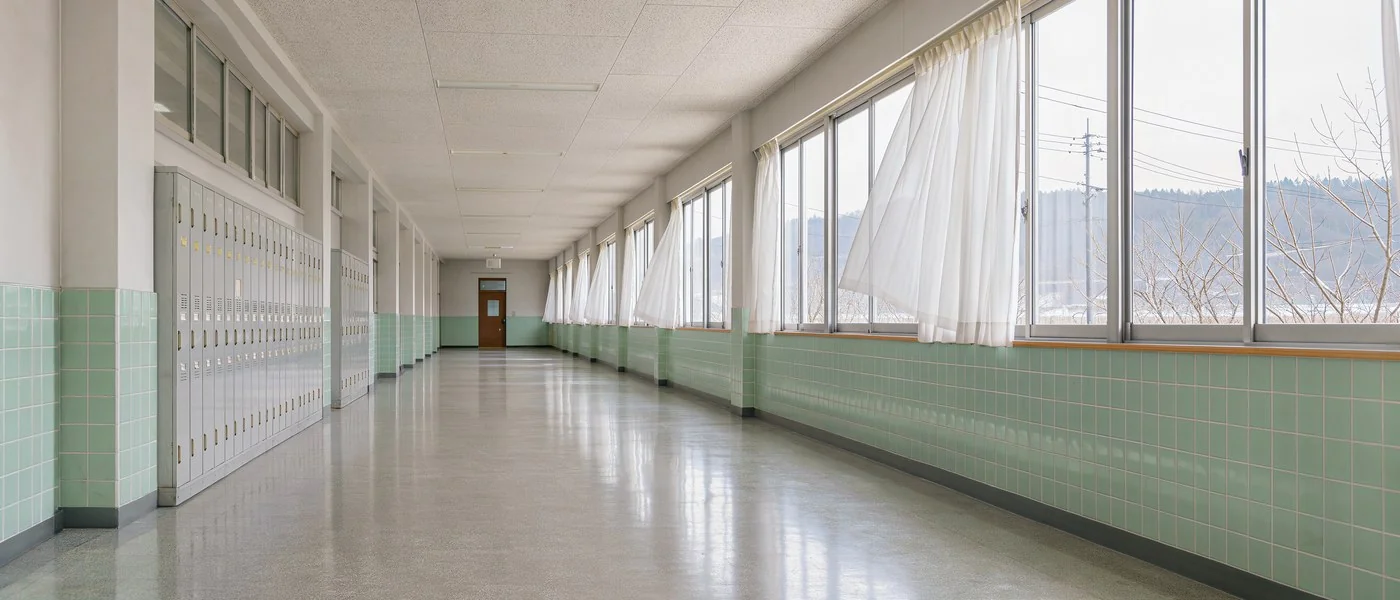
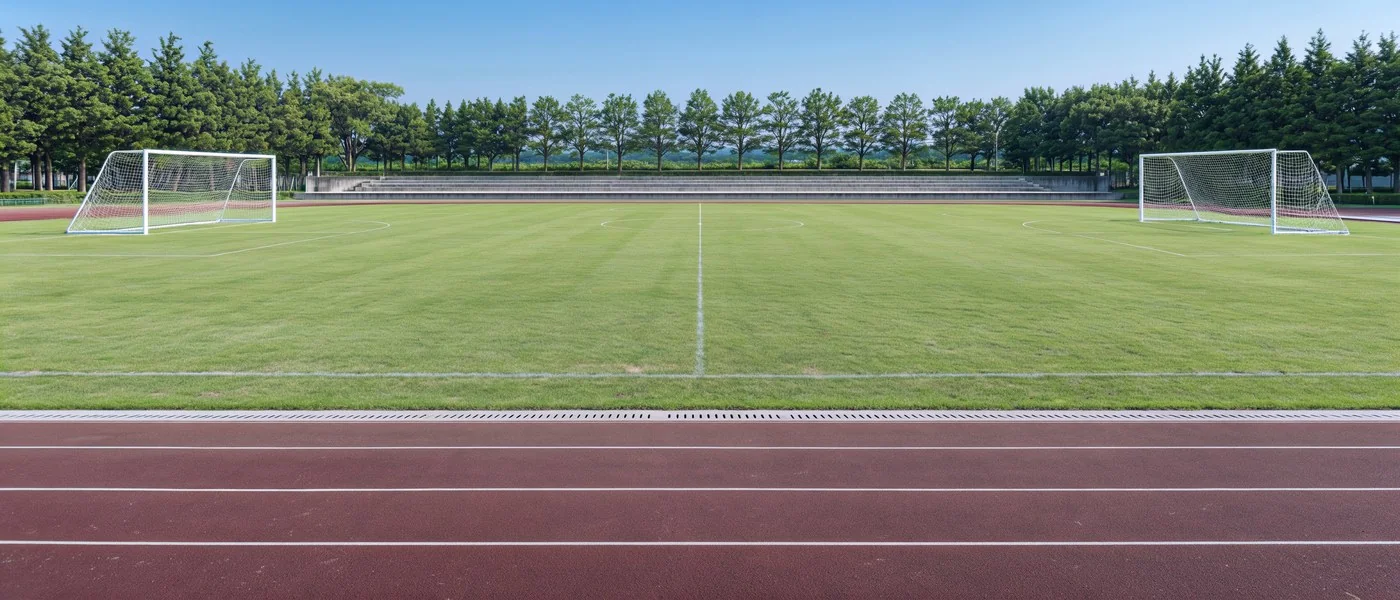
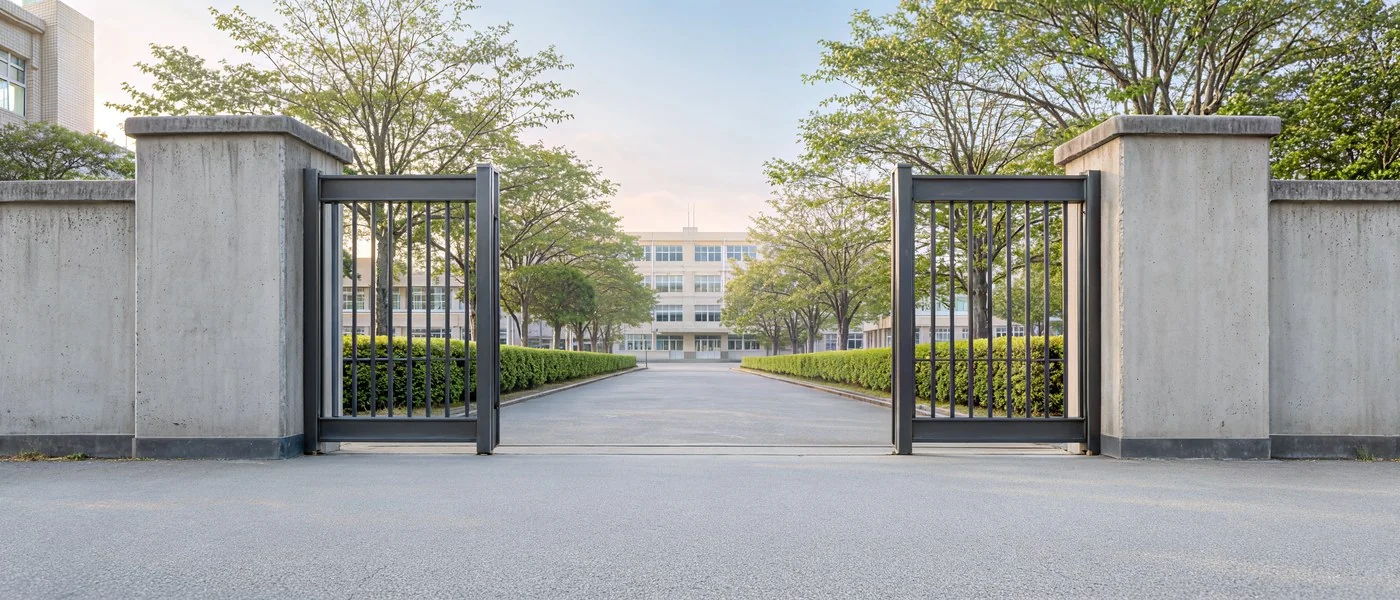
Reference the art and design style in @campus_style and generate six different campus scene images, in order: classroom, hallway, school gate, playground, stairwell, and rooftop. Keep a consistent art style, architectural language, and color palette; each image is a standalone scene, no collages.
```
:::: container guide-case-output
Output
**API code:**
```cURL
curl --request POST \
--url "https://api-singapore.klingai.com/image-generation/kling-4.0" \
--header "Authorization: Bearer ${KLING_API_KEY}" \
--header "Content-Type: application/json" \
--data-raw '{
"contents": [
{
"type": "prompt",
"text": "Reference the art and design style in @campus_style and generate six different campus scene images, in order: classroom, hallway, school gate, playground, stairwell, and rooftop. Keep a consistent art style, architectural language, and color palette; each image is a standalone scene, no collages."
},
{
"type": "refer_image",
"url": "https://p1-kling.klingai.com/kcdn/cdn-kcdn112452/tutorials/kling-image-4-0/api-examples-20261110/campus_style.png",
"id": "campus_style"
}
],
"settings": {
"result_type": "series",
"series_amount": 6,
"resolution": "2k",
"aspect_ratio": "16:9"
}
}'
```
### 6.6 Product Image Sets
**Generate a complete set of images around a single product — different angles, details, and usage scenarios. Describe each image's content and keep the product's shape, color, structure, logo, and packaging consistent.**
::::: container guide-case
:::: container guide-case-input
Input
Prompt:
```text
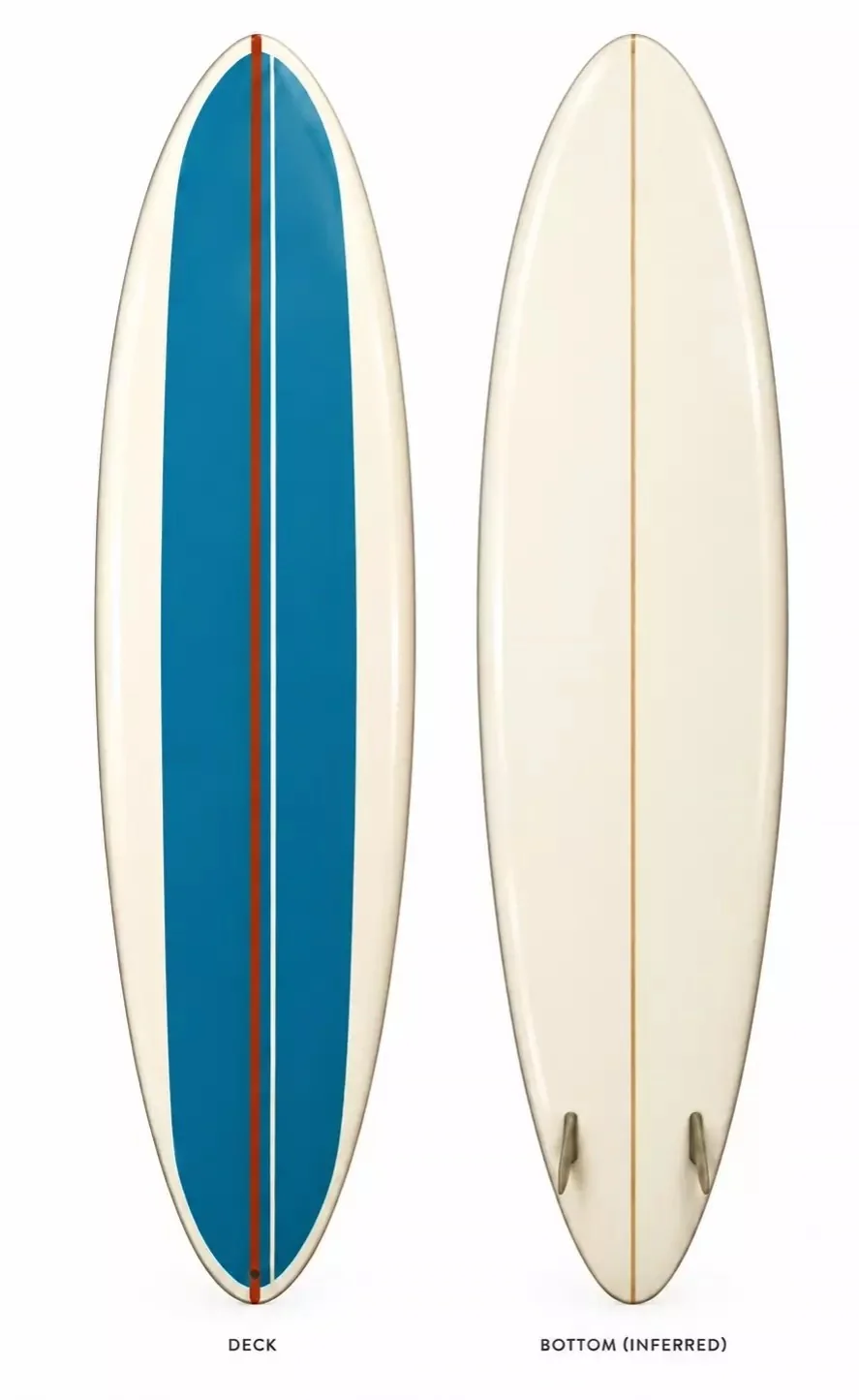
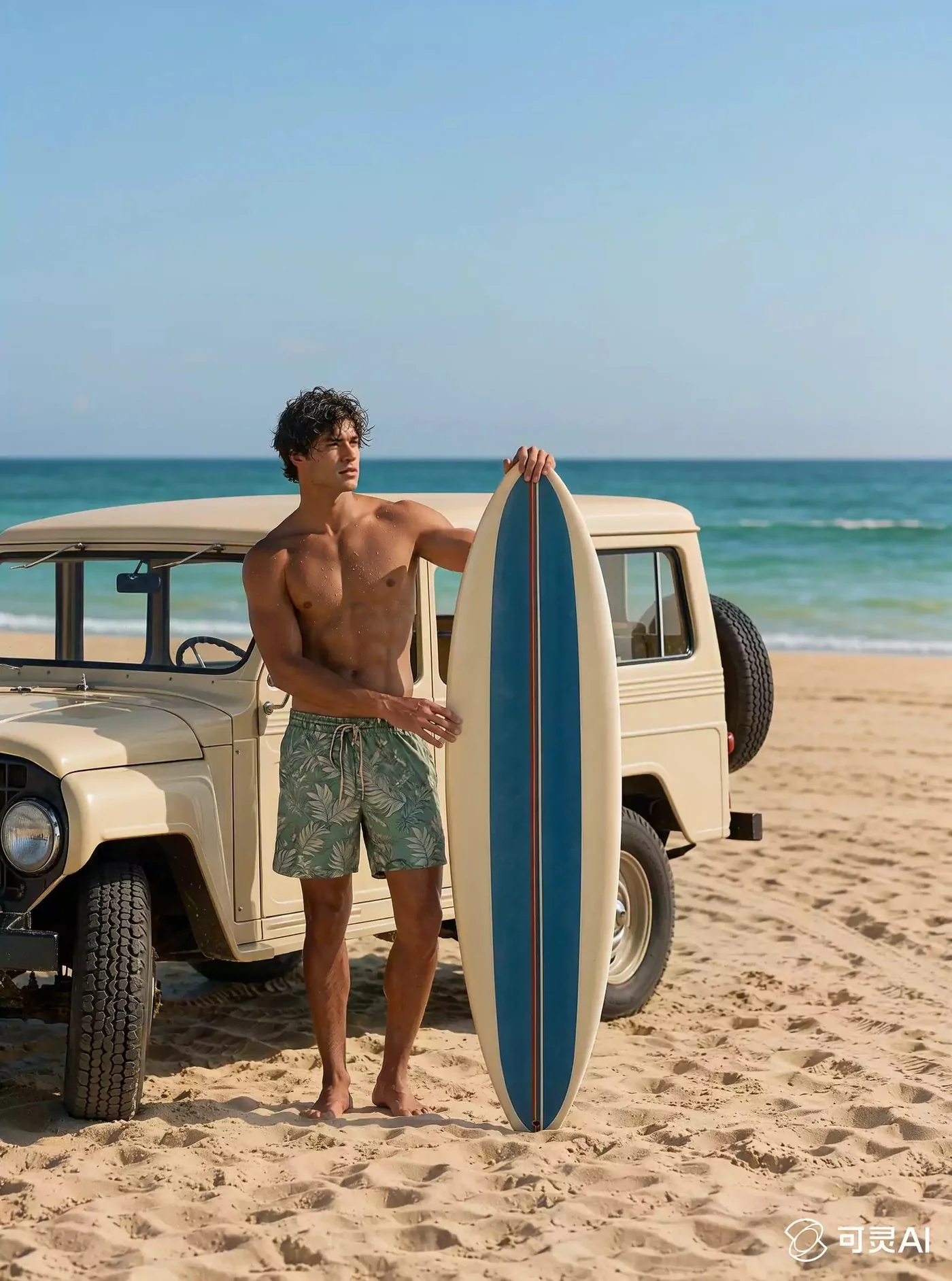
Using the vintage blue-white-red striped surfboard in @ref_2 as the main product and the man in @ref_1 as the model, plan a complete e-commerce product image set: front hero shot on a solid-color background, side and bottom structure views, close-ups of deck texture and fin details, a size and materials infographic, an on-water action shot with a surfer, outdoor scenes at the beach and mounted on a car, and an accessories and storage display. Overall palette: fresh coastal blue and warm sand tones, highlighting the retro design, light weight and durability, stable handling, and professional sports quality. No collages — each image is a standalone picture.
```
:::: container guide-case-output
Output
**API code:**
```cURL
curl --request POST \
--url "https://api-singapore.klingai.com/image-generation/kling-4.0" \
--header "Authorization: Bearer ${KLING_API_KEY}" \
--header "Content-Type: application/json" \
--data-raw '{
"contents": [
{
"type": "prompt",
"text": "Using the vintage blue-white-red striped surfboard in @ref_2 as the main product and the man in @ref_1 as the model, plan a complete e-commerce product image set: front hero shot on a solid-color background, side and bottom structure views, close-ups of deck texture and fin details, a size and materials infographic, an on-water action shot with a surfer, outdoor scenes at the beach and mounted on a car, and an accessories and storage display. Overall palette: fresh coastal blue and warm sand tones, highlighting the retro design, light weight and durability, stable handling, and professional sports quality. No collages — each image is a standalone picture."
},
{
"type": "refer_image",
"url": "https://p1-kling.klingai.com/kcdn/cdn-kcdn112452/tutorials/kling-image-4-0/api-examples-20261110/surfer.png",
"id": "ref_1"
},
{
"type": "refer_image",
"url": "https://p1-kling.klingai.com/kcdn/cdn-kcdn112452/tutorials/kling-image-4-0/api-examples-20261110/surfboard.png",
"id": "ref_2"
}
],
"settings": {
"result_type": "series",
"series_amount": "auto",
"resolution": "2k",
"aspect_ratio": "auto"
}
}'
```
### 6.7 Text Layout and Posters
**Supports generating text and layouts within images for posters, covers, and brand visuals. Provide the exact copy to display and specify text hierarchy, position, typeface, and color.**
::::: container guide-case
:::: container guide-case-input
Input
Prompt:
```text
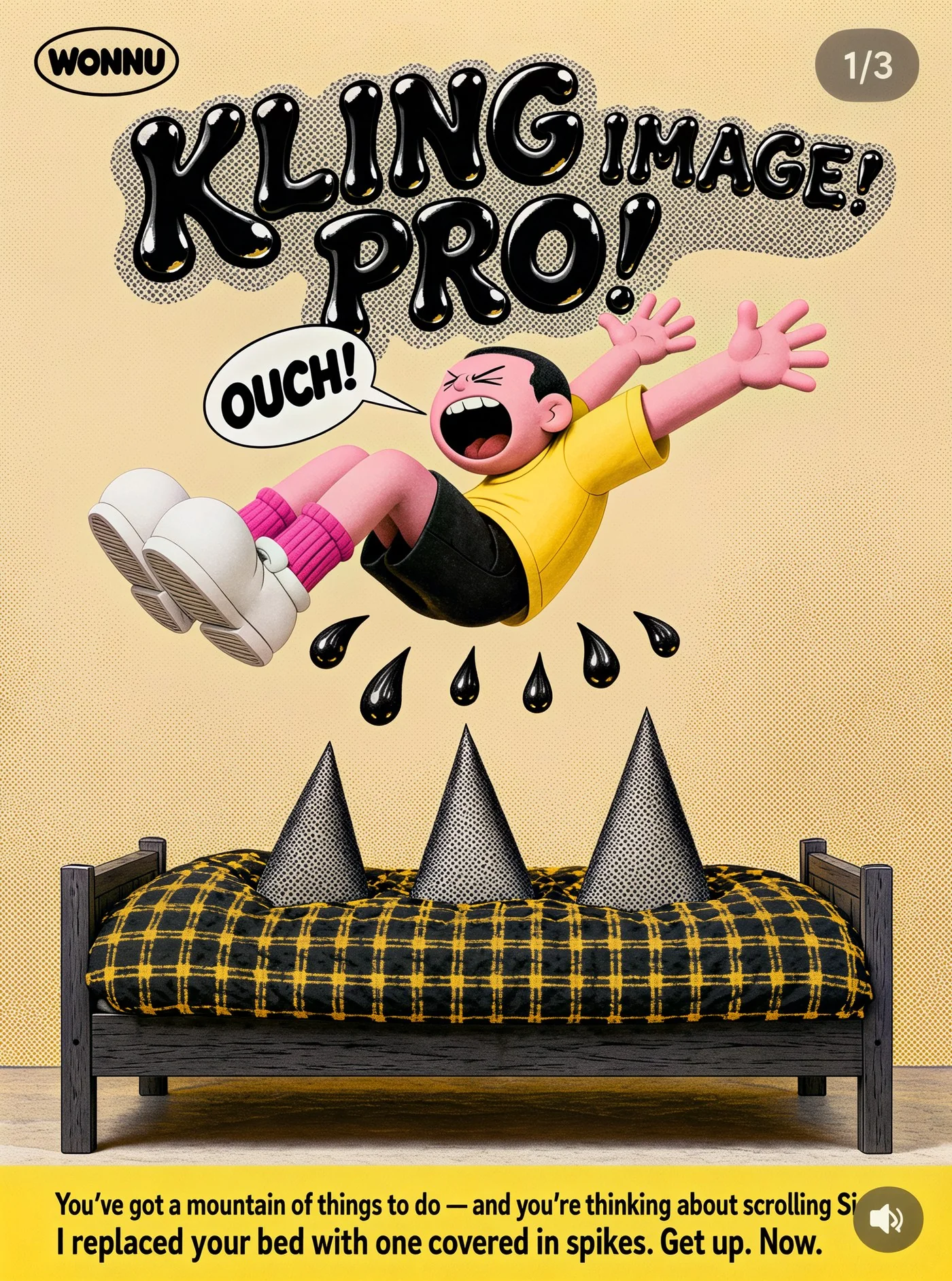
A slender cartoon male character is suspended in midair, dramatically bending his body backward. He has pink skin, a round face, short black hair, closed eyes drawn as thin lines, and a wide-open mouth expressing pain. He wears a bright yellow short-sleeved T-shirt, black shorts, pink socks, and oversized white round-toe shoes. Both arms are stretched toward the upper right of the frame, while his legs are held together and kicked up toward the upper left. A white oval speech bubble is connected to the upper-left side of his mouth, containing the black artistic lettering “OUCH!” tilted toward the upper right. Six black, droplet-shaped objects float beneath his body.
The upper half of the image is dominated by a centrally aligned, oversized two-line English headline, “KLING IMAGE PRO!”, in bold black display lettering with a 3D liquid distortion effect and white highlights. A large shadow block with a gray halftone-dot texture sits behind the text. In the upper-left corner is an oval frame with a black border containing the black, rounded display-style logo “WONNU”. In the upper-right corner, a white “1/3” is centered inside a translucent gray circular background.
The wide-angle composition places the character's exaggerated pose at the center, visually echoing the oversized display typography in the background. The overall layout is balanced and impactful, with a polished composition. At the bottom of the image is a single bed with a dark gray wooden frame, covered with black-and-yellow plaid bedding. Two enormous triangular spikes with gray halftone-dot textures protrude upward from the center of the bedding.
Warm yellow lighting creates a bright, high-key image viewed at eye level. Soft lighting produces strong contrast. Along the yellow strip at the bottom edge are two lines of bold black explanatory text: “You've got a mountain of things to do — and you're thinking about scrolling Si” and “I replaced your bed with one covered in spikes. Get up. Now.” A white mute icon appears in the lower-right corner.
This artwork combines trendy illustration, American retro illustration, and Pop Art styles, incorporating vector graphics, halftone patterns, and collage elements.
```
Prompt only, no reference images.
:::: container guide-case-output
Output
**API code:**
```cURL
curl --request POST \
--url "https://api-singapore.klingai.com/image-generation/kling-4.0" \
--header "Authorization: Bearer ${KLING_API_KEY}" \
--header "Content-Type: application/json" \
--data-raw '{
"contents": [
{
"type": "prompt",
"text": "A slender cartoon male character is suspended in midair, dramatically bending his body backward. He has pink skin, a round face, short black hair, closed eyes drawn as thin lines, and a wide-open mouth expressing pain. He wears a bright yellow short-sleeved T-shirt, black shorts, pink socks, and oversized white round-toe shoes. Both arms are stretched toward the upper right of the frame, while his legs are held together and kicked up toward the upper left. A white oval speech bubble is connected to the upper-left side of his mouth, containing the black artistic lettering “OUCH!” tilted toward the upper right. Six black, droplet-shaped objects float beneath his body.\nThe upper half of the image is dominated by a centrally aligned, oversized two-line English headline, “KLING IMAGE PRO!”, in bold black display lettering with a 3D liquid distortion effect and white highlights. A large shadow block with a gray halftone-dot texture sits behind the text. In the upper-left corner is an oval frame with a black border containing the black, rounded display-style logo “WONNU”. In the upper-right corner, a white “1/3” is centered inside a translucent gray circular background.\nThe wide-angle composition places the character'\''s exaggerated pose at the center, visually echoing the oversized display typography in the background. The overall layout is balanced and impactful, with a polished composition. At the bottom of the image is a single bed with a dark gray wooden frame, covered with black-and-yellow plaid bedding. Two enormous triangular spikes with gray halftone-dot textures protrude upward from the center of the bedding.\nWarm yellow lighting creates a bright, high-key image viewed at eye level. Soft lighting produces strong contrast. Along the yellow strip at the bottom edge are two lines of bold black explanatory text: “You'\''ve got a mountain of things to do — and you'\''re thinking about scrolling Si” and “I replaced your bed with one covered in spikes. Get up. Now.” A white mute icon appears in the lower-right corner.\nThis artwork combines trendy illustration, American retro illustration, and Pop Art styles, incorporating vector graphics, halftone patterns, and collage elements."
}
],
"settings": {
"result_type": "single",
"n": 1,
"resolution": "2k",
"aspect_ratio": "auto"
}
}'
```
### 6.8 Font Settings
**Supports specifying fonts within an image. Write the font name next to the corresponding text, e.g., "Font: Nova Grid", and describe text position and layout requirements. Current list of model-supported fonts: [Font List](https://docs.qingque.cn/d/home/eZQAYXMeFiPtsRzY4sGIywQCL?identityId=2V7wEGHyc5r).**
::::: container guide-case
:::: container guide-case-input
Input
Prompt:
```text
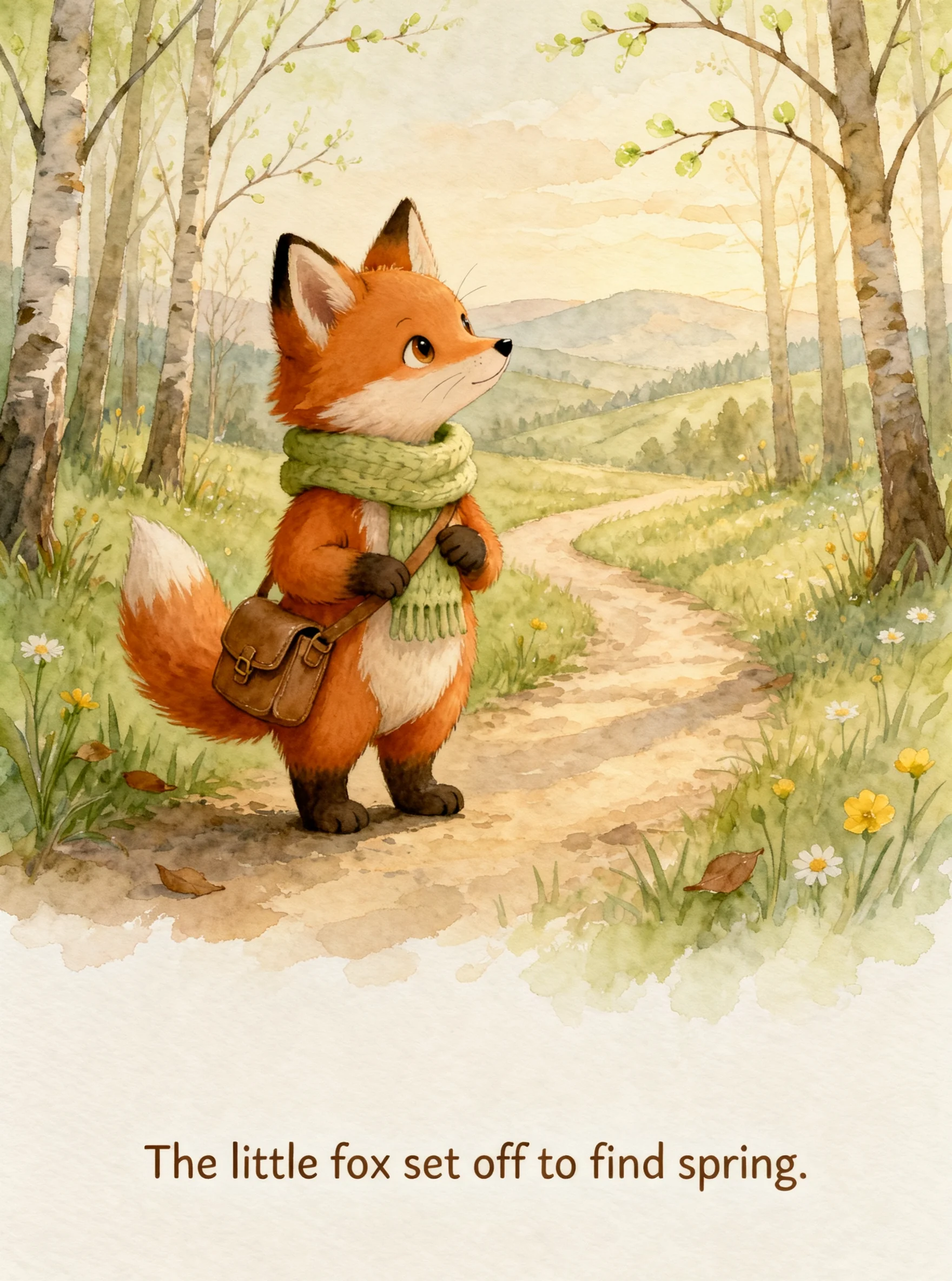
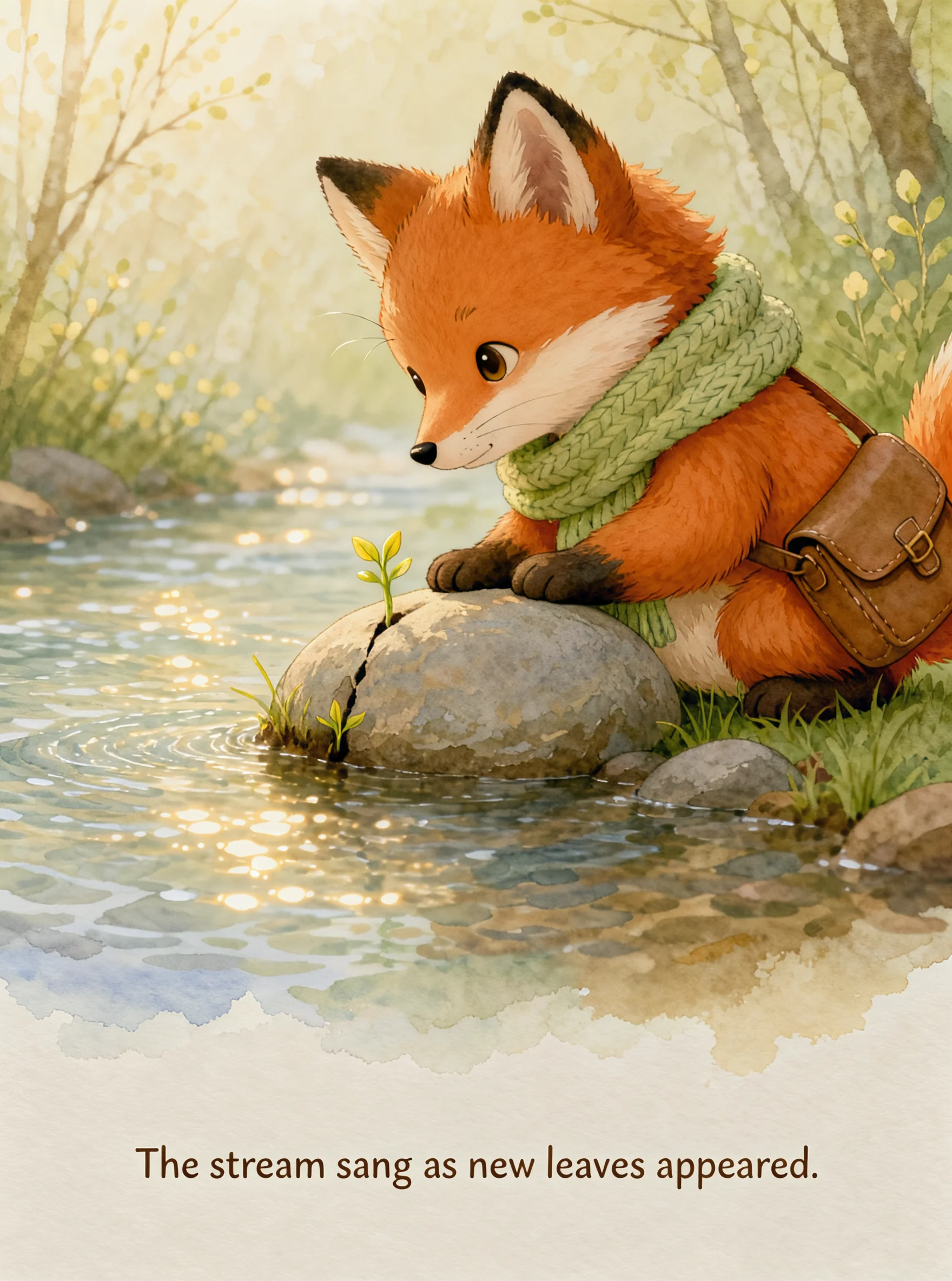
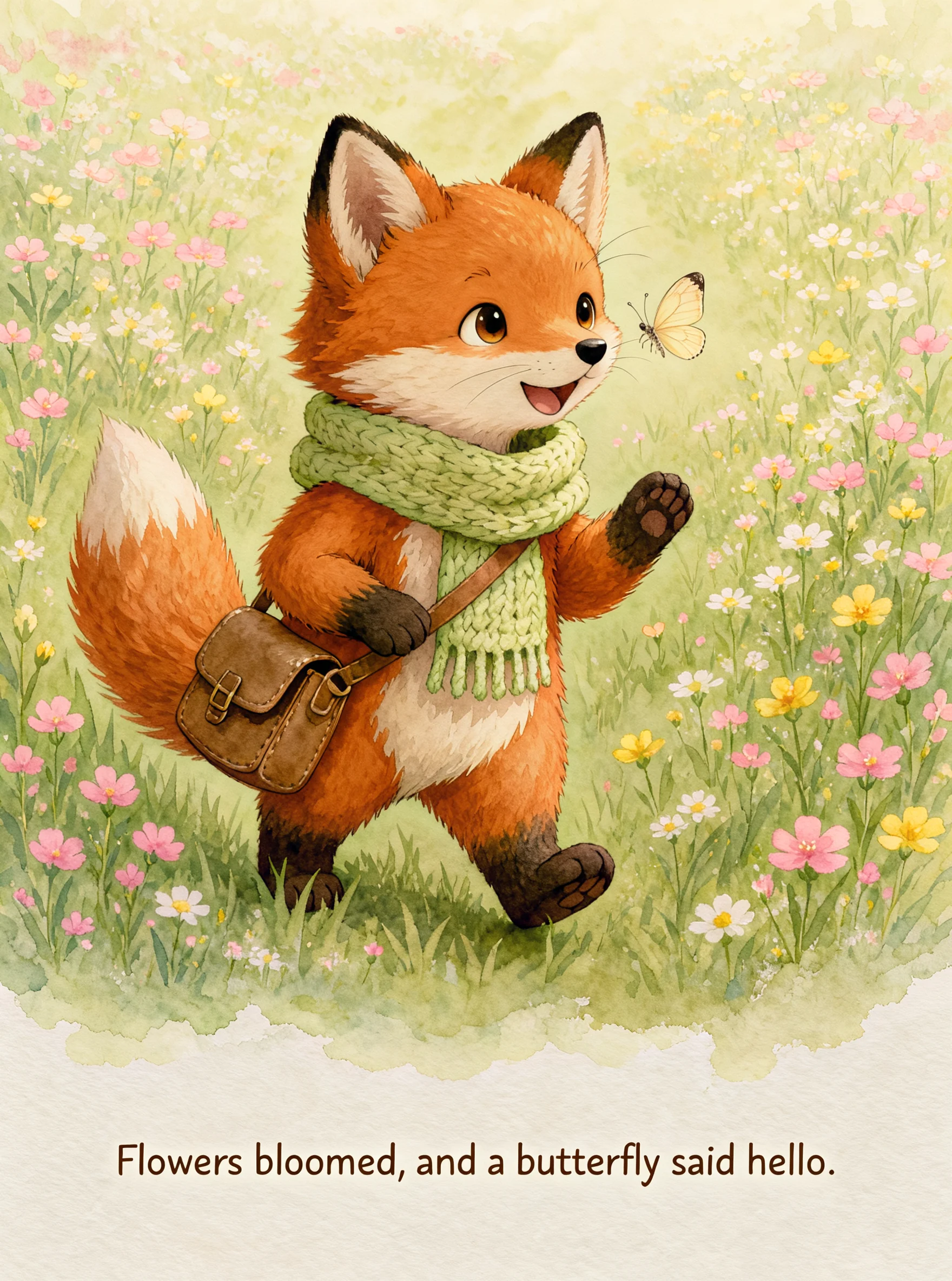
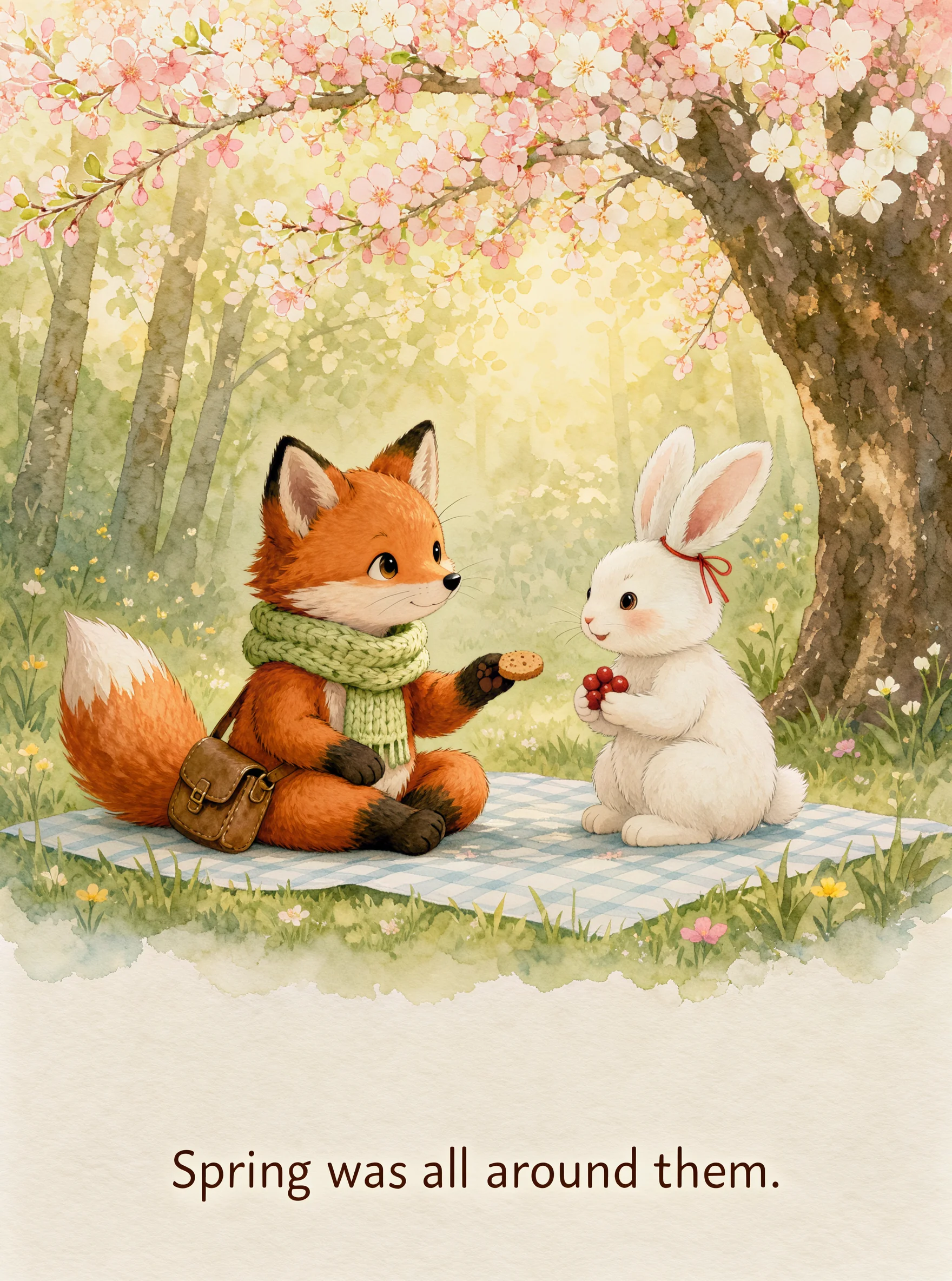
Create a connected series of four pages for a children’s picture book about a little fox looking for spring. Each page is a separate complete image, not a collage or a four-panel grid. Use a warm, fresh watercolor storybook illustration style, soft colors and uncluttered compositions. Keep the same little fox on every page: orange-red fur, a white chest, a green scarf and a small shoulder bag. Reserve a clearly readable caption area at the bottom of each page, without covering the characters. Use consistent Nova Grid typography on all four pages. Font: Nova Grid. Render all visible captions in English only. Include the following English caption exactly on each corresponding page; do not add Chinese text, translations, extra headings or page numbers.
Page 1: In the morning, the little fox stands at a forest crossroads with its shoulder bag, looking toward distant hills and fresh green buds. Caption: “The little fox set off to find spring.”
Page 2: The fox kneels beside a stream and looks at new sprouts growing by a stone. Sunlight sparkles on the water. Caption: “The stream sang as new leaves appeared.”
Page 3: The fox crosses a meadow full of small flowers. A butterfly dances near its nose, and the fox looks delighted. Caption: “Flowers bloomed, and a butterfly said hello.”
Page 4: The fox sits beneath a blossoming tree and shares a picnic with a little rabbit. The forest is bright and warm. Caption: “Spring was all around them.”
```
Prompt only, no reference images.
:::: container guide-case-output
Output
**API code:**
```cURL
curl --request POST \
--url "https://api-singapore.klingai.com/image-generation/kling-4.0" \
--header "Authorization: Bearer ${KLING_API_KEY}" \
--header "Content-Type: application/json" \
--data-raw '{
"contents": [
{
"type": "prompt",
"text": "Create a connected series of four pages for a children’s picture book about a little fox looking for spring. Each page is a separate complete image, not a collage or a four-panel grid. Use a warm, fresh watercolor storybook illustration style, soft colors and uncluttered compositions. Keep the same little fox on every page: orange-red fur, a white chest, a green scarf and a small shoulder bag. Reserve a clearly readable caption area at the bottom of each page, without covering the characters. Use consistent Nova Grid typography on all four pages. Font: Nova Grid. Render all visible captions in English only. Include the following English caption exactly on each corresponding page; do not add Chinese text, translations, extra headings or page numbers.\nPage 1: In the morning, the little fox stands at a forest crossroads with its shoulder bag, looking toward distant hills and fresh green buds. Caption: “The little fox set off to find spring.”\nPage 2: The fox kneels beside a stream and looks at new sprouts growing by a stone. Sunlight sparkles on the water. Caption: “The stream sang as new leaves appeared.”\nPage 3: The fox crosses a meadow full of small flowers. A butterfly dances near its nose, and the fox looks delighted. Caption: “Flowers bloomed, and a butterfly said hello.”\nPage 4: The fox sits beneath a blossoming tree and shares a picnic with a little rabbit. The forest is bright and warm. Caption: “Spring was all around them.”"
}
],
"settings": {
"result_type": "series",
"series_amount": 4,
"resolution": "2k",
"aspect_ratio": "3:4"
}
}'
```
### 6.9 Style, Color, and Image Processing
**Adjust an image's style, color palette, or texture based on reference images. Distinguish between subject reference and style reference, and specify which effects to change and which subject features to preserve.**
::::: container guide-case
:::: container guide-case-input
Input
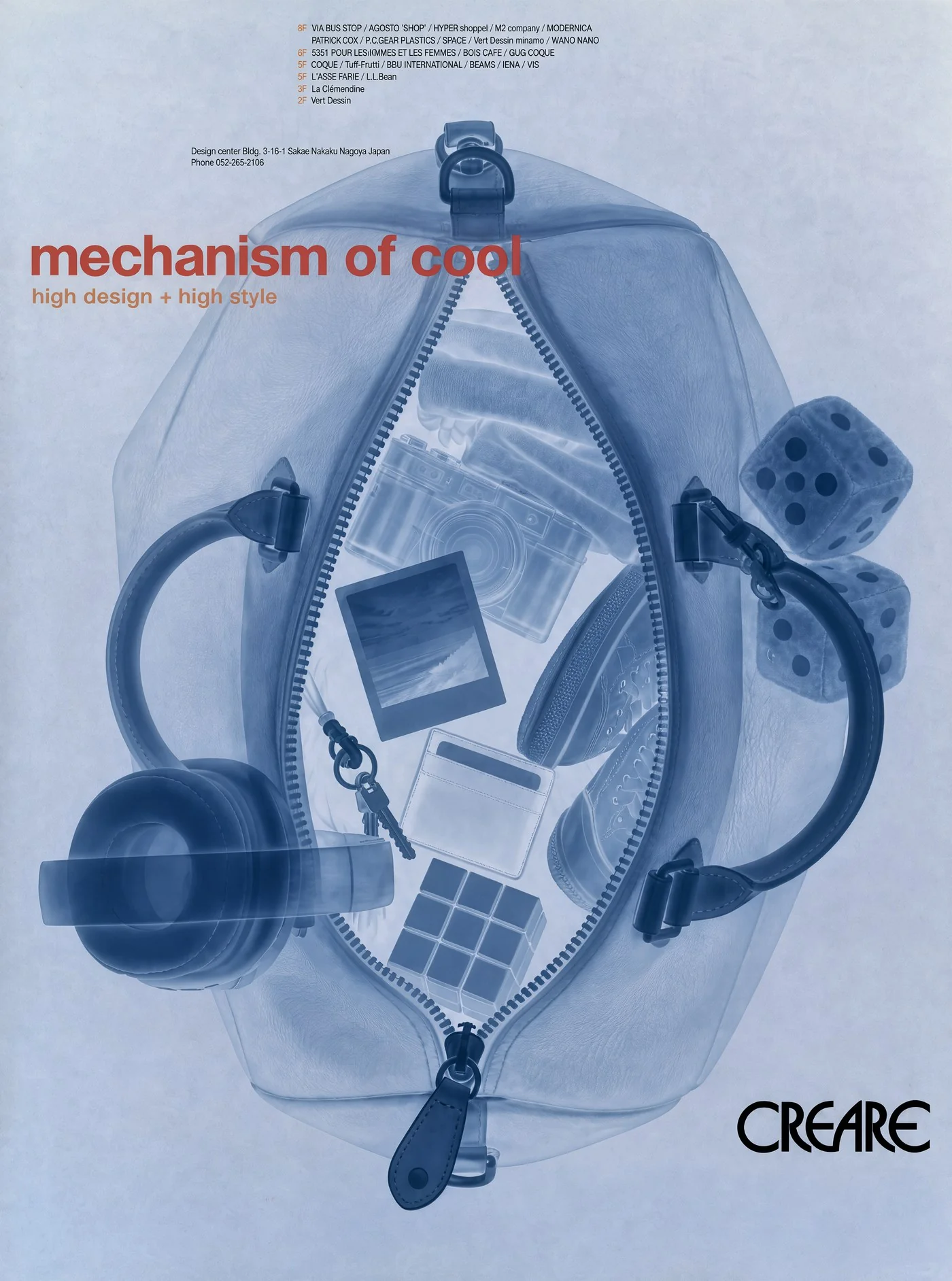
Prompt:
```text
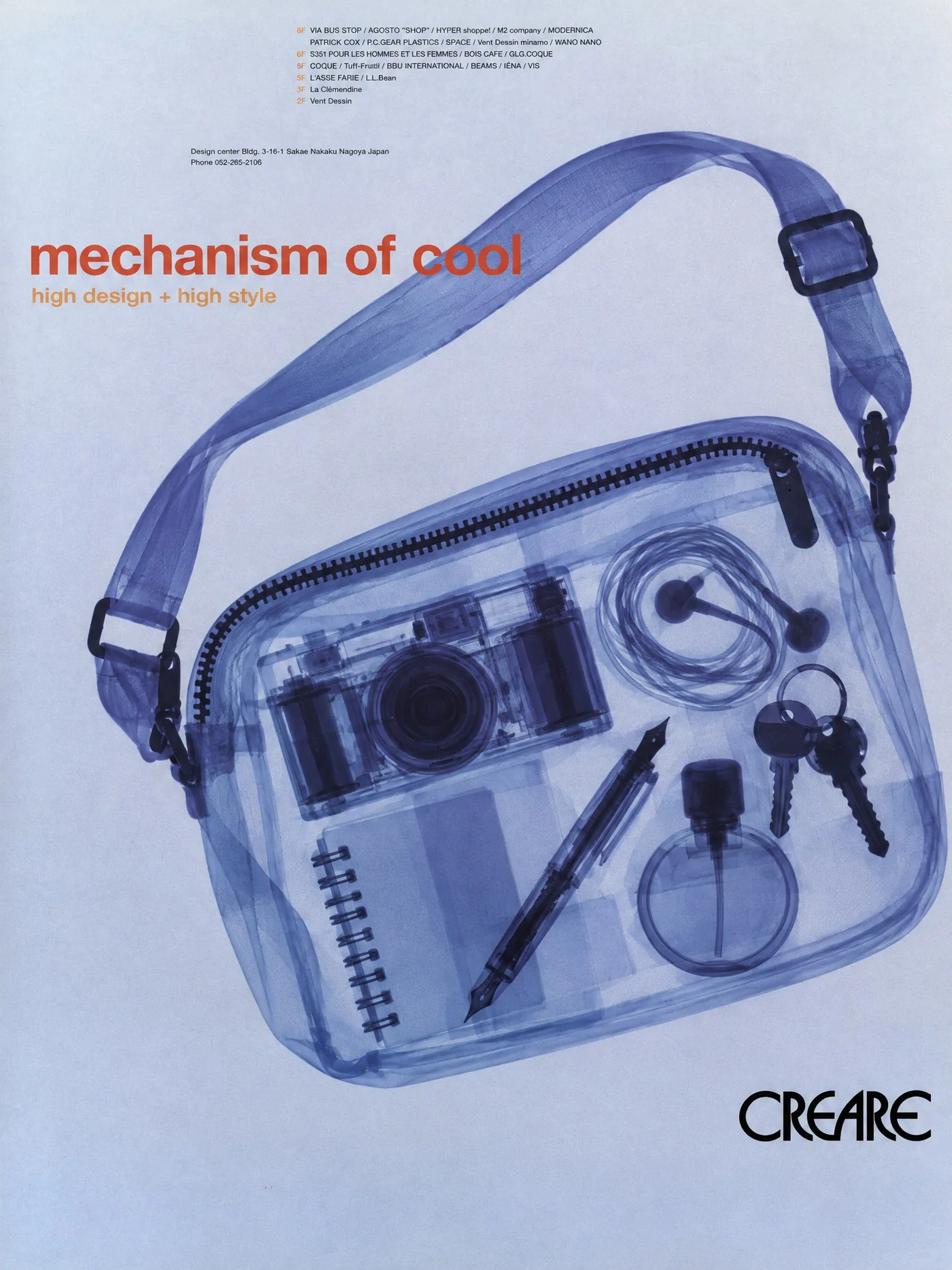
Transform @ref_2 using the X-ray visual style and color palette of @ref_1. Match the text and typography layout in @ref_1.
```
:::: container guide-case-output
Output
**API code:**
```cURL
curl --request POST \
--url "https://api-singapore.klingai.com/image-generation/kling-4.0" \
--header "Authorization: Bearer ${KLING_API_KEY}" \
--header "Content-Type: application/json" \
--data-raw '{
"contents": [
{
"type": "prompt",
"text": "Transform @ref_2 using the X-ray visual style and color palette of @ref_1. Match the text and typography layout in @ref_1."
},
{
"type": "refer_image",
"url": "https://p1-kling.klingai.com/kcdn/cdn-kcdn112452/tutorials/kling-image-4-0/api-examples-20261110/style_input.png",
"id": "ref_1"
},
{
"type": "refer_image",
"url": "https://p1-kling.klingai.com/kcdn/cdn-kcdn112452/tutorials/kling-image-4-0/api-examples-20261110/xray_style.png",
"id": "ref_2"
}
],
"settings": {
"result_type": "single",
"n": 1,
"resolution": "2k",
"aspect_ratio": "auto"
}
}'
```
### 6.10 E-commerce Detail Long Image
**Generate a complete e-commerce product detail long image based on a product reference image. Provide the page language, product selling points, and content modules, and keep the product appearance and branding consistent.**
::::: container guide-case
:::: container guide-case-input
Input
Prompt:
```text
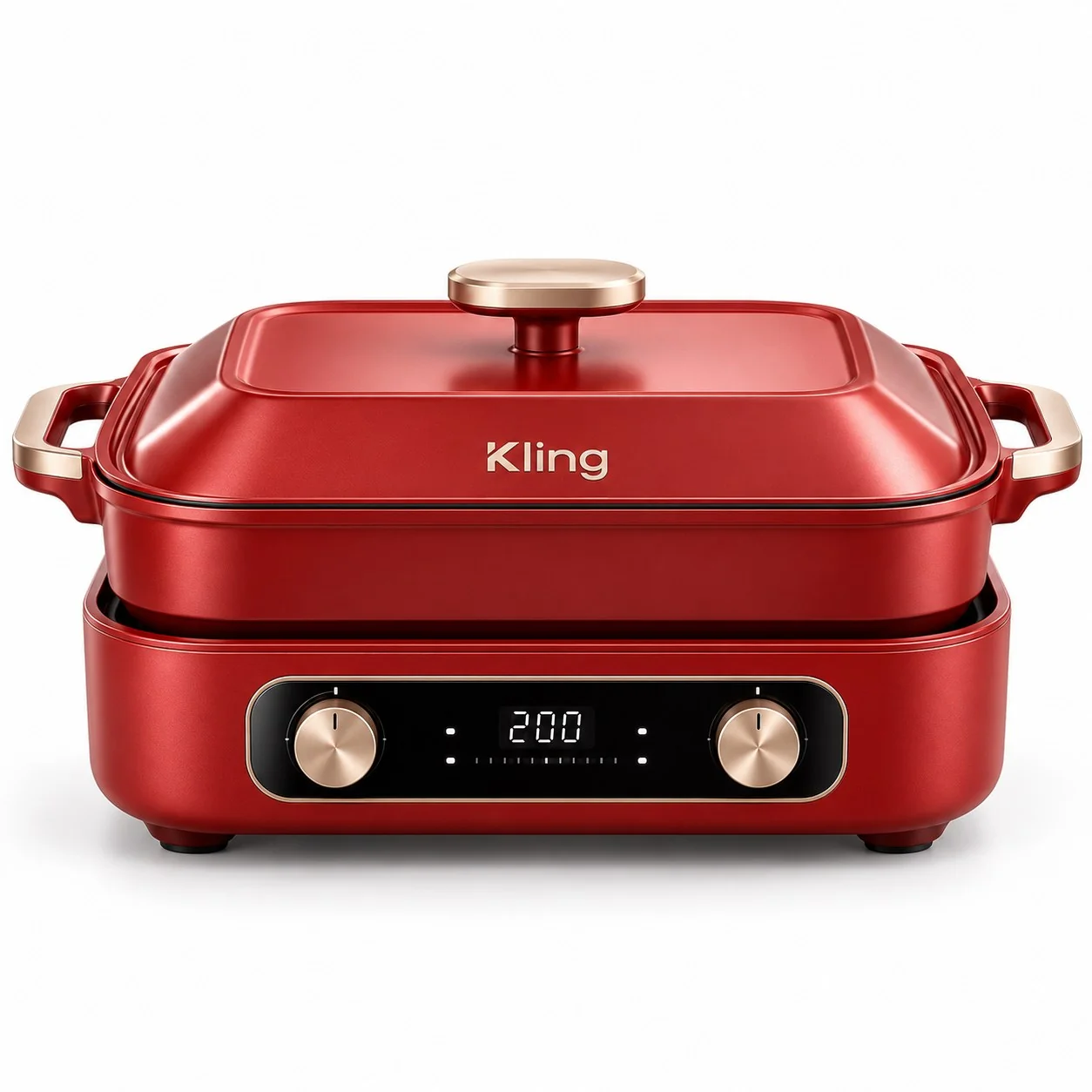
Asset roles: @ref_1: red electric hot pot product.
Generate an English e-commerce product page for a pot
```
:::: container guide-case-output
Output
**API code:**
```cURL
curl --request POST \
--url "https://api-singapore.klingai.com/long-image-generation/kling-4.0" \
--header "Authorization: Bearer ${KLING_API_KEY}" \
--header "Content-Type: application/json" \
--data-raw '{
"contents": [
{
"type": "prompt",
"text": "Asset roles: @ref_1: red electric hot pot product.\nGenerate an English e-commerce product page for a pot"
},
{
"type": "refer_image",
"url": "https://p1-kling.klingai.com/kcdn/cdn-kcdn112452/tutorials/kling-image-4-0/api-examples-20261110/ref_8918901702478235978.png",
"id": "ref_1"
}
],
"settings": {
"skill": "ecommerce",
"length": "medium",
"resolution": "2k"
}
}'
```
### 6.11 Web Design Long Image
**Generate a complete web design long image based on page purpose, brand style, and content structure. Output is an image — no web code or interactive functionality.**
::::: container guide-case
:::: container guide-case-input
Input
Prompt:
```text
Create an English-language e-commerce website for a ceramic manufacturer’s brand.
```
Prompt only, no reference images.
:::: container guide-case-output
Output
**API code:**
```cURL
curl --request POST \
--url "https://api-singapore.klingai.com/long-image-generation/kling-4.0" \
--header "Authorization: Bearer ${KLING_API_KEY}" \
--header "Content-Type: application/json" \
--data-raw '{
"contents": [
{
"type": "prompt",
"text": "Create an English-language e-commerce website for a ceramic manufacturer’s brand."
}
],
"settings": {
"skill": "webpage",
"resolution": "2k"
}
}'
```
## 7 Custom Image Output Specifications
The following JSON snippets are configuration fragments, not complete callable requests. Merge them with contents and use the corresponding creation endpoint.
### 7.1 Resolution
| Task | Enum | Default | Notes |
| ---------------------------- | ------------ | ------- | ------------------------------------------------ |
| Standard images / image sets | 2k / 4k / 8k | 2k | Native image tiers, not per-image pixel settings |
| E-commerce / web long images | 1k / 2k | 1k | 4k and 8k not supported |
```json
{
"settings": {
"result_type": "single",
"n": 1,
"resolution": "8k",
"aspect_ratio": "3:4"
}
}
```
resolution specifies the image clarity tier, not arbitrary width or height. Combine with aspect_ratio for image proportions.
### 7.2 Aspect Ratio
| Purpose | Options |
| ---------------------------- | ---------------------------------------------------------------------------- |
| Standard images / image sets | auto, 16:9, 9:16, 1:1, 4:3, 3:4, 3:2, 2:3, 21:9 |
| Long images | Page generated per skill; does not use the standard-image aspect_ratio field |
auto intelligently selects based on provided content. When forcing a supported ratio, keep the parameter consistent with the prompt intent. Arbitrary fixed ratios like 4:7 are not supported.
### 7.3 Standalone Image Count and Image Set Count
```json
{
"settings": {
"result_type": "single",
"n": 3,
"resolution": "2k",
"aspect_ratio": "auto"
}
}
```
The above generates 3 independent images — not 3 consecutive narrative frames. For coordinated image sets, use the following configuration. The count is 2–10 or auto. auto determines the count based on content and consumes concurrency equal to the actual count.
```json
{
"settings": {
"result_type": "series",
"series_amount": 6,
"resolution": "2k",
"aspect_ratio": "16:9"
}
}
```
### 7.4 Long-Image Skill and Length
| skill | length | Meaning |
| --------- | ---------------- | --------------------------------------------- |
| ecommerce | short | ~2–5 content modules, final output 1 image |
| ecommerce | medium (default) | ~6–10 content modules, final output 1 image |
| ecommerce | long | ~11–18 content modules, final output 1 image |
| webpage | Not supported | Setting has no effect; do not pass this field |
```json
{
"settings": {
"skill": "ecommerce",
"length": "medium",
"resolution": "2k"
}
}
```
### 7.5 Watermark and General Configuration
options.watermark_info.enabled controls whether a watermarked version is also generated; watermark_url returns per configuration. options.callback_url specifies the callback. options.external_task_id is a user-defined unique task ID and does not override the system `data.id`. See the API documentation for specific protocols and optional fields.
```json
{
"options": {
"watermark_info": {
"enabled": true
}
}
}
```
## 8 Prompt Writing Tips and Techniques
### 8.1 Basic Writing
Use "subject + action/state + environment + composition + lighting/style." The subject determines what to draw, the action provides the moment, the environment establishes the space, and composition and lighting determine how it looks. Write important information first, then add visible details. Avoid giving all information equal weight.
### 8.2 Structured Prompts
Complex images can be divided into sections: target style, subject and preserved features, materials, lighting and shadow, composition, text and constraints. Longer prompts aren't inherently better — repetition and contradictions interfere with control.
| Section | Suggested Content |
| ------------------------ | ----------------------------------------------------------------------------------------- |
| Target style | Specify photography / illustration / printmaking genre; avoid writing only "premium feel" |
| Subject and preservation | Person identity, product structure, key clothing details |
| Image | Action, scene, spatial relationships, shot size |
| Materials / lighting | Specific textures, light direction, light-shadow relationships |
| Text / layout | Exact copy, typeface characteristics, size hierarchy, position |
| Constraints | No collages, no extra people, no product logo changes, etc. |
### 8.3 Reference Tasks and Multi-Asset Mapping
Assign each image an independent ID and explicitly define its purpose. "Reference @style for colors, subject from @person" is clearer than "reference these two images." Elements you don't want inherited — characters, backgrounds, clothing — should also be stated. Assets not explicitly referenced still take effect. Don't add images unrelated to your goal.
### 8.4 Image Modification and Preservation Scope
Use reference images and prompts to describe what you want modified and what you want preserved. Describe requirements for person identity, clothing, background, and style separately to reduce conflicting descriptions. Reference-based generation re-creates the image — it does not guarantee pixel-level lossless editing of the original.
### 8.5 Image Sets and Per-Frame Stills
First write the total count and overall style, then describe each image by number, and finally list consistency constraints. Break continuous action into static moments that each individual image can present. Use single for multi-view layouts on one page; use series for multiple independent images.
### 8.6 Negative Constraints
Write content you don't want directly into the prompt — e.g., no collages, no extra people, no logo changes, no text covering faces. Avoid large amounts of broad descriptions. When negative constraints conflict with positive descriptions, resolve the contradiction first.
### 8.7 Advanced Writing
Replace generic style descriptions with specific visual references: Swiss International Style grids emphasize alignment and reading order; vintage hand-made prints emphasize knife marks and ink texture; cool-toned fashion editorial photography emphasizes materials, silhouettes, and restrained negative space. Product and presentation page prices, specifications, process numbers, and brand stories must be fact-checked — generated text should not be treated as factual truth.
## 9 Usage Limits
### 9.1 Reference Assets
| Item | Requirement |
| -------------------------- | ----------------------------------------------------------------------------------------------------------------------------------------------- |
| Image format | JPG, JPEG, PNG |
| Single image size | Not exceeding 30MB |
| Input dimensions | Width and height both ≥300px |
| Input ratio | 2:5–5:2 |
| Standard image asset count | Reference images and image-customized elements combined ≤10 |
| Long image asset count | E-commerce detail pages require 1–3 images; for webpage design, you can provide up to one style reference image and one subject reference image |
| URL and ID | URL must be publicly accessible or valid Base64; task-unique ID required |
### 9.2 Prompt and Output Boundaries
Prompt length is calculated separately for English and non-English characters. Standard image / image set generation: pure English not exceeding 50,000 characters; pure non-English not exceeding 21,000 characters; mixed input must satisfy: English_chars/50000 + non-English_chars/21000 ≤ 1. Long image generation: pure English not exceeding 166,000 characters; pure non-English not exceeding 71,000 characters; mixed input must satisfy: English_chars/166000 + non-English_chars/71000 ≤ 1. Text rendering quality varies by language, font, typeface, text density, and layout. Check accuracy and legibility after generation. Long images support only 1k and 2k, and output one complete image per call.
Multi-panel layouts within a single image do not equal independent image sets. Input asset count does not equal output image count. Standalone image count is set by n; coordinated image set count is set by series_amount. Refer to the task query response for actual output.
## 10 FAQ
### 10.1 Assets and Capabilities
| Question | Answer |
| ------------------------------------------------------------ | ----------------------------------------------------------------------------------------------------------------------------------------------- |
| Can I generate without reference images? | Standard images: yes, prompt only. E-commerce long images: product image required. |
| Do text-to-image and image-to-image use different endpoints? | Standard images share the image-generation endpoint; inputs are distinguished via contents. |
| Why isn't a three-view sheet a series? | If multiple views appear within a single character sheet, it's single. Multiple characters each on their own page is series. |
| Why didn't changing n affect my image set count? | n has no effect under series. Set series_amount instead. |
| Does "long" for long images mean multiple images? | No. The final output is still 1 image. "long" means approximately 11–18 content modules. |
| How do I choose fonts? | Add "Font: XXX" in the prompt, e.g., "Font: Nova Grid". See Section 6.8 for the supported font list. |
| Is there an exact pixel table? | Use resolution for clarity tiers and aspect_ratio for proportions. The current API does not provide arbitrary width/height pixel configuration. |
### 10.2 Prompt and Result Optimization
| Symptom | Check First |
| ----------------------------------------- | ------------------------------------------------------------------------------------------------------------ |
| Character or clothing inconsistency | Are asset roles, reference IDs, and preservation items clear? Are there conflicting appearance descriptions? |
| Incorrect text or hard-to-read small text | Is copy provided character-by-character? Is content too dense? Does font decoration affect legibility? |
| Image set became a collage | Is each image specified as independent, no collage, with series selected? |
| Aspect ratio different from expected | Is a valid enum selected? Do parameters conflict with the prompt? |
| Product detail or selling point deviation | Is the reference image clear? Are product facts explicit? Has generated copy been manually verified? |
| Reference link not working | Don't use intranet signed URLs. Check public accessibility, specifications, and expiration. |