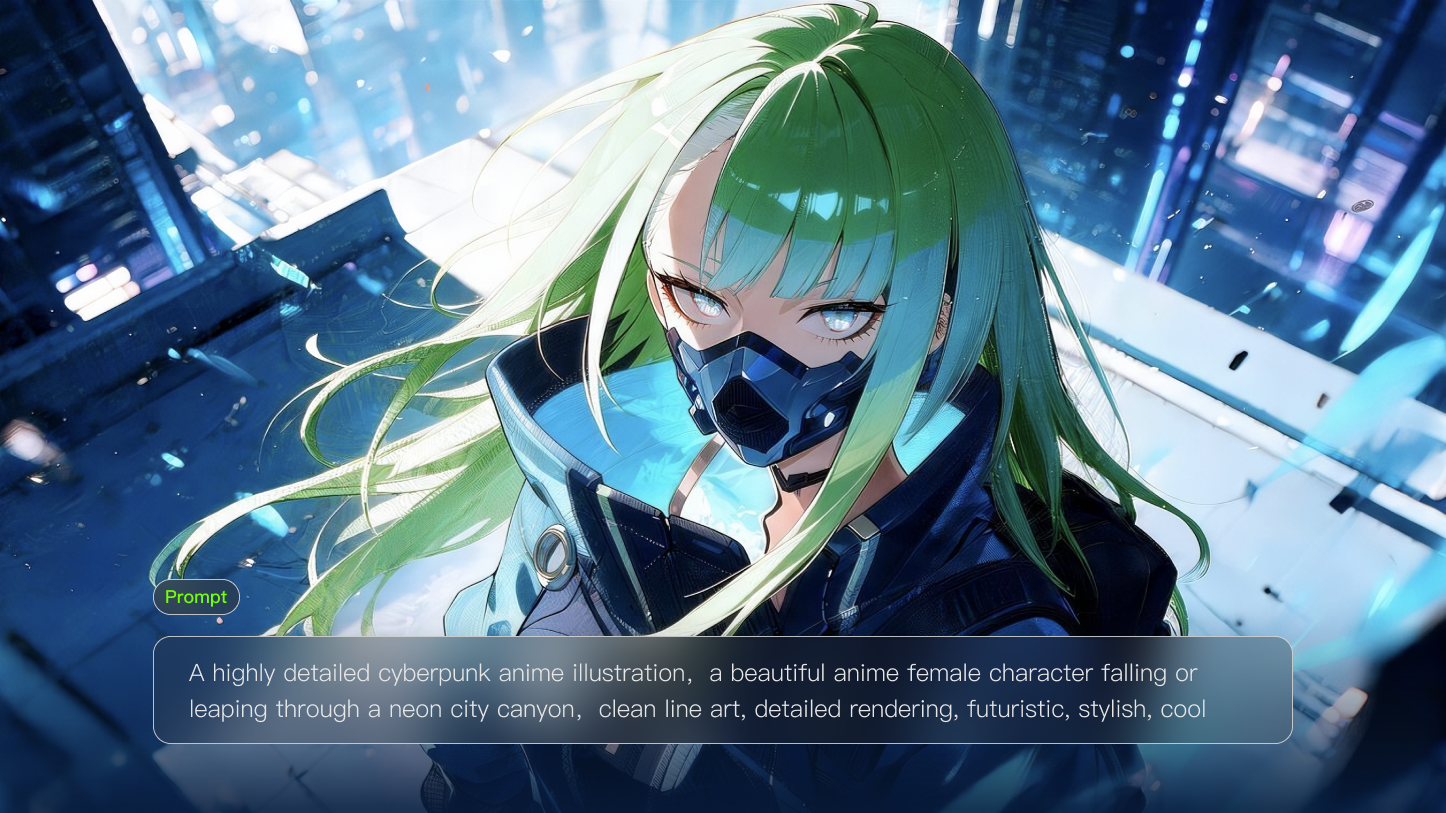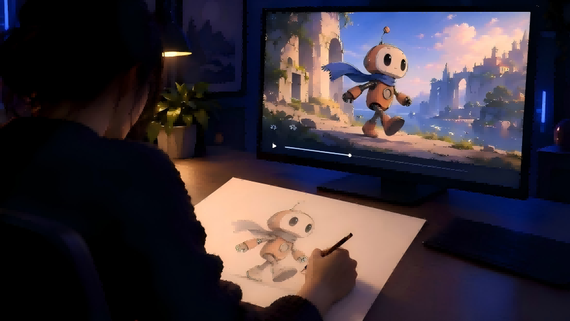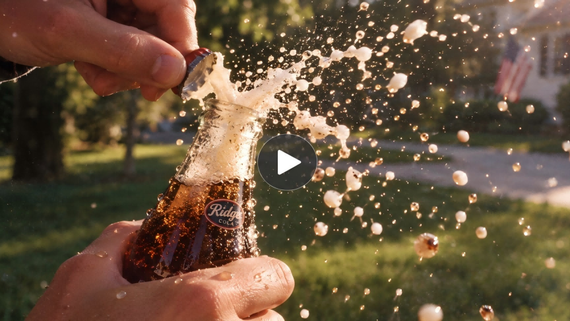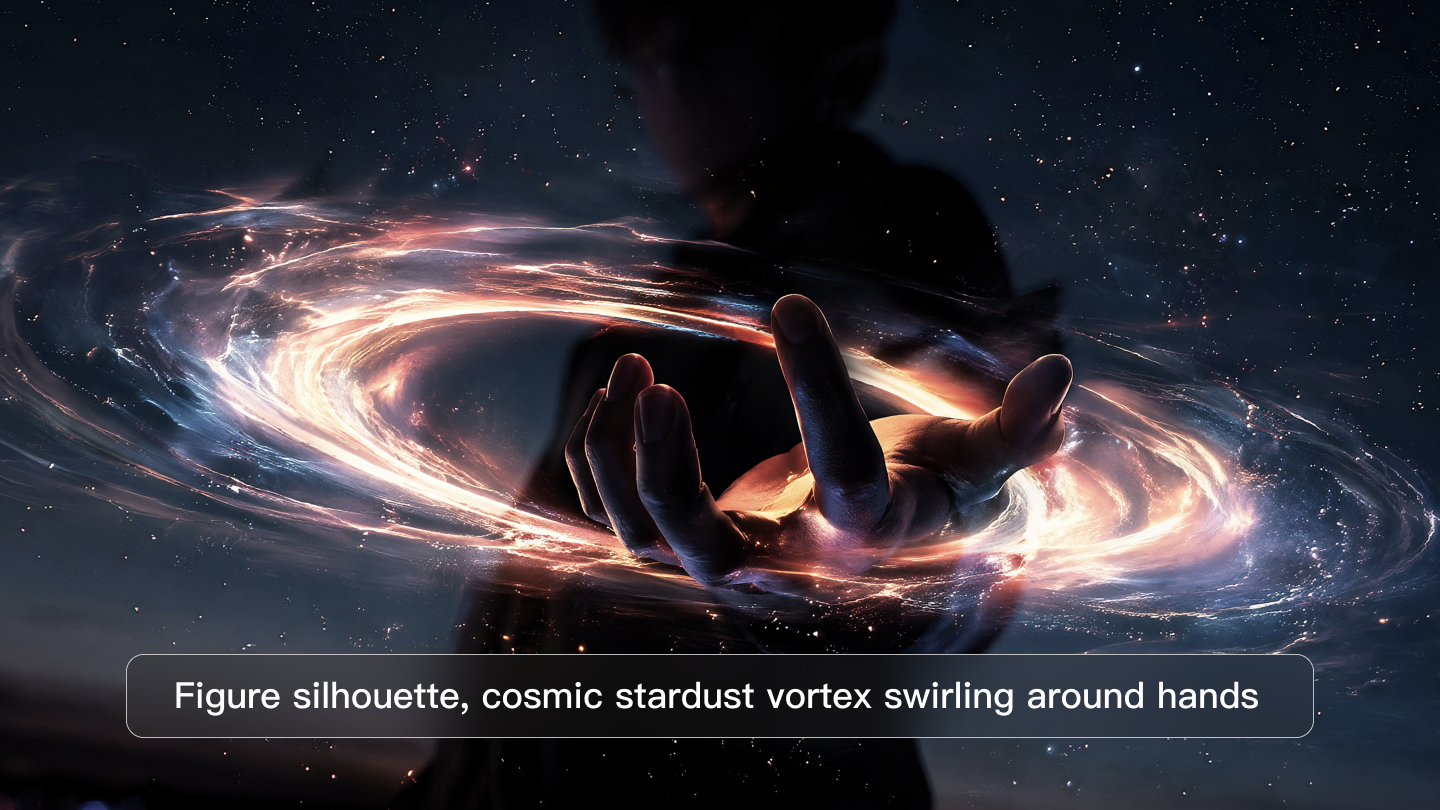
The visual effects (VFX) have undergone a fundamental shift from manual, geometry-based manipulation toward intent-driven semantic synthesis. At the forefront of this transition is Kling AI, a next-generation AI creative studio that utilizes a unified multimodal architecture to transform textual and visual inputs into high-fidelity video sequences. Unlike traditional workflows that necessitate mastery of complex software suites for rotoscoping and keyframing, the Kling AI framework allows for end-to-end production, from ideation to pixel-level semantic reconstruction, within a single engine.
Today, we provide a comprehensive technical tutorial on utilizing these capabilities to generate professional-grade special effects, adhering strictly to official operational protocols and model specifications.
Example 1 | Example 2 | Example 3 |
|---|---|---|
  |  | 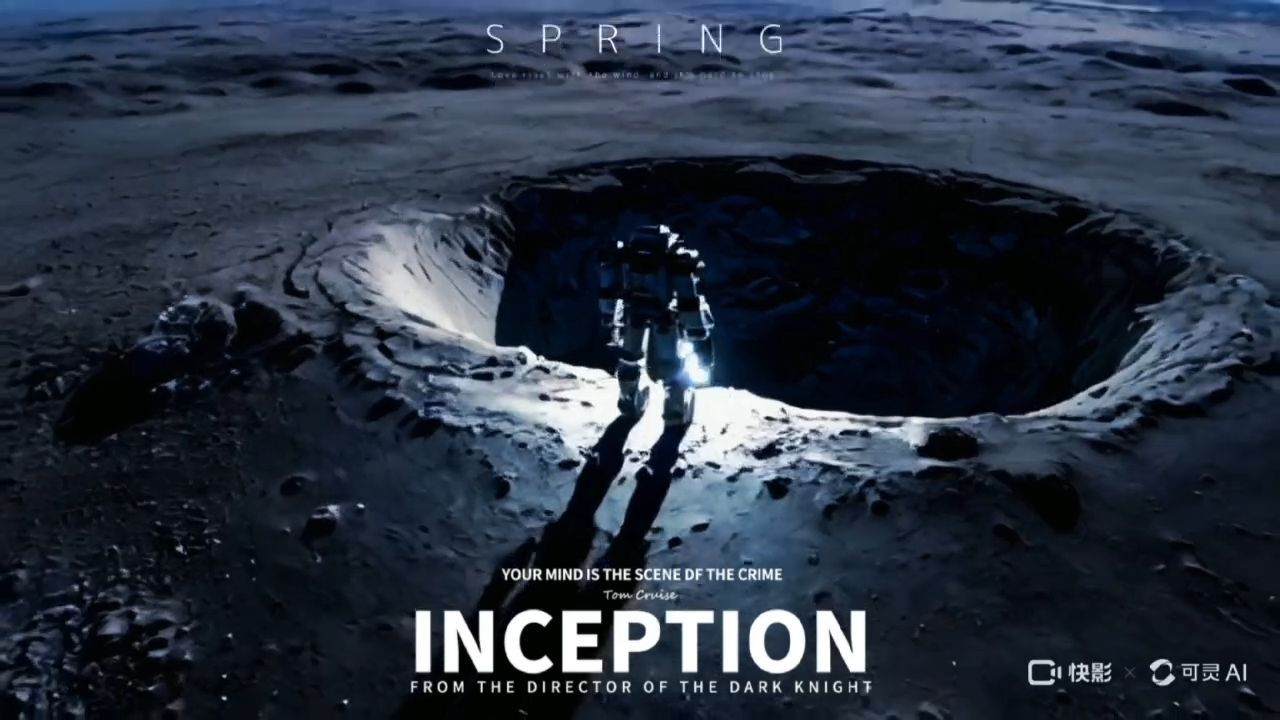 |
Technical Foundation and Model Hierarchy
Achieving professional results requires a nuanced understanding of the model versions available within the platform, as each is optimized for specific technical outcomes. The system architecture is built upon a unified training framework that processes text, images, and audio as a single information stream, thereby ensuring superior spatio-temporal coherence and physical plausibility.
Model Capabilities and Selection Logic
The selection of a specific model version dictates the technical ceiling of the generated effect. The 3.0 series represents the current pinnacle of the platform's "AI Director" capabilities, offering native multi-shot compositions and extended durations.
Model Version | Primary Technical Distinction | Specialized Utility |
|---|---|---|
15s duration, multi-shot compositions, unified audio-visual stream. | Complex narratives, intelligent storyboarding, and e-commerce text rendering. | |
Kling Video O1 | World’s first unified multimodal architecture with conversational editing. | Pixel-level semantic modification, inpainting/outpainting, and background replacement. |
Kling Video 2.6 | Native audio generation and professional-grade subject consistency. | Dialogue-heavy scenes, rhythmic energy matching, and 1080p high-resolution output. |
Kling 2.5 Turbo | Advanced semantic understanding of abstract concepts (e.g., tension, time). | Stylized visual fidelity (Miyazaki, ink painting) and high-speed processing. |
Kling 1.5 / 1.6 | Motion brush, camera control, and start/end frame interpolation. | Precise motion trajectory planning and keyframe-based transitions. |
Operational Modes: Standard vs. Professional
The platform distinguishes between "Standard Mode" (std) and "Professional Mode" (pro). The Professional Mode is essential for production-grade VFX as it provides higher resolution (up to 1080p or 2K/4K in certain models), enhanced motion fluidity, and stricter adherence to complex physical interactions such as gravity and inertia. While Standard Mode is cost-effective for rapid prototyping, Professional Mode ensures the preservation of frame-by-frame detail and structural integrity in high-performance scenarios.
Prompt | Output |
|---|---|
| A close-up, hyper-detailed 3D render of a dried rose on a thin stem, engulfed in dynamic, swirling flames. The petals are brittle and brown, with edges blackened and curled from the intense heat. The flames are vibrant, with a core of bright yellow and orange, transitioning to deep red and purple at the edges. Delicate, wispy smoke rises from the fire, forming intricate, ethereal patterns that resemble ghostly flowers and leaves. The background is a dark, gradient of deep black to warm amber, with a shallow depth of field focusing on the burning rose. Cinematic lighting, octane render, 8K resolution, photorealistic textures. |  |
| Fantasy concept art of a hooded wizard performing a nature-based ritual. The wizard, clad in a black robe with silver patterns, stands on a stone circle inscribed with a pentagram. He summons a glowing green, vine-like magical circle from his outstretched hand. Floating purple runes fill the air, contrasting with the dark, atmospheric stone chamber. The style is a blend of realistic textures and painterly strokes, with dramatic chiaroscuro lighting, reminiscent of Blizzard Entertainment's Diablo art style, high detail, epic composition. |  |
| Epic fantasy scene of a thunderstorm at night, with a colossal, jagged lightning bolt splitting the dark indigo sky. The lightning is bright white with a vivid purple aura, branching into countless smaller electric tendrils that crackle and glow. The storm clouds are dense and dark, with subtle hints of purple and blue. The lightning creates dramatic lens flares and a sense of overwhelming power. Cinematic, moody, atmospheric, concept art, 8K, Unreal Engine 5 render. |  |
Procedural Tutorial: Step-by-Step Operational Workflow
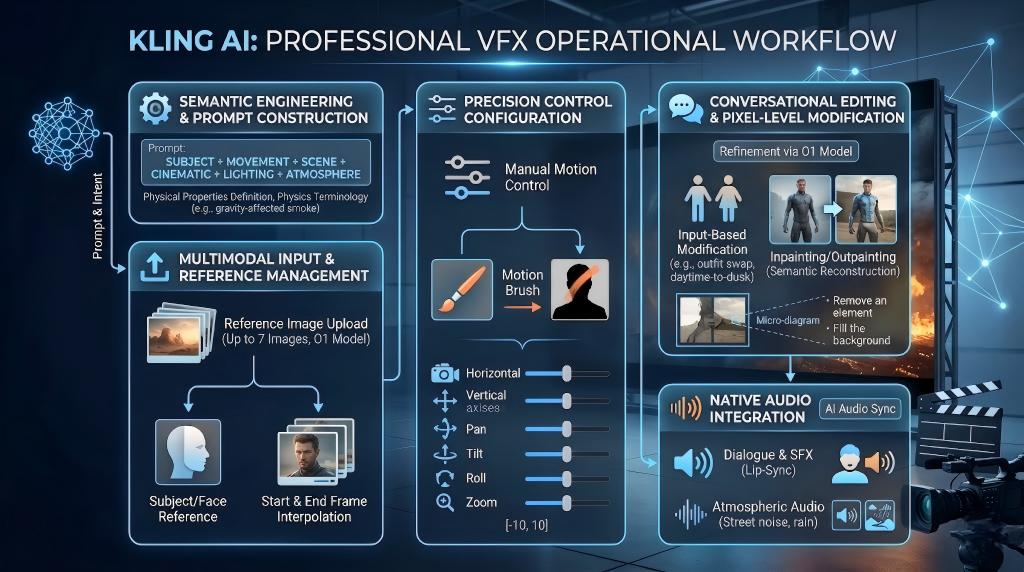
Producing professional special effects follows a rigorous five-stage pipeline. This process moves from semantic engineering to parameter configuration and final iterative refinement.
Step 1: Semantic Engineering and Prompt Construction
The foundation of any AI-generated effect is the prompt. Kling AI requires a structured semantic input to resolve visual complexity accurately. The official recommended formula is: Subject (Details) + Movement + Scene (Background) + Cinematic Language + Lighting + Atmosphere.
Component Breakdown for Visual Effects
- Subject Specification: For effects like "magical energy," the prompt must define physical properties. Using "swirling blue energy particles with ethereal glow" is more effective than vague terms.
- Movement Dynamics: This dictates the physics of the effect. Use terminology such as "gravity-affected smoke," "wind-blown flames," or "upward spiraling motion" to guide the model's physics engine.
- Cinematic Language: Specify shot types to enhance the scale of the effect. Professional choices include "low-angle stabilizer movement," "push-in tracking shot," or "first-person perspective flight".
- Lighting and Atmosphere: Define how the effect illuminates the environment. For example, "interplay of light and shadow, Tyndall effect, and atmospheric mist" creates depth.
Step 2: Multimodal Input and Reference Management
Professional VFX workflows often utilize "Image-to-Video" (I2V) to maintain subject consistency. This is particularly relevant for transformation effects where the character's identity must remain locked.
- Reference Image Upload: Provide high-quality images (up to 7 in the O1 model) to establish the starting frame.
- Character/Face Reference: Use "subject" or "face" reference types to ensure facial features and outfit silhouettes are preserved across shots.
- Start and End Frame Interpolation: Upload both a start frame and an "image_tail" (end frame) to define a transformation. The model then generates a "fluid, cinematic morph" between these two states.
Step 3: Precision Control Configuration
Once the material is uploaded, manual controls are applied to shape the movement.
- Motion Brush: This allows the operator to paint specific areas of the reference image to direct motion. It is highly effective for localized effects like moving hair, flowing water, or flickering embers.
- Camera Control Parameters: For the API or advanced interface, the camera can be manipulated across six axes. These parameters use a range of [-10, 10] to define intensity.
Axis | Positive Value Result | Negative Value Result |
|---|---|---|
Horizontal | Move the camera right | Move the camera left. |
Vertical | Move the camera up | Move the camera down. |
Pan | Rotate camera Right | Rotate the camera left. |
Tilt | Tilt the camera up | Tilt the camera down. |
Roll | Clockwise rotation | Counter-clockwise rotation. |
Zoom | Shorter focal length (Wider FOV) | Longer focal length (Narrower FOV). |
Step 4: Conversational Editing and Pixel-Level Modification
Using the Kling Video O1 model, operators can refine effects through natural language instructions. This eliminates the need for manual masking or rotoscoping.
- Input-Based Modification: Describe localized changes, such as "replace the character's outfit with a futuristic metallic suit" or "change daytime to dusk".
- Element Management: Add, swap, or remove subjects and backgrounds. For example, "remove bystanders" or "add falling snow particles".
- Semantic Reconstruction: The model performs pixel-level reconstruction to ensure that when an object is removed, the background is realistically filled (inpainting).
Step 5: Native Audio Integration
Professional final cuts require synchronized soundscapes. Models from 2.6 onwards support "AI Audio Sync," where sound is generated simultaneously with visuals.
- Dialogue and SFX: Specify dialogues, ambient noises, or sound cues in the prompt. The model ensures mouth shapes match the script (Lip-Sync) and sound effects align with the visual rhythm.
- Atmospheric Audio: Include instructions for "street noise, rain, or soft ambient music" to enhance the immersive quality of the effect.
Frequently Asked Questions
Q1: What Are the Primary Technical Distinctions Between Standard and Professional Modes in Kling AI?
The platform offers two quality tiers to balance speed and fidelity based on project requirements. Standard Mode (std) is designed for rapid iteration and prototyping, producing high-quality social media content in approximately one to three minutes with lower credit costs. In contrast, Professional Mode (pro) is essential for final deliverables and client work, providing exceptional visual detail, enhanced textures, and 1080p resolution. While Professional Mode requires more credits and longer processing times, it offers stricter adherence to complex physical interactions and motion fluidity. This dual-tier approach allows producers to optimize budgets during testing while ensuring cinema-grade results for high-stakes projects.
Q2: How Does the Kling Video 3.0 Multi-Shot System Enhance Cinematic Narrative Control?
The Kling Video 3.0 series represents a significant advancement in automated cinematography by supporting native multi-shot generation within a single output. Unlike earlier models that required manual assembly of separate clips, this system can generate storyboards of up to six distinct shots, maintaining high subject and scene consistency throughout. It extends the generation duration to 15 seconds, allowing for smoother narrative progression and more complex action sequences. By explicitly describing framing and motion for each shot using sequence markers, creators can leverage the "AI Director" to produce a complete cinematic sequence that aligns perfectly with a single narrative intent or marketing script.
Q3: What Role Does Conversational Editing Play in the Kling Video O1 Multimodal Framework?
Kling Video O1 introduces a unified multimodal architecture that simplifies complex post-production tasks through natural language instructions. This conversational editing capability eliminates the need for manual masking or rotoscoping by allowing users to modify scenes using simple text prompts. Creators can add, swap, or remove elements, such as "remove bystanders" or "change weather," with the model automatically performing pixel-level semantic reconstruction. This process ensures that backgrounds are realistically filled (inpainting) while preserving the original subject's identity. This integration allows for an end-to-end creative pipeline where ideation and fine-grained modifications are executed seamlessly within a single production engine.
Q4: How Do Native Audio Integration and Lip-Sync Features Improve the Immersion Of Generated Videos?
Beginning with model version 2.6, Kling AI incorporates native audio-visual synchronization, merging visual and sound generation into a single information stream. This feature enables the simultaneous creation of soundscapes, dialogues, and environmental effects that align precisely with the visual rhythm. The integrated lip-sync technology ensures that character mouth shapes match specified scripts across multiple speakers and languages. By mentioning dialogues or audio cues in the prompt, creators can produce lifelike speaking videos with consistent voices. This native infusion significantly reduces post-production overhead by ensuring that sound effects, such as footsteps or rain, are perfectly timed with the action from the moment of generation.
Q5: How Does the Kling AI Credit Deduction System Work for Professional-Grade Video Generation?
Kling AI operates on a unit-based system where credits are deducted based on the selected model, quality mode, and video duration. Monthly subscription tiers, ranging from Standard to Ultra, provide fixed credit allocations to accommodate different production scales. For example, generating a Professional Mode video typically costs significantly more units per second compared to Standard Mode, reflecting the increased computational resources required for 1080p fidelity. Tasks like image upscaling and video extension also consume credits. Users can track their usage through the dashboard and purchase prepaid resource packages for additional needs. Understanding these deduction schedules is crucial for creators to manage their project budgets effectively during iterative production.
Summary
The transition from prompt-based ideation to pixel-perfect visual effects is achieved through a structured approach to model selection, semantic engineering, and precision motion control. By mastering the Kling AI toolchain, specifically the Professional Mode, O1 conversational editing, and the 3.0 multi-shot system, producers can significantly compress development cycles while maintaining high visual fidelity and narrative logic.