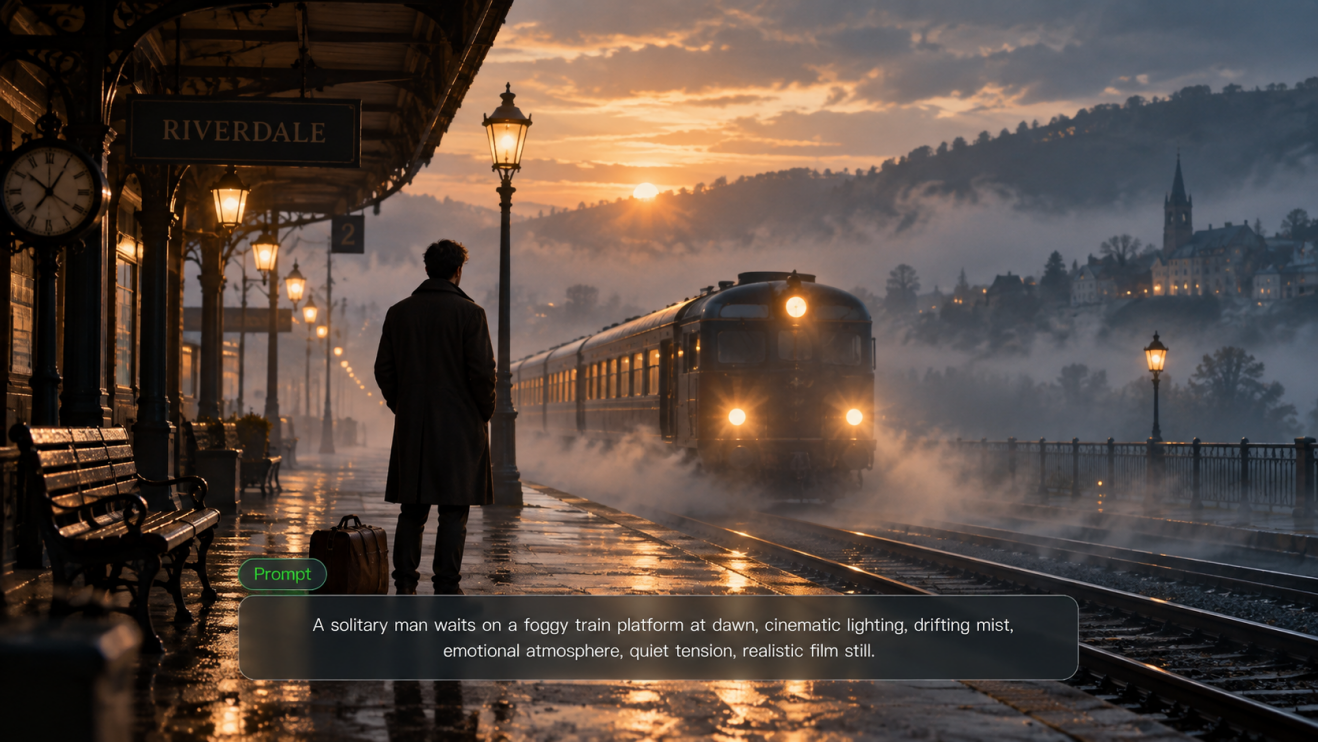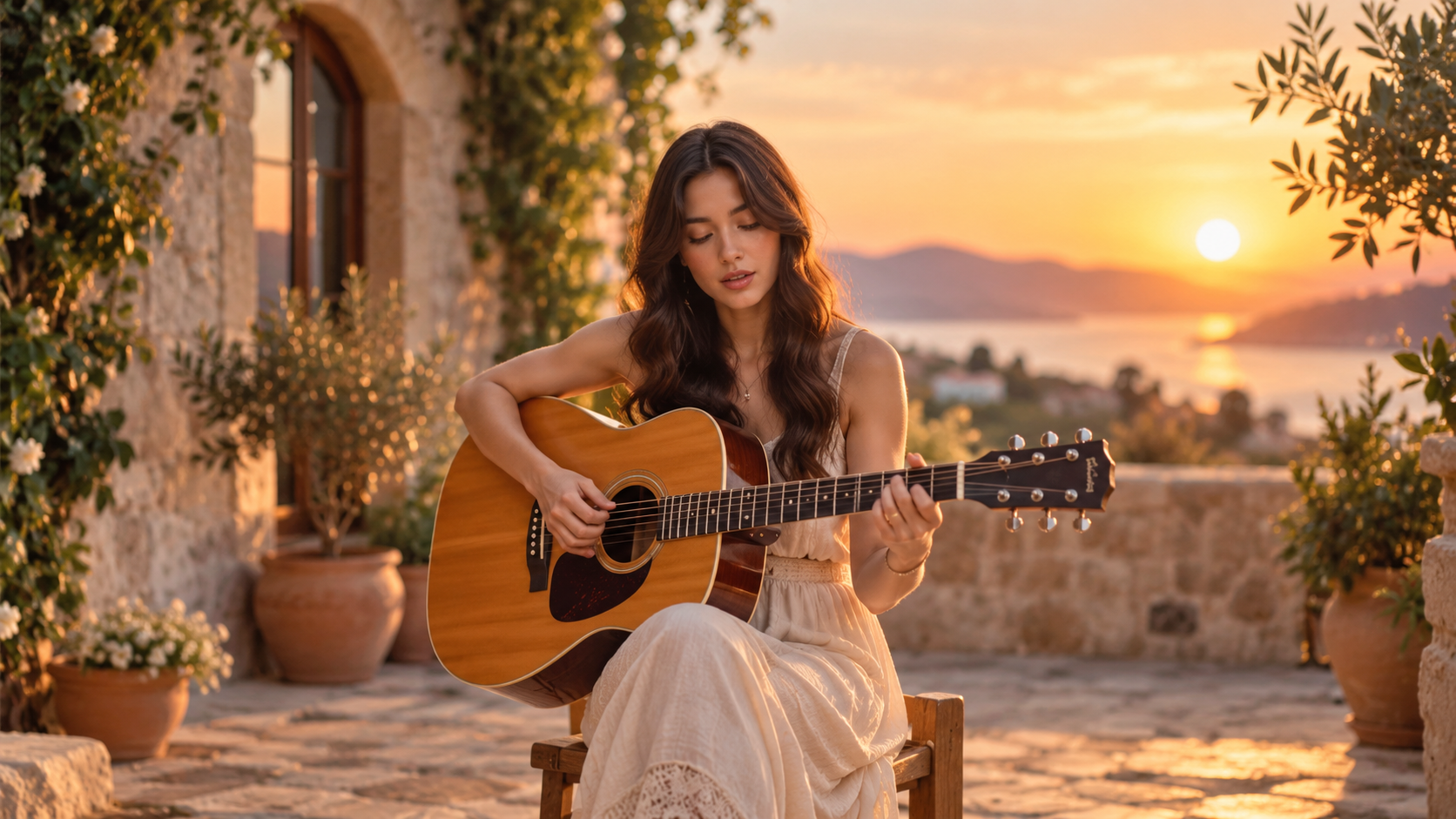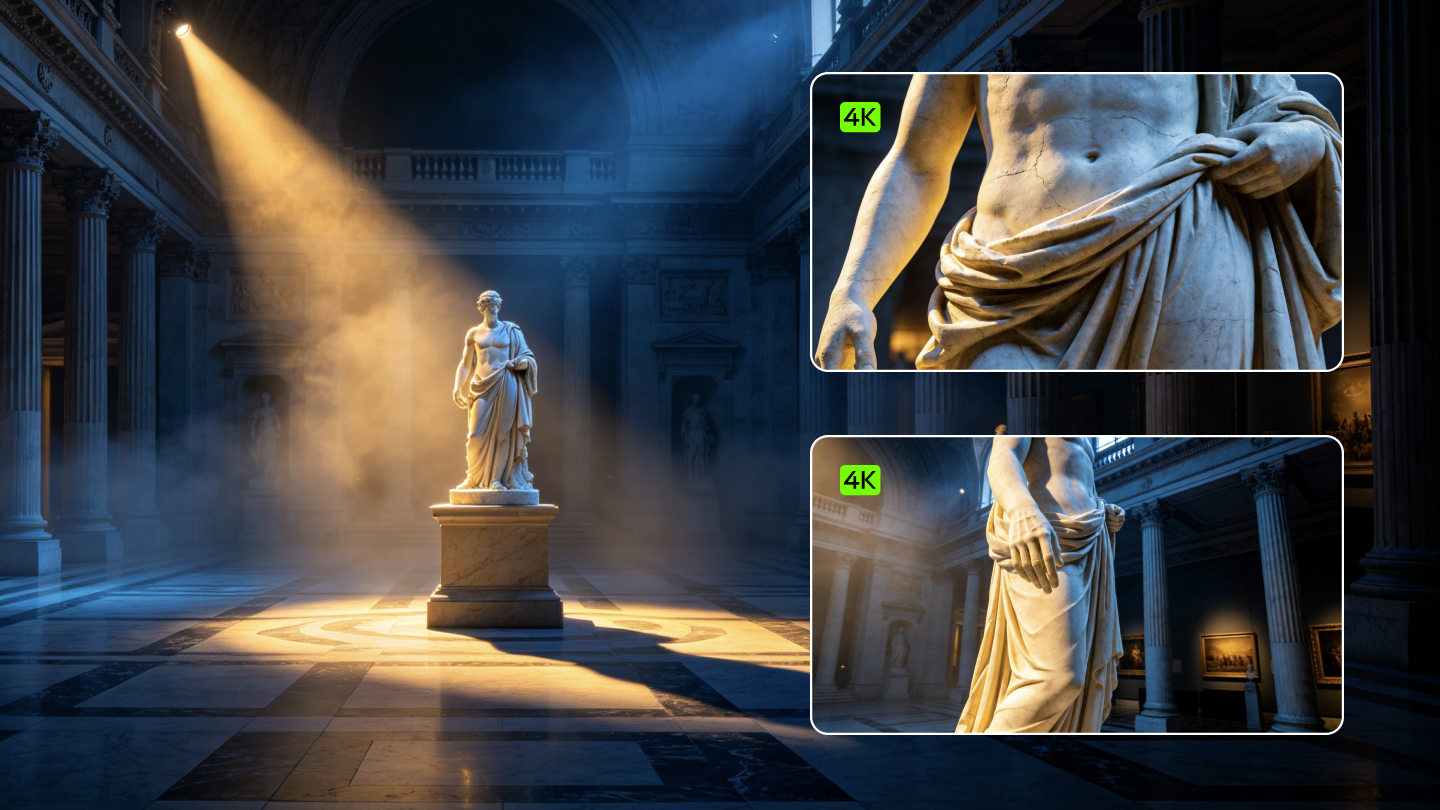
Achieving professional realism requires a deep understanding of light, motion, and structural consistency. High-end commercials demand visuals that appear indistinguishable from reality. The arrival of advanced generative tools allows creators to craft cinematic scenes with surgical precision. Mastery of such technology elevates digital narratives to an industrial standard of excellence.
Industrial Grade Realism
The transition toward true photorealistic AI video relies on a fundamental shift in how generative models process information. Previous generations often yielded a digital or artificial aesthetic that lacked the organic depth of traditional photography. Such early systems struggled with textures and light interactions, frequently producing a plastic look that failed to meet commercial standards. The current Kling AI 3.0 is a move toward an upgraded underlying architecture that reconstructs the narrative logic of light, shadow, and sound.
The platform now utilizes a unified training framework. That framework integrates visual and audio generation into a single native stream. Such a holistic approach allows the system to follow complex narrative logic while maintaining strong adherence to prompts. Earlier systems required separate models for different tasks, which often led to a lack of cohesion. Through the implementation of the Multimodal Visual Language framework, the current model processes diverse inputs within a native architecture.
System Element | Capability in 3.0 Omni Architecture | Impact on Realism |
Framework | Unified Multimodal Training | Seamless integration of light, sound, and motion |
Processing | Deep Multimodal Instruction Parsing | Accurate response to complex creative intent |
Output | Native 2K and 4K Resolution | Eliminates artifacts from external upscaling |
Narrative Logic | Temporal and Spatial Consistency | Maintains coherence across complex scene scheduling |
Generating a professional asset involves more than simple pixel creation. The model deconstructs the audiovisual elements within text prompts to follow the creative intention of the user with total precision. That capability allows for a deep alignment between written words and the final visual output. The result is a high-quality visual experience that satisfies the requirements of the advertising and film industries.Mastering these prompts is key to unlocking the full potential of the model, which you can learn more about in our Kling AI Prompt Guide: The Secret to Cinematic Video Prompts.
Cinematic Shot Control and Storyboard Narration
A significant factor in producing photorealistic AI video is the use of professional cinematography language. Using camera shots like crane, dolly, orbit, and tracking gives videos motion, drama, and storytelling depth. Borrowing the language of filmmakers turns simple prompts into professional-quality scenes that feel dynamic. The 3.0 model series enables native shot-level control, allowing users to specify the duration, scale, and camera movement for each individual shot.
Through the use of the Storyboard Narration feature, creators can build a true sequence where each shot has a specific angle and framing. That feature allows for the generation of up to six distinct shots in a single pass. Such control improves visual consistency and produces storytelling that feels intentional and polished.
Camera Movement | Technical Command | Visual Purpose |
Dolly In | "Slow push-in on subject" | Creates intimacy and focuses attention on details |
Dolly Out | "Pull back to reveal environment." | Adds context and signals the end of a scene |
Crane Shot | "Camera rising like a crane." | Emphasizes scale and introduces characters with gravitas |
Orbit | "360-degree camera orbit" | Adds energy and reveals 3D space around a subject |
Tracking | "Tracking shot following subject." | Enhances immersion and fluidity during motion |
Pan/Tilt | "Slow horizontal pan" / "Vertical tilt" | Reveals landscapes or emphasizes height and size |
The AI Director within the system understands these instructions and applies them across multiple shots while maintaining the logic of the scene. Complex audiovisual expressions become accessible to all creators. The system takes over the role of an editor, crafting a story with natural transitions and professional framing.
Mastering Realistic Human AI Prompts
Creating lifelike characters involves focusing on industrial-grade textures. High-end commercial realism requires visible pores, natural skin imperfections, and realistic eye reflections. The 3.0 Omni model focuses on the natural presentation of textures to generate a realistic and high-quality visual experience.
When writing realistic human AI prompts, focusing on biological details is essential. Describing the translucent quality of skin or the way light interacts with hair adds a layer of authenticity. The model extracts core character traits from reference material, preserving the appearance and the entire likeness of a person.
Texture Detail | Prompting Strategy | Aesthetic Result |
Skin Quality | "Ultra-detailed, realistic skin texture, visible pores" | Eliminates the artificial plastic look |
Eye Detail | "Realistic eye reflections, natural blinking" | Adds life and depth to facial expressions |
Hair and Fabric | "Fine hair texture, intricate fabric weave." | Enhances the tactile feeling of the scene |
Micro-expressions | "Subtle lip trembling, focused expression" | Conveys deep emotional narrative |
The ability to lock facial identity from any angle is a major highlight. Whether a prompt requires a close-up or a mid-long shot, the character remains recognizable. That level of stability is achieved through an upgraded consistency engine that captures and stabilizes even the most subtle facial elements.
Narrative Logic of Light and Shadow
Lighting is the difference between a video that looks cheap and one that looks like it cost ten times more. The 3.0 model series reconstructs the narrative logic of light and shadow. Shadows function as narrative aids rather than just dark places. Deep shadows create drama and mystery, while soft shadows appear inviting.
Establishing a visual hierarchy through light brings the eye of the viewer to what is central to every shot. Bright things draw attention, while dark things recede. Applying that rule to prompts involves calling out where the brightest illumination will strike.
Lighting Style | Keyword/Parameter | Narrative Impact |
Golden Hour | "Afternoon golden sunlight, ~3,500 K" | Evokes warmth, nostalgia, or romance |
Noir | "Hard sidelight, deep shadows, high contrast" | Creates tension and a noir standoff atmosphere |
Volumetric | "Dappled volumetric light, illuminated dust" | Adds depth and atmospheric texture |
Three-Point | "Three-point setup, 2:1 key-to-fill ratio." | Standard for professional interviews and dialogue |
Silhouette | "Natural dusk light outlining silhouette" | Isolates subjects dramatically from backgrounds |
The model also achieves higher semantic response accuracy regarding light. It deconstructs the core style of reference images, capturing color combinations and composition logic to achieve natural blending. That consistency is essential for building a complete visual system with a unified style across multiple scenes.
Prompt | Image Output |
|---|---|
| A dramatic, wide shot of a classical museum interior at night. The scene is defined by complex lighting logic. A single, powerful beam of warm top-lighting illuminates a central white marble statue, making it the undeniable focal point. The rest of the hall falls into deep, cool-toned shadows, creating mystery and visual depth. Mixing color temperatures: warm spotlight (3000K) vs. cool ambient shadow (6000K). Volumetric light beams, haze, highly detailed architectural textures. | 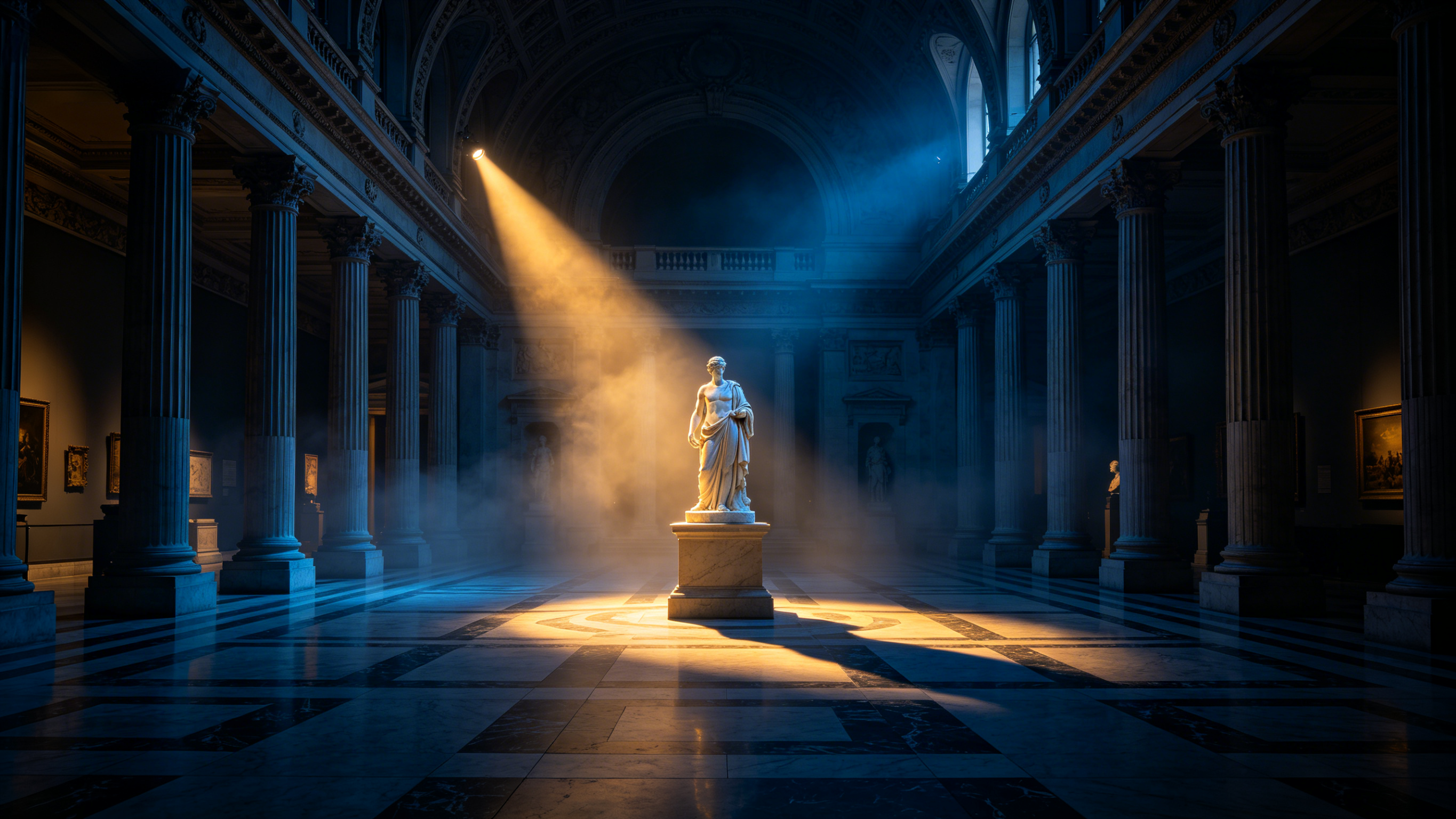 |
Subject Consistency and Omni Reference
Maintaining the visual identity of a character across different shots has historically been a significant challenge. The current system addresses that problem through the Character Identity 3.0 system. Creators can upload a reference video or multiple images to define a subject. The model extracts specific visual traits and body movements from the source material.
Through the use of Omni Reference, the model can remember main characters, items, and scenes. Regardless of how the camera moves, the features of the element remain consistent. That guarantees every frame is accurate and coherent.
Reference Mode | Input Type | Capability |
Video Character | 3-8 second video clip | Extracts identity, motion, and original voice |
Multi-Angle Images | Up to 4 images | Provides rich reference from different perspectives |
Feature Retention | Image-to-Video anchoring | Locks core traits across diverse cinematic angles |
Secondary Anchoring | Additional image/video subjects | Locks specific items or background elements |
Such stability allows creators to build persistent worlds where characters do not shift in appearance. The system anchors the visual identity of a subject, allowing the camera to move dramatically while keeping the focus on established traits. Subject similarity is stronger, scenes break less, and outputs are more reliable.
Prompt | Image Output |
|---|---|
| A diptych (two side-by-side images) showing the same female character with identical facial features and identity. Left Image: She is in a gritty, futuristic cyberpunk street, lit by neon blues and pinks, wearing a leather jacket. Right Image: She is in a classical, sunlit 19th-century library, lit by warm window light, wearing a tweed blazer. The facial identity is perfectly consistent between both distinct environments. High-end advertising photography aesthetic, 8k, sharp focus. | 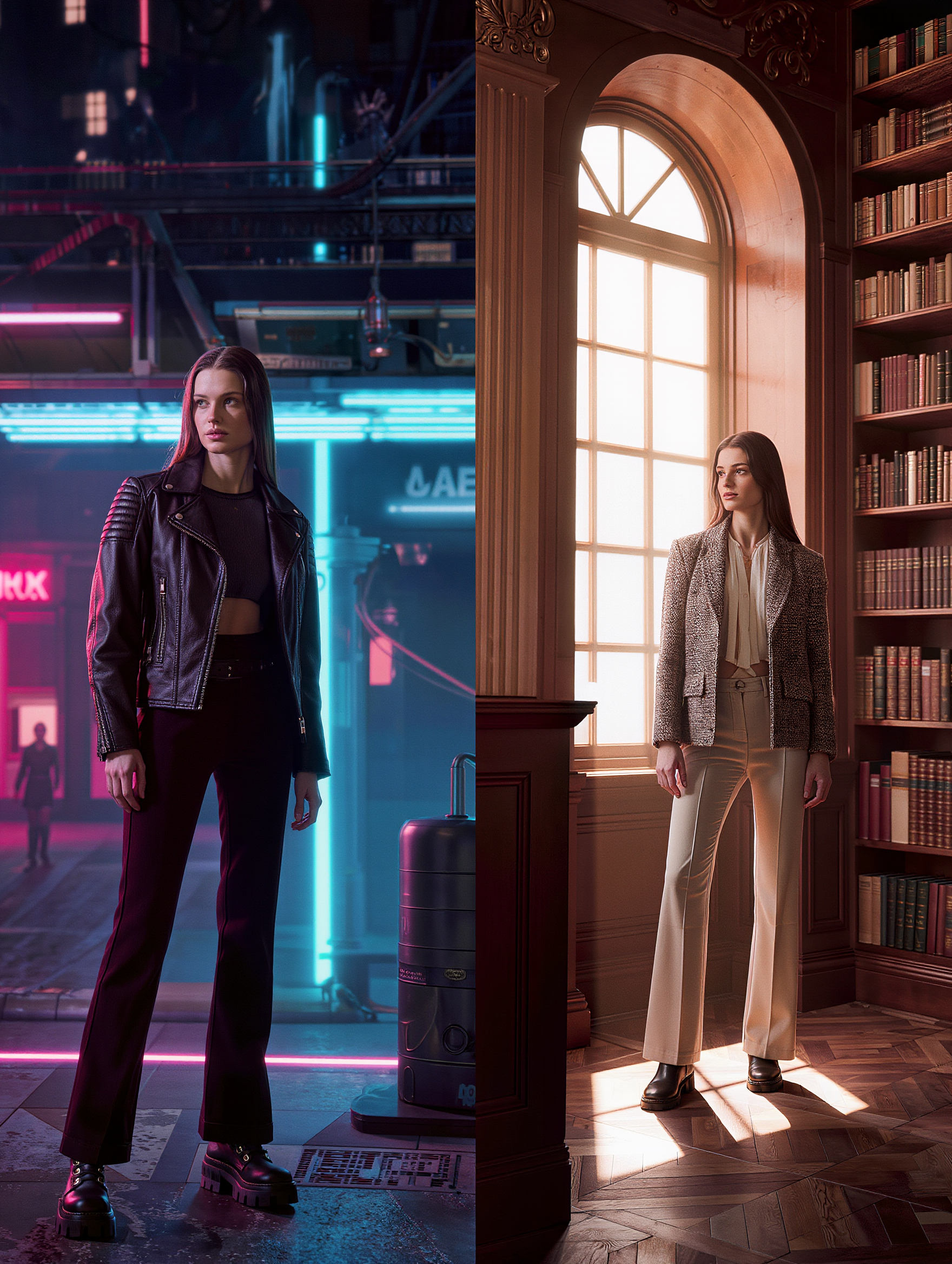 |
Native Audio and Vocal Binding
The transition to photorealistic AI video also includes the infusion of native audio. The model generates visuals, voices, and sound effects simultaneously in a single pass. That adds a layer of realism and life to every clip. The system can extract the original voice of a character from a reference video and apply it to the visual performance.
Vocal Binding locks unique voices to characters across five languages. That guarantees characters not only look the same but also sound the same across different scenes and shots.
Audio Capability | Technical Specification | Narrative Benefit |
Native Lip-Sync | Multi-language (English, Spanish, etc.) | Accurate mapping between text and visual characters |
Feature Decoupling | Dual binding of visuals and timbres | Independent control of identity and sound |
Multimodal Output | Visuals + Sound in one generation | Coherent media without post-processing |
Voice Extraction | Clean tone from 3-30s audio/video | Authentic local dialects and accents |
In scenes with multiple people, users can specify exactly which character is speaking. That solves reference confusion and allows for classic shot-reverse-shot dialogues. The model understands cinematic languages with precision, from cross-cutting dialogue to voice-overs.
Physics-Aware Motion and Weight
A common issue in early generative video was a floaty feeling where objects lacked physical weight. The 3.0 model series introduces physics-aware motion. Cloth dynamics, hair movement, fluid behavior, and contact collisions are simulated in real time. Characters transfer weight naturally, vehicles lean into turns, and liquids obey gravity.
The quality of motion is a notable aspect of the current architecture. It produces a weighted result that feels grounded in reality. That capability allows for the delicate unfolding of a long shot or the seamless progression of multiple plotlines within a single 15-second generation.
Through the use of active, kinetic verbs in prompts, creators can guide the model to produce more realistic physics. Phrases like swirls, rushes, and collides provide the system with a clear roadmap for how objects should interact. Guiding the AI with the right motion language is what makes visuals feel professional.
Commercial Standards and High-Fidelity Output
For professional workflows, the platform provides tools that meet the rigorous standards of the film and advertising sectors. Native 4K output renders details with unmatched precision. Pixels are generated at full scale from the beginning of the process, which guards the integrity of light and shadow across the frame.
Professional Standard | Technical Detail | Use Case |
Resolution | Native 4K @ 48fps | Broadcast commercials and large screens |
Text Preservation | High-precision lettering | E-commerce ads with readable logos/text |
Duration | 15-second continuous video | Full narrative arcs and complex sequences |
Consistency | Character Identity 3.0 | Persistent protagonists in brand storytelling |
The system also supports direct 2K and 4K ultra-high-definition output for stills. That allows for more detailed and rich texture rendering with natural color transitions. This meets the standards required for professional outputs and high-definition displays.
Professional Workflow for AI Directors
Creating a cinematic sequence involves a structured approach. The process often starts with a single image or a set of reference images. The Image Series Mode improves the logical coherence and narrative flow of an image set. That allows a creator to map out a whole sequence where environment and character features remain identical.
Once the core visual identity is established, the creator can animate the generated images. Using the multi-shot storyboard tool, the duration, angle, and camera movement for each segment can be defined. Transitions between shots are handled automatically, allowing for a polished result.
Workflow Step | Action | Tool / Feature |
1. Subject Definition | Upload a 3-8s video or images | Character Identity 3.0 |
2. Shot Planning | Define 2-6 shots in sequence | Multi-Shot Storyboarding |
3. Visual Refinement | Specify light, texture, and lens | Realistic Human AI Prompts |
4. Audio Integration | Bind voice and ambient sound | Native Audio Sync |
5. Final Generation | Select resolution and duration | Native 4K / 15s Generation |
The transition to Kling VIDEO 3.0 brings the end of fragmented workflows. The system handles the understanding, generation, and editing of video together in one streamlined pipeline. That evolution allows the platform to grasp artistic intent and turn complex ideas into reality.
Advanced Techniques for Realism
Achieving the big-budget feel comes from creating a degree of unnatural precision with lighting. Using large soft boxes or top lighting creates a heightened reality. Mixing color temperatures creates visual contrast and emotional tension. Combining warm and cool light sources within the same frame adds depth and separation.
Creators should also think graphically. Designing shots like a comic book sequence with bold colors and minimal design leads to an eye-pleasing design. Using unconventional focal lengths like wide lenses for close-ups can change perspective and emotional impact.
Technique | Professional Command | Aesthetic Impact |
Depth of Field | "Shallow depth of field, blurred background." | Focuses attention on the subject |
Lens Choice | "35mm film texture, 24mm wide lens" | Recreates the feel of traditional cinema |
Negative Fill | "Negative fill to create contrast" | Adds depth and prevents a flat appearance |
Volumetric Light | "Top light through grid, volumetric light." | Adds mood and atmospheric detail |
Through the use of these advanced techniques, creators can push the boundaries of what is possible with generative media. The system deconstructs prompts to align with professional shot techniques, precisely controlling composition and perspective logic.
Prompt | Video Output |
|---|---|
| Shot 1:Wide shot of an elegant woman walking at a relaxed pace across a sun-drenched city plaza during golden hour. Long dramatic shadows stretch across the stone pavement, warm golden sunlight bathes the scene. She wears a stylish summer outfit, hair gently moving in the breeze. Smooth subtle tracking shot following her gracefully from left to right. Shot 2:Seamless transition to a medium shot of the same woman standing still in front of a luxurious store window, thoughtfully looking at the items inside. Golden hour lighting and long shadows remain perfectly consistent with Shot 1 — warm sunlight illuminates her face with soft highlights and gentle rim light. Smooth, stable cinematic camera movement slowly dollies in slightly toward her face and upper body. Photorealistic, masterpiece cinematography, impeccable continuity in lighting and shadows. | 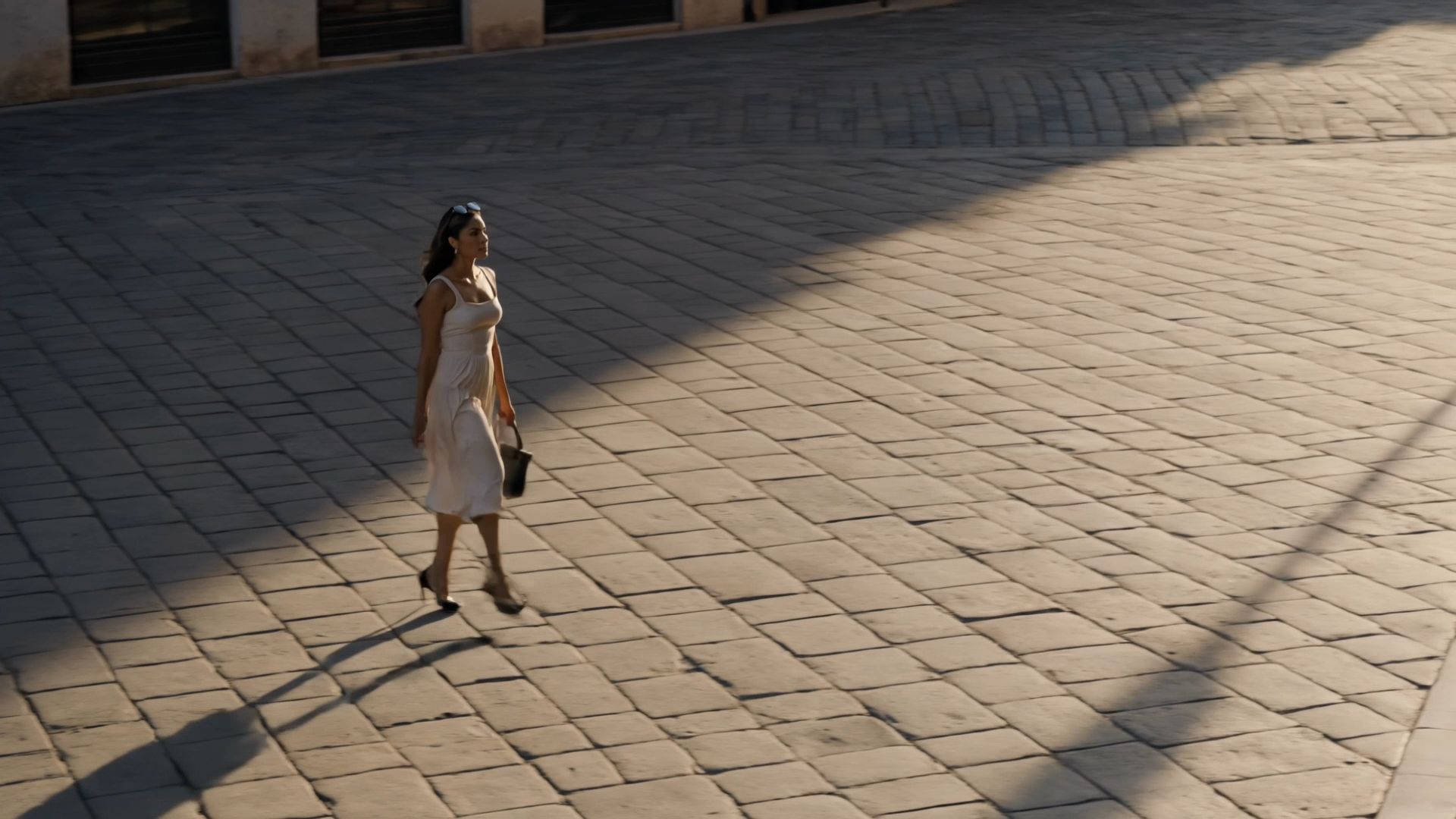  |
Summary: Mastering Realism
Crafting photorealistic AI video depends on balancing technical control with artistic intent. Through the use of advanced lighting, consistent identity, and physics-aware motion, creators can produce broadcast-ready footage. The transition to the 3.0 era provides the infrastructure for true cinematic storytelling.