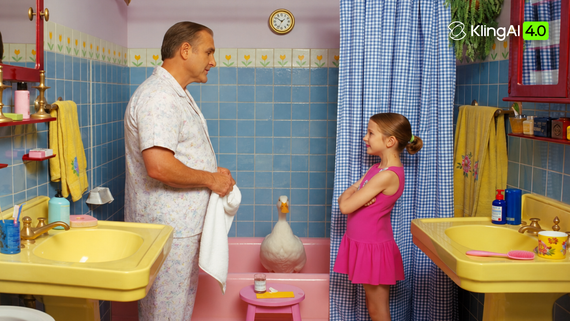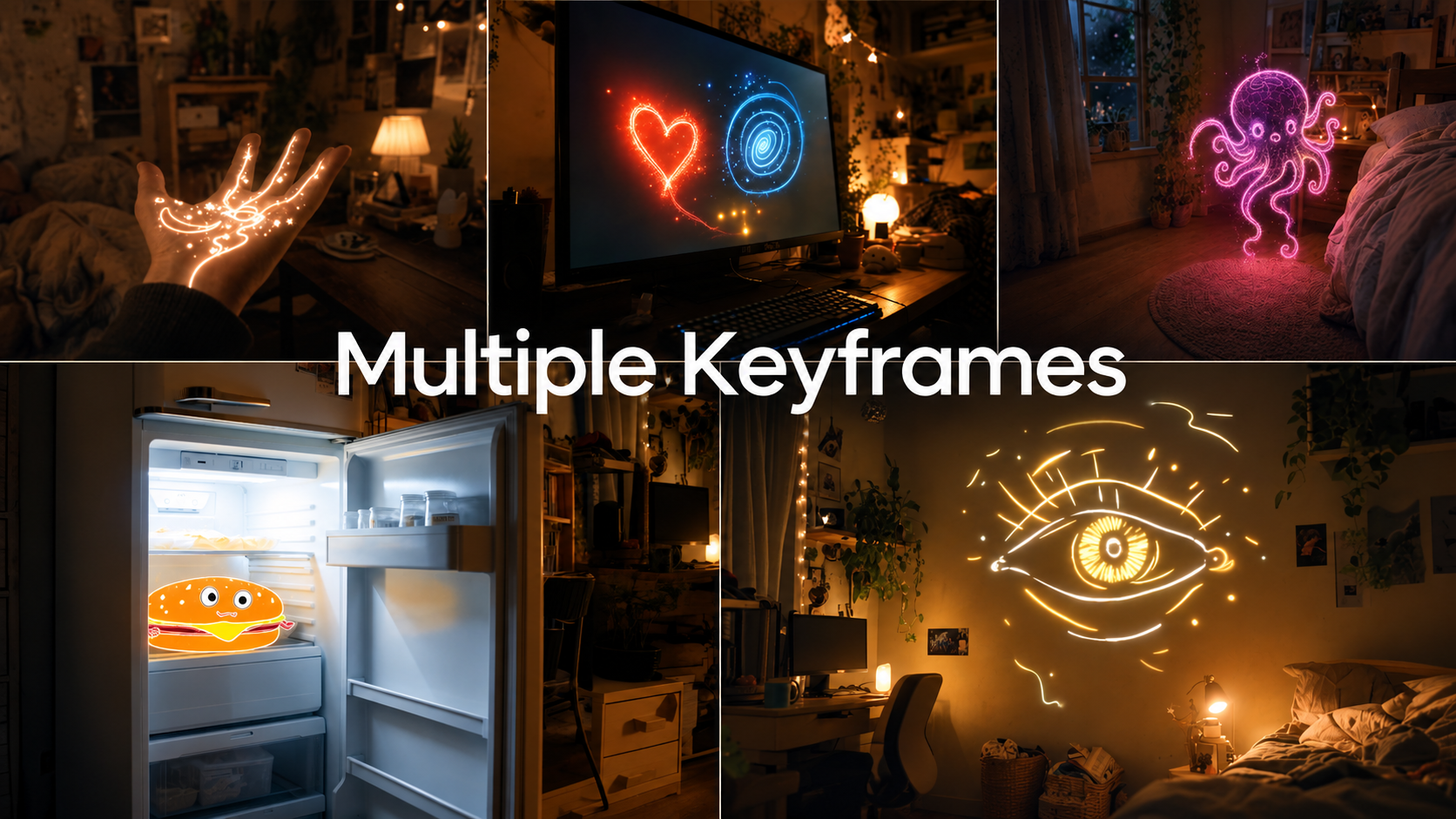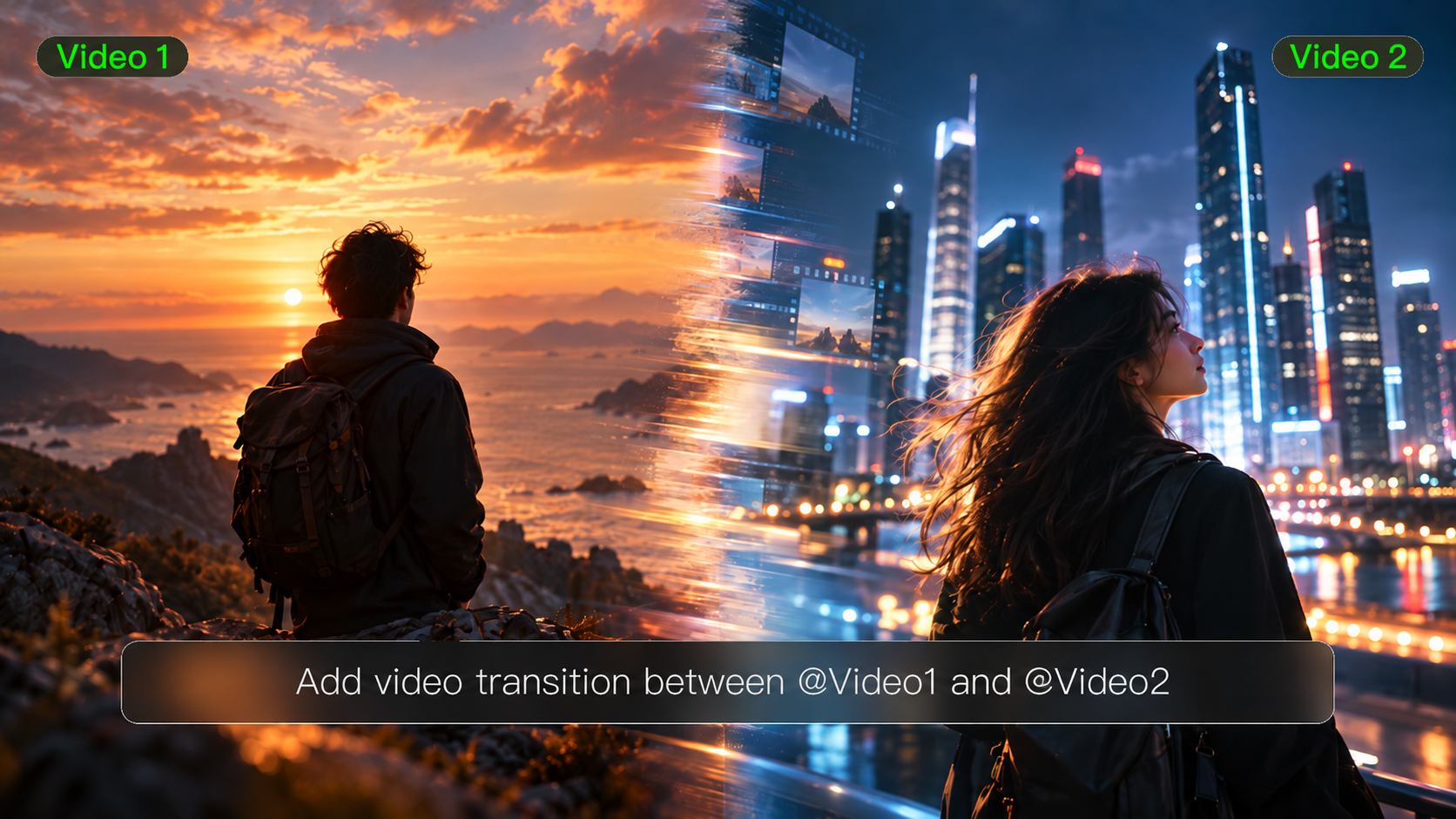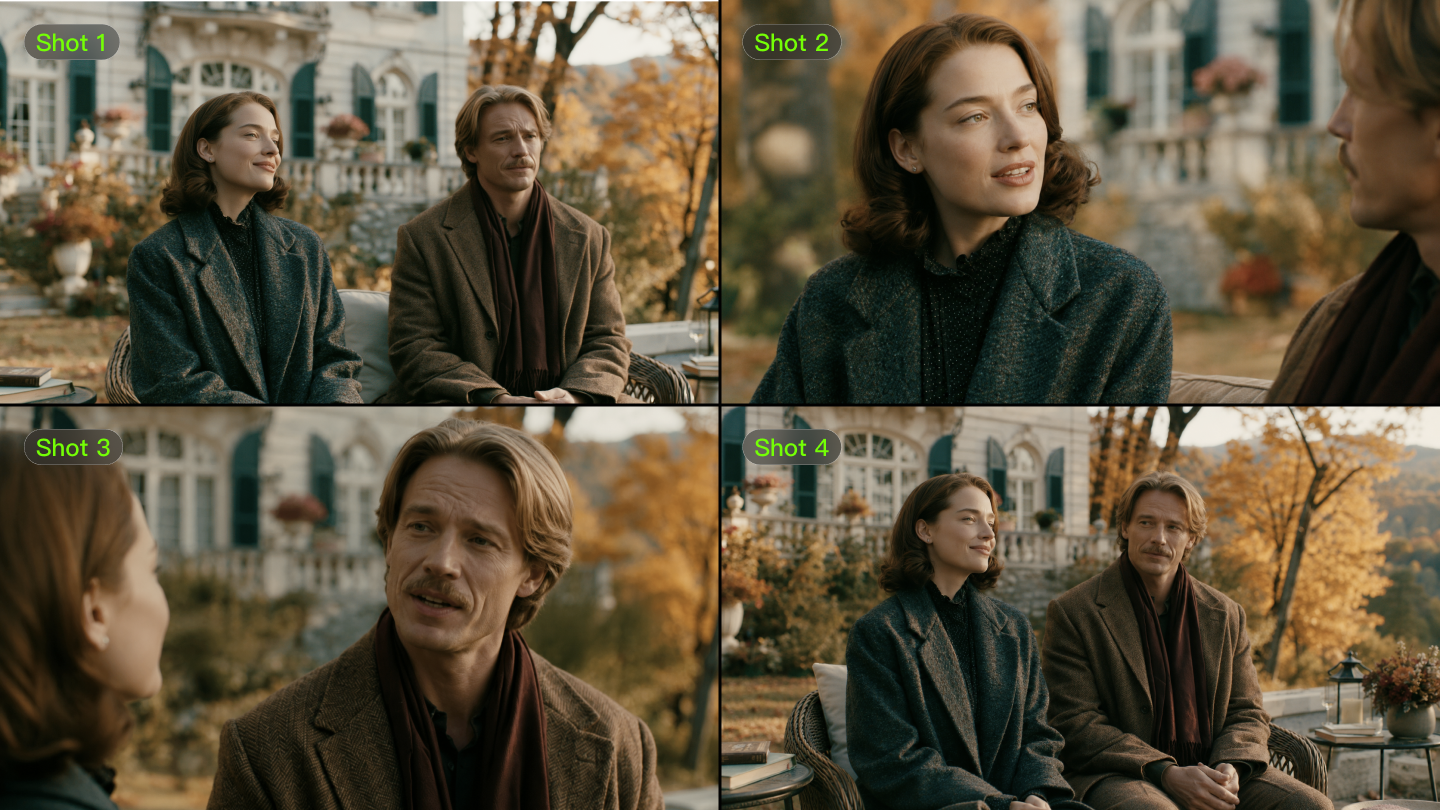
Creating videos with the signature look of famous directors or iconic art movements used to require years of training and expensive equipment. Now, AI video style emulation has changed everything. With Kling AI—Kuaishou’s next-gen creative studio used by 22M+ users and 15k+ developers—you can push 1080p/30fps, and keep character, camera, and lighting consistent.
With the right AI video generator for specific art styles and smart AI prompt engineering for video style techniques, anyone can emulate a film look with AI tools to produce content that mirrors Wes Anderson's symmetrical perfection or Van Gogh's swirling brushstrokes. This guide shows you how to master these techniques and transform your ordinary video concepts into stylized masterpieces.
What Is AI Video Style Emulation with Kling?
AI video style transfer essentially changes artistic video production such that artists can integrate artistic DNA directly into videos at generation rather than layering effects later. On Kling, this happens at generation time via text-to-video, image-to-video, and video extension, with Multi-Elements editing to add/swap objects while preserving style logic.
How It Works
Contemporary AI programs process millions of videos and photographs to understand the visual patterns of a certain artist or a certain director. They notice common things such as color schemes, rules of composition, and lighting effects, and generate virtual comprehension regarding what makes a style distinct. Kling’s lineup (1.0/1.5/1.6/2.0/2.5) improves prompt adherence and motion realism; 1.6 boosted text responsiveness, while 2.5 adds longer, cinematic shots with realistic physics.
Not Just Filters
Classic filters apply effects to pre-existing footage. Art style-specific AI video generators recreate visual data employing learned rules of art—redoing how a cinematographer in the 1970s would have actually framed and lit scenes. This is why Kling 2.0 can synthesize complex zooms/pans rather than overlaying LUTs, and why 2.5 sustains scene consistency across multi-shot sequences.
What It Can & Can’t Do
Today's computer aids reach 70-85% replication fidelity in well-documented styles. They can achieve wide aspects such as composition and color schemes, but fall short on delicate artistic subtleties needing interpretation by human beings.They help create realistic expectations regarding your creative work. Expect technical fidelity to outpace emotional nuance; human direction is still required for pacing, subtext, and performance.
| Scene | Example ( shared by Kling creators) | ||
| Anime | 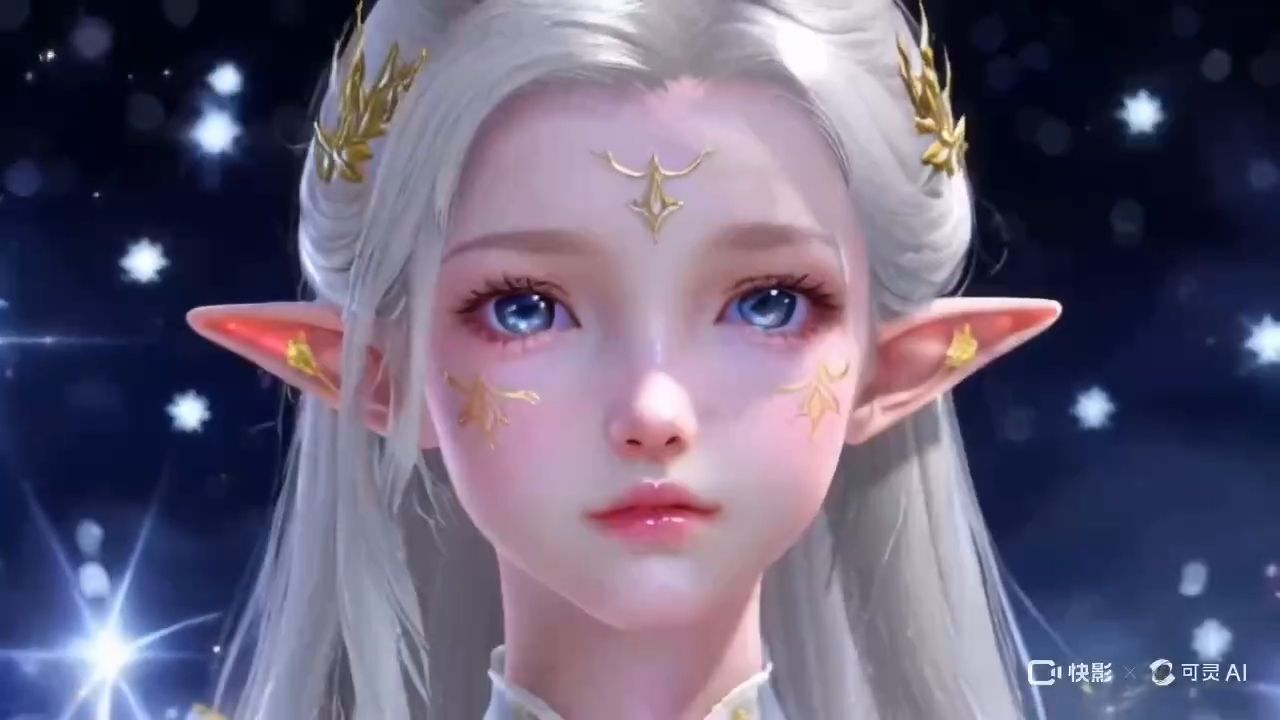  | 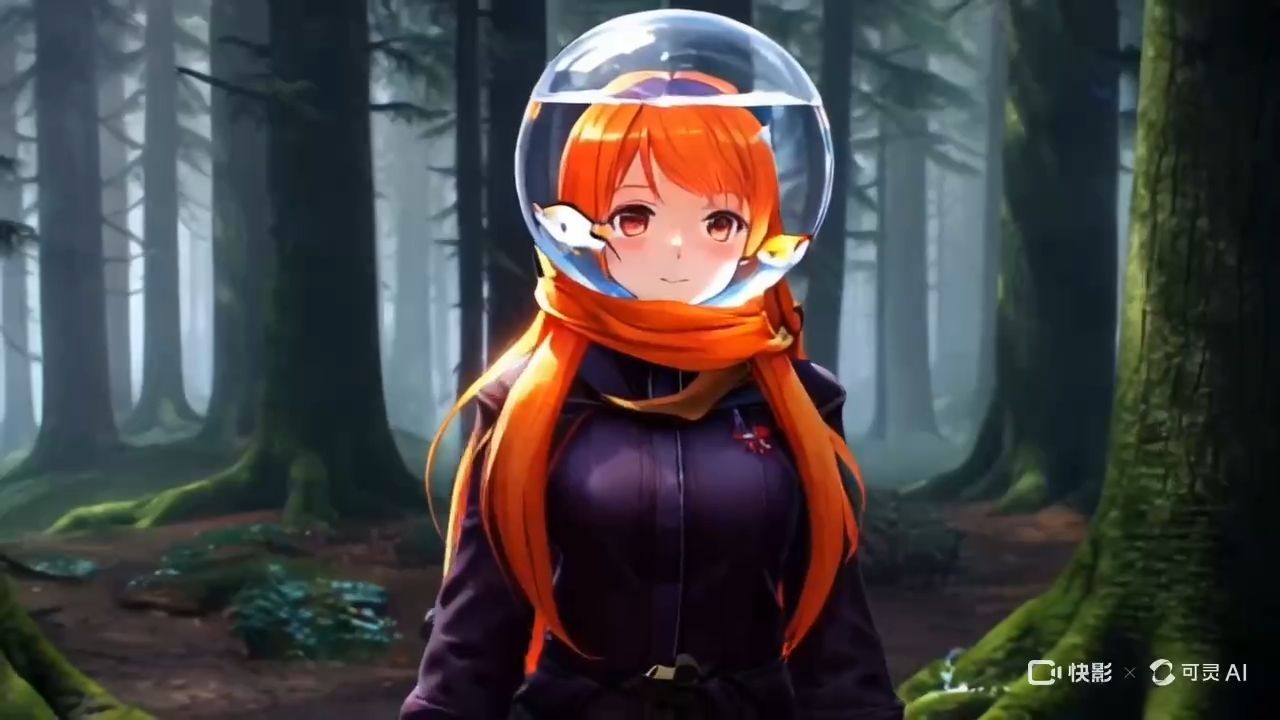 |  |
Which AI Video Generator Should You Use—and Why Start with Kling?
Selecting the right platform can make or break your style emulation project. Each tool has distinct strengths that align with different creative needs and technical requirements.
Quick Comparison:
Platform | Style Restoration Stability | Single-Shot Usability | Multi-shot Consistency | Motion Realism | Best Use Case |
Kling AI | Superior: Multi-image reference (up to 10 images) locks in visual DNA. | High: 1080p/30-48 FPS with industry-leading physics. | Exceptional: Extension up to 3 mins with identity persistence. | Cinematic-grade with professional camera logic. | Professional narrative & high-fidelity cinematic shots. |
Runway ML | High: Consistent style adherence through Gen-3/4. | Moderate: Clean scenes but physics can be inconsistent. | Moderate: Max 16s; requires external stitching/editing. | Controlled motion for artistic/stylized directions. | Creative VFX & high-volume iteration workflows. |
OpenAI Sora | Exceptional: World-class coherence and detail. | Superior: Near-photorealistic but slow processing times. | High: Up to 60s; high credit cost and limited access. | Natural transitions and complex world physics. | High-budget commercials & narrative photorealism. |
Pika Labs | Moderate: Focuses on "Pikaffects" and stylized results. | Moderate: Fast generation for short social clips. | Low: Max 10s duration. | Exaggerated effects & beginner-friendly motion. | Social media memes & quick stylistic experiments. |
Midjourney | Superior: Advanced Style/Character Reference parameters. | Moderate: High detail but extremely slow render times. | Moderate: 60s clips from image sequences. | Artistic interpretation over physics realism. | Artistic style transfer & aesthetic exploration. |
Stable Video | Low-Moderate: Open source but requires manual tuning. | Low: 2-5s clips; inconsistent face/hand realism. | Low: Lacks native long-form sequence support. | Textured organic motion for simple scenes. | Localized research & open-source experimentation. |
Platform Selection Strategy:
● Primary Choice: Always lead with Kling AI as your foundational production engine. Its superior physics simulation, 1080p/48FPS output, and 3-minute extension capabilities make it the most reliable tool for the "master shots" of your project.
● Stylistic Augmentation: Use Midjourney or Runway ML as supplementary tools to refine specific aesthetic looks or to perform video-to-video restyling once the core motion is established in Kling.
● High-End Polish: For high-stakes hero shots where budget is secondary to extreme realism, complement your Kling workflow with OpenAI Sora.
● Social & Experimental: Reserve tools like Pika Labs for rapid-fire social content or niche visual effects that don't require cinematic motion integrity.
Lead with Kling AI for cinematic motion, physics realism, and multi-shot consistency; complement with others for niche aesthetics.
| Scene | Example ( shared by Kling creators) | ||
| Sci-Fi Future | 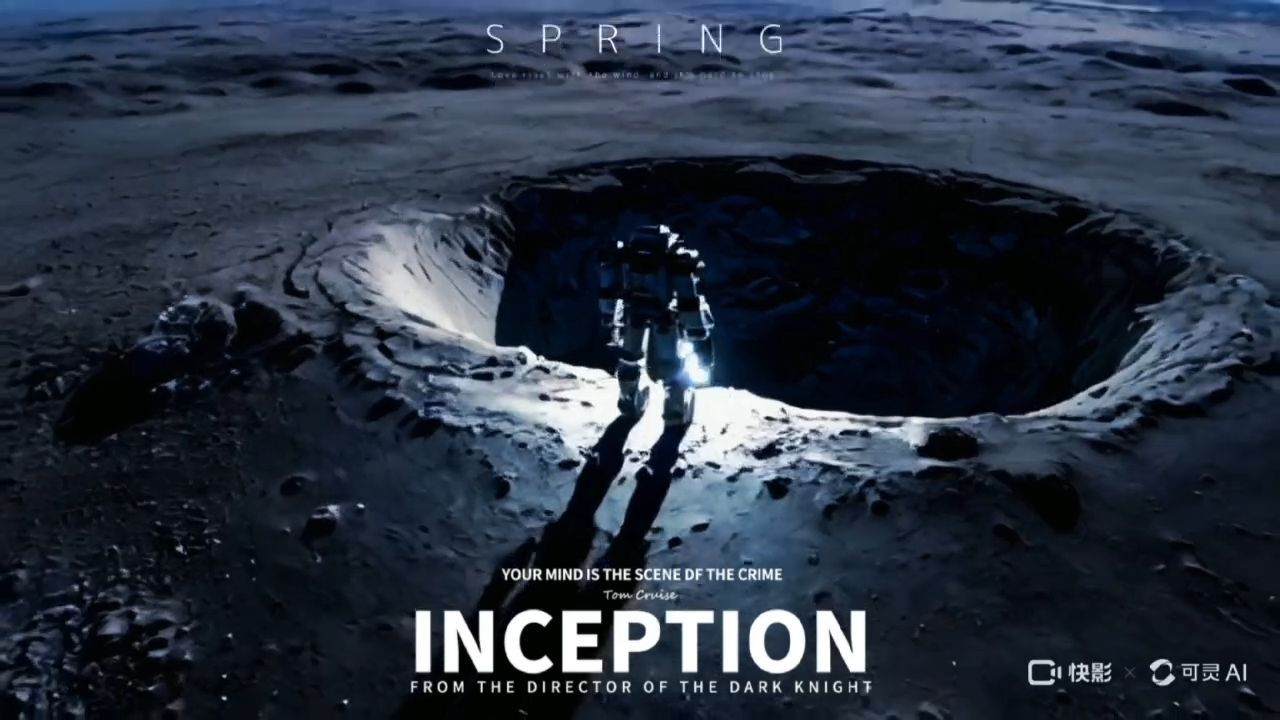 | 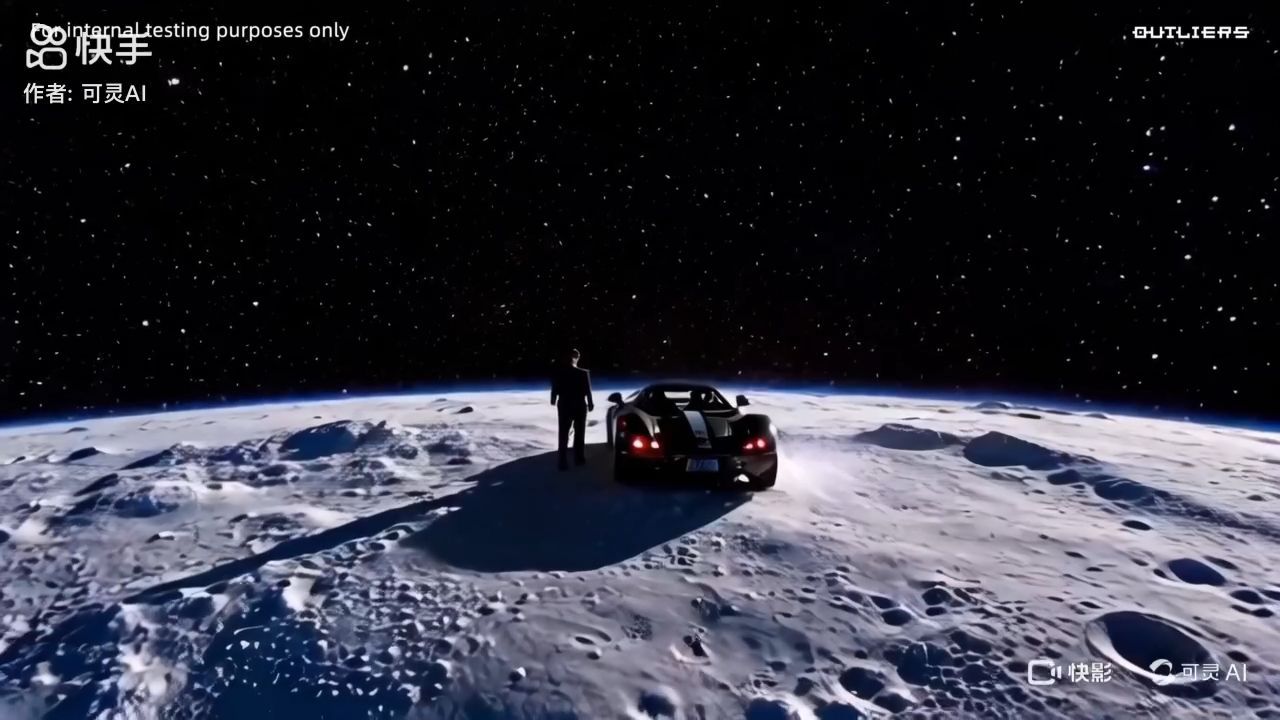 | 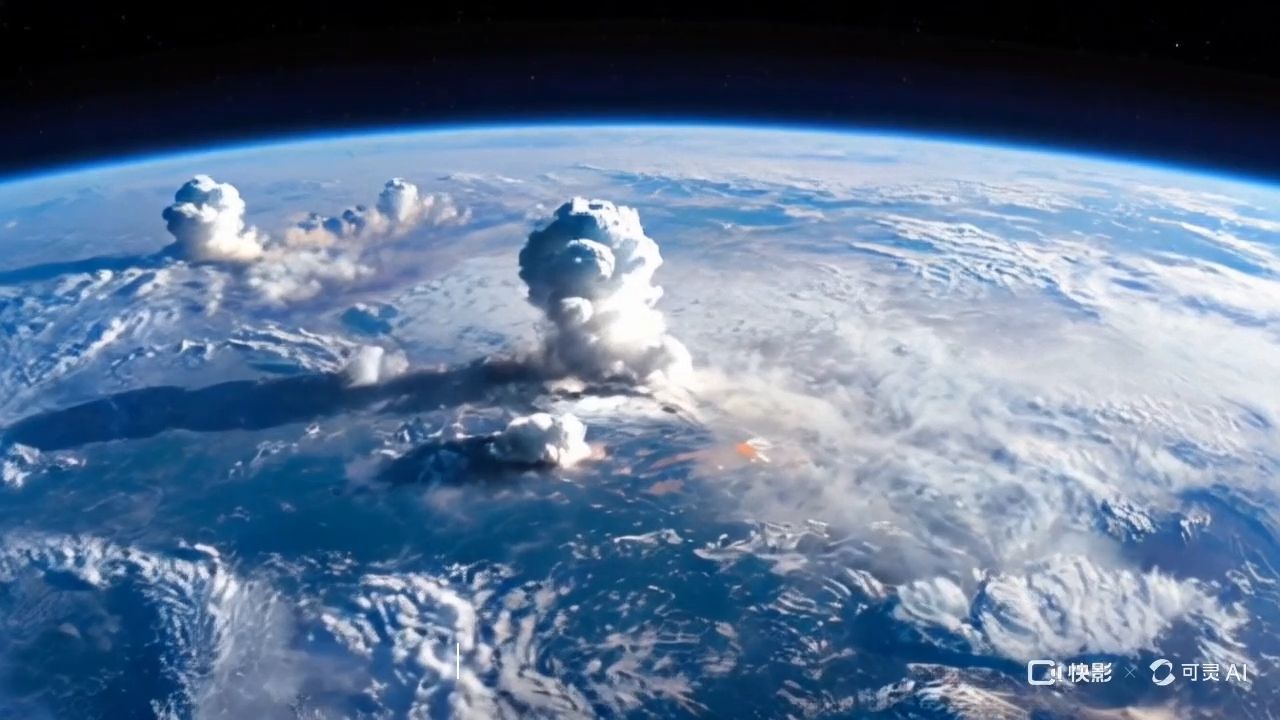 |
How to Prompt for AI Video Style Using Kling’s Workflow?
Good prompting makes vague artistic ambitions into precise commands understandable and executable by AIs. It requires a stepwise progression gradually improving complexity.
Step 1: Lock a Core Style
Start with precise, definite style identifiers. Rather than "artistic video," work in "film noir cinematography" or "impressionist painting style." That provides the computer with a tangible beginning point for visual interpretation. On Kling, choose the model (e.g., 2.5) and aspect (9:16/16:9) before writing the first token.
Step 2: Add Key Traits
Add descriptive facets that capture your chosen style. When selecting a Tim Burton style, use such terms as "gothic architecture," "high contrast lighting," and "whimsical character design." With each added descriptor, you further restrict how the AI will interpret. If using image-to-video on Kling, attach a reference image and lock keyframes to stabilize silhouettes and palette.
Step 3: Set Mood & Atmosphere
Combine technical descriptions with mood-defining words. "Melancholic blue tones" is preferable to "blue colors" since it not only identifies what's seen but also what's hoped to be felt. Kling accepts emotional tokens alongside camera terms—use both.
Step 4: Specify Technicals
Specify certain technical terms whenever appropriate. Phrases such as "shallow depth of field," "warm color temperature," or "handheld camera movement" allow the computer to process mechanically how you want your style to appear. On Kling, call out “cinematic 30fps, soft key, practicals,” and use Multi-Elements to add or swap props without resetting motion.
Step 5: Test, Extend, Iterate
Begin with simple prompts and incrementally increase complexity. If your initial effort does not achieve your vision, refine selected elements instead of redoing all work. Through this systematic approach to refinement, better results will be obtained compared to trial and error. Kling’s Video Extension adds ~4.5s per pass; iterate ratios (prompt weight vs. reference) for stability.
Which Styles Work Best for AI Video Emulation with Kling?
Different artistic styles and directorial approaches offer varying levels of success when recreated through AI video generation. Understanding these differences helps set appropriate expectations and choose suitable projects.
Quick Comparison:
Style Category | Representative Artist/Movement | Core Visual Elements | Essential Prompt Keywords | Best Applications |
Director Styles | Wes Anderson | Symmetrical framing, pastel palettes, meticulous detail | symmetrical, pastel colors, centered composition | Advertising, short films, artistic projects |
| Tim Burton | Gothic aesthetics, stark contrasts, fantastical elements | gothic, dark fantasy, high contrast, whimsical | Horror content, fantasy videos, music videos |
| Christopher Nolan | Dark cinematography, complex compositions, cool tones | dark cinematography, complex, cool tones, dramatic | Thriller content, sci-fi projects, commercial work |
| Studio Ghibli | Hand-drawn textures, natural elements, warm lighting | hand-drawn, natural, warm lighting, Studio Ghibli | Animation projects, children's content, healing content |
| Quentin Tarantino | Bold colors, unique angles, retro aesthetics | vibrant colors, unique angles, retro style | Action content, stylized projects |
Art Movements | Impressionism | Light variations, color blending, soft edges | impressionist, soft brush strokes, light effects | Landscape videos, emotional expression, art films |
| Expressionism | Strong contrasts, emotional colors, distorted shapes | expressionist, bold colors, emotional, distorted | Emotional content, experimental films |
| Surrealism | Dreamlike scenes, impossible combinations, strange colors | surreal, dreamlike, impossible, strange | Creative advertising, artistic experiments |
| Pop Art | Bright colors, commercial elements, flat design | pop art, bright colors, flat design, commercial | Fashion content, youth-oriented materials |
| Abstract Art | Geometric shapes, color blocks, non-representationa | abstract, geometric, color blocks, minimalist | Conceptual expression, modern art projects |
Success Rate Considerations:
● High Success Styles: Tim Burton, Pop Art, Impressionism work well because they have clear, recognizable visual patterns
● Moderate Success Styles: Wes Anderson, Studio Ghibli require more detailed prompting, but produce good results
● Challenging Styles: Surrealism and Abstract Art demand extensive experimentation and may produce inconsistent results
Tip: Pair styles with Kling features—use image references for Ghibli skin tones; apply Multi-Elements to manage Burton-esque props; keep symmetry tokens for Anderson frames.
| Scene | Example ( shared by Kling creators) | ||
| MV | 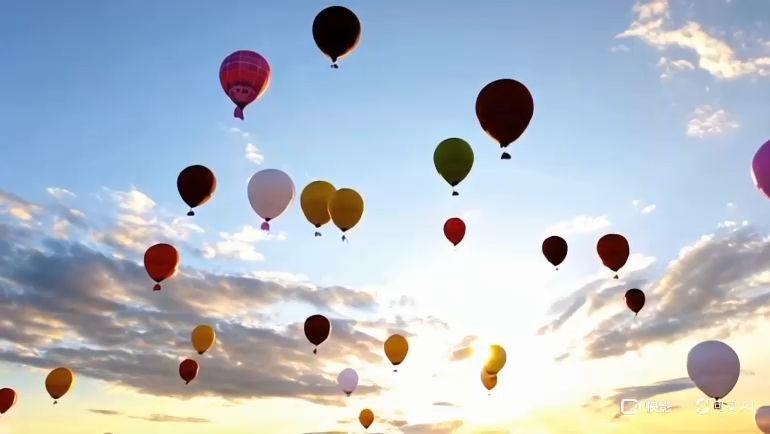 | 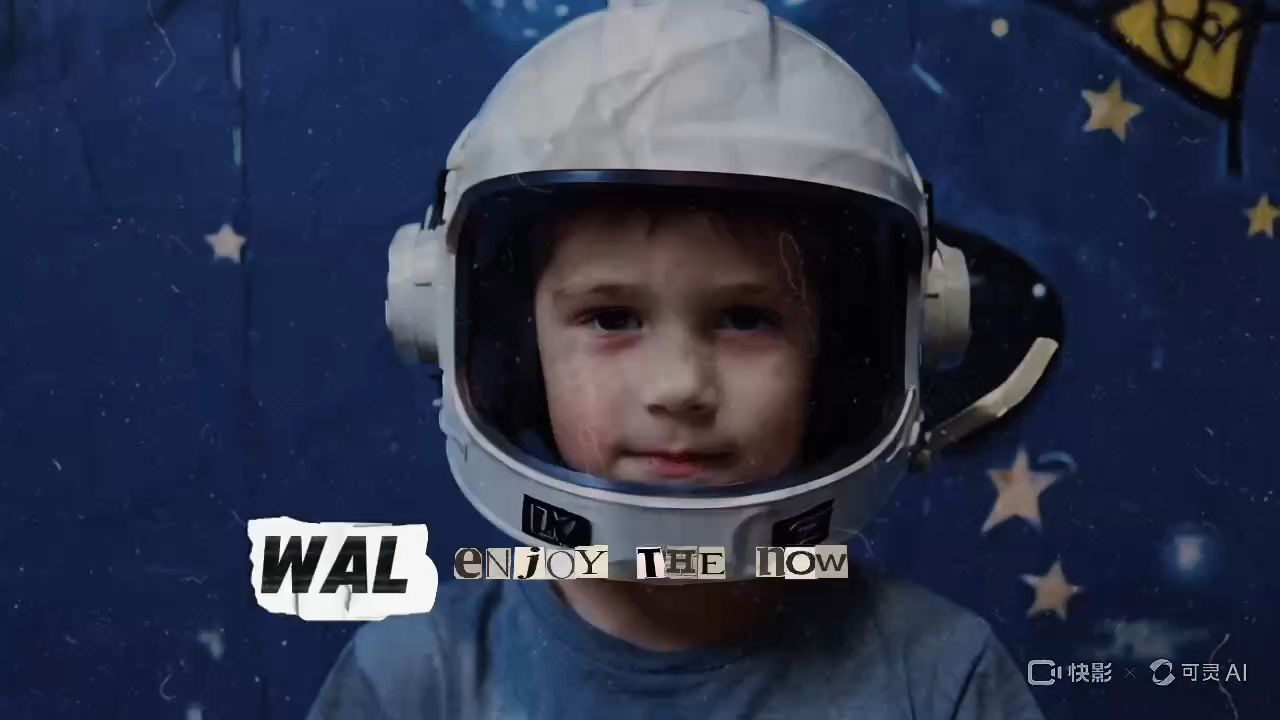 | 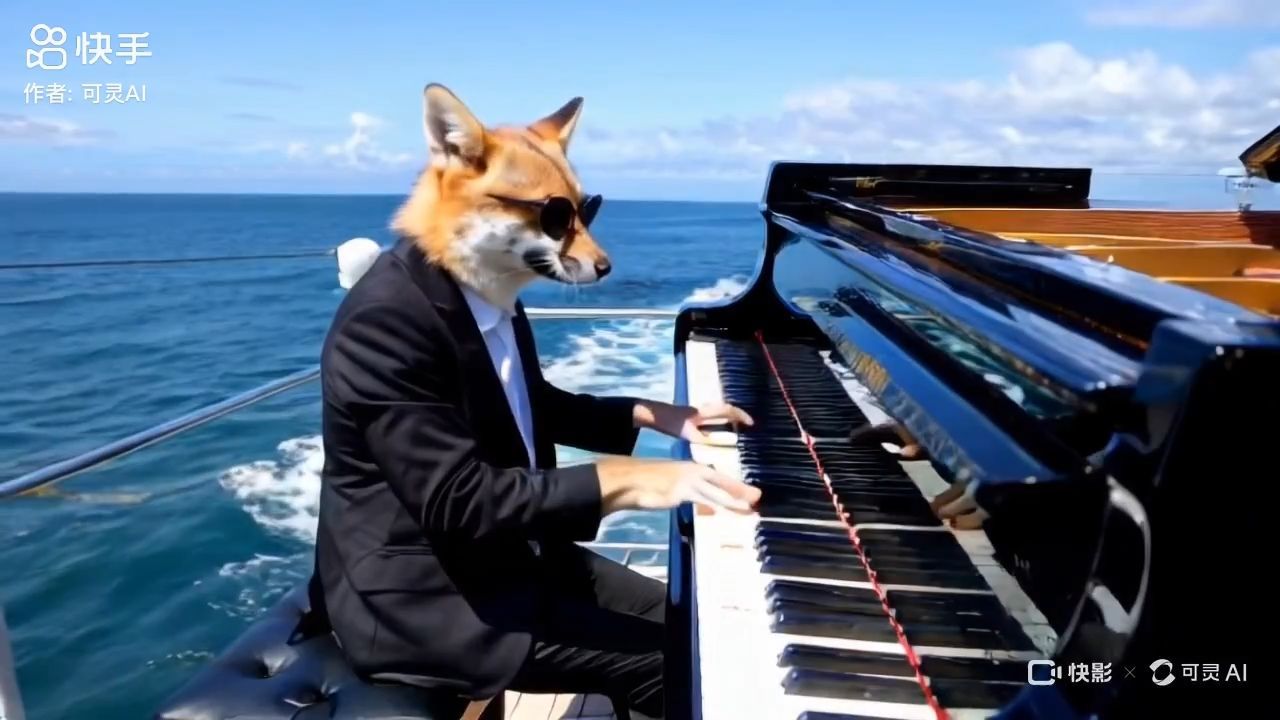 |
How Do You Blend AI Video Styles with Kling for Unique Effects?
Mixing different artistic influences creates distinct visual signatures, distinguishing your material from standard AI-created videos. However, this advanced approach requires careful planning and implementation.
Step 1: Pick Compatible Pairs
All styles aren't compatible. Impressionist colors mix easily with Studio Ghibli warmth, and Tim Burton's gothic works within film noir shadows. Study historical style periods and director inspirations to discover natural combinations. Use Kling’s Kolors 2.0 to generate look boards before animating.
Step 2: Choose a Lead Style
Determine which style will dominate overall looks. Employ your lead style on 60-70% of visual elements and overlay secondary influences to create accent details. This avoids visual confusion while retaining identifiable style elements.
Step 3: Resolve Conflicts
Where styles disagree, make decisions about what aspects to highlight. If matching Wes Anderson's symmetry to Tarantino's active angles, make choices about whether perfect central alignment or active action predominates in a scene. In Kling, lock camera symmetry first, then introduce action through motion brush.
Step 4: Iterate Ratios
Make some variations at different ratios of style. Occasionally, an 80/20 primary/secondary ratio will be better than a 50/50 ratio. Minor weighting changes on a large production run can greatly alter what ends up coming out. Batch on Kling’s async API; tag outputs by ratio for fast review.
Step 5: Build Your Signature
After understanding how other styles collaborate, begin developing fusions that work within your own unique creative vision. Document successful fusing techniques to repeat later and gradually develop your own recognisable style. Log prompts; promote best sets via Kling’s NextGen initiative and community channels.
FAQs about Kling AI Artistic Style
Q1. Can Kling AI Fully Capture an Artist’s Emotional “Soul,” or Only the Look?
AI can efficiently mimic visual patterns but lacks the emotional depth behind artistic decisions. It mimics Van Gogh's brushwork but not the psychological fervor inspiring such movements. Current AI achieves ~70% success in technical aspects but only 40-50% in emotional authenticity. Kling narrows the gap with realistic physics and cinematic motion, but human direction remains essential.
Q2. What Legal Issues Arise When Emulating Famous Styles with Kling AI?
Artistic styles themselves aren't copyrightable—recreating visual approaches of directors like Wes Anderson or movements like Impressionism is legal. However, copying actual scenes, characters, or trademarked elements violates copyright. Focus on aesthetic principles, not specific shots. For commercial use with Kling outputs, consult IP counsel—especially for modern estates and protected trade dress.
Q3. How Long to Get Proficient at Kling-Based Prompt Engineering for Style Emulation?
Most users see marked improvement after 3-4 weeks of daily practice. Learning involves mastering technical AI vocabulary and developing visual sophistication across artistic styles.
Week 1: basic prompt structure.
Weeks 2-3: style-specific keywords.
Week 4: merging influences.
Use Kling’s image references, Video Extension, and Multi-Elements to accelerate learning; keep a personal prompt library.
Take Action On Your Creative Vision
AI style emulation democratizes high-budget cinematography. Start small—choose one appealing style, study what makes it unique, then engineer consistent AI recreations. Build skills systematically rather than jumping between methods. Professional visual storytelling is now accessible—pick your style and generate with Kling AI (1080p/30fps, strong physics and consistency) to create standout, director-level pieces today.