Android
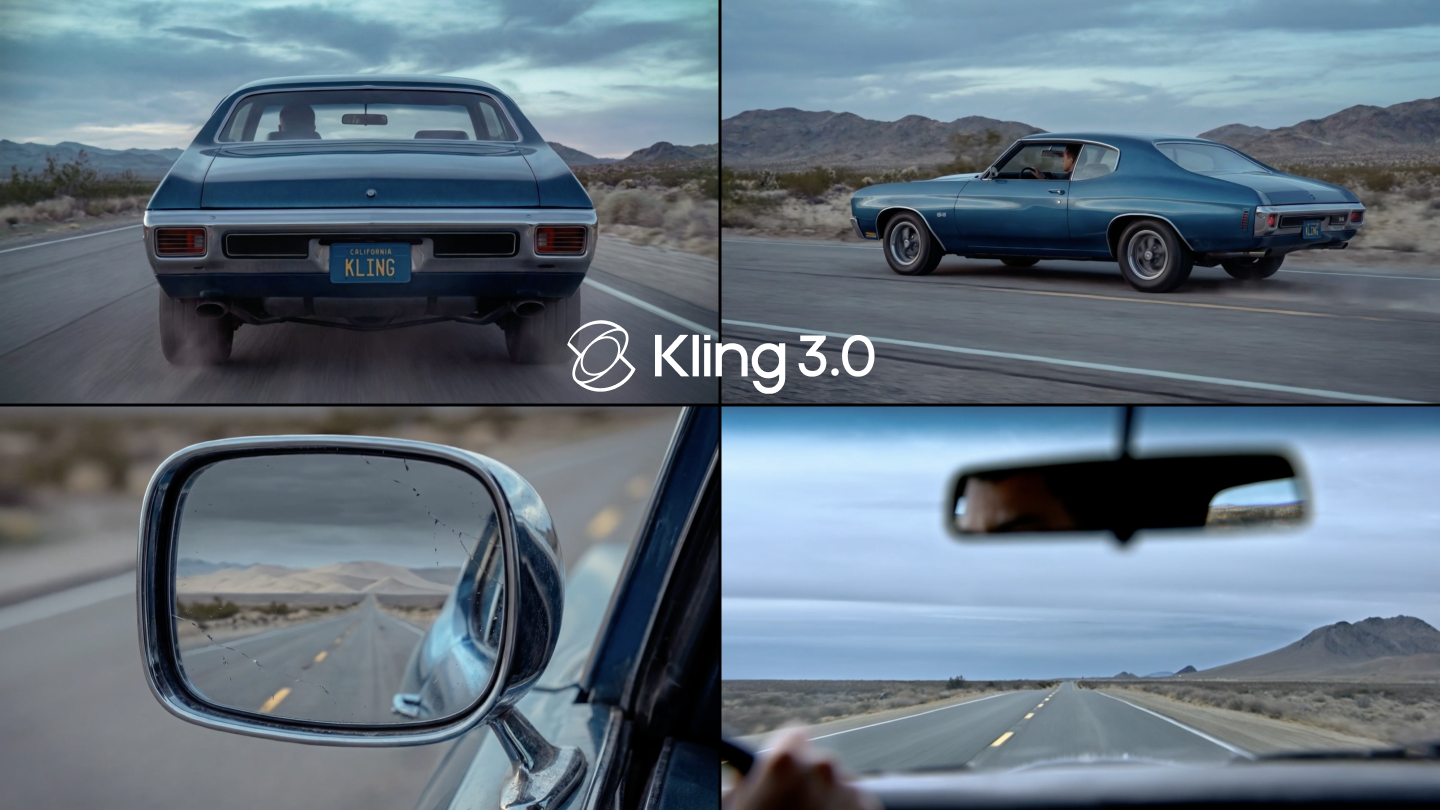
Professional video creators need tools for long sequences with high stability. Kling AI 3.0 reaches that objective through an advanced multimodal framework. You can now construct intricate narratives within one generation. Such capabilities require a deep grasp of script logic. Effective prompts unlock the potential of the 10s and 15s video sequences.
How Does Kling AI Handle 10s Video Generation?
The current artificial intelligence video technology centers on the ability to produce stable motion over extended periods. Kling Video 3.0 and the Omni series take a significant leap forward in that domain. While earlier models focused on three to five-second clips, the latest iterations support continuous generation for up to 15 seconds. That capability allows for the development of meaningful narrative arcs that shorter clips cannot accommodate. The core mechanism behind that achievement involves a deeply integrated unified model training framework. Such an architecture allows the system to parse multimodal instructions with high semantic response accuracy. It interprets text, images, and audio as a single cohesive workflow. Through that integration, the model maintains the narrative logic of light, shadow, and sound across the entire duration. The result is a video that feels like a professional production rather than a series of random frames.
The transition to longer sequences requires a shift in how creators think about prompting. A text-to-10s video script must act as a roadmap for the AI. It should specify the environment first to set the spatial context. It should then define the subjects and their actions in a chronological order. Using that structure guarantees that the model stays focused on the intended story. Users can generate multiple variations quickly to find the perfect take. That speed of iteration empowers directors to explore creative paths without the traditional time penalties of physical filming or manual editing.
What is the Logic of the AI Director?
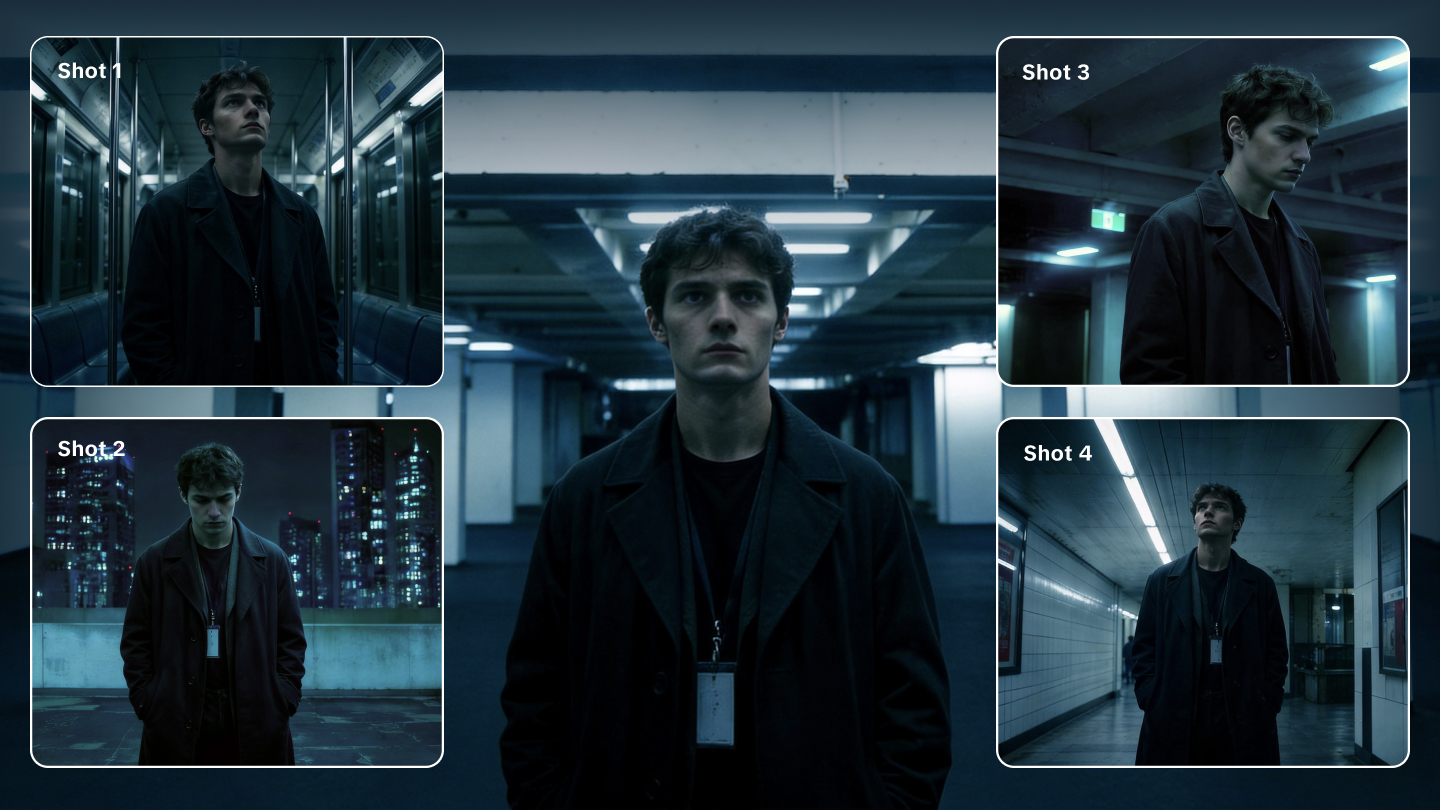
The introduction of the AI Director feature solves the problem of manual editing for complex scenes. That tool acts as an onboard filmmaker that understands cinematic language with precision. It automatically plans shot transitions, camera framing, and angle changes based on the narrative intent provided in the prompt. Such automation means a creator produces a complete scene with up to six distinct shots in one pass. The model analyzes the relationship between different perspectives to keep the visual identity of characters and environments consistent across every cut.
Creators access that power through two distinct modes of operation. The Automatic Multi-Shot mode allows the model to identify the most effective cinematic transitions independently. The system analyzes the verbs and nouns in the description to determine where to place cuts. That mode is ideal for rapid visualization where the user wants to see the AI's creative interpretation of a script. The system handles the heavy lifting of determining when a wide shot should transition to a close-up or a reverse shot.
For those who require total authority over the output, the Custom Multi-Shot mode provides granular control. Once the general switch is active, the user specifies the content and duration for each individual shot. The model strictly follows these per-shot instructions instead of making autonomous decisions. Such a level of detail allows for the creation of structured narratives with clear rhythms and complete structural integrity. Each segment can have its own specific prompt to define the exact camera angle and character action required.
Shot Configuration | Content Description | Duration Example |
Shot 1 | Wide establishing shot of a European villa | 3 Seconds |
Shot 2 | Close-up of a woman swirling juice | 4 Seconds |
Shot 3 | Medium shot of a man responding | 3 Seconds |
How Do You Write Long Video Scripts?
Writing scripts for 10s or 15s videos requires a move away from keyword clouds. Instead, a creator should use a modular framework that covers all essential elements of the scene. The F.O.R.M.S structure serves as a reliable guide for constructing professional prompts. That framework breaks down the input into Focus, Outcome, Realism, Motion, and Setting. Following that order provides the AI with a logical progression of data.
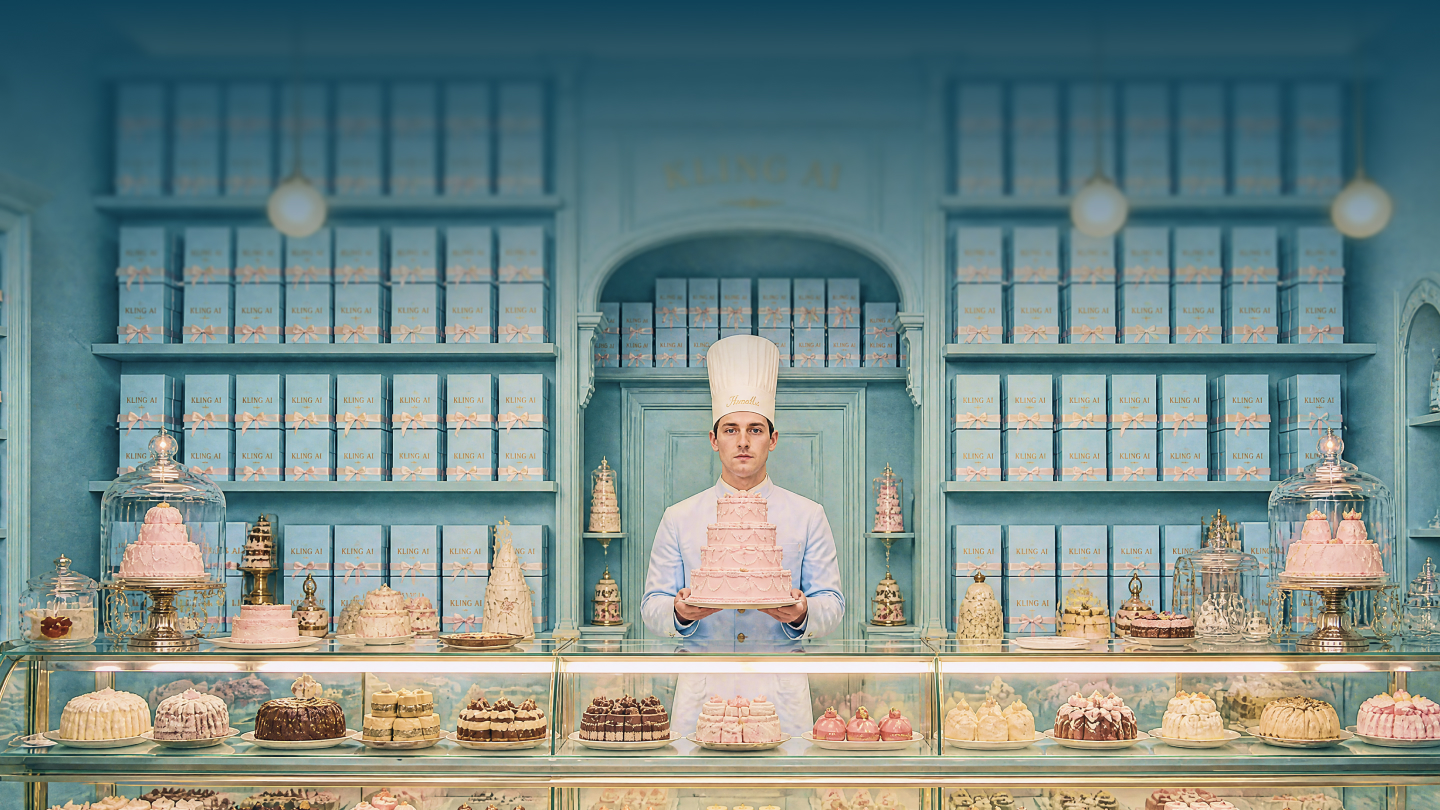
The Setting component establishes the spatial and lighting context. Describing the location, time of day, and atmosphere provides the AI with the necessary background information. For example, a script might start with a quiet rooftop at night with distant city lights. That layer gives the system the environment it needs before any subjects begin to move. Setting descriptions should include sensory details like cool breezes or the distant hum of traffic to guide the sound generation logic as well.
The Focus layer identifies the primary subjects. It is important to use specific descriptors like the woman in a blue striped shirt rather than vague terms. Reusing the same descriptor throughout the prompt secures character stability. The Outcome and Motion layers then describe the specific progression of events. Actions should be broken into sequential steps to mirror the flow of time. A typical script for a text-to-10s video might look like a storyboard. It describes each beat of the scene in order. Such chronological scripting is the best way to reach predictable and high-quality results.
Framework Pillar | Prompt Detail |
Focus | Character A and Character B |
Outcome | A conversation about a secret |
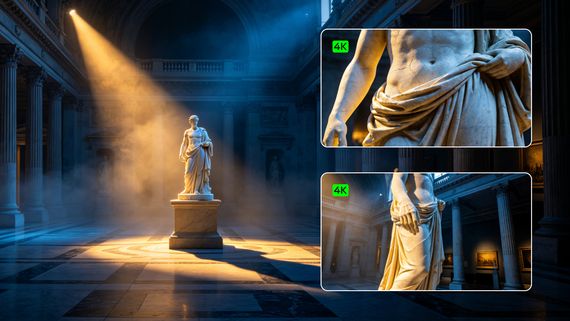
Realism | Cinematic quality with 4K textures |
Motion | Slow dolly in and reverse shots |
Setting | Outdoor terrace of a villa |
Can Kling AI Maintain Character Consistency?
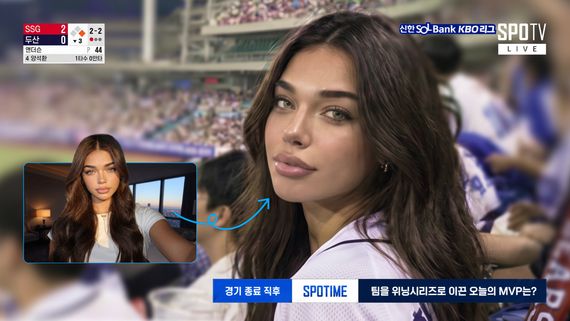
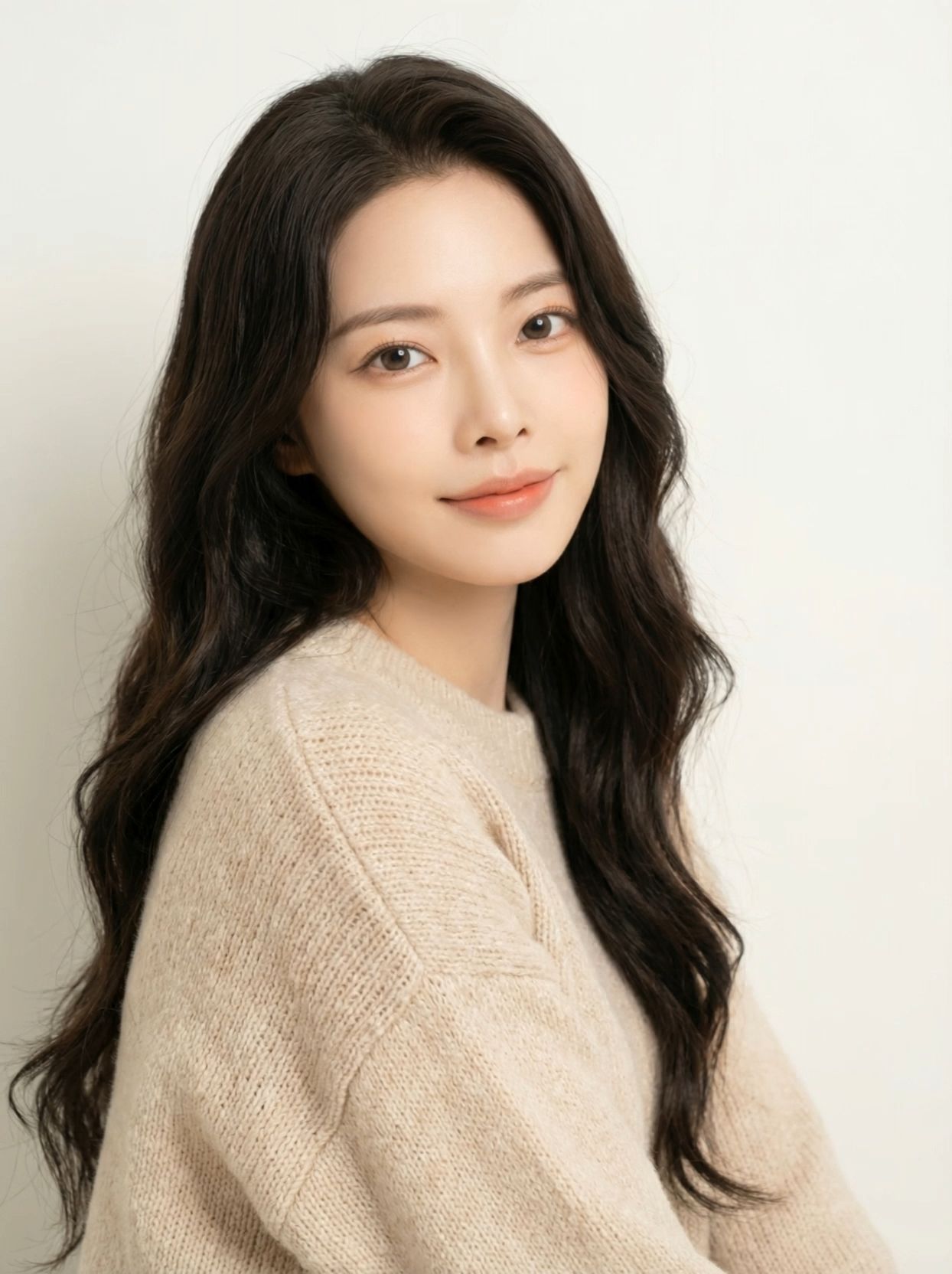
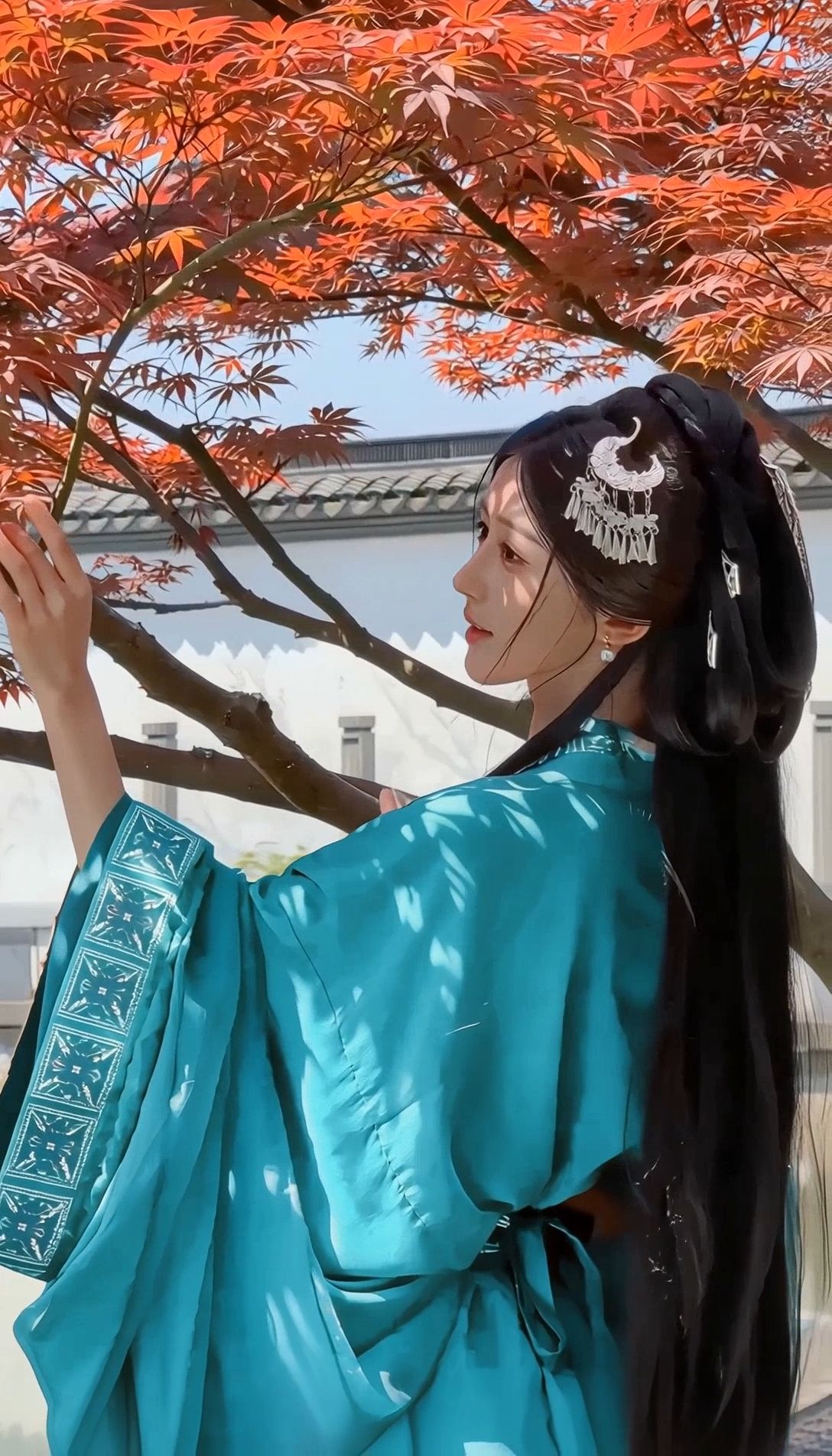
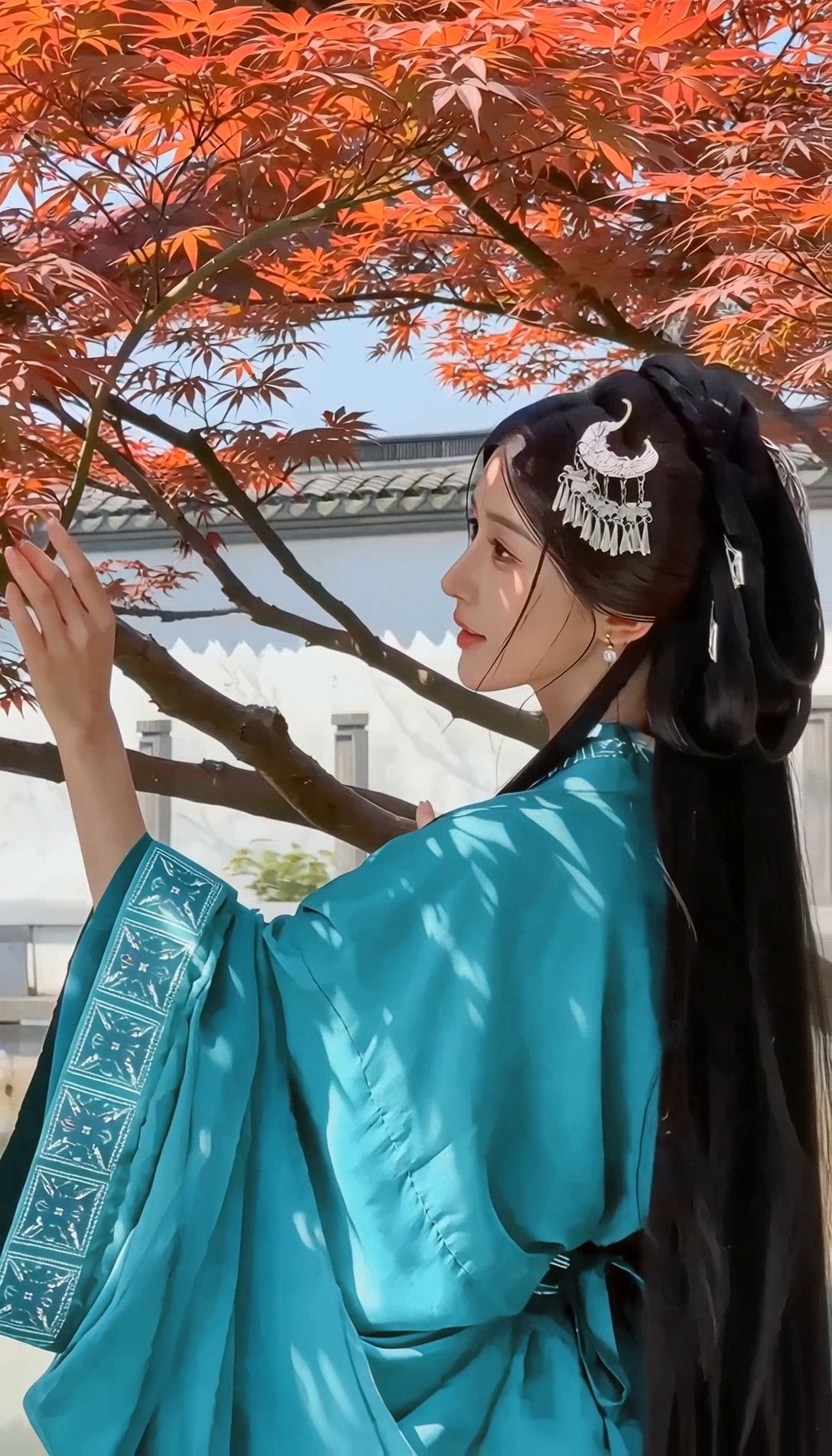
The greatest challenge in AI video generation is the problem of character drift. The viewer notices if a protagonist changes features between frames or shots. Kling AI 3.0 addresses that issue through the Elements 3.0 system. That asset management framework allows creators to build a library of characters that the AI can remember. Character identities remain locked even through dramatic shifts in lighting or perspective.
Subject binding serves as the primary tool for locking the visual identity of a character. Through that feature, the model extracts high-dimensional vectors representing facial structure, hairstyle, and clothing textures. Such a process anchors the traits within the generation pipeline. Even during complex camera orbits or dramatic zooms, the character remains recognizable and stable. That stability is vital for commercial projects where brand mascots or actors must look identical in every scene.
The system offers two main ways to create a character element. A user can upload up to four reference images showing the subject from different perspectives. Providing front, side, and back views removes the guesswork for the model. Alternatively, the user can upload a video character reference of 3 to 10 seconds.That method allows the system to extract not only appearance but also movement patterns and voice characteristics. Using these elements guarantees industrial-grade consistency for commercial projects.
Element Type | Input Requirement | Benefit |
Multi Image | Up to 4 angles | Precise facial geometry |
Video Reference | 3 to 8 seconds | Extracts movement and voice |
Subject Binding | Toggle switch | Eliminates character drift |
| Reference Image | Element | Output with Element Binding | Output without Element Binding |
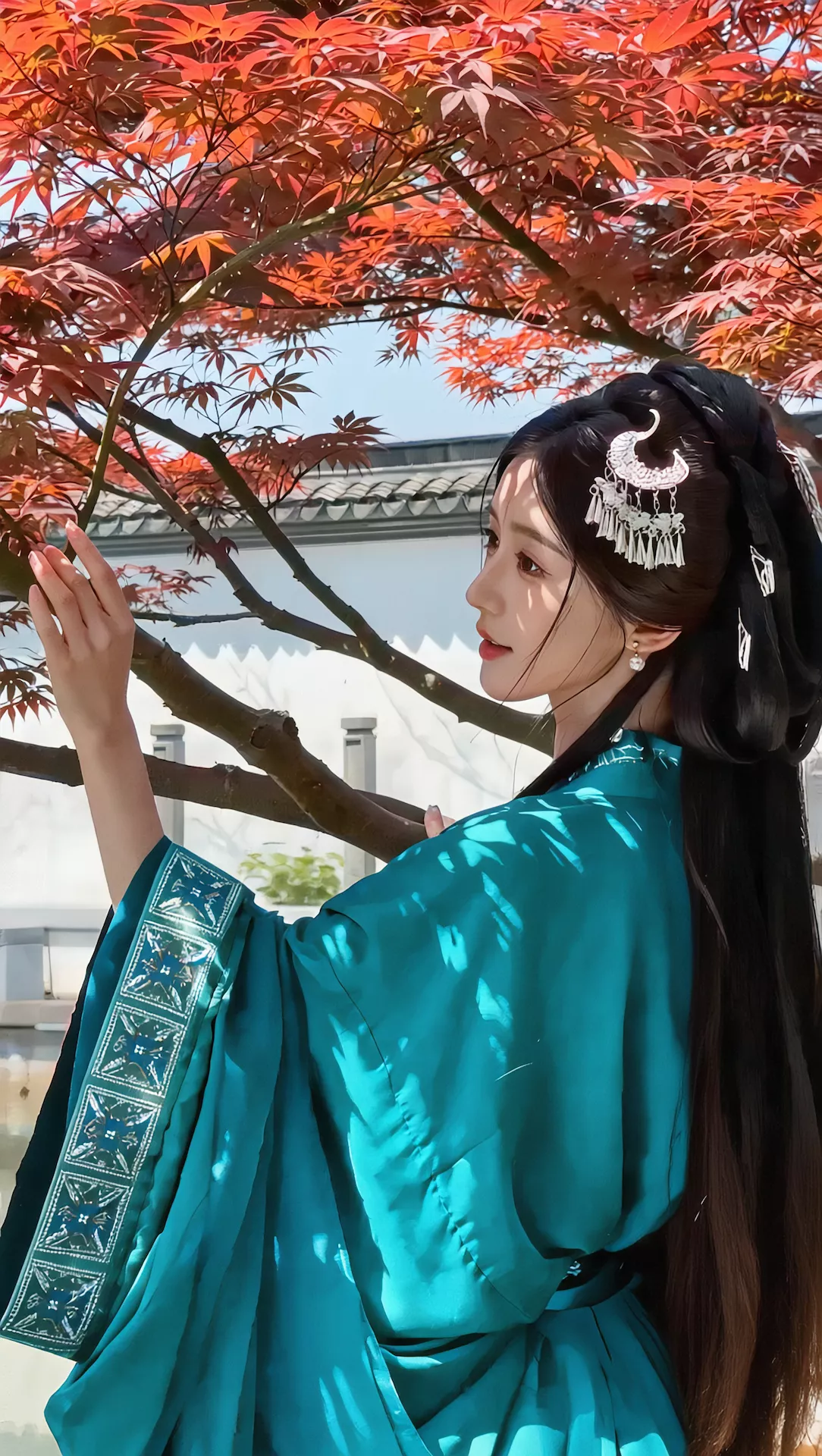 |   |  |  |
How Does Native Audio Work?
Kling AI 3.0 Omni integrates native audio synthesis directly into the video generation process. Unlike earlier technologies that required separate lip-syncing steps, that model generates visuals and sound simultaneously. Such a unified workflow leads to perfect synchronization between dialogue, ambient effects, and on-screen actions. The system understands the semantic relationship between what is seen and what should be heard.
The system supports five major languages, including Chinese, English, Japanese, Korean, and Spanish. It even understands authentic dialects and regional accents. A creator can specify an Indian or British accent for their characters within the text prompt. That flexibility allows for the creation of global content that feels authentic to local audiences. The audio engine also produces ambient sounds that match the environment, such as the clinking of glasses or the rustling of leaves in the wind.
Use clear speaker names and place each line near the character who speaks it. Add language, tone, delivery, and relevant sound effects in plain text so multi-speaker scenes stay easy to follow. Descriptive language about the atmosphere guides the system to produce a layered and immersive soundscape that anchors the visuals in reality.
Which Camera Movements Enhance Narratives?
Cinematic camera language transforms a simple clip into a professional story. Kling AI understands complex instructions regarding perspective and framing. Using specific terms in the prompt allows a user to act as a digital director. For example, a dolly push-in can build intimacy or highlight a moment of realization. High-angle shots can showcase the scale of a landscape, while low-angle shots can emphasize the power of a character.
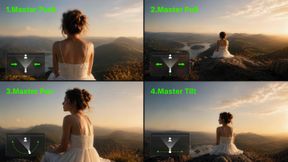
The model supports a wide range of motion patterns. A tracking shot follows a subject through an environment, keeping the focus sharp on their movement. A pan to reveal starts on a small detail and moves to show the wider context of the environment. High-angle wide shots are effective for showing epic scale or deep snowfields. The model can also handle complex orbit movements where the camera circles a subject while maintaining focus on their face.
Camera Technique | Narrative Effect | Prompt Example |
Dolly Push In | Highlights emotion | The camera slowly pushes in |
Low Angle Side | Shows detail | Low-angle side close-up |
First Person POV | Creates immersion | POV from the rider |
Orbit Camera | Reveals environment | Slow orbit camera movement |
The system also offers a motion brush tool for more granular control. A user draws a trajectory on the screen to define the path of a specific element. That tool is essential for maintaining the structural integrity of static objects while animating a character. The text prompt should match the motion brush action to keep the visual logic consistent. Using that combination of tools provides the highest level of directorial authority over the final output.
What are the Best Practices for Scripts?
Reaching the best results requires a systematic approach to organizing the creative data. A director must balance narrative intent with technical parameters to unlock the full potential of the model.
● Use Professional Mode for commercial projects to access superior textures and realistic motion physics.
● Structure prompts using the F.O.R.M.S framework to provide a logical hierarchy of information.
● Define the spatial setting and lighting environment early to anchor the scene before action begins.
● Reference the Elements 3.0 library to lock character features and prevent identity drift across cuts.
● Include negative prompts like warped limbs or low quality to filter out common visual artifacts.
● Specify speaker names, dialogue lines, language, tone, delivery, and sound effects clearly for supported Native Audio workflows.
● Test different motion intensity levels to find the right balance between drama and stability.
How Do You Script Dialogue Scenes?
Kling VIDEO 3.0 supports Native Audio for dialogue scenes, with clear speaker-line pairing, multilingual support, dialects, and accents in supported workflows. Successful dialogue scenes depend on a well-structured script within the text prompt. The AI native lip sync handles mouth movements with high precision. To reach that level of realism, the user must explicitly attribute dialogue to each character. The model parses the text to determine the correct timing and facial expressions for each speaker.
The prompt should describe the action before the speech. For instance, a character might slam their hand on a table before asking a question. That order helps the model understand the physical context of the dialogue. Using micro motions like breathing or blinking further enhances the human feel of the subjects. High semantic accuracy ensures that the emotions of the speaker match the content of their words. Bilingual conversations are also possible, with the model supporting code switching within the same scene.
What Defines the 3.0 Era Logic?
The transition into the 3.0 era signifies a move from simple clips toward structured storytelling. The integration of native audio, long durations, and advanced consistency makes the model a tool for professional filmmakers. Everyone becomes a director through the use of these advanced features. No more tedious cutting and editing is needed to create a cinematic sequence. The technology empowers creators to produce high-quality visuals with unprecedented efficiency.
The underlying architecture parses complex multimodal instructions with high accuracy. It understands the semantic relationship between different shots and perspectives. That ability to think in terms of a full scene rather than isolated frames is what sets Kling AI apart. Narrative control is now accessible for all creators regardless of their technical background. The speed of generation allows for the exploration of multiple iterations without lost time. Resource optimization eliminates the need for expensive physical sets or large crews. The creator acts as the sole architect of the visual reality.
Master Long Video Prompts Today
Longer durations unlock new narrative possibilities for digital creators. Kling Video 3.0 provides the framework for building complex, multi-shot stories with synchronized audio. Through the use of Elements 3.0 and the AI Director, visual and vocal consistency remains stable throughout the entire 15-second generation. Using a modular prompting structure guarantees high-quality results for every project.
Start your journey into cinematic AI video production on Kling AI now.
Frequently Asked Questions
Q1. How Long Can an AI Video Be?
Most modern tools generate five to ten seconds of footage. Kling AI 3.0 Omni expands that limit to 15 seconds within a single generation. Users who need longer sequences can use the video extension feature. That tool allows creators to build narratives that span several minutes.
Q2. What Are the Best Practices for Writing AI Video Prompts?
Effective scripts follow a clear chronological structure. A creator should describe the environment before defining character actions. Specifying camera angles like a dolly push or a low-angle shot adds a professional finish. Using clear nouns and verbs helps the model interpret the intended story with high accuracy.
Q3. How Does AI Maintain Character Consistency Across Different Shots?
Maintaining a stable identity involves advanced asset libraries. Kling AI 3.0 Omni uses the Elements 3.0 system to lock character features. A user uploads multiple angles or a short reference video. The model then extracts facial geometry and clothing textures. Such data stays active across every cut in a multi-shot sequence.
Q4. Can AI Generate Synchronized Dialogue and Sound?
The latest models support native audio synthesis. Kling AI 3.0 Omni generates visuals and sound simultaneously. That unified workflow produces perfect lip syncing for characters. The system understands five major languages and various regional accents. Users assign voices using a specific triple angle bracket syntax to manage multiple speakers.
Q5. How Do You Control Camera Angles in AI Video Production?
Directorial control comes from features like the AI Director. That tool interprets cinematic language within the text prompt. Users specify up to six distinct shots with unique framing and movement. Options include pans, tilts, and zooms. Custom Multi Shot mode provides total authority over the duration and content of every individual camera cut.