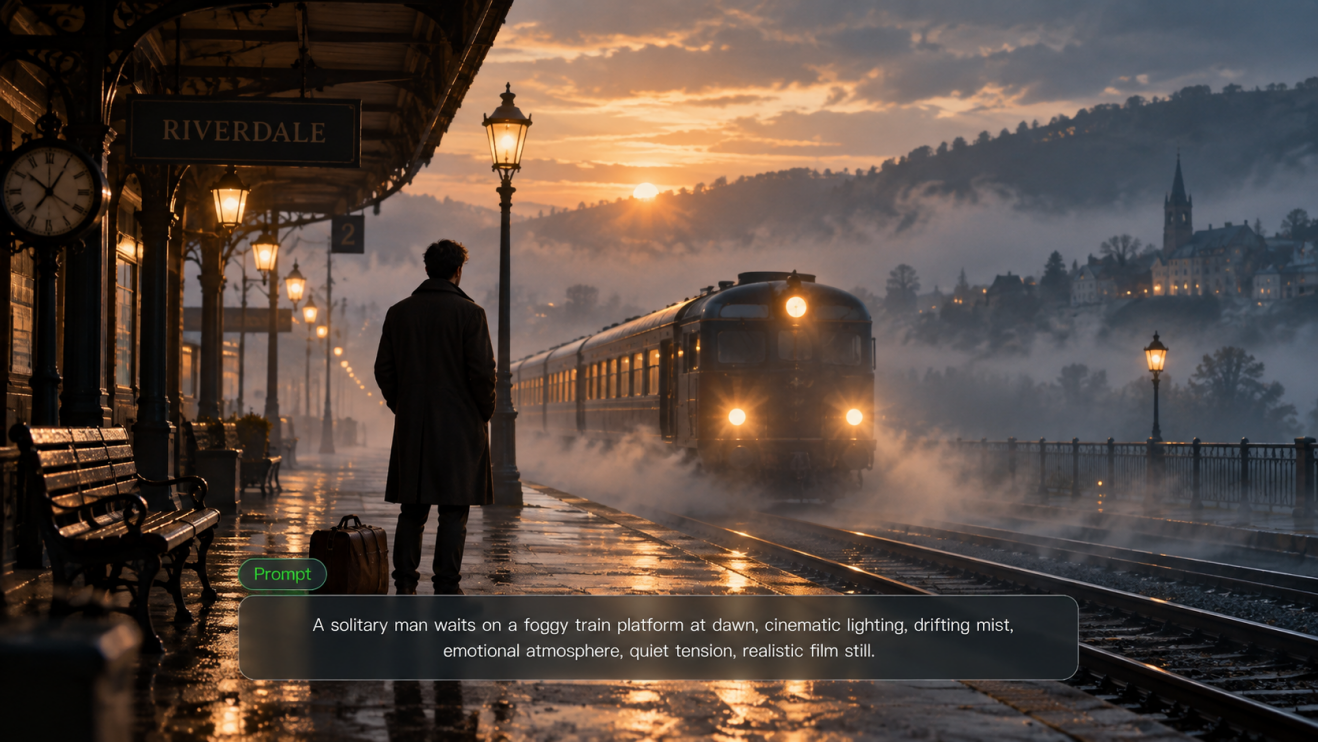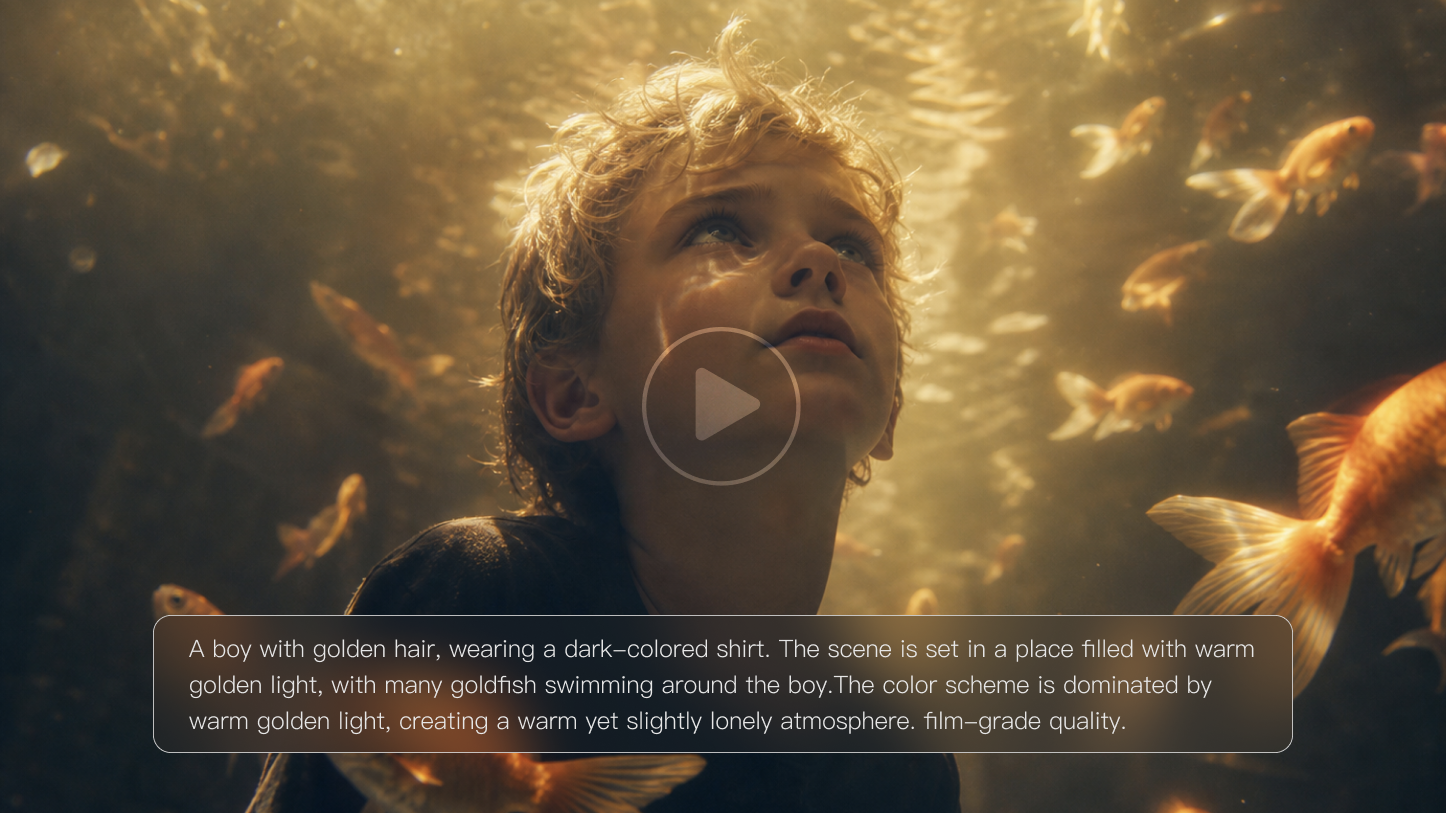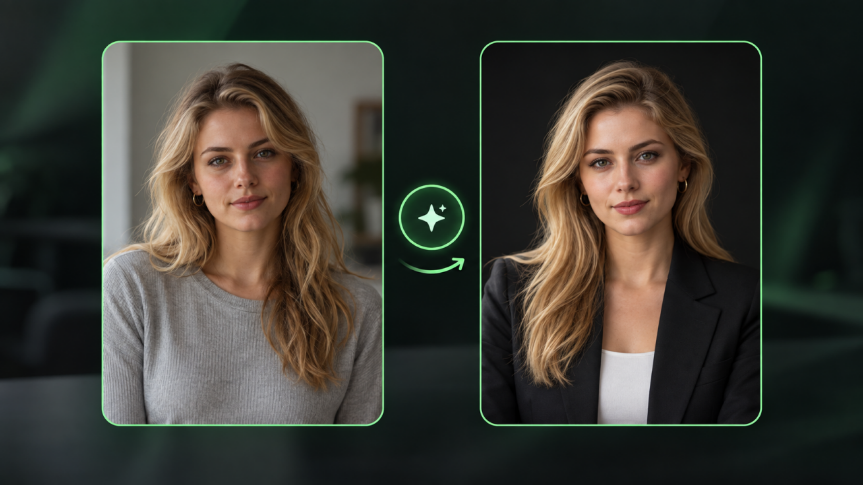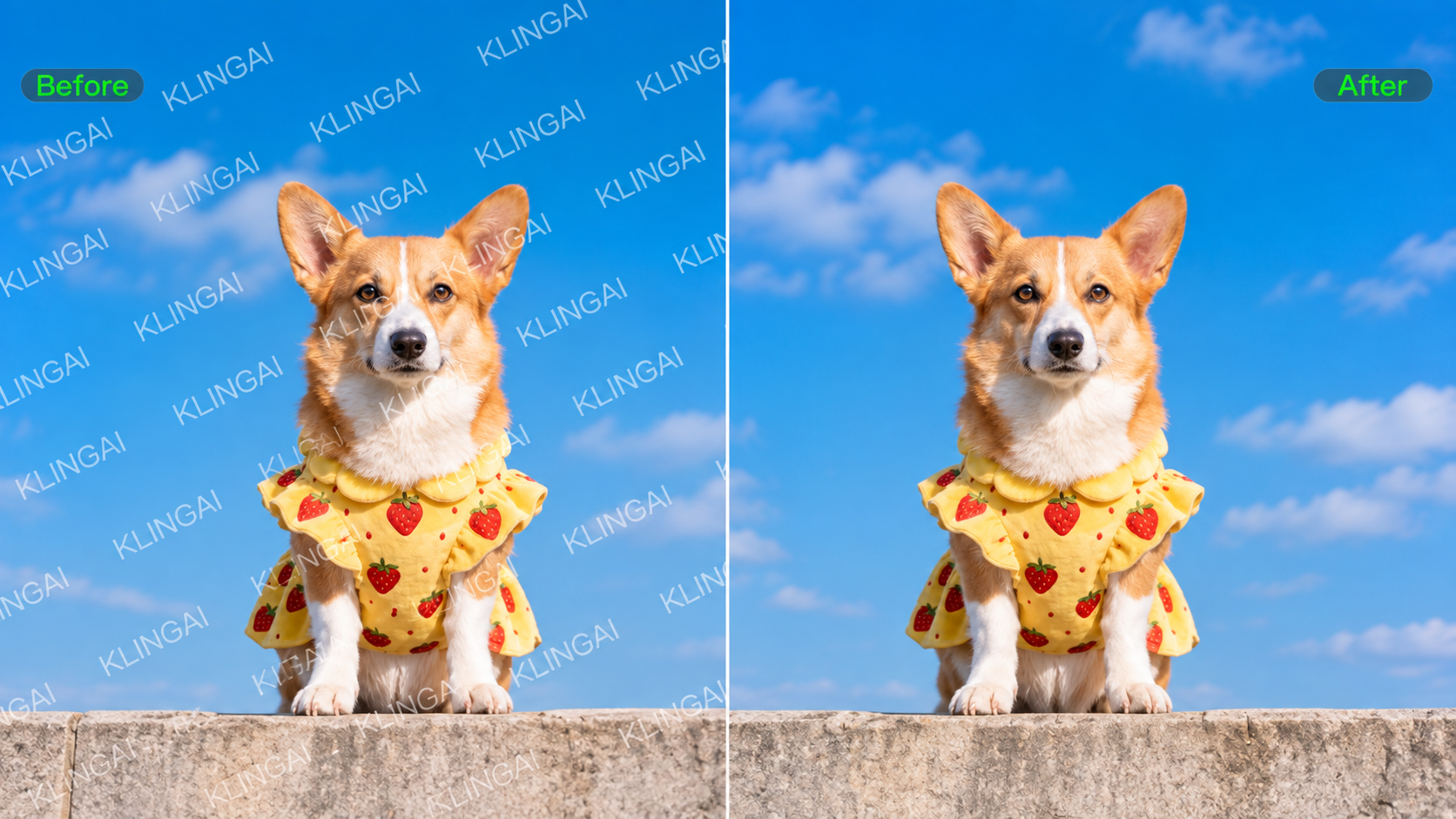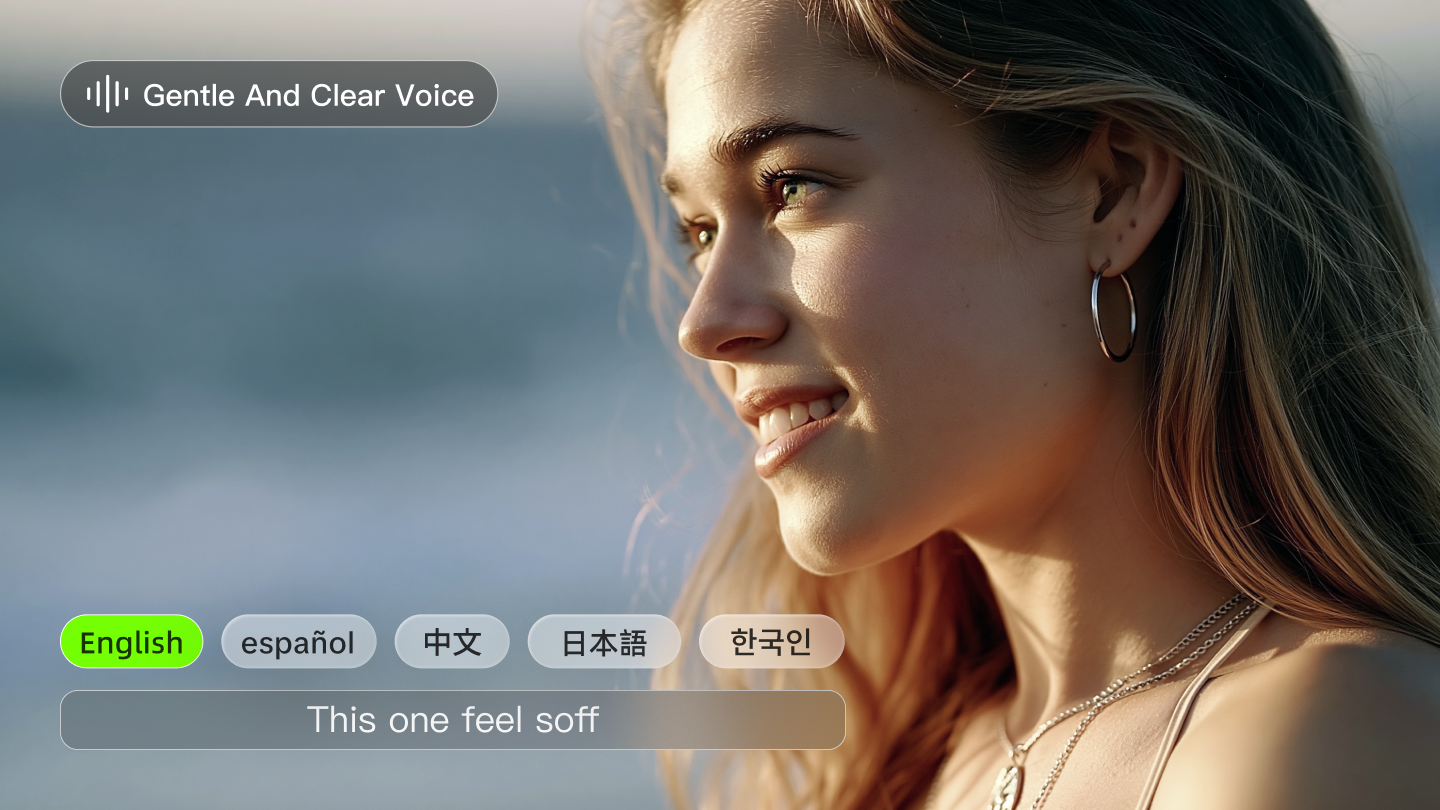
Kling VIDEO 3.0 and Kling VIDEO 3.0 Omni support Native Audio, bringing dialogue, sound effects, ambience, and visual performance into supported video generation workflows.
Setting Up Your Character Elements with Voice
For reference-driven character work, begin with clean character references and a clear speaker plan. Kling VIDEO 3.0 Omni supports video element reference and element voice control, helping visual identity and voice direction stay connected in supported workflows.
For scenes built around recurring characters, prepare clean character references and clear dialogue instructions before generation. The goal is to make each speaker easy to identify and keep the speaking role connected to the correct character.
1. Video Element Reference: Use a 3-8 second character video when the workflow needs visual and audio characteristics captured from video reference.
2. Element Voice Control: Add voice to elements when the workflow needs the speaking voice to stay connected with a character element.
Once the character and voice relationship is set, keep the prompt direct. Name the speaker, write the line, and describe the intended emotion or delivery so the performance has a clear target.
Method | Reference Input | Supported Use |
Upload or record a 3-8 second character video. | Capture visual and audio characteristics from the character video. | |
Multi-image Element with Audio | Use multiple character images and an audio clip at least 3 seconds long with speaking. | Add voice as an additional input when building an element. |
Element Voice Control | Add voice to elements in supported workflows. | Keep voice direction connected with the character element. |
Writing Scripts for Native Audio and Lip Sync
Kling VIDEO 3.0 and Kling VIDEO 3.0 Omni support Native Audio, with dialogue, sound, and lip movement designed to work together inside the generation.
Writing Speaker Instructions Clearly
For multi-speaker scenes, identify the speaker plainly in the prompt and use the available voice controls where the workflow needs a specific speaker or voice tone.
A clean script works better than a complicated structure. Keep each speaker's line close to the character name, and add delivery notes such as whispering, surprise, hesitation, or a low voice only when they matter to the scene.
Creating Realistic Soundscapes
Beyond dialogue, Native Audio can include sound effects and ambience that match the scene. For a daily-life scene, describe the acoustic environment plainly, such as an indoor living room with a subtle air-conditioner hum.
Pair acoustic details with the visual action. A prompt can include dialogue, tone, ambient room sound, weather, or other scene sounds when those details support the story.
Prompt | Output |
| Korean high school rooftop scene with distant city lights and subtle wind sounds in the background while stars twinkle in the night sky; the female lead leans against the railing dazing as the male lead approaches with two cans of cola and hands one to her, which she takes and opens; the male lead says in a relaxed tone, “숙제 다 했어? 왜 여기 있어?”; the female lead sighs and says, “시험이 너무 무서워.”; the male lead says gently, “걱정 마, 넌 잘할 거야.” |   |
Tutorial: Designing Multilingual Conversations
The current series supports Chinese, English, Japanese, Korean, and Spanish, along with authentic dialects and accents.
Step-by-Step Multilingual Code-Switching
The model supports dialogue in different languages within the same scene. Follow these steps to produce a bilingual conversation for work or daily life:
1. Select Character Elements: Choose two subjects with different bound voices.
2. Define the Script: Write a prompt where each character responds in their respective language. For instance, a Japanese boy might ask a question in Japanese, and a Japanese girl might respond in the same language or a different one.
3. Keep Speaker Lines Clear: Put each speaker's name, line, and delivery note close together.
4. Describe the Delivery: Add emotional markers like "whispers," "exclaims," or "responds in a low, flat voice."
Lip movements and facial expressions should remain natural and coherent across supported languages and accents, making global dialogue scenes feel more believable.
Planning Settings for Professional Output
Reaching a production-ready result requires clear planning around model choice, duration, resolution, audio needs, references, and current plan access.
Resolution and Duration Settings
Kling VIDEO 3.0 series supports up to 15 seconds of video generation, with flexible duration from 3 to 15 seconds. Plan duration, model choice, audio needs, references, and current plan access before production.
Membership Plans and Credit Planning
Plan | Current monthly pricing shown | Monthly credits and estimated volume | Key access notes |
Basic | $0; free forever | No monthly credits; element creation quantity: 30 | Generated content is not for commercial use. |
Standard | $6.99 / Month ($10 shown); next monthly renewal shown as $8.8 | 660 Credits per month; as low as $1.33 per 100 Credits; 660 images / 33 720p videos | Element creation quantity: 50; fast-track generation; 1080p video generation; image upscaling; brand watermark removal; video extension; generated content is for commercial use. |
Pro | $25.99 / Month ($37 shown); next monthly renewal shown as $32.56 | 3000 Credits per month; as low as $1.09 per 100 Credits; 3000 images / 150 720p videos | Element creation quantity: 150; Standard plan access plus priority access to new features; generated content is for commercial use. |
Premier | $64.99 / Month ($92 shown); next monthly renewal shown as $80.96 | 8000 Credits per month; as low as $1.01 per 100 Credits; 8000 images / 400 720p videos | Element creation quantity: 150; Standard plan access plus priority access to new features; generated content is for commercial use. |
Ultra | $127.99 / Month ($180 shown); next monthly renewal shown as $159.99 | 26000 Credits per month; as low as $0.62 per 100 Credits; 26000 images / 1300 720p videos | Element creation quantity: 500; priority access to new features; beta test invite if applicable; generated content is for commercial use. |
Credits, prices, plan benefits, and access rules may change over time as Kling AI products are updated. Please refer to the membership plans for more details.
Prompt | Output |
|---|---|
| Indoor home environment with a subtle background hum of a living room air conditioner for realistic daily life; the mother exclaims softly with a tone of surprise, “Wow, I didn’t expect this plot at all.”; the father responds in a low, flat voice, “Yeah, it’s totally unexpected, never thought that would happen.”; the boy says cheerfully, “It’s the best twist ever!”; the girl nods excitedly, “I can’t believe they did that!” | 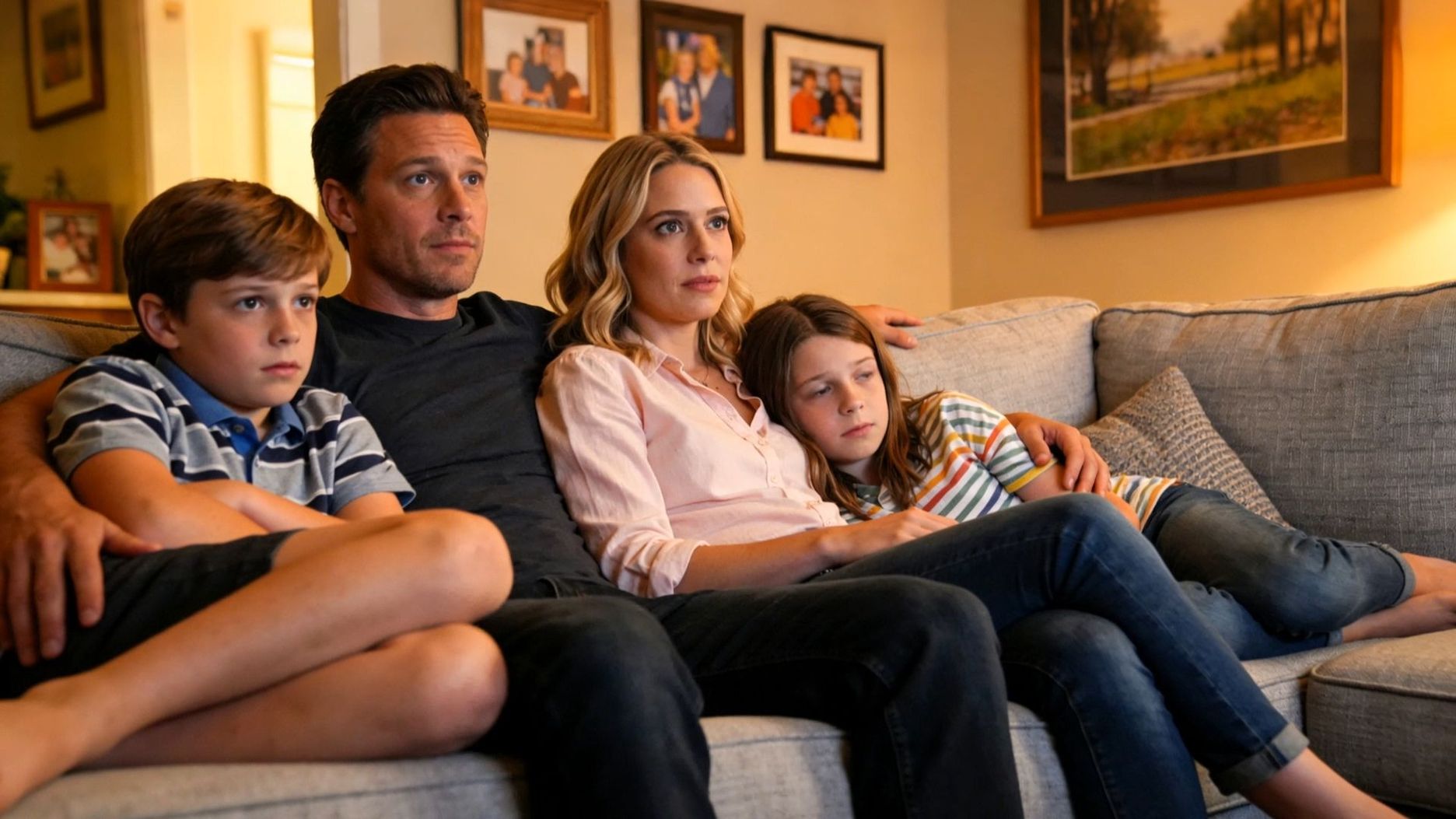 |
Tips for High-Fidelity Lip-Sync Performance
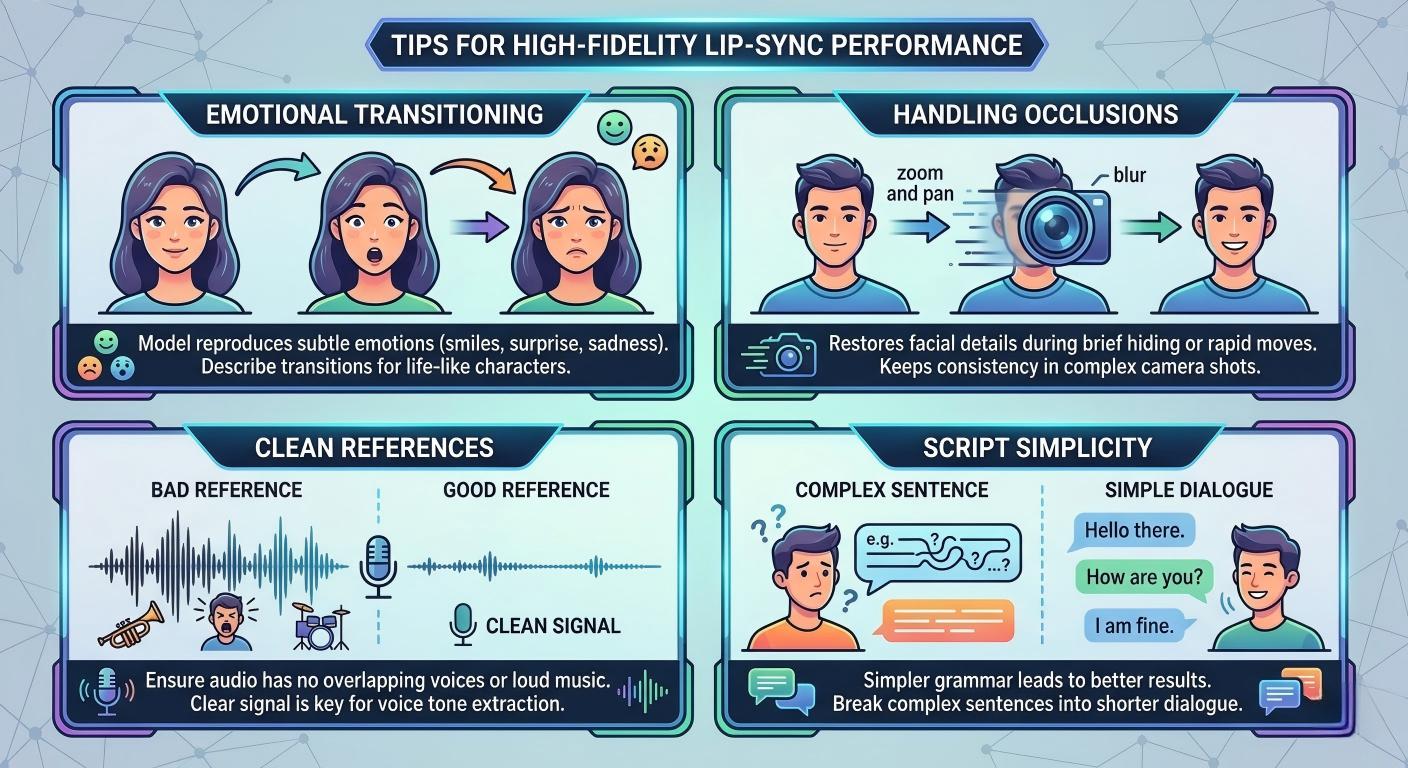
Strong lip-sync performance depends on clear dialogue, visible faces, and readable delivery notes.
● Emotional Delivery: Describe visible expression and delivery, such as a smile, surprise, sadness, whispering, or a low voice, when those details matter.
● Visible Face and Framing: Keep the speaking face readable when lip movement and expression matter to the scene.
● Clean References: When creating a character element, verify the audio reference has no overlapping voices or loud music. A clean signal provides the model with a clear ground truth for the voice tone extraction.
● Script Simplicity: Simpler grammar often leads to better results. Break complex sentences into shorter dialogue lines to help the model maintain a natural rhythm.
Clear scripts, clean references, and direct speaker descriptions help dialogue scenes feel more natural and easier to review.
Frequently Asked Questions
Q1: What Are the Primary Differences Between Native Audio and Post-Production Dubbing?
Native Audio supports sound and visuals inside supported Kling VIDEO generation workflows. It can be used for dialogue, sound effects, ambience, and scenes where lip movement and facial expression should work with the spoken line.
Q2: How Does Subject Binding Secure Consistency in Audiovisual Storytelling?
Subject consistency depends on reference material and element controls. These tools help characters and products remain recognizable across camera changes and scene development.
Q3: Why Is Multilingual Support Valuable for Global E-Commerce Advertising?
Multilingual support helps brands create localized scenes for different audiences while keeping the same visual concept. Kling VIDEO 3.0 supports Chinese, English, Japanese, Korean, and Spanish, along with dialects and accents.
Q4: How Does the Unified Multimodal Framework Impact the Performance of Facial Expressions?
Kling VIDEO 3.0 uses a unified multimodal training framework and supports Native Audio. For expressive dialogue, write the speaker, line, emotion, and visible reaction together.
Final Words
Kling VIDEO 3.0 Omni brings Native Audio, multilingual dialogue, and reference-driven consistency into a single creative workflow. Clear scripts, clean references, and direct speaker descriptions help creators produce dialogue scenes with natural lip movement, coherent expressions, and stronger character continuity.