Creative Studio
API Platform
Resources
About Us

AI-generated movie video ideas – Explore cinematic concepts

Explore AI-generated movie video ideas. Quickly find cinematic concepts and adapt them with AI assistance.

AI-generated movie video ideas – Explore cinematic concepts

Recommended

work cover
video-play
TimeTraveler
work cover
video-play
hKZJMQeF
work cover
video-play
bwyYHZpo
work cover
video-play
NuZnvxhg
work cover
video-play
aYHqdGmx
work cover
video-play
zpfDSgNB
work cover
video-play
Shrimkatri
work cover
video-play
LdNpgMlr
work cover
video-play
Project Ascend
work cover
video-play
nFujoHHF
work cover
video-play
RfKEzULd
work cover
video-play
ojcnoSes
work cover
video-play
baileymarkham
work cover
video-play
culturelens
work cover
video-play
zpfDSgNB
work cover
video-play
Shrimkatri
work cover
video-play
rIYXCkIB
work cover
video-play
MWxBFGaL
work cover
JfUHrwOY

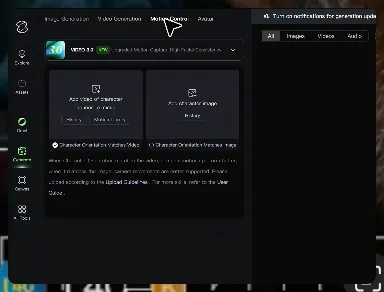
How to Master AI Motion Control in 3 Steps

Upload Your Assets

Upload Your Assets

Provide a static character image and a motion reference video showing the exact expressions you want to replicate.

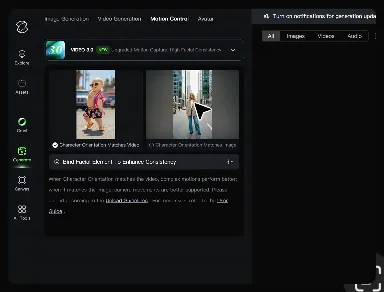
Bind Face Subject

Bind Face Subject

Enable this feature to lock facial consistency. Upload multi-angle photos to create a precise facial reference map.

Generate & Export

Generate & Export

Process your motion-controlled video and download the final render in high resolution.

Why Kling Motion Control Stands Out

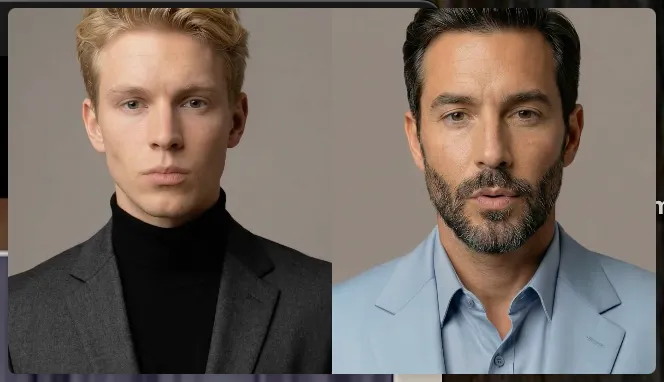
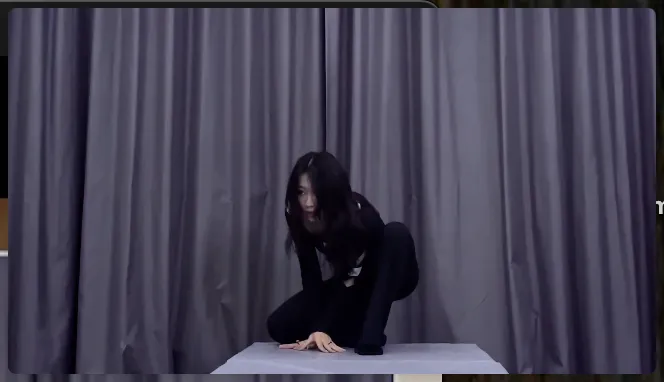
Flawless Facial Consistency in Any Angle

Flawless Facial Consistency in Any Angle

Unlike standard AI video generators that distort features during head turns, Kling locks your character’s identity for stable, recognizable results from any perspective.
Extreme Precision for Complex Emotions

Extreme Precision for Complex Emotions

Replicate micro-expressions and dramatic emotional transitions with elite motion transfer technology. Kling captures every subtle muscle movement from your reference.
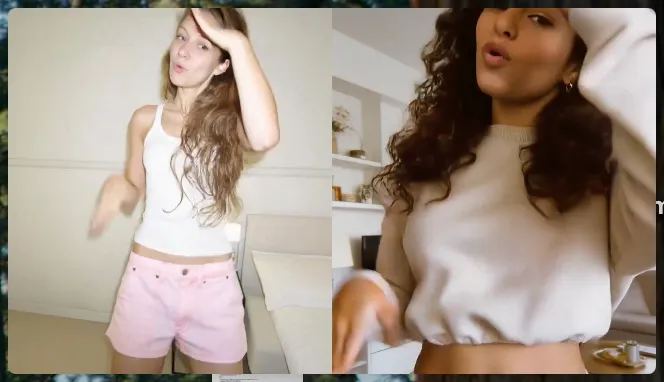
Stable Across Angles, Occlusion, and Distance

Stable Across Angles, Occlusion, and Distance

Maintain character consistency even when the subject is partially blocked or moves between close-up and long shots

Apps

Image to Video
Image to Video

Image to Video

Text to Video
Text to Video

Text to Video

Omni
Omni

Omni

Digital Human
Digital Human

Digital Human

Restyle
Restyle

Restyle

Text to Image
Text to Image

Text to Image

60M+
60M+
Users
600M+
600M+
AI Videos Generated
4.7 ★
4.7 ★
App Store
Industry-Leading
Industry-Leading
Cinematic 4K

Reviews

Halim Alrasihi

Halim Alrasihi

★★★★★

I use AI daily and Kling AI is a crucial part of my workflow, whether for client work or personal projects. What I love most about using Kling AI is that it provides all the tools I need in one place, from keyframes to character references, elements and special effects.

Ozan Sihay

Ozan Sihay

★★★★★

Kling AI allows me to rapidly prototype ideas, refine storytelling elements, and produce visually compelling content efficiently. It has not only accelerated my creative processes, but also deepened my understanding of how AI can enrich visual storytelling.

Jyo John Mulloor

Jyo John Mulloor

★★★★★

Kling AI has been instrumental in transforming my creative workflow, unlocking new dimensions of artistic expression that were once unimaginable. I use Kling AI extensively to develop high-concept visuals, animate surreal dreamscapes, and create AI-assisted films that blur the line between reality and fantasy. Kling AI’s deep learning capabilities have not only enhanced my creative efficiency but also inspired me to explore storytelling in ways I never thought possible.

FAQ

Q1How do I generate an AI video?
Q2Can I generate AI videos from text prompts?
Q3Is there a free AI video generator with no watermark?

Experience Video 3.0 on Kling

Create cinematic, multi-shot videos with native audio and precise control—all in one generation.

Native audio | Multi-shot control | Up to 15s continuous output