Action Scenes and Cinematic Shorts
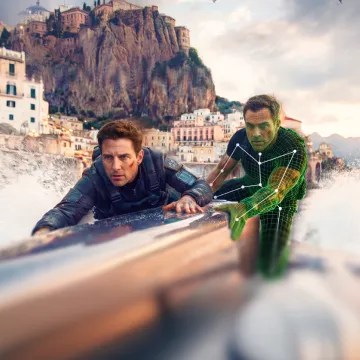
Experiment with fight choreography, sports sequences, character interactions, and moving camera shots. Develop action that would otherwise require performers, equipment, and carefully planned filming.
Turn a simple text prompt or a static image into a high-quality video in seconds with Kling 4.0. Create realistic motion and cinematic camera shots, with flexible references to keep characters, scenes, and visual styles consistent.
Getting a usable result involves more than generating a moving image. The characters need to look familiar, the action needs to make sense, and the sound should suit what's happening on screen. Kling 4.0 builds on these parts of video creation, with more options for directing and revising footage.
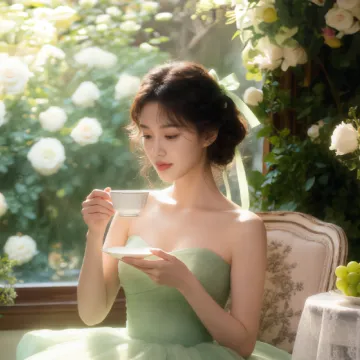
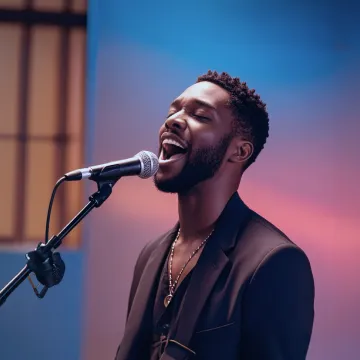
Animate portraits, artwork, and action images with natural character movement and physical interactions. Kling 4.0's dynamic motions improves stability during large movements, fast action, and complex scenes. From subtle facial expressions to sports and fight choreography, create motion that develops naturally from your image while keeping the subject and surrounding scene visually coherent.
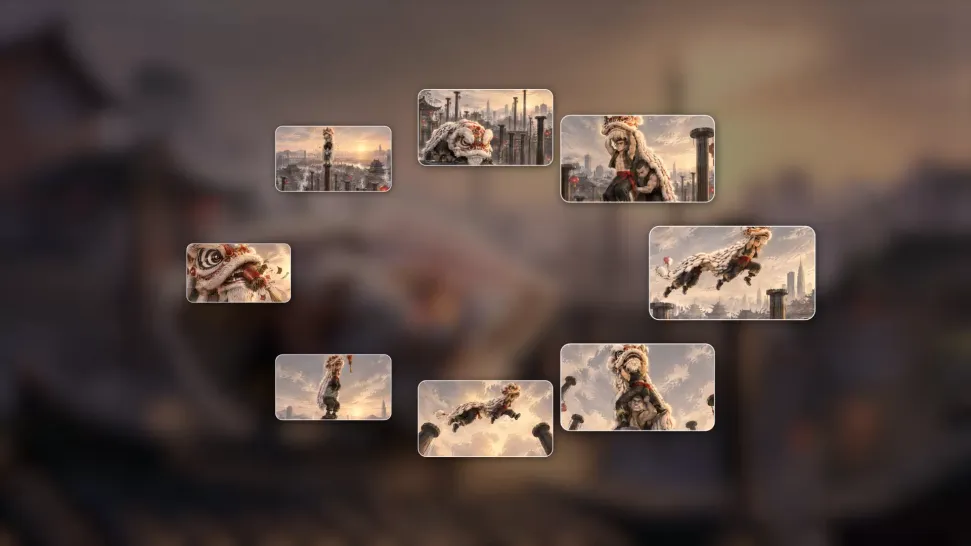
A single image can lead to a tracking shot, camera orbit, close-up, or wider scene. Kling 4.0 offers stronger camera control, with native video generation up to 30 seconds for longer movements and connected action. Start and end frames help guide a transition, while up to 10 flexible keyframes let you define additional compositions, character poses, and scene changes as the video develops.
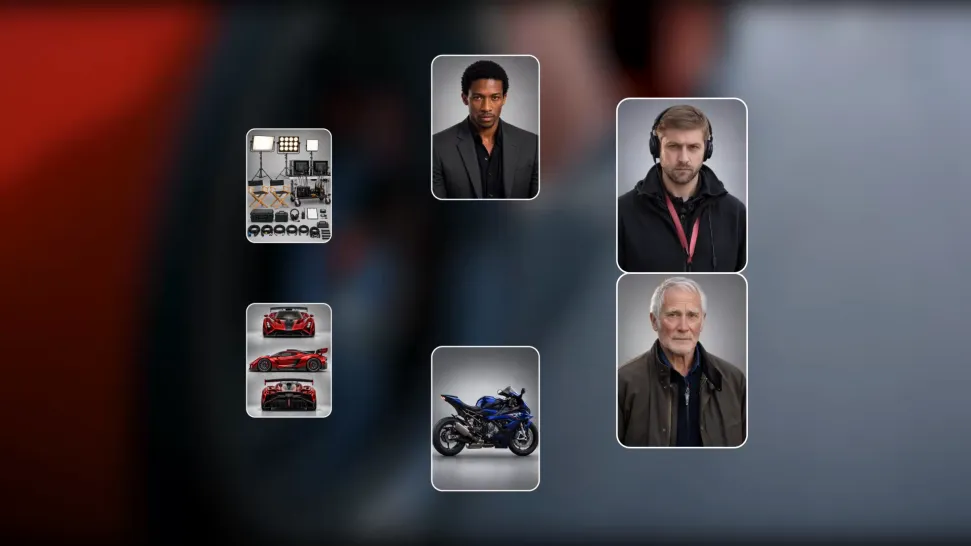
Keep recognizable characters, products, and visual styles as your images begin to move. Kling 4.0's Omni Reference supports up to 15 combined assets, including images, videos, and subjects, to guide appearance, actions, camera work, and settings. Use multiple views of a character or product alongside style and motion references. Stronger visual consistency helps preserve familiar details across new shots, with realistic textures.
A written idea or a single image is enough to begin. Whether you're planning a cinematic sequence, animating artwork, or experimenting with a scene you couldn't film yourself, Kling AI offers different ways to create the footage you need.
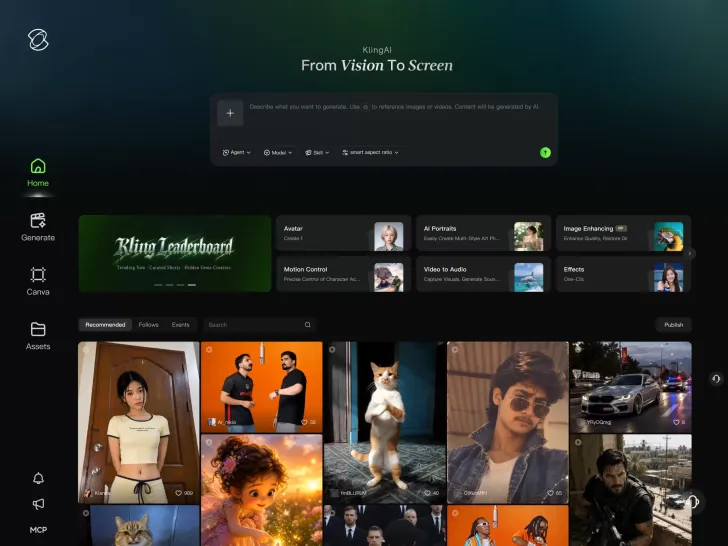
With Kling 4.0's Omni Reference, you can write a prompt and add up to 15 combined reference assets to guide your video creation, including images, videos and subject references.
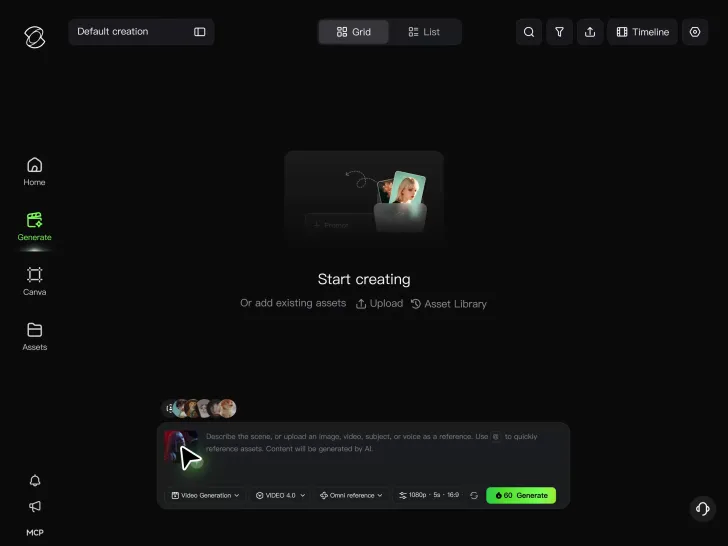
Set the scene, camera movement, and any dialogue or sound you want. Kling 4.0 supports dialogue in 9 languages.
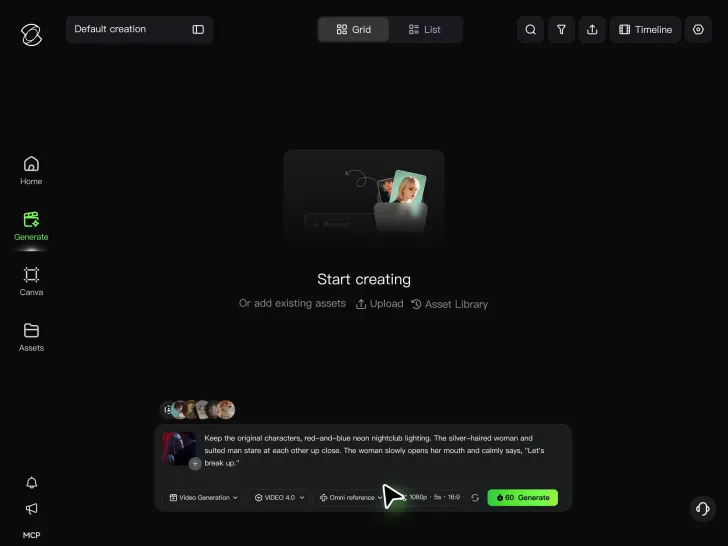
Choose your aspect ratio and video duration, up to 30 seconds per generation with the Kling 4.0. Click Generate, preview your video, and download the result.
From a quick experiment to a more involved creative project, Kling AI can help you develop footage for different types of content.
Experiment with fight choreography, sports sequences, character interactions, and moving camera shots. Develop action that would otherwise require performers, equipment, and carefully planned filming.
Try original characters, imaginative settings, visual effects, and trending video concepts for YouTube Shorts, TikTok, and Instagram Reels. Create something new without filming every idea.
Explore product close-ups, lifestyle scenes, moving camera shots, and different creative treatments. References help guide recognizable product details across generated footage.
Develop animated characters, fictional environments, and short narrative sequences. Move between visual styles while guiding character actions, scene changes, and important story moments.

I use Kling AI every day. It's amazing to see the almost daily progress it makes. I used AI for fun at first, and I now find that Kling AI's animations allow me to gain professional visibility, with three times more views on my animated posts than on my static posts.
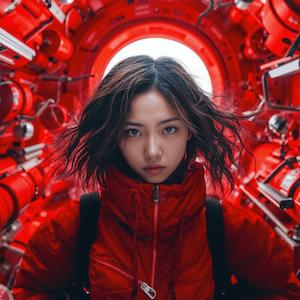
I have successfully collaborated with world-renowned artists and well-known companies that are recognized globally

Kling AI has been instrumental in transforming my creative workflow, unlocking new dimensions of artistic expression that were once unimaginable. I use Kling AI extensively to develop high-concept visuals, animate surreal dreamscapes, and create AI-assisted films that blur the line between reality and fantasy. Kling AI's deep learning capabilities have not only enhanced my creative efficiency but also inspired me to explore storytelling in ways I never thought possible.




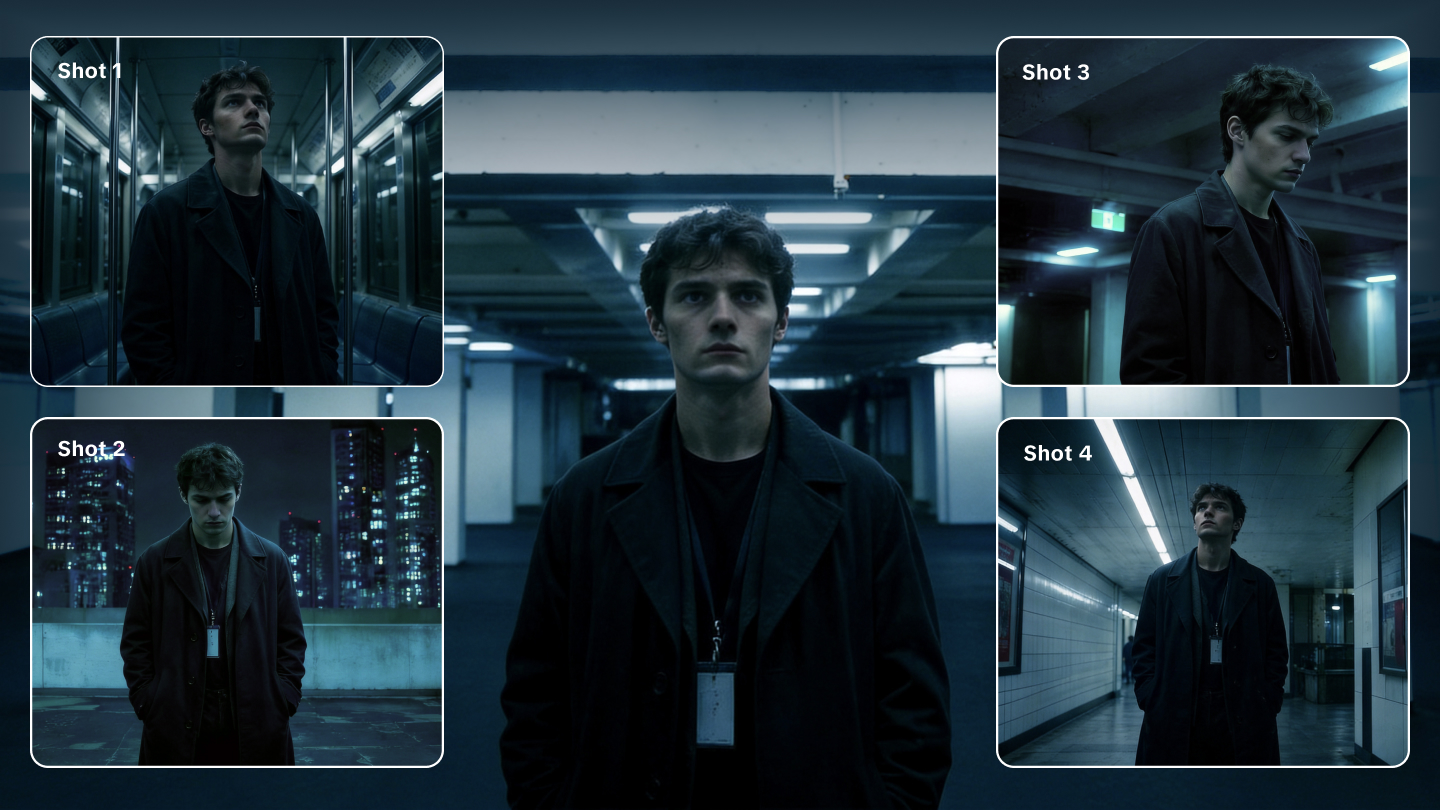
Best Free AI Video Generators: Compare 8 AI Video Tools
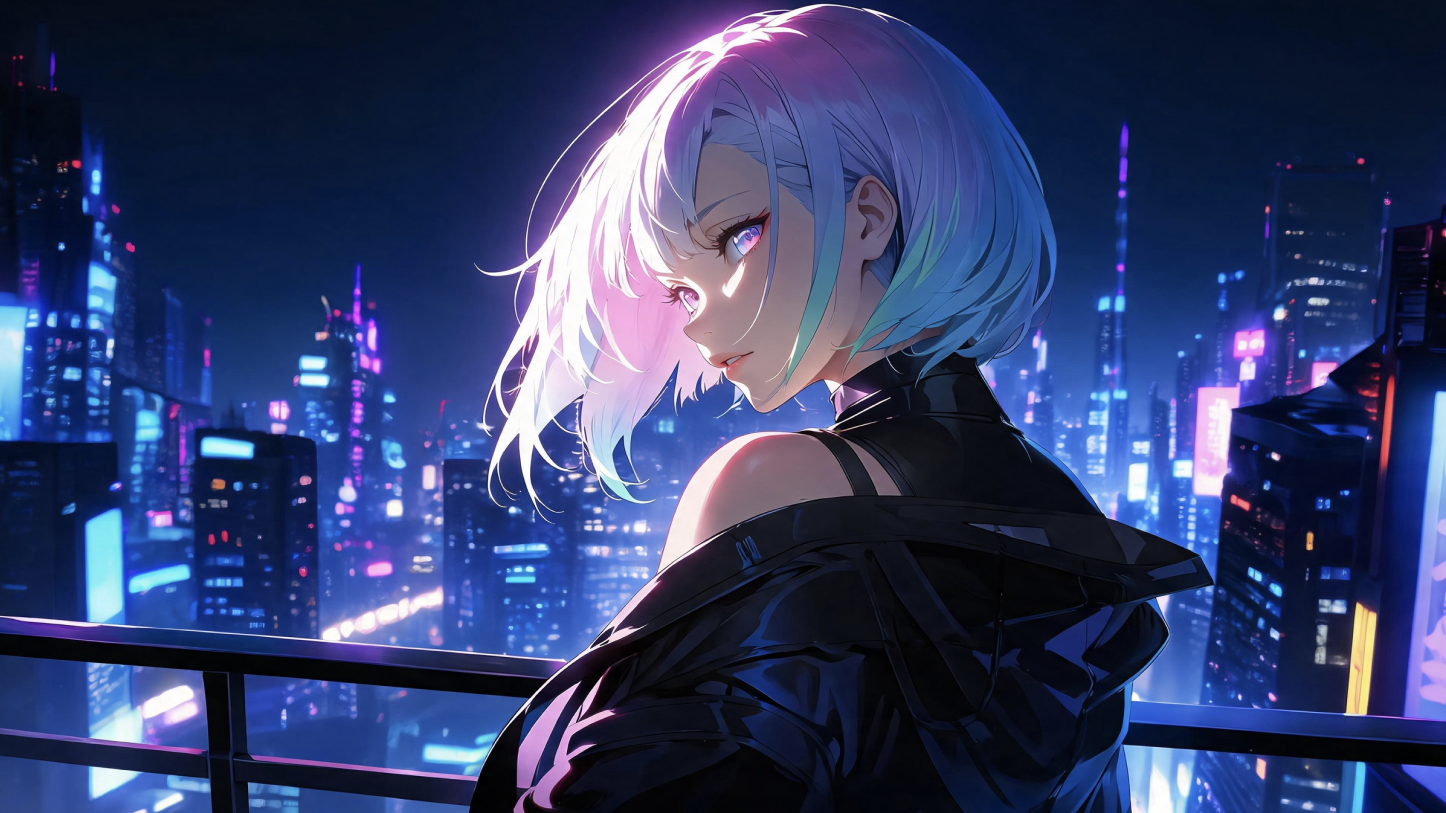
AI Anime Video Prompts: Create Epic 2D Scenes with Kling AI
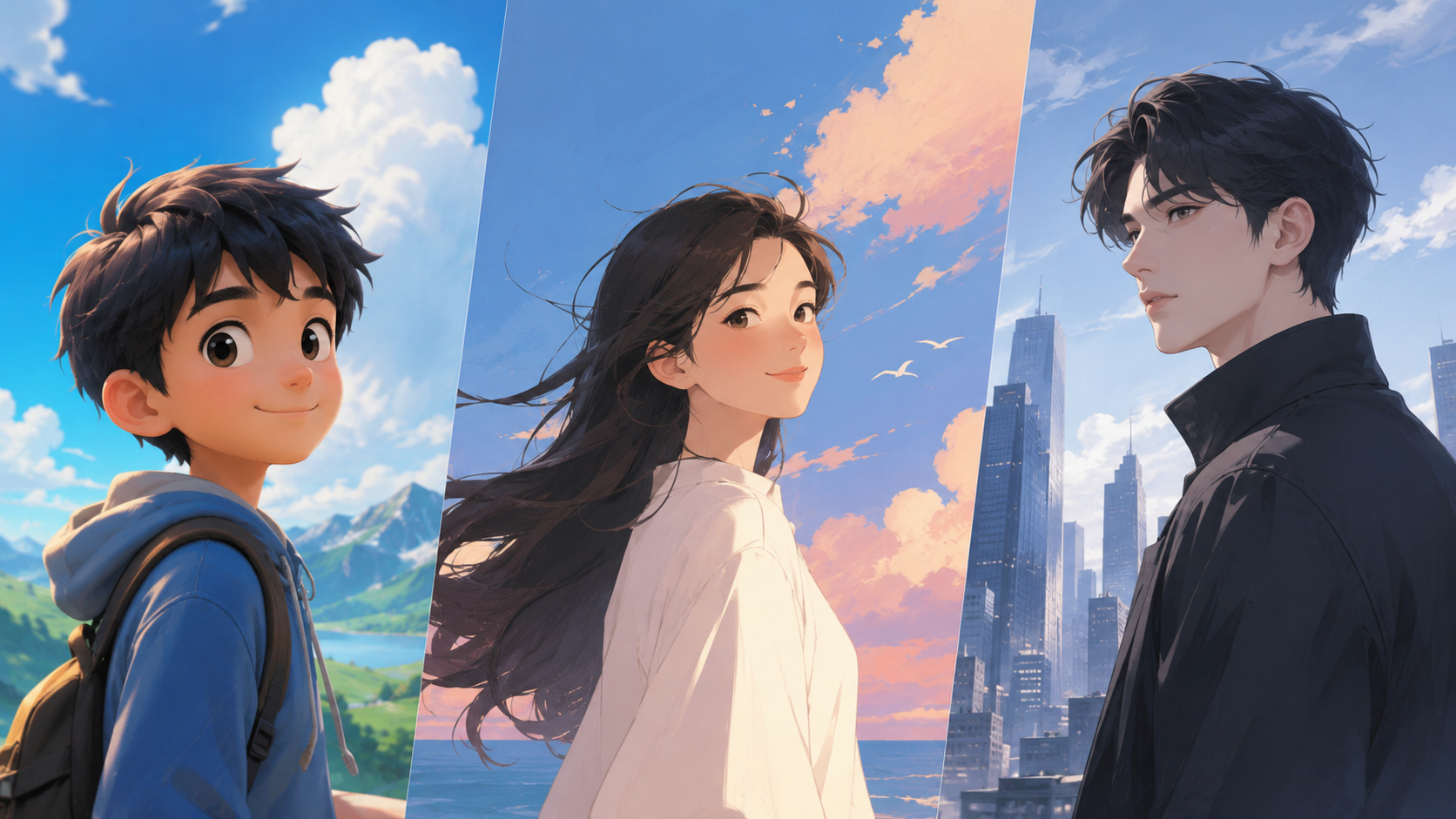
Cartoon Styles for AI: 34 Styles, Prompts, and Examples
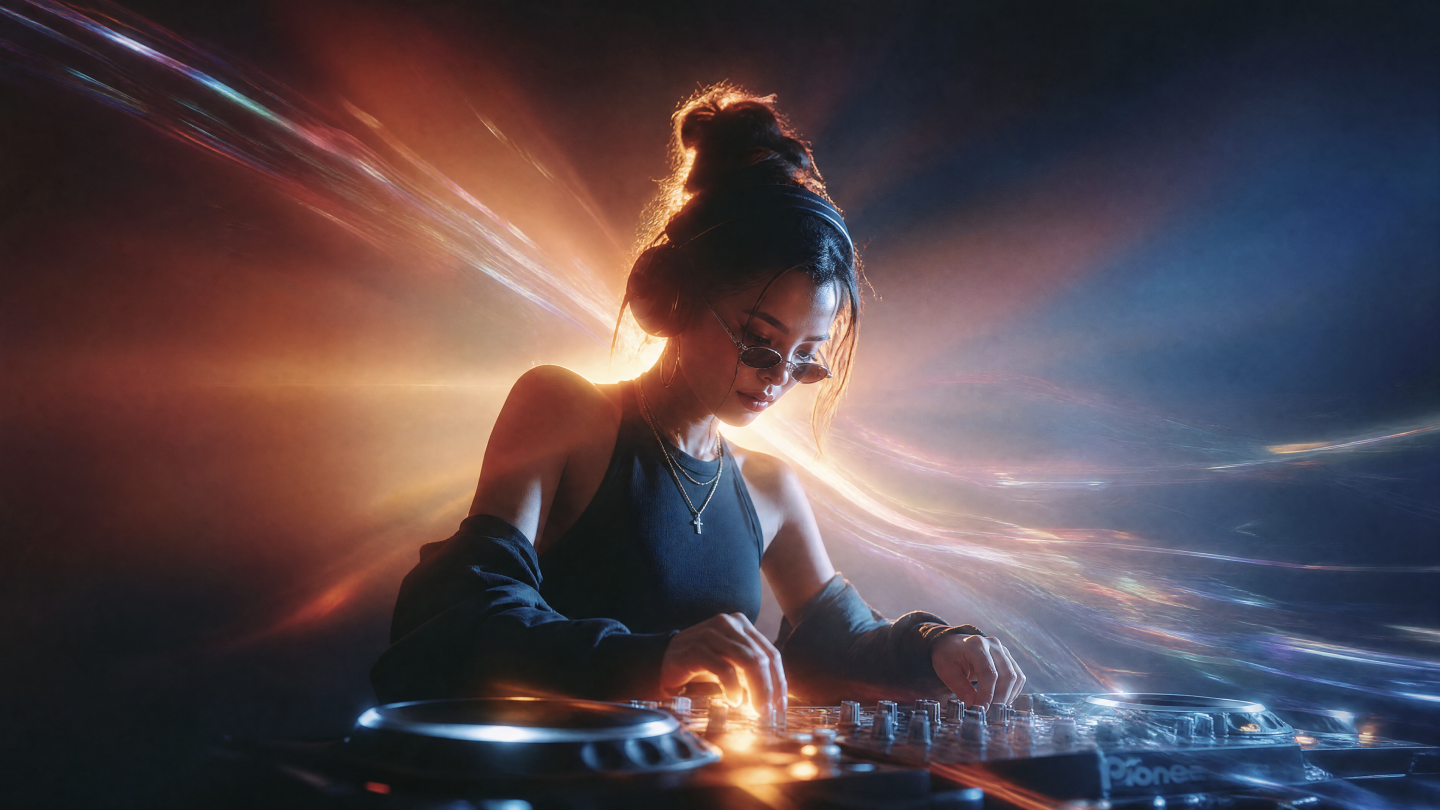
How to Create an AI-Generated Music Video for Your Song with Zero Budget
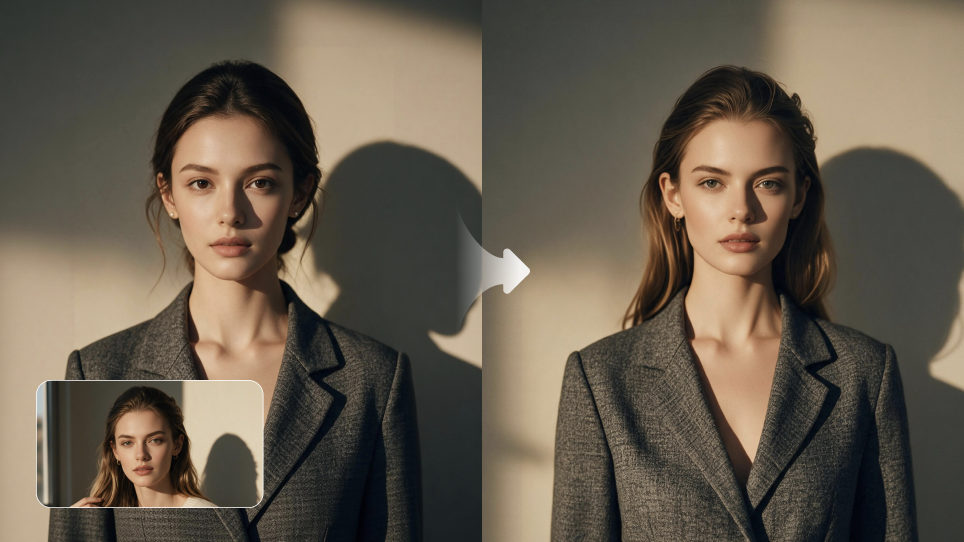
Best Face Swap AI for Photos, Videos, and Creative Projects
Start with text or images and see what's possible with Kling AI. Create the footage, guide the movement, and keep working until the scene feels right. No complicated setup.
Text to Video | Image to Video | Omni Reference | Free tier includes watermark