Creative Studio
API Platform
Resources
About Us

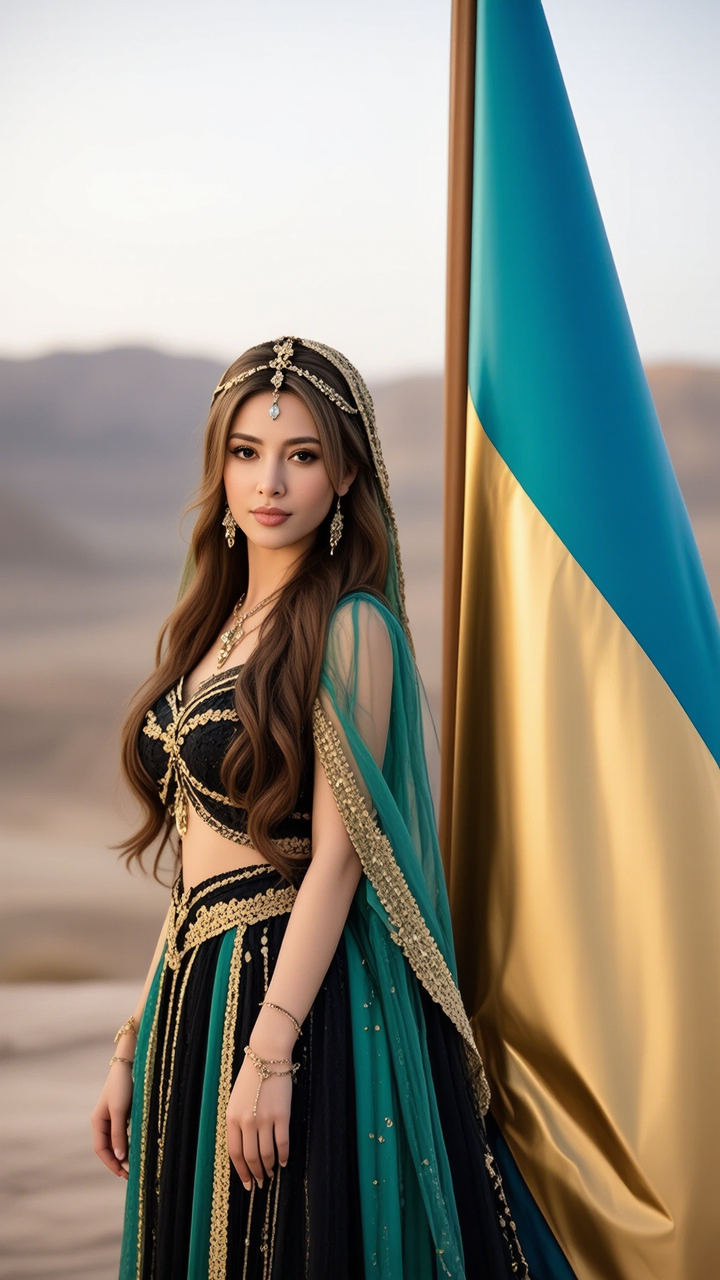
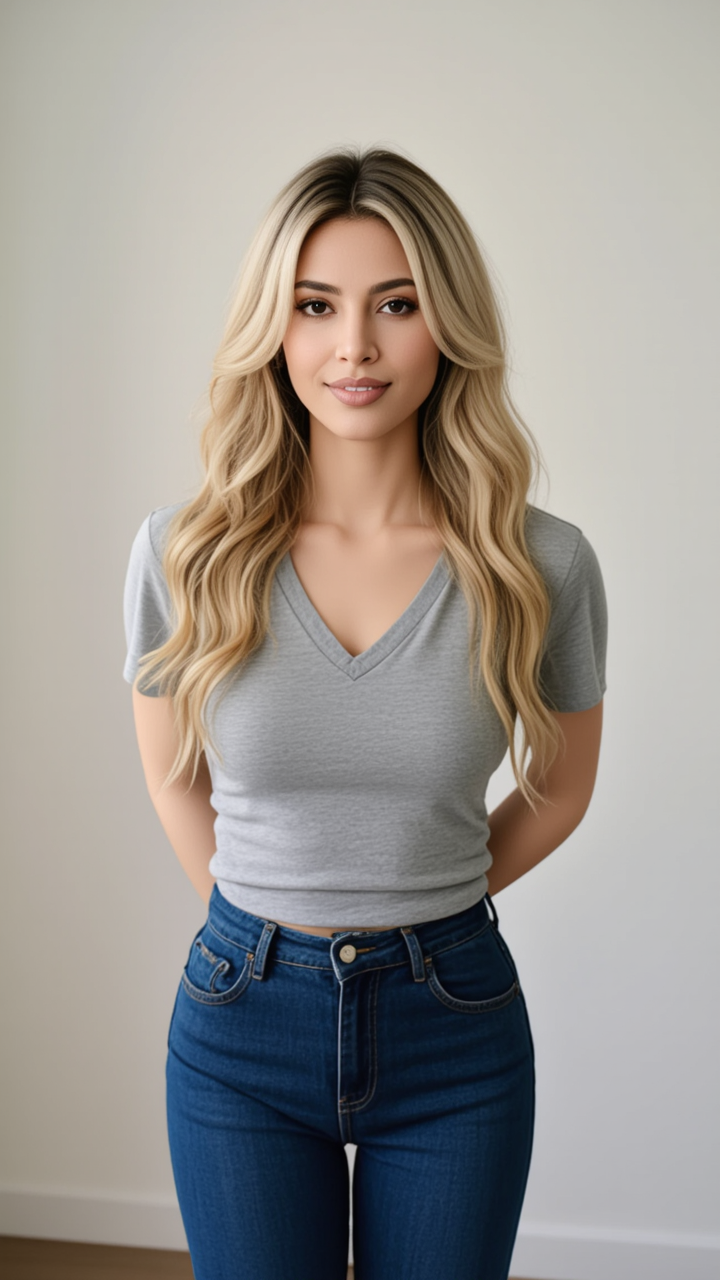
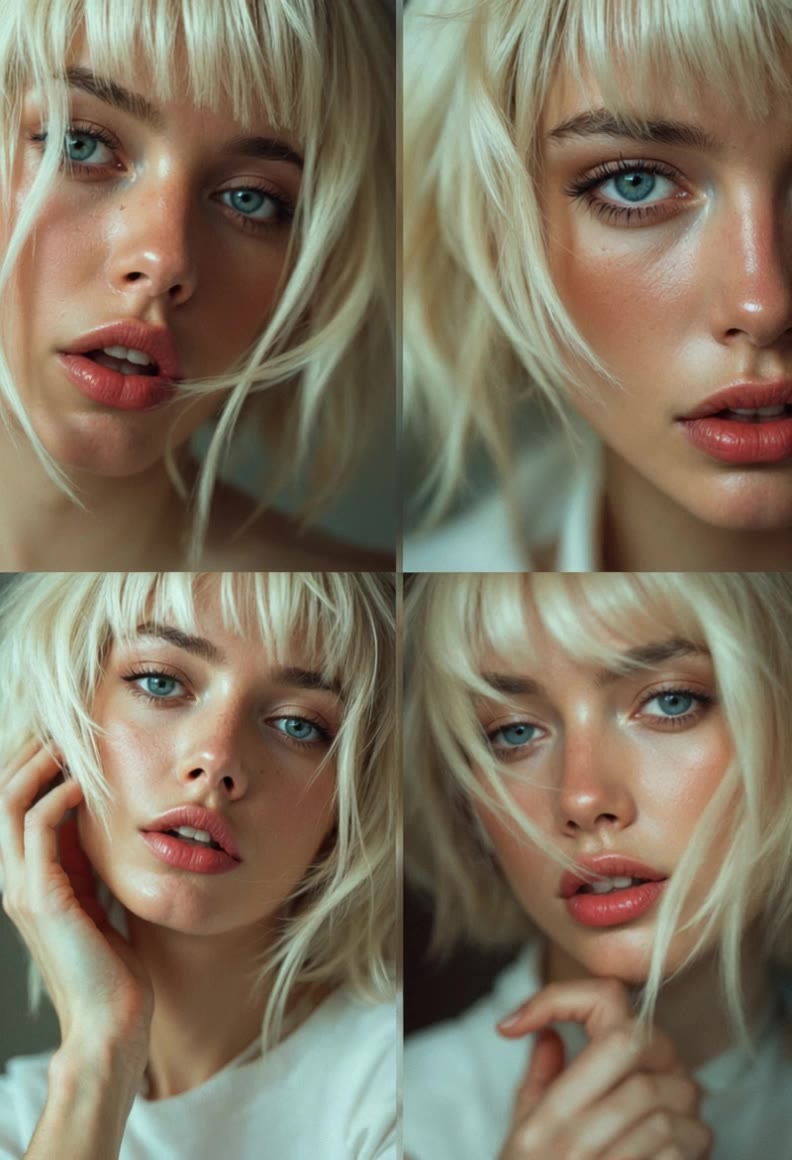
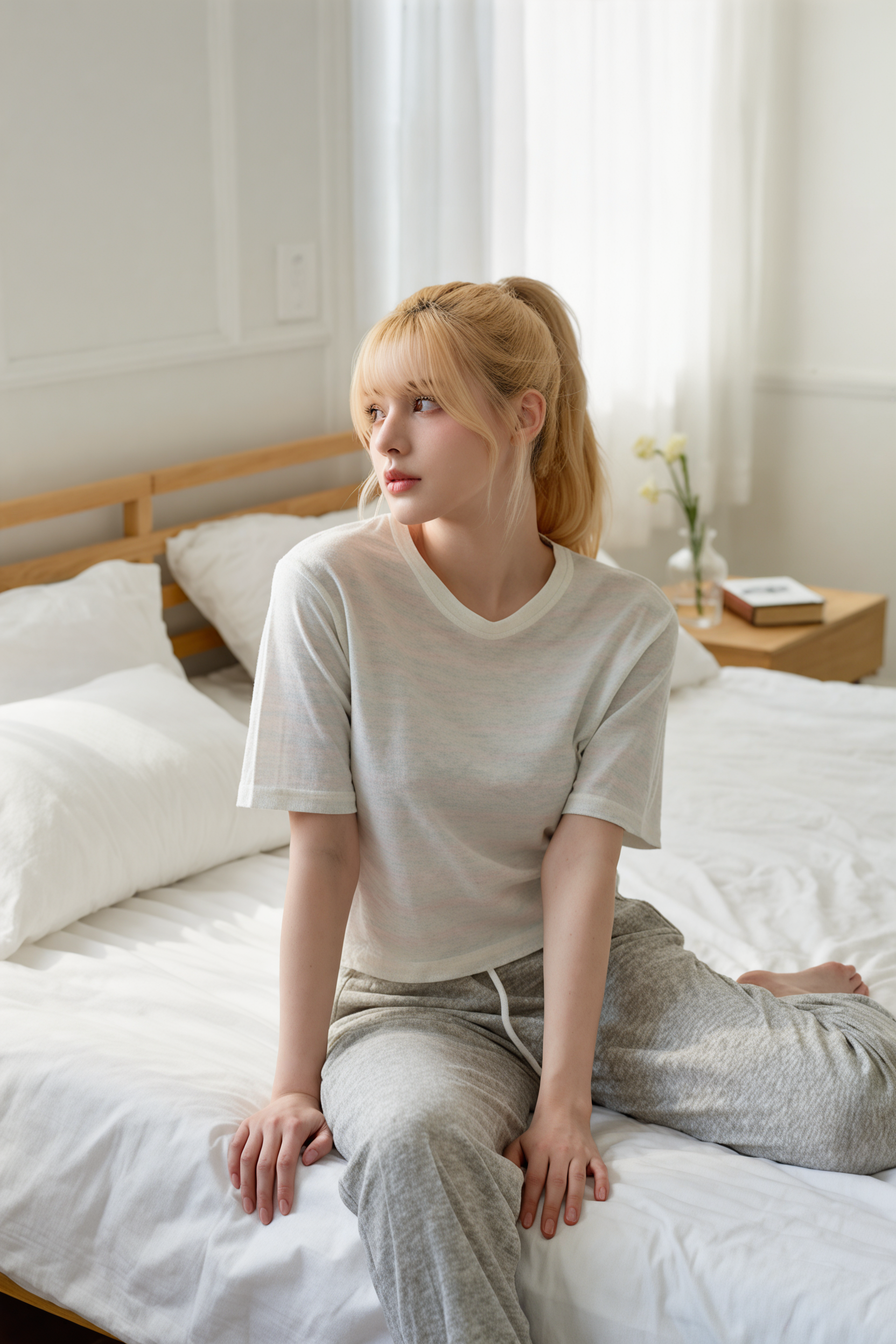
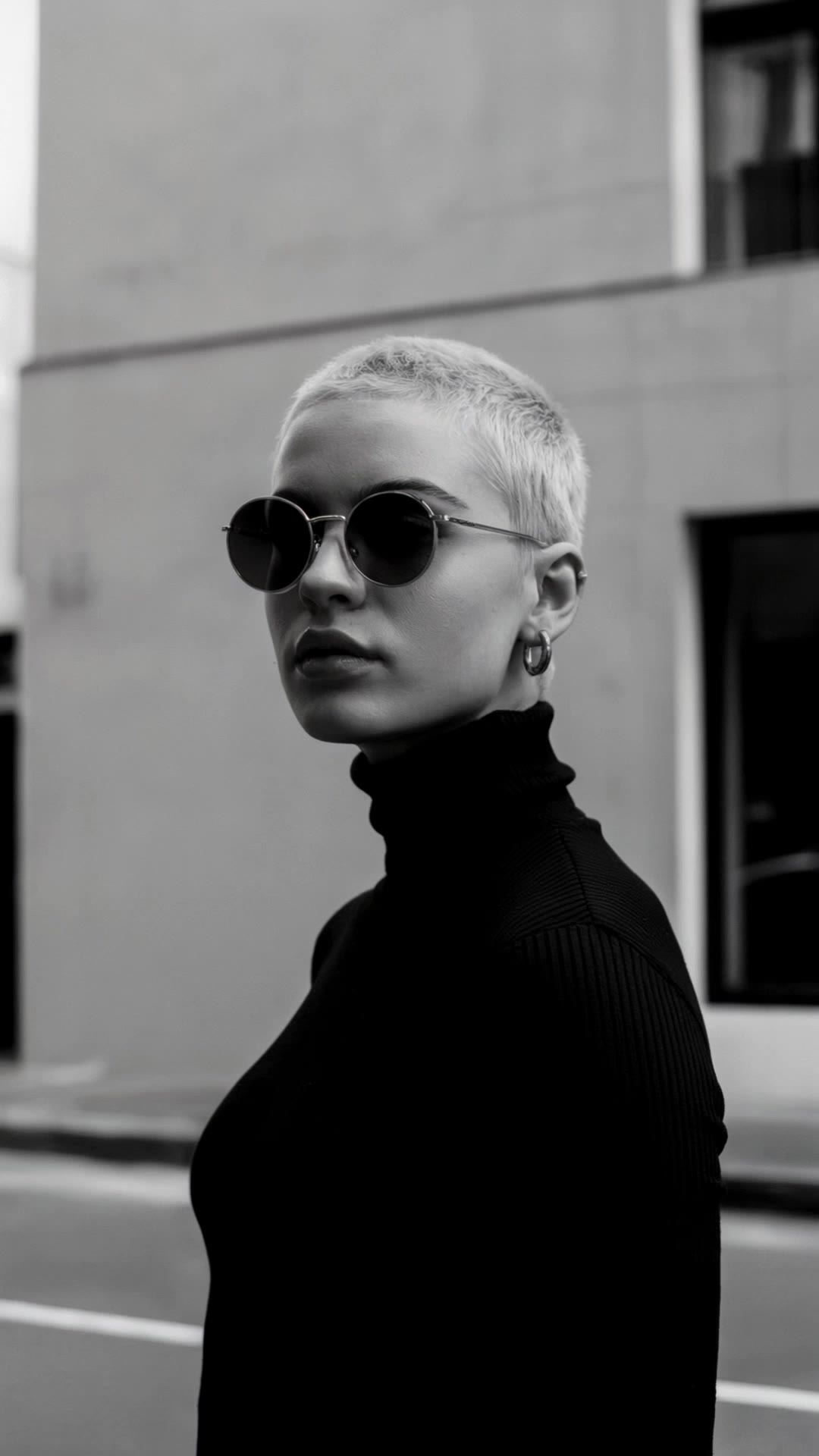
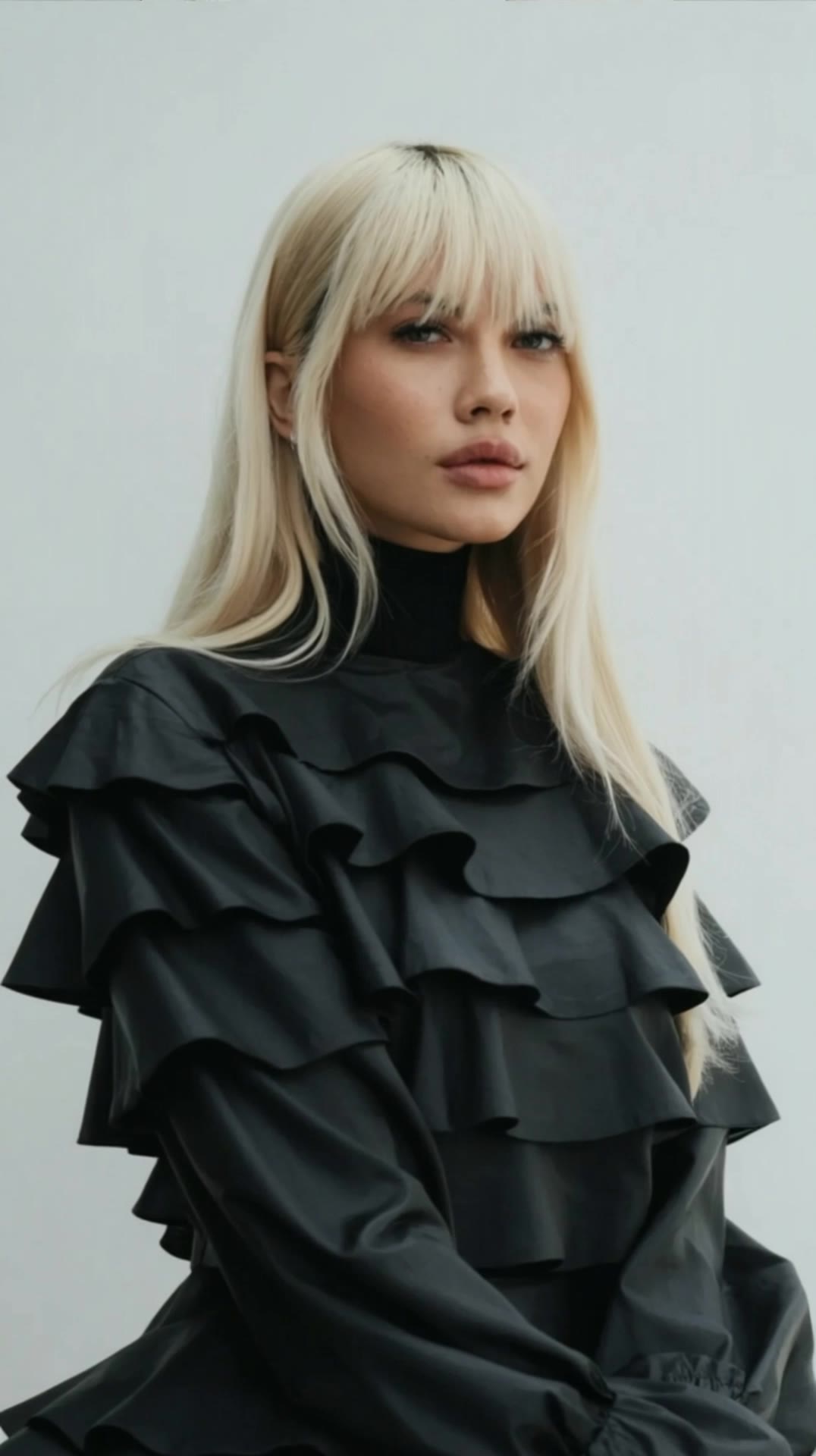
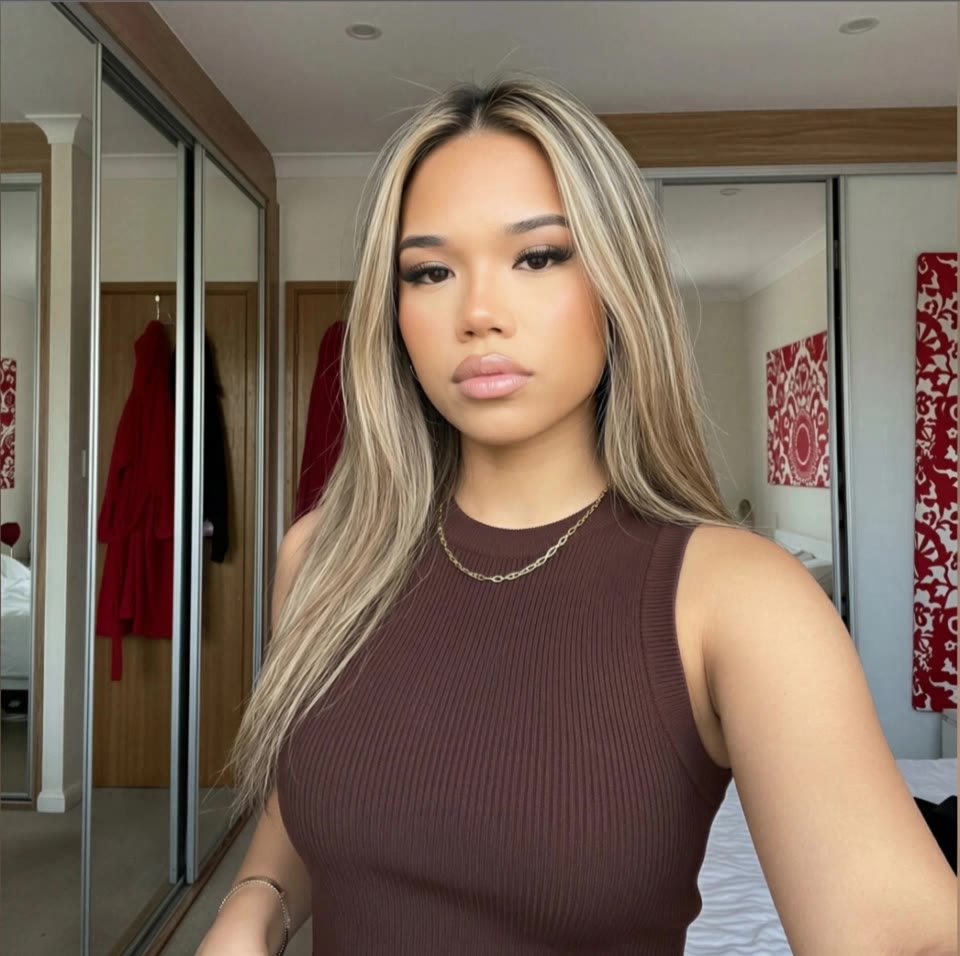
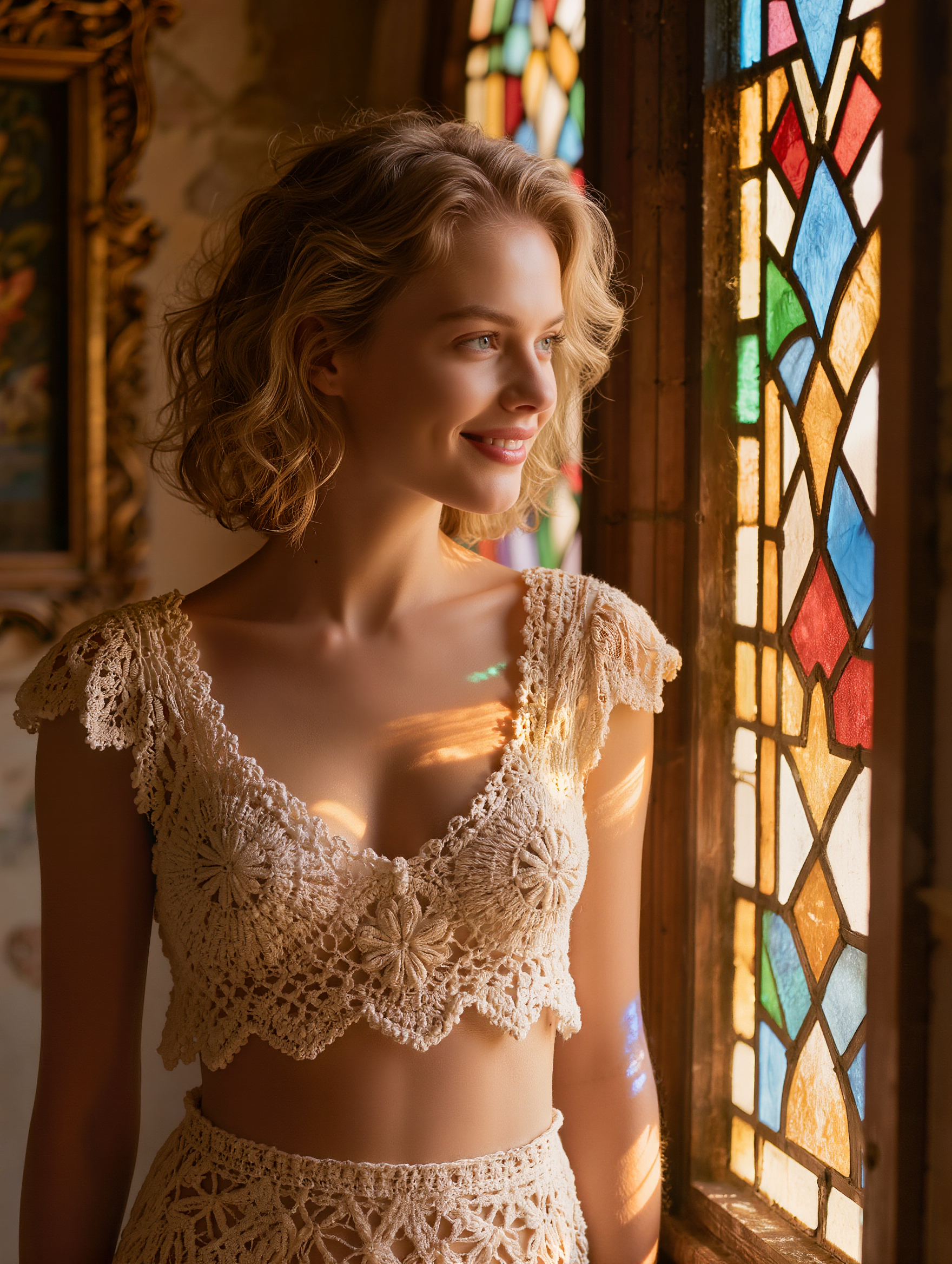
peekaboo hair blonde and brown - beach scene & photorealistic style

Embrace the chic contrast of blonde and brown peekaboo hair with stunning outdoor and beach scenes, highlighted by natural lighting and intimate moments. Start exploring peekaboo hair blonde and brown ideas and generate your own content with AI.

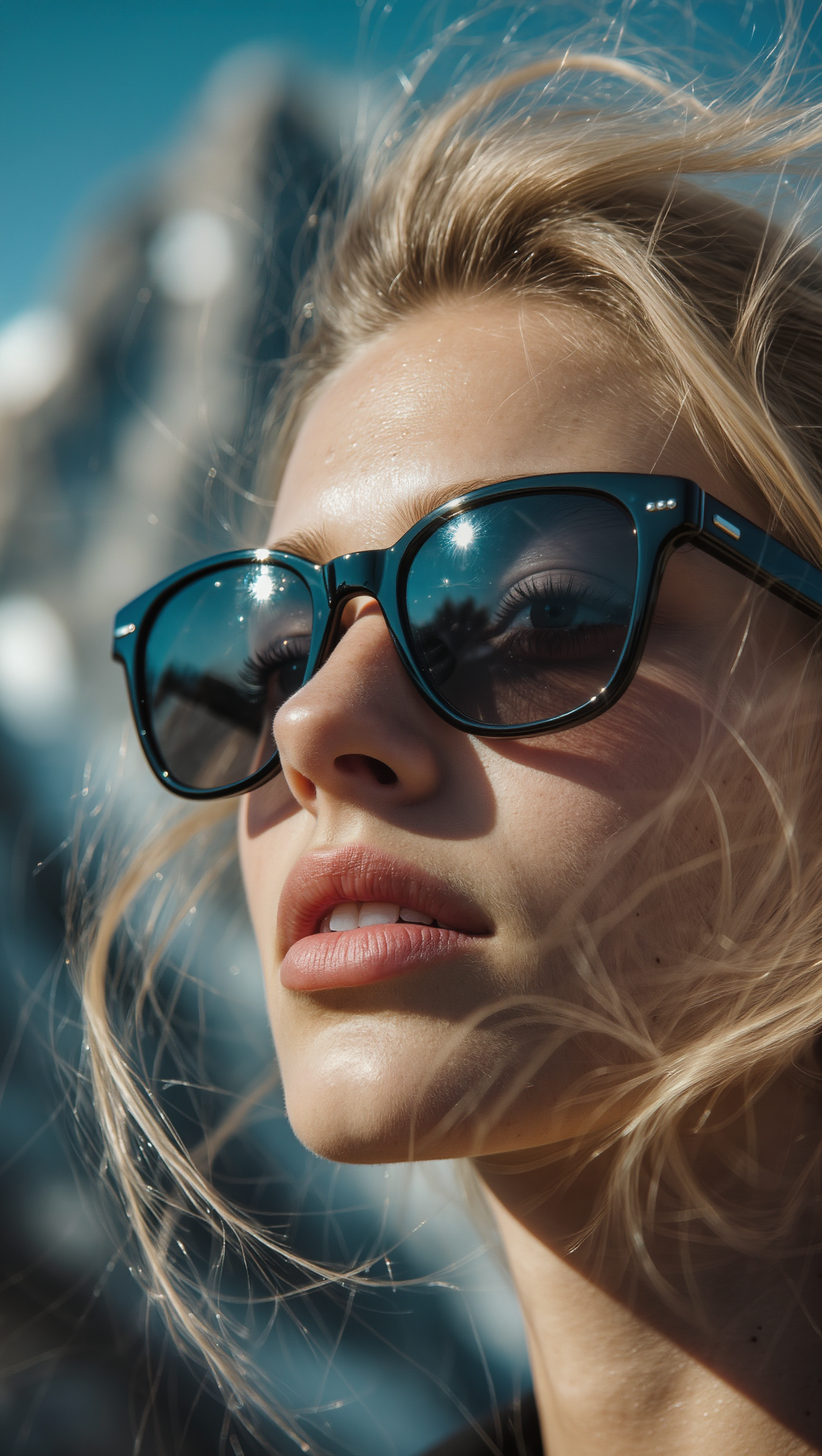
peekaboo hair blonde and brown - beach scene & photorealistic style

Recommended

work cover
00:20
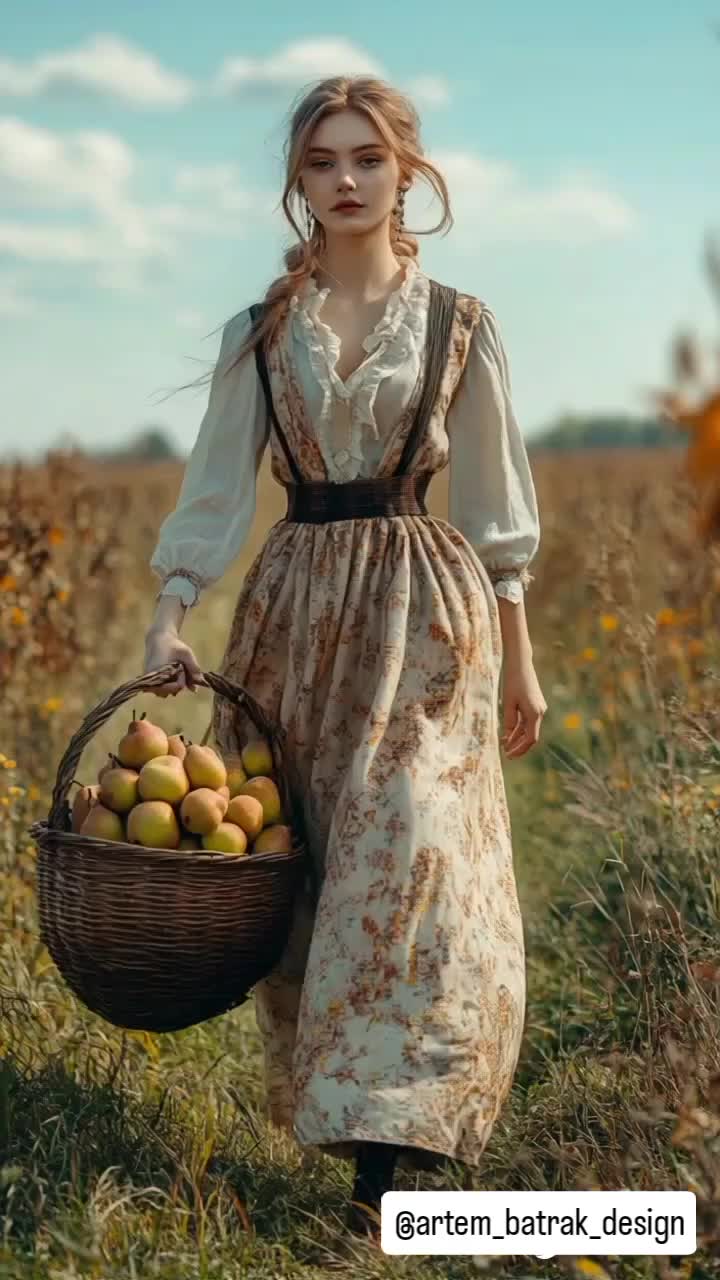
@artem_batrak_design
work cover
MOMO -KLING
work cover
CrimsonClick
work cover
video-play
Dildorame
work cover
video-play
Logotypin
work cover
CrimsonClick
work cover
LSPJ
work cover
video-play
sinon | AI_video
work cover
video-play
videosAI𝙥𝙧𝙤
work cover
V. Dalmatina
work cover
LSPJ
work cover
video-play
AnnAI
work cover
video-play
Logotypin
work cover
video-play
Logotypin
work cover
video-play
BPfAWiYh
work cover
video-play
ANTHRAUSS
work cover
video-play
Logotypin
work cover
00:40
portal of imaginatio
work cover
ℹ️MissKAKADU🌼
work cover
Krapal

How to Animate an Image

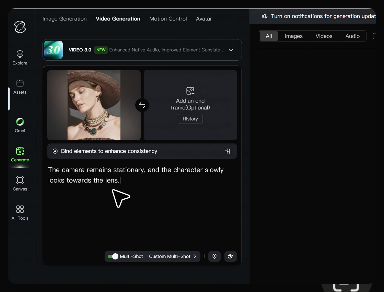
Upload Your Image

Upload Your Image

Upload any image—drag and drop a portrait, product photo, or illustration. Kling supports various formats and brings images to life while maintaining consistent, high-quality results.

Describe the Motion

Describe the Motion

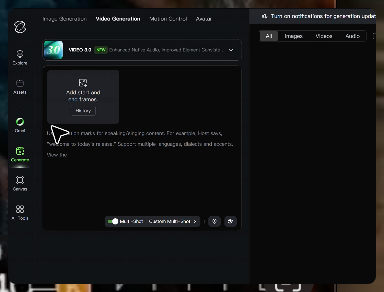
Type what you want to see, like “she turns, smiles, and starts talking to the camera.” For advanced control, you can also upload a start and end frame to define the exact transition.

Generate & Export

Generate & Export

Hit generate, wait a few seconds, and download your animated video. Free image to video generation is available in 1080p, while Pro users can unlock stunning native 4K resolution.

Why Kling Sets the Standard for Video Creation

Flawless Character Consistency

Flawless Character Consistency

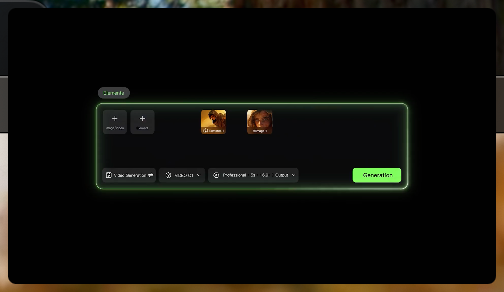
Unlike standard tools that distort faces when moving, Kling Video 3.0 lets you strictly lock a character’s appearance. Upload a single photo, or use a short video/multiple angles as a reference to completely eliminate the “AI morphing” effect.
Native Audio & Perfect Lip-Sync

Native Audio & Perfect Lip-Sync

Your image doesn’t just move; it speaks. Generate perfectly matched voices and realistic lip movements in multiple languages or regional accents. Even in multi-character scenes, you can precisely assign who speaks—no third-party tools required.
15s Duration & Motion Control

15s Duration & Motion Control

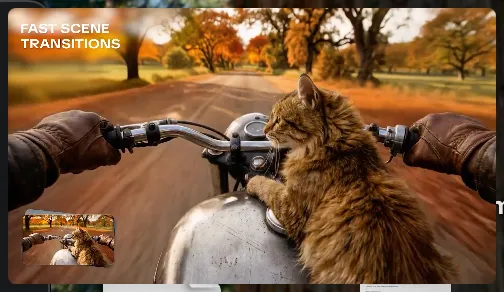
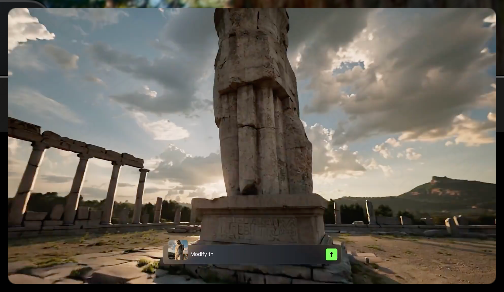
Go beyond simple loops with up to 15 seconds of smooth narrative. Use advanced Motion Control to direct camera pans, tilts, and zooms, or define exact transitions with start and end frame references.

Apps

Image to Video
Image to Video

Image to Video

Text to Video
Text to Video

Text to Video

Omni
Omni

Omni

Digital Human
Digital Human

Digital Human

Restyle
Restyle

Restyle

Text to Image
Text to Image

Text to Image

60M+
60M+
Users
600M+
600M+
AI Videos Generated
4.7 ★
4.7 ★
App Store
Industry-Leading
Industry-Leading
Cinematic 4K

Reviews

James Phillips

James Phillips

★★★★★

Kling AI has transformed my workflow by collapsing timelines and democratizing production. It’s shifted my mindset from resource-dependent filmmaking to a boundless creative sandbox, where experimentation yields unexpected beauty.

Déborah

Déborah

★★★★★

I use Kling AI every day. It's amazing to see the almost daily progress it makes. I used AI for fun at first, and I now find that Kling AI's animations allow me to gain professional visibility, with three times more views on my animated posts than on my static posts.

Halim Alrasihi

Halim Alrasihi

★★★★★

I use AI daily and Kling AI is a crucial part of my workflow, whether for client work or personal projects. What I love most about using Kling AI is that it provides all the tools I need in one place, from keyframes to character references, elements and special effects.

FAQ

Q1What is Kling Video 3.0?
Q2What’s the difference between Video 2.6 and 3.0?
Q3Does Video 3.0 support multiple characters speaking?
Q4Can I use this for global AI video marketing?
Q5How long can videos be in Video 3.0?
Q6Is it suitable for product demo videos?

Start Creating AI Videos with Kling

Turn your text or images into a stunning, high-quality video in seconds. No watermarks, No complicated setup.

Free tier includes watermark (Memberships are watermark-free) | 1080p export (Pro unlocks 4K) | Instant results