The digital world is changing radically as artificial intelligence masters the fine distinctions of film production. High-quality visuals now integrate with native sound and narrative depth. Professional creators gain tools that redefine the boundary between imagination and digital reality through the power of unified multimodal training models.
The Excellence in AI Video Engineering
The core of the 3.0 model series rests upon a deeply unified training framework. That architecture represents a significant departure from older methods, where visual and audio elements were separate. Because the system processes text, images, and audio as a single stream, the specific Kling AI visual terms you choose directly influence the physics and soul of the final 15-second clip.
Choosing the best adjectives for AI video acts as the steering wheel for the multimodal engine. Vague language leads to generic results, while precise terminology unlocks the high fidelity potential of the platform. Through selecting the right words, a creator guides the system to render realistic weight, light, and motion coherence.
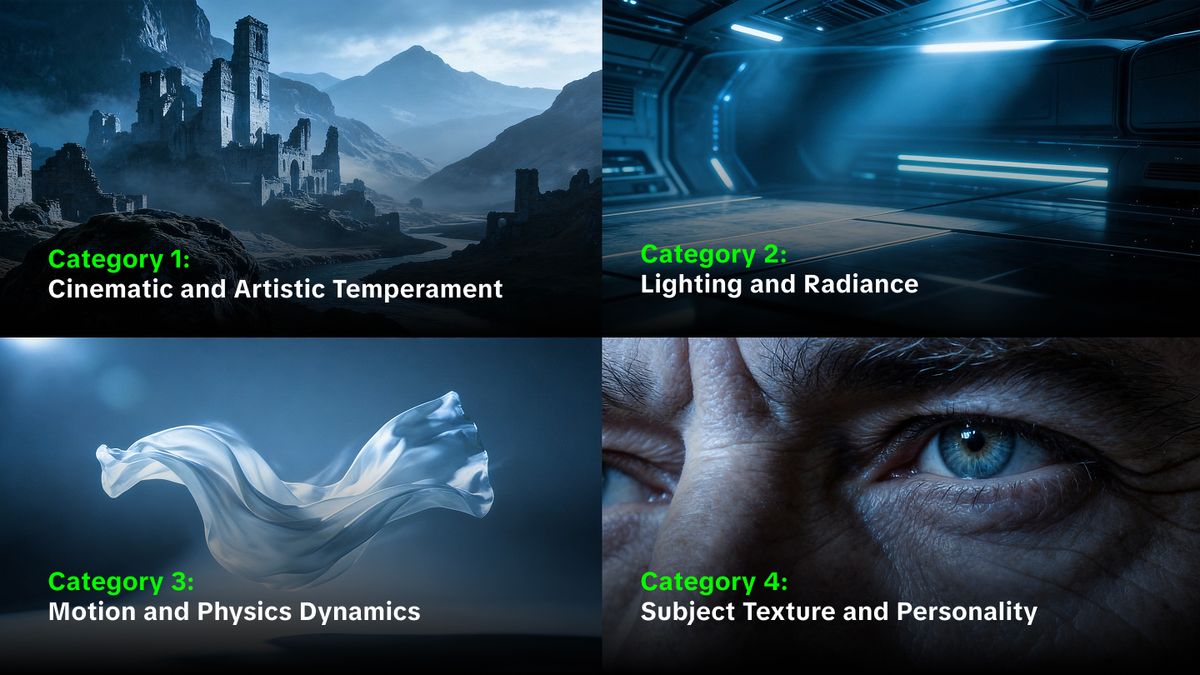
Category 1: Cinematic and Artistic Temperament
These adjectives set the overall mood and artistic direction of the scene. They tell the model what kind of film the viewer sees.
1. Poetic: Use that to invite a soft, lyrical quality into the footage, often seen in the official examples for romantic or nostalgic scenes.
2. Epic: That term triggers a massive scale and grand narrative feel, perfect for wide shots of landscapes or large structures.
3. Cinematic: The most essential term for achieving a professional film look with high dynamic range and deep shadows.
4. Classical: That adjective suggests a timeless, balanced composition often found in traditional museum-level art.
5. Photorealistic: Use that to push the model toward the highest levels of detail and lifelike textures.
6. Ethereal: That word creates a dreamlike, otherworldly glow that feels light and airy.
7. Moody: Perfect for scenes with high contrast and heavy atmosphere, such as film noir or thrillers.
8. Stark: Use that for high contrast, minimalist scenes where every detail stands out against a simple background.
9. Vibrant: That term increases color saturation and energy, rendering the visuals more lively and intense.
10. Aesthetic: A general term that tells the AI to prioritize beauty and balance in every frame.

Category 2: Lighting and Radiance
Lighting defines the depth and realism of a digital scene. The 3.0 model excels at calculating the interplay of light and shadow.
11. Volumetric: That adjective creates light that appears to have physical volume, such as sunbeams through a window.
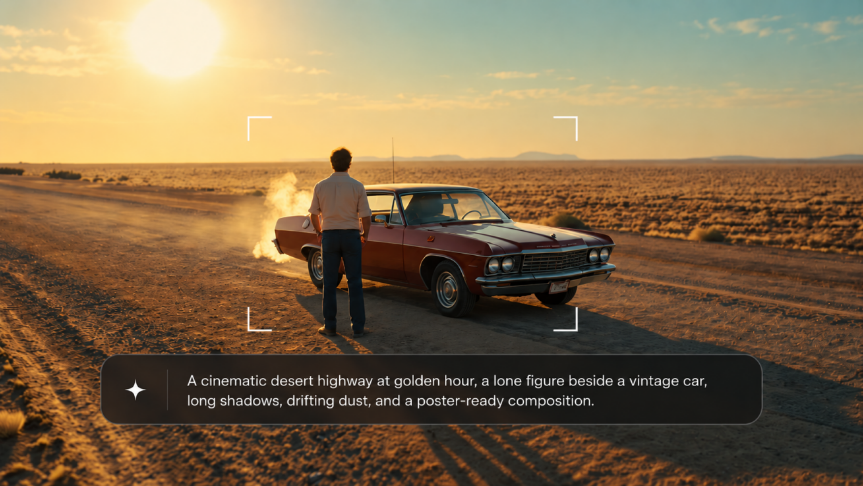
12. Tyndall: Specifically refers to the Tyndall effect, where light scatters through particles like mist or dust, adding incredible depth.
13. Bioluminescent: Use that for subjects that glow from within, such as alien plants or deep-sea creatures.
14. Glow-in-the-dark: Similar to bioluminescent but suggests a more synthetic or neon quality.
15. High-contrast: That term forces a big difference between the brightest and darkest parts of the frame.
16. Subtle: Use that for lighting that feels natural and gentle, avoiding harsh highlights.
17. Silvery: Perfect for night scenes under a moonlit sky, rendering the world in a cold, metallic sheen.
18. Warm-toned: That adjective suggests a cozy, inviting light, often used for indoor home environments.
19. Harsh: Use that for midday sun or intense artificial lights that create deep, sharp shadows.
20. Diffuse: That term renders light soft and even, eliminating hard edges and providing a flattering look for characters.

Category 3: Motion and Physics Dynamics
The 3.0 series focuses on temporal motion and physics over time. These words guide how things move.
21. Gravity-affected: That term tells the model to respect the weight of objects, such as smoke that lingers or falling fabric.
22. Wind-blown: Use that for hair, clothes, or trees to show the presence of an invisible breeze.
23. Fluid: That adjective renders movement smooth and continuous, avoiding jerky or robotic transitions.
24. Kinetic: Suggests high energy and fast-paced movement, ideal for action sequences.
25. Steady: Use that to describe camera movement, such as a steady tracking shot that follows a subject perfectly.
26. Dolly-in: A specific cinematic term for moving the camera physically closer to the subject.
27. Handheld: That word adds a slight, natural shake to the camera, mimicking a documentary style.
28. Drone-like: Suggests a high altitude, smooth aerial viewpoint with wide perspectives.
29. Spiraling: Use that for complex motions like swirling energy or upward-moving smoke.
30. Localized: That term is useful when using the Motion Brush to direct movement to only one part of the frame.

Category 4: Subject Texture and Personality
Maintaining subject consistency is a highlight of the 3.0 Omni model. These adjectives define the look of your characters and items.
31. Weathered: Use that for objects or clothes that should look old, used, and full of history.
32. Detailed: That word forces the model to focus on minute textures, such as the grain of wood or the pores on a face.
33. Stable: A technical term to remind the model to keep the character traits consistent across the 15-second generation.
34. Expressive: That adjective tells the AI to prioritize facial movements and complex emotions in the character performance.
35. Coherent: Use that to ensure that the visual and audio elements of a character align perfectly.
36. Consistent: Essential for maintaining a stable identity for characters across different scenes and angles.
37. High-fidelity: That term suggests a high resolution and clean output with minimal artifacts.
38. Bilingual: Useful in 3.0 Omni prompts where a character speaks two languages within the same scene.
39. Authentic: That word guides the model toward realistic dialects and accents for the native audio output.
40. Transparent: Use that for materials like glass, water, or energy fields that require complex light calculations.
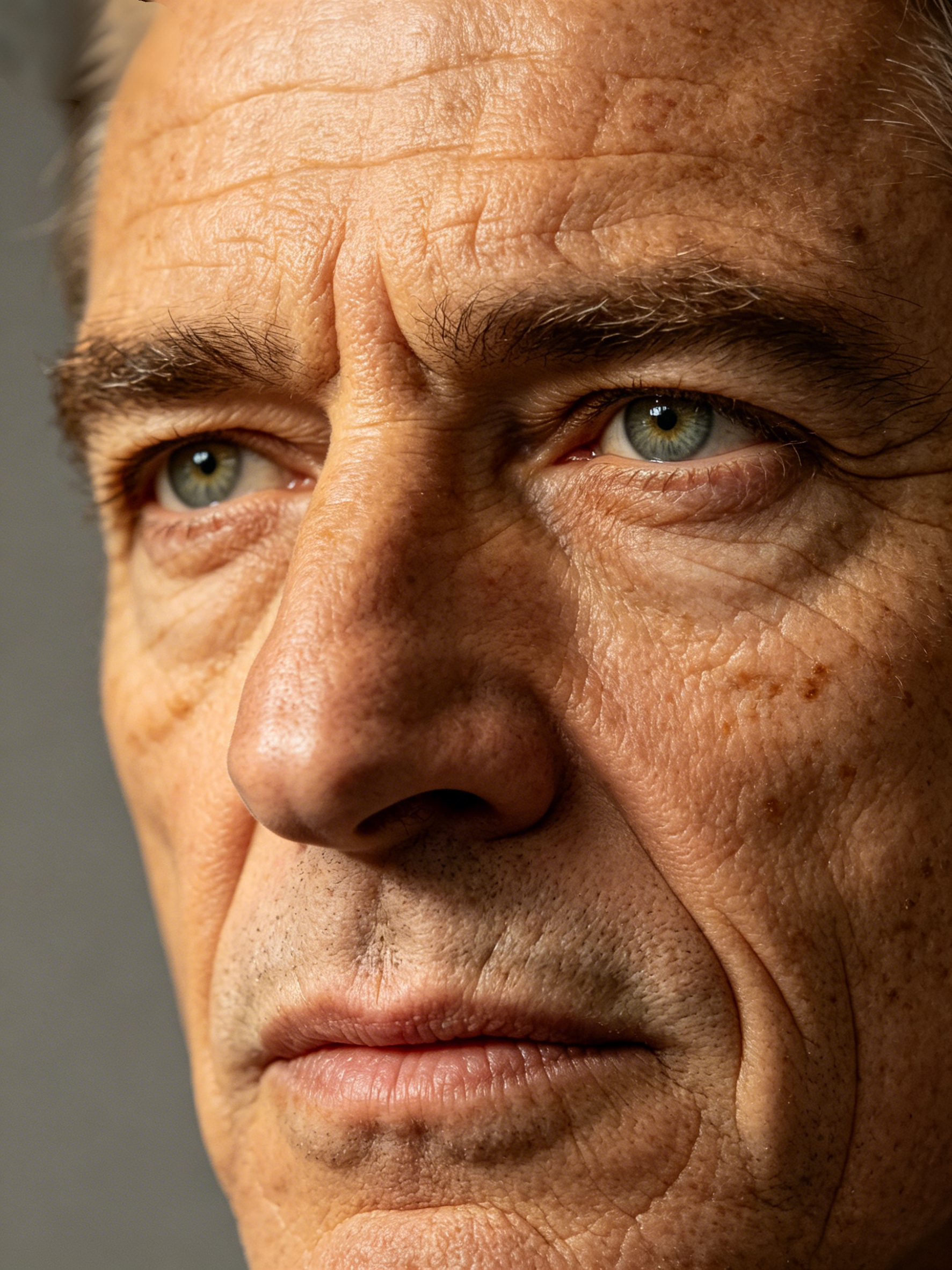
Category 5: Narrative and Environmental Scale
The setting provides the context for the entire story. These adjectives help define the world.
41. Wide-angle: That term creates a broad view of the environment, ideal for establishing shots.
42. Immersive: Tells the model to create a scene that feels deep and surrounding.
43. Bustling: Perfect for city scenes or markets where there should be a lot of background activity.
44. Alien: Suggests an exotic, non-human environment with strange physics and colors.
45. European: A specific style adjective often used in official prompts for villa terraces or old town streets.
46. Atmospheric: That word adds environmental effects like mist, fog, or dust to create a sense of space.
47. Multi-shot: A prompt term that triggers the AI Director to plan transitions between different angles.
48. Chronological: Useful for scripting a series of events in a 15-second narrative.
49. Layered: That adjective tells the model to create depth through foreground, midground, and background elements.
50. Imaginative: Use that to push the model toward creative and surreal visual solutions.
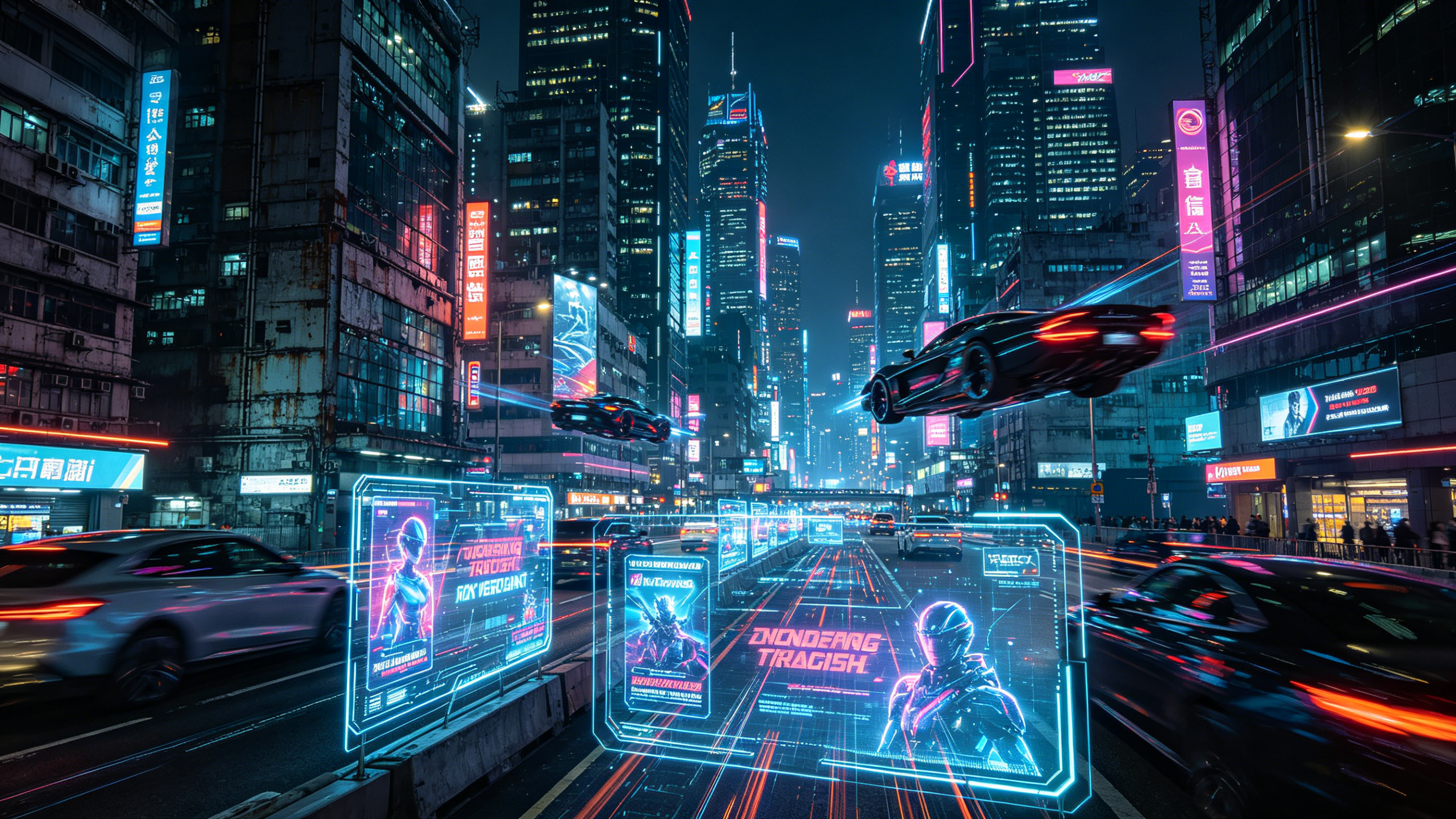
Synthesizing the 3.0 Omni Experience
The true power of these adjectives emerges when you combine them with the new features of the 3.0 model. Because the system now supports native audio, using words like "expressive" or "authentic" helps the AI align the facial performance with the spoken dialogue. A character described as having an "authentic British accent" will show different mouth movements than one with an "American accent."
Furthermore, the 15-second duration allows for more "fluid" and "deliberate" pacing. Through using adjectives like "slow and deliberate," a creator allows the narrative to breathe, giving the AI Director time to execute complex "dolly-in" or "pan" movements. The unified training framework guarantees that the "volumetric" light and "atmospheric" mist stay consistent even as the camera moves through the scene.
Professional Workflow for AI Video Prompt Engineering
To get the most out of these keywords, follow a structured workflow. Start with the subject and its "detailed" traits. Then, add the "kinetic" or "steady" movement. Third, describe the "European" or "alien" scene. Finally, apply the "cinematic" lighting and "poetic" atmosphere. That formula provides the model with a clear hierarchy of information.
Through testing systematic variations of these adjectives, you can build a personal library of proven prompts. For example, a "medium shot, slow pan right" becomes much more powerful when you add "cinematic depth of field" and "golden hour lighting." Such combinations are the secret to professional-grade production.
The Bottom Line
The 3.0 Era of Kling AI transforms simple text into high-fidelity film sequences. Through mastering the best adjectives for AI video and specific Kling AI visual terms, creators unlock the full potential of the unified multimodal engine. These 50 words provide the precision needed to control lighting, motion, and character consistency. Using a systematic approach to adjective selection allows for the creation of 15-second cinematic narratives that achieve professional levels of realism and depth.
Frequently Asked Questions
Q1. How Can Specific Adjectives Improve AI Video Quality?
Specific adjectives function as precise data points for the 3.0 unified training framework. Using descriptive terms such as "volumetric" or "gravity-affected" provides the engine with instructions on how light and physics should behave. Such precision transforms a generic clip into a high-fidelity cinematic sequence with realistic weight and fluidity.
Q2. Which Adjectives Create the Most Realistic Lighting in Kling AI?
To achieve professional lighting, creators often utilize terms like "Tyndall effect," "volumetric light," and "interplay of light and shadow." These Kling AI visual terms guide the model to render depth and atmosphere. Such descriptors are vital for creating "poetic realism" or a "classical epic temperament" within the 15-second generation window.
Q3. How Does the 3.0 Model Series Maintain Subject Consistency?
Subject consistency relies on the Elements 3.0 system. Through uploading up to four reference images or a short video, the model locks in core traits like facial structure and clothing. That process guarantees that the character remains stable across different shots, regardless of camera movements or scene development.
Q4. Why Is Native Audio Important for Cinematic AI Video Production?
Native audio within the 3.0 Omni model synchronizes lip movements and facial expressions with the spoken dialogue. That unified approach eliminates the need for external tools. The system supports five major languages and authentic accents, which infuse the generated visuals with a stronger sense of life and realism.
Q5. What Is the Maximum Duration for High Fidelity Video Generation?
Kling VIDEO 3.0 supports continuous video generation for up to 15 seconds. That extended duration allows for more complex action sequences and narrative development. Professional creators use that time to execute intricate camera movements, such as a "slow dolly push" or "handheld tracking shots," while maintaining high resolution and detail.