Herramientas
API
Recursos
Funciones
Sobre nosotros
Descargar

create ai image to video with audio and emotions - [Burmese dialogue] & [cricket broadcast]

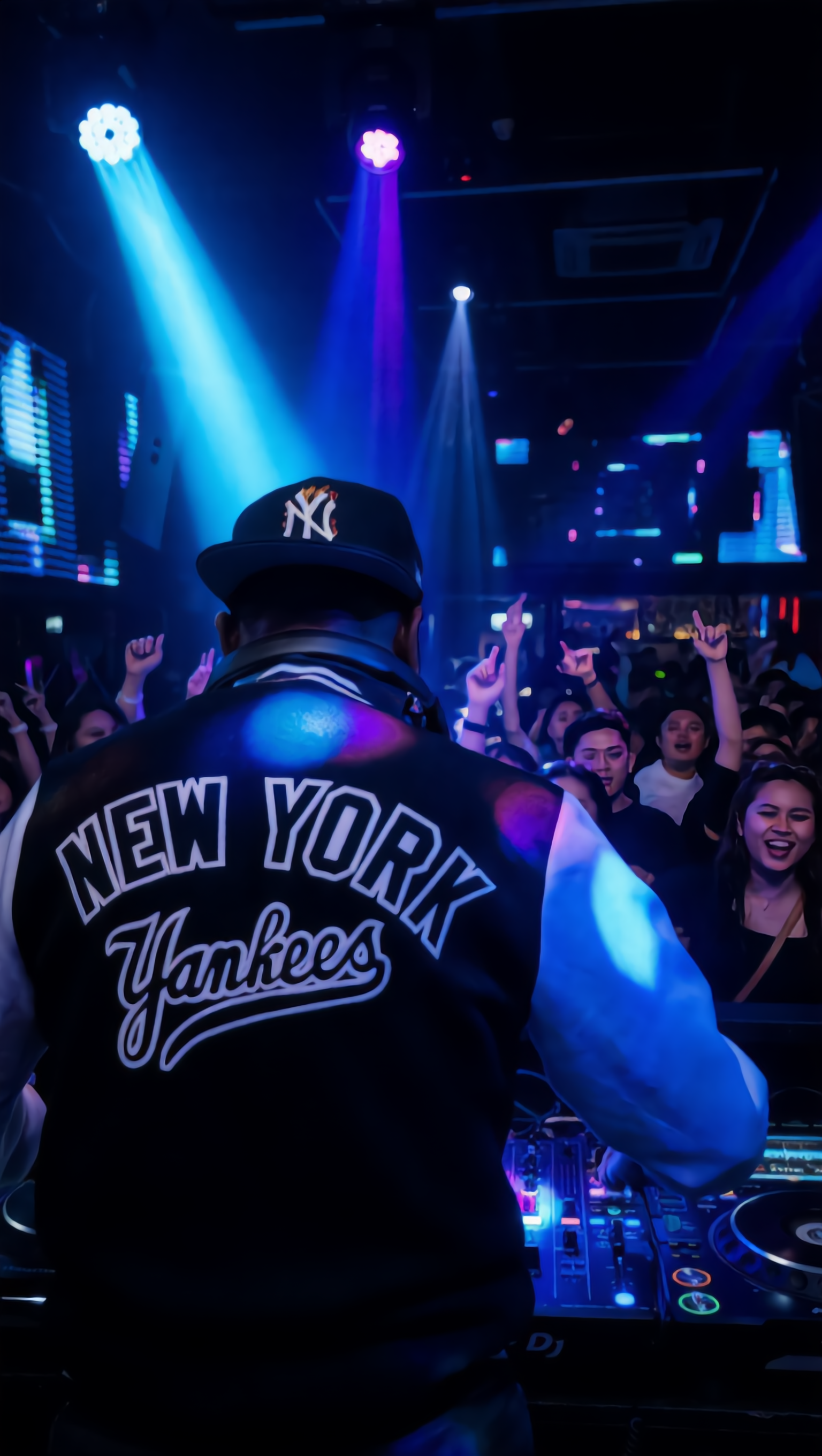
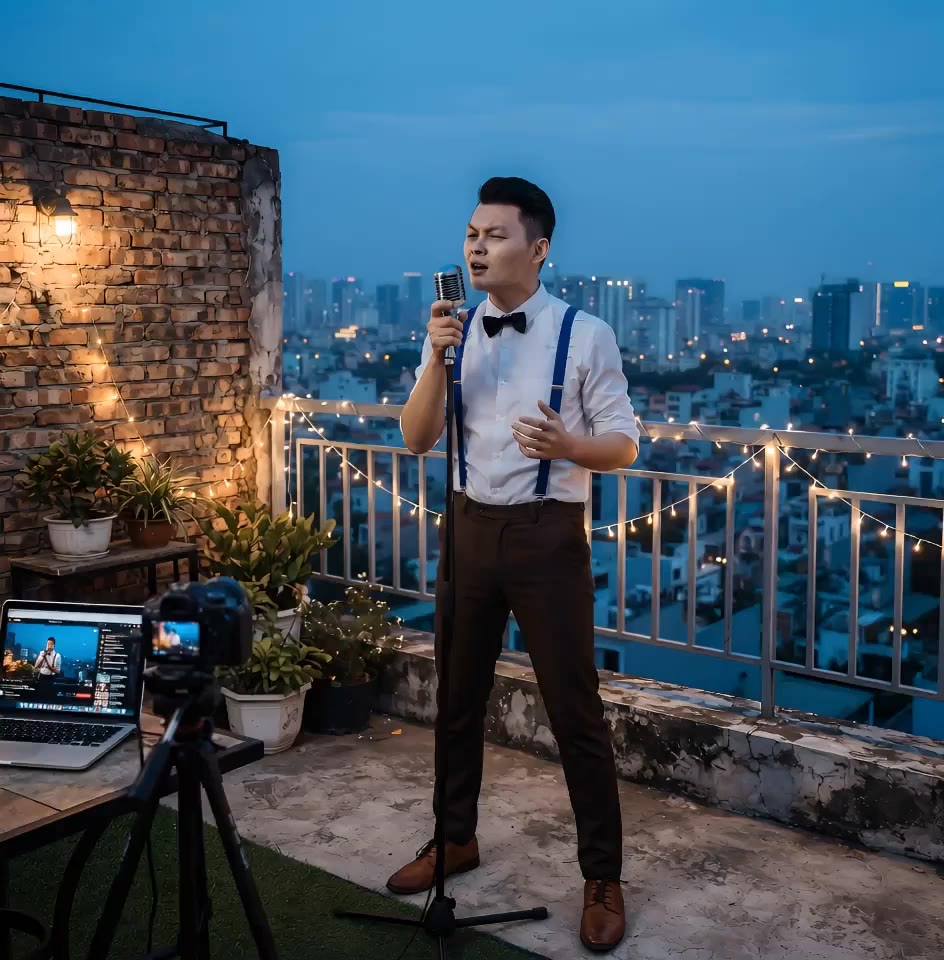
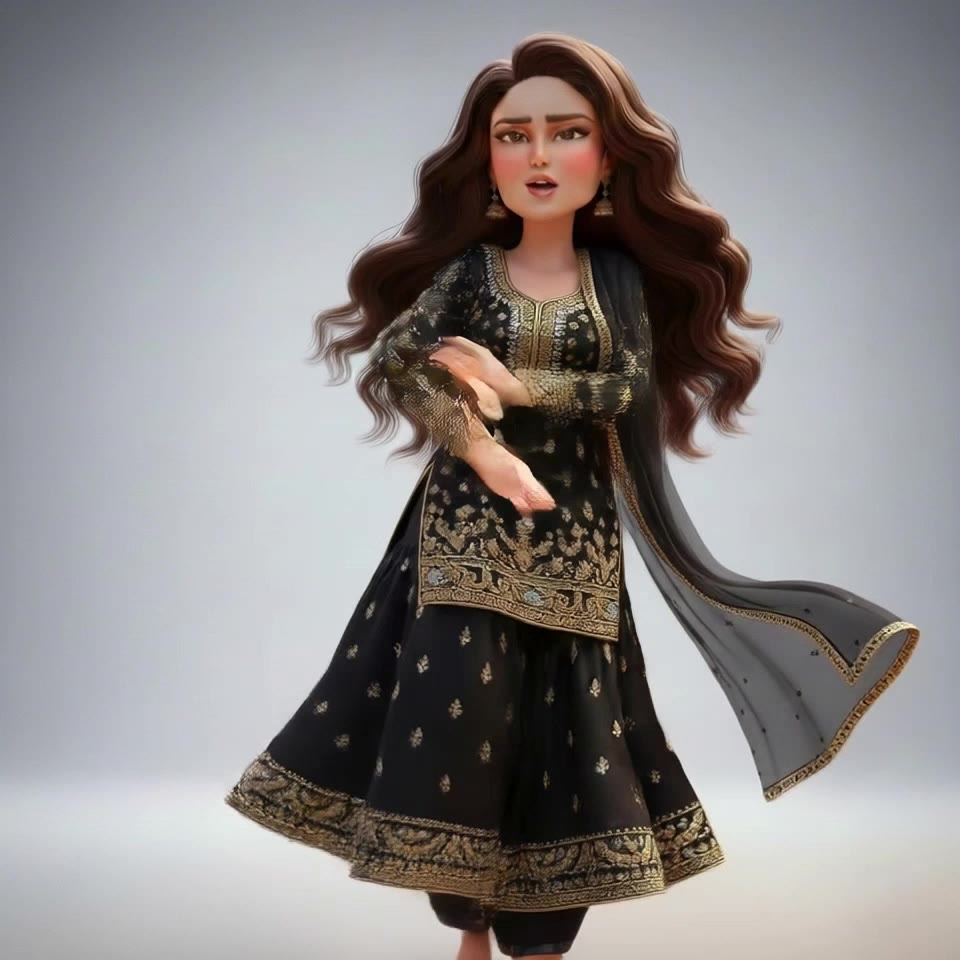
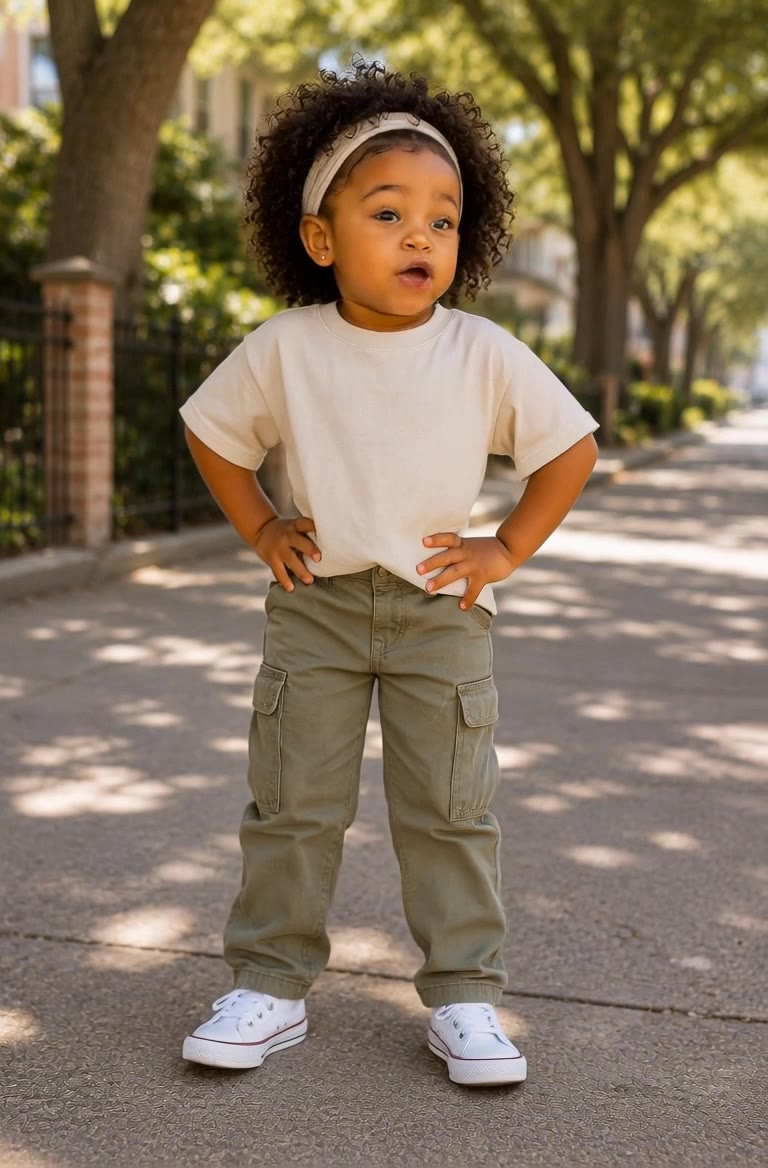
Unleash your creativity with AI-driven image to video transformations featuring ultra-realistic cinematic scenes and emotionally-charged, lip-synced audio narratives. Dive into high-quality, 4K cinematic experiences with smooth camera movements and authentic crowd reactions in live sports broadcasts. Start exploring create ai image to video with audio and emotions ideas and generate your own content with AI.

create ai image to video with audio and emotions - [Burmese dialogue] & [cricket broadcast]

Recommended

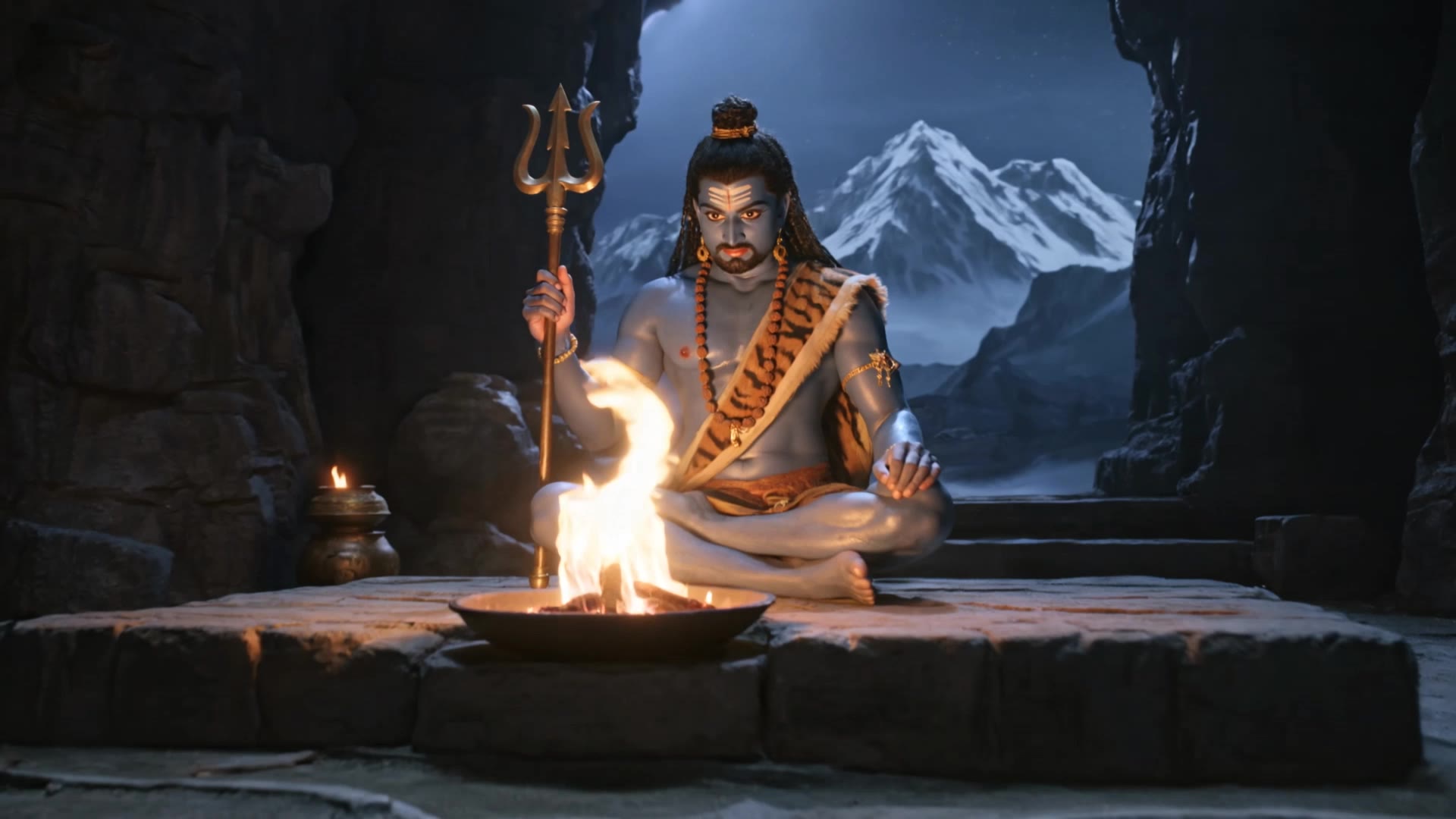
Kling AI work 315279305525695 - create ai image to video with audio and emotions AI image
RfechTHR avatar
RfechTHR
Reflexões sobre Empatia - create ai image to video with audio and emotions AI video
rTGLlnLS avatar
rTGLlnLS
Kling AI work 319702456525664 - create ai image to video with audio and emotions AI video
cKnpqlut avatar
cKnpqlut
Kling AI work 310892167307537 - create ai image to video with audio and emotions AI video
dapDhHzQ avatar
dapDhHzQ
Kling AI work 321220928521277 - create ai image to video with audio and emotions AI image
qLOsRDsC avatar
qLOsRDsC
Kling AI work 308657253504364 - create ai image to video with audio and emotions AI image
lQoSUghm avatar
lQoSUghm
Kling AI work 318949619660020 - create ai image to video with audio and emotions AI video
LiShan82 avatar
LiShan82
Kling AI work 314831645500695 - create ai image to video with audio and emotions AI video
Naz Ai avatar
Naz Ai
Kling AI work 313113877610040 - create ai image to video with audio and emotions AI video
Simran avatar
Simran
Kling AI work 316543080523161 - create ai image to video with audio and emotions AI video
pFRvjUHr avatar
pFRvjUHr
Kling AI work 318753657502817 - create ai image to video with audio and emotions AI video
sMFrbmbr avatar
sMFrbmbr
Kling AI work 314309189502094 - create ai image to video with audio and emotions AI video
tfTixYbi avatar
tfTixYbi
First time to create an AI video - create ai image to video with audio and emotions AI video
dwbwlzxP avatar
dwbwlzxP
Image to video - create ai image to video with audio and emotions AI video
tKCRyKxK avatar
tKCRyKxK
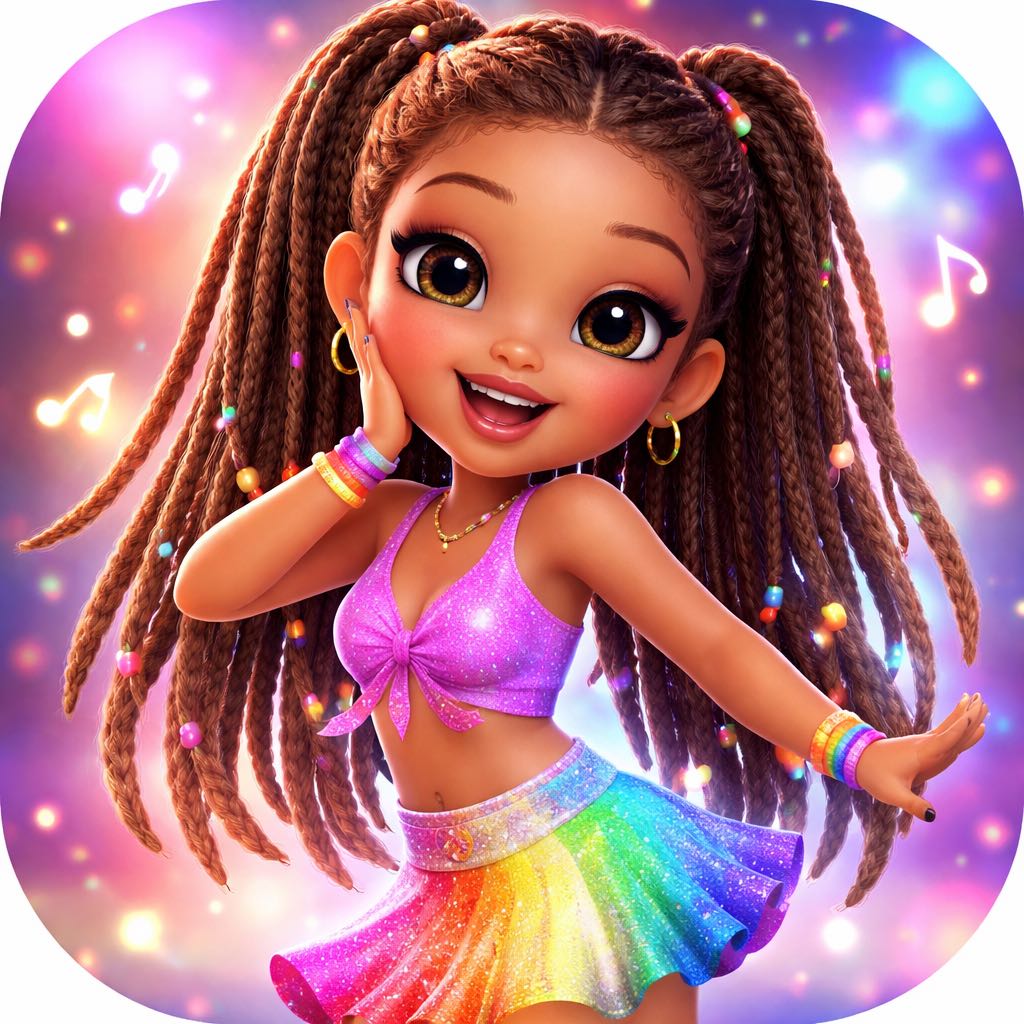
Upload any image  - create ai image to video with audio and emotions AI video
@Tiny Ai Dancers avatar
@Tiny Ai Dancers
Kling AI work 319432284501439 - create ai image to video with audio and emotions AI video
joRDTcgS avatar
joRDTcgS
Kling AI work 314608820508816 - create ai image to video with audio and emotions AI video
EfioDpks avatar
EfioDpks
Intro video - create ai image to video with audio and emotions AI video
OgDqfxHk avatar
OgDqfxHk
Video Prompt  Use the uploaded r - create ai image to video with audio and emotions AI image
eIbkpToN avatar
eIbkpToN

Cómo animar una imagen

Sube tu imagen

Sube tu imagen

Sube cualquier imagen: arrastra y suelta un retrato, una foto de producto o una ilustración. Kling admite varios formatos y da vida a las imágenes manteniendo resultados coherentes y de alta calidad.

Describe el movimiento

Describe el movimiento

Escribe lo que quieres ver, como “ella gira, sonríe y empieza a hablarle a la cámara”. Para un control avanzado, también puedes subir un fotograma inicial y otro final para definir la transición exacta.

Genera y exporta

Genera y exporta

Pulsa Generar, espera unos segundos y descarga tu video animado. La conversión gratuita de imagen a video está disponible en 1080p, mientras que los usuarios Pro pueden desbloquear una impresionante resolución 4K nativa.

Editar las partes importantes

Cambiar sujetos, fondos y estilo

Cambiar sujetos, fondos y estilo

Conserva lo que funciona y cambia lo que no. Reemplace un personaje o producto, actualice un atuendo, elimine una distracción o mueva la acción a un entorno diferente. También puede cambiar el clima, la iluminación, la hora del día o el aspecto general. Con Kling VIDEO 3.0 Omni, puede comenzar con un mensaje y agregar una imagen de referencia cuando una cara, un producto o un detalle de marca necesiten una mayor coincidencia.

Reencuadre la toma

Reencuadre la toma

Mantén la acción original, luego cambia cómo se enmarca el momento. Acérquese para obtener un primer plano, ábralo a una vista más amplia, cambie el ángulo o reequilibre la composición alrededor del sujeto. El metraje de origen mantiene el movimiento y el contexto de la escena en su lugar mientras el mensaje establece el nuevo encuadre.

Ampliar el Vídeo

Ampliar el Vídeo

Continúa un clip más allá de su final actual sin construir la siguiente escena desde cero. Kling traslada el sujeto, el movimiento y el entorno al nuevo metraje; agregue un mensaje cuando desee controlar lo que sucede a continuación. Utilice Video Extension cuando un clip termine demasiado pronto, una acción necesite más tiempo o aún falte el siguiente tiempo.

Apps

Imagen a video
Imagen a video

Imagen a video

Texto a video
Texto a video

Texto a video

Omni
Omni

Omni

Humano digital
Humano digital

Humano digital

Remodelar
Remodelar

Remodelar

Texto a imagen
Texto a imagen

Texto a imagen

60M+
60M+
Users
600M+
600M+
AI Videos Generated
4.7 ★
4.7 ★
App Store
Industry-Leading
Industry-Leading
Cinematic 4K

Reseñas

Huang Lu (Elson)

Huang Lu (Elson)

★★★★★

I’ve been using Kling AI since its initial release, and it’s remained one of the leading AI media generators ever since. With Kling AI, I’ve created hundreds of videos, collectively amassing millions of views.

Halim Alrasihi

Halim Alrasihi

★★★★★

I use AI daily and Kling AI is a crucial part of my workflow, whether for client work or personal projects. What I love most about using Kling AI is that it provides all the tools I need in one place, from keyframes to character references, elements and special effects.

Maria Rubtsova

Maria Rubtsova

★★★★★

I’m Maria Rubtsova, an AIGC digital artist passionate about creating stunning visuals in the worlds of fashion, aesthetics, and fantasy. I use KlingAi to bring imagination to life through video. My work is all about exploring beauty, emotion, and the limitless possibilities of digital art.

Preguntas frecuentes

Q1¿Puedo utilizar vídeos generados por AI para uso comercial?
Q2¿Cuál es el mejor generador de vídeo AI?
Q3¿Kling admite audio y caracteres parlantes?

Comience a crear videos AI con Kling

Convierta su texto o imágenes en un video impresionante y de alta calidad en segundos. Sin marcas de agua, sin configuraciones complicadas.

El nivel gratuito incluye marca de agua (las membresías no tienen marca de agua) | Exportación 1080p (Pro desbloquea 4K) | Resultados instantáneos