Character Animation and Storyboards
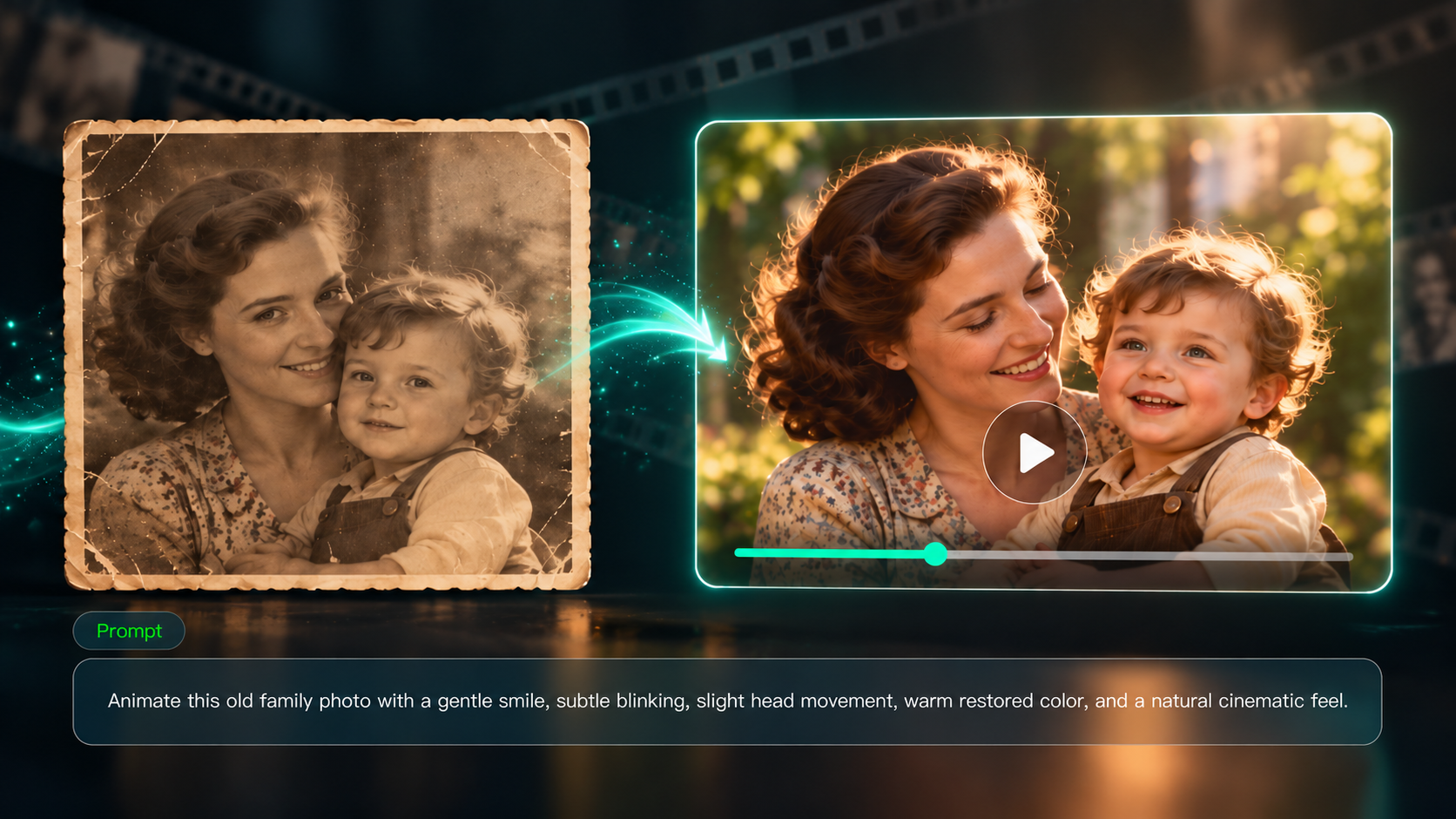
Turn a character sketch or storyboard panel into a moving scene. Have a character reach for a door, pause, and look back, then review how the action and timing play out before developing the next shot.
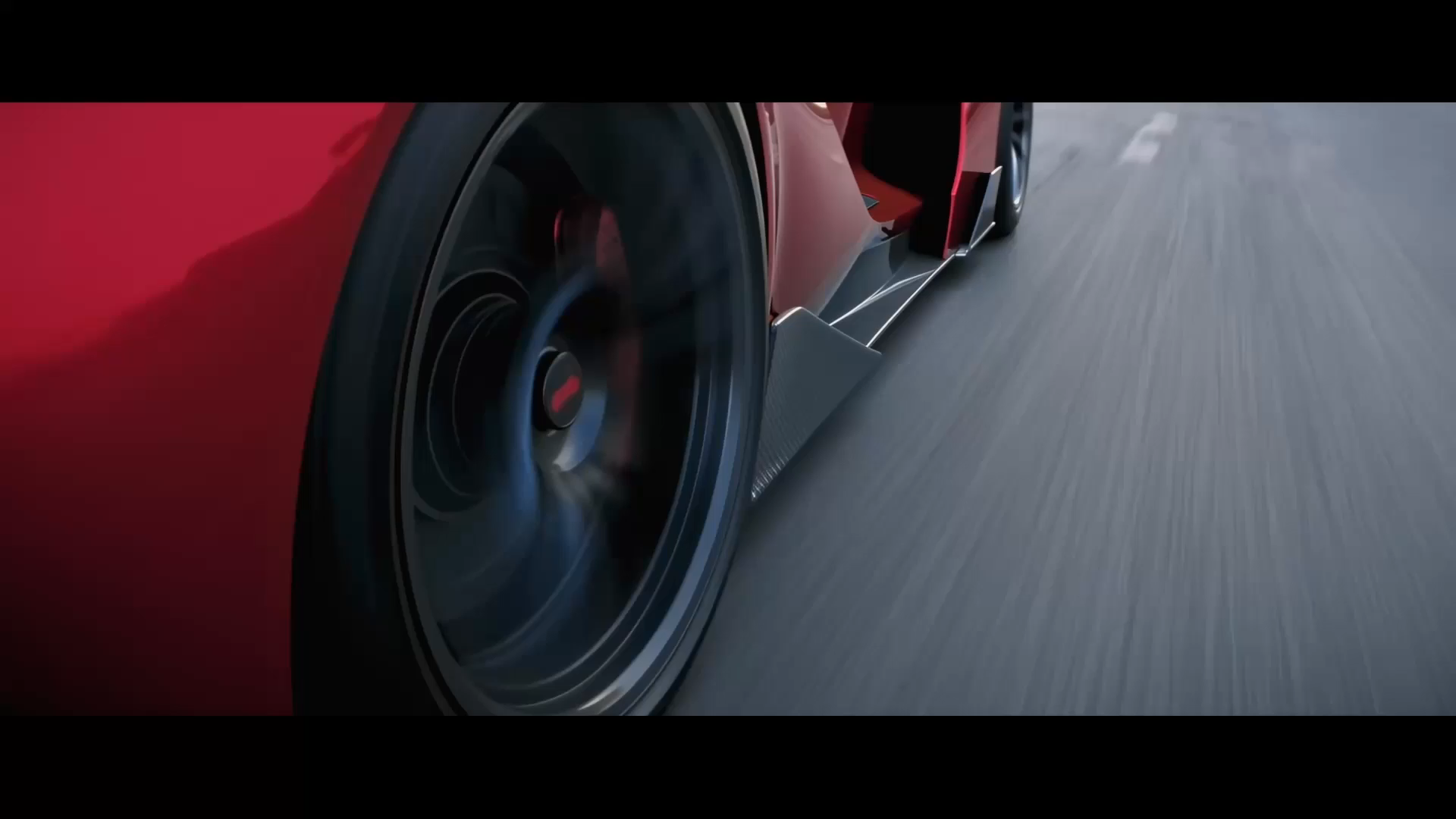
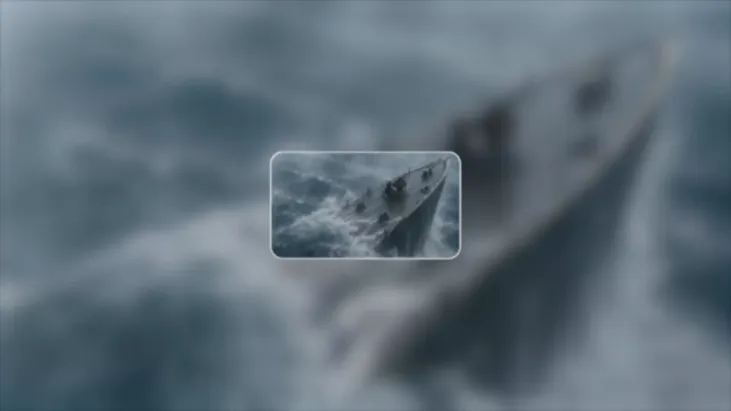
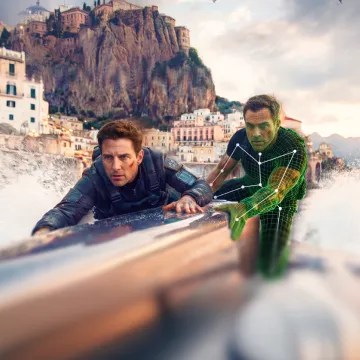
Kling 4.0 delivers more stable, physically convincing action in demanding scenes, from fast-paced fights to sports and large-scale movement. Stronger camera direction supports dynamic tracking, complex camera moves, and more coherent shot composition. With our AI video generator, create longer takes and connected sequences of up to 30 seconds in a single generation, with greater control over action, pacing, and camera movement.
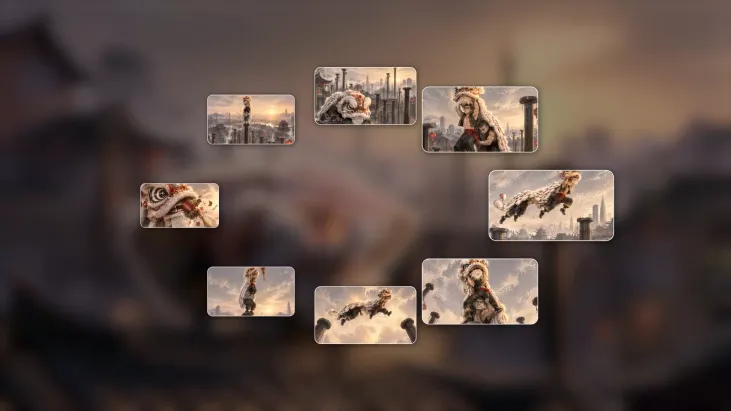
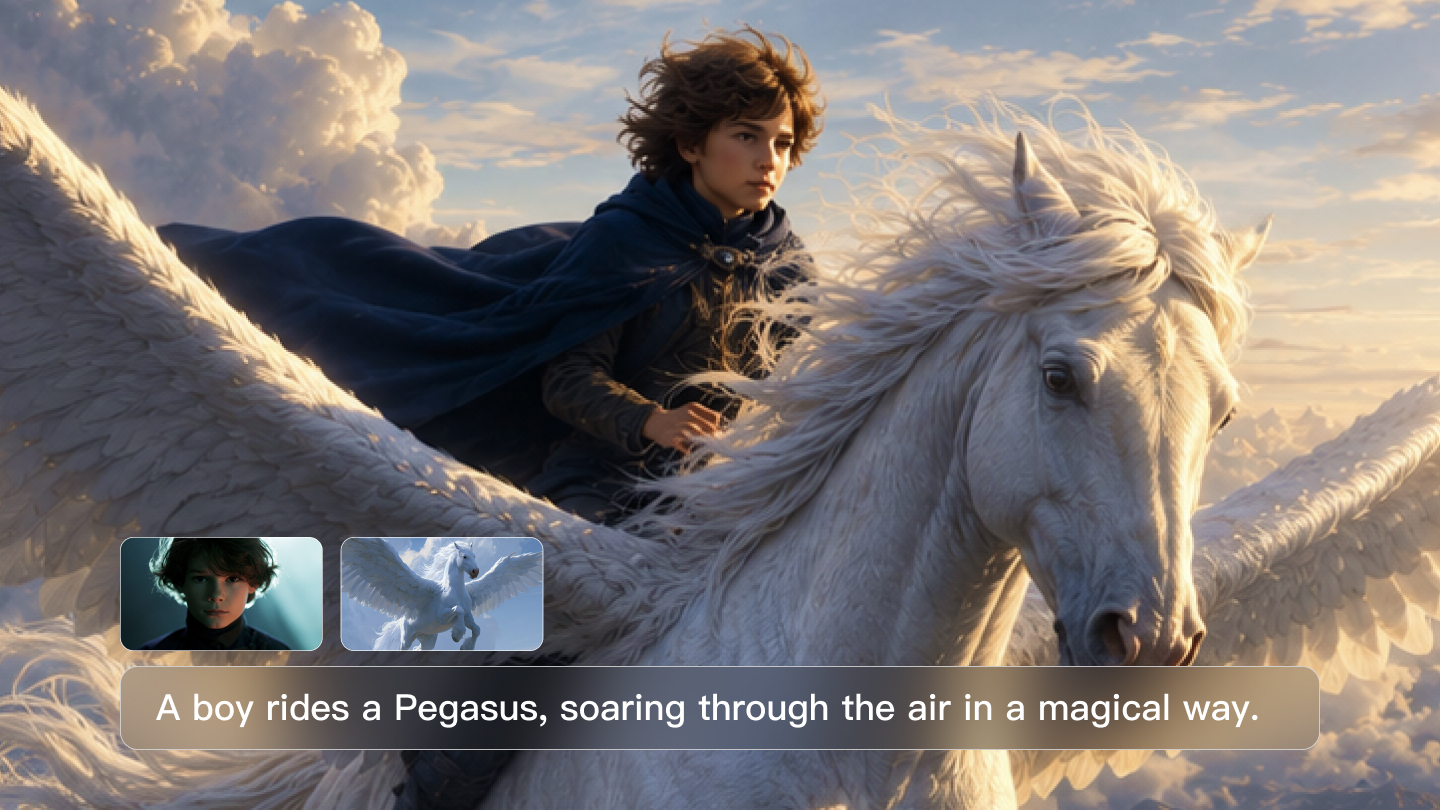
Kling 4.0's Omni Reference supports up to 15 combined reference assets, including images, videos, and subjects. Combine character, scene, motion, and style references to guide different elements within the same generation. Up to 10 flexible keyframes give you additional control over composition, character actions, and scene progression. Experiment with different reference combinations and key moments without rebuilding your entire creative setup.
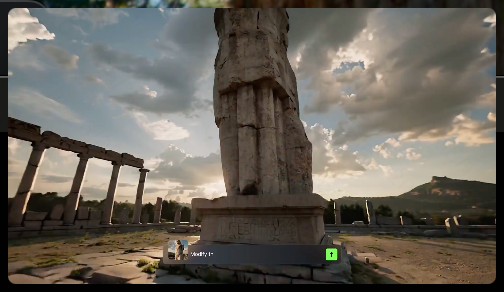
Kling 4.0 goes beyond generating new footage. It lets you reference existing videos to explore different characters, products, camera movements, and visual styles while retaining the original shot structure or motion as a guide. It also supports precise video editing, letting you target changes to subjects, backgrounds, actions, and camera angles. Rework existing scenes, try alternate versions, and develop new footage without starting from scratch.
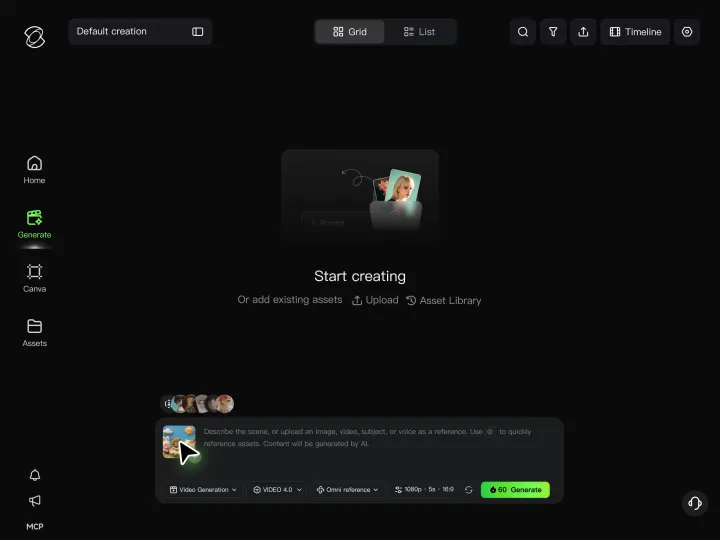
Upload a portrait, product photo, illustration, or other image. For additional control, Kling 4.0's Omni Reference supports up to 15 combined reference assets, subject to individual input limits.
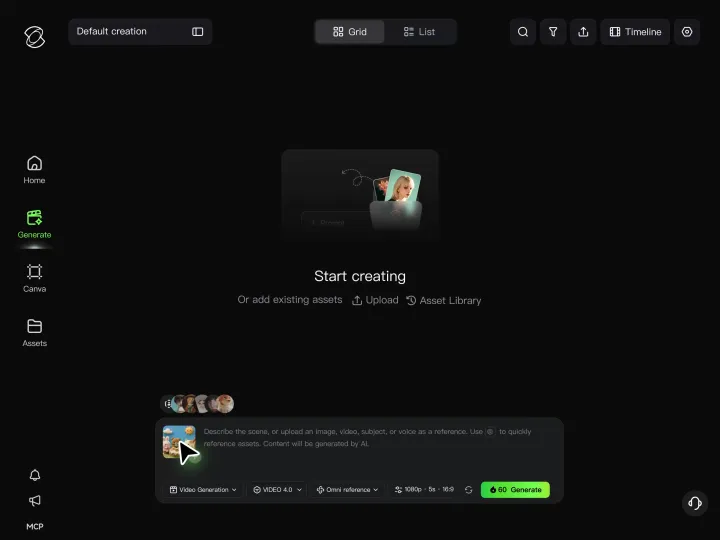
Specify how your subject moves and what the camera does. You can also add start and end frames or use up to 10 flexible keyframes to guide important changes with supported Kling 4.0 settings.
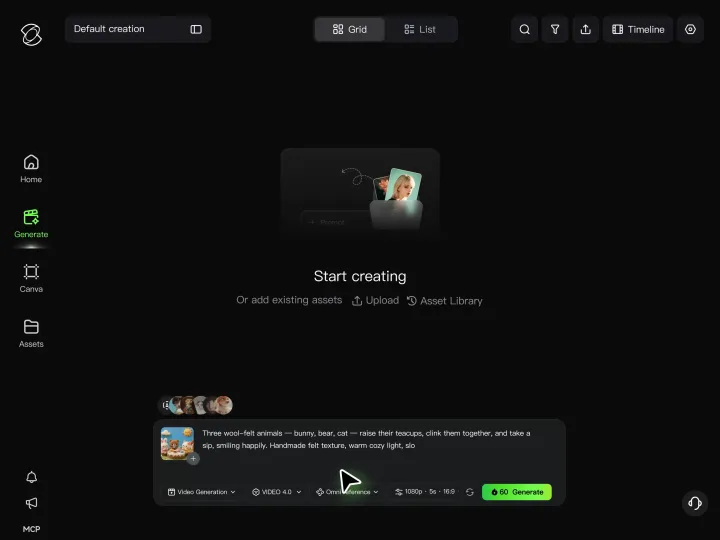
Choose your video settings and generate a clip up to 30 seconds long with Kling 4.0. Preview the result, make adjustments if needed, and download your video.
Start with a photo, drawing, or design and turn it into a video for your next post, product launch, or story.
Turn a character sketch or storyboard panel into a moving scene. Have a character reach for a door, pause, and look back, then review how the action and timing play out before developing the next shot.
Turn a product photo into a moving close-up for an ad or product page. Guide the camera around a sneaker to reveal its stitching, or push in on a bottle to highlight its label and finish.
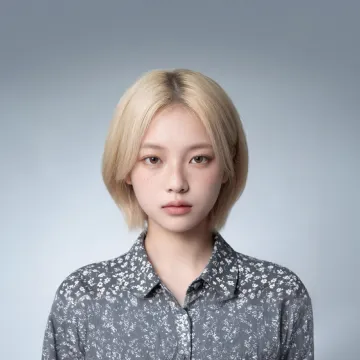
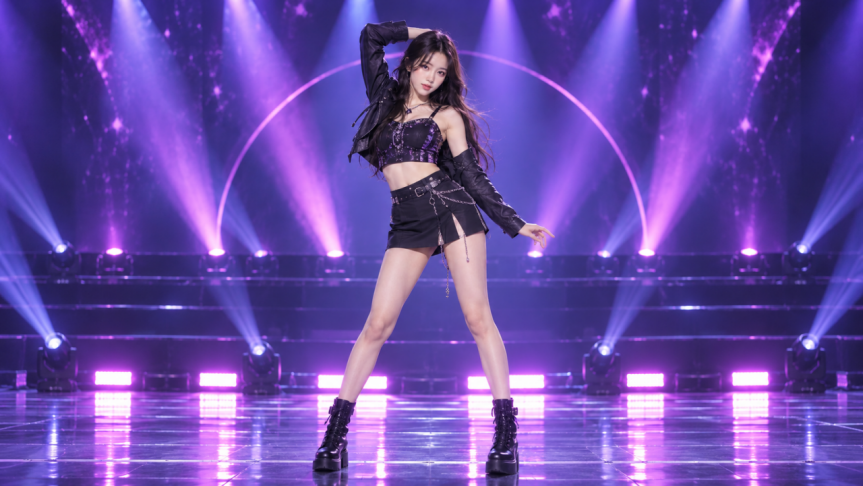
Give a portrait, outfit photo, or pet picture a moment of motion. Add a glance toward the camera, a playful head tilt, or a slow zoom to create a short clip for Instagram Reels, TikTok, or YouTube Shorts.
Bring motion to a favorite landscape or vacation photo. Add waves rolling onto the shore or guide a slow camera move through a city street to create an opening shot for a travel recap.





I use Kling AI every day. It's amazing to see the almost daily progress it makes. I used AI for fun at first, and I now find that Kling AI's animations allow me to gain professional visibility, with three times more views on my animated posts than on my static posts.
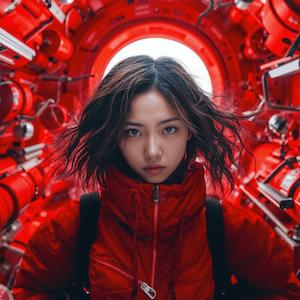
I have successfully collaborated with world-renowned artists and well-known companies that are recognized globally

Kling AI has been instrumental in transforming my creative workflow, unlocking new dimensions of artistic expression that were once unimaginable. I use Kling AI extensively to develop high-concept visuals, animate surreal dreamscapes, and create AI-assisted films that blur the line between reality and fantasy. Kling AI's deep learning capabilities have not only enhanced my creative efficiency but also inspired me to explore storytelling in ways I never thought possible.
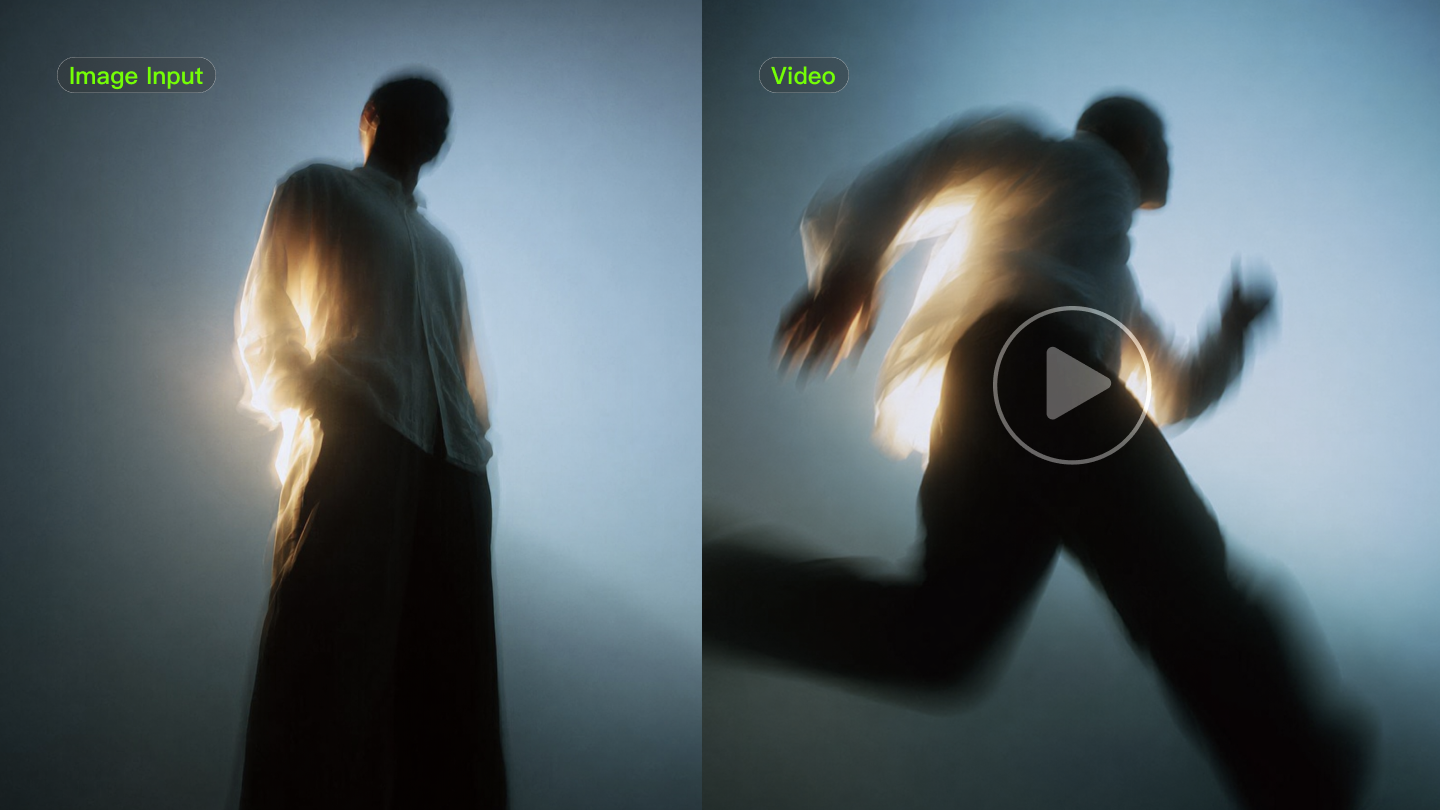
A portrait, product image, or illustration can be the starting point for your next video. Add movement, explore different camera shots, and work with the visual details you want to keep in Kling AI.
Dynamic Motions | Multiple Keyframes | Omni Reference | Free tier available