




Herramientas
API
Recursos
Funciones
Sobre nosotros
Descargar

Script to Video AI for Cinematic Multi-Shot Storytelling

Start with a scene, a piece of dialogue, or a story beat and turn it into a multi-shot sequence with Kling AI. Let the model work out the camera coverage, or take over the storyboard yourself when you already know how each moment should play.

Script to Video AI for Cinematic Multi-Shot Storytelling

How to Create an AI Video from a Script

Start with a Scene or Story Beat

Start with a Scene or Story Beat

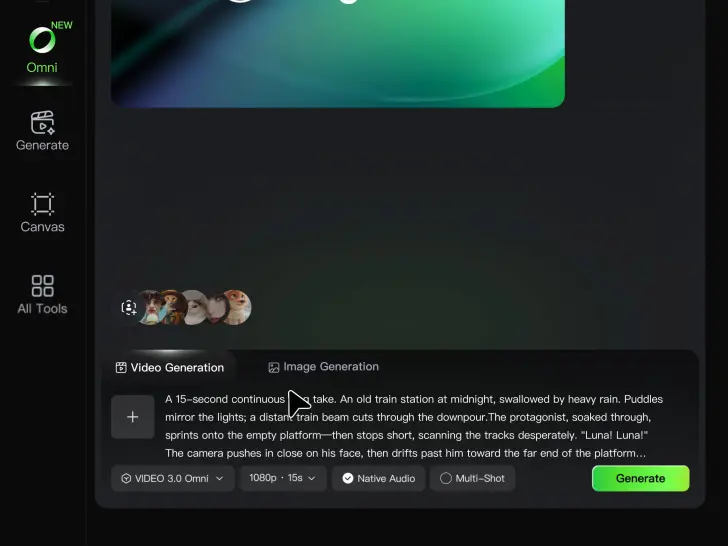
Paste in the part of your script you want to see on screen. Include the setting, characters, action, and dialogue that matter to the scene. Camera direction and visual style can stay simple at first, you can get more specific when you start shaping the shots.

Turn the Scene into a Shot Sequence

Turn the Scene into a Shot Sequence

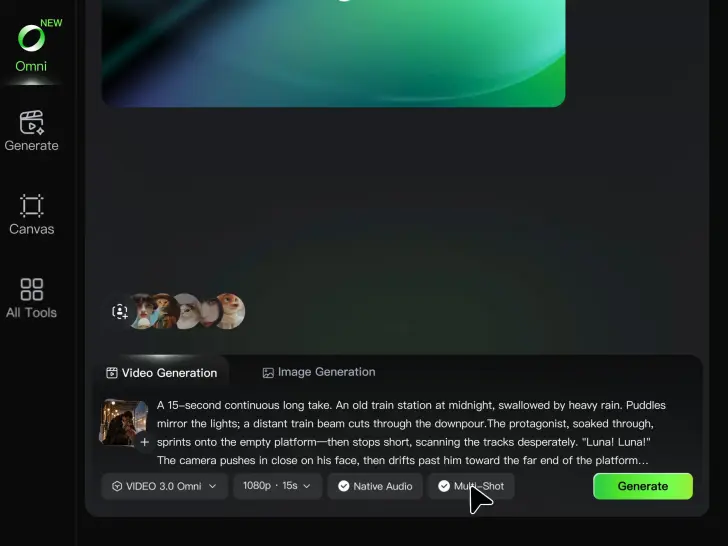
Switch on Multi-Shot and let Kling work out the scene transitions and camera coverage from your prompt. Already have the sequence in your head? Open Custom Multi-Shot and lay out the individual shots yourself, including how long they last and what happens in each one.

Generate with Native Audio

Generate with Native Audio

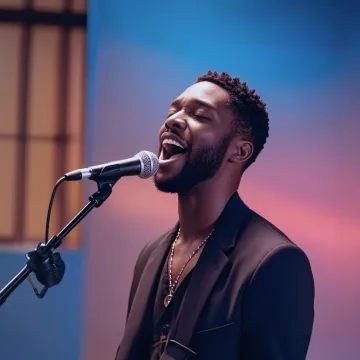
Set the duration and available output options, then generate your sequence. Native Audio can bring dialogue, ambience, and sound effects into the same generation, so the result does not have to begin as a silent set of shots. Kling VIDEO 3.0 supports scenes up to 15 seconds in a single generation.

Go from Written Scene to Directed Sequence

See Your Scene as More Than One Shot

See Your Scene as More Than One Shot

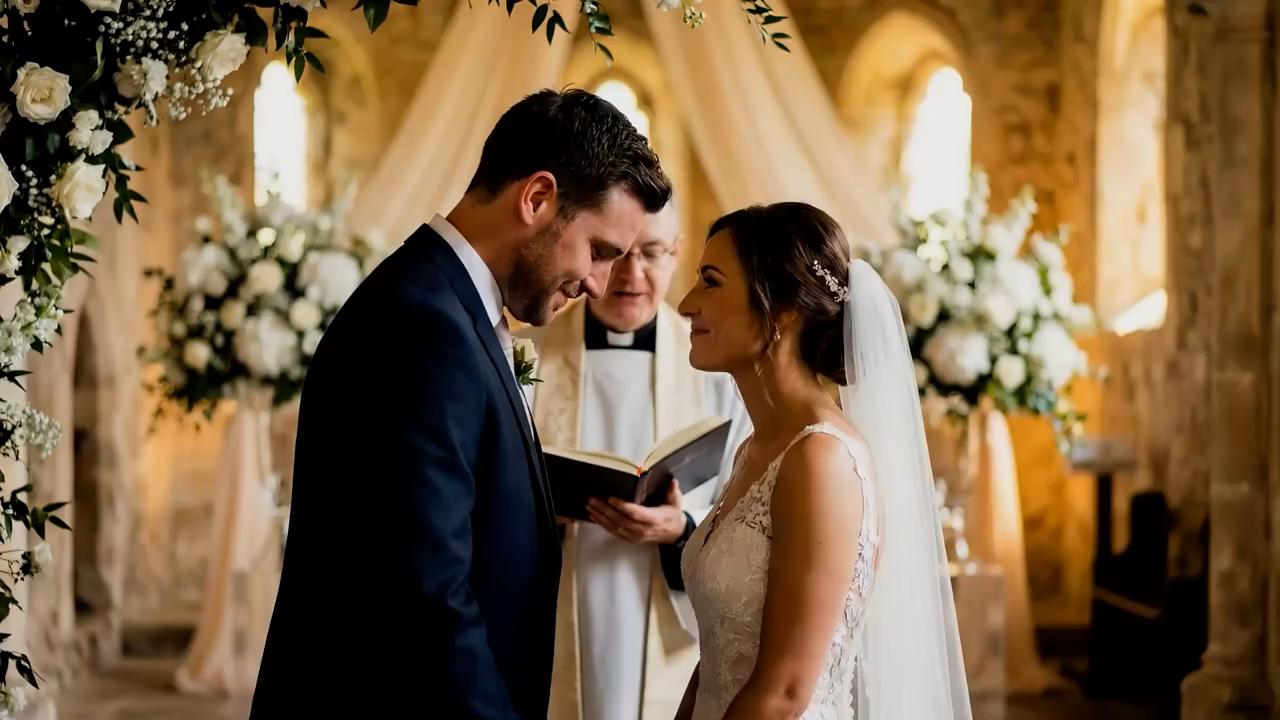
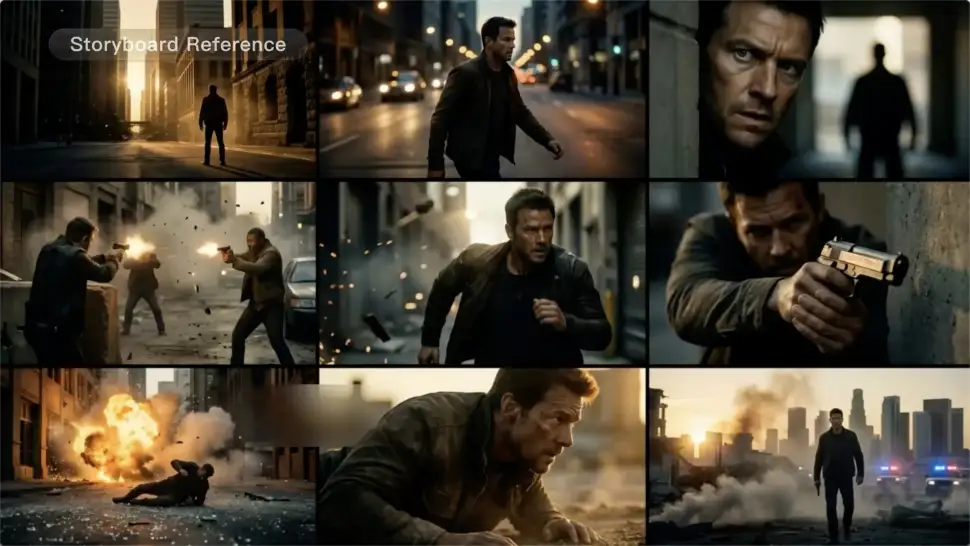
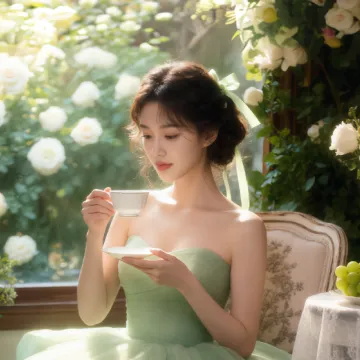
A conversation does not have to stay on one camera angle. An action beat does not have to play out in a single wide shot. Turn on Multi-Shot and Kling can plan scene transitions, framing, and camera-angle changes around what you wrote. A simple story beat can move from an establishing shot to a character close-up, then cut again when the action calls for it.

Take Over the Storyboard When the Shot Matters

Take Over the Storyboard When the Shot Matters

When you already know how the scene should be covered, use Custom Multi-Shot instead of leaving every decision to the model. Decide what happens in each shot, how long it lasts, whether the camera is wide or close, which angle you want, and how the camera moves. It gives you a practical way to turn screenplay direction or a rough shot list into something Kling can generate.

Bring the Same Character into the Next Shot

Bring the Same Character into the Next Shot

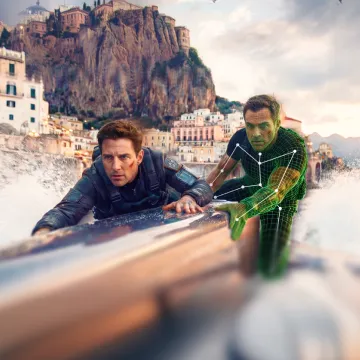
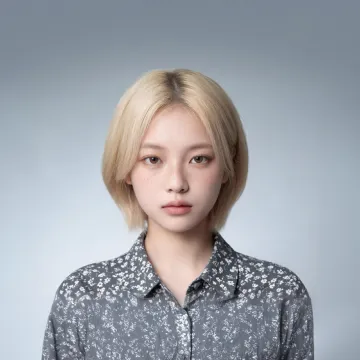
A cut should not feel like a new actor walked into the scene. Use a Character Element when someone needs to return across different angles, actions, or settings, and make it clear in the prompt which character belongs in each shot. For workflows that need a richer mix of character, image, video, and scene references, VIDEO 3.0 Omni gives you more ways to anchor the people and visual details your story depends on.

Apps

Imagen a video
Imagen a video

Imagen a video

Texto a video
Texto a video

Texto a video

Omni
Omni

Omni

Humano digital
Humano digital

Humano digital

Remodelar
Remodelar

Remodelar

Texto a imagen
Texto a imagen

Texto a imagen

60M+
60M+
Users
600M+
600M+
AI Videos Generated
4.7 ★
4.7 ★
App Store
Industry-Leading
Industry-Leading
Cinematic 4K

Reseñas

James Phillips

James Phillips

★★★★★

Kling AI has transformed my workflow by collapsing timelines and democratizing production. It’s shifted my mindset from resource-dependent filmmaking to a boundless creative sandbox, where experimentation yields unexpected beauty.

Ozan Sihay

Ozan Sihay

★★★★★

Kling AI allows me to rapidly prototype ideas, refine storytelling elements, and produce visually compelling content efficiently. It has not only accelerated my creative processes, but also deepened my understanding of how AI can enrich visual storytelling.

Déborah

Déborah

★★★★★

I use Kling AI every day. It's amazing to see the almost daily progress it makes. I used AI for fun at first, and I now find that Kling AI's animations allow me to gain professional visibility, with three times more views on my animated posts than on my static posts.

Preguntas frecuentes

Q1What is an AI script-to-video generator?
Q2How does AI turn a script into a video?
Q3Do I need a finished script to create an AI video?
Q4Does script-to-video AI automatically split a script into shots?
Q5Can AI generate dialogue and voice from my script?
Q6Can Kling keep the same character and voice consistent across scenes and videos?
Q7How long can a script-to-video AI video be?
Q8What should I look for in the best script-to-video AI?

Turn Your Script into a Cinematic Multi-Shot Video

Start with one scene, work out how the camera should tell it, and turn the written beat into a sequence with dialogue, sound, and recurring characters built into the generation.