Creative Studio
API
Resources
Features
About Us
Download

AI Background Changer - Abstract 3D & Natural Background

Transform your visuals with versatile AI-generated backgrounds like abstract 3D metal glossy designs and serene animated team settings. Elevate your creative projects with seamless integration of music, perfume, and jewelry-themed backdrops. Start exploring AI Background Changer ideas and generate your own content with AI.


AI Background Changer - Abstract 3D & Natural Background

Recommended

Kling AI work 319654899663086 - AI Background Changer AI image
qIDwamNr avatar
qIDwamNr
Kling AI work 310643317661846 - AI Background Changer AI image
uTwDBBMa avatar
uTwDBBMa
Kling AI work 312469935612658 - AI Background Changer AI image
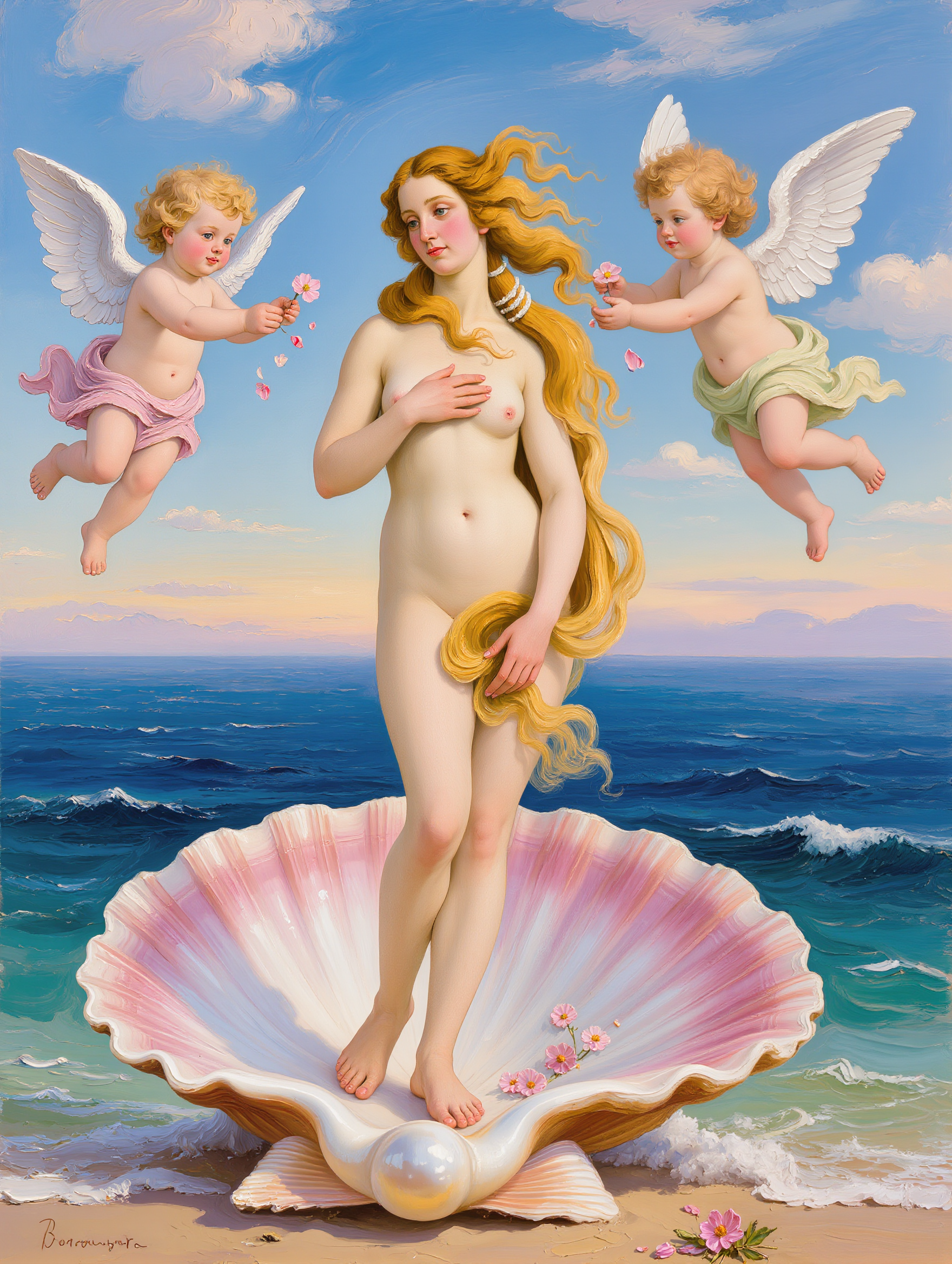
venus avatar
venus
Congo - AI Background Changer AI video
NUoOJzEK avatar
NUoOJzEK
Kling AI work 309997553613878 - AI Background Changer AI image
CaQwuSJN avatar
CaQwuSJN
Abstract technology background - AI Background Changer AI image
Nik avatar
Nik
Background - AI Background Changer AI video
01:04
RCURWYji avatar
RCURWYji
Kling AI work 314705129617873 - AI Background Changer AI image
ZqGoRxhX avatar
ZqGoRxhX
Replace background  to scene - AI Background Changer AI video
rSZpaXAs avatar
rSZpaXAs
Teams background animated - AI Background Changer AI video
IIHLZcof avatar
IIHLZcof
Animated teams background - AI Background Changer AI video
IIHLZcof avatar
IIHLZcof
Kling AI work 318206541504036 - AI Background Changer AI image
tPksHCpv avatar
tPksHCpv
Kling AI work 308029225530186 - AI Background Changer AI video
UYAXZTEj avatar
UYAXZTEj
Change the background - AI Background Changer AI video
Janielrose.ai avatar
Janielrose.ai
Elite Creator
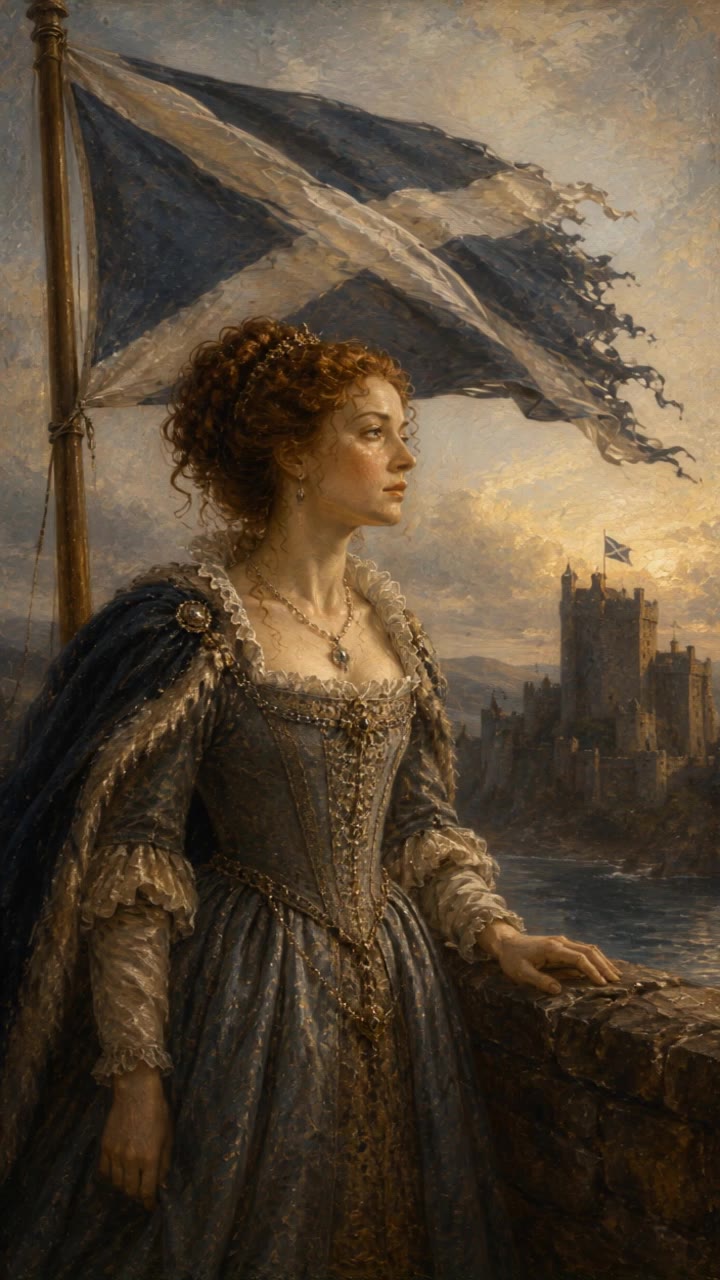
Scotich queen Maria - AI Background Changer AI video
Benss avatar
Benss
Kling AI work 315995375661234 - AI Background Changer AI video
AyWioaMM avatar
AyWioaMM
Kling AI work 307958606305189 - AI Background Changer AI video
tdXssXJU avatar
tdXssXJU
Kling AI work 315396697668012 - AI Background Changer AI image
FWJSxTMe avatar
FWJSxTMe
Kling AI work 879610076523671574 - AI Background Changer AI video
00:22
SzsteZfu avatar
SzsteZfu

How to Use Kling AI Image to Image

Upload Your Images

Upload Your Images

Open Image Generation, select IMAGE 3.0 Omni, and upload the image you want to transform and add reference images to carry into the result.

Set the Creative Direction

Set the Creative Direction

You can combine elements from several references, change the style, adjust the camera angle, or enable Image Series mode to create multiple connected visuals in one generation.

Generate and Create More

Generate and Create More

Select the aspect ratio, number of images, and 2K or 4K resolution, then generate and review your results. Download or share the finished image, or use it for your new AI video.

Expand Images Beyond the Frame with More Control

Extend the Scene Naturally Beyond the Frame

Extend the Scene Naturally Beyond the Frame

Add new visual space around your existing image while keeping the expansion connected to the original scene. Kling IMAGE 3.0 can follow visual details such as scenery, color, lighting, and texture, helping newly generated content feel consistent with the source image.

Keep Key Subjects Consistent as the Scene Expands

Keep Key Subjects Consistent as the Scene Expands

Expanding the frame should not change the subject that anchors the image. Kling IMAGE 3.0 automatically preserves your key subjects during extension. Simply specify the person, product, or central element in your prompt to keep them consistent with the original image.

Choose What Appears in the Expanded Area

Choose What Appears in the Expanded Area

The new space does not have to be left entirely to the model. Describe what you want outside the original frame, from a wider room or distant landscape to more sky, architecture, plants, or decorative details, and let Kling IMAGE 3.0 continue the scene around your idea.

Apps

Image to Video
Image to Video

Image to Video

Text to Video
Text to Video

Text to Video

Omni
Omni

Omni

Digital Human
Digital Human

Digital Human

Restyle
Restyle

Restyle

Text to Image
Text to Image

Text to Image

60M+
60M+
Users
600M+
600M+
AI Videos Generated
4.7 ★
4.7 ★
App Store
Industry-Leading
Industry-Leading
Cinematic 4K

Reviews

Halim Alrasihi

Halim Alrasihi

★★★★★

I use AI daily and Kling AI is a crucial part of my workflow, whether for client work or personal projects. What I love most about using Kling AI is that it provides all the tools I need in one place, from keyframes to character references, elements and special effects.

Vincent Smadja

Vincent Smadja

★★★★★

Kling AI seamlessly integrates into my creative workflow, playing a key role in transforming my images. After generating and upscaling an image, Kling becomes a crucial element, bringing my creations to life with movement and depth.

Samuele Poggi (@visualsk2)

Samuele Poggi (@visualsk2)

★★★★★

I use Kling AI daily to push the limits of AI filmmaking. It allows me to create highly cinematic content, blending AI and VFX to develop innovative projects. It has significantly impacted my creative process, enabling me to achieve complex animations that would otherwise require high production budgets.

FAQ

Q1What is an AI image generator?
Q2Is Kling AI image generator free to use?
Q3Can I turn an image created with Kling AI into a video?

Change the Shot Without Reshooting It

Upload your footage, describe the result, and let Kling rebuild the scene around your direction.

Free tier available | Simple prompt editing | Up to 4K output | Fast generation