Creative Studio
API
Resources
Features
About Us
Download

AI Cat Generator - Origami Art & DJ Cat Themes

Unleash your creativity with unique AI-generated cats inspired by heartwarming rescue stories and whimsical themes like Origami and DJ Cats. Start exploring AI Cat Generator ideas and generate your own content with AI.


AI Cat Generator - Origami Art & DJ Cat Themes

Recommended

ai cat😺 - AI Cat Generator AI video
UfszRtPA avatar
UfszRtPA
Pretty Manola🥰 - AI Cat Generator AI image
silenceboy🥺 avatar
silenceboy🥺
cat - AI Cat Generator AI video
KLING8561 avatar
KLING8561
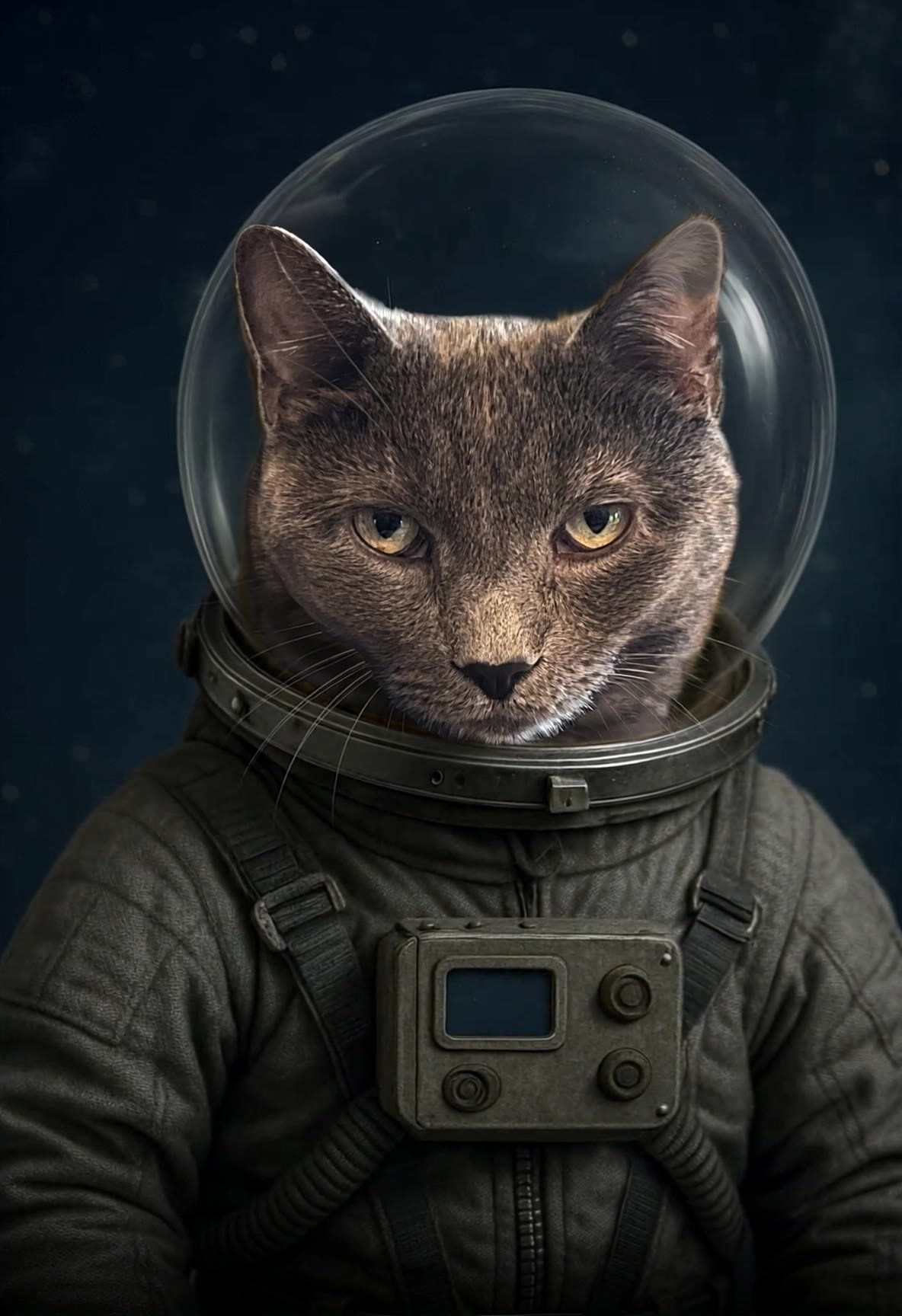
Cat in Space - AI Cat Generator AI video
KLING9080 avatar
KLING9080
 beautiful baby talking to a cat - AI Cat Generator AI video
FAMILY VIDEO 16 avatar
FAMILY VIDEO 16
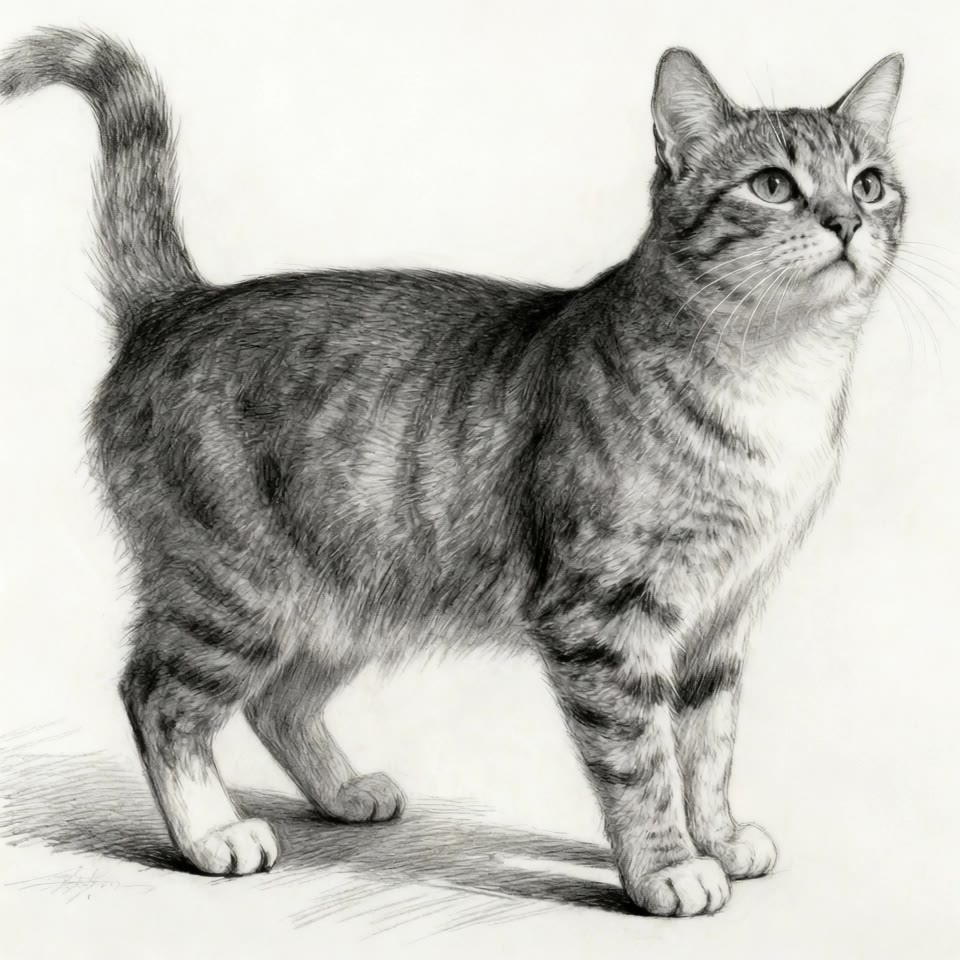
yawing cat - AI Cat Generator AI image
sinon | AI_video avatar
sinon | AI_video
dog and cat - AI Cat Generator AI image
TraKVwIH avatar
TraKVwIH
Cat on work😾😾 - AI Cat Generator AI video
hdEPzNjR avatar
hdEPzNjR
cat - AI Cat Generator AI video
ZcVJnbGe avatar
ZcVJnbGe
Kling AI work 310767458523294 - AI Cat Generator AI image
JEPFXPxm avatar
JEPFXPxm
DJ CAT MC - AI Cat Generator AI video
nHoTPQjD avatar
nHoTPQjD
cat
 - AI Cat Generator AI video
KLbrXowo avatar
KLbrXowo
a cat - AI Cat Generator AI image
HW_email2 avatar
HW_email2
cat - AI Cat Generator AI video
uONCjKly avatar
uONCjKly
Cat coffee - AI Cat Generator AI video
MARIANA PODOLIKO avatar
MARIANA PODOLIKO
CAT Walking the hall - AI Cat Generator AI video
TtXZdUFX avatar
TtXZdUFX
A cute little cat - AI Cat Generator AI image
HW_email2 avatar
HW_email2
Kling AI work 318748569617222 - AI Cat Generator AI image
yNfQTDmO avatar
yNfQTDmO
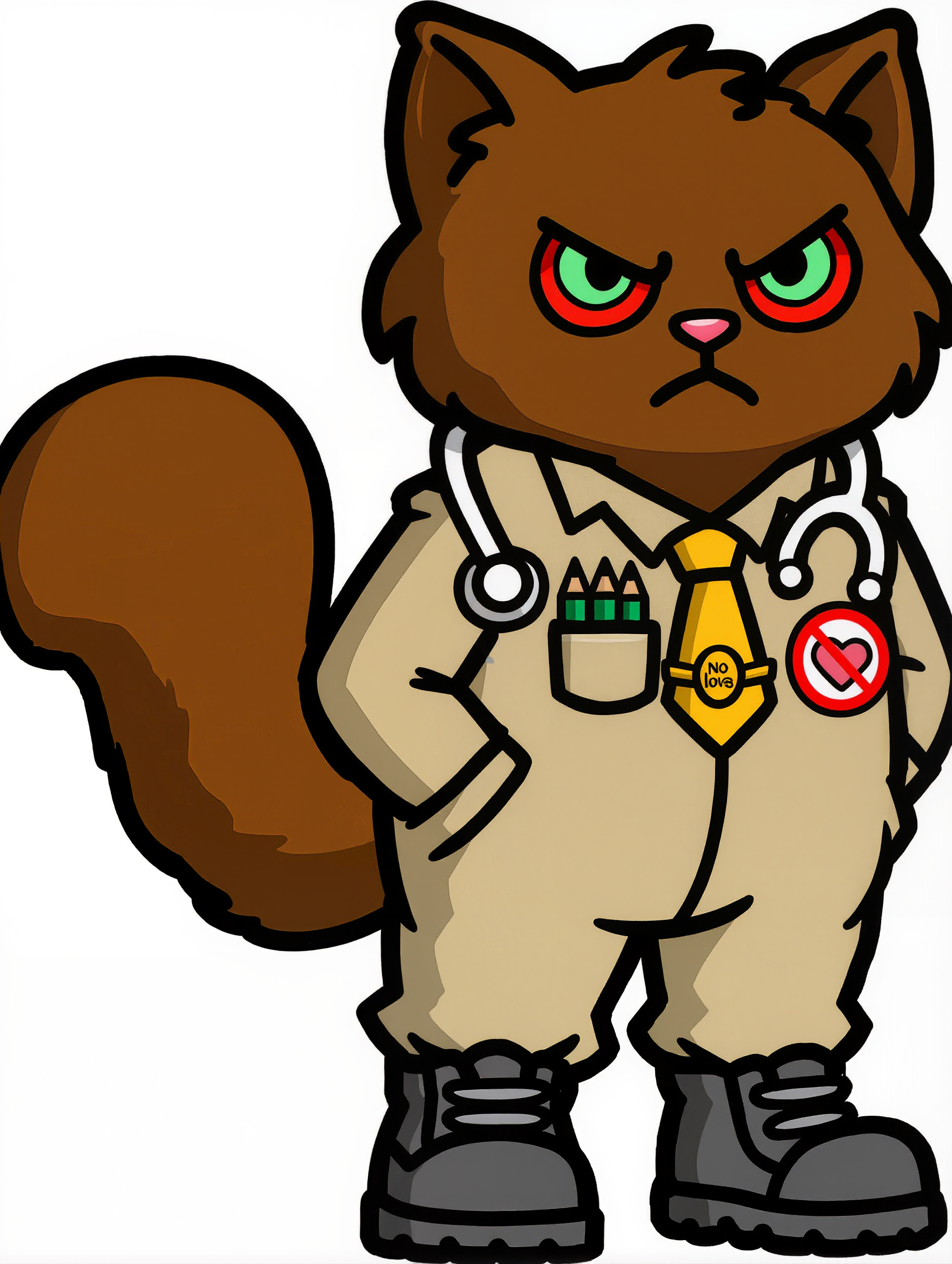
Angry Cat - AI Cat Generator AI image
CorVega avatar
CorVega

How to Create Images with Kling AI

Write Down You Ideas

Write Down You Ideas

Open the AI Image Generator and choose the model that fits your project. Describe the subject and scene, then add details such as lighting, color, and visual style to shape the result.

Add References Or Not

Add References Or Not

Upload reference images for a character, product, composition, or style. References are optional, but they give Kling AI a clearer visual foundation when specific features, colors, or design details need to carry into the final image.

Generate Your Image

Generate Your Image

Choose your preferred format and output settings, then hit Generate. Once the result is ready, download it directly or open it in the image-to-video workflow to bring it to life with motion.

Remove Objects from Images with More Control

Remove Objects with Simple Text Prompts

Remove Objects with Simple Text Prompts

Skip complex masks and manual retouching. Tell Kling IMAGE 3.0 what you want gone in a text prompt, and it interprets your instruction as a targeted image edit. It gives you a faster way to clean up photos without a complicated editing workflow.

Target the Exact Object You Want Gone

Target the Exact Object You Want Gone

When several similar people or objects appear in the same image, describe the target by its position, appearance, or nearby context. Clearer instructions give you more control over which element is removed while helping reduce unintended changes to unrelated parts of the scene.

Keep the Edited Area Visually Consistent

Keep the Edited Area Visually Consistent

Removing an object also means recreating the area it once covered. Kling IMAGE 3.0 is designed to preserve surrounding style, lighting, and texture during targeted edits, helping the cleared area feel more connected to the rest of the image instead of standing out as an obvious edit.

Apps

Image to Video
Image to Video

Image to Video

Text to Video
Text to Video

Text to Video

Omni
Omni

Omni

Digital Human
Digital Human

Digital Human

Restyle
Restyle

Restyle

Text to Image
Text to Image

Text to Image

60M+
60M+
Users
600M+
600M+
AI Videos Generated
4.7 ★
4.7 ★
App Store
Industry-Leading
Industry-Leading
Cinematic 4K

Reviews

Maria Rubtsova

Maria Rubtsova

★★★★★

I’m Maria Rubtsova, an AIGC digital artist passionate about creating stunning visuals in the worlds of fashion, aesthetics, and fantasy. I use KlingAi to bring imagination to life through video. My work is all about exploring beauty, emotion, and the limitless possibilities of digital art.

Déborah

Déborah

★★★★★

I use Kling AI every day. It's amazing to see the almost daily progress it makes. I used AI for fun at first, and I now find that Kling AI's animations allow me to gain professional visibility, with three times more views on my animated posts than on my static posts.

Jyo John Mulloor

Jyo John Mulloor

★★★★★

Kling AI has been instrumental in transforming my creative workflow, unlocking new dimensions of artistic expression that were once unimaginable. I use Kling AI extensively to develop high-concept visuals, animate surreal dreamscapes, and create AI-assisted films that blur the line between reality and fantasy. Kling AI’s deep learning capabilities have not only enhanced my creative efficiency but also inspired me to explore storytelling in ways I never thought possible.

FAQ

Q1Can I transfer an outfit from one photo to another person?
Q2How does an AI clothes changer work?
Q3Can I use Kling AI to create ecommerce fashion images?

Go Beyond the Original Frame

Turn tightly framed images into fuller scenes with Kling IMAGE 3.0. Extend the scene, guide what appears beyond the edges, and keep key subjects and visual style consistent.