Creative Studio
API
Resources
Features
About Us
Download

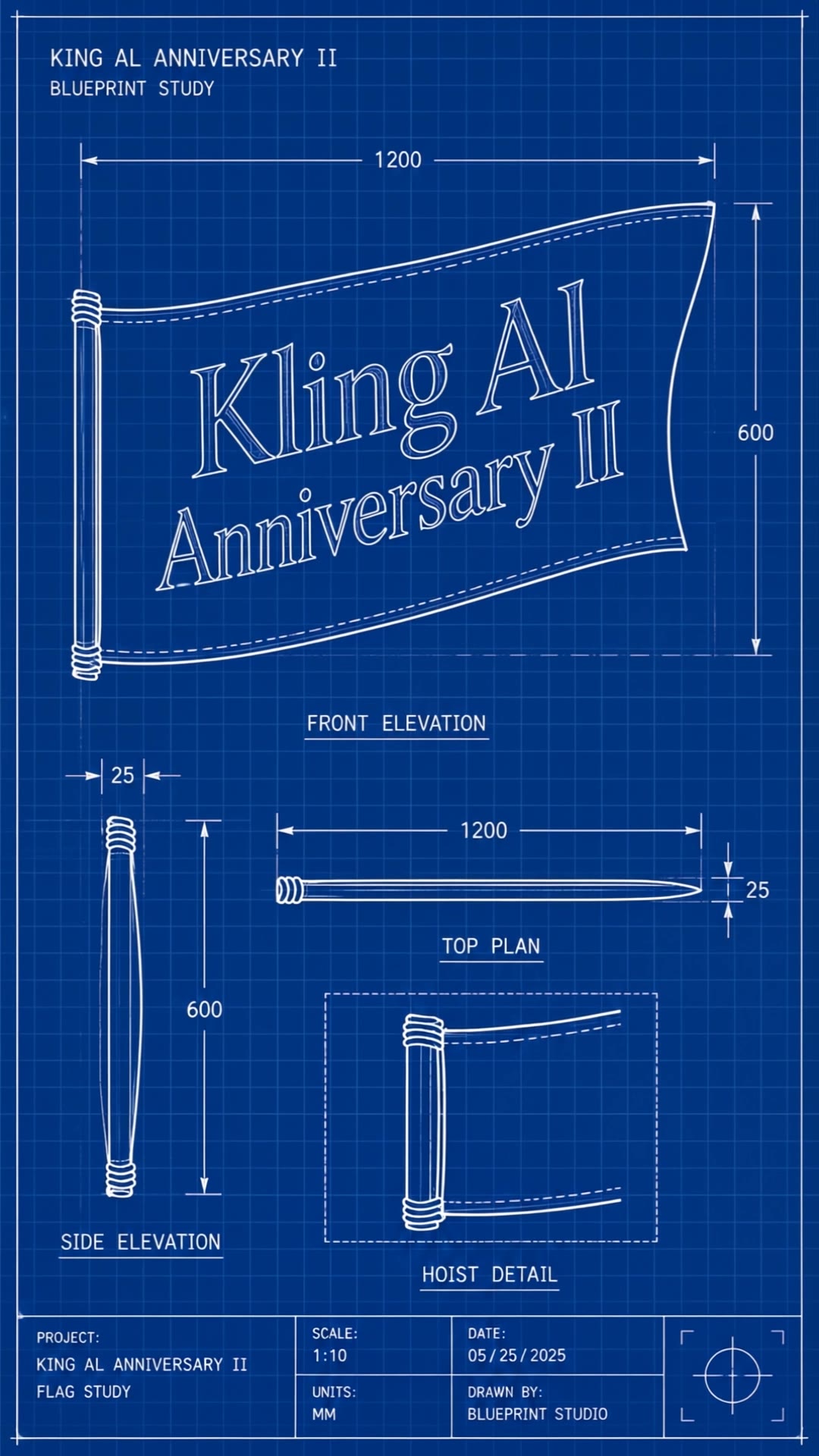
AI Flag Generator - Cultural Symbols & National Pride

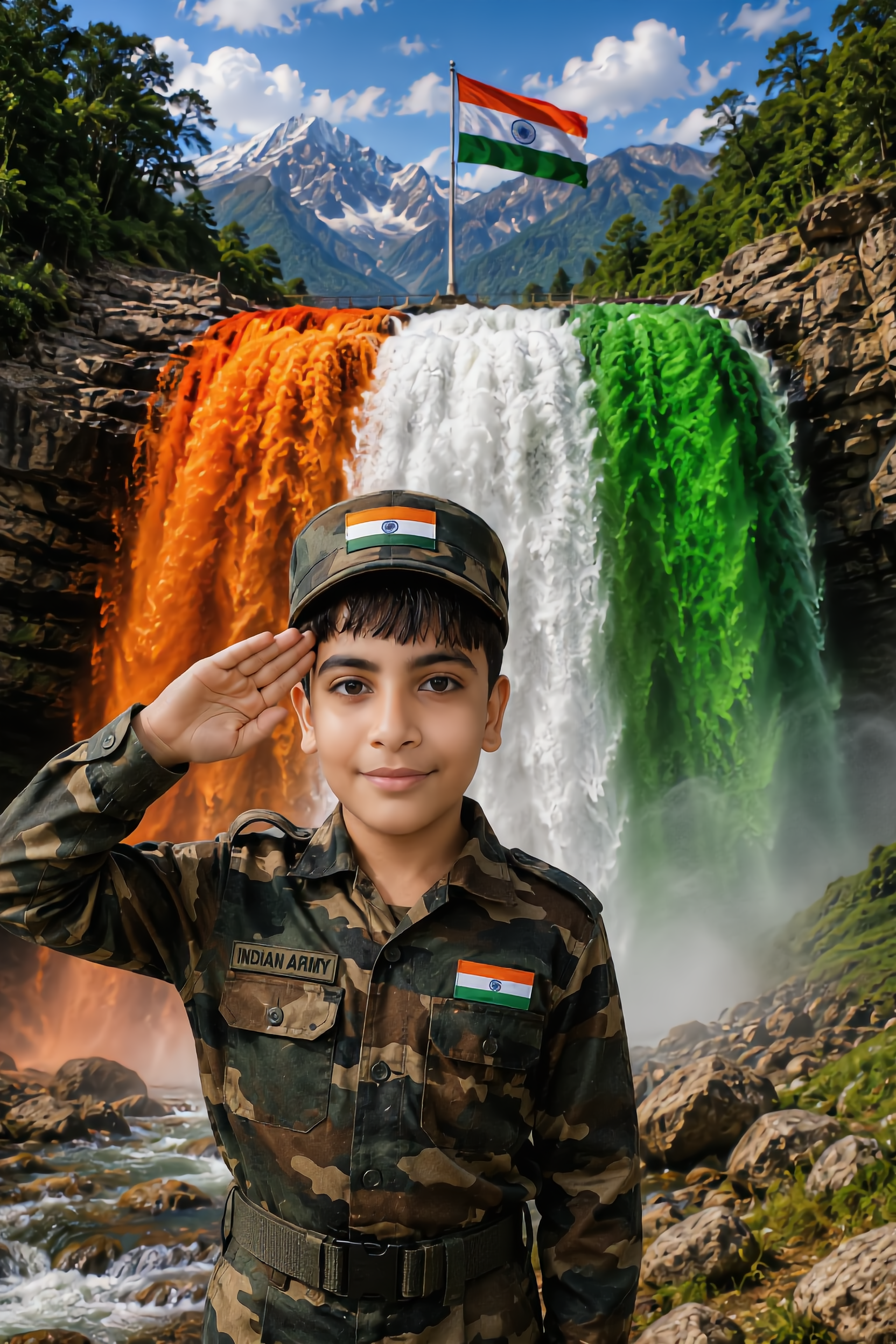
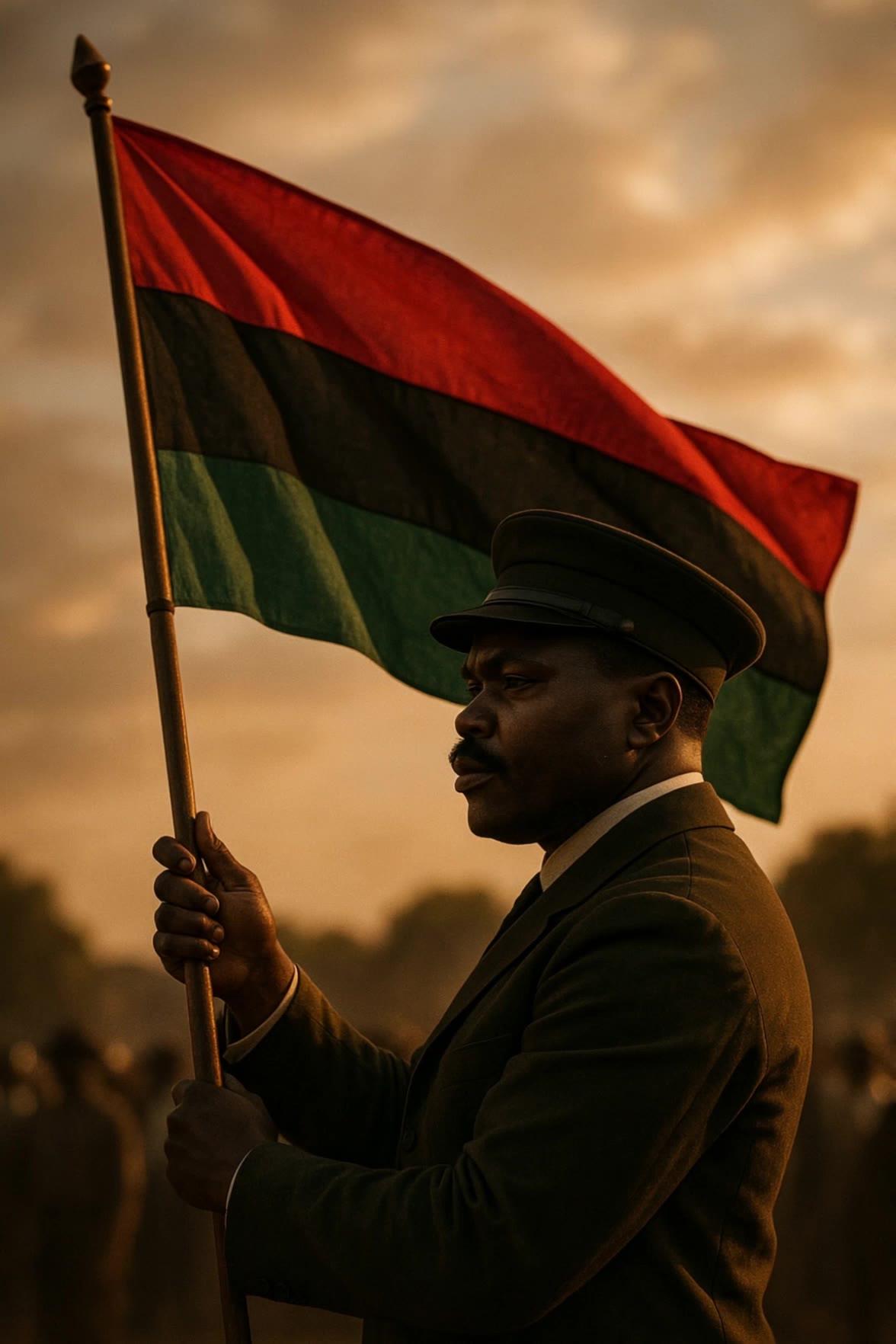
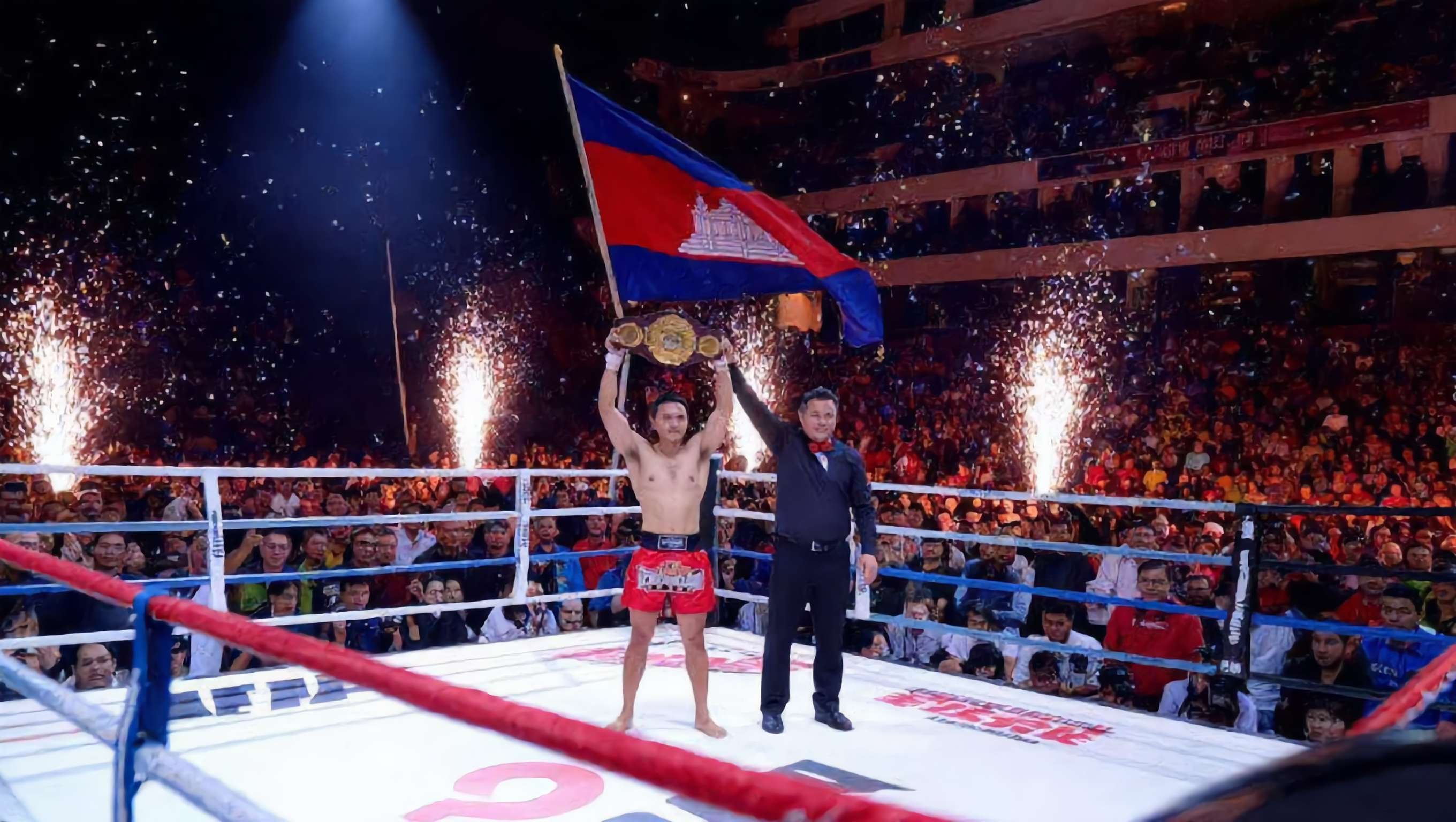
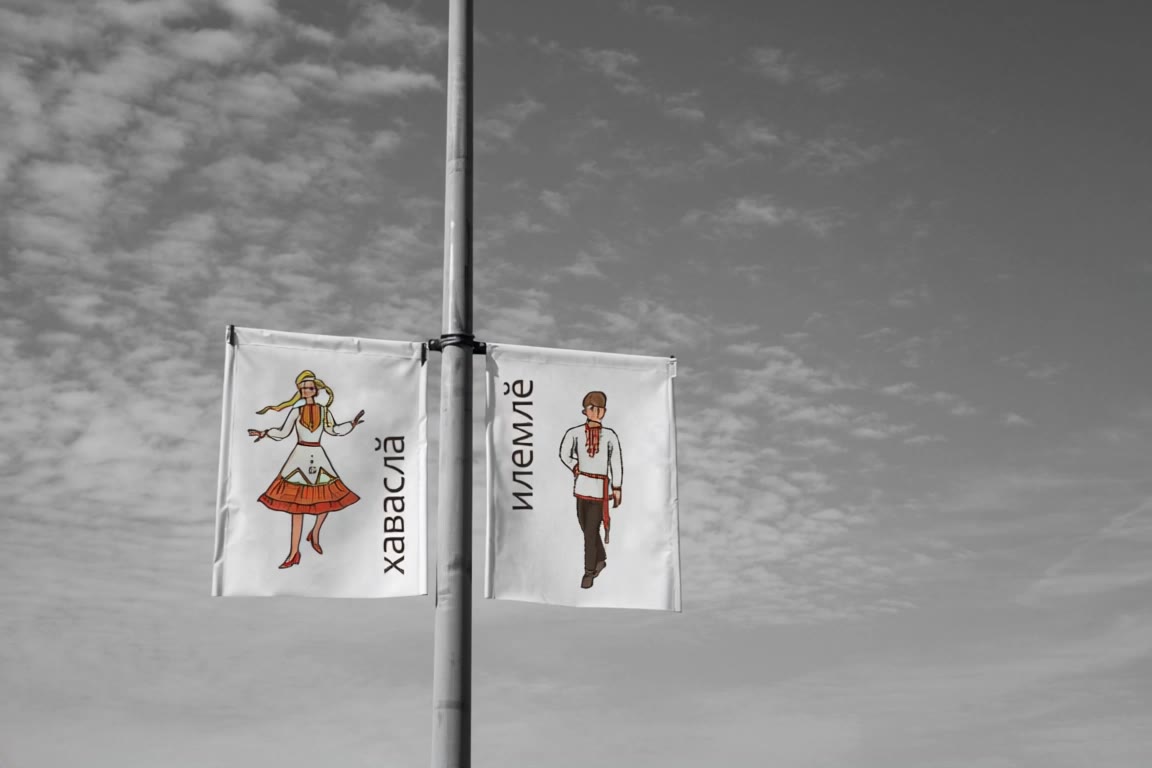
Unleash your creativity with customizable flag designs featuring unique text and national symbols. Immerse in diverse themes from cultural graphics to modern aesthetics and warrior motifs. Start exploring AI Flag Generator ideas and generate your own content with AI.

AI Flag Generator - Cultural Symbols & National Pride

Recommended

Kling AI work 315261713615689 - AI Flag Generator AI image
razia avatar
razia
Kling AI Flag Design - AI Flag Generator AI video
KLING5969 avatar
KLING5969
Pretty Manola🥰 - AI Flag Generator AI image
silenceboy🥺 avatar
silenceboy🥺
Kling AI work 318695748521239 - AI Flag Generator AI image
ZehkbPYF avatar
ZehkbPYF
empire state building - AI Flag Generator AI image
souvenir avatar
souvenir
Kling AI work 319855133668950 - AI Flag Generator AI video
OlKPiSzD avatar
OlKPiSzD
Kling AI work 318748569617222 - AI Flag Generator AI image
yNfQTDmO avatar
yNfQTDmO
Kling AI work 315122067662691 - AI Flag Generator AI image
OJMHJZGK avatar
OJMHJZGK
Flag Transform - AI Flag Generator AI video
gAopBOjL avatar
gAopBOjL
Kling AI work 318703546662289 - AI Flag Generator AI video
EmLBxXQb avatar
EmLBxXQb
Man with flag - AI Flag Generator AI video
SF avatar
SF
Kling AI work 309073593616374 - AI Flag Generator AI image
yLIXScPO avatar
yLIXScPO
Kling AI work 312628453501951 - AI Flag Generator AI image
xwunIqmq avatar
xwunIqmq
Prompt generator gambar AI mahak - AI Flag Generator AI image
ℹ️MissKAKADU🌼 avatar
ℹ️MissKAKADU🌼
Kling AI work 312651329523975 - AI Flag Generator AI image
mlCYJkSp avatar
mlCYJkSp
Kling AI work 318779403613841 - AI Flag Generator AI video
cYDrDNug avatar
cYDrDNug
A flag with an authors graphic - AI Flag Generator AI video
KLING2590 avatar
KLING2590
india independence day 15 August - AI Flag Generator AI video
KLING2203 avatar
KLING2203
Kling AI work 319126011666407 - AI Flag Generator AI video
Olga avatar
Olga

How to Use Kling AI Face Swap

Step 1: Upload Your Target and References

Step 1: Upload Your Target and References

Add the photo or video you want to edit, then add the face reference you want Kling AI to follow. For video, you can also use multiple views or a character element when you need stronger identity consistency across different angles.

Step 2: Describe the Face Swap You Want

Step 2: Describe the Face Swap You Want

Tell Kling AI which face to replace and what reference to use. For example: "Replace the face in [Image 1] with the face from [Image 2] while keeping all other content unchanged."

Step 3: Generate Your Face Swap

Step 3: Generate Your Face Swap

Choose your preferred output settings, such as the generation mode and aspect ratio, then click Generate. Kling AI will apply your instructions and chosen settings to create your face-swapped image or video.

Why Kling Sets the Standard for Video Creation

Flawless Character Consistency

Flawless Character Consistency

Unlike standard tools that distort faces when moving, Kling Video 3.0 lets you strictly lock a character’s appearance. Upload a single photo, or use a short video/multiple angles as a reference to completely eliminate the “AI morphing” effect.

Native Audio & Perfect Lip-Sync

Native Audio & Perfect Lip-Sync

Your image doesn’t just move; it speaks. Generate perfectly matched voices and realistic lip movements in multiple languages or regional accents. Even in multi-character scenes, you can precisely assign who speaks—no third-party tools required.

15s Duration & Motion Control

15s Duration & Motion Control

Go beyond simple loops with up to 15 seconds of smooth narrative. Use advanced Motion Control to direct camera pans, tilts, and zooms, or define exact transitions with start and end frame references.

Apps

Image to Video
Image to Video

Image to Video

Text to Video
Text to Video

Text to Video

Omni
Omni

Omni

Digital Human
Digital Human

Digital Human

Restyle
Restyle

Restyle

Text to Image
Text to Image

Text to Image

60M+
60M+
Users
600M+
600M+
AI Videos Generated
4.7 ★
4.7 ★
App Store
Industry-Leading
Industry-Leading
Cinematic 4K

Reviews

Maria Rubtsova

Maria Rubtsova

★★★★★

I’m Maria Rubtsova, an AIGC digital artist passionate about creating stunning visuals in the worlds of fashion, aesthetics, and fantasy. I use KlingAi to bring imagination to life through video. My work is all about exploring beauty, emotion, and the limitless possibilities of digital art.

Jyo John Mulloor

Jyo John Mulloor

★★★★★

Kling AI has been instrumental in transforming my creative workflow, unlocking new dimensions of artistic expression that were once unimaginable. I use Kling AI extensively to develop high-concept visuals, animate surreal dreamscapes, and create AI-assisted films that blur the line between reality and fantasy. Kling AI’s deep learning capabilities have not only enhanced my creative efficiency but also inspired me to explore storytelling in ways I never thought possible.

Samuele Poggi (@visualsk2)

Samuele Poggi (@visualsk2)

★★★★★

I use Kling AI daily to push the limits of AI filmmaking. It allows me to create highly cinematic content, blending AI and VFX to develop innovative projects. It has significantly impacted my creative process, enabling me to achieve complex animations that would otherwise require high production budgets.

FAQ

Q1What kinds of characters can I lip sync?
Q2Which languages does Kling AI support?
Q3What is the difference between Lip Sync and Native Audio?

Put Your Character in Front of the Screen

Start with an image, add the voice, and shape the performance. Kling AI Avatar brings the pieces together for your next campaign, lesson, social post, or story.

Custom AI avatars | Voice or text input | Lip sync | Expression and gesture control