Creative Studio
API
Resources
Features
About Us
Download

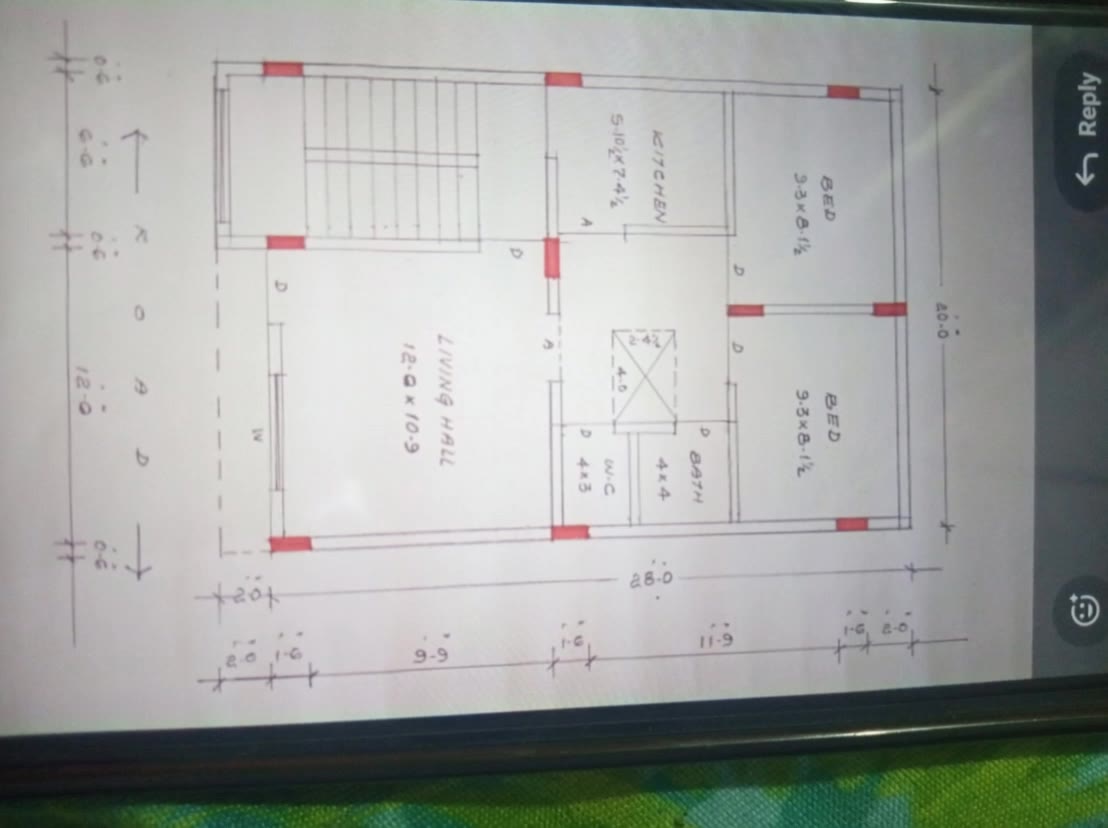
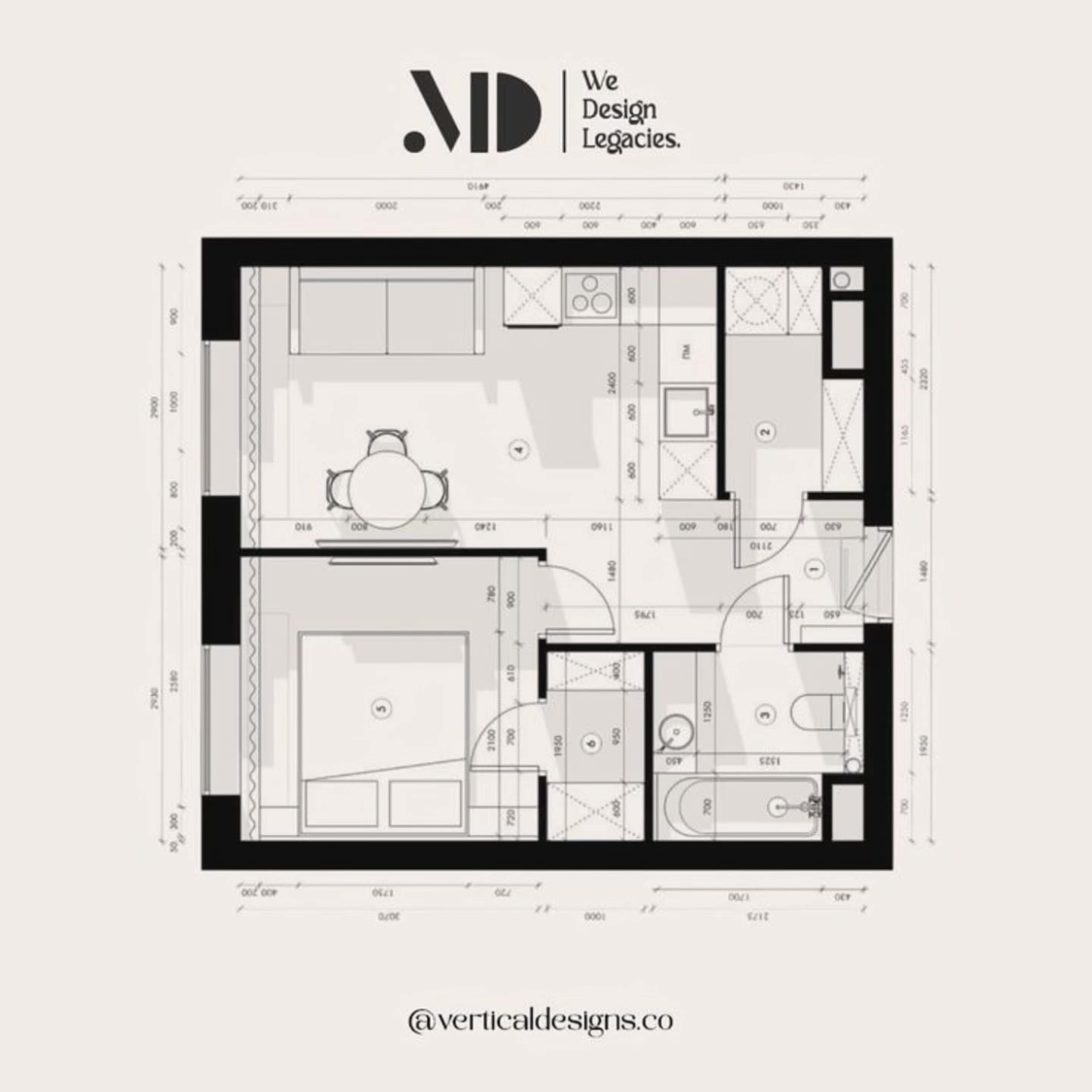
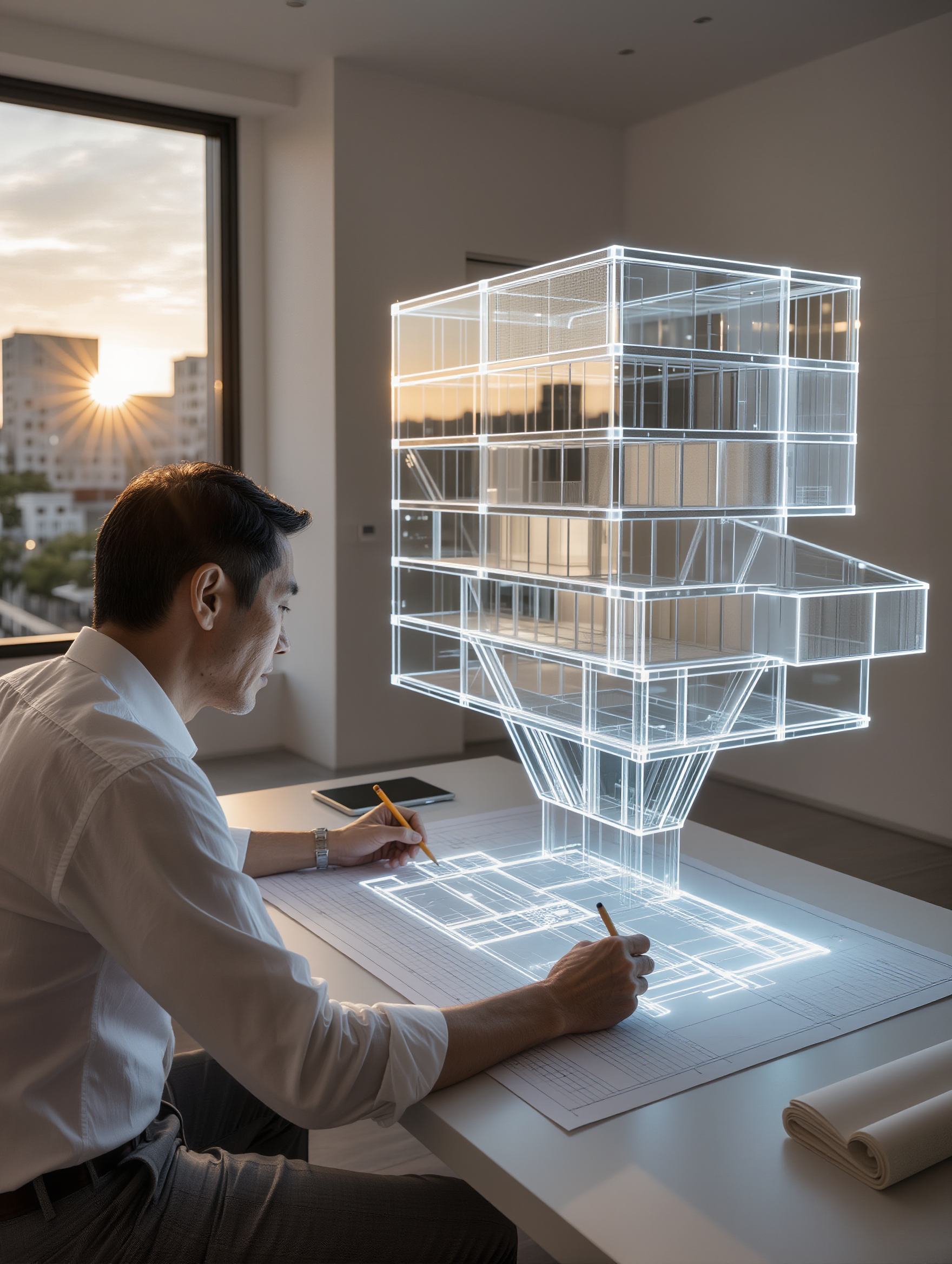
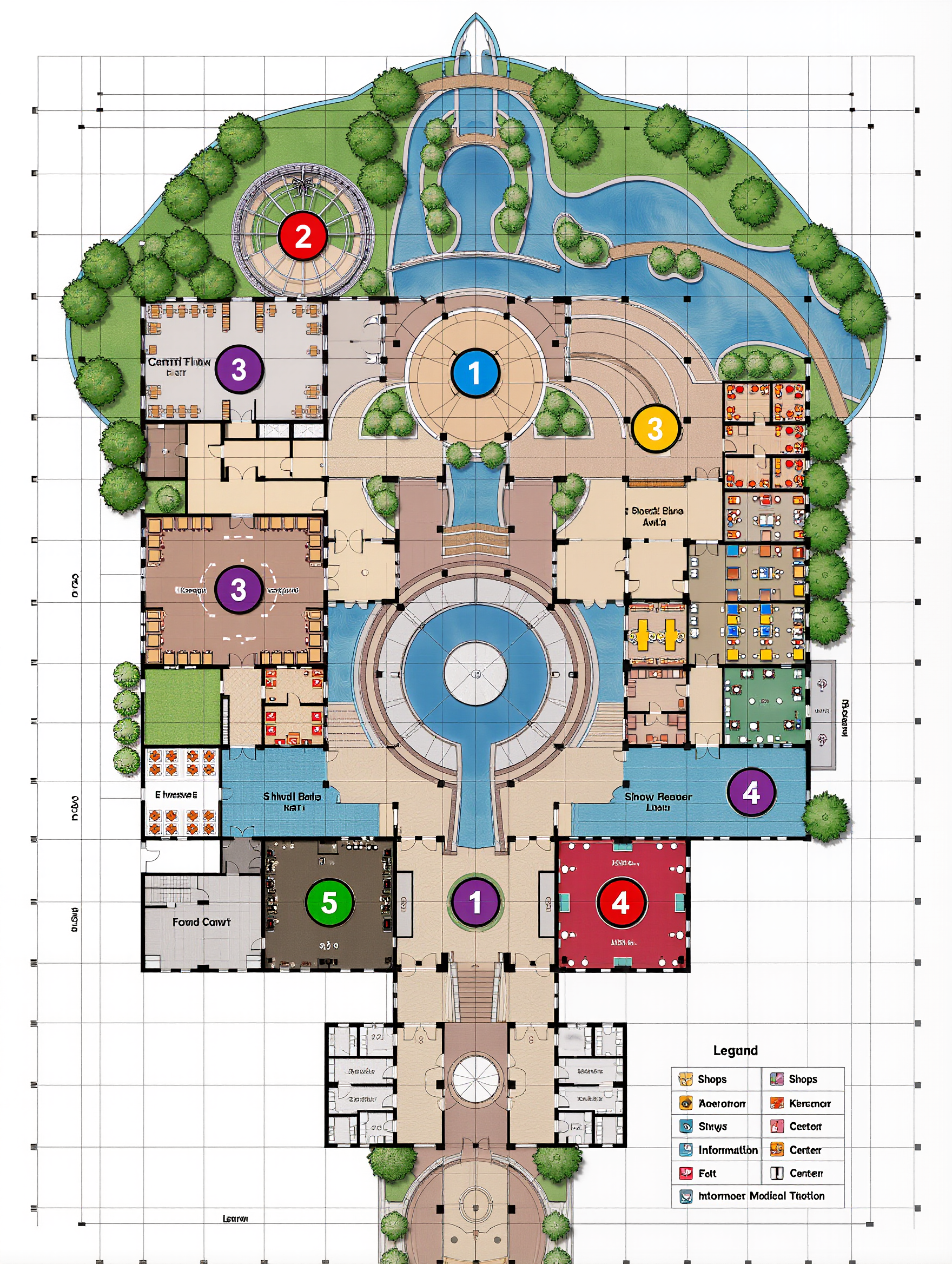
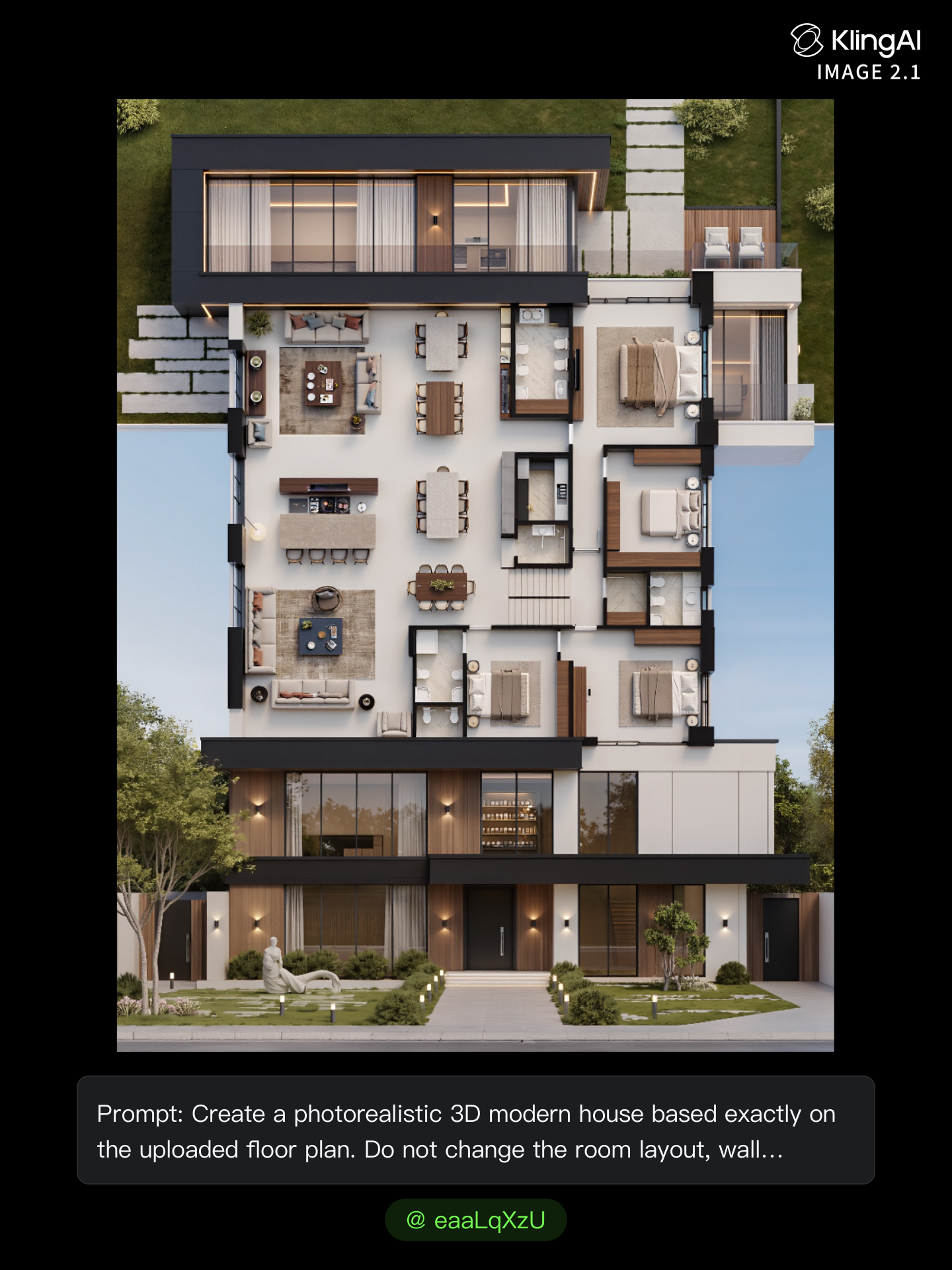
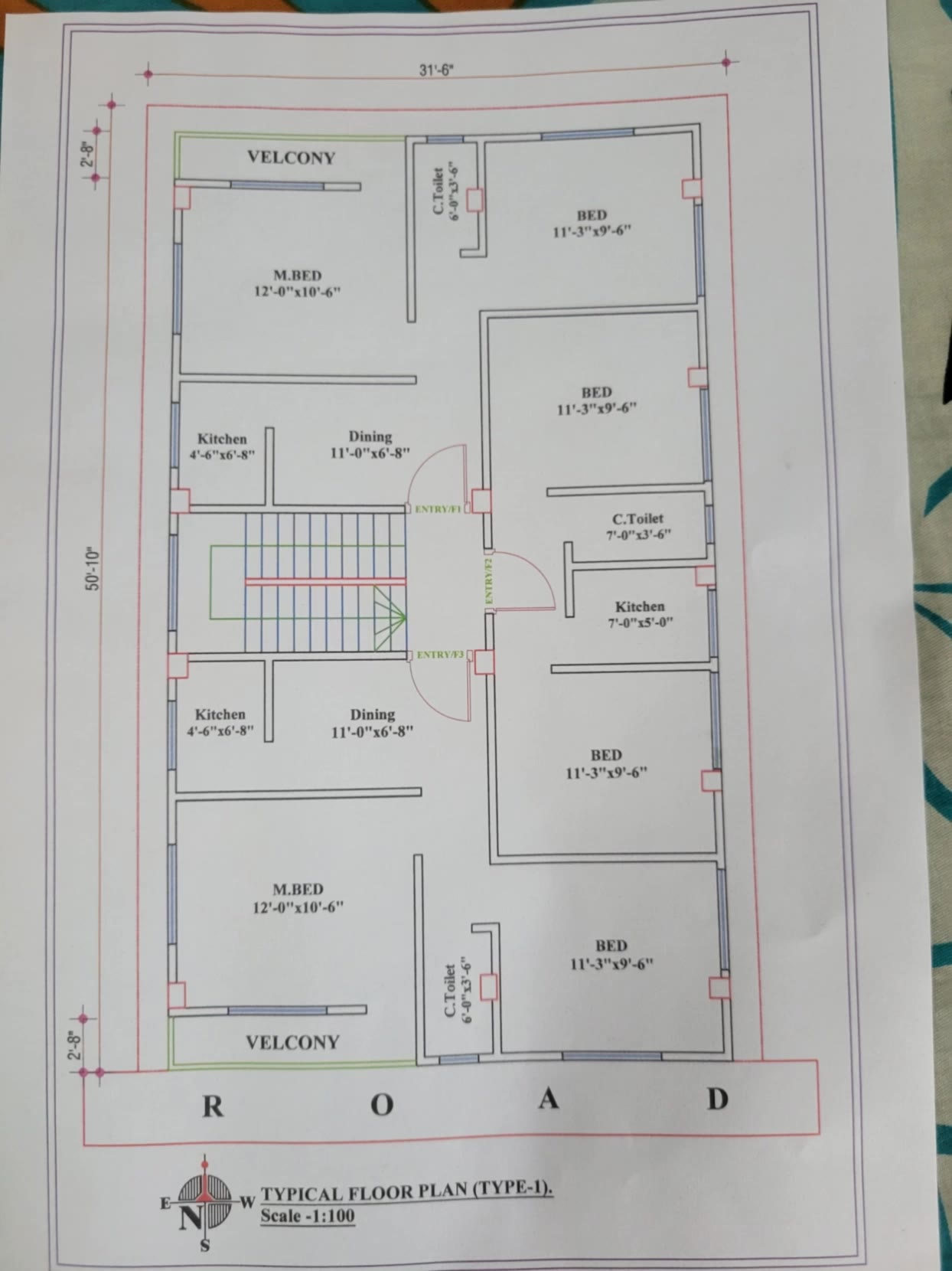
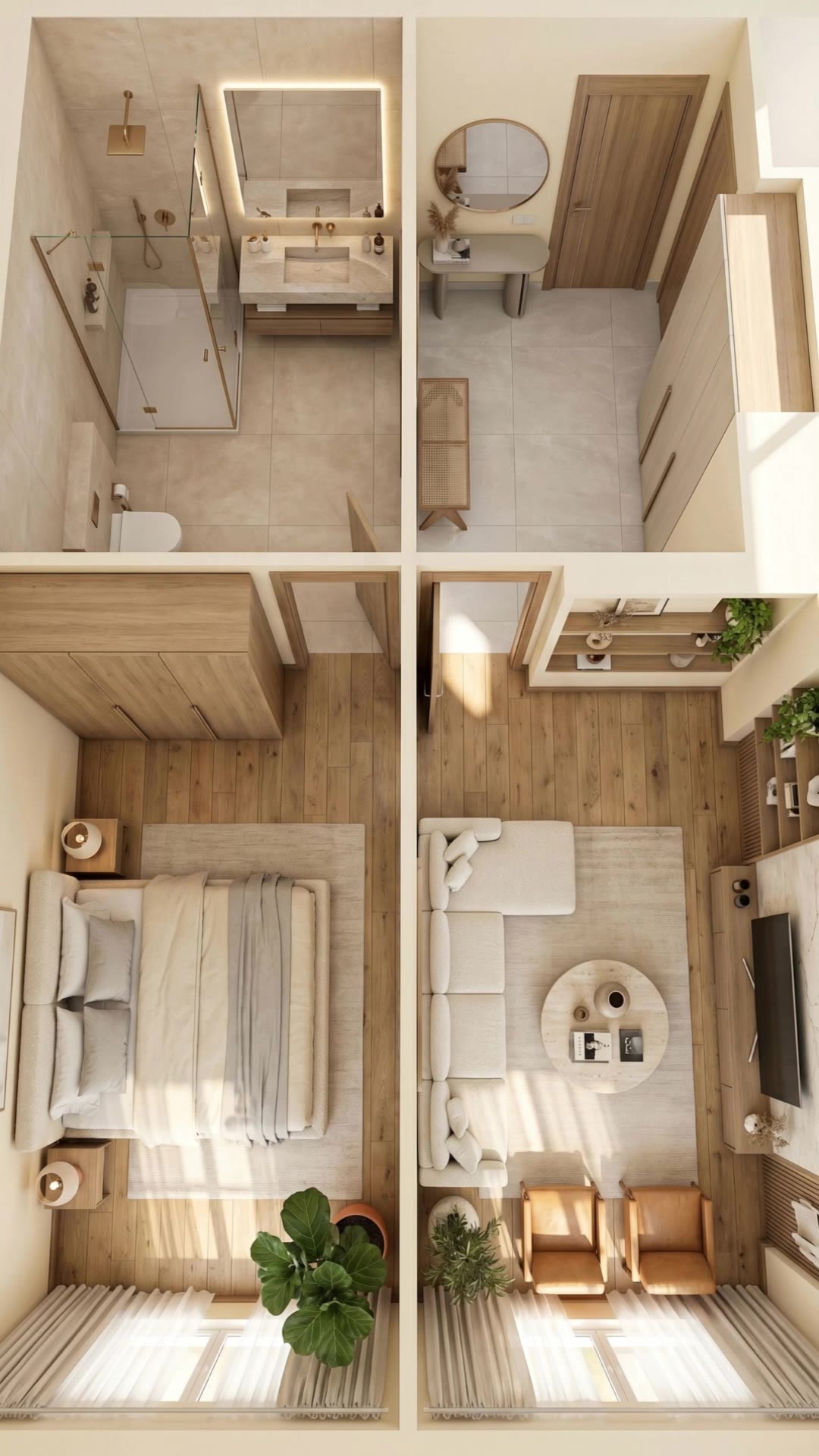
AI Floor Plan Generator - Miniature Construction & 3D Realism

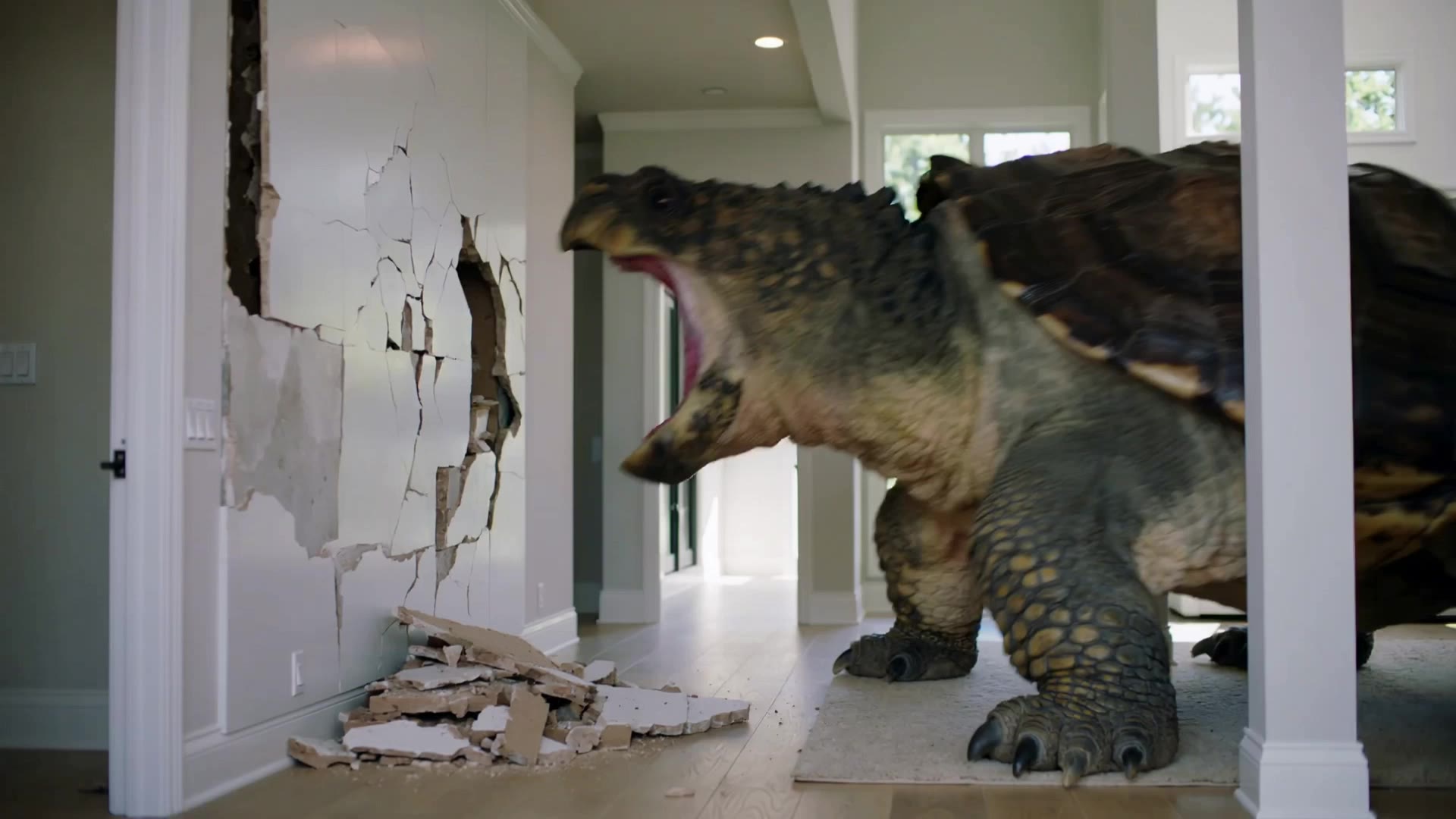
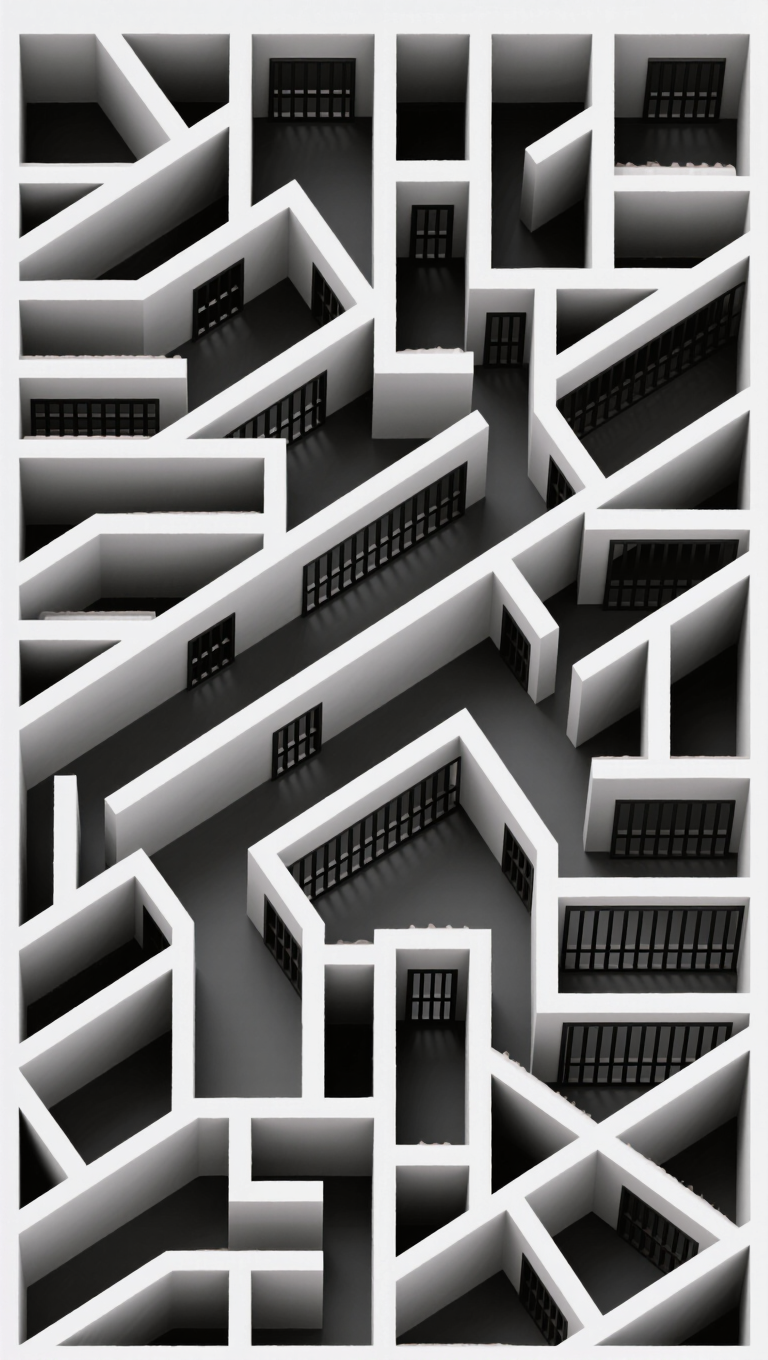
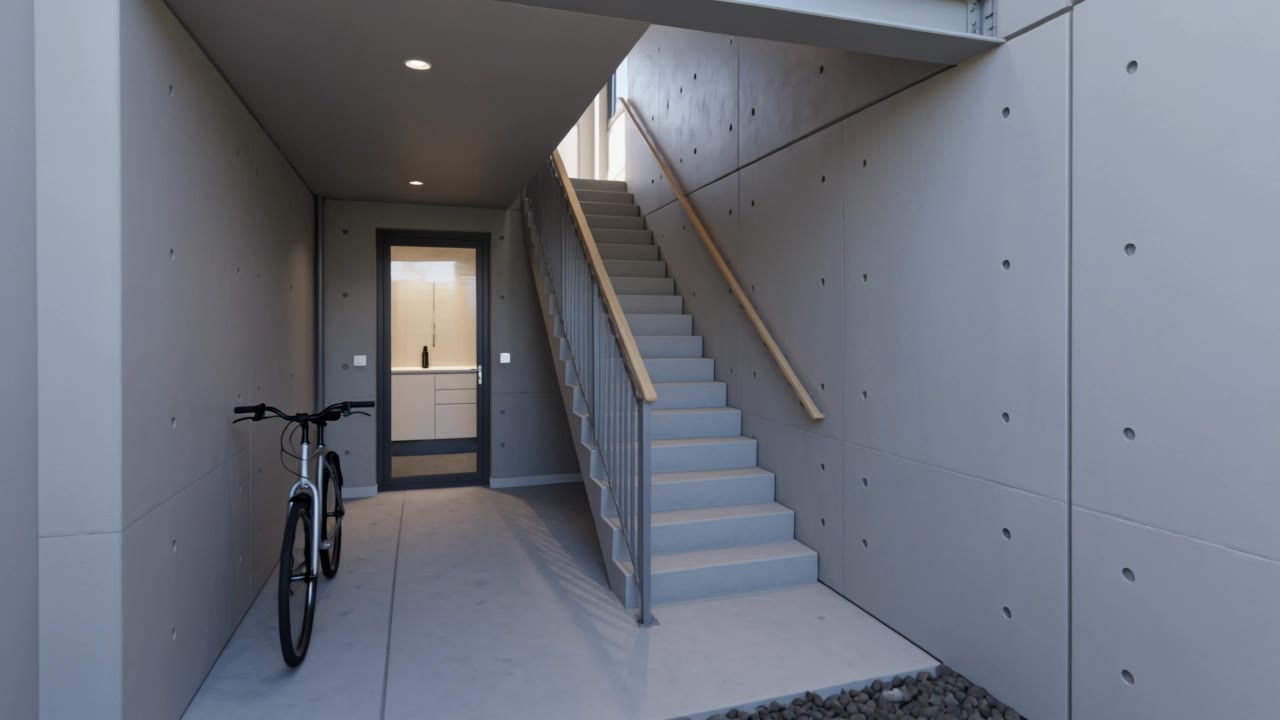
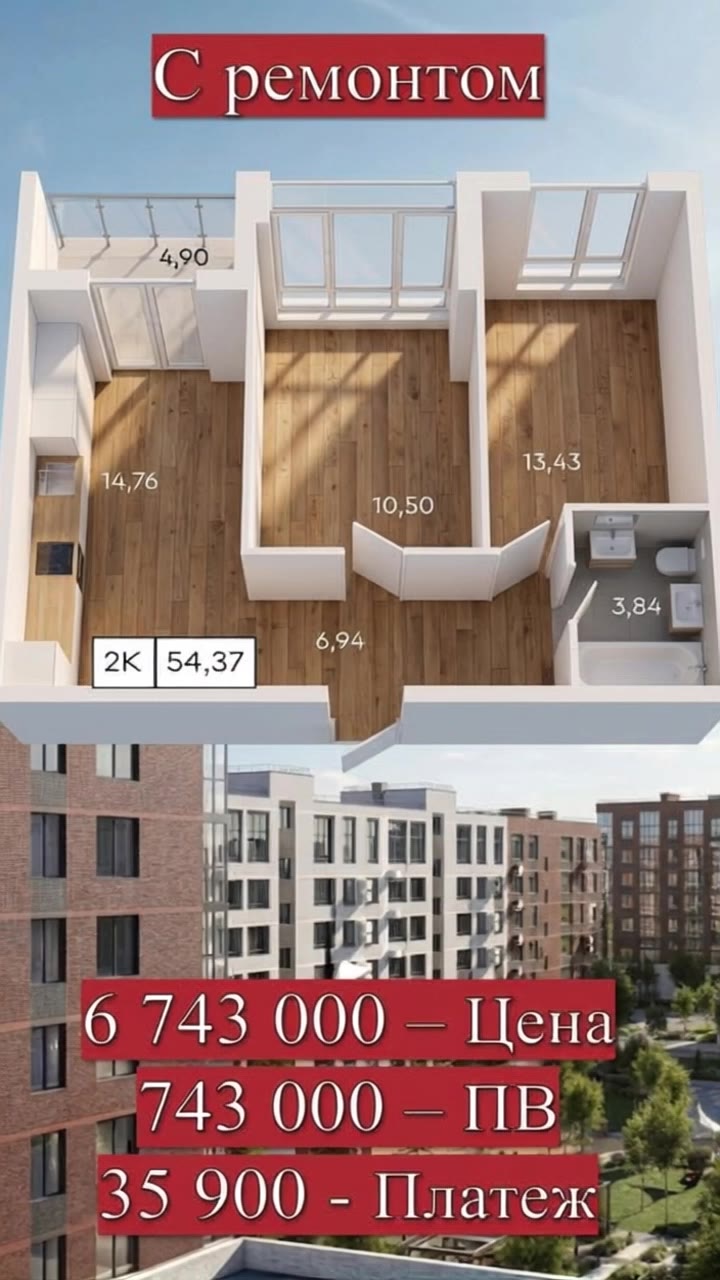
Unlock unparalleled creativity with our ultra-realistic cinematic miniature construction and fast-paced 3D animation capabilities. Experience the transformative power of AI in crafting unique, randomized residential designs and floor plans. Start exploring AI Floor Plan Generator ideas and generate your own content with AI.


AI Floor Plan Generator - Miniature Construction & 3D Realism

Recommended

Kling AI work 307261857662256 - AI Floor Plan Generator AI video
Florian GRAVAUD avatar
Florian GRAVAUD
Kling AI work 309073593616374 - AI Floor Plan Generator AI image
yLIXScPO avatar
yLIXScPO
Kling AI work 314472863668251 - AI Floor Plan Generator AI image
otYSwXoj avatar
otYSwXoj
Kling AI work 315077678613936 - AI Floor Plan Generator AI video
XyhWvjWd avatar
XyhWvjWd
Design project is live - AI Floor Plan Generator AI video
Nataly Stark avatar
Nataly Stark
Elite Creator
Kling AI work 314298201610452 - AI Floor Plan Generator AI image
iHBOIJFk avatar
iHBOIJFk
Pretty Manola🥰 - AI Floor Plan Generator AI image
silenceboy🥺 avatar
silenceboy🥺
Kling AI work 315231889505012 - AI Floor Plan Generator AI image
WEOgoEOk avatar
WEOgoEOk
Kling AI work 319388635525638 - AI Floor Plan Generator AI image
eaaLqXzU avatar
eaaLqXzU
Kling AI work 317420017612066 - AI Floor Plan Generator AI video
vGiLzqrJ avatar
vGiLzqrJ
Teste free plan - AI Floor Plan Generator AI video
ptSsHvNT avatar
ptSsHvNT
Kling AI work 296662131508800 - AI Floor Plan Generator AI video
sTGAkAqE avatar
sTGAkAqE
Plot transformation - AI Floor Plan Generator AI video
PKaNkNcq avatar
PKaNkNcq
Kling AI work 306747865613334 - AI Floor Plan Generator AI video
LYoaMFjG avatar
LYoaMFjG
Kling AI work 296446189610022 - AI Floor Plan Generator AI video
MeowCoin avatar
MeowCoin
Kling AI work 313768375611722 - AI Floor Plan Generator AI image
bareHndzs SugarFace avatar
bareHndzs SugarFace
Kling AI work 319556698663477 - AI Floor Plan Generator AI video
SJUbogFb avatar
SJUbogFb
Kling AI work 309464262301443 - AI Floor Plan Generator AI video
AGzEehBx avatar
AGzEehBx
3D KAT PLANI - AI Floor Plan Generator AI video
bJsUEuDA avatar
bJsUEuDA

How to Create an AI Avatar Video

Create an Avatar

Create an Avatar

Pick a ready-made character from the Avatar Library, return to a saved avatar, upload an image from your device or Assets, or generate someone new with AI Image. The selected image becomes the visual starting point for the video.

Add the Voice

Add the Voice

Upload a finished recording, or enter the lines you want the character to deliver. With text to speech, select a voice and adjust its speed and emotional tone. Use punctuation to place pauses where they naturally belong, especially in longer passages.

Shape the Performance

Shape the Performance

Describe how the character should feel, react, and move while speaking. You can write the direction yourself or begin with one of the performance options Kling AI suggests for the selected character. Generate the video and review the delivery.

Go from Written Scene to Directed Sequence

See Your Scene as More Than One Shot

See Your Scene as More Than One Shot

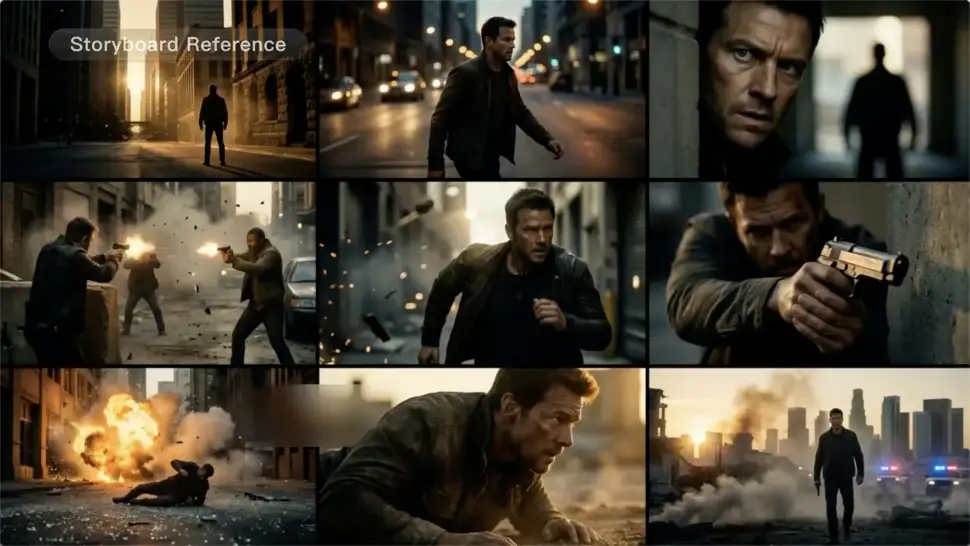
A conversation does not have to stay on one camera angle. An action beat does not have to play out in a single wide shot. Turn on Multi-Shot and Kling can plan scene transitions, framing, and camera-angle changes around what you wrote. A simple story beat can move from an establishing shot to a character close-up, then cut again when the action calls for it.
Take Over the Storyboard When the Shot Matters

Take Over the Storyboard When the Shot Matters

When you already know how the scene should be covered, use Custom Multi-Shot instead of leaving every decision to the model. Decide what happens in each shot, how long it lasts, whether the camera is wide or close, which angle you want, and how the camera moves. It gives you a practical way to turn screenplay direction or a rough shot list into something Kling can generate.

Bring the Same Character into the Next Shot

Bring the Same Character into the Next Shot

A cut should not feel like a new actor walked into the scene. Use a Character Element when someone needs to return across different angles, actions, or settings, and make it clear in the prompt which character belongs in each shot. For workflows that need a richer mix of character, image, video, and scene references, VIDEO 3.0 Omni gives you more ways to anchor the people and visual details your story depends on.

Apps

Image to Video
Image to Video

Image to Video

Text to Video
Text to Video

Text to Video

Omni
Omni

Omni

Digital Human
Digital Human

Digital Human

Restyle
Restyle

Restyle

Text to Image
Text to Image

Text to Image

60M+
60M+
Users
600M+
600M+
AI Videos Generated
4.7 ★
4.7 ★
App Store
Industry-Leading
Industry-Leading
Cinematic 4K

Reviews

Ozan Sihay

Ozan Sihay

★★★★★

Kling AI allows me to rapidly prototype ideas, refine storytelling elements, and produce visually compelling content efficiently. It has not only accelerated my creative processes, but also deepened my understanding of how AI can enrich visual storytelling.

James Phillips

James Phillips

★★★★★

Kling AI has transformed my workflow by collapsing timelines and democratizing production. It’s shifted my mindset from resource-dependent filmmaking to a boundless creative sandbox, where experimentation yields unexpected beauty.

Maria Rubtsova

Maria Rubtsova

★★★★★

I’m Maria Rubtsova, an AIGC digital artist passionate about creating stunning visuals in the worlds of fashion, aesthetics, and fantasy. I use KlingAi to bring imagination to life through video. My work is all about exploring beauty, emotion, and the limitless possibilities of digital art.

FAQ

Q1Can I generate AI backgrounds in 2K or 4K?
Q2What should I look for in the best AI background generator?
Q3Can I use Kling AI as an AI product background generator?

See Your Image in a Whole New Color

Explore a different product color, refresh an outfit, rethink a room, or give an existing creative a new direction with Kling IMAGE 3.0. Describe the change, and generate a new version now.