
Creative Studio
API
Resources
Features
About Us
Download

AI Superhero Generator - Animal-Themed & Transformational Heroes

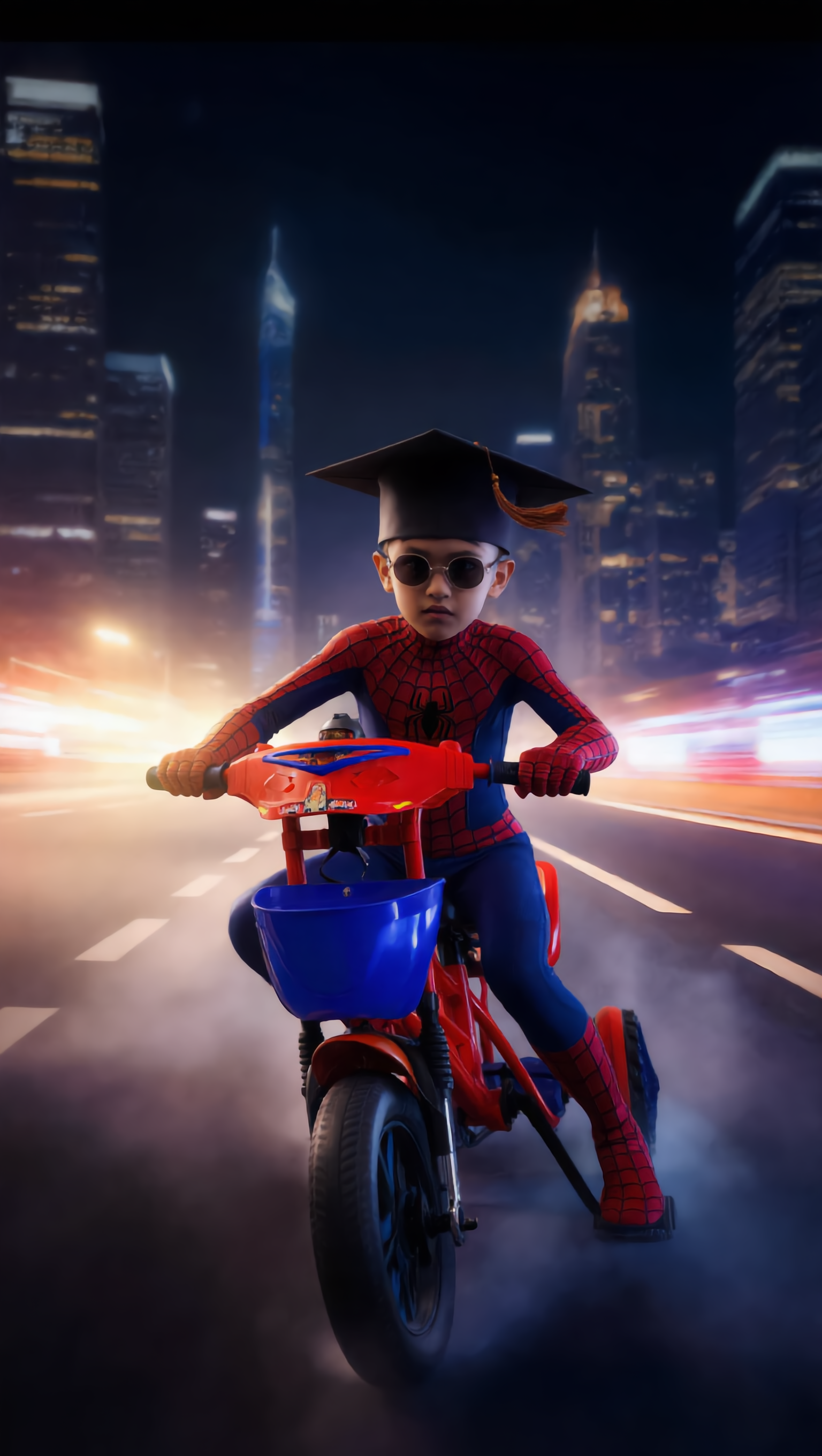
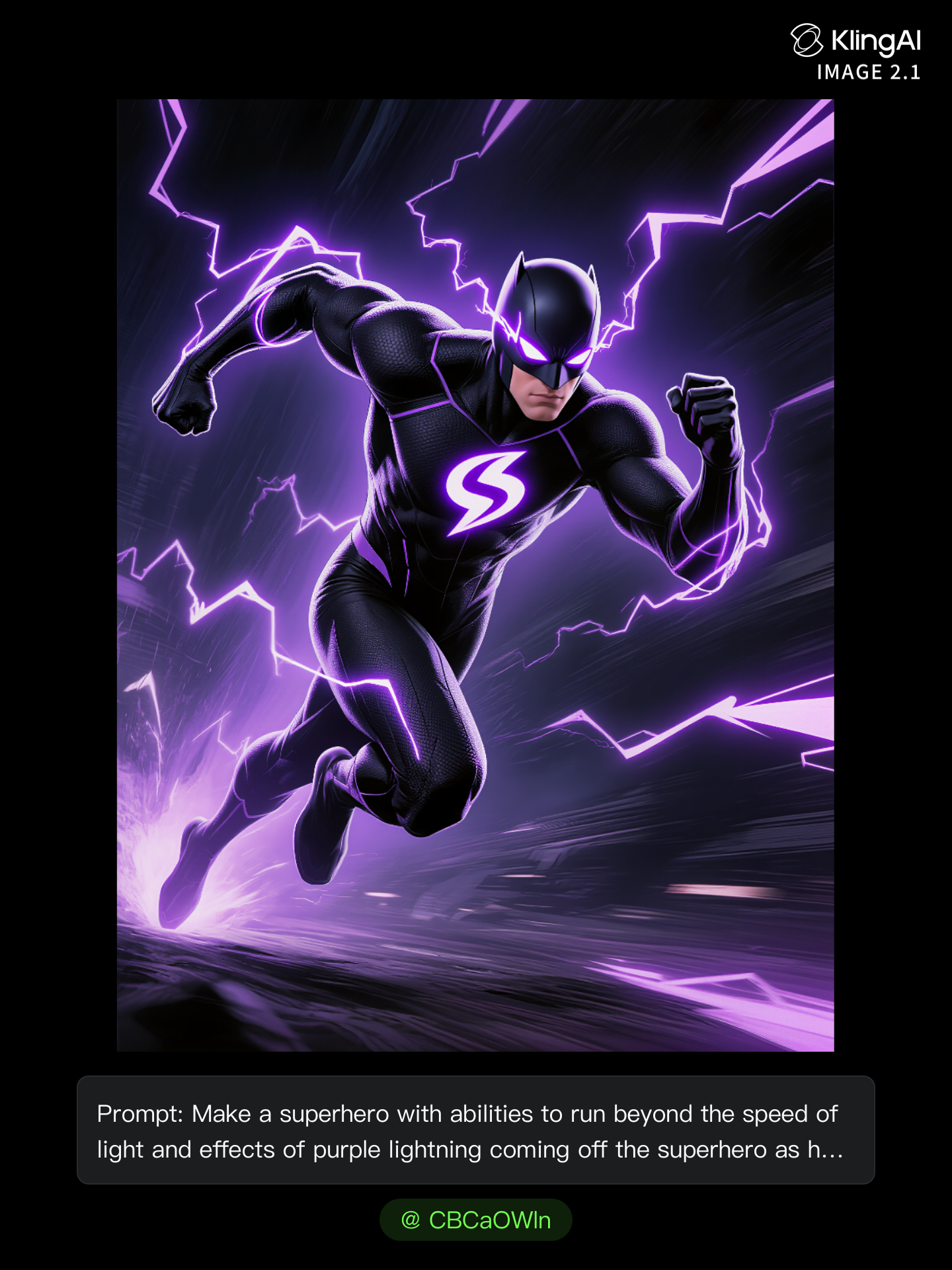
Unleash your creativity with unique superhero transformations and cinematic superhero scenes featuring claw-like hands, dynamic spider-themed suits, and epic transformations. Start exploring AI Superhero Generator ideas and generate your own content with AI.

AI Superhero Generator - Animal-Themed & Transformational Heroes

Recommended

Kling AI work 321857456522763 - AI Superhero Generator AI image
SSaoNgtt avatar
SSaoNgtt
Kling AI work 318105407503815 - AI Superhero Generator AI video
UdjKRHcW avatar
UdjKRHcW
Kling AI work 309073593616374 - AI Superhero Generator AI image
yLIXScPO avatar
yLIXScPO
Our everyday superhero  - AI Superhero Generator AI image
Zed avatar
Zed
Kling AI work 318101490615520 - AI Superhero Generator AI video
salman avatar
salman
Kling AI work 309463735661154 - AI Superhero Generator AI image
EvXqkZbV avatar
EvXqkZbV
Kling AI work 308934162612579 - AI Superhero Generator AI image
BlhJokhG avatar
BlhJokhG
Kling AI work 313742213666054 - AI Superhero Generator AI video
OQbLvrwi avatar
OQbLvrwi
Kling AI work 309786111668704 - AI Superhero Generator AI image
DTCuqsZv avatar
DTCuqsZv
Kling AI work 307825233612063 - AI Superhero Generator AI video
kGoYahTc avatar
kGoYahTc
Kling AI work 315925106508245 - AI Superhero Generator AI video
AI Boss avatar
AI Boss
Kling AI work 319897179614299 - AI Superhero Generator AI image
ebYHXonZ avatar
ebYHXonZ
Female superhero - AI Superhero Generator AI image
猫の冒険者 avatar
猫の冒険者
Pretty Manola🥰 - AI Superhero Generator AI image
silenceboy🥺 avatar
silenceboy🥺
Kling AI work 309929208501115 - AI Superhero Generator AI image
Chucksmit85 avatar
Chucksmit85
Kling AI work 317958294665378 - AI Superhero Generator AI image
WavLsYtF avatar
WavLsYtF
Kling AI work 309112983617604 - AI Superhero Generator AI image
CBCaOWln avatar
CBCaOWln
Kling AI work 318748569617222 - AI Superhero Generator AI image
yNfQTDmO avatar
yNfQTDmO

How to Use Kling AI Art Generator

Start with a Prompt

Start with a Prompt

Open IMAGE 3.0 Omni. Write what you want to make, upload an existing image, or add references that show the character, object, composition, or style you want Kling to follow.

Set the Art Direction

Set the Art Direction

Add the details that matter to the piece: medium, palette, mood, lighting, framing, perspective, or another visual cue. When you use several references, tell Kling what each one contributes instead of leaving the relationship between them ambiguous.

Generate and Keep Working

Generate and Keep Working

Generate the artwork, review the result, and adjust the prompt or creative direction if needed. For connected images, continue the idea with Image Series.

Improve Video Quality Beyond Resolution

Give Your Video a Cinematic Finish in 4K

Give Your Video a Cinematic Finish in 4K

Choose 4K in the output settings to give your footage a finely detailed finish. From the texture of fabric to the contours of a face, bring small details into view for larger screens and close-up shots. Give family recordings, social clips, and creative projects a richer presentation.

Fix Lighting, Color, and the Overall Look

Fix Lighting, Color, and the Overall Look

A good clip can still fall flat because of dull color, poor lighting, or an awkward composition. Use prompts to reduce visible grain and digital noise in low-light footage, then refine the lighting, color, and composition. Turn an ordinary view into an expressive close-up, bring warmth to a dim scene, or change the weather and time of day. Shape the overall look without adjusting every element by hand.

Fill in the Gaps for More Fluid Motion

Fill in the Gaps for More Fluid Motion

Upload your video and describe the missing action or moment you want to add. Add reference images when needed, then use Kling to generate additional footage that helps connect existing moments with less manual editing.

Apps

Image to Video
Image to Video

Image to Video

Text to Video
Text to Video

Text to Video

Omni
Omni

Omni

Digital Human
Digital Human

Digital Human

Restyle
Restyle

Restyle

Text to Image
Text to Image

Text to Image

60M+
60M+
Users
600M+
600M+
AI Videos Generated
4.7 ★
4.7 ★
App Store
Industry-Leading
Industry-Leading
Cinematic 4K

Reviews

Samuele Poggi (@visualsk2)

Samuele Poggi (@visualsk2)

★★★★★

I use Kling AI daily to push the limits of AI filmmaking. It allows me to create highly cinematic content, blending AI and VFX to develop innovative projects. It has significantly impacted my creative process, enabling me to achieve complex animations that would otherwise require high production budgets.

Huang Lu (Elson)

Huang Lu (Elson)

★★★★★

I’ve been using Kling AI since its initial release, and it’s remained one of the leading AI media generators ever since. With Kling AI, I’ve created hundreds of videos, collectively amassing millions of views.

Halim Alrasihi

Halim Alrasihi

★★★★★

I use AI daily and Kling AI is a crucial part of my workflow, whether for client work or personal projects. What I love most about using Kling AI is that it provides all the tools I need in one place, from keyframes to character references, elements and special effects.

FAQ

Q1What is a video background remover?
Q2Do I need to mask the subject frame by frame?
Q3Can I replace a video background instead of just removing it?

Give Photos and Videos a Whole New Face

Upload your photo or video, add the face you want to swap in, and let Kling AI recreate the scene while keeping the look, motion, and surroundings feeling natural.

Effortless Face Swaps | Facial Detail Control | Natural Blending