
Creative Studio
API
Resources
Features
About Us
Download

Anime Video Enhancer - Anime Tech & Futuristic Anime Action

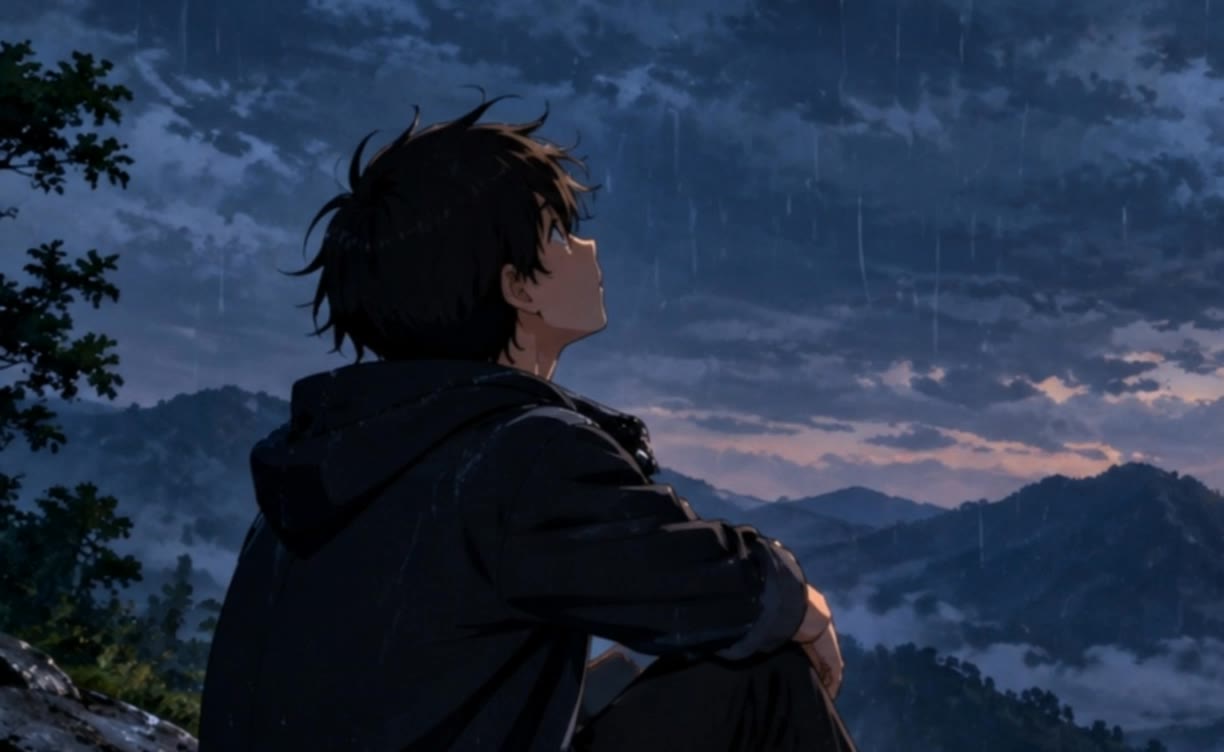
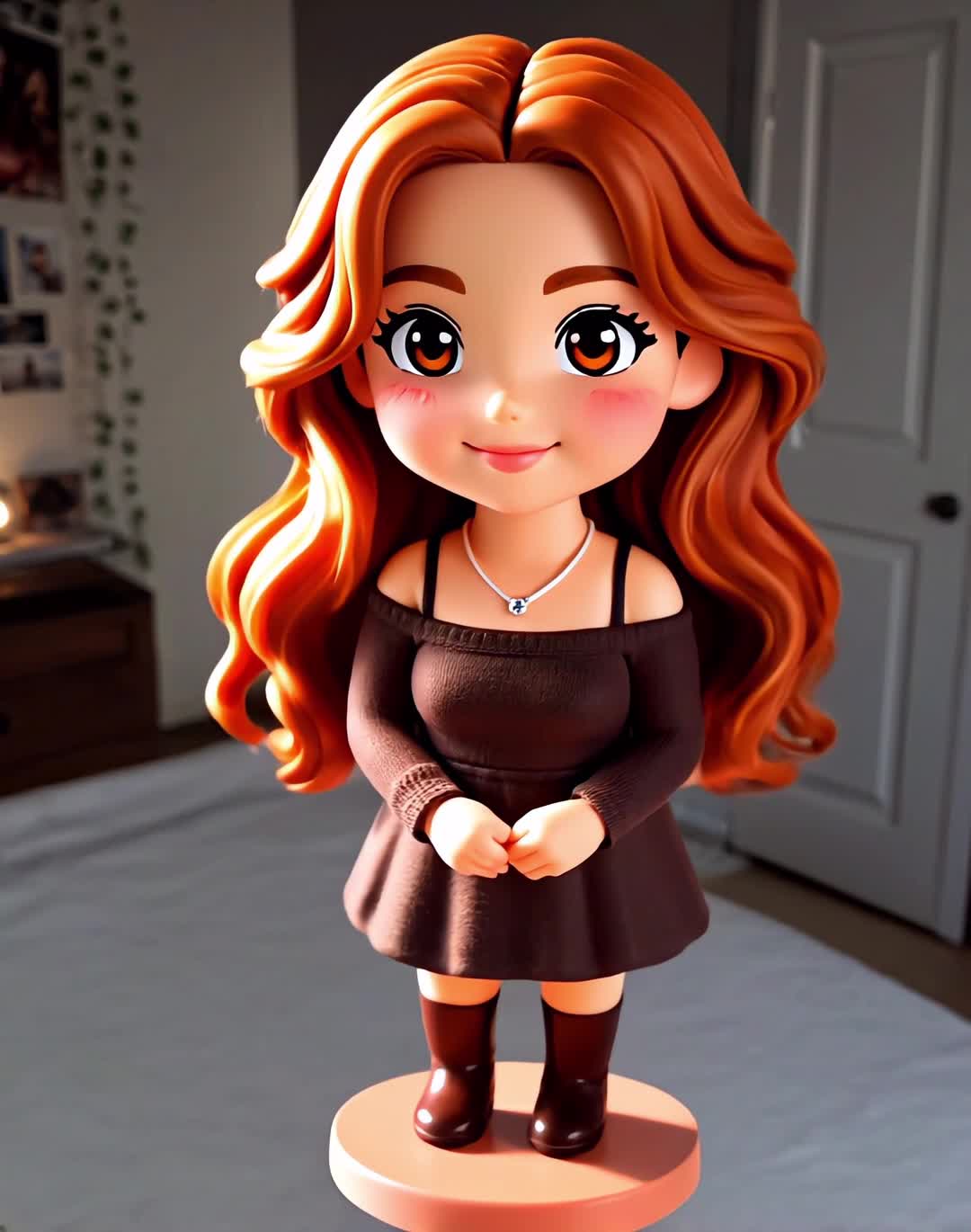
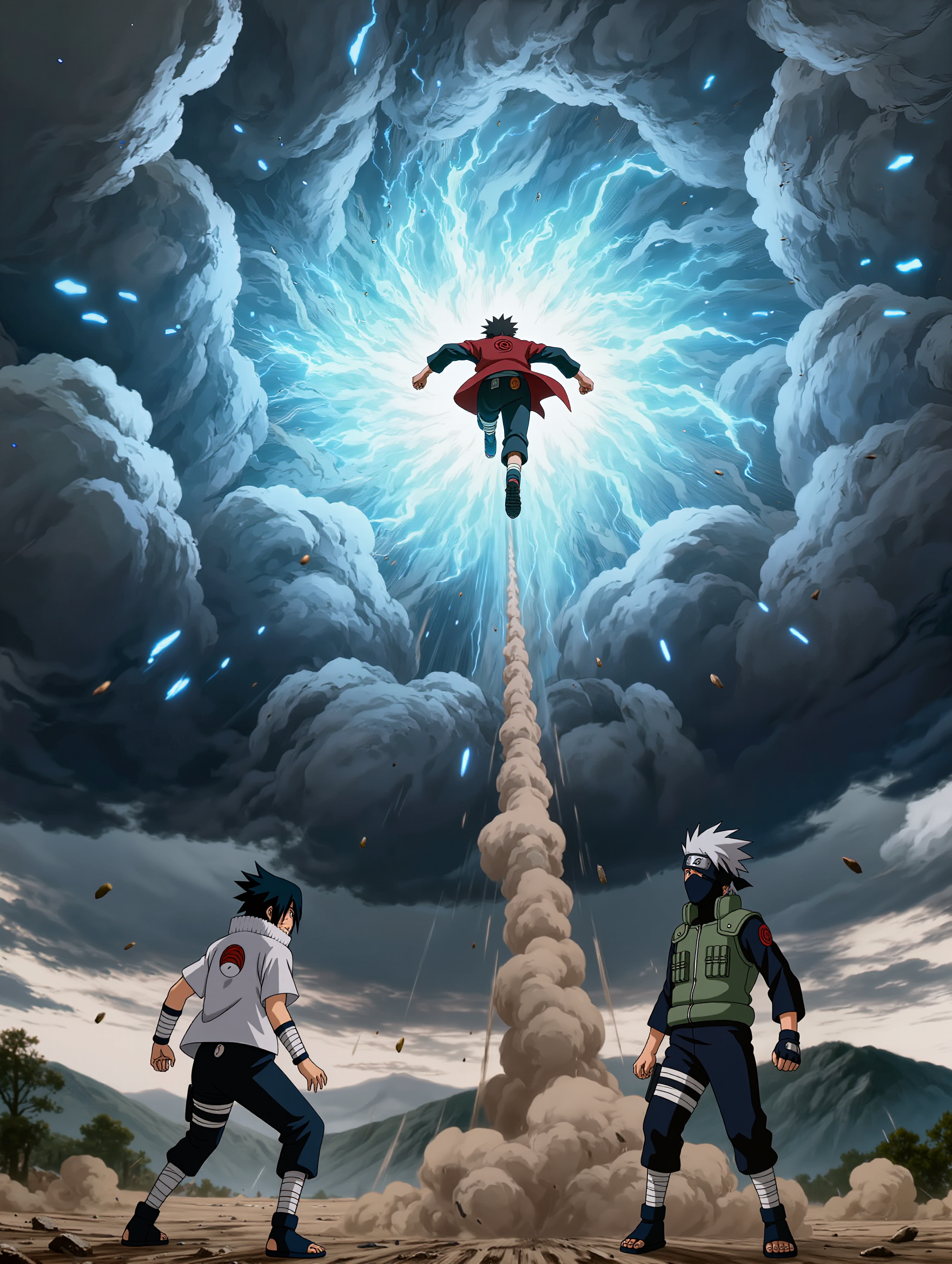
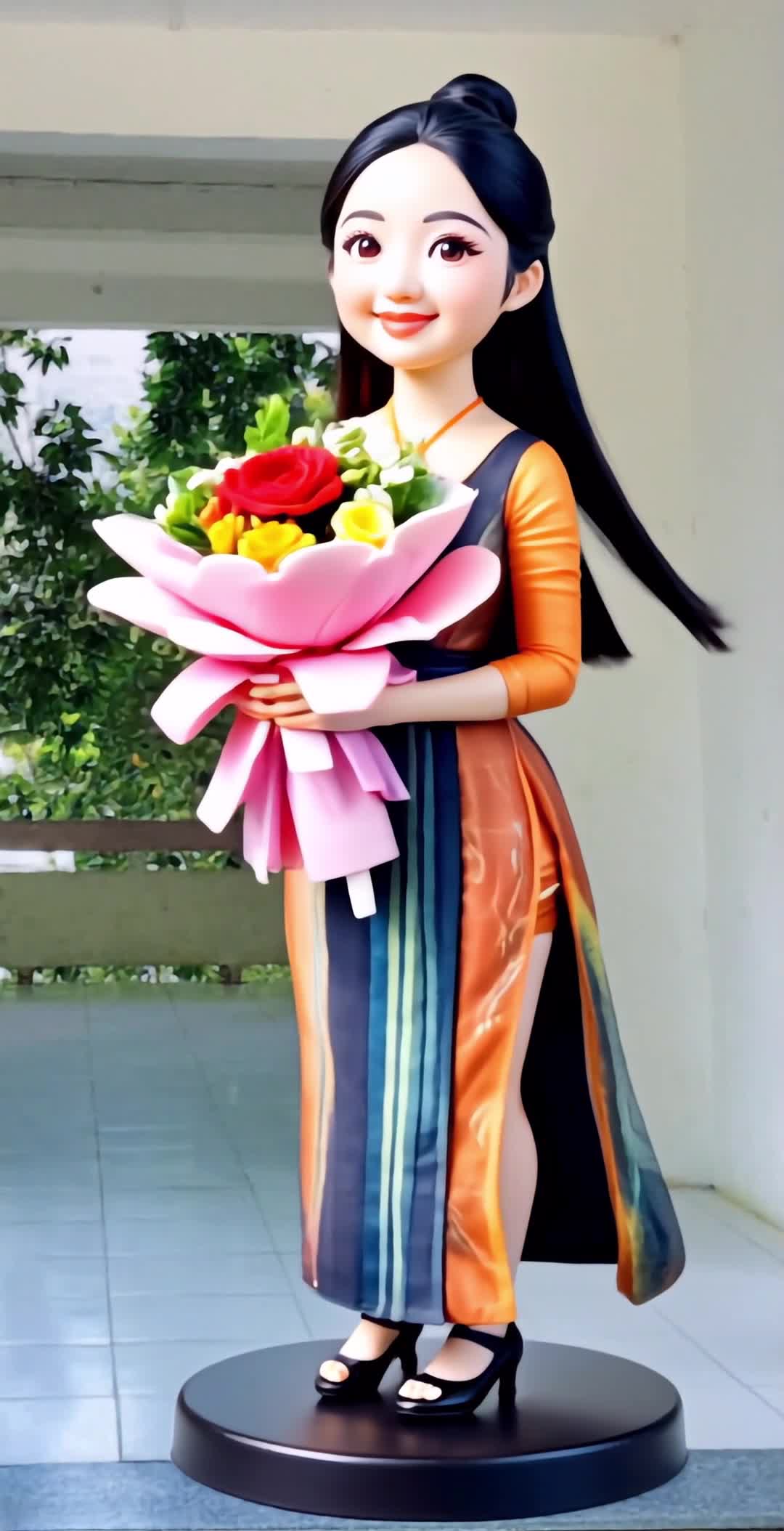
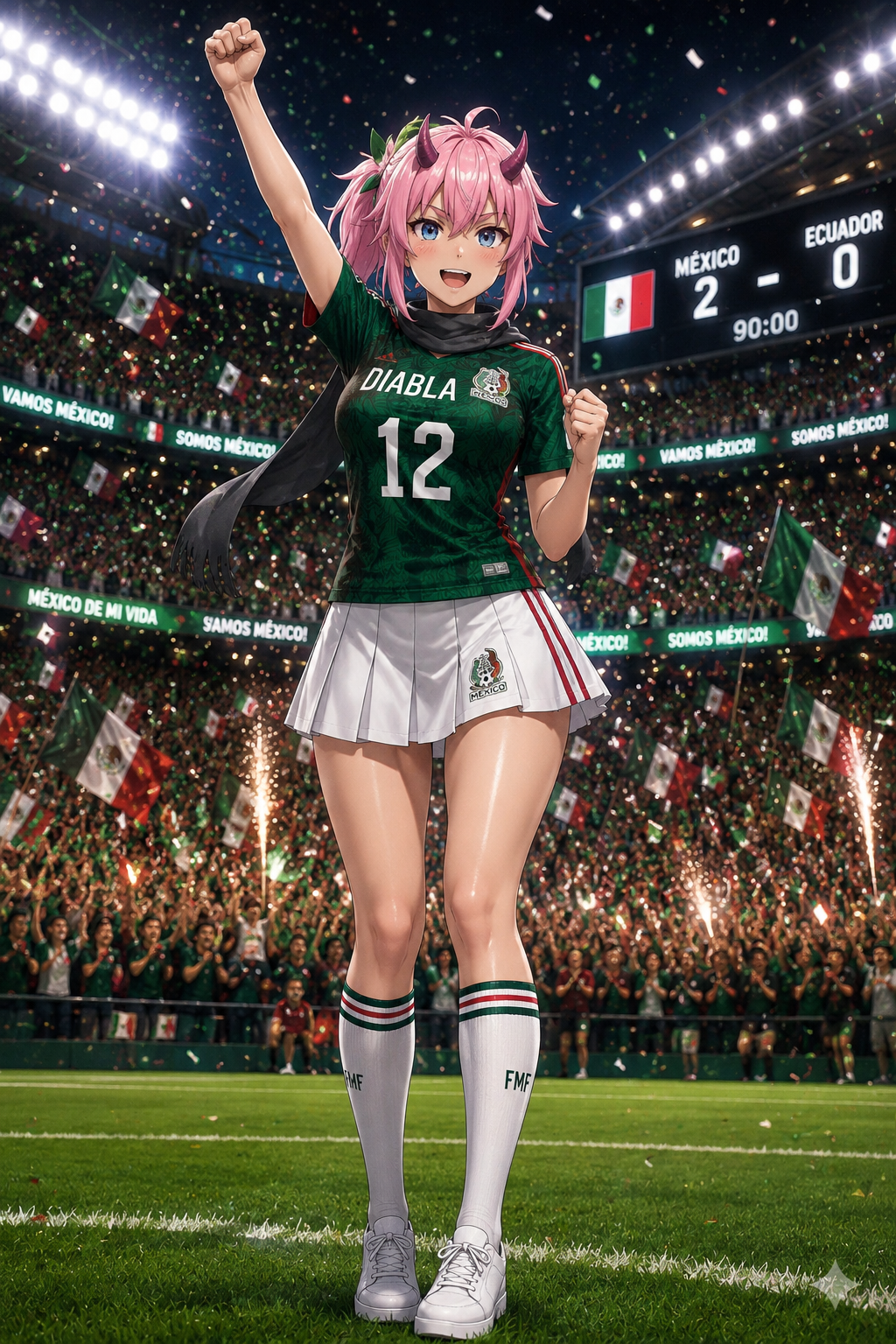
Elevate your anime videos with cutting-edge enhancements featuring cinematic neon lighting and dynamic 2D-3D fusion styles. Unleash the full potential of your creative edits and ASMR content with advanced AI-driven tools. Start exploring Anime Video Enhancer ideas and generate your own content with AI.

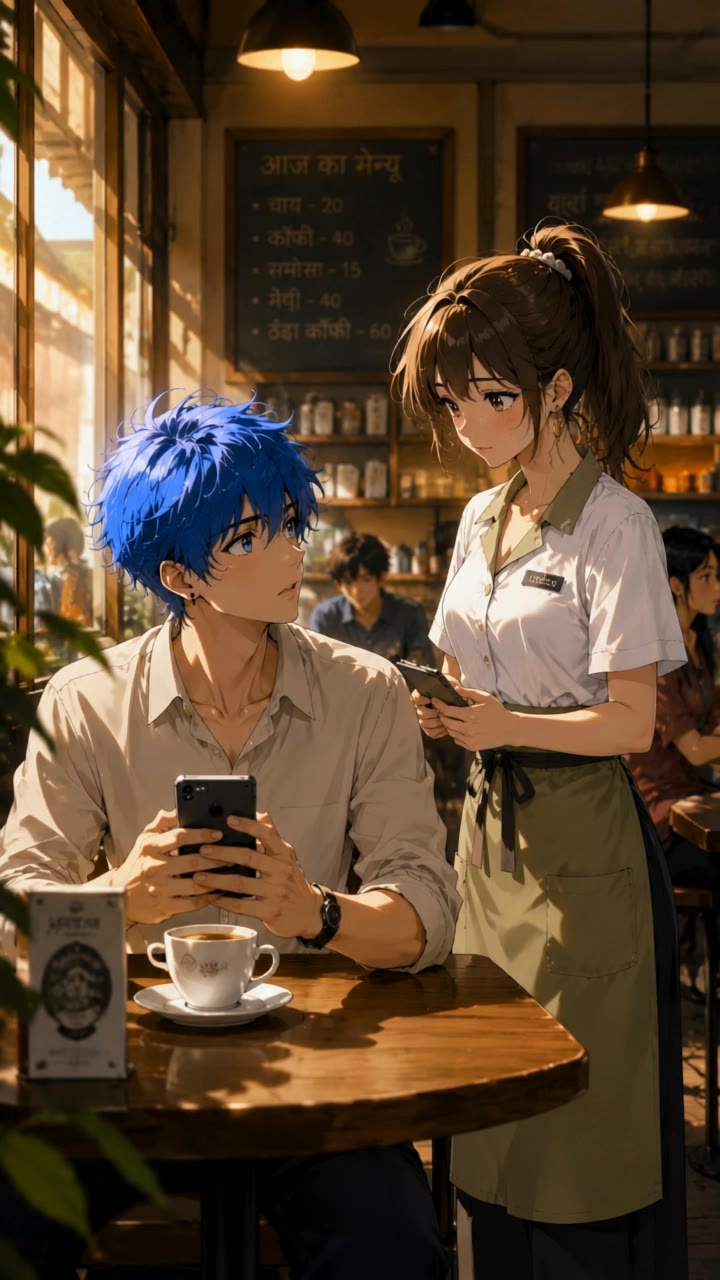
Anime Video Enhancer - Anime Tech & Futuristic Anime Action

Recommended

यसरी बनाउने हो 👇
1. पहिले anime - Anime Video Enhancer AI image
Jiban lama avatar
Jiban lama
anime viral video  - Anime Video Enhancer AI video
oCMkSvta avatar
oCMkSvta
Kling AI work 311559587617143 - Anime Video Enhancer AI video
XtDHvhfb avatar
XtDHvhfb
My 3D realistic anime version 😁 - Anime Video Enhancer AI image
WasonErebo avatar
WasonErebo
Create a cinematic anime video f - Anime Video Enhancer AI image
ayAYdoPf avatar
ayAYdoPf
#anime video# new - Anime Video Enhancer AI video
zqoYXEYY avatar
zqoYXEYY
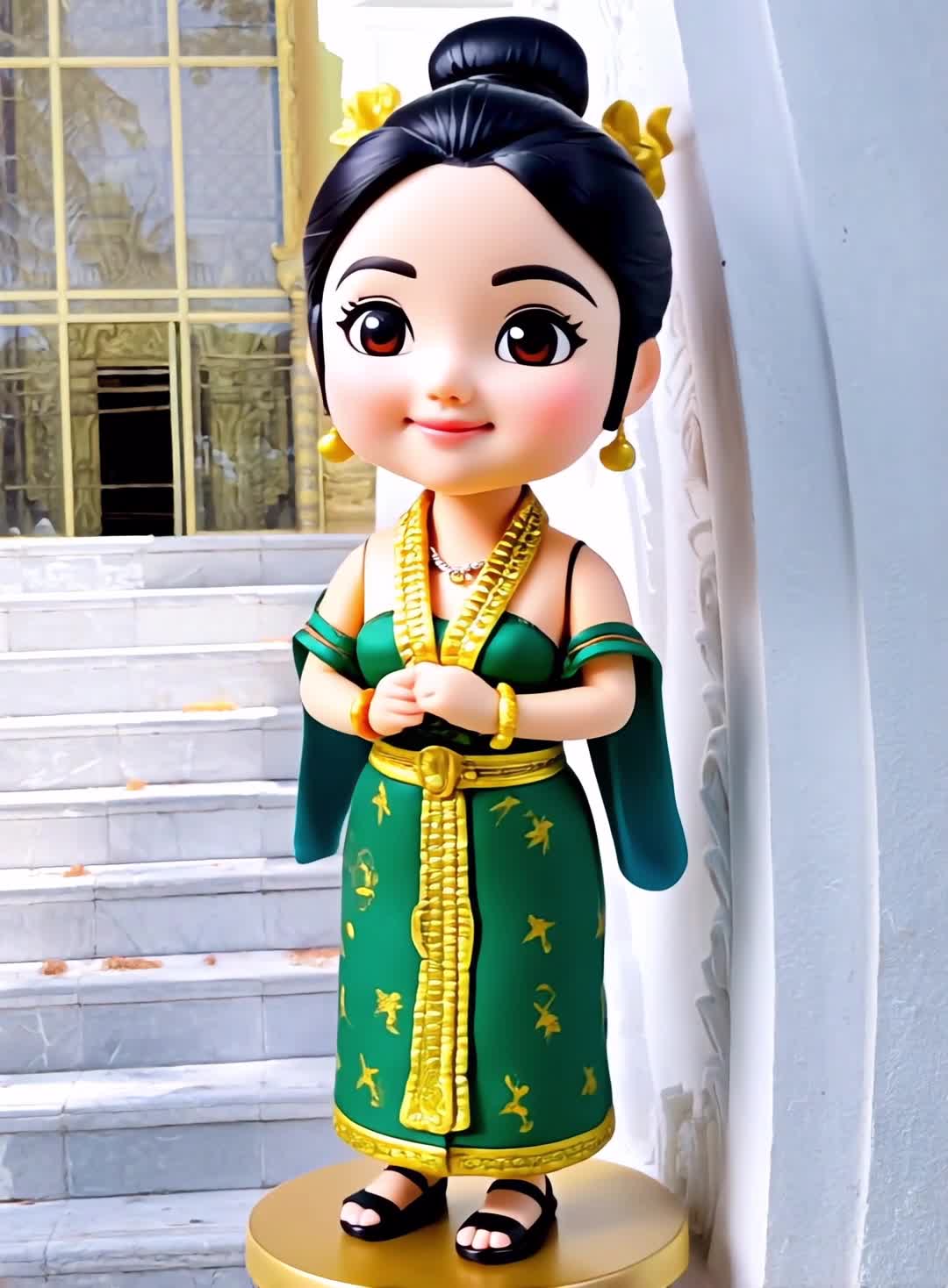
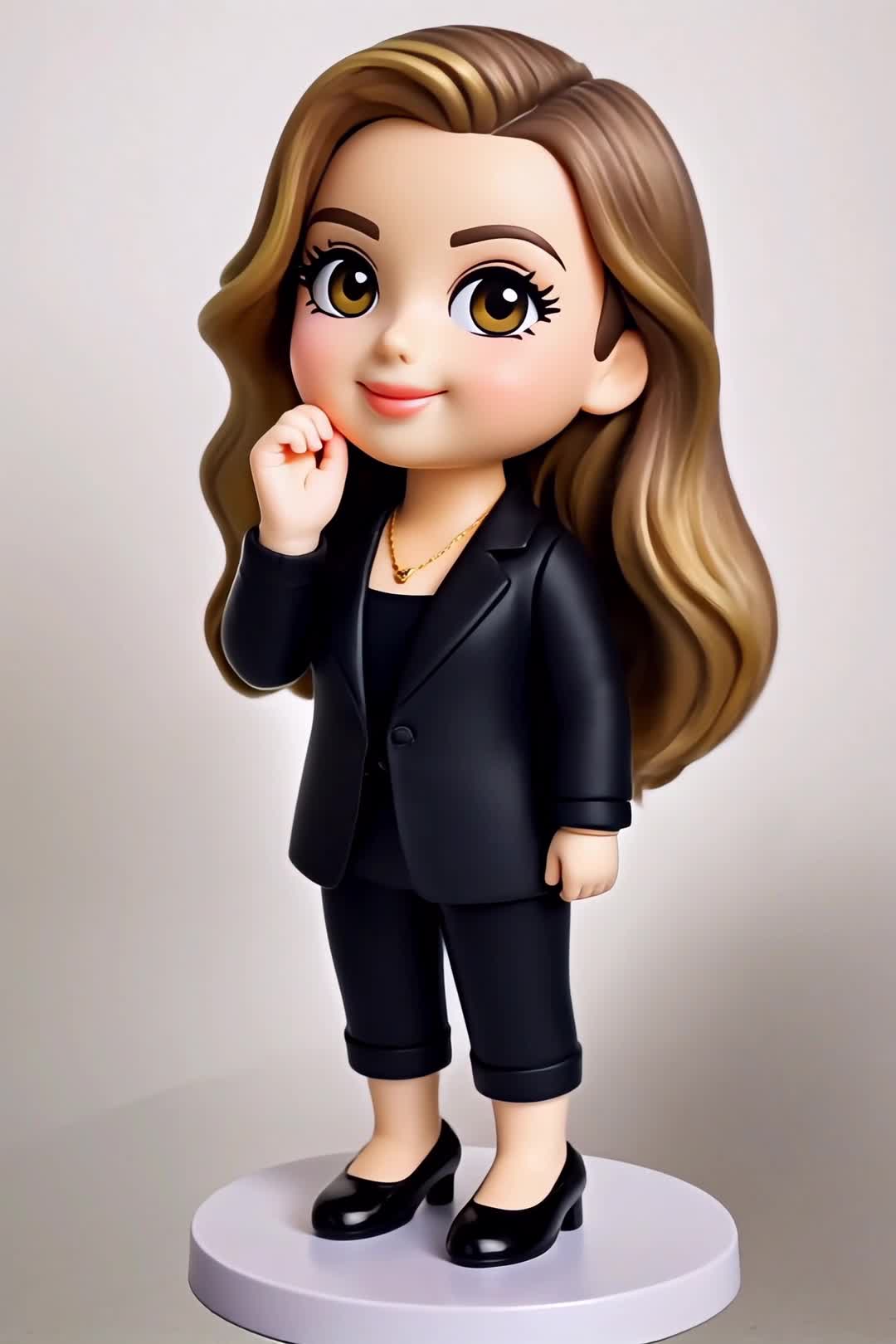
Anime Figure - Anime Video Enhancer AI video
Anime Figure
venus avatar
venus
Flying Anime Boy - Anime Video Enhancer AI video
uYCgKnIx avatar
uYCgKnIx
15 daqiqalik video prompt edi - Anime Video Enhancer AI image
ZSfYAsZr avatar
ZSfYAsZr
Anime Figure - Anime Video Enhancer AI video
Anime Figure
umJHYFch avatar
umJHYFch
Anime tech - Anime Video Enhancer AI video
kEpLBOkY avatar
kEpLBOkY
Anime Figure - Anime Video Enhancer AI video
Anime Figure
ieCkwmjI avatar
ieCkwmjI
Firat video - Anime Video Enhancer AI video
sHJNXoQc avatar
sHJNXoQc
Kling AI work 314358272666059 - Anime Video Enhancer AI image
xYCQlMXH avatar
xYCQlMXH
Anime Figure - Anime Video Enhancer AI video
Anime Figure
dzhammic avatar
dzhammic
escena anime - Anime Video Enhancer AI video
Lucky Takeshi avatar
Lucky Takeshi
this video convert to the anime  - Anime Video Enhancer AI video
00:26
TMkLcpJn avatar
TMkLcpJn
Anime Figure - Anime Video Enhancer AI video
Anime Figure
KLING0769 avatar
KLING0769
Anime Figure - Anime Video Enhancer AI video
Anime Figure
ovBgrmkN avatar
ovBgrmkN

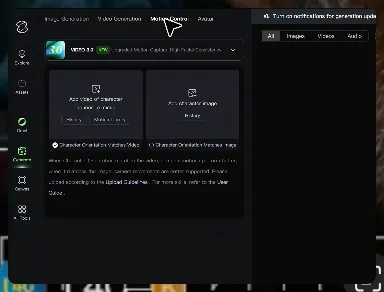
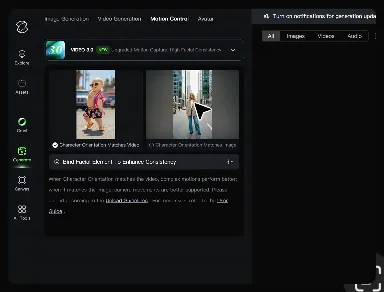
How to Master AI Motion Control in 3 Steps

Upload Your Assets

Upload Your Assets

Provide a static character image and a motion reference video showing the exact expressions you want to replicate.

Bind Face Subject

Bind Face Subject

Enable this feature to lock facial consistency. Upload multi-angle photos to create a precise facial reference map.

Generate & Export

Generate & Export

Process your motion-controlled video and download the final render in high resolution.

Create Voices That Match Your Characters

Generate Character Voices Directly with the Video

Generate Character Voices Directly with the Video

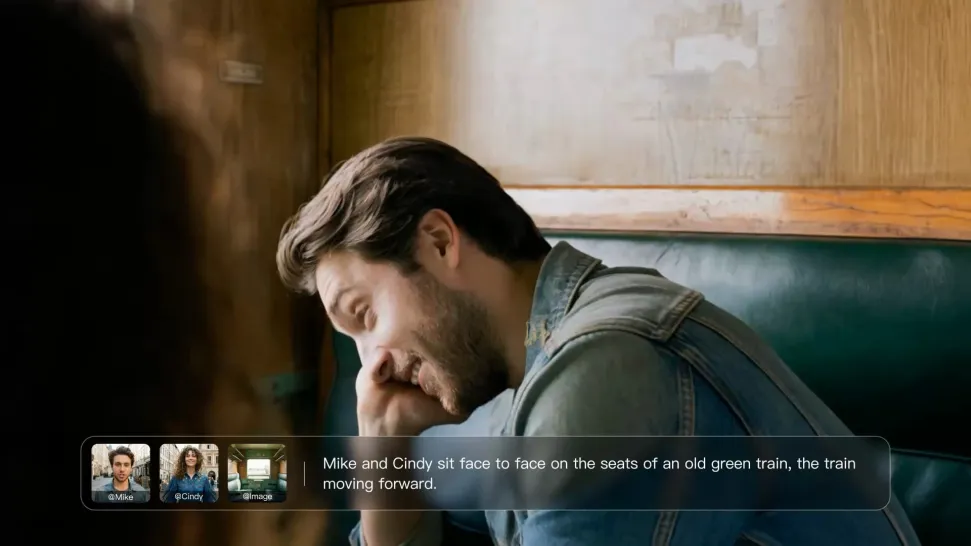
Write the dialogue into your video prompt and let Kling generate the spoken performance together with the scene. Because voice, facial performance, mouth movement, visuals, ambience, and supporting sound are created in the same workflow, the dialogue feels connected to what the character is doing on screen rather than added as a separate layer afterward.
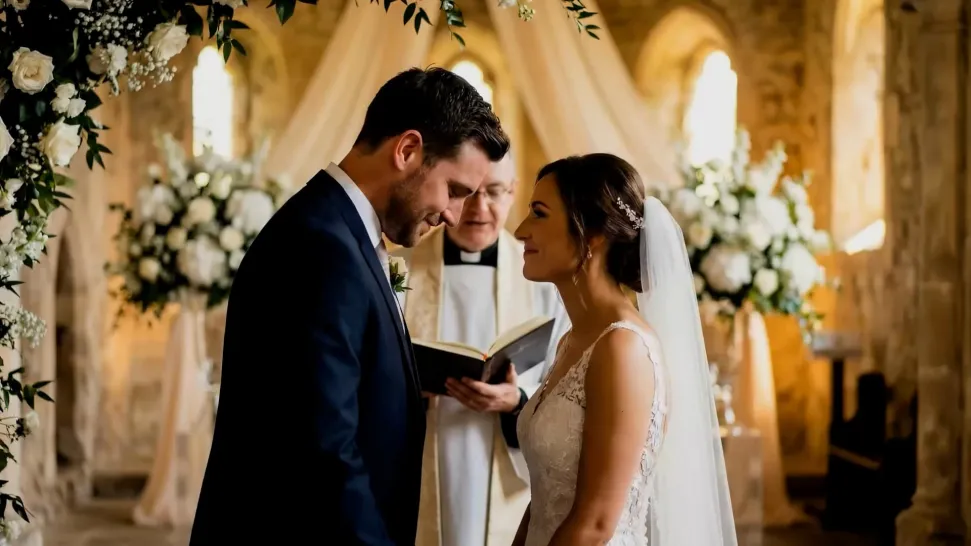
Create Dialogue Across Languages and Accents

Create Dialogue Across Languages and Accents

Create character voices in multiple languages, including English, Chinese, Japanese, Korean, and Spanish. You can also customize accents, dialects, and speaking styles to make characters sound more authentic for different regions, cultures, and story settings.
Keep a Character's Voice Consistent Across Scenes

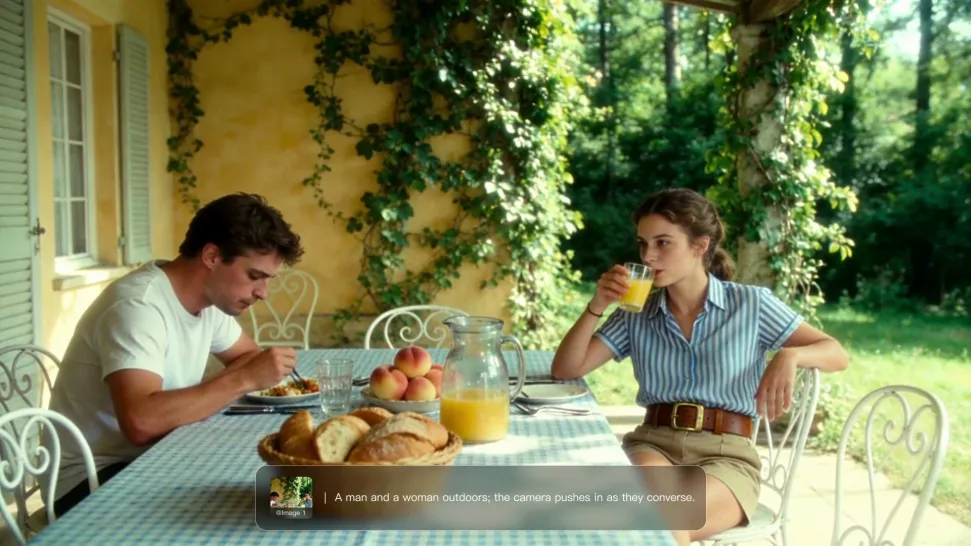
Keep a Character's Voice Consistent Across Scenes

For recurring characters, Kling VIDEO 3.0 Omni lets you add voice to reusable Character Elements. A character can carry both recognizable visual traits and a connected voice into supported future generations. This makes it easier to build recurring presenters, fictional characters, or story leads that not only look familiar across scenes, but also keep a more consistent vocal identity.

Apps

Image to Video
Image to Video

Image to Video

Text to Video
Text to Video

Text to Video

Omni
Omni

Omni

Digital Human
Digital Human

Digital Human

Restyle
Restyle

Restyle

Text to Image
Text to Image

Text to Image

60M+
60M+
Users
600M+
600M+
AI Videos Generated
4.7 ★
4.7 ★
App Store
Industry-Leading
Industry-Leading
Cinematic 4K

Reviews

Jyo John Mulloor

Jyo John Mulloor

★★★★★

Kling AI has been instrumental in transforming my creative workflow, unlocking new dimensions of artistic expression that were once unimaginable. I use Kling AI extensively to develop high-concept visuals, animate surreal dreamscapes, and create AI-assisted films that blur the line between reality and fantasy. Kling AI’s deep learning capabilities have not only enhanced my creative efficiency but also inspired me to explore storytelling in ways I never thought possible.

Huang Lu (Elson)

Huang Lu (Elson)

★★★★★

I’ve been using Kling AI since its initial release, and it’s remained one of the leading AI media generators ever since. With Kling AI, I’ve created hundreds of videos, collectively amassing millions of views.

Halim Alrasihi

Halim Alrasihi

★★★★★

I use AI daily and Kling AI is a crucial part of my workflow, whether for client work or personal projects. What I love most about using Kling AI is that it provides all the tools I need in one place, from keyframes to character references, elements and special effects.

FAQ

Q1What can I change with text prompts?
Q2Can I enhance my video in 4K?
Q3Is a video enhancer the same as a video upscaler?

Bring Your Old Photos Back to Life

Use the photo you already have as the starting point. Repair visible damage, improve faded areas, guide familiar faces with references, and create a higher-resolution version when you need it.