
Creative Studio
API
Resources
Features
About Us
Download

Denoise Video - Music Video & KlingAI Creations

Enhance your cinematic and influencer videos with advanced denoising techniques for crystal-clear quality. Unleash your creativity with AI-driven tools to transform and elevate your content. Start exploring Denoise Video ideas and generate your own content with AI.


Denoise Video - Music Video & KlingAI Creations

Recommended

video oromoo  - Denoise Video AI image
PpqmtOUs avatar
PpqmtOUs
hacer video - Denoise Video AI image
wdgONJrh avatar
wdgONJrh
Muslims video  - Denoise Video AI video
CcVerNoh avatar
CcVerNoh
video yap
 - Denoise Video AI image
AiKLDqIQ avatar
AiKLDqIQ
ಕಾಮಿಡಿ video - Denoise Video AI image
JcnOqdiV avatar
JcnOqdiV
video ဖန်တီးပေးပါ - Denoise Video AI image
RVDtRdhG avatar
RVDtRdhG
Dance video - Denoise Video AI video
Lucas Benassi avatar
Lucas Benassi
Image to video - Denoise Video AI video
jc avatar
jc
video  - Denoise Video AI image
kUyzVMWa avatar
kUyzVMWa
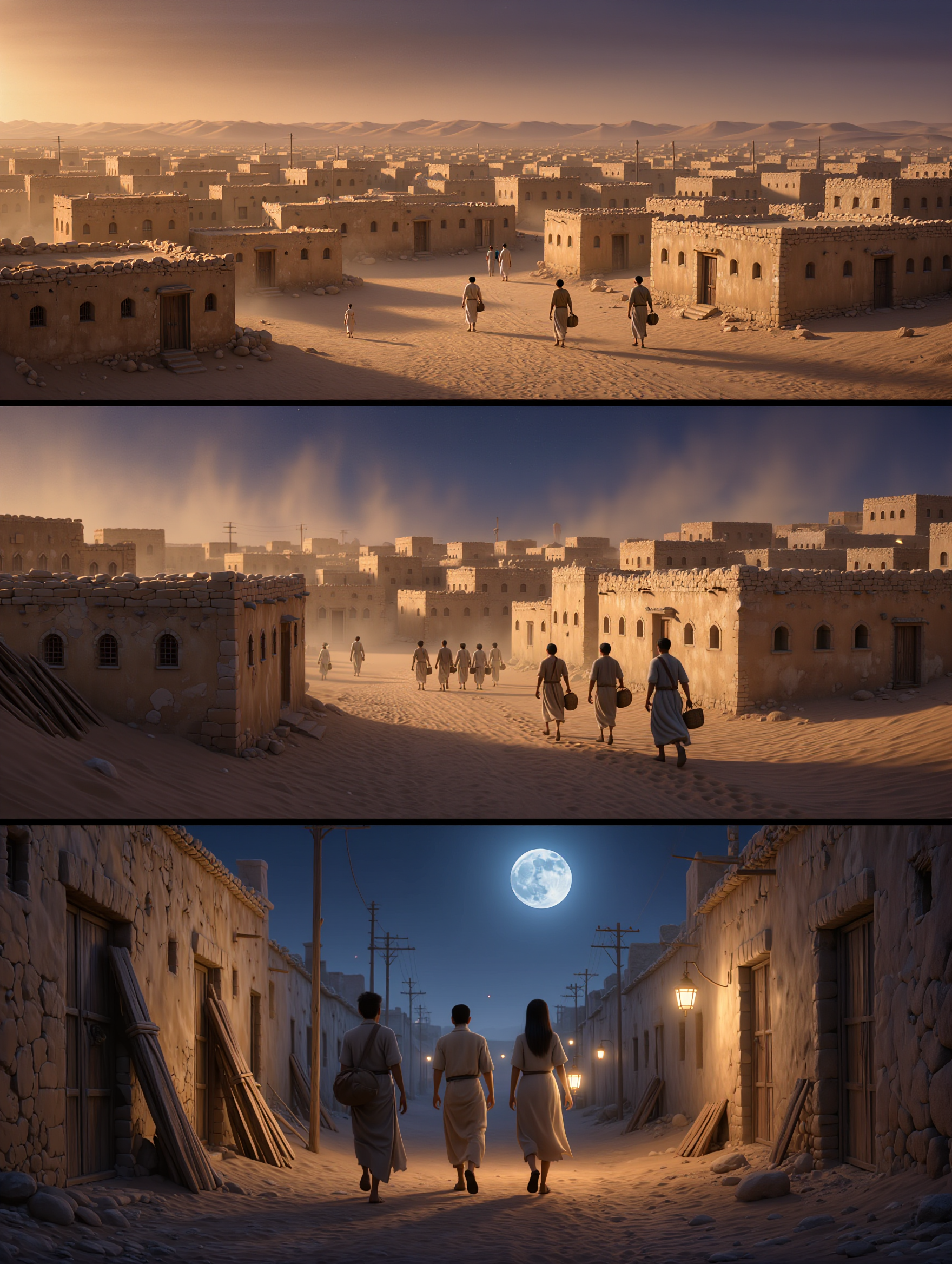
general a video about the genesi - Denoise Video AI image
bBdlAAMC avatar
bBdlAAMC
Sport video - Denoise Video AI video
Alberto avatar
Alberto
video 10 - Denoise Video AI image
tlErLayy avatar
tlErLayy
Reate a video in this photo - Denoise Video AI image
rs avatar
rs
kids video - Denoise Video AI video
EgiWoPKf avatar
EgiWoPKf
full video  - Denoise Video AI image
IOtEobXq avatar
IOtEobXq
Video  - Denoise Video AI video
KLING4103 avatar
KLING4103
Use the uploaded video as the ex - Denoise Video AI image
NUFsXjGe avatar
NUFsXjGe
video 
 - Denoise Video AI image
CRwwFQZq avatar
CRwwFQZq
My video  - Denoise Video AI video
Ripan Das avatar
Ripan Das

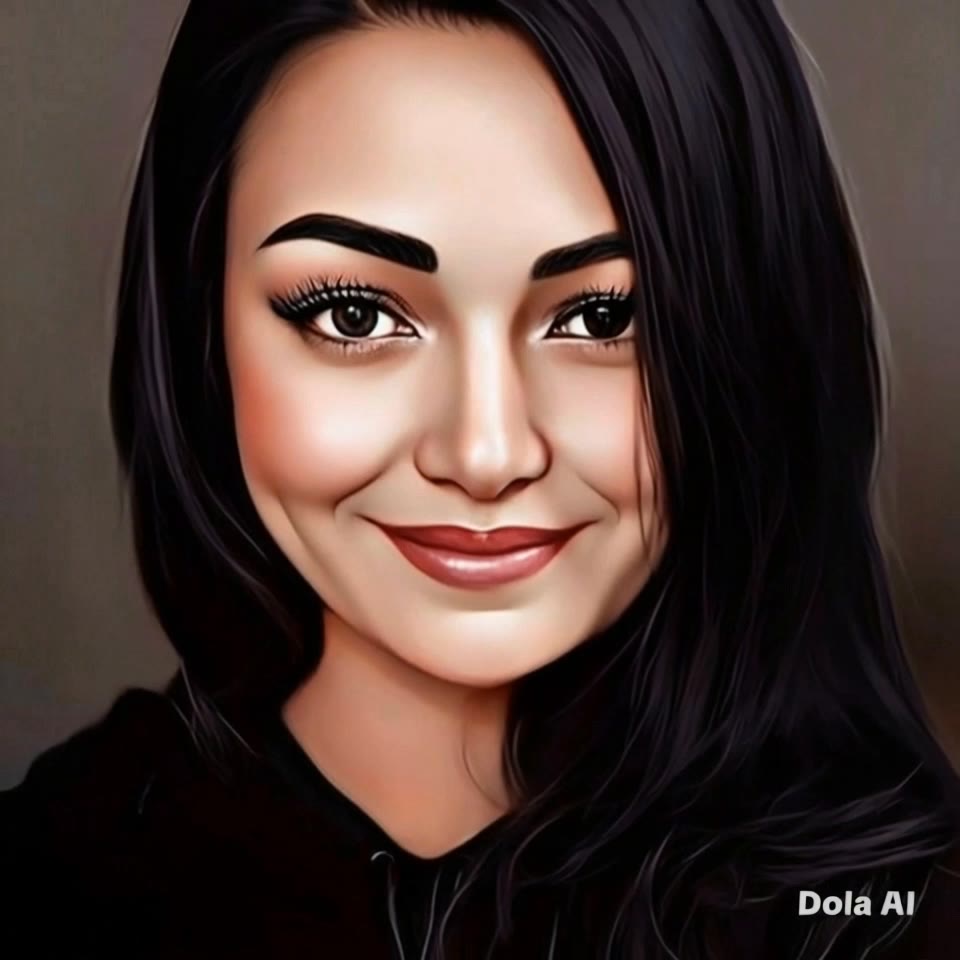
How to Make a Profile Picture with Kling AI

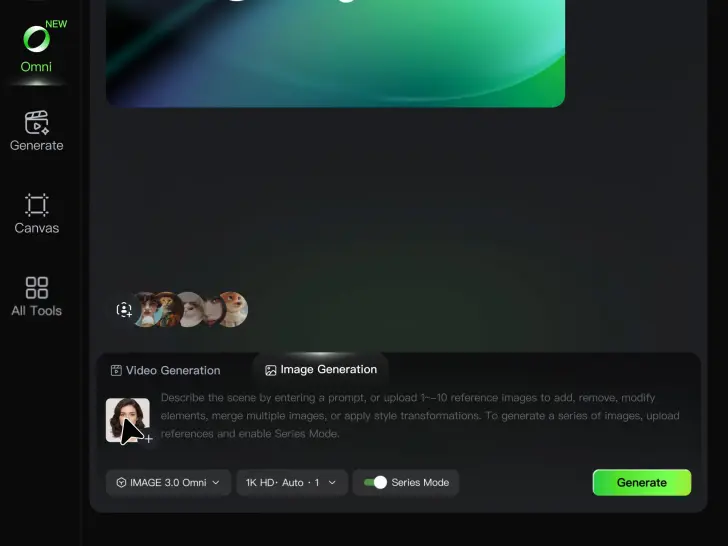
Start with a Photo You Like

Start with a Photo You Like

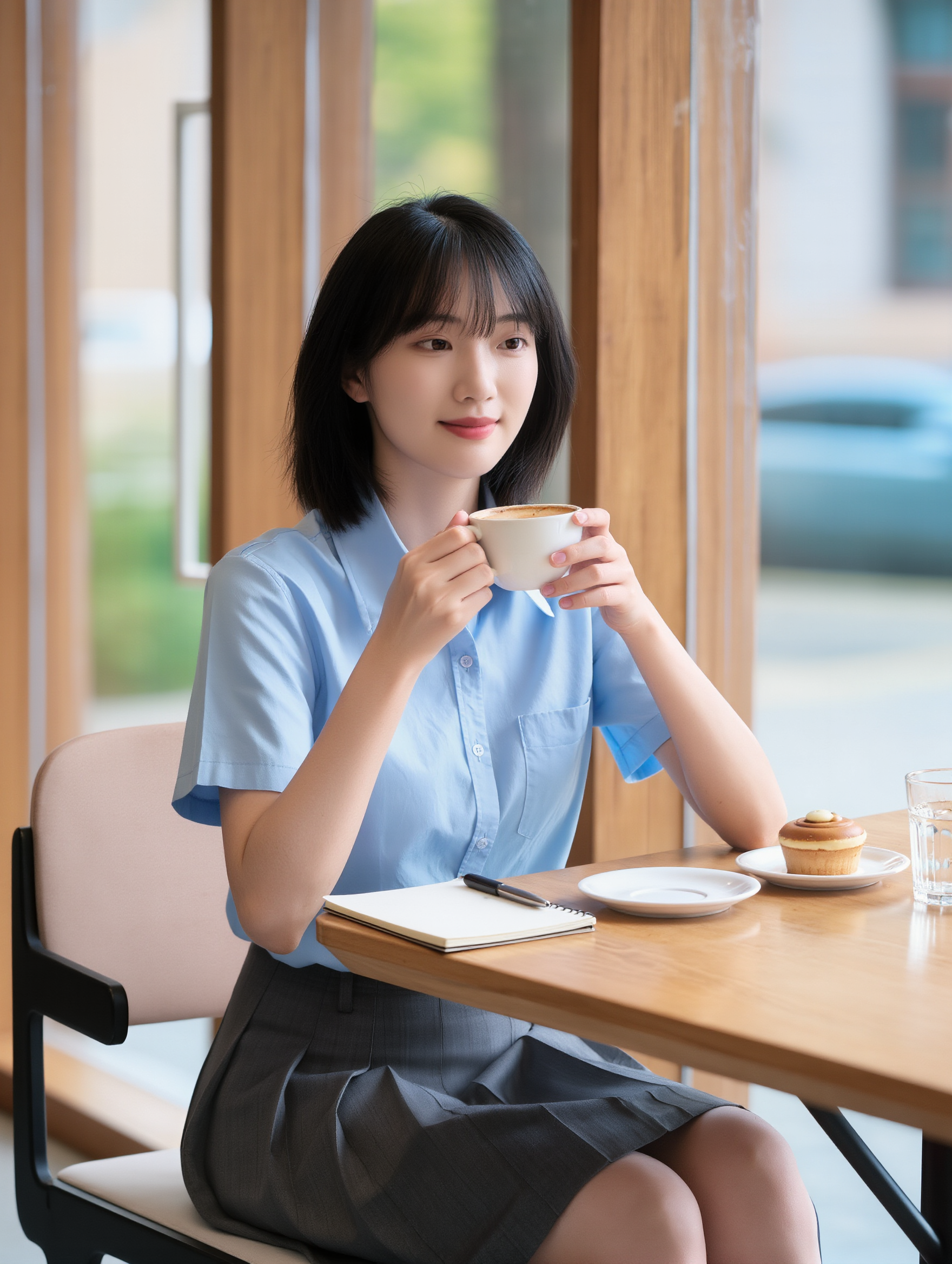
Upload a selfie or portrait where your face and the details you care about are easy to see. It does not need to look like a studio headshot—the photo is simply your starting point.

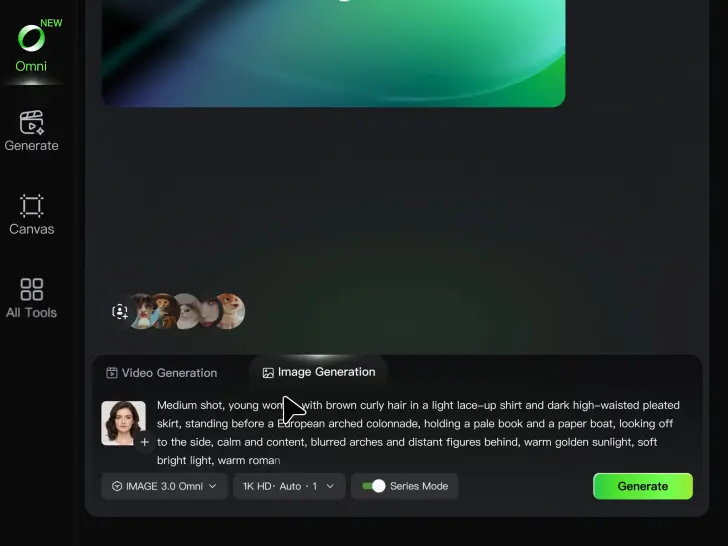
Describe Your Ideas

Describe Your Ideas

Going for a cleaner work profile? A brighter social photo? Something more creative for YouTube or gaming? Describe the background, expression, lighting, framing, or overall style you want, and mention anything you would rather leave unchanged.

Pick Your Favorite PFPs

Pick Your Favorite PFPs

Choose your preferred aspect ratio and output settings, then generate your profile picture. Review the results and select the version that best fits your professional profile, social account, YouTube channel, or gaming community.

Make Avatars Perform, Not Just Speak

More Choice, Without Losing Consistency

More Choice, Without Losing Consistency

Start with a preset avatar, select a character from your Kling AI Assets, upload an image of your own, or create someone new with AI Image. Use a polished presenter for a product demo, a creator-style host for an ad, or a more stylized character when the idea calls for it. For recurring content, save the character with the voice and performance settings you use most. The same on-screen identity is ready for the next script, without putting the setup together again.

Give Each Script the Right Delivery

Give Each Script the Right Delivery

Use a finished voiceover when the delivery is already in place, or start with written copy and choose a text-to-speech voice. Adjust the pace and emotional tone so a product pitch feels confident, a lesson stays clear, and social content can take on more energy. You can write your own performance direction or use one of Kling AI’s suggestions for the selected character. The same avatar can also deliver content in English, Chinese, Japanese, or Korean while keeping a familiar appearance on screen.
Let Movement Carry the Message

Let Movement Carry the Message

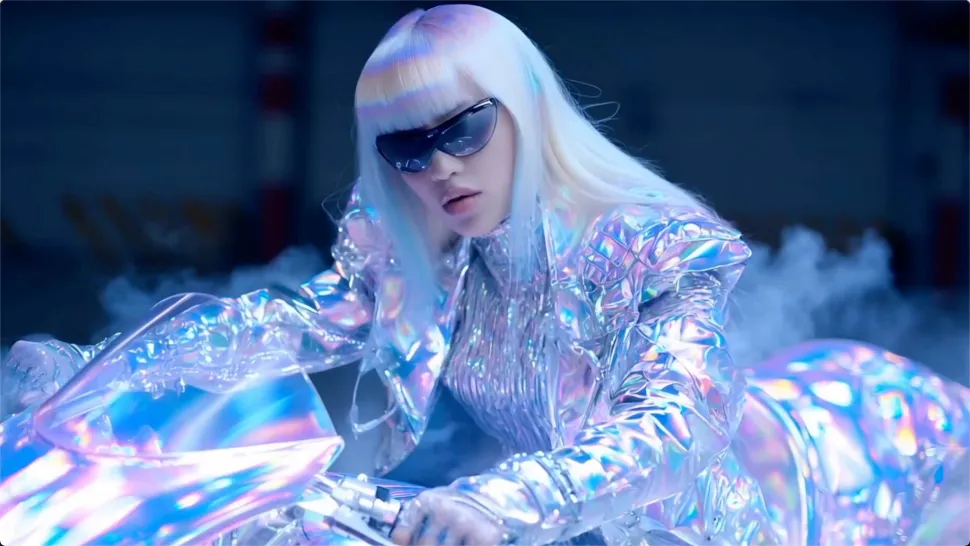
Natural lip sync is only part of the performance. An avatar can point to a product, handle an object, gesture through an explanation, react to the words, or move with the rhythm of a song. Avatar 2.0 improves hand stability and overall action quality, so the movement supports the scene instead of drawing attention away from it. Voice, expression, and body language come together as one performance—not a still image with audio layered over it.

Apps

Image to Video
Image to Video

Image to Video

Text to Video
Text to Video

Text to Video

Omni
Omni

Omni

Digital Human
Digital Human

Digital Human

Restyle
Restyle

Restyle

Text to Image
Text to Image

Text to Image

60M+
60M+
Users
600M+
600M+
AI Videos Generated
4.7 ★
4.7 ★
App Store
Industry-Leading
Industry-Leading
Cinematic 4K

Reviews

Jyo John Mulloor

Jyo John Mulloor

★★★★★

Kling AI has been instrumental in transforming my creative workflow, unlocking new dimensions of artistic expression that were once unimaginable. I use Kling AI extensively to develop high-concept visuals, animate surreal dreamscapes, and create AI-assisted films that blur the line between reality and fantasy. Kling AI’s deep learning capabilities have not only enhanced my creative efficiency but also inspired me to explore storytelling in ways I never thought possible.

Maria Rubtsova

Maria Rubtsova

★★★★★

I’m Maria Rubtsova, an AIGC digital artist passionate about creating stunning visuals in the worlds of fashion, aesthetics, and fantasy. I use KlingAi to bring imagination to life through video. My work is all about exploring beauty, emotion, and the limitless possibilities of digital art.

Vincent Smadja

Vincent Smadja

★★★★★

Kling AI seamlessly integrates into my creative workflow, playing a key role in transforming my images. After generating and upscaling an image, Kling becomes a crucial element, bringing my creations to life with movement and depth.

FAQ

Q1Is Kling AI image generator free to use?
Q2What is an AI image generator?
Q3How do I write a good AI image prompt?

Change the Shot Without Reshooting It

Upload your footage, describe the result, and let Kling rebuild the scene around your direction.

Free tier available | Simple prompt editing | Up to 4K output | Fast generation