Creative Studio
API
Resources
Features
About Us
Download

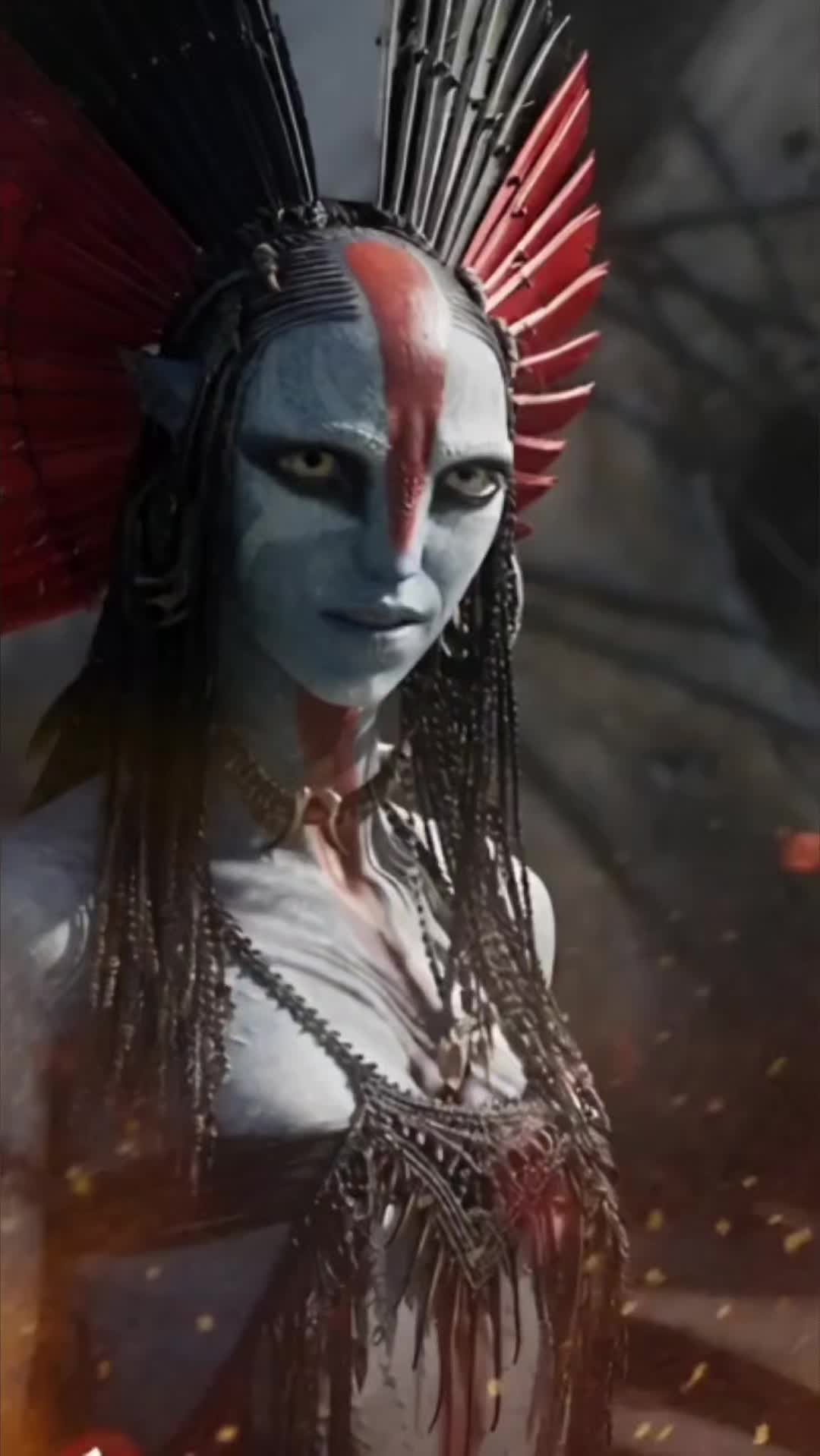
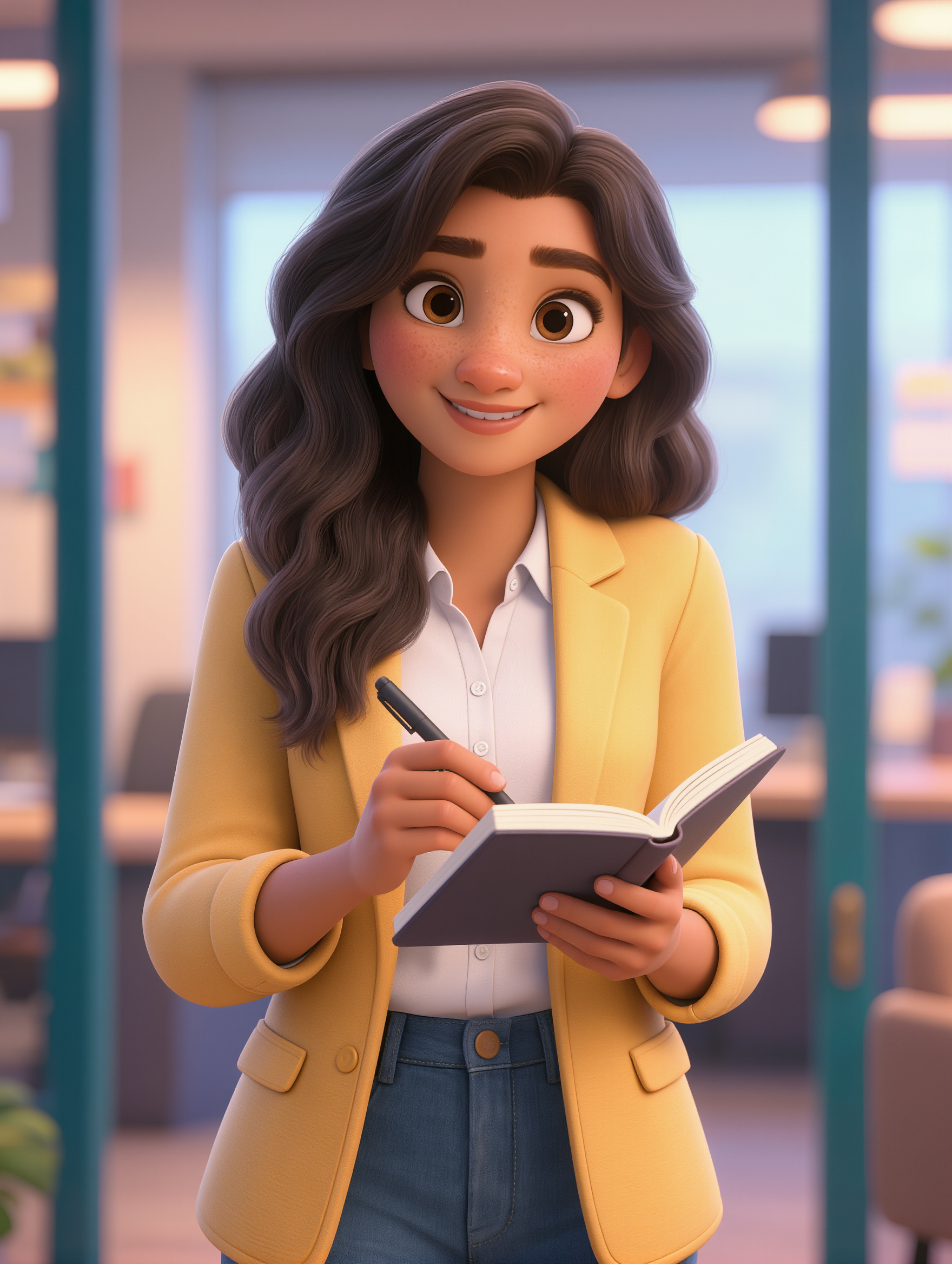
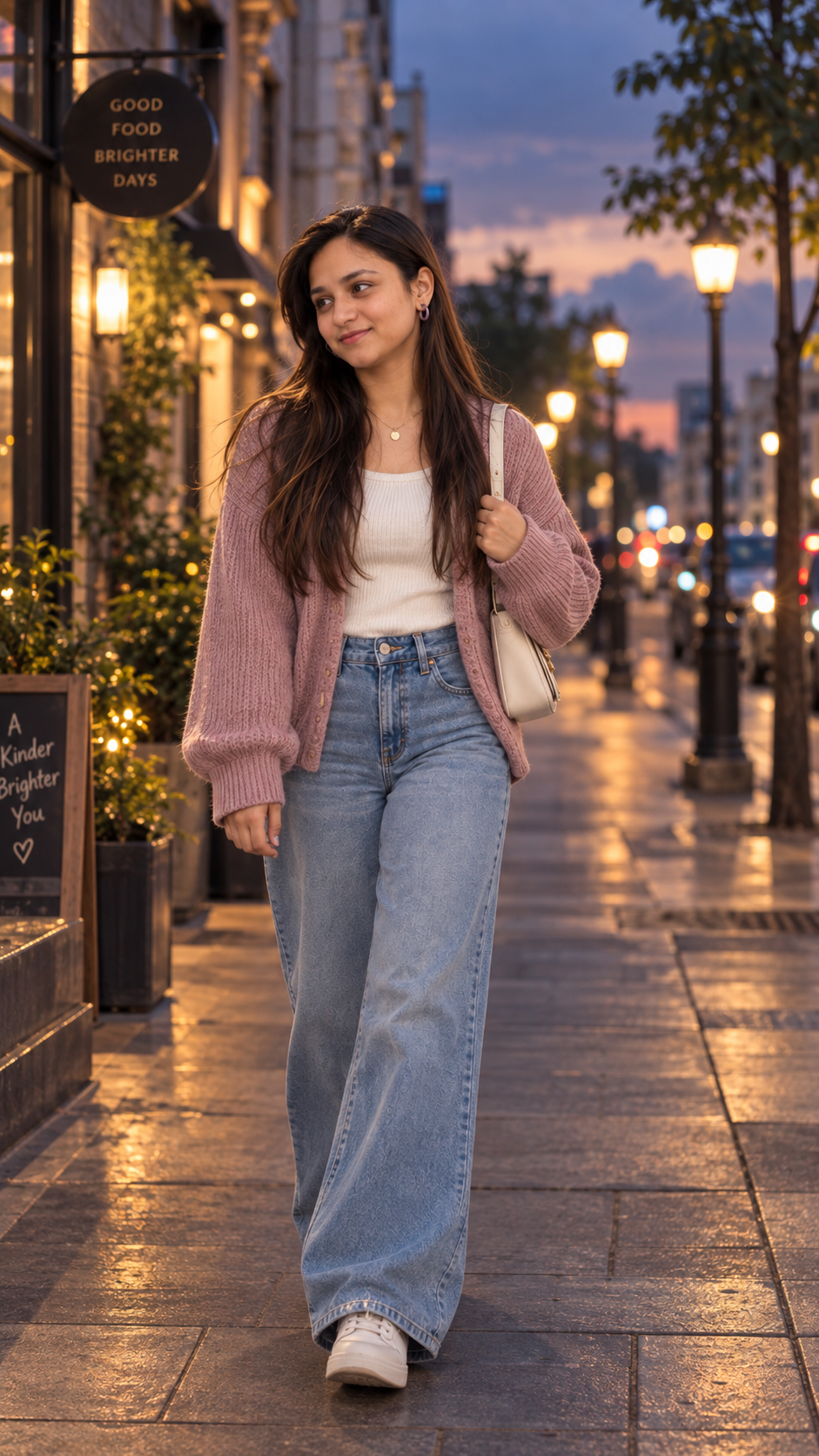
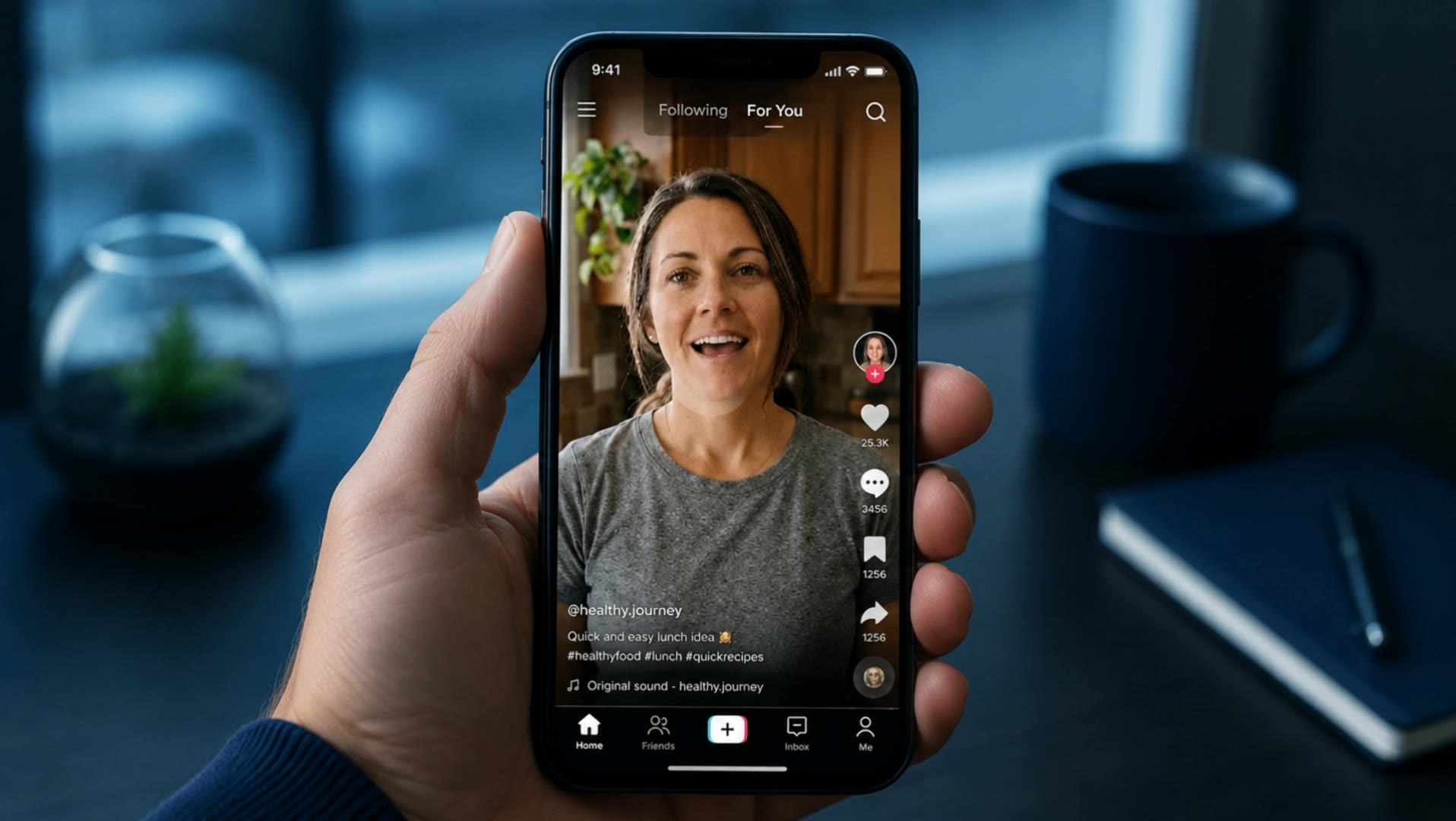
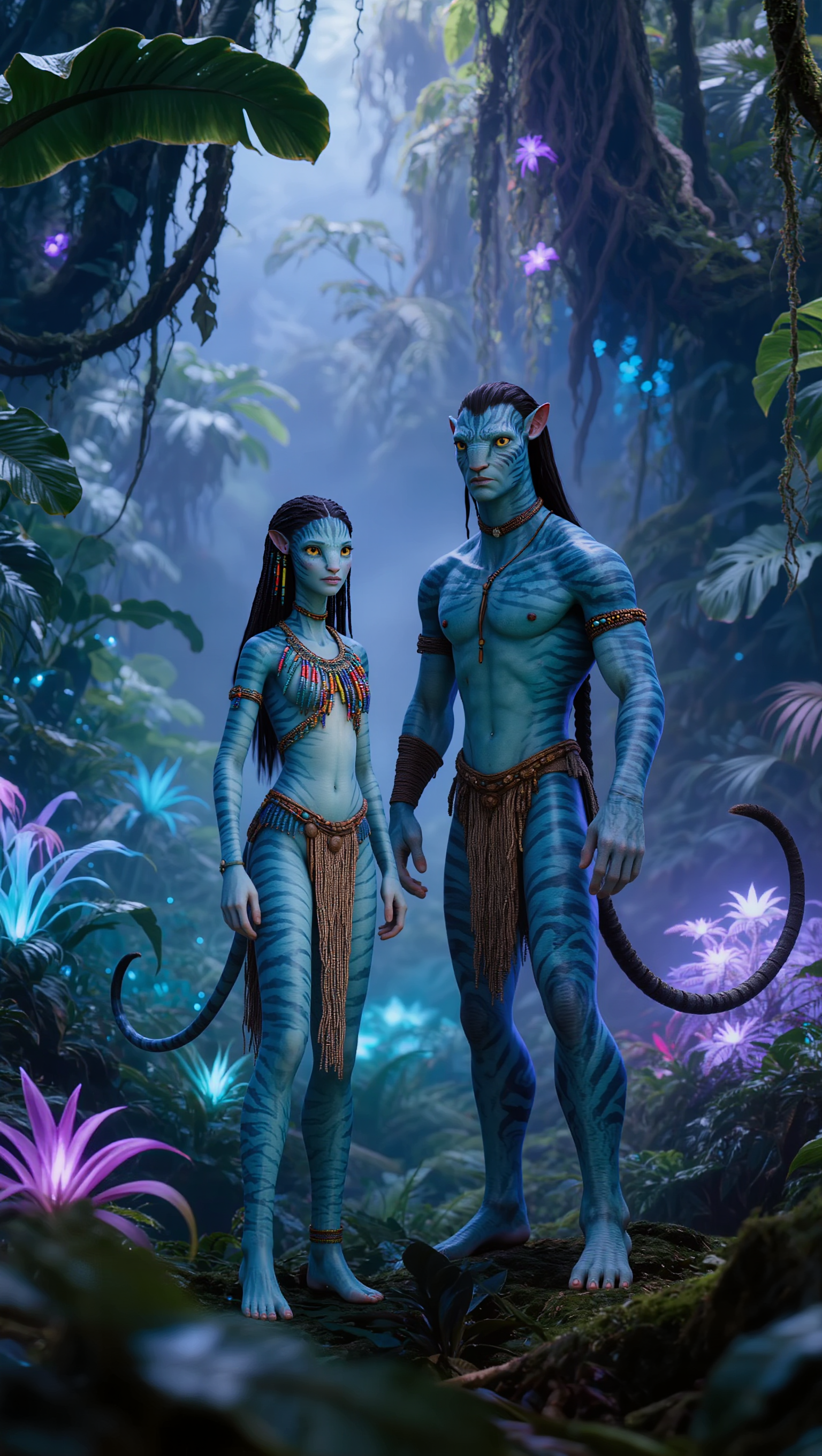
Digital Avatar - Social Media Performance & Cyberpunk Aesthetic

Engage with dynamic 3D animated avatars showcasing energetic, natural movements and cutting-edge AI-driven digital identities tailored for maximal social media impact. Start exploring Digital Avatar ideas and generate your own content with AI.

Digital Avatar - Social Media Performance & Cyberpunk Aesthetic

Recommended

Kling AI work 311603643664652 - Digital Avatar AI video
oHOjBDCg avatar
oHOjBDCg
Kling AI work 297428421520684 - Digital Avatar AI video
WqQXLhis avatar
WqQXLhis
Kling AI work 310702001525800 - Digital Avatar AI image
SMOiRuxB avatar
SMOiRuxB
AVATAR - Digital Avatar AI video
01:11
YOU Tube최영진TV avatar
YOU Tube최영진TV
Kling AI work 313861737501557 - Digital Avatar AI image
PNJziwTI avatar
PNJziwTI
Kling AI work 306853841507606 - Digital Avatar AI video
mbxBmkuO avatar
mbxBmkuO
Kling AI work 319640830618213 - Digital Avatar AI video
FkNbCglm avatar
FkNbCglm
Avatar - Digital Avatar AI video
mcTdziOJ avatar
mcTdziOJ
Kling AI work 313232307617943 - Digital Avatar AI image
YwBkwRcH avatar
YwBkwRcH
Avatar AI - Digital Avatar AI video
00:14
PvWqZoPW avatar
PvWqZoPW
Kling AI work 309176978668981 - Digital Avatar AI image
SLoBNOvB avatar
SLoBNOvB
Kling AI work 296695458664093 - Digital Avatar AI video
lbYIbxBF avatar
lbYIbxBF
Kling AI work 300120341652335 - Digital Avatar AI video
Lu2026 avatar
Lu2026
Kling AI work 321092187663867 - Digital Avatar AI image
ZYDVoRAQ avatar
ZYDVoRAQ
Kling AI work 315886343664403 - Digital Avatar AI image
eGXYEXRf avatar
eGXYEXRf
AI avatar - Digital Avatar AI video
Viktor_Fox avatar
Viktor_Fox
Avatar - Digital Avatar AI video
Viktor_Fox avatar
Viktor_Fox
Kling AI work 299859727615277 - Digital Avatar AI image
Logolumos avatar
Logolumos
Elite Creator

How to Change the Color of an Image with AI

Upload Your Image

Upload Your Image

Start with the photo you want to recolor, whether it is a product shot, portrait, fashion image, room interior, or another creative visual.

Describe the Color Details

Describe the Color Details

Describe the object or area you want to recolor and the new color you want to see. Give a direct instruction like: “Change the jacket to dark green.”. You can also add more detail about the shade, tone, or visual direction when you have something specific in mind.

Generate and Review

Generate and Review

Generate your new image and see how the color works with the original scene. Want a warmer shade, a deeper tone, or a different area changed? Update your prompt and try another version.

More Than a Cleaner Background

Keep the Focus on Your Subject

Keep the Focus on Your Subject

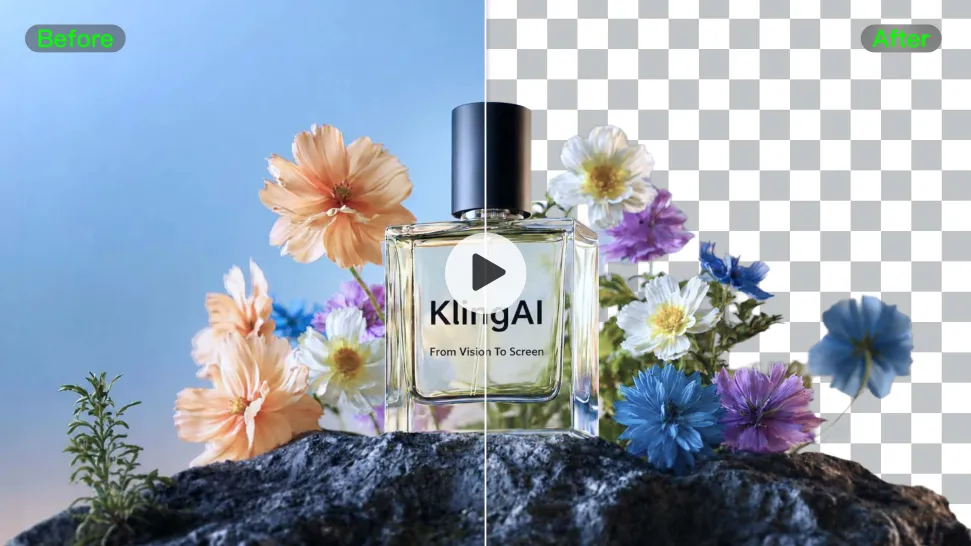
Busy room? Distracting backdrop? Clear away what pulls attention from the person, product, character, or action you actually want people to see. Give product videos, presenter clips, ads, and social content a cleaner look without manually tracing the subject through every frame. No green screen. No tedious masking. Just tell Kling what needs to stay.
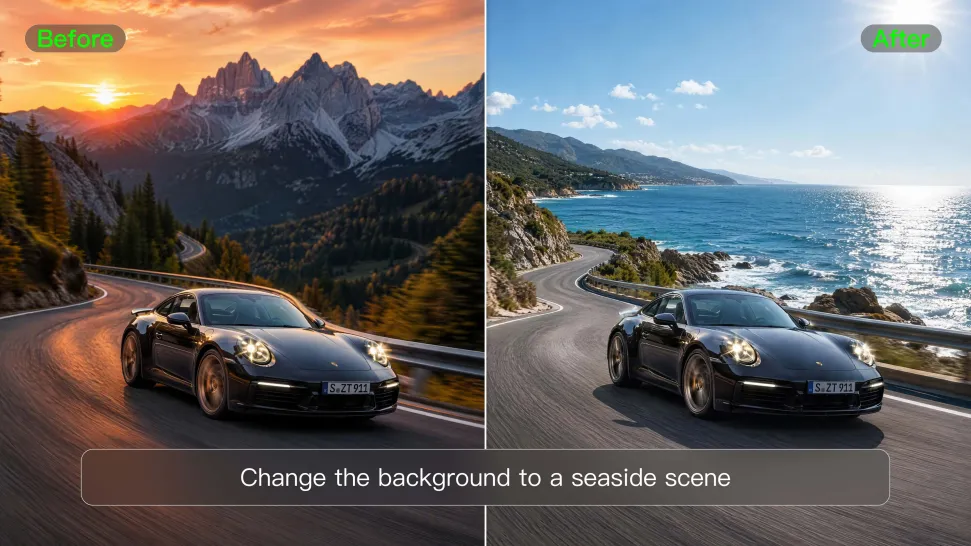
Give the Scene a Better Place to Happen

Give the Scene a Better Place to Happen

Love the footage but not where it was filmed? Change the setting instead of starting over. Describe what you want, or bring in a reference image when you already have the look in mind. Move the same shot into a clean studio, a branded space, a storefront, an outdoor scene, or somewhere completely different.
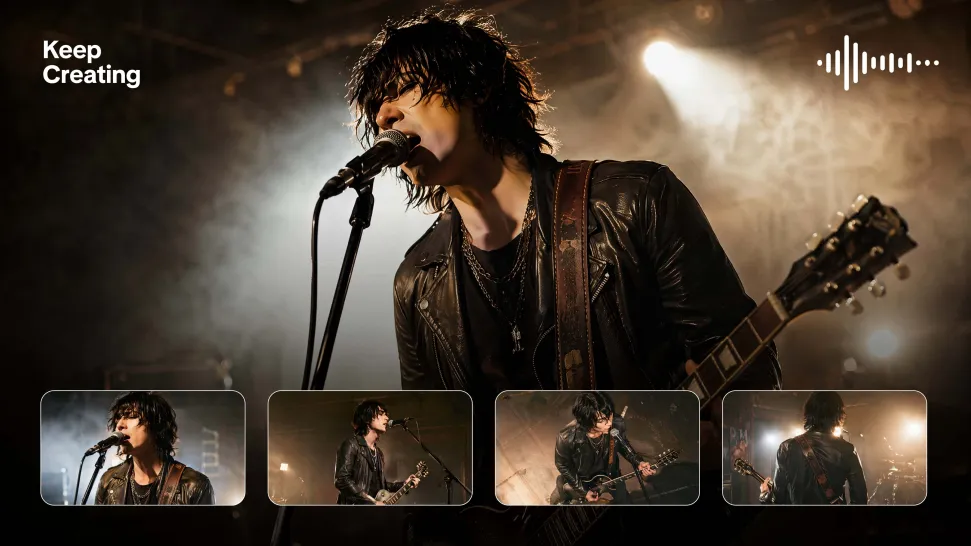
Keep Creating Without Switching Gears

Keep Creating Without Switching Gears

Once the background feels right, there is plenty more you can do in Kling AI. Generate new shots, build multi-shot sequences, work with native audio, explore Motion Control, sound, and effects, or keep shaping the video with Kling’s creative tools. From background fix to fuller video idea, you can keep the project moving with the same creative studio.

Apps

Image to Video
Image to Video

Image to Video

Text to Video
Text to Video

Text to Video

Omni
Omni

Omni

Digital Human
Digital Human

Digital Human

Restyle
Restyle

Restyle

Text to Image
Text to Image

Text to Image

60M+
60M+
Users
600M+
600M+
AI Videos Generated
4.7 ★
4.7 ★
App Store
Industry-Leading
Industry-Leading
Cinematic 4K

Reviews

Halim Alrasihi

Halim Alrasihi

★★★★★

I use AI daily and Kling AI is a crucial part of my workflow, whether for client work or personal projects. What I love most about using Kling AI is that it provides all the tools I need in one place, from keyframes to character references, elements and special effects.

Huang Lu (Elson)

Huang Lu (Elson)

★★★★★

I’ve been using Kling AI since its initial release, and it’s remained one of the leading AI media generators ever since. With Kling AI, I’ve created hundreds of videos, collectively amassing millions of views.

Jyo John Mulloor

Jyo John Mulloor

★★★★★

Kling AI has been instrumental in transforming my creative workflow, unlocking new dimensions of artistic expression that were once unimaginable. I use Kling AI extensively to develop high-concept visuals, animate surreal dreamscapes, and create AI-assisted films that blur the line between reality and fantasy. Kling AI’s deep learning capabilities have not only enhanced my creative efficiency but also inspired me to explore storytelling in ways I never thought possible.

FAQ

Q1Can I use this for global AI video marketing?
Q2How long can videos be in Video 3.0?
Q3Is it suitable for product demo videos?

Turn Text into Cinematic Videos

Create 4K videos with native audio and consistent characters from a single prompt.

Free tier available | Watermark-free membership | HD to 4K export | Fast generation