Creative Studio
API
Resources
Features
About Us
Download

Explainer Video - Viral Strategies & Object Conversations

Unlock the power of visual storytelling with our Explainer Video page, showcasing the STEPPS Framework and innovative AI-driven content creation techniques. Dive into captivating themes like viral video strategies and dynamic object conversations. Start exploring Explainer Video ideas and generate your own content with AI.


Explainer Video - Viral Strategies & Object Conversations

Recommended

Kling AI work 300274326301824 - Explainer Video AI video
RSOkigLJ avatar
RSOkigLJ
Use the uploaded video as the ex - Explainer Video AI image
NUFsXjGe avatar
NUFsXjGe
Kling AI work 314682364617352 - Explainer Video AI video
fcNBsEDo avatar
fcNBsEDo
Kling AI work 316316498661282 - Explainer Video AI video
UEARrtnl avatar
UEARrtnl
Kling AI work 317101462525360 - Explainer Video AI video
zJgpTLhg avatar
zJgpTLhg
general a video about the genesi - Explainer Video AI image
bBdlAAMC avatar
bBdlAAMC
video oromoo  - Explainer Video AI image
PpqmtOUs avatar
PpqmtOUs
Explainer on park - Explainer Video AI video
jumping_joe avatar
jumping_joe
Kling AI work 299372946654918 - Explainer Video AI video
TpNowYkA avatar
TpNowYkA
Kling AI work 315744571503734 - Explainer Video AI video
Yaw ai avatar
Yaw ai
Kling AI work 314694569500288 - Explainer Video AI video
wqOonNtf avatar
wqOonNtf
Kling AI work 309984903520955 - Explainer Video AI video
isaGrSJr avatar
isaGrSJr
Explainer video on BPF - Mozambi - Explainer Video AI video
01:18
GpffxSmj avatar
GpffxSmj
hacer video - Explainer Video AI image
wdgONJrh avatar
wdgONJrh
Kling AI work 314562351525828 - Explainer Video AI video
wvvbxKKa avatar
wvvbxKKa
Kling AI work 317998878528928 - Explainer Video AI video
VBKyFSWZ avatar
VBKyFSWZ
Kling AI work 321341352654316 - Explainer Video AI video
iHmGqWCS avatar
iHmGqWCS
Kling AI work 314263829308718 - Explainer Video AI video
fwjbTalb avatar
fwjbTalb
Kling AI work 307982100618468 - Explainer Video AI video
grlUxqSn avatar
grlUxqSn

How to Create AI Characters with Kling AI

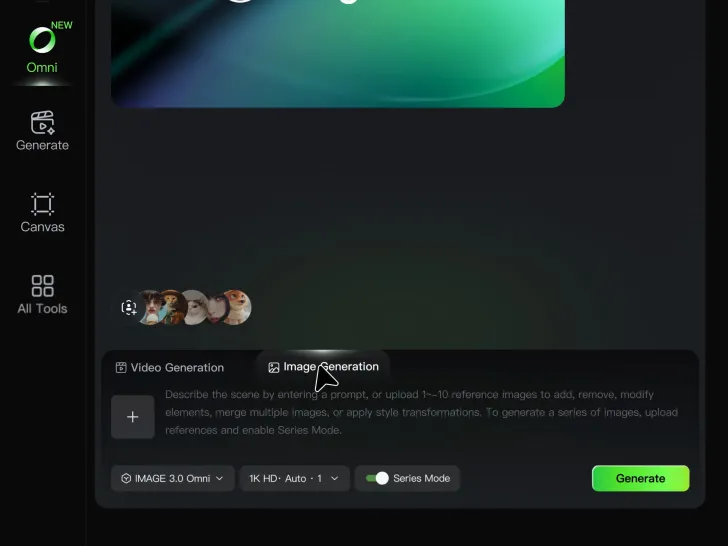
Step 1: Describe Your Character

Step 1: Describe Your Character

Start with a text prompt describing the character you want to create. Define key details such as appearance, hairstyle, clothing, visual style, expression, pose, or setting to help Kling AI generate a character that matches your description.

Step 2: Add Reference Images if Available

Step 2: Add Reference Images if Available

Already have a character design or visual direction in mind? Add one or more reference images to guide the character's appearance and key visual traits. Multiple views can help Kling AI maintain consistency across different angles.

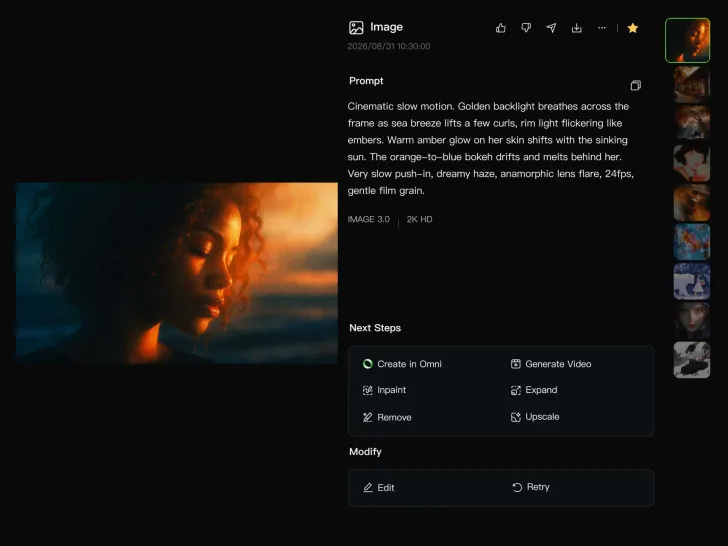
Step 3: Generate and Develop Your Character

Step 3: Generate and Develop Your Character

Generate your character, review the result, and continue refining the design. Explore new poses, scenes, styles, and related images, or reuse the character in later creative workflows.

Why Kling Motion Control Stands Out

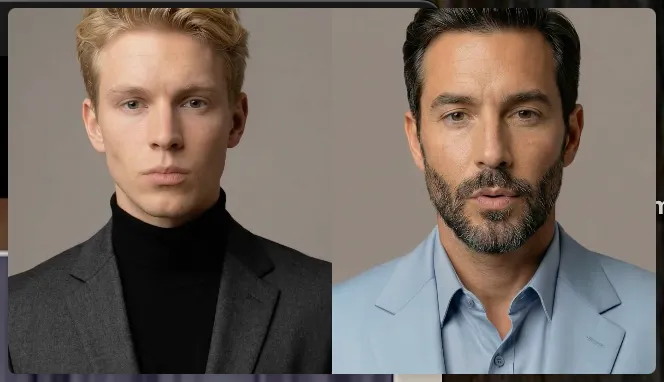
Flawless Facial Consistency in Any Angle

Flawless Facial Consistency in Any Angle

Unlike standard AI video generators that distort features during head turns, Kling locks your character’s identity for stable, recognizable results from any perspective.
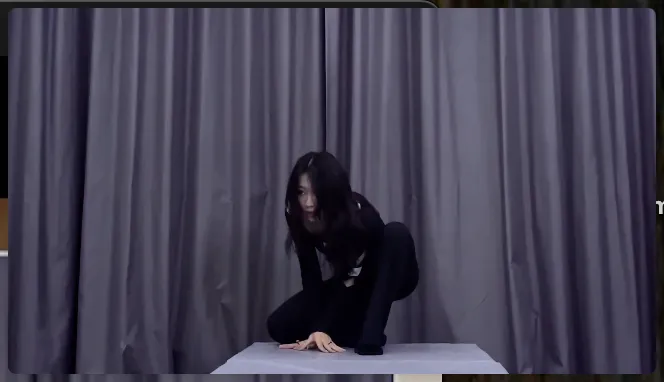
Extreme Precision for Complex Emotions

Extreme Precision for Complex Emotions

Replicate micro-expressions and dramatic emotional transitions with elite motion transfer technology. Kling captures every subtle muscle movement from your reference.
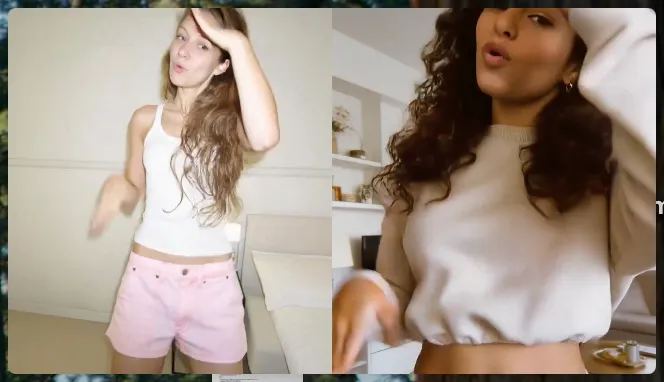
Stable Across Angles, Occlusion, and Distance

Stable Across Angles, Occlusion, and Distance

Maintain character consistency even when the subject is partially blocked or moves between close-up and long shots

Apps

Image to Video
Image to Video

Image to Video

Text to Video
Text to Video

Text to Video

Omni
Omni

Omni

Digital Human
Digital Human

Digital Human

Restyle
Restyle

Restyle

Text to Image
Text to Image

Text to Image

60M+
60M+
Users
600M+
600M+
AI Videos Generated
4.7 ★
4.7 ★
App Store
Industry-Leading
Industry-Leading
Cinematic 4K

Reviews

Déborah

Déborah

★★★★★

I use Kling AI every day. It's amazing to see the almost daily progress it makes. I used AI for fun at first, and I now find that Kling AI's animations allow me to gain professional visibility, with three times more views on my animated posts than on my static posts.

Huang Lu (Elson)

Huang Lu (Elson)

★★★★★

I’ve been using Kling AI since its initial release, and it’s remained one of the leading AI media generators ever since. With Kling AI, I’ve created hundreds of videos, collectively amassing millions of views.

Vincent Smadja

Vincent Smadja

★★★★★

Kling AI seamlessly integrates into my creative workflow, playing a key role in transforming my images. After generating and upscaling an image, Kling becomes a crucial element, bringing my creations to life with movement and depth.

FAQ

Q1How does Kling protect user data and privacy?
Q2How does Kling AI Text to Speech work?
Q3What languages does Kling AI Text to Speech support?

Bring Out the Best in Every Image

Transform ordinary images into refined visuals with Kling AI. Enhance details, improve the overall look, and create images that better match your creative direction.

AI image quality enhancement | Prompt-guided refinement | 2K/4K output