Creative Studio
API
Resources
Features
About Us
Download

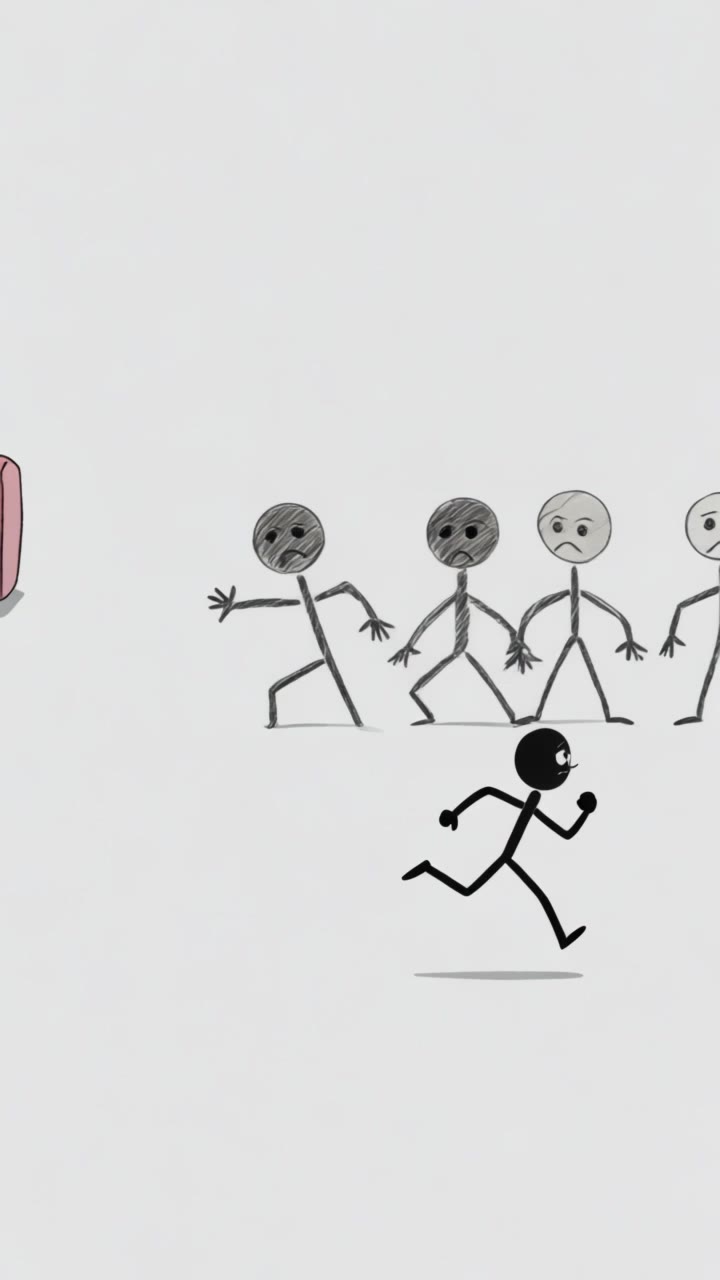
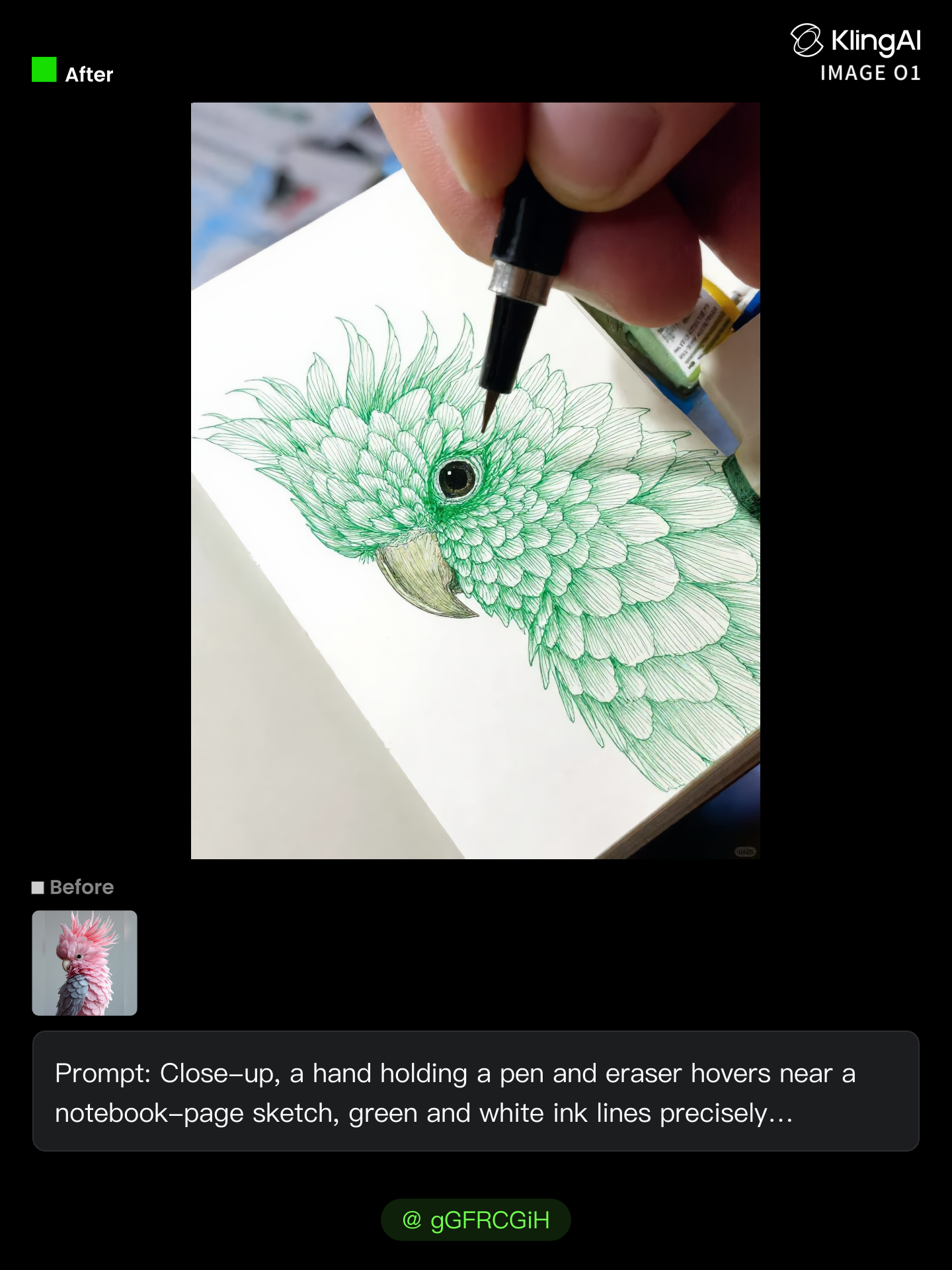
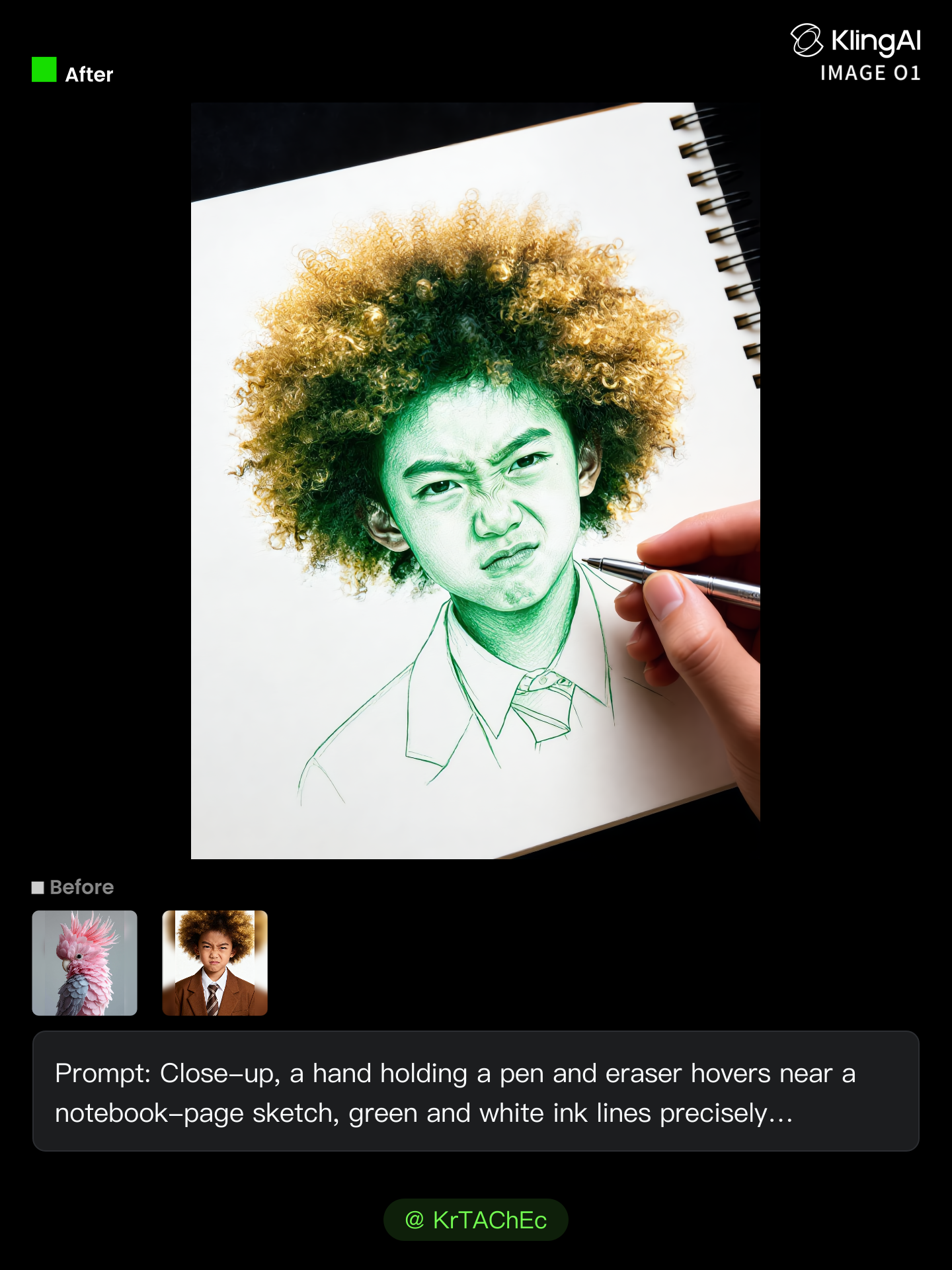
Magic Eraser - Fantasy Magic & Holiday Wonder

Unleash your creativity with enchanting visuals of winter birds and cinematic magic moments, inspired by fantasy themes and holiday wonder. Start exploring Magic Eraser ideas and generate your own content with AI.

Magic Eraser - Fantasy Magic & Holiday Wonder

Recommended

Kling AI work 310979758616885 - Magic Eraser AI video
zTFlcige avatar
zTFlcige
Kling AI work 316529908617432 - Magic Eraser AI video
HpOJXMZG avatar
HpOJXMZG
Kling AI work 311556649610944 - Magic Eraser AI image
BunnyLOVE Studios avatar
BunnyLOVE Studios
Kling AI work 306663600610871 - Magic Eraser AI image
7A7PI avatar
7A7PI
Elite Creator
Kling AI work 317381129502156 - Magic Eraser AI video
TuCwZmqt avatar
TuCwZmqt
Kling AI work 311218946507548 - Magic Eraser AI video
JhiVignW avatar
JhiVignW
Kling AI work 311556615663151 - Magic Eraser AI image
BunnyLOVE Studios avatar
BunnyLOVE Studios
Kling AI work 303389260302384 - Magic Eraser AI video
KLING8556 avatar
KLING8556
Kling AI work 310918529616555 - Magic Eraser AI image
BunnyLOVE Studios avatar
BunnyLOVE Studios
Kling AI work 299978243650393 - Magic Eraser AI video
kai cenat touch me avatar
kai cenat touch me
Kling AI work 311556826500806 - Magic Eraser AI image
BunnyLOVE Studios avatar
BunnyLOVE Studios
Kling AI work 307968405610767 - Magic Eraser AI video
krfJEZQV avatar
krfJEZQV
Kling AI work 293002301661476 - Magic Eraser AI image
ahTIYQCA avatar
ahTIYQCA
Kling AI work 292417764536235 - Magic Eraser AI video
kai cenat touch me avatar
kai cenat touch me
Kling AI work 308127457663562 - Magic Eraser AI image
gGFRCGiH avatar
gGFRCGiH
Kling AI work 307045071611497 - Magic Eraser AI image
KrTAChEc avatar
KrTAChEc
Kling AI work 307045413612439 - Magic Eraser AI image
KrTAChEc avatar
KrTAChEc
Kling AI work 308310756667202 - Magic Eraser AI image
LdWwogid avatar
LdWwogid
magic'  - Magic Eraser AI video
Spinning Cards
cGHFFcyy avatar
cGHFFcyy

How to Upscale Video to 4K with Kling AI

Upload Your Video

Upload Your Video

Upload the video you want to improve to Kling VIDEO 3.0 Omni. You can work with clips between 3 and 10 seconds, including lower-resolution, blurry, compressed, or AI-generated footage.

Describe the Result You Want

Describe the Result You Want

Enter a prompt for any changes you want alongside the upscale. You can ask for clearer detail or adjust lighting, color, atmosphere, background, and other visual elements while keeping the original footage as your starting point.

Generate Your 4K Video

Generate Your 4K Video

Select 4K as the output resolution and generate your new video. Review the result for clarity, detail, and subject appearance, then refine your prompt or references if you want another version.

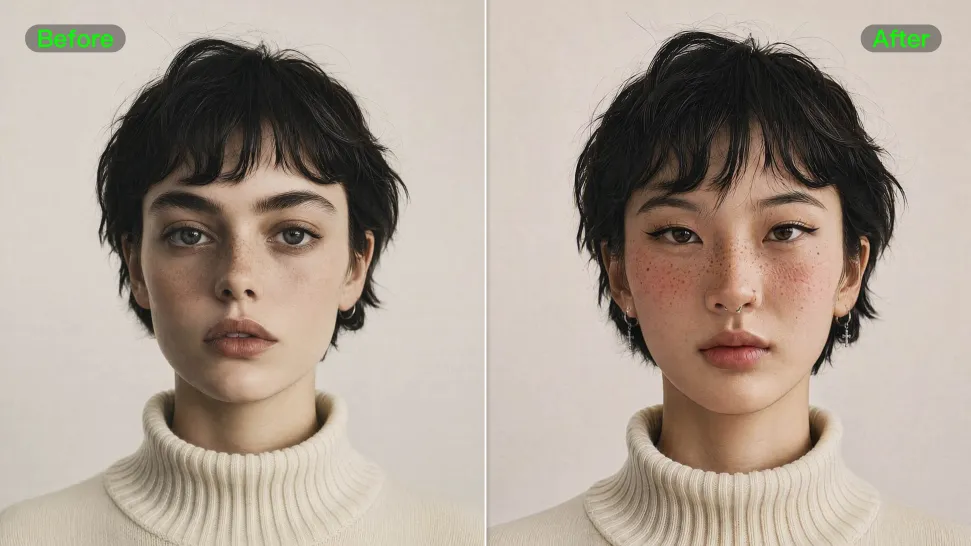
Natural Face Swaps Without the Editing Hassle

Image Face Swap Without the Busywork

Image Face Swap Without the Busywork

From portrait-style shots to playful creative images, Kling IMAGE 3.0 helps you create more natural and consistent face swaps. Add the photo you want to edit, provide a face reference, and tell Kling AI what you want to change. The edit can stay close to the original photo, helping the new face feel like part of the image rather than something added on top.
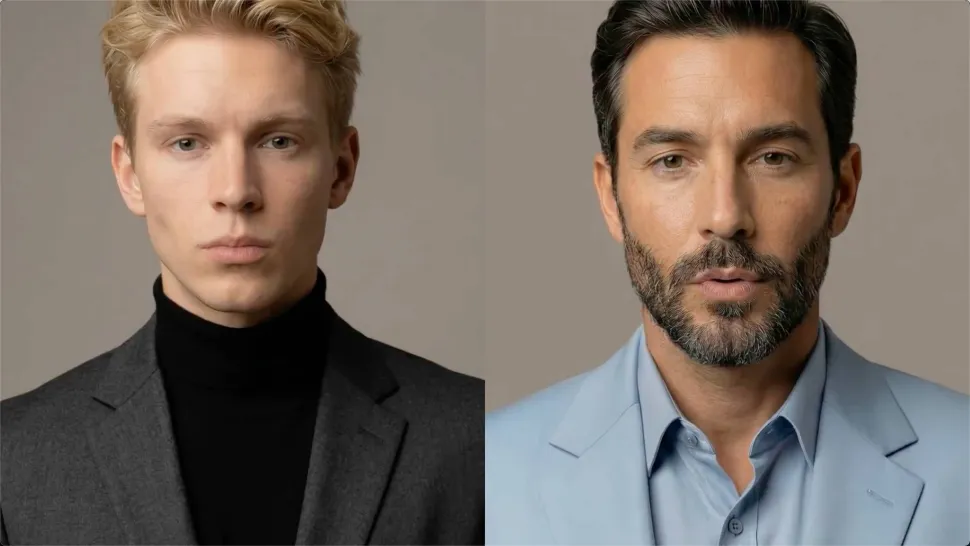
Keep the Same Face Across Angles and Shots

Keep the Same Face Across Angles and Shots

A single reference does not always show everything. Add multiple views or use a character element to give Kling AI more information about the person you want to preserve. Kling VIDEO 3.0 Omni uses those references to help maintain key identity features as the subject changes pose, the camera moves, or the scene shifts—especially useful for moving footage and multi-shot videos where consistency matters.
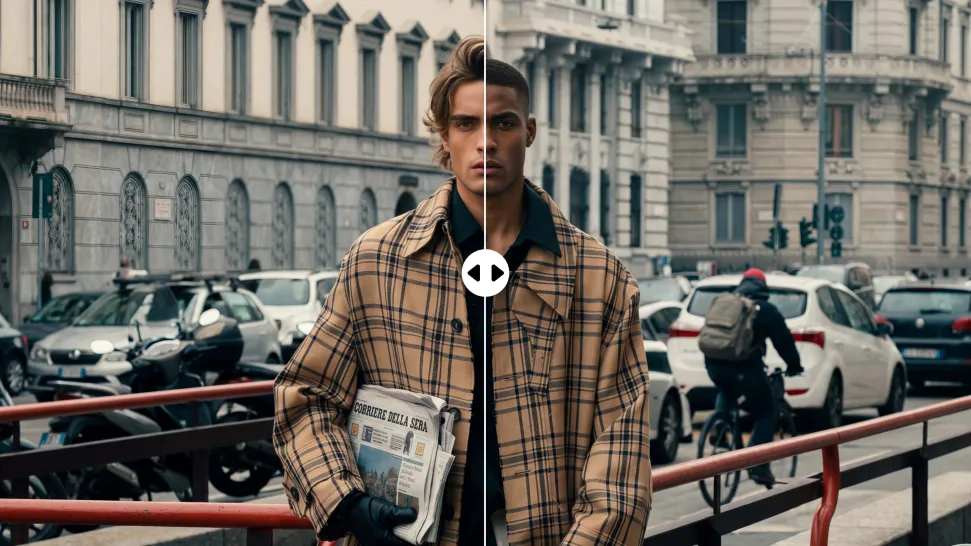
Change the Face, Keep the Scene

Change the Face, Keep the Scene

Swap the face, not the whole scene. Kling AI keeps the original lighting, mood, and overall look in place, helping the new face blend naturally into the shot while the setting and visual feel stay true to the original.

Apps

Image to Video
Image to Video

Image to Video

Text to Video
Text to Video

Text to Video

Omni
Omni

Omni

Digital Human
Digital Human

Digital Human

Restyle
Restyle

Restyle

Text to Image
Text to Image

Text to Image

60M+
60M+
Users
600M+
600M+
AI Videos Generated
4.7 ★
4.7 ★
App Store
Industry-Leading
Industry-Leading
Cinematic 4K

Reviews

PJ Ace

PJ Ace

★★★★★

Kling AI has made it easy for us to generate world class visuals for Fortune 500 companies, TV shows and music for big artists. We love the easy of use of the platform and the quality of the generations. My first time using Kling AI, I got 22 million views on just one video. It's that good.

Jyo John Mulloor

Jyo John Mulloor

★★★★★

Kling AI has been instrumental in transforming my creative workflow, unlocking new dimensions of artistic expression that were once unimaginable. I use Kling AI extensively to develop high-concept visuals, animate surreal dreamscapes, and create AI-assisted films that blur the line between reality and fantasy. Kling AI’s deep learning capabilities have not only enhanced my creative efficiency but also inspired me to explore storytelling in ways I never thought possible.

Samuele Poggi (@visualsk2)

Samuele Poggi (@visualsk2)

★★★★★

I use Kling AI daily to push the limits of AI filmmaking. It allows me to create highly cinematic content, blending AI and VFX to develop innovative projects. It has significantly impacted my creative process, enabling me to achieve complex animations that would otherwise require high production budgets.

FAQ

Q1Can I generate multiple variations or a connected image series?
Q2Can I combine multiple reference images?
Q3Does Kling AI support 2K or 4K image-to-image generation?

Bring Your Character to Life

Add a voice or script to turn your character video into a polished lip-sync performance.

Voiceover | Text to Speech | Audio trimming | Realistic, 3D & 2D character