Creative Studio
API
Resources
Features
About Us
Download

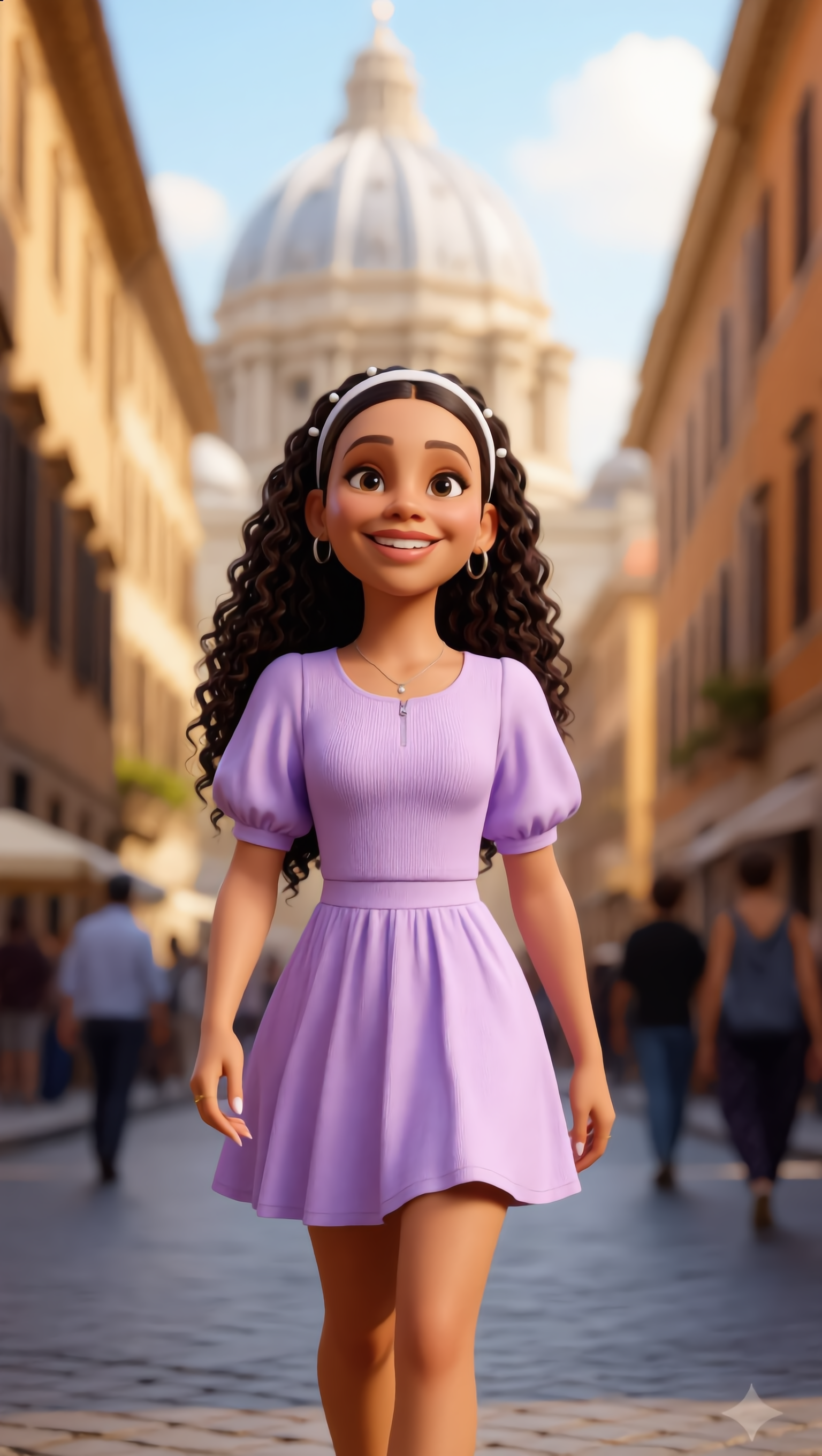
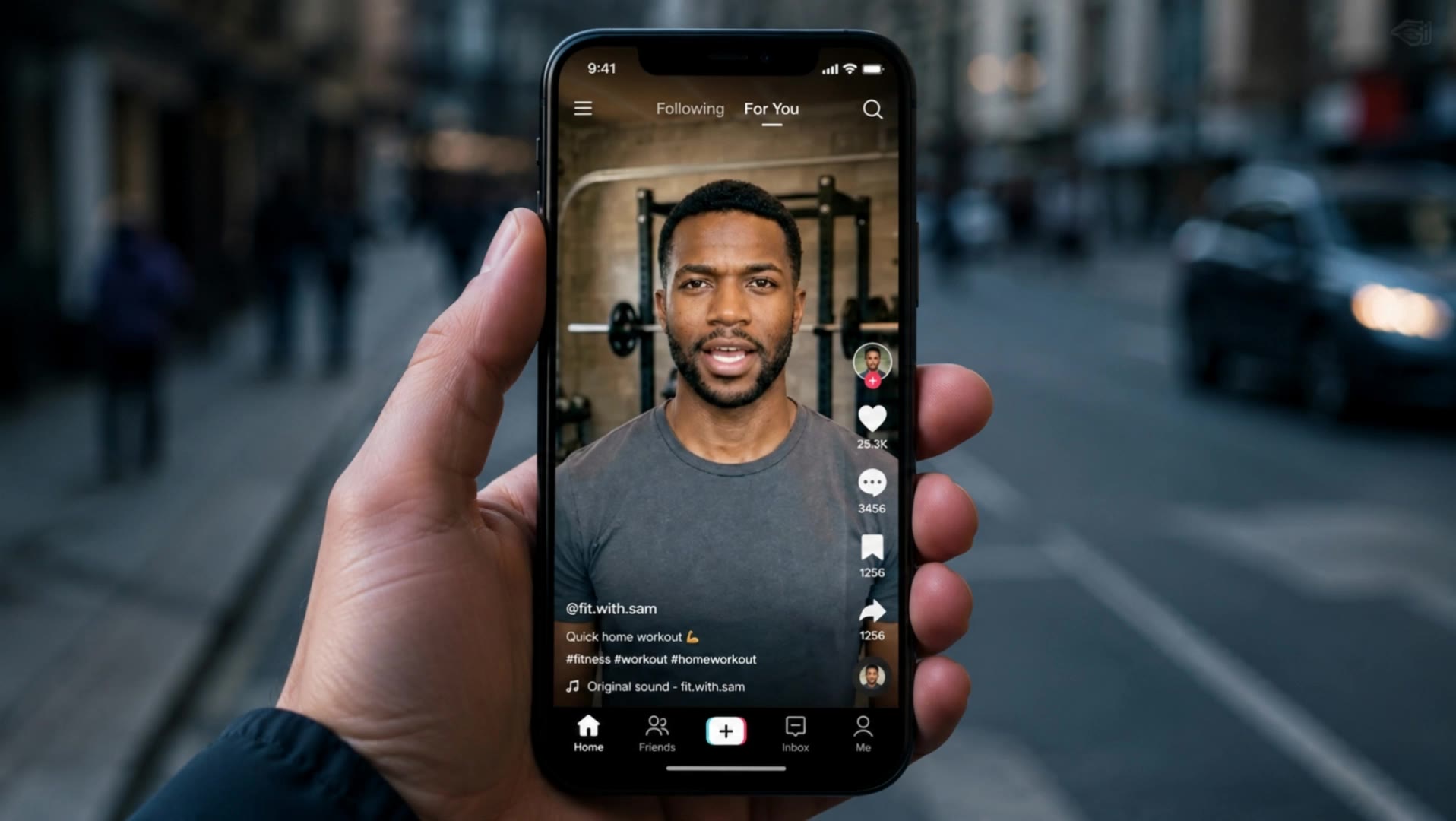
Photo To Video Avatar - Professional Realism & Zepeto Style

Transform your photos into captivating video avatars with realistic animations and professional lip-sync, set against dynamic backgrounds like modern container ports or serene mountain landscapes. Incorporate unique elements such as cinematic lighting and ultra-realistic 4K quality for an immersive experience. Start exploring Photo To Video Avatar ideas and generate your own content with AI.

Photo To Video Avatar - Professional Realism & Zepeto Style

Recommended

Kling AI work 307366096534914 - Photo To Video Avatar AI video
HVUrOjyf avatar
HVUrOjyf
Kling AI work 316470641661488 - Photo To Video Avatar AI image
HHddxiUL avatar
HHddxiUL
Kling AI work 316816787525805 - Photo To Video Avatar AI image
OpjEwYMp avatar
OpjEwYMp
Kling AI work 312215490525616 - Photo To Video Avatar AI image
RnbJbrnu avatar
RnbJbrnu
Kling AI work 311836888506920 - Photo To Video Avatar AI video
Mimi and Popo avatar
Mimi and Popo
Elite Creator
Photo op with Avatar 3’s Jake - Photo To Video Avatar AI video
souvenir avatar
souvenir
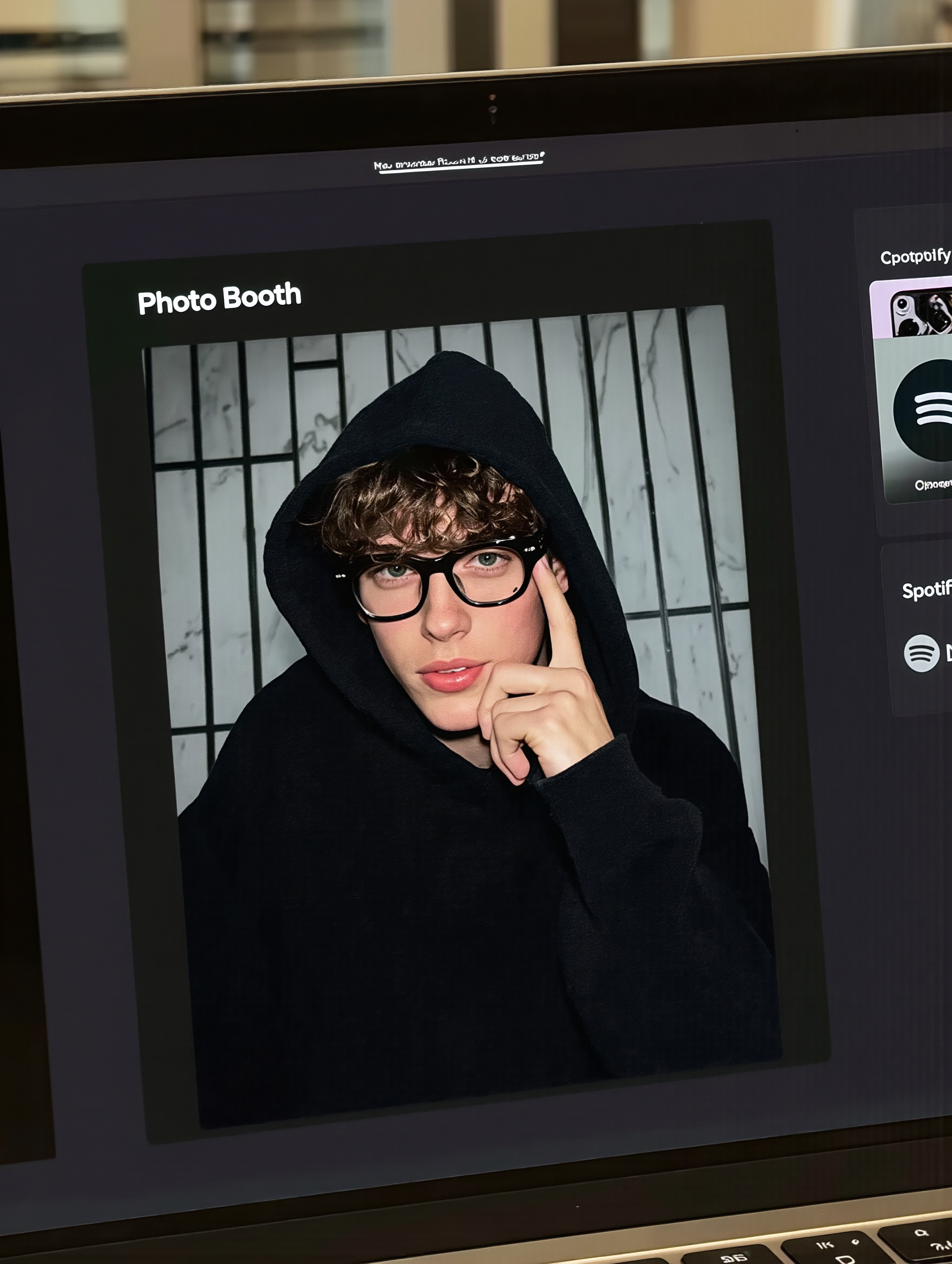
MacBook selfie photo - Photo To Video Avatar AI image
souvenir avatar
souvenir
Kling AI work 307033020535065 - Photo To Video Avatar AI video
KWaIhBZP avatar
KWaIhBZP
Ai photo - Photo To Video Avatar AI image
souvenir avatar
souvenir
Kling AI work 314663553616487 - Photo To Video Avatar AI image
CnDhIwRa avatar
CnDhIwRa
AVATAR VIDEO - Photo To Video Avatar AI video
00:16
obTfEZsM avatar
obTfEZsM
Kling AI work 299282944520731 - Photo To Video Avatar AI video
Elio avatar
Elio
Elite Creator
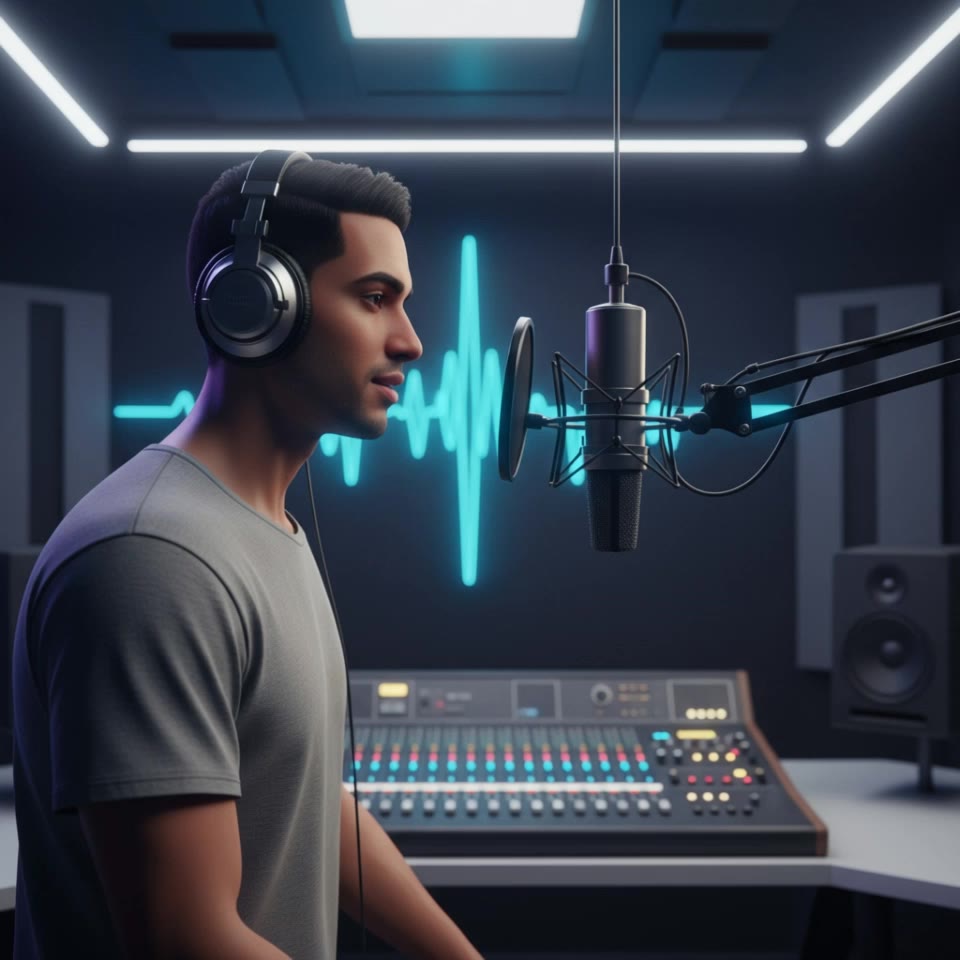
podcast avatar - Photo To Video Avatar AI video
vNnTsDFx avatar
vNnTsDFx
Reate a video in this photo - Photo To Video Avatar AI image
rs avatar
rs
Kling AI work 314209467506882 - Photo To Video Avatar AI video
hayaspot avatar
hayaspot
Kling AI work 310334980520032 - Photo To Video Avatar AI image
ShmqwtxP avatar
ShmqwtxP
Use the uploaded video as the ex - Photo To Video Avatar AI image
NUFsXjGe avatar
NUFsXjGe
Avatar - Photo To Video Avatar AI video
Viktor_Fox avatar
Viktor_Fox
Kling AI work 309353565528828 - Photo To Video Avatar AI video
eaeFhWMV avatar
eaeFhWMV

How to Remove Background from Video

Upload Your Video

Upload Your Video

Start with the footage you already have in VIDEO 3.0 Omni. Your clip does not need to be recorded against a green screen before you change the background.

Delete or Replace Video Background

Delete or Replace Video Background

Tell Kling which subject should stay and which background you want removed. If a new setting is your real goal, skip the separate removal step: describe the background you want or add a reference image for Kling to follow.

Generate and Review

Generate and Review

Generate the edit and check the subject and background throughout the clip. If something needs adjusting, refine the instruction and try another version, then save the result or continue editing in Kling AI.

Improve Video Resolution, Clarity, and Detail

Upscale Low-Resolution Video to 4K

Upscale Low-Resolution Video to 4K

Give footage with limited resolution more room to hold up on larger screens. Upload your clip, choose 4K output, and generate a higher-resolution version with clearer edges and more visible detail for viewing, editing, or final delivery.

Make Blurry or Soft Video Look Clearer

Make Blurry or Soft Video Look Clearer

Soft footage can lose definition in faces, objects, edges, and backgrounds. Use Kling AI to generate a clearer version with stronger visual definition, whether you are working with an older clip, compressed footage, or a shot that simply looks too soft.

Bring Out More Texture and Fine Detail

Bring Out More Texture and Fine Detail

See more definition in skin, fabric, product surfaces, landscapes, water, smoke, and other detailed parts of a scene. Instead of simply enlarging the existing pixels, VIDEO 3.0 Omni generates new visual detail as it creates the higher-resolution result.

Apps

Image to Video
Image to Video

Image to Video

Text to Video
Text to Video

Text to Video

Omni
Omni

Omni

Digital Human
Digital Human

Digital Human

Restyle
Restyle

Restyle

Text to Image
Text to Image

Text to Image

60M+
60M+
Users
600M+
600M+
AI Videos Generated
4.7 ★
4.7 ★
App Store
Industry-Leading
Industry-Leading
Cinematic 4K

Reviews

Jyo John Mulloor

Jyo John Mulloor

★★★★★

Kling AI has been instrumental in transforming my creative workflow, unlocking new dimensions of artistic expression that were once unimaginable. I use Kling AI extensively to develop high-concept visuals, animate surreal dreamscapes, and create AI-assisted films that blur the line between reality and fantasy. Kling AI’s deep learning capabilities have not only enhanced my creative efficiency but also inspired me to explore storytelling in ways I never thought possible.

Samuele Poggi (@visualsk2)

Samuele Poggi (@visualsk2)

★★★★★

I use Kling AI daily to push the limits of AI filmmaking. It allows me to create highly cinematic content, blending AI and VFX to develop innovative projects. It has significantly impacted my creative process, enabling me to achieve complex animations that would otherwise require high production budgets.

Halim Alrasihi

Halim Alrasihi

★★★★★

I use AI daily and Kling AI is a crucial part of my workflow, whether for client work or personal projects. What I love most about using Kling AI is that it provides all the tools I need in one place, from keyframes to character references, elements and special effects.

FAQ

Q1Can I make a profile picture for YouTube with AI?
Q2What is a profile picture maker?
Q3What styles can I create with an AI profile picture maker?

Turn Your Script into a Cinematic Multi-Shot Video

Start with one scene, work out how the camera should tell it, and turn the written beat into a sequence with dialogue, sound, and recurring characters built into the generation.