Creative Studio
API
Resources
Features
About Us
Download

Sketch To Video - Architecture & Futuristic City Transformation

Unleash your creativity with dynamic transformations from simple sketches to lifelike videos, and witness architectural designs and characters like the Dancing Baby come to life with cutting-edge AI. Start exploring Sketch To Video ideas and generate your own content with AI.

Sketch To Video - Architecture & Futuristic City Transformation

Recommended

From sketch to video - Sketch To Video AI video
00:18
LesTutosMJ avatar
LesTutosMJ
Kling AI work 317991273667196 - Sketch To Video AI image
etaeFFBH avatar
etaeFFBH
Kling AI work 315620923660070 - Sketch To Video AI video
joshua pac avatar
joshua pac
Kling AI work 308128727664640 - Sketch To Video AI image
xREEqPvv avatar
xREEqPvv
Kling AI work 310043223613065 - Sketch To Video AI image
ZxfLyXUM avatar
ZxfLyXUM
Kling AI work 309601508522197 - Sketch To Video AI image
nNcQlOXK avatar
nNcQlOXK
Kling AI work 309471183666057 - Sketch To Video AI image
OtWbCcXz avatar
OtWbCcXz
Kling AI work 312966457668165 - Sketch To Video AI image
OKqzofHD avatar
OKqzofHD
Kling AI work 310523150526542 - Sketch To Video AI image
dShFrDOL avatar
dShFrDOL
Kling AI work 309994033612915 - Sketch To Video AI image
kTUczyBM avatar
kTUczyBM
Kling AI work 310172050521730 - Sketch To Video AI image
XoAQkacq avatar
XoAQkacq
Kling AI work 316346112618344 - Sketch To Video AI image
Creative Army... avatar
Creative Army...
From Sketch to Life - Sketch To Video AI video
00:32
LnBvzOmy avatar
LnBvzOmy
Elite Creator
Kling AI work 308484198503768 - Sketch To Video AI image
JLxRINLi avatar
JLxRINLi
Kling AI work 309524472668657 - Sketch To Video AI image
LTGYOvlJ avatar
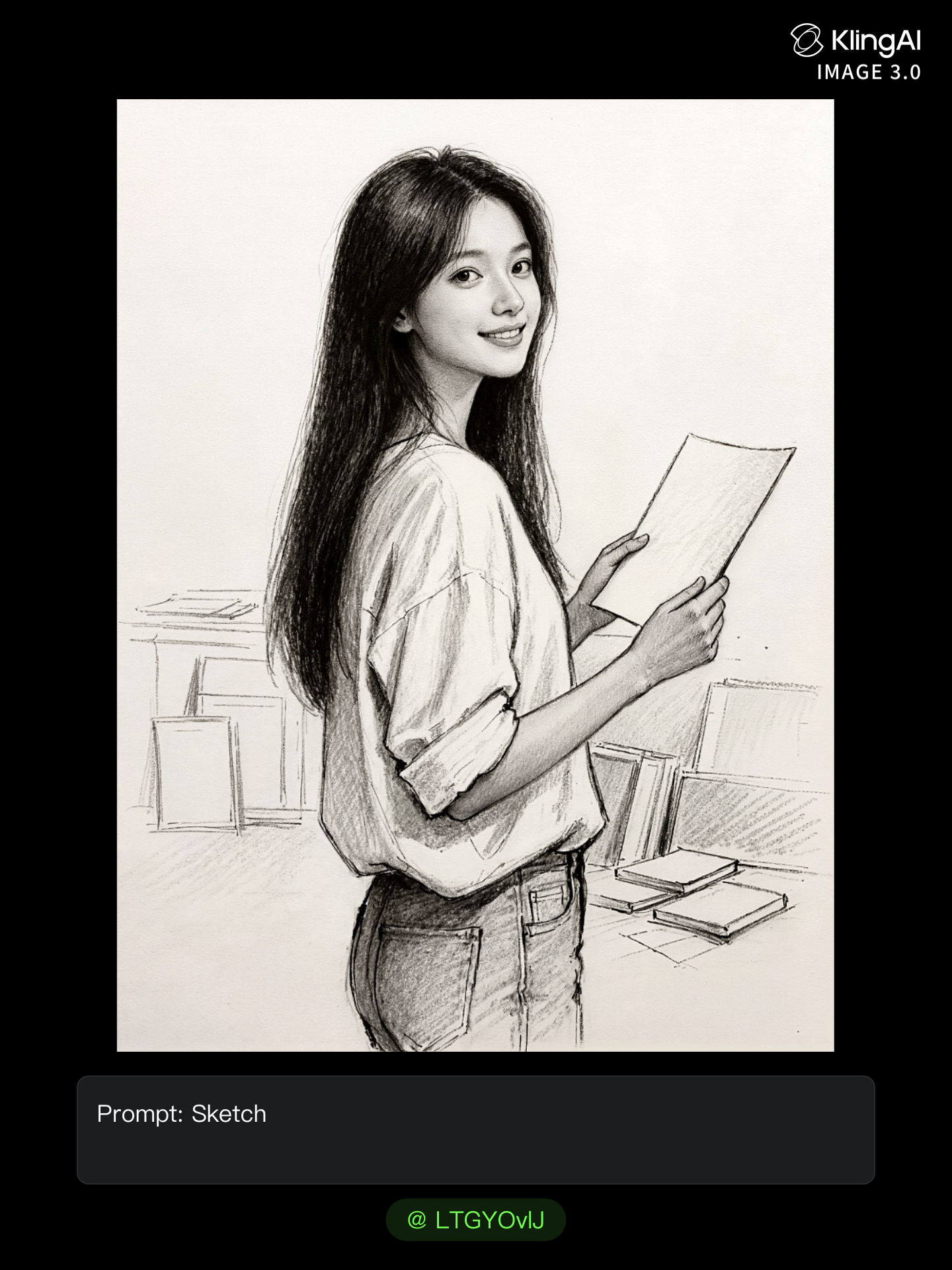
LTGYOvlJ
Kling AI work 308524574615363 - Sketch To Video AI image
tXOcRNto avatar
tXOcRNto
Kling AI work 309991899503029 - Sketch To Video AI image
ChaamuletZ avatar
ChaamuletZ
Kling AI work 309118526662437 - Sketch To Video AI image
kgvmptgH avatar
kgvmptgH
Kling AI work 314084040501928 - Sketch To Video AI image
NrfZYaZX avatar
NrfZYaZX

How to Use Kling AI Image to Image

Upload Your Images

Upload Your Images

Open Image Generation, select IMAGE 3.0 Omni, and upload the image you want to transform and add reference images to carry into the result.

Set the Creative Direction

Set the Creative Direction

You can combine elements from several references, change the style, adjust the camera angle, or enable Image Series mode to create multiple connected visuals in one generation.

Generate and Create More

Generate and Create More

Select the aspect ratio, number of images, and 2K or 4K resolution, then generate and review your results. Download or share the finished image, or use it for your new AI video.

Expand Images Beyond the Frame with More Control

Extend the Scene Naturally Beyond the Frame

Extend the Scene Naturally Beyond the Frame

Add new visual space around your existing image while keeping the expansion connected to the original scene. Kling IMAGE 3.0 can follow visual details such as scenery, color, lighting, and texture, helping newly generated content feel consistent with the source image.

Keep Key Subjects Consistent as the Scene Expands

Keep Key Subjects Consistent as the Scene Expands

Expanding the frame should not change the subject that anchors the image. Kling IMAGE 3.0 automatically preserves your key subjects during extension. Simply specify the person, product, or central element in your prompt to keep them consistent with the original image.

Choose What Appears in the Expanded Area

Choose What Appears in the Expanded Area

The new space does not have to be left entirely to the model. Describe what you want outside the original frame, from a wider room or distant landscape to more sky, architecture, plants, or decorative details, and let Kling IMAGE 3.0 continue the scene around your idea.

Apps

Image to Video
Image to Video

Image to Video

Text to Video
Text to Video

Text to Video

Omni
Omni

Omni

Digital Human
Digital Human

Digital Human

Restyle
Restyle

Restyle

Text to Image
Text to Image

Text to Image

60M+
60M+
Users
600M+
600M+
AI Videos Generated
4.7 ★
4.7 ★
App Store
Industry-Leading
Industry-Leading
Cinematic 4K

Reviews

Jyo John Mulloor

Jyo John Mulloor

★★★★★

Kling AI has been instrumental in transforming my creative workflow, unlocking new dimensions of artistic expression that were once unimaginable. I use Kling AI extensively to develop high-concept visuals, animate surreal dreamscapes, and create AI-assisted films that blur the line between reality and fantasy. Kling AI’s deep learning capabilities have not only enhanced my creative efficiency but also inspired me to explore storytelling in ways I never thought possible.

James Phillips

James Phillips

★★★★★

Kling AI has transformed my workflow by collapsing timelines and democratizing production. It’s shifted my mindset from resource-dependent filmmaking to a boundless creative sandbox, where experimentation yields unexpected beauty.

Vincent Smadja

Vincent Smadja

★★★★★

Kling AI seamlessly integrates into my creative workflow, playing a key role in transforming my images. After generating and upscaling an image, Kling becomes a crucial element, bringing my creations to life with movement and depth.

FAQ

Q1How does an AI voice generator work?
Q2Can Kling AI generate a standalone voice file without a video?
Q3Can I create voices for multiple characters?

Bring Every Voice Into the Story

Create character dialogue, multilingual voices, consistent voice identities, ambience, and sound effects with Kling VIDEO 3.0.

Multilingual Dialogue | Multi-Character Voices | Native Audio