
Creative Studio
API
Resources
Features
About Us
Download

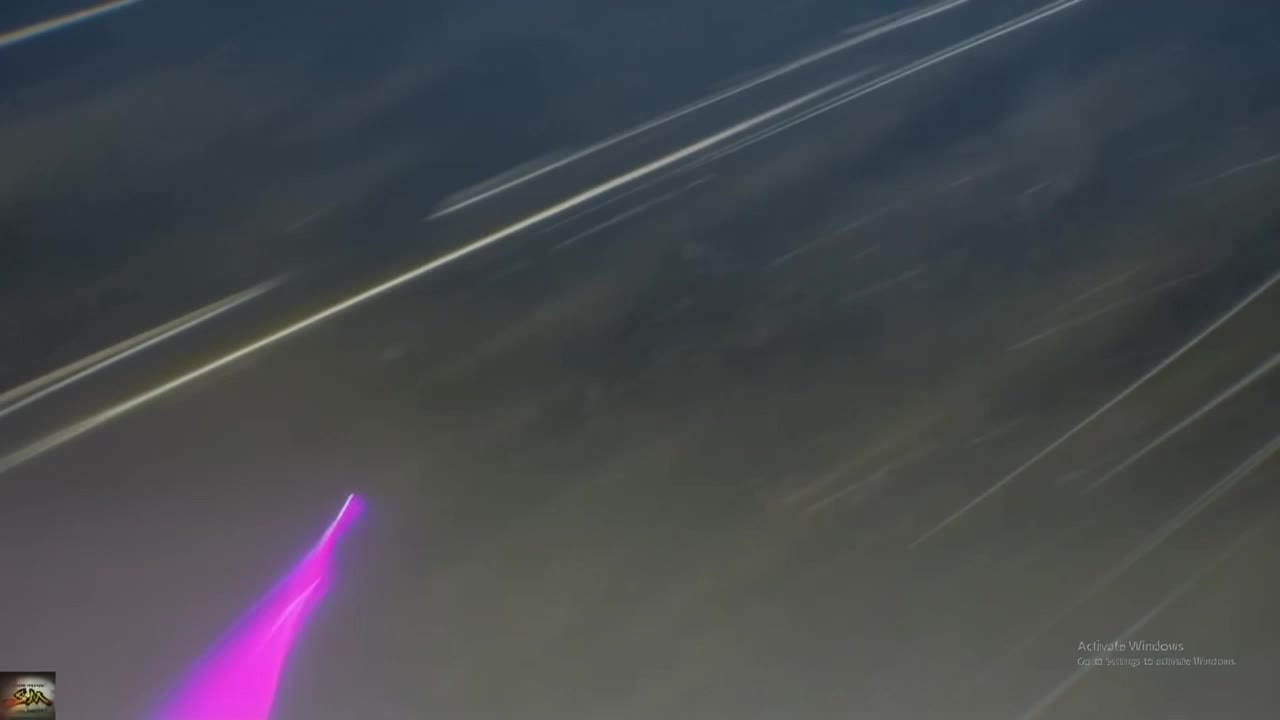
Swap Character In Video - face swap & 3D animated style

Unleash creativity with face swap innovations and dynamic 3D animated characters in vibrant settings. Immerse in ultra-realistic video transformations that bring joyful, high-detail visuals to life. Start exploring Swap Character In Video ideas and generate your own content with AI.

Swap Character In Video - face swap & 3D animated style

Recommended

Kling AI work 296283181527466 - Swap Character In Video AI video
HYSutIeq avatar
HYSutIeq
Kling AI work 292570884310843 - Swap Character In Video AI video
KUwMtPUw avatar
KUwMtPUw
Kling AI work 297891129503801 - Swap Character In Video AI video
lzoedtWs avatar
lzoedtWs
Kling AI work 317552637524699 - Swap Character In Video AI video
nGCSwIHc avatar
nGCSwIHc
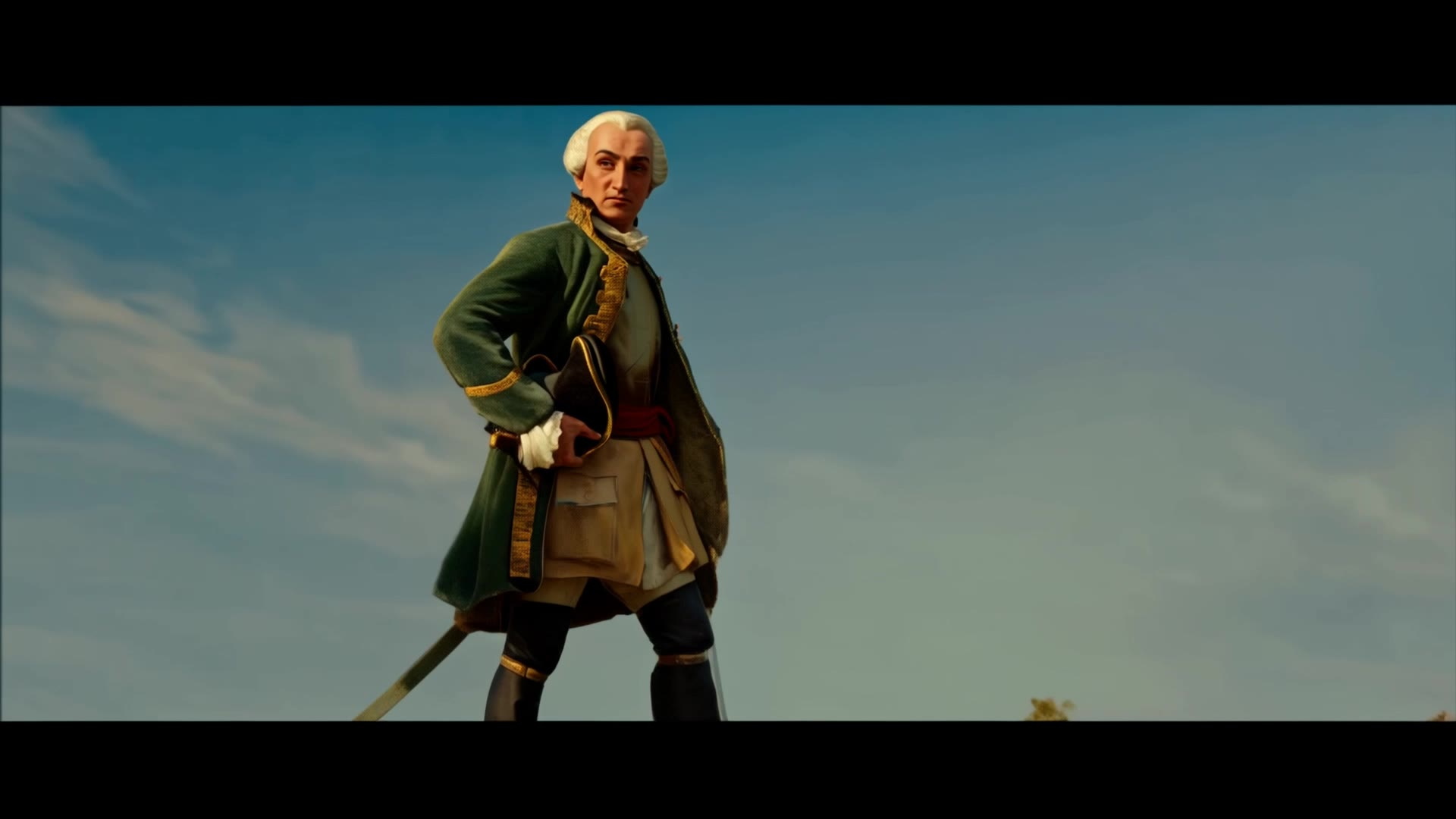
Montcalm at Golden Hour - Swap Character In Video AI video
KLING1663 avatar
KLING1663
walking in garden - Swap Character In Video AI video
lorsSnHH avatar
lorsSnHH
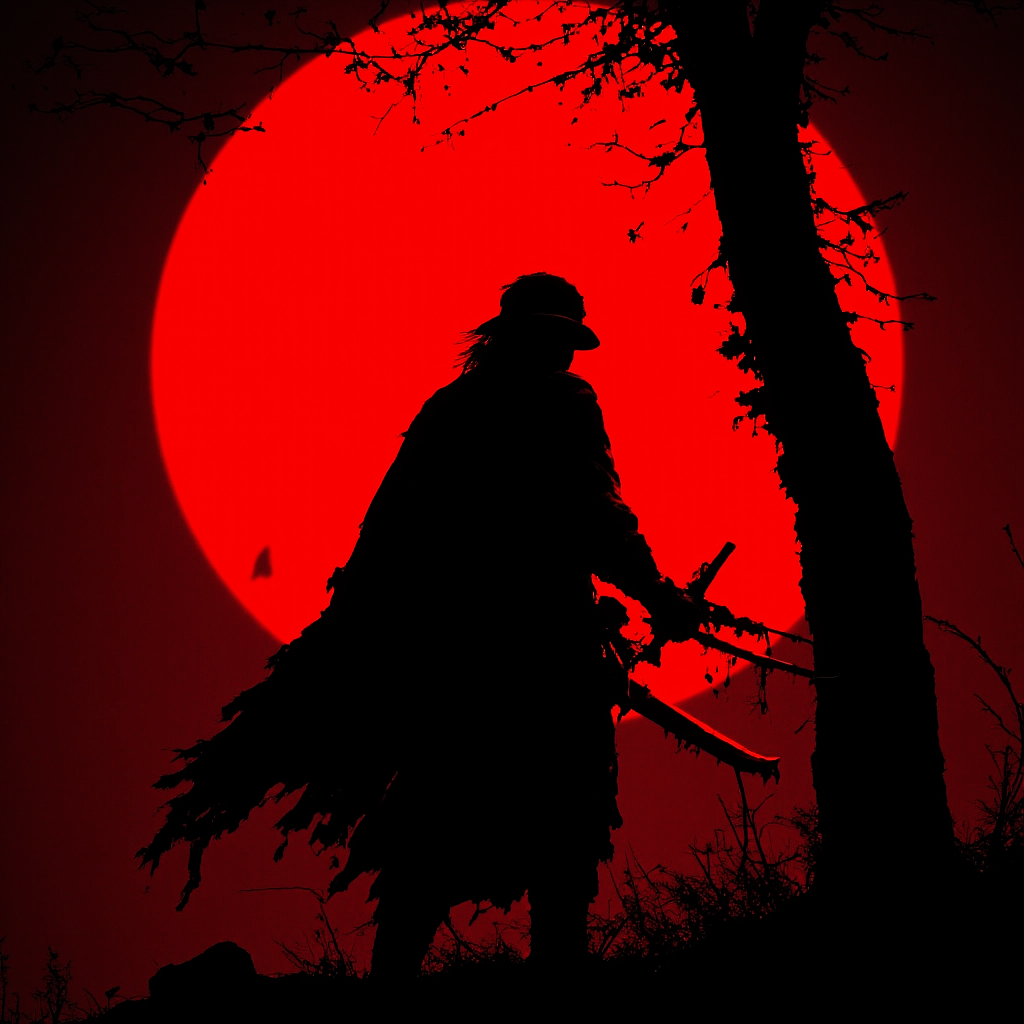
crow - Swap Character In Video AI video
jBxBLEvQ avatar
jBxBLEvQ
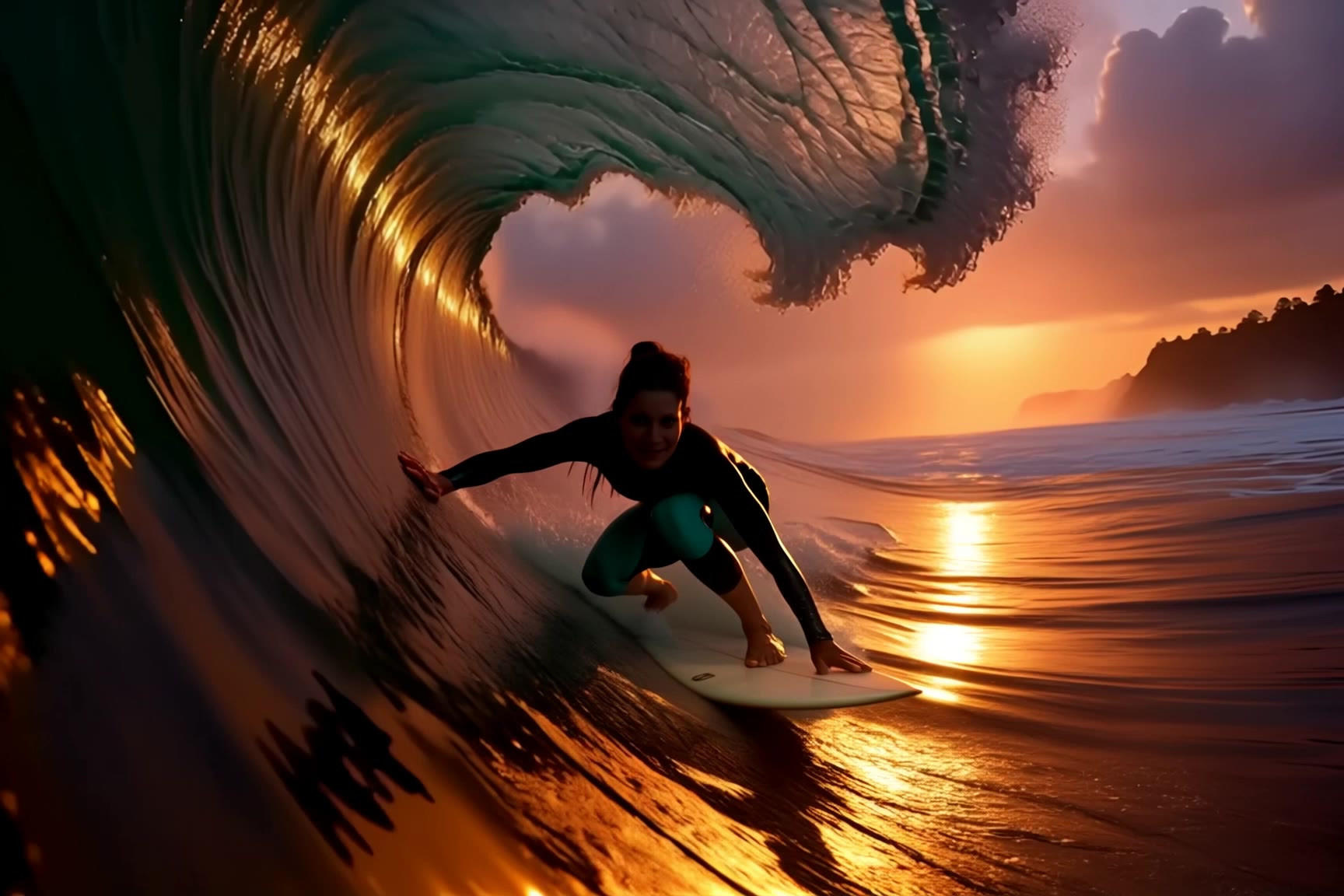
surfing - Swap Character In Video AI video
jingle6913 avatar
jingle6913
Kling AI work 299084304654096 - Swap Character In Video AI video
oQHLWruK avatar
oQHLWruK
Thangani - Swap Character In Video AI video
kbNCvWNn avatar
kbNCvWNn
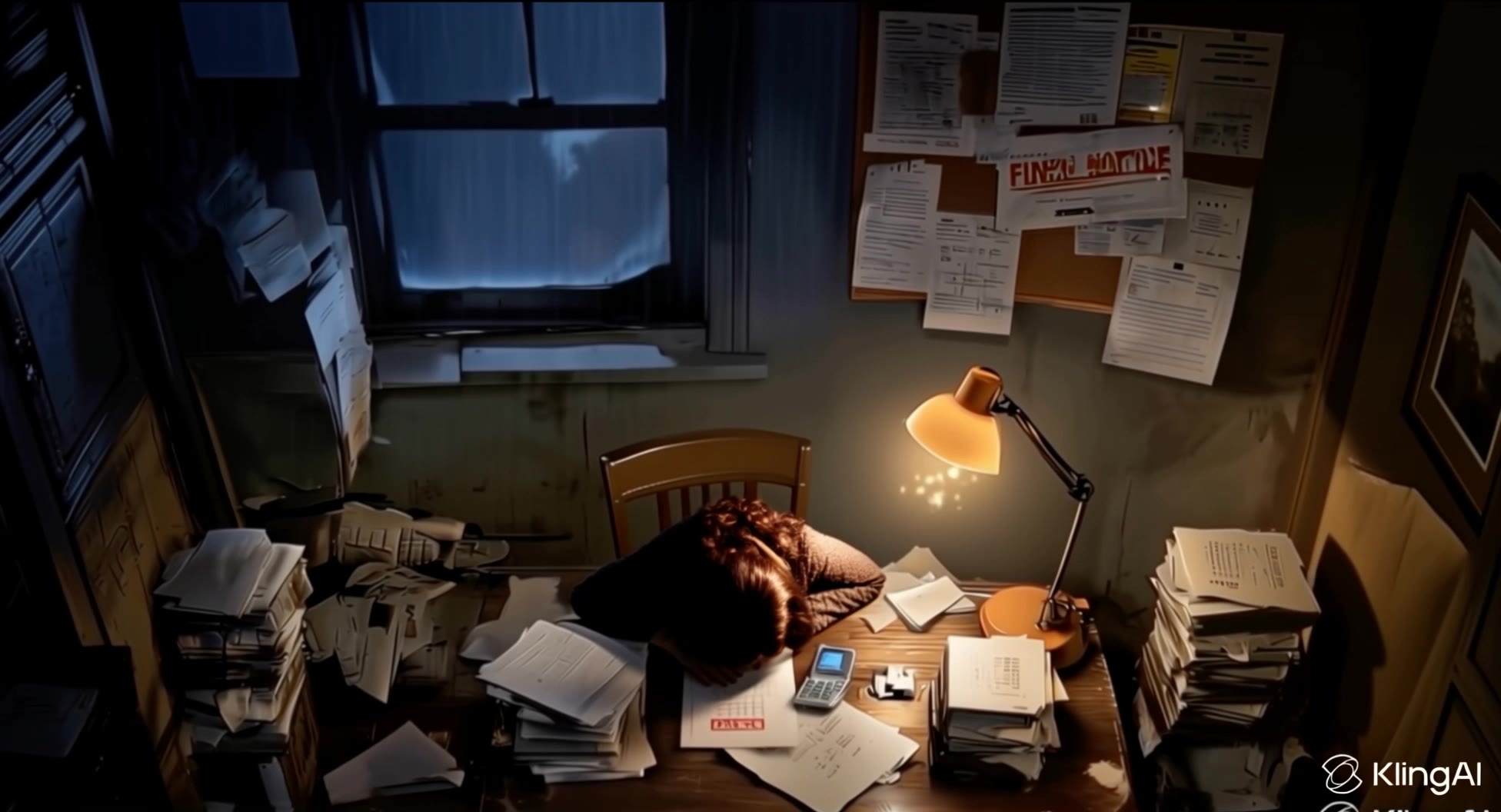
phone buzz + tired gasp - Swap Character In Video AI video
lorsSnHH avatar
lorsSnHH
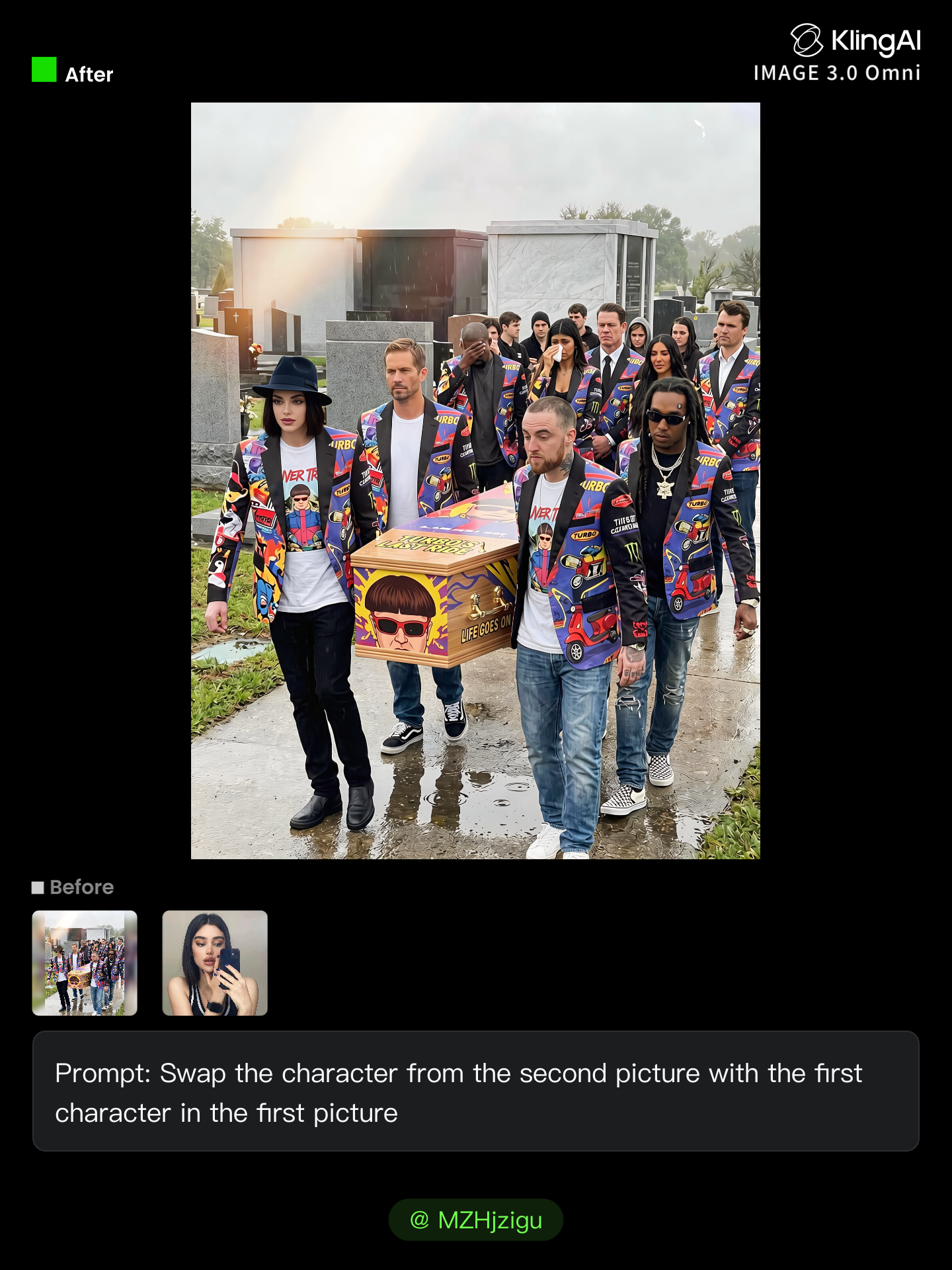
Kling AI work 314466234661245 - Swap Character In Video AI image
MZHjzigu avatar
MZHjzigu
Kling AI work 299445296654869 - Swap Character In Video AI video
PcWStuxK avatar
PcWStuxK
Kling AI work 311118571500832 - Swap Character In Video AI video
MKZIMBxT avatar
MKZIMBxT
Kling AI work 297636101522560 - Swap Character In Video AI video
yRbkdSKi avatar
yRbkdSKi
Kling AI work 297638918500908 - Swap Character In Video AI video
vjBGTAPq avatar
vjBGTAPq
Kling AI work 295478499615536 - Swap Character In Video AI video
QQIxgqUS avatar
QQIxgqUS
Kling AI work 298317007523097 - Swap Character In Video AI video
gFAlNLcu avatar
gFAlNLcu

How to Use Kling AI Art Generator

Start with a Prompt

Start with a Prompt

Open IMAGE 3.0 Omni. Write what you want to make, upload an existing image, or add references that show the character, object, composition, or style you want Kling to follow.

Set the Art Direction

Set the Art Direction

Add the details that matter to the piece: medium, palette, mood, lighting, framing, perspective, or another visual cue. When you use several references, tell Kling what each one contributes instead of leaving the relationship between them ambiguous.

Generate and Keep Working

Generate and Keep Working

Generate the artwork, review the result, and adjust the prompt or creative direction if needed. For connected images, continue the idea with Image Series.

Improve Video Quality Beyond Resolution

Give Your Video a Cinematic Finish in 4K

Give Your Video a Cinematic Finish in 4K

Choose 4K in the output settings to give your footage a finely detailed finish. From the texture of fabric to the contours of a face, bring small details into view for larger screens and close-up shots. Give family recordings, social clips, and creative projects a richer presentation.

Fix Lighting, Color, and the Overall Look

Fix Lighting, Color, and the Overall Look

A good clip can still fall flat because of dull color, poor lighting, or an awkward composition. Use prompts to reduce visible grain and digital noise in low-light footage, then refine the lighting, color, and composition. Turn an ordinary view into an expressive close-up, bring warmth to a dim scene, or change the weather and time of day. Shape the overall look without adjusting every element by hand.

Fill in the Gaps for More Fluid Motion

Fill in the Gaps for More Fluid Motion

Upload your video and describe the missing action or moment you want to add. Add reference images when needed, then use Kling to generate additional footage that helps connect existing moments with less manual editing.

Apps

Image to Video
Image to Video

Image to Video

Text to Video
Text to Video

Text to Video

Omni
Omni

Omni

Digital Human
Digital Human

Digital Human

Restyle
Restyle

Restyle

Text to Image
Text to Image

Text to Image

60M+
60M+
Users
600M+
600M+
AI Videos Generated
4.7 ★
4.7 ★
App Store
Industry-Leading
Industry-Leading
Cinematic 4K

Reviews

Vincent Smadja

Vincent Smadja

★★★★★

Kling AI seamlessly integrates into my creative workflow, playing a key role in transforming my images. After generating and upscaling an image, Kling becomes a crucial element, bringing my creations to life with movement and depth.

KakuDrop

KakuDrop

★★★★★

I have successfully collaborated with world-renowned artists and well-known companies that are recognized globally

Halim Alrasihi

Halim Alrasihi

★★★★★

I use AI daily and Kling AI is a crucial part of my workflow, whether for client work or personal projects. What I love most about using Kling AI is that it provides all the tools I need in one place, from keyframes to character references, elements and special effects.

FAQ

Q1What happens to the area after an object is removed?
Q2What kinds of objects can AI remove from a photo?
Q3Do I need to mark the object before removing it?

Create an Avatar That Feels Like Yours

Start with a photo or a prompt, explore different styles, and keep shaping the details until the character fits the look you want.