Creative Studio
API
Resources
Features
About Us
Download

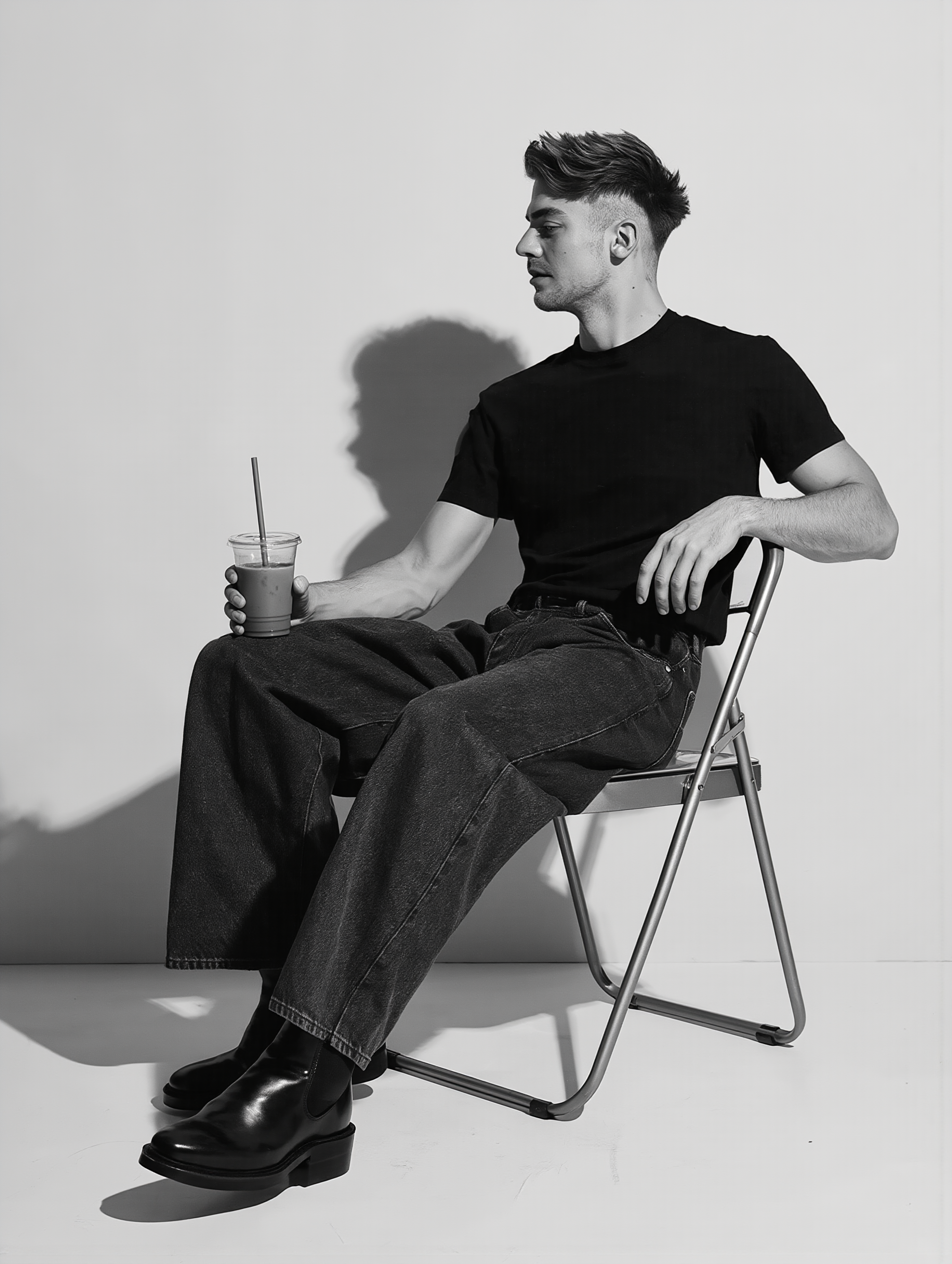
acne remover photo - close up & photorealistic transformation

Unveil the power of AI in transforming your selfies into flawless, cinematic, photorealistic images with our acne remover photo technology. Embrace the art of personal beauty perception and generate stunning, dynamic content tailored to your unique style. Start exploring acne remover photo ideas and generate your own content with AI.

acne remover photo - close up & photorealistic transformation

Recommended

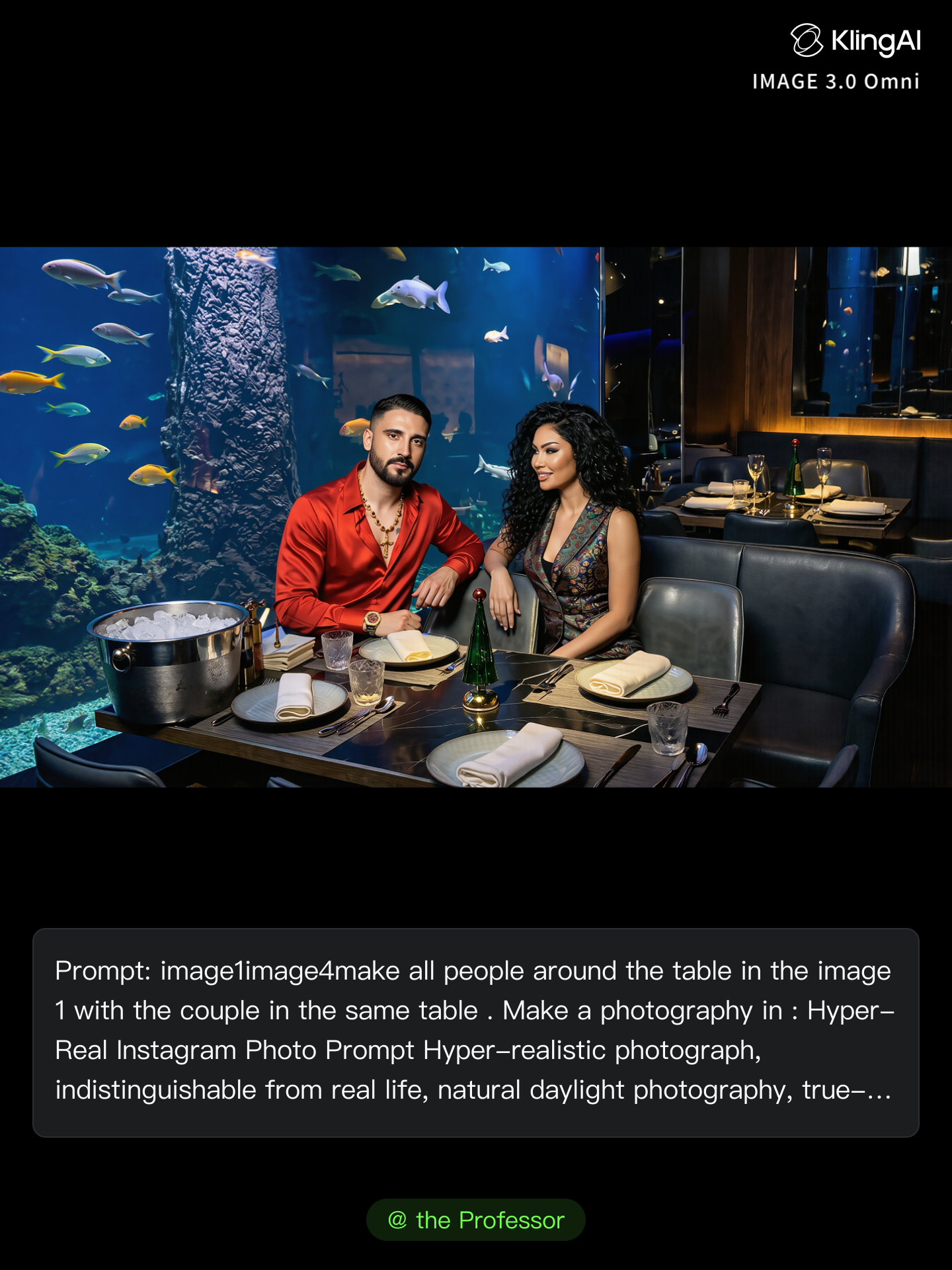
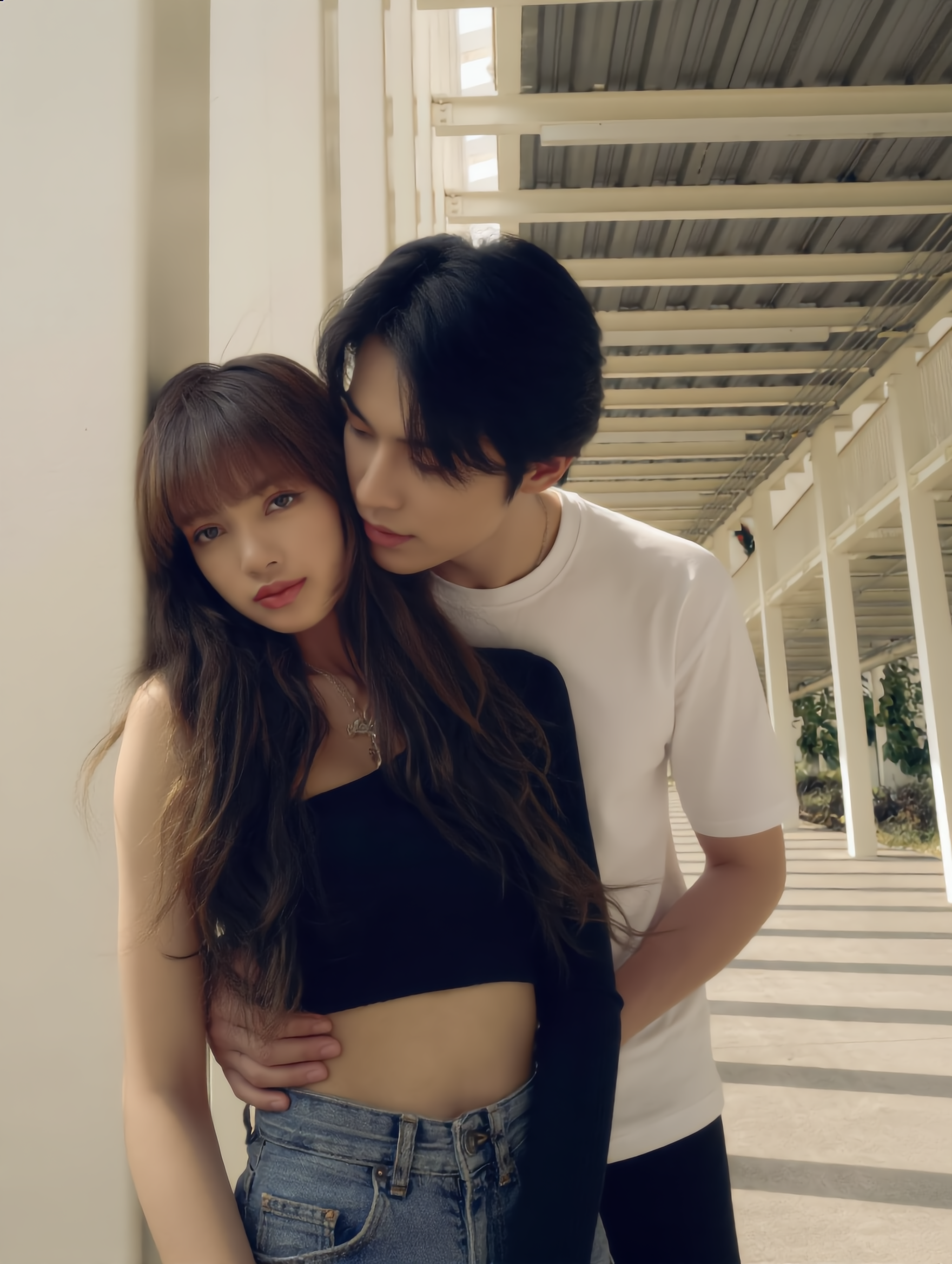
Kling AI work 310991479506823 - acne remover photo AI image
frgeAuUW avatar
frgeAuUW
Ai photo - acne remover photo AI image
souvenir avatar
souvenir
Kling AI work 315309312618744 - acne remover photo AI video
hROFWOXN avatar
hROFWOXN
Get you dark spots cream now - acne remover photo AI video
eQVhvwkh avatar
eQVhvwkh
Kling AI work 317288863521272 - acne remover photo AI image
hzZzdVsX avatar
hzZzdVsX
Vintage 1980s photo style - acne remover photo AI image
yXkoyhXH avatar
yXkoyhXH
Kling AI work 314017115308041 - acne remover photo AI image
YbmJwTkt avatar
YbmJwTkt
Kling AI work 317653494526794 - acne remover photo AI video
WsfGrpWD avatar
WsfGrpWD
Kling AI work 306652925615987 - acne remover photo AI image
the Professor avatar
the Professor
Kling AI work 307463225536251 - acne remover photo AI image
egMPMjtF avatar
egMPMjtF
Kling AI work 316867630523936 - acne remover photo AI video
KRISTINA avatar
KRISTINA
Reate a video in this photo - acne remover photo AI image
rs avatar
rs
Kling AI work 306653384610237 - acne remover photo AI image
the Professor avatar
the Professor
take photo with banana😂 - acne remover photo AI image
souvenir avatar
souvenir
ai photo - acne remover photo AI image
FvTaeUwD avatar
FvTaeUwD
What is beauty - acne remover photo AI video
il.file.di.arianna avatar
il.file.di.arianna
Elite Creator
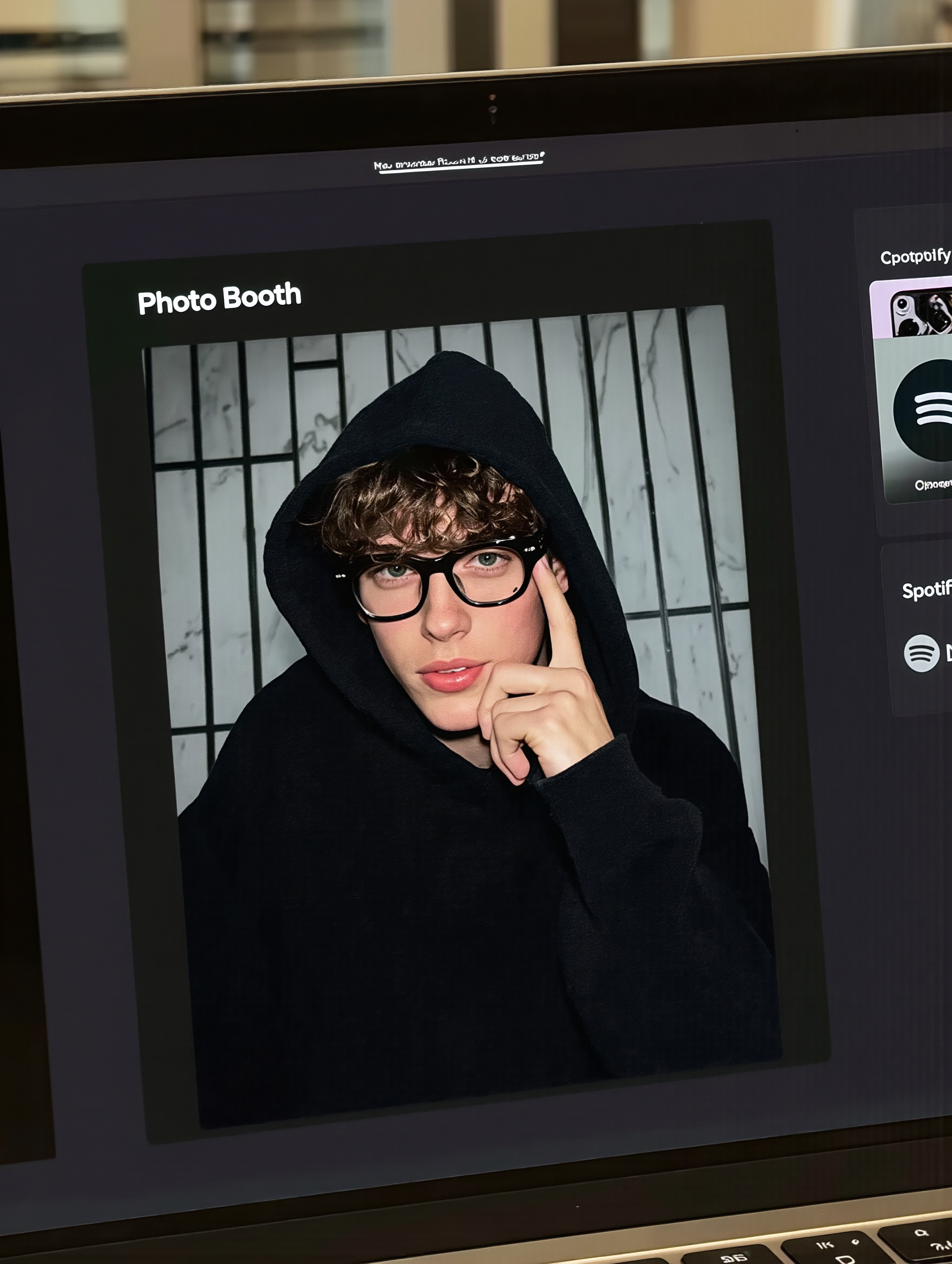
MacBook selfie photo - acne remover photo AI image
souvenir avatar
souvenir
Kling AI work 315032737520108 - acne remover photo AI image
FFiVmDrb avatar
FFiVmDrb

How to Edit a Photo with Kling AI

Upload Your Photo

Upload Your Photo

Start with a clear photo. Add a reference image when you have a particular replacement, background, or style in mind.

Tell Kling What to Change

Tell Kling What to Change

Enter a clear text prompt, explaining what should change and what should stay the same. Kling applies the edit to the photo with AI directly, without layers or complex manual steps.

Review and Fine-Tune

Review and Fine-Tune

Check the result and the areas that matter most. When one detail needs more work, update the prompt for that area instead of starting over. Download the finished image and share it.

Create Better Backgrounds with AI

Keep the Subject When Changing Backgrounds

Keep the Subject When Changing Backgrounds

Put a person or product somewhere new without intentionally redesigning what is already working. Tell Kling IMAGE 3.0 which facial details, clothing, product shapes, materials, colors, or other features should stay familiar, then focus your prompt on the world around them.

Bring Your Art Direction into the Background

Bring Your Art Direction into the Background

When you already have a look in mind, show Kling instead of trying to describe every detail from scratch. IMAGE 3.0 supports up to 10 reference images, so you can bring in visuals for the setting, composition, color palette, props, or overall style and explain how you want each reference to influence the result.

Change the Whole Scene or Just One Detail

Change the Whole Scene or Just One Detail

A new background does not always mean starting over with the entire setting. Replace the full scene, or make a smaller change such as adding an object, removing a distraction, changing a surface, or reworking one part of the environment while leaving the rest closer to the original image.

Apps

Image to Video
Image to Video

Image to Video

Text to Video
Text to Video

Text to Video

Omni
Omni

Omni

Digital Human
Digital Human

Digital Human

Restyle
Restyle

Restyle

Text to Image
Text to Image

Text to Image

60M+
60M+
Users
600M+
600M+
AI Videos Generated
4.7 ★
4.7 ★
App Store
Industry-Leading
Industry-Leading
Cinematic 4K

Reviews

James Phillips

James Phillips

★★★★★

Kling AI has transformed my workflow by collapsing timelines and democratizing production. It’s shifted my mindset from resource-dependent filmmaking to a boundless creative sandbox, where experimentation yields unexpected beauty.

Huang Lu (Elson)

Huang Lu (Elson)

★★★★★

I’ve been using Kling AI since its initial release, and it’s remained one of the leading AI media generators ever since. With Kling AI, I’ve created hundreds of videos, collectively amassing millions of views.

Vincent Smadja

Vincent Smadja

★★★★★

Kling AI seamlessly integrates into my creative workflow, playing a key role in transforming my images. After generating and upscaling an image, Kling becomes a crucial element, bringing my creations to life with movement and depth.

FAQ

Q1How do I generate an AI video?
Q2Does Kling support audio and talking characters?
Q3Can I use AI-generated videos for commercial use?

Experience Video 3.0 on Kling

Create cinematic, multi-shot videos with native audio and precise control—all in one generation.

Native audio | Multi-shot control | Up to 15s continuous output