
Creative Studio
API
Resources
Features
About Us
Download

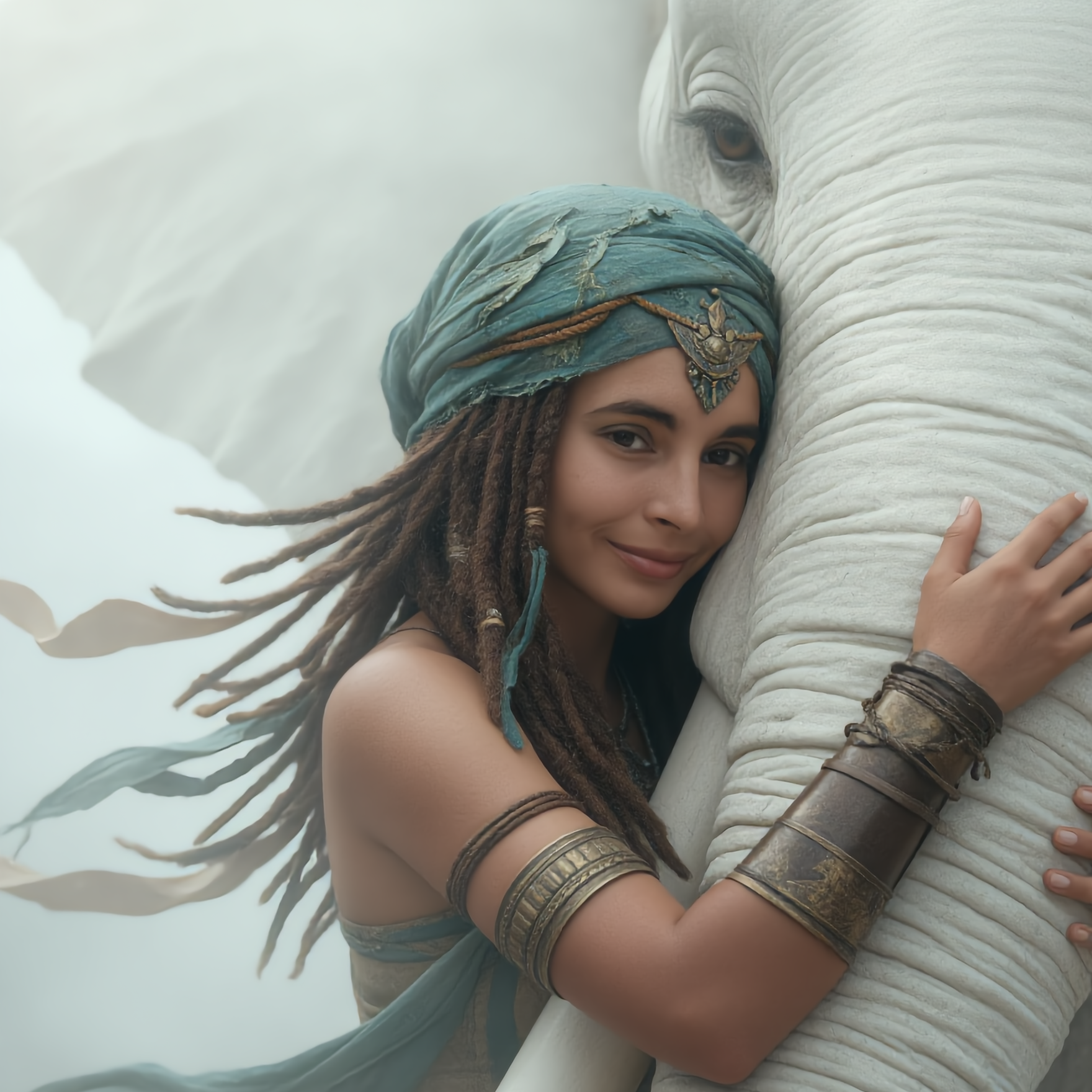
ai art generator from photo - retro film & medieval fantasy

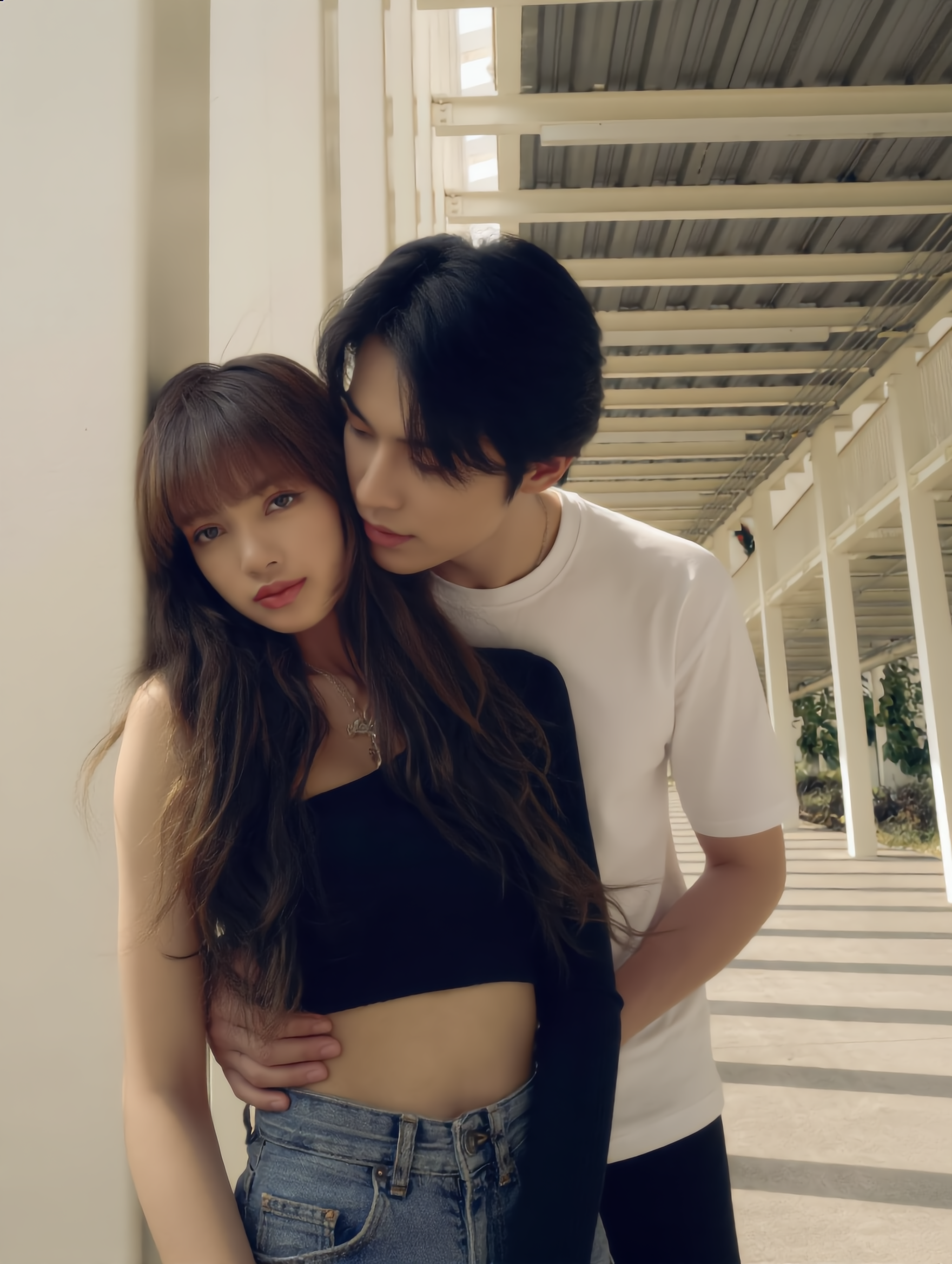
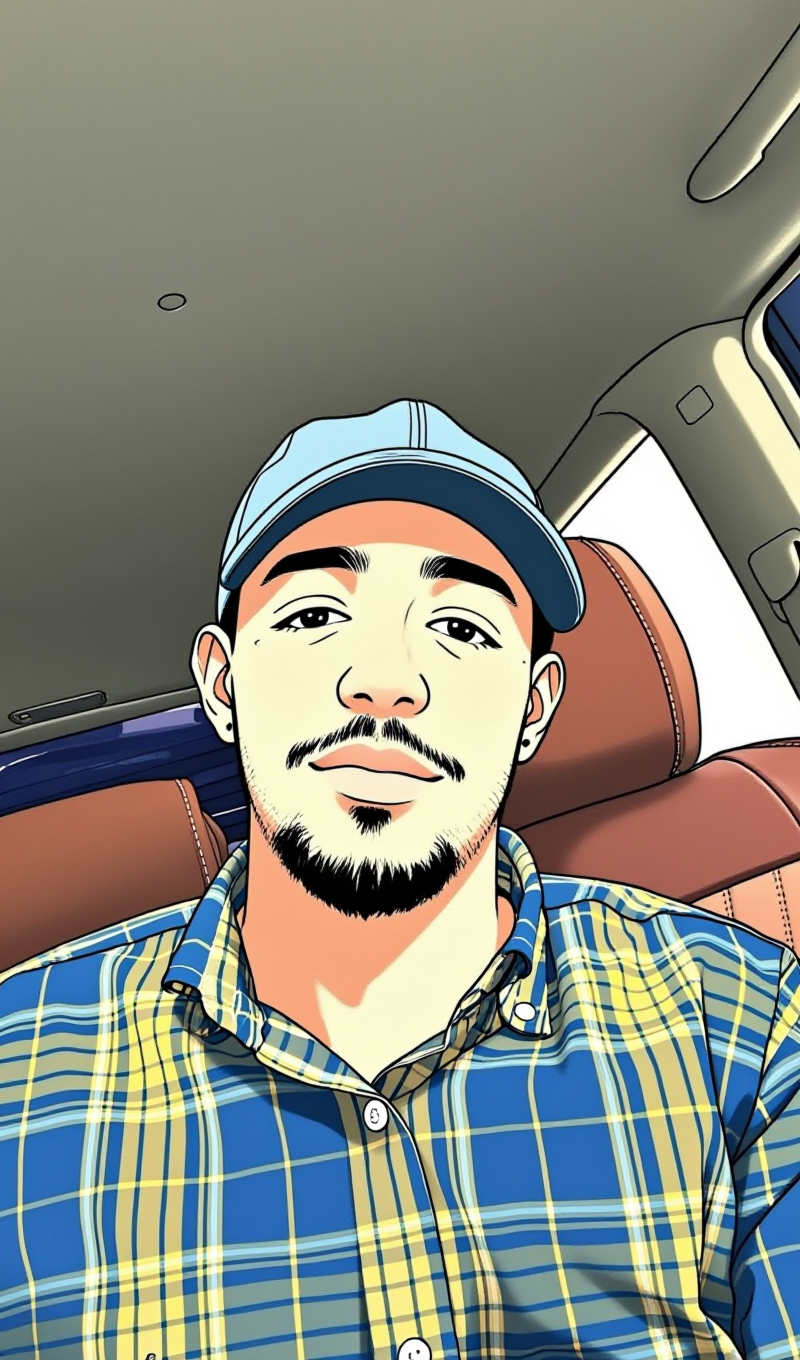
Transform your photos into stunning AI-generated art with romantic aesthetics and cinematic, photorealistic styles. Upload your picture to achieve consistent character representation and explore versatile artistic themes. Start exploring ai art generator from photo ideas and generate your own content with AI.


ai art generator from photo - retro film & medieval fantasy

Recommended

Kling AI work 310739389500669 - ai art generator from photo AI image
UURTuGBi avatar
UURTuGBi
Kling AI work 309073593616374 - ai art generator from photo AI image
yLIXScPO avatar
yLIXScPO
Conceptual art  - ai art generator from photo AI video
rYeRcdhE avatar
rYeRcdhE
Your photo on the easel - ai art generator from photo AI image
Tatiana avatar
Tatiana
Prompt generator gambar AI mahak - ai art generator from photo AI image
ℹ️MissKAKADU🌼 avatar
ℹ️MissKAKADU🌼
ai art - ai art generator from photo AI video
00:05
pdGfkdaw avatar
pdGfkdaw
Kling AI work 308153251503651 - ai art generator from photo AI image
Tolyan avatar
Tolyan
Vintage 1980s photo style - ai art generator from photo AI image
yXkoyhXH avatar
yXkoyhXH
Kling AI work 315733447660596 - ai art generator from photo AI image
ayyNalpT avatar
ayyNalpT
Kling AI work 297936468528146 - ai art generator from photo AI video
KLING5274 avatar
KLING5274
take photo with banana😂 - ai art generator from photo AI image
souvenir avatar
souvenir
art watercolor markers - ai art generator from photo AI image
tulip uae avatar
tulip uae
Kling AI work 318748569617222 - ai art generator from photo AI image
yNfQTDmO avatar
yNfQTDmO
Kling AI work 309801913615632 - ai art generator from photo AI video
palUyPUE avatar
palUyPUE
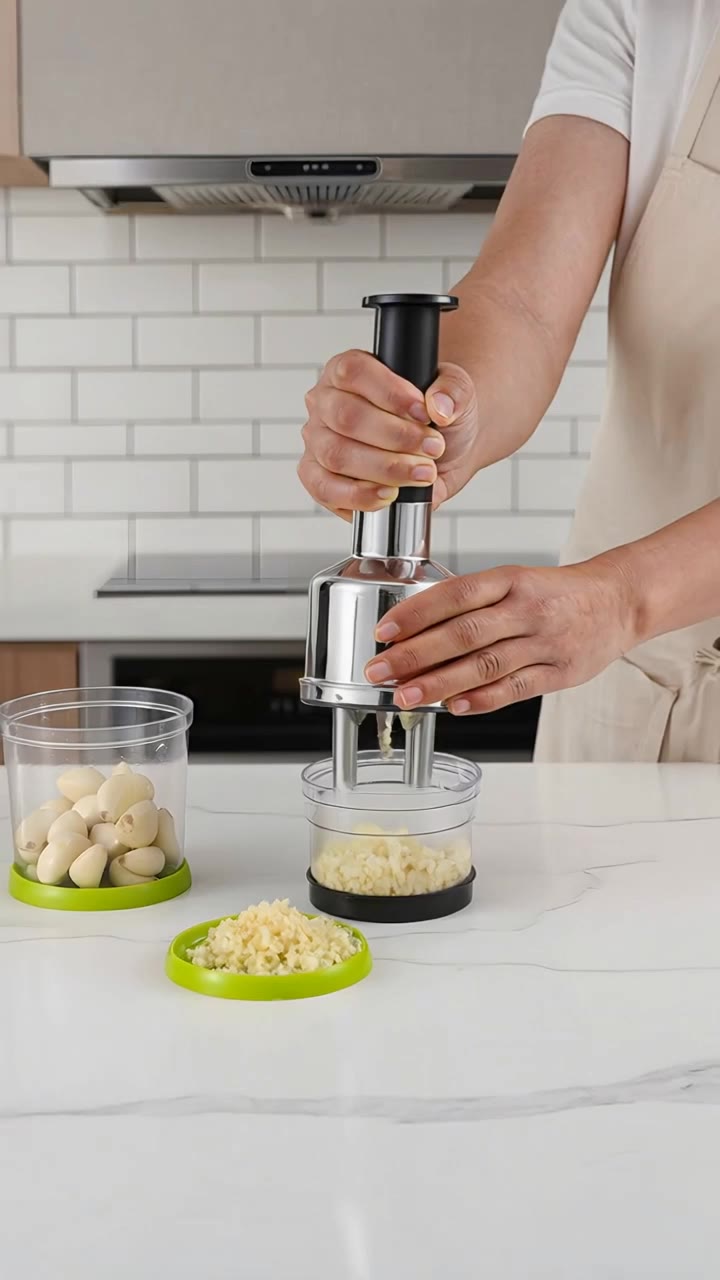
Kitchen tool using from photo - ai art generator from photo AI video
KREEJIsk avatar
KREEJIsk
Ai photo - ai art generator from photo AI image
souvenir avatar
souvenir
ai digital art  - ai art generator from photo AI video
00:08
Abdul avatar
Abdul
ai photo - ai art generator from photo AI image
FvTaeUwD avatar
FvTaeUwD

A Complete AI Video Editing Workflow

Create Videos with AI

Create Videos with AI

Start with a prompt, image, or visual reference. Animate a still, build a new scene, or recreate a popular effect with Kling’s AI video tools.

Edit Videos with AI

Edit Videos with AI

Upload existing footage and tell Kling what to change. Use Kling VIDEO 3.0 Omni to replace subjects, rebuild backgrounds, restyle footage, or reframe a shot. When you need more time, continue the clip with Video Extension without tedious frame-by-frame work.

Make Avatar or Talking Videos

Make Avatar or Talking Videos

Create presenter-led videos for ads, explainers, product demos, and social content with Kling AI Avatar tool. Use Lip Sync to add dialogue, dubbing, or narration from text or uploaded audio.

Edit Any Part with Kling AI

Add, Remove, or Replace Image Content

Add, Remove, or Replace Image Content

Tell Kling what you want to change in text prompts. Replace a person, remove an object, or fine-tune details such as color, material, pose, and expression. Even detailed edits take fewer and easier steps because you can change the photo with AI instead of with traditional photo editing tools. IMAGE 3.0 follows your instruction while keeping the photo’s original style, lighting, and texture in place, so the edited area still belongs in the same shot.

Change the Color, Lighting, or Style

Change the Color, Lighting, or Style

Give an existing photo a different mood effortlessly. Lift a dim scene, soften harsh light, warm or cool the colors, or bring color to a black-and-white photo or line drawing. A short prompt replaces the usual round of manual adjustments. Looking for a bigger shift? Add a style reference or spell out the visual direction. IMAGE 3.0 carries the palette, texture, and atmosphere across the whole image, so the new look feels cohesive rather than pasted on. Use it for studio-style professional headshots, distinctive portrait treatments, cinematic scene design, or a visual style that feels entirely your own.

Rework the Shot or Camera Angle

Rework the Shot or Camera Angle

Tell Kling how you want the shot to look in a text prompt. Turn a front-facing photo into a side view, move the camera higher or lower, or change a wide shot into a close-up. You can explore a new composition around the same subject without setting up another shoot. IMAGE 3.0 rebuilds the scene from the angle you request, adjusting the perspective, camera height, shot size, focal length, and depth of field along with it. The result is a newly generated view based on the source photo, rather than hidden details recovered from outside the original frame.

Apps

Image to Video
Image to Video

Image to Video

Text to Video
Text to Video

Text to Video

Omni
Omni

Omni

Digital Human
Digital Human

Digital Human

Restyle
Restyle

Restyle

Text to Image
Text to Image

Text to Image

60M+
60M+
Users
600M+
600M+
AI Videos Generated
4.7 ★
4.7 ★
App Store
Industry-Leading
Industry-Leading
Cinematic 4K

Reviews

Déborah

Déborah

★★★★★

I use Kling AI every day. It's amazing to see the almost daily progress it makes. I used AI for fun at first, and I now find that Kling AI's animations allow me to gain professional visibility, with three times more views on my animated posts than on my static posts.

James Phillips

James Phillips

★★★★★

Kling AI has transformed my workflow by collapsing timelines and democratizing production. It’s shifted my mindset from resource-dependent filmmaking to a boundless creative sandbox, where experimentation yields unexpected beauty.

Huang Lu (Elson)

Huang Lu (Elson)

★★★★★

I’ve been using Kling AI since its initial release, and it’s remained one of the leading AI media generators ever since. With Kling AI, I’ve created hundreds of videos, collectively amassing millions of views.

FAQ

Q1What’s the difference between Video 2.6 and 3.0?
Q2Does Video 3.0 support multiple characters speaking?
Q3Is it suitable for product demo videos?

Experience Video 3.0 on Kling

Create cinematic, multi-shot videos with native audio and precise control—all in one generation.

Native audio | Multi-shot control | Up to 15s continuous output