
Creative Studio
API
Resources
Features
About Us
Download

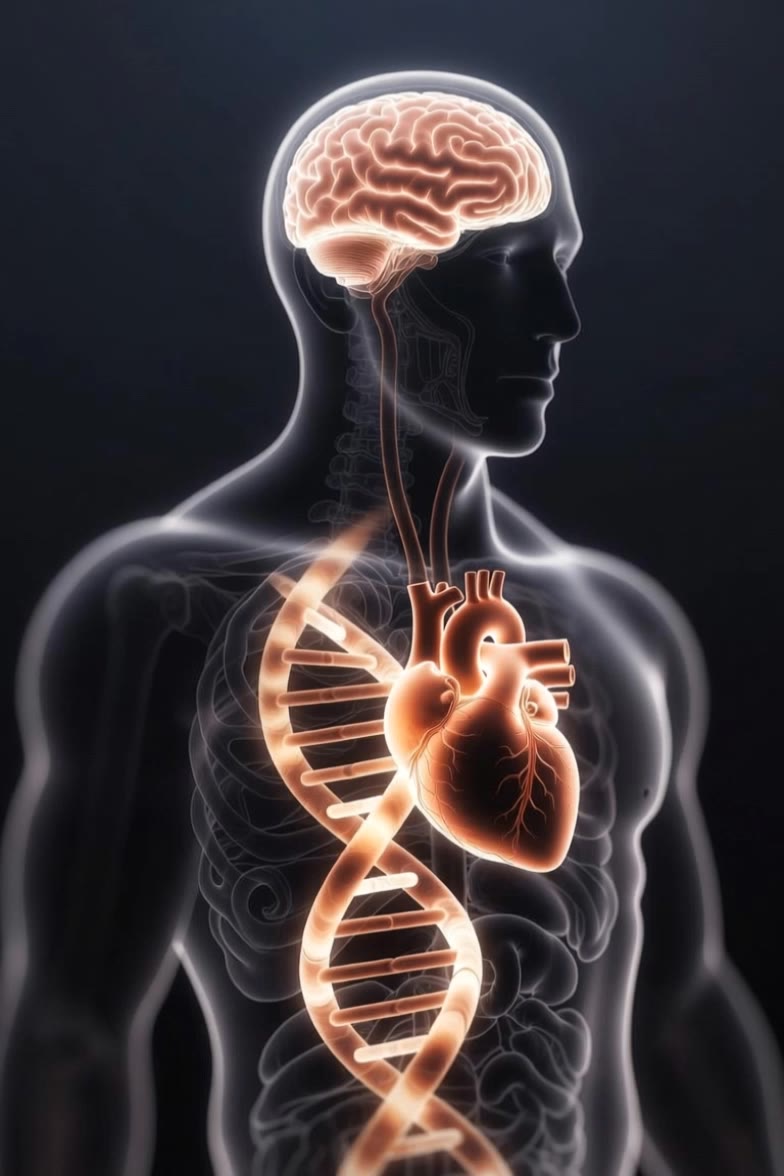
ai body - xray anatomy & biomorphic entities

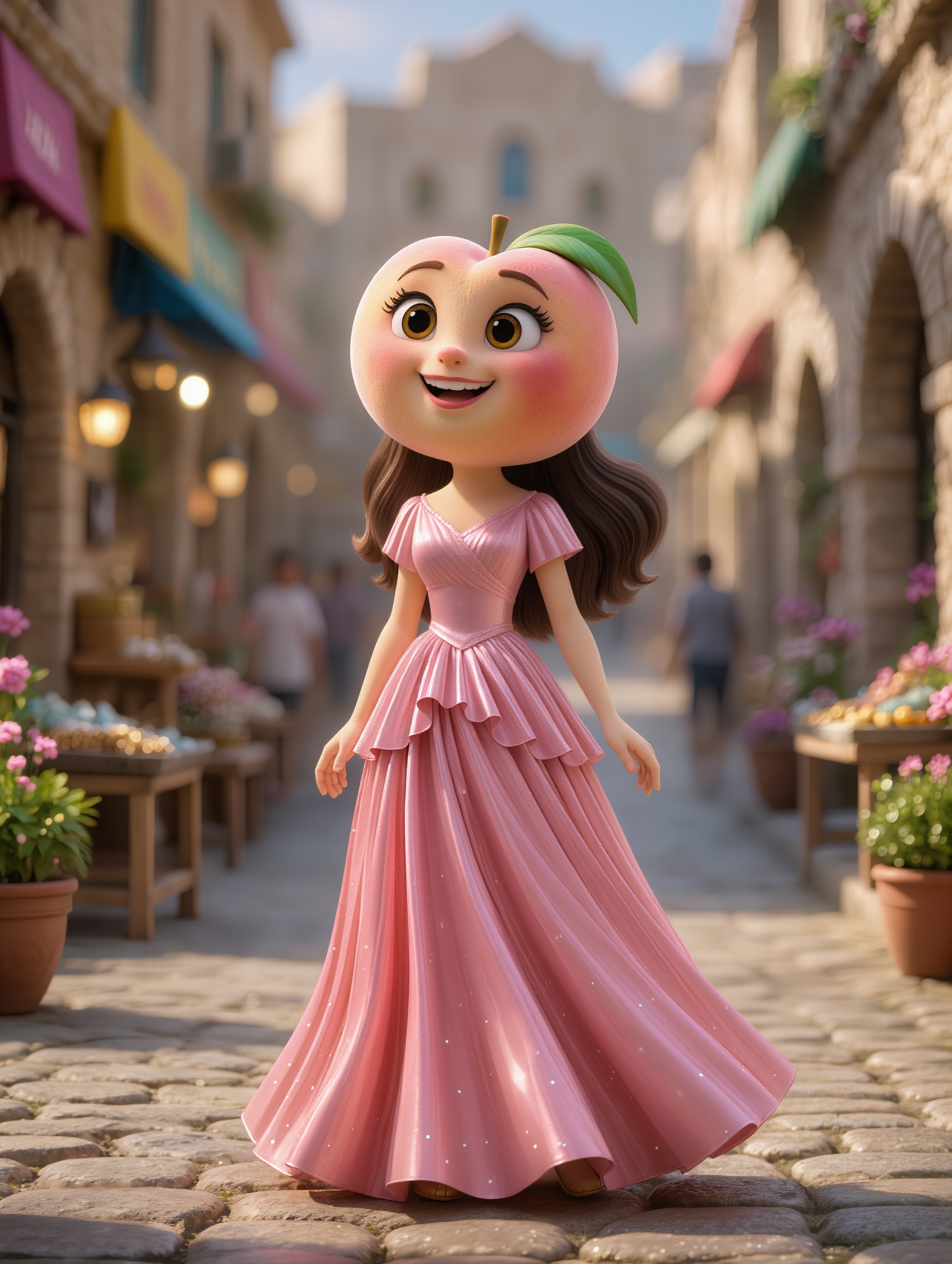
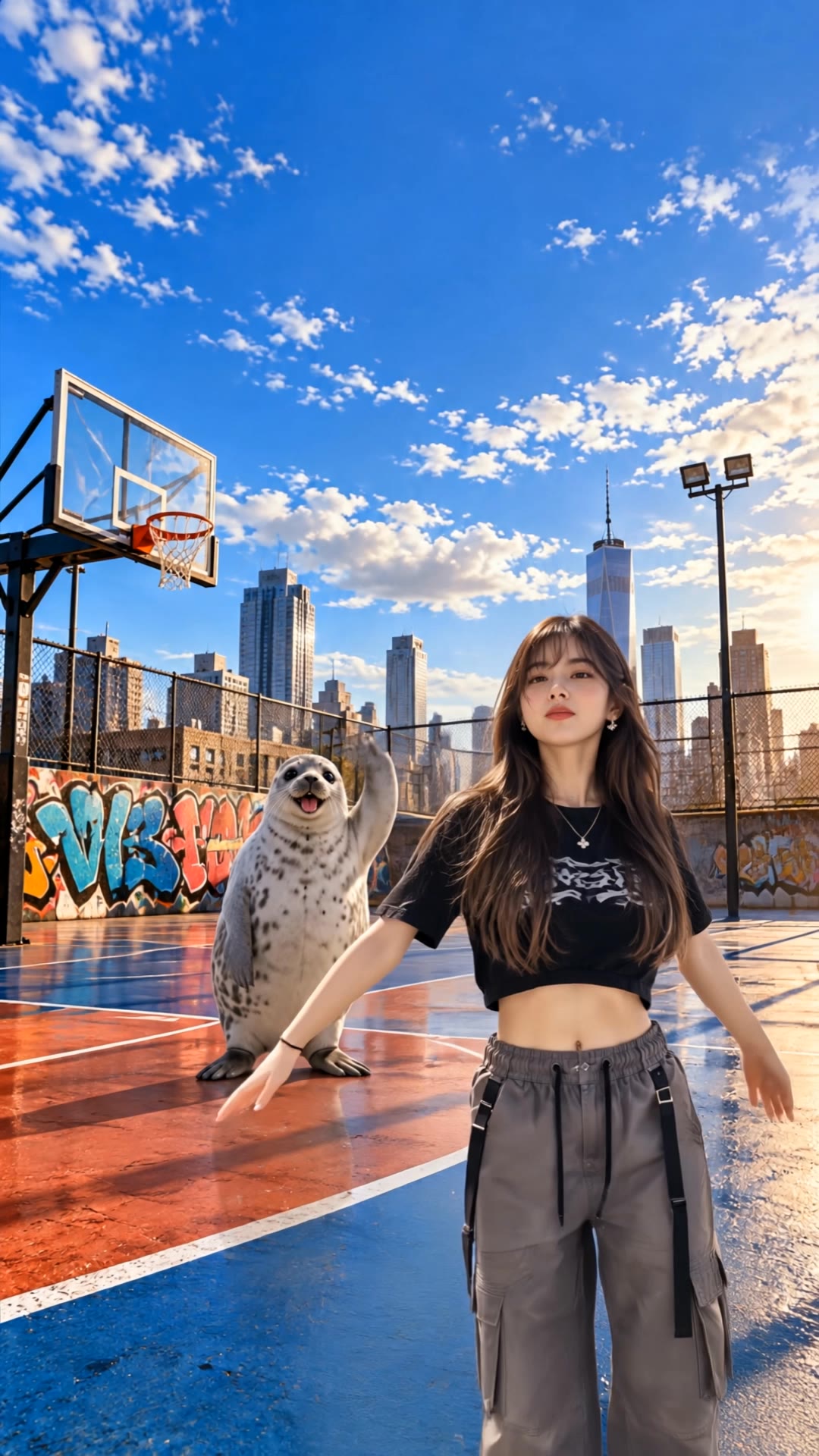
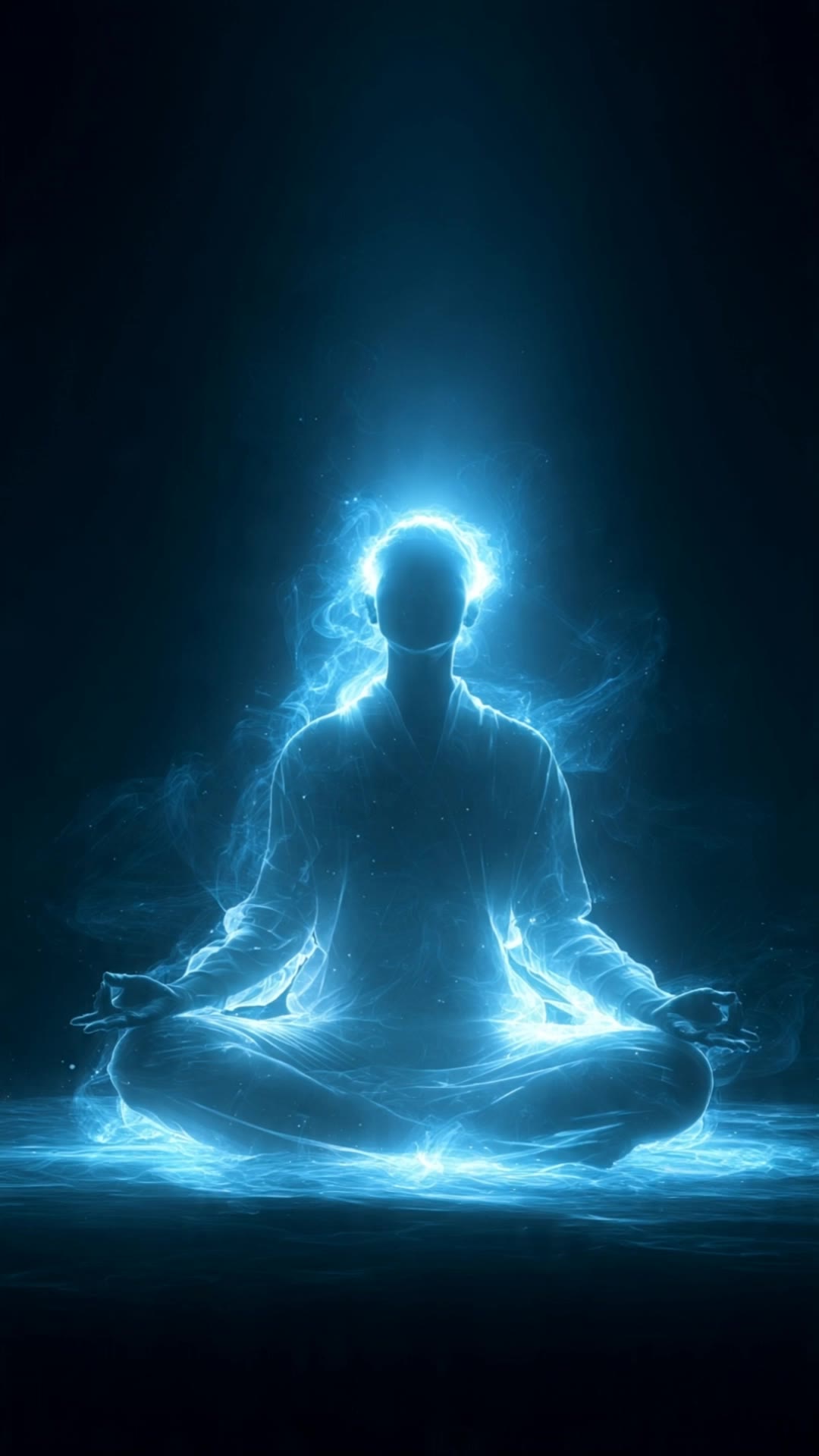
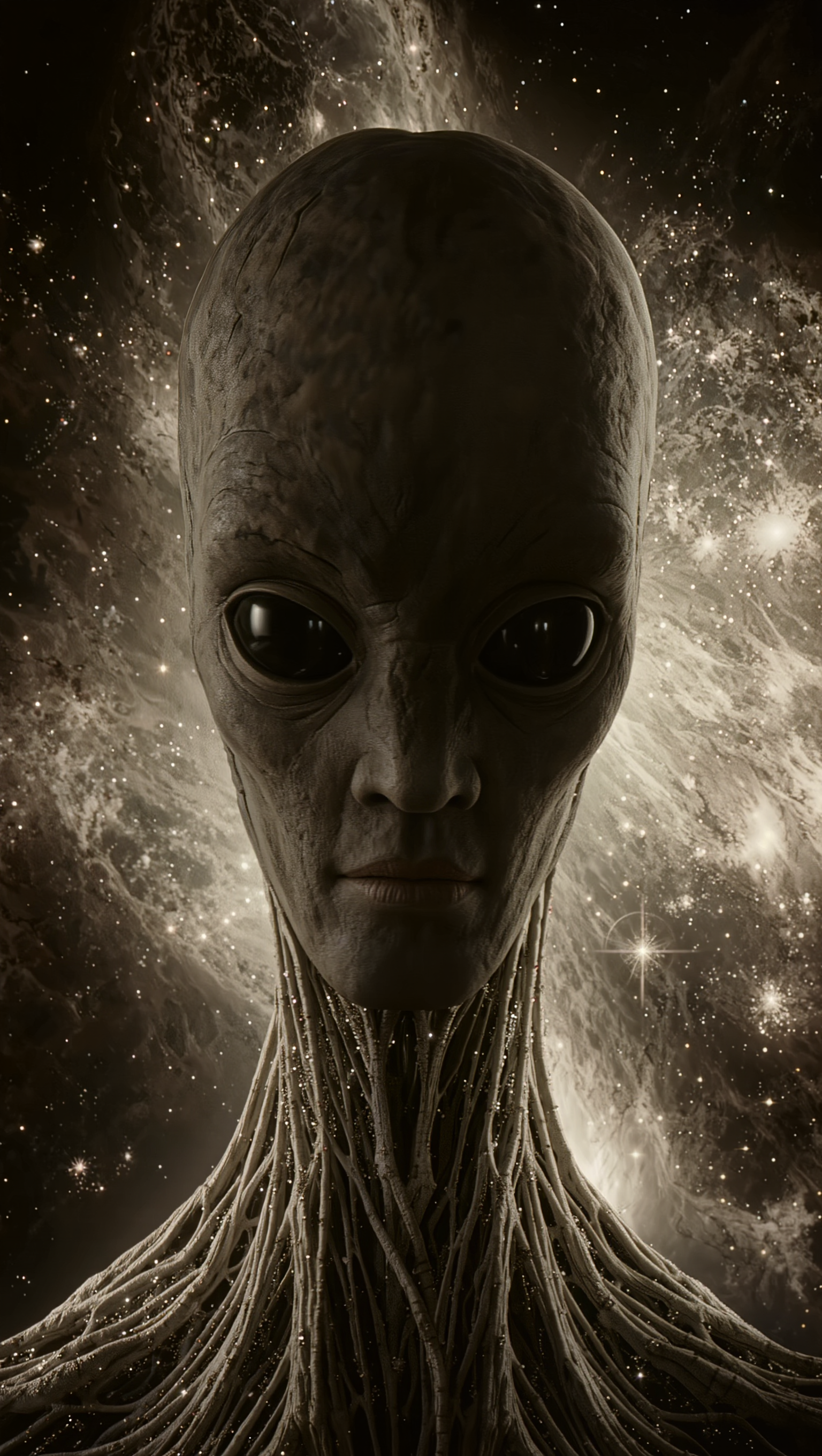
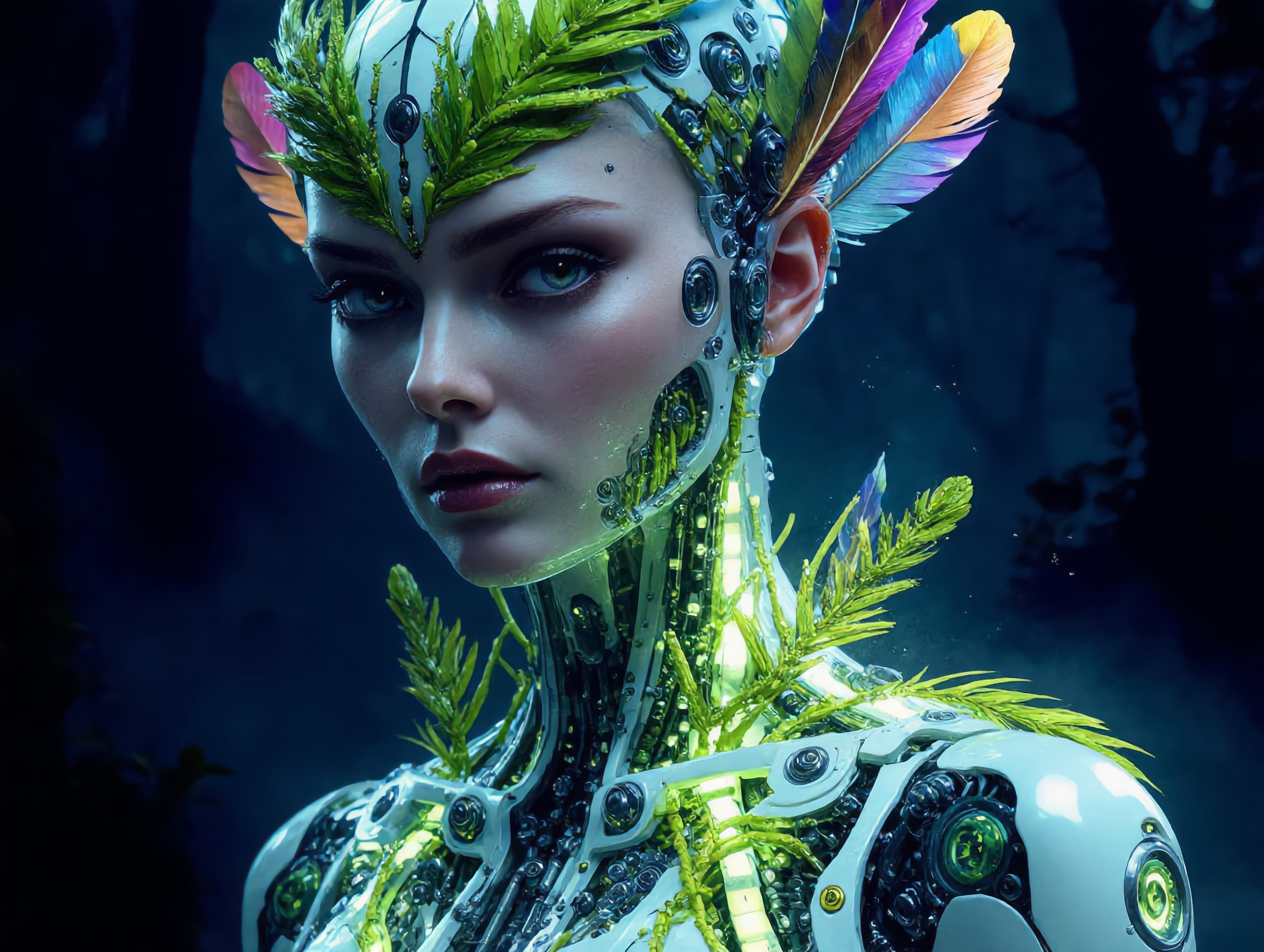
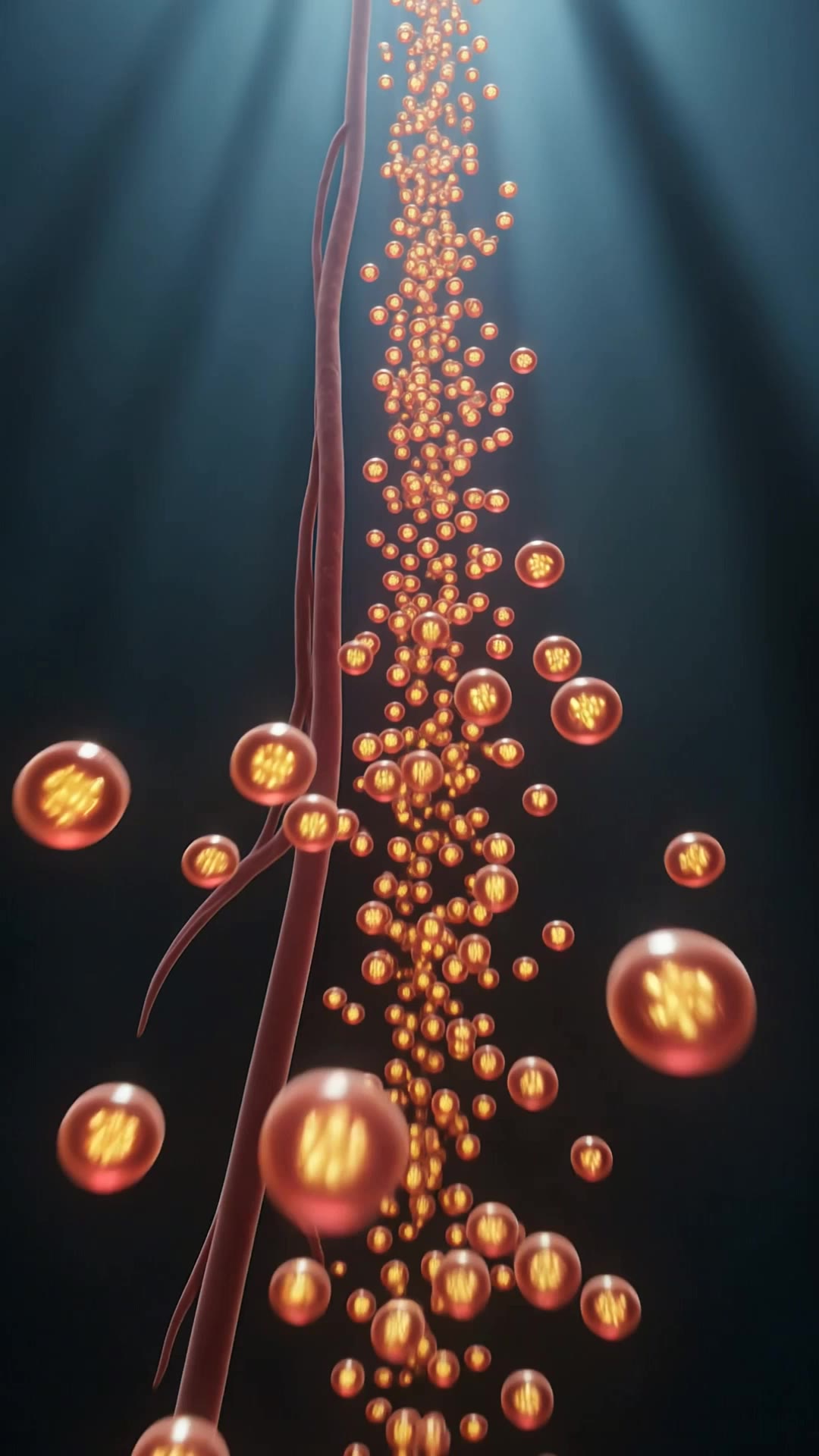
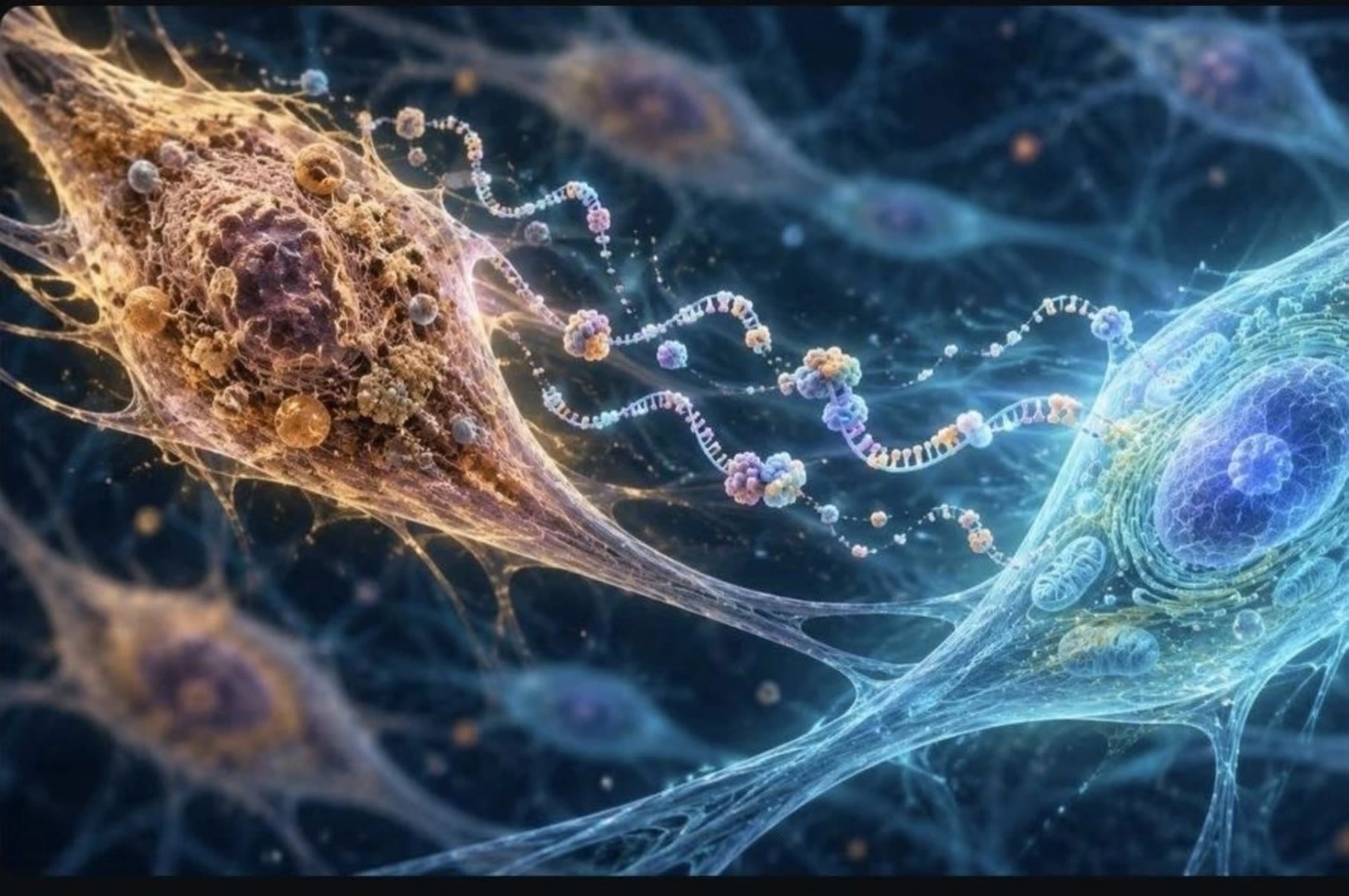
Unveil the mesmerizing visuals of biomorphic entities and prehistoric leviathans blending cosmic technology with ancient biology. Immerse in the gentle glow and radiance of inner light transforming human and oceanic bodies. Start exploring ai body ideas and generate your own content with AI.

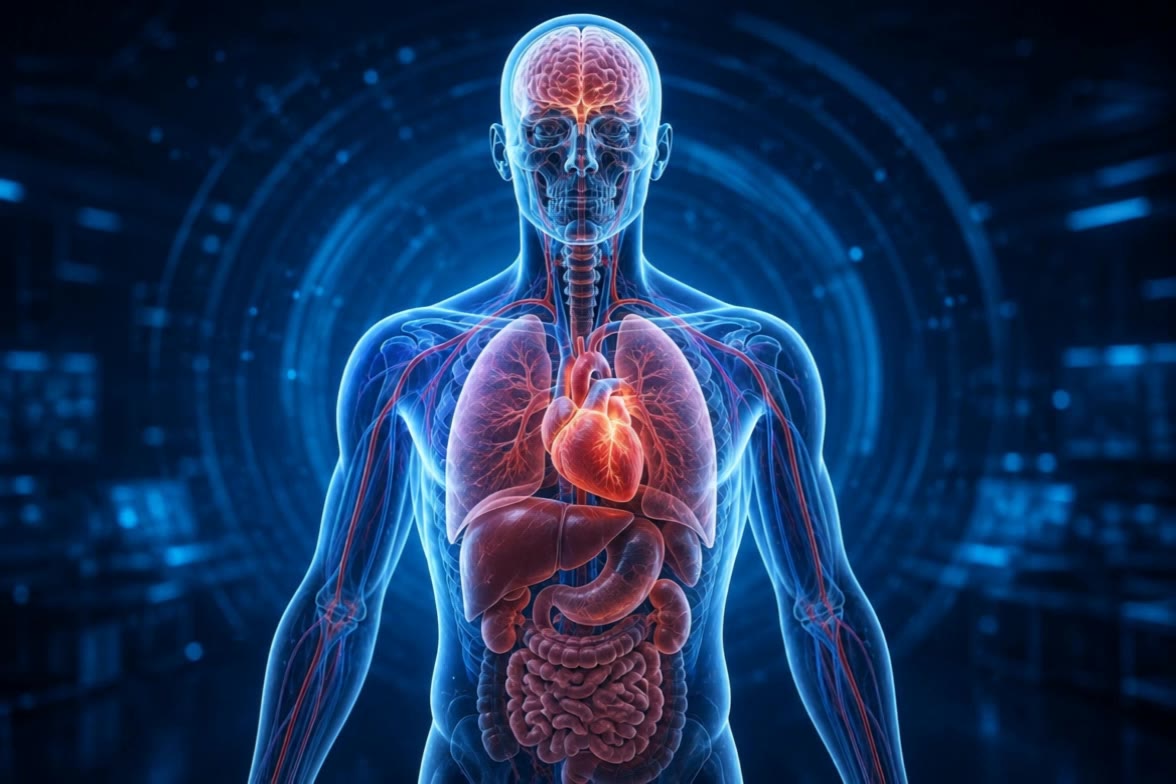
ai body - xray anatomy & biomorphic entities

Recommended

Kling AI work 321386914651042 - ai body AI image
gfmwDKqS avatar
gfmwDKqS
human body silhouette  - ai body AI video
xSkmuUGX avatar
xSkmuUGX
Kling AI work 312879582662485 - ai body AI image
zalan spinwami 🦅 avatar
zalan spinwami 🦅
how to increase body  - ai body AI video
bUyulTBz avatar
bUyulTBz
Kling AI work 317132545306275 - ai body AI image
huracan avatar
huracan
Kling AI work 317380469667364 - ai body AI video
kxWZrrSD avatar
kxWZrrSD
glowing translucent human body - ai body AI video
Ghiuri avatar
Ghiuri
Body - ai body AI video
FuzzyFuzzy
UEjmYnQg avatar
UEjmYnQg
pixelzord  animation 2/4 body - ai body AI video
fySZWixn avatar
fySZWixn
Kling AI work 308136283665170 - ai body AI video
NNERIfDY avatar
NNERIfDY
digital photonic body girl - ai body AI image
KLING4542 avatar
KLING4542
Kling AI work 317038029661327 - ai body AI image
sIcgnMTs avatar
sIcgnMTs
Kling AI work 315640069524019 - ai body AI image
XFVbhrwI avatar
XFVbhrwI
he found something in his body - ai body AI video
YMNdzcaQ avatar
YMNdzcaQ
Kling AI work 313493146611037 - ai body AI video
aNmUlEFu avatar
aNmUlEFu
Kling AI work 313897699660730 - ai body AI image
Tien tien avatar
Tien tien
Kling AI work 309149019660382 - ai body AI image
medscape21 avatar
medscape21
Kling AI work 310177415664149 - ai body AI video
AI_Ainu avatar
AI_Ainu
Kling AI work 317004080501897 - ai body AI image
hoYCLDAe avatar
hoYCLDAe

How to Edit a Photo with Kling AI

Upload Your Photo

Upload Your Photo

Start with a clear photo. Add a reference image when you have a particular replacement, background, or style in mind.

Tell Kling What to Change

Tell Kling What to Change

Enter a clear text prompt, explaining what should change and what should stay the same. Kling applies the edit to the photo with AI directly, without layers or complex manual steps.

Review and Fine-Tune

Review and Fine-Tune

Check the result and the areas that matter most. When one detail needs more work, update the prompt for that area instead of starting over. Download the finished image and share it.

Edit Any Part with Kling AI

Add, Remove, or Replace Image Content

Add, Remove, or Replace Image Content

Tell Kling what you want to change in text prompts. Replace a person, remove an object, or fine-tune details such as color, material, pose, and expression. Even detailed edits take fewer and easier steps because you can change the photo with AI instead of with traditional photo editing tools. IMAGE 3.0 follows your instruction while keeping the photo’s original style, lighting, and texture in place, so the edited area still belongs in the same shot.

Change the Color, Lighting, or Style

Change the Color, Lighting, or Style

Give an existing photo a different mood effortlessly. Lift a dim scene, soften harsh light, warm or cool the colors, or bring color to a black-and-white photo or line drawing. A short prompt replaces the usual round of manual adjustments. Looking for a bigger shift? Add a style reference or spell out the visual direction. IMAGE 3.0 carries the palette, texture, and atmosphere across the whole image, so the new look feels cohesive rather than pasted on. Use it for studio-style professional headshots, distinctive portrait treatments, cinematic scene design, or a visual style that feels entirely your own.

Rework the Shot or Camera Angle

Rework the Shot or Camera Angle

Tell Kling how you want the shot to look in a text prompt. Turn a front-facing photo into a side view, move the camera higher or lower, or change a wide shot into a close-up. You can explore a new composition around the same subject without setting up another shoot. IMAGE 3.0 rebuilds the scene from the angle you request, adjusting the perspective, camera height, shot size, focal length, and depth of field along with it. The result is a newly generated view based on the source photo, rather than hidden details recovered from outside the original frame.

Apps

Image to Video
Image to Video

Image to Video

Text to Video
Text to Video

Text to Video

Omni
Omni

Omni

Digital Human
Digital Human

Digital Human

Restyle
Restyle

Restyle

Text to Image
Text to Image

Text to Image

60M+
60M+
Users
600M+
600M+
AI Videos Generated
4.7 ★
4.7 ★
App Store
Industry-Leading
Industry-Leading
Cinematic 4K

Reviews

James Phillips

James Phillips

★★★★★

Kling AI has transformed my workflow by collapsing timelines and democratizing production. It’s shifted my mindset from resource-dependent filmmaking to a boundless creative sandbox, where experimentation yields unexpected beauty.

Samuele Poggi (@visualsk2)

Samuele Poggi (@visualsk2)

★★★★★

I use Kling AI daily to push the limits of AI filmmaking. It allows me to create highly cinematic content, blending AI and VFX to develop innovative projects. It has significantly impacted my creative process, enabling me to achieve complex animations that would otherwise require high production budgets.

PJ Ace

PJ Ace

★★★★★

Kling AI has made it easy for us to generate world class visuals for Fortune 500 companies, TV shows and music for big artists. We love the easy of use of the platform and the quality of the generations. My first time using Kling AI, I got 22 million views on just one video. It's that good.

FAQ

Q1Can I use this for global AI video marketing?
Q2Is it suitable for product demo videos?
Q3What’s the difference between Video 2.6 and 3.0?

Experience Video 3.0 on Kling

Create cinematic, multi-shot videos with native audio and precise control—all in one generation.

Native audio | Multi-shot control | Up to 15s continuous output