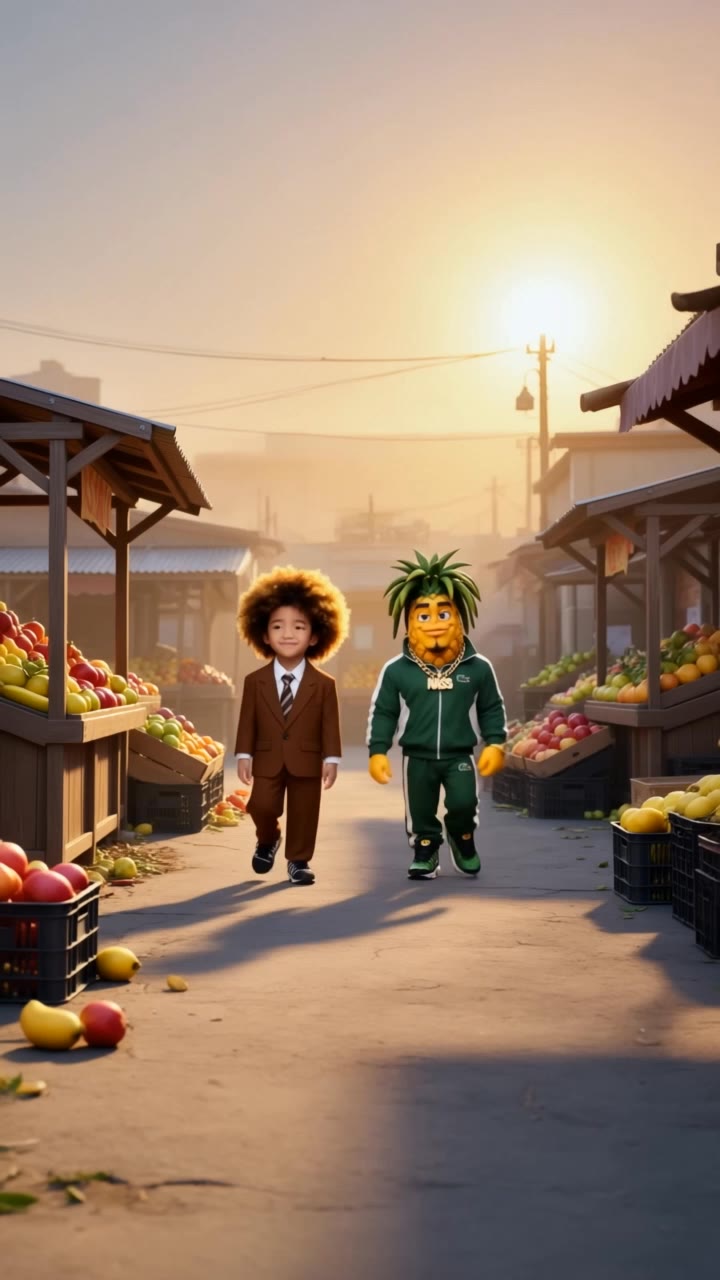

ai covers - Beatles album art & mischievous concealment gestures

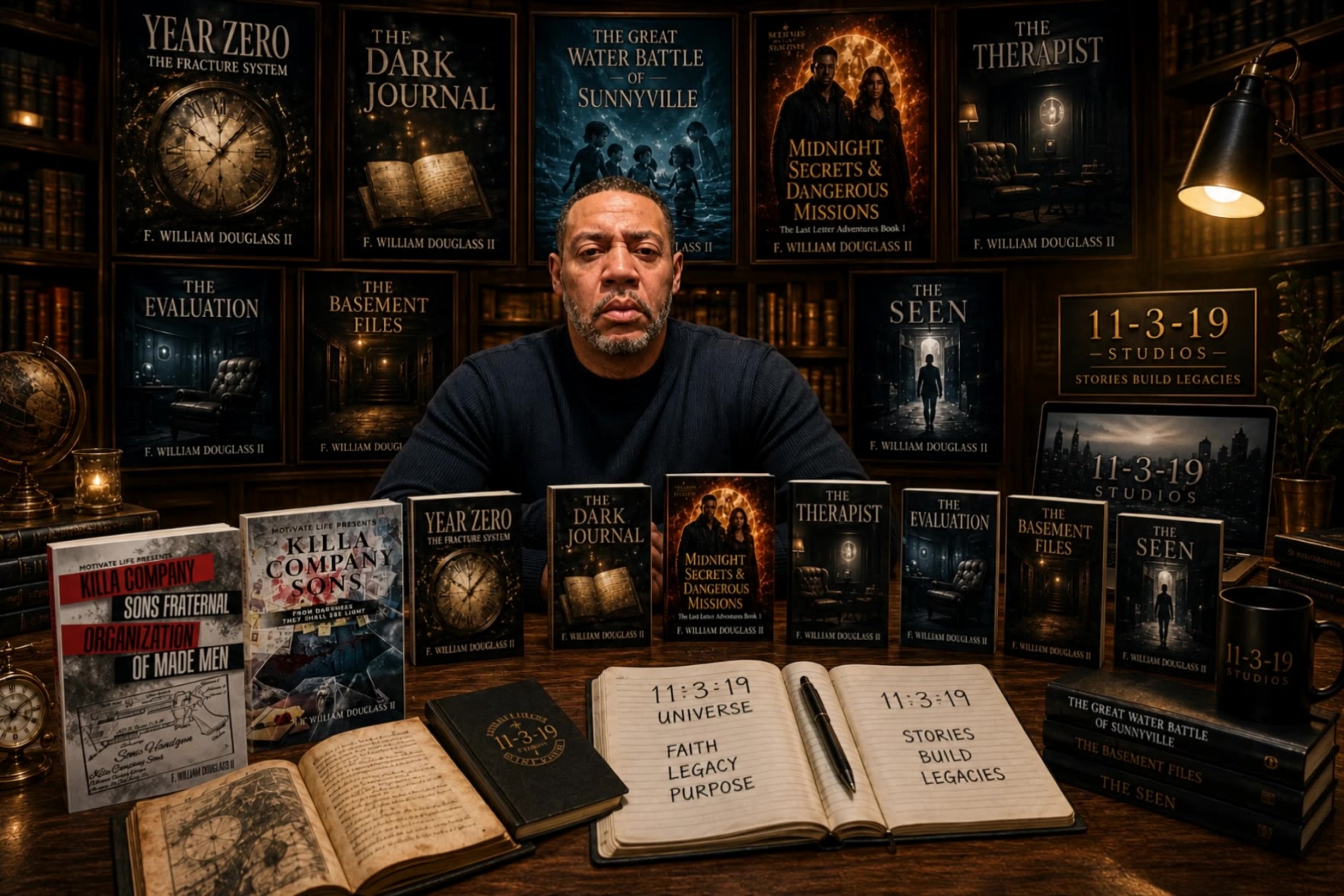
Engage with captivating visuals featuring playful gestures of covering eyes and mouths, alongside ultra-realistic cinematic close-ups and iconic album cover aesthetics. Start exploring ai covers ideas and generate your own content with AI.

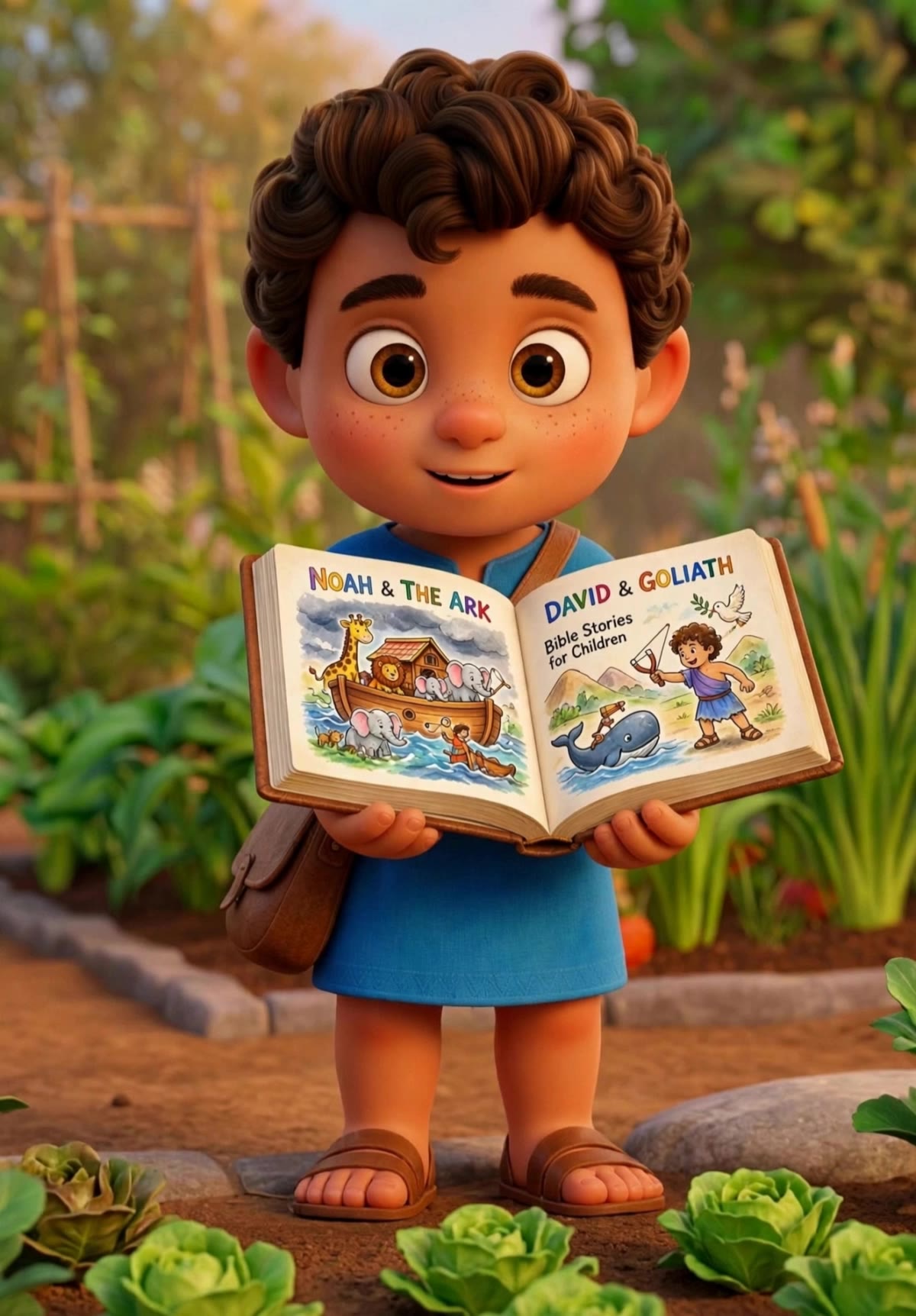
ai covers - Beatles album art & mischievous concealment gestures

Recommended

Who covers for you w - ai covers AI video
EnImbStY avatar
EnImbStY
Kling AI work 317128539662874 - ai covers AI video
TtkONcvN avatar
TtkONcvN
Kling AI work 321208647667079 - ai covers AI video
skit with bark avatar
skit with bark
Kling AI work 310088394611676 - ai covers AI video
FrnsVZVE avatar
FrnsVZVE
Book Cover prompt idea 💡  - ai covers AI image
7A7PI avatar
7A7PI
Elite Creator
Kling AI work 310206830525605 - ai covers AI video
uthbhmHD avatar
uthbhmHD
Kling AI work 311787393503334 - ai covers AI video
dpDRAoio avatar
dpDRAoio
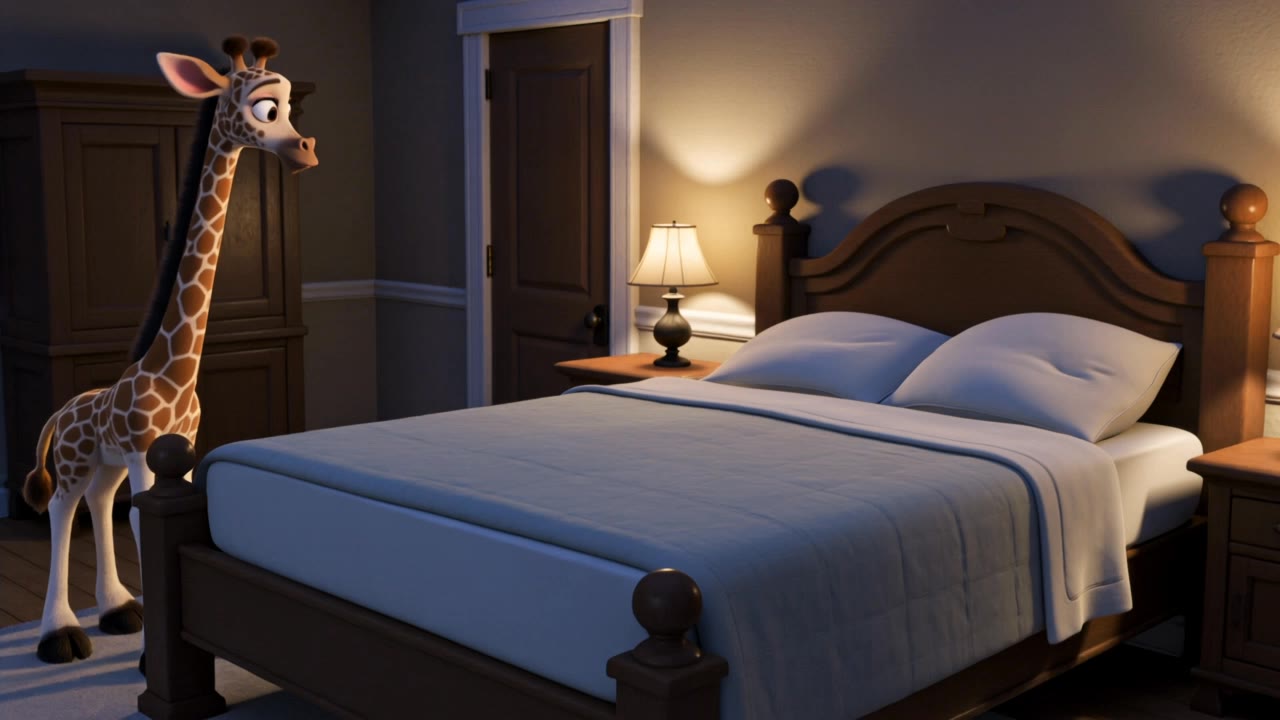
Good night, Bear! says Giraffe.  - ai covers AI video
HVHOHNZq avatar
HVHOHNZq
Kling AI work 313185492662936 - ai covers AI video
Evgenia avatar
Evgenia
Kling AI work 313915640610651 - ai covers AI image
M. laksani avatar
M. laksani
Kaiya’s Morning Routine Part 1 - ai covers AI video
Gabrielle Morgan avatar
Gabrielle Morgan
Kling AI work 320993765662143 - ai covers AI video
skit with bark avatar
skit with bark
bucket Daddy  - ai covers AI video
gKrGnaBI avatar
gKrGnaBI
Kling AI work 312589265612890 - ai covers AI video
xCZkSfgY avatar
xCZkSfgY
Kaiya’s wake up alarm - ai covers AI video
Gabrielle Morgan avatar
Gabrielle Morgan
Kling AI work 300682532524552 - ai covers AI video
Mohammed Wafi NYC avatar
Mohammed Wafi NYC
Kling AI work 313984859666051 - ai covers AI image
MELTUS COSTRUCTION🦺 avatar
MELTUS COSTRUCTION🦺
TIRED - ai covers AI video
JuQfgQid avatar
JuQfgQid
Kling AI work 321209928664696 - ai covers AI video
skit with bark avatar
skit with bark
Kling AI work 317849145663292 - ai covers AI video
obJFNTnR avatar
obJFNTnR

How to Edit a Photo with Kling AI

Upload Your Photo

Upload Your Photo

Start with a clear photo. Add a reference image when you have a particular replacement, background, or style in mind.

Tell Kling What to Change

Tell Kling What to Change

Enter a clear text prompt, explaining what should change and what should stay the same. Kling applies the edit to the photo with AI directly, without layers or complex manual steps.

Review and Fine-Tune

Review and Fine-Tune

Check the result and the areas that matter most. When one detail needs more work, update the prompt for that area instead of starting over. Download the finished image and share it.

Why Kling Stands Out for Image-to-Video Creation

Realistic Motion, Up to 30s Cinematic Camera Work

Realistic Motion, Up to 30s Cinematic Camera Work

Kling 4.0 delivers more stable, physically convincing action in demanding scenes, from fast-paced fights to sports and large-scale movement. Stronger camera direction supports dynamic tracking, complex camera moves, and more coherent shot composition. With up to 30 seconds of native video generation, create longer takes and connected sequences with greater control over action, pacing, and camera movement.

More References, More Creative Control

More References, More Creative Control

Kling 4.0's Omni Reference supports up to 15 combined reference assets, including images, videos, and subjects. Combine character, scene, motion, and style references to guide different elements within the same generation. Up to 10 flexible keyframes give you additional control over composition, character actions, and scene progression. Experiment with different reference combinations and key moments without rebuilding your entire creative setup.

Recreate, Edit, and Explore New Possibilities

Recreate, Edit, and Explore New Possibilities

Kling 4.0 goes beyond generating new footage. It lets you reference existing videos to explore different characters, products, camera movements, and visual styles while retaining the original shot structure or motion as a guide. It also supports precise video editing, letting you target changes to subjects, backgrounds, actions, and camera angles. Rework existing scenes, try alternate versions, and develop new footage without starting from scratch.

Apps

Video Generation
Video Generation

Video Generation

Image Generation
Image Generation

Image Generation

Motion Control
Motion Control

Motion Control

Avatar
Avatar

Avatar

AI Portraits
AI Portraits

AI Portraits

Lip Sync
Lip Sync

Lip Sync

60M+
60M+
Users
600M+
600M+
AI Videos Generated
4.7 ★
4.7 ★
App Store
Industry-Leading
Industry-Leading
Cinematic 4K

Reviews

KakuDrop

KakuDrop

★★★★★

I have successfully collaborated with world-renowned artists and well-known companies that are recognized globally

Samuele Poggi (@visualsk2)

Samuele Poggi (@visualsk2)

★★★★★

I use Kling AI daily to push the limits of AI filmmaking. It allows me to create highly cinematic content, blending AI and VFX to develop innovative projects. It has significantly impacted my creative process, enabling me to achieve complex animations that would otherwise require high production budgets.

Vincent Smadja

Vincent Smadja

★★★★★

Kling AI seamlessly integrates into my creative workflow, playing a key role in transforming my images. After generating and upscaling an image, Kling becomes a crucial element, bringing my creations to life with movement and depth.

FAQ

Q1Can I turn an image created with Kling AI into a video?
Q2Can Kling AI keep characters consistent across multiple images?
Q3How do I write a good AI image prompt?

Your Next Visual Starts Here

Start with a sentence, a sketch, or a reference photo. Shape the composition, dial in the details, and keep iterating in Kling AI.

Free tier available | Text-to-image | Image-to-image | Fast generation