

YCDYHuOp
0
Convert images to videos online with our AI generator. Quick and easy to use, perfect for creating content on the web. Customize your videos with various effects and share them instantly.






-8x.png?x-kcdn-pid=112372&x-oss-process=image%2Fresize%2Cw_100%2Ch_100%2Cm_mfit)
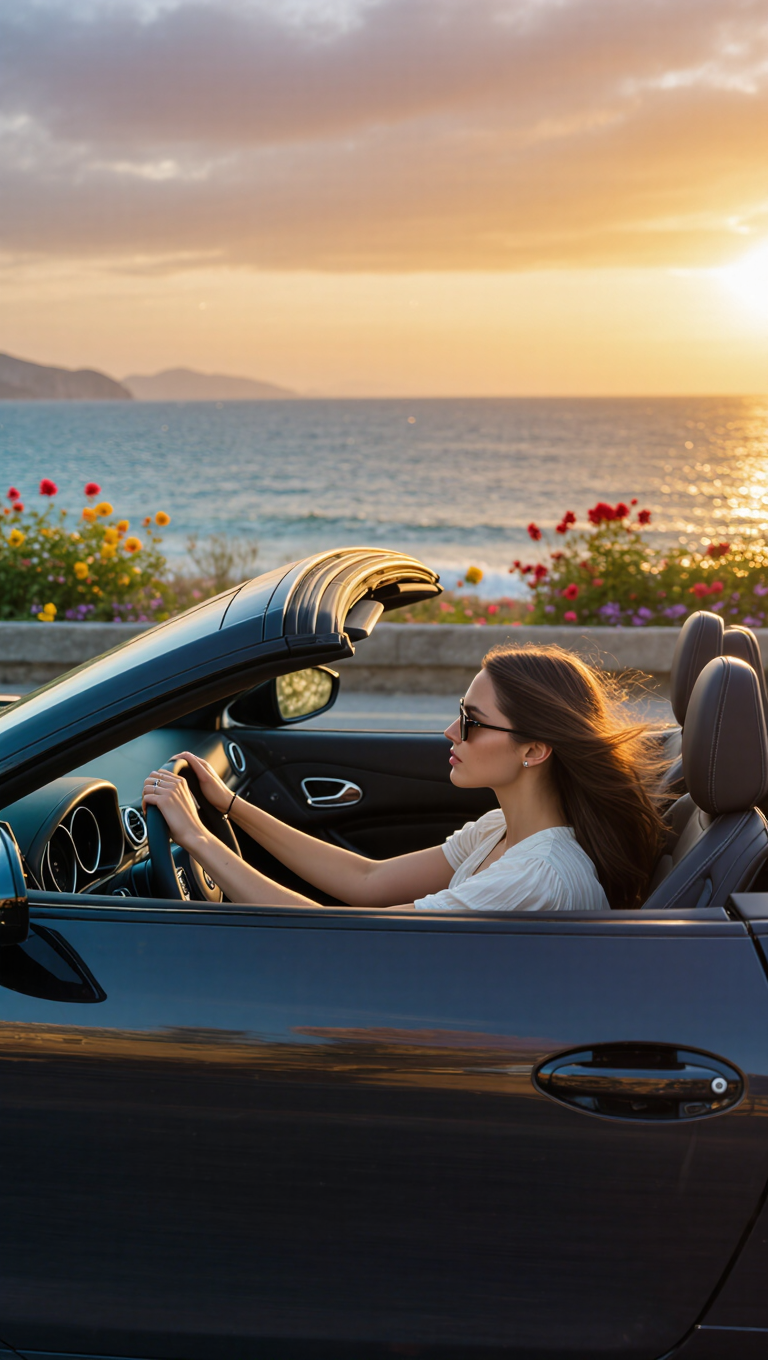

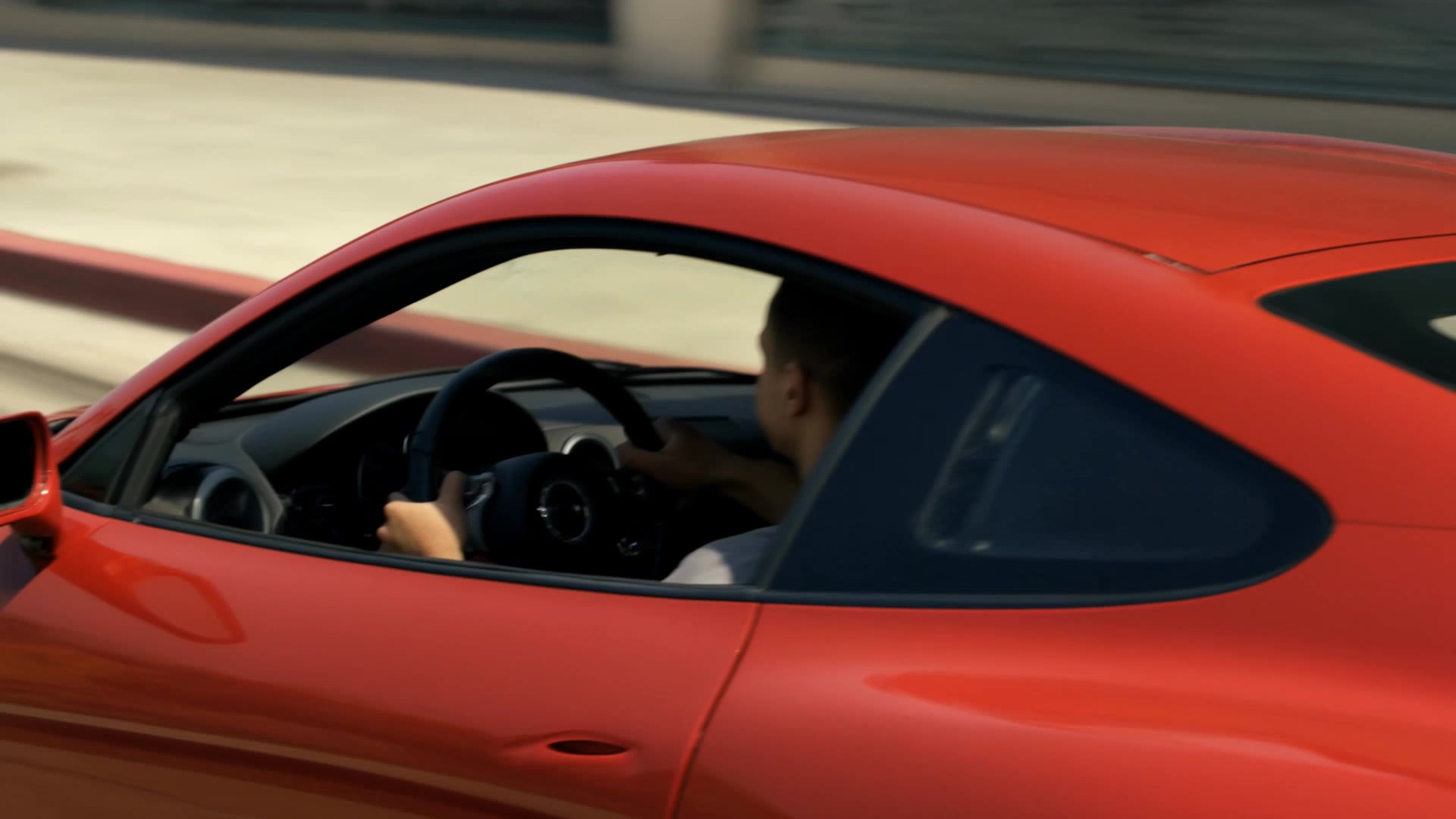
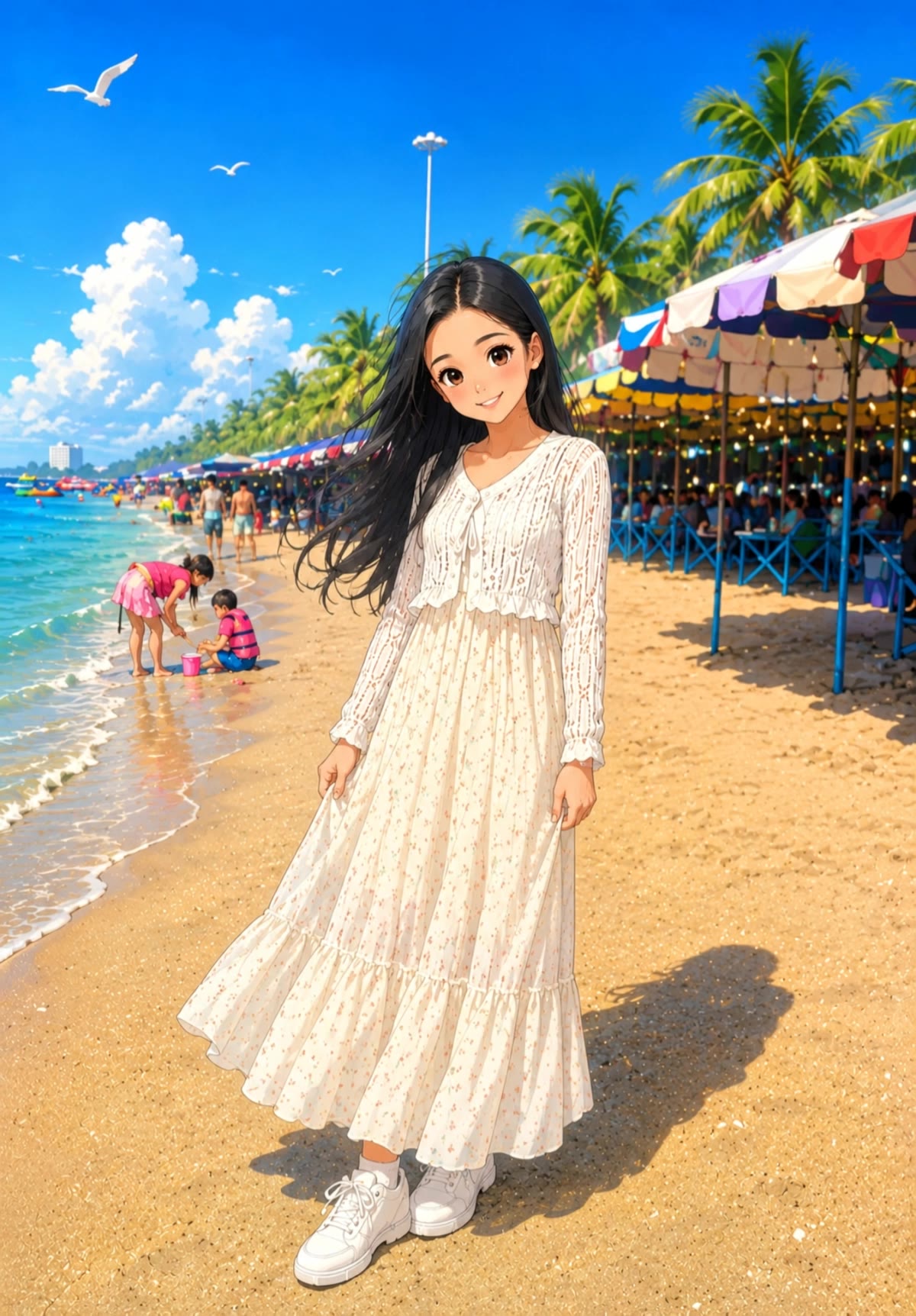
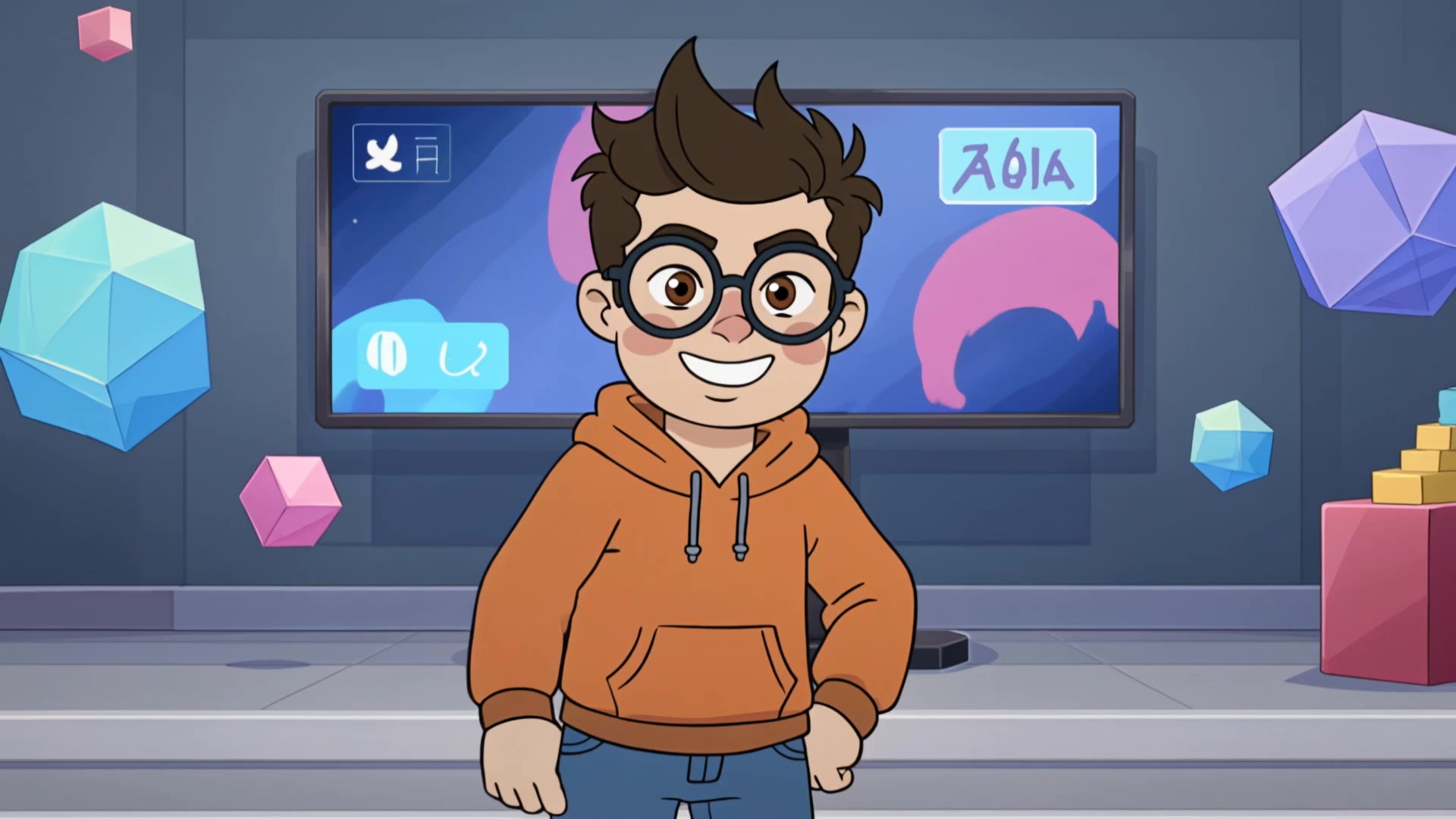
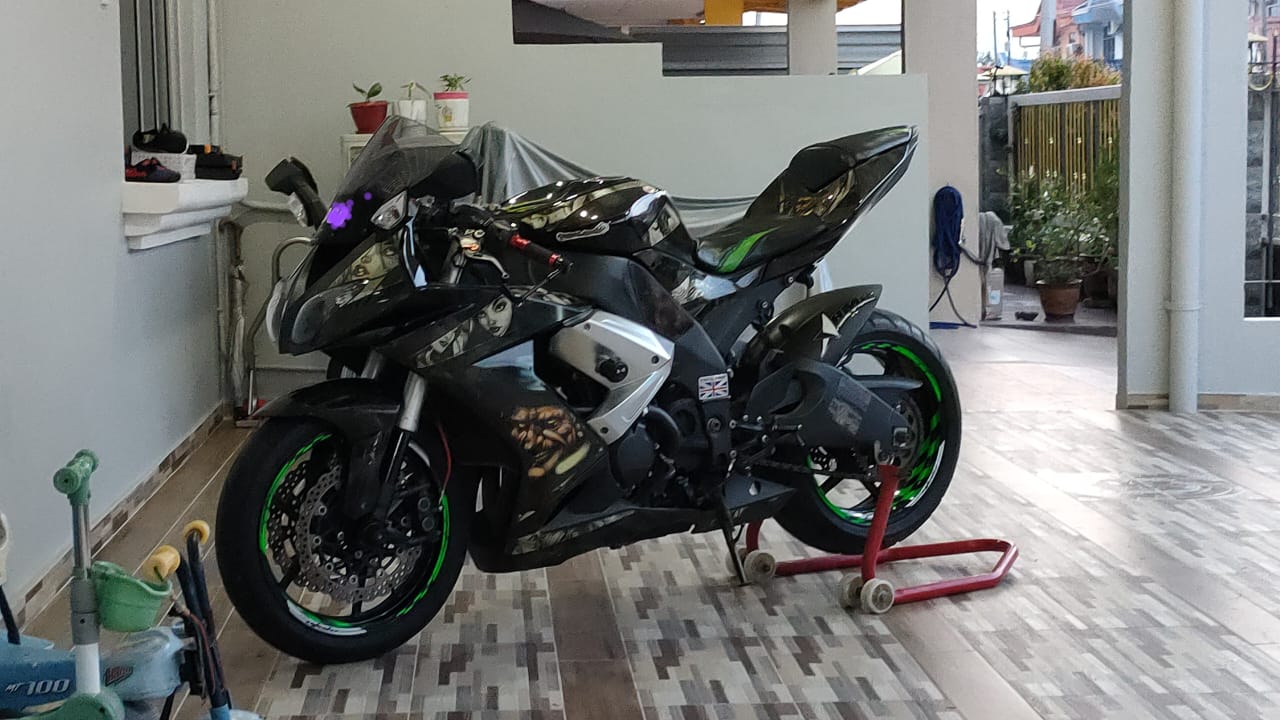
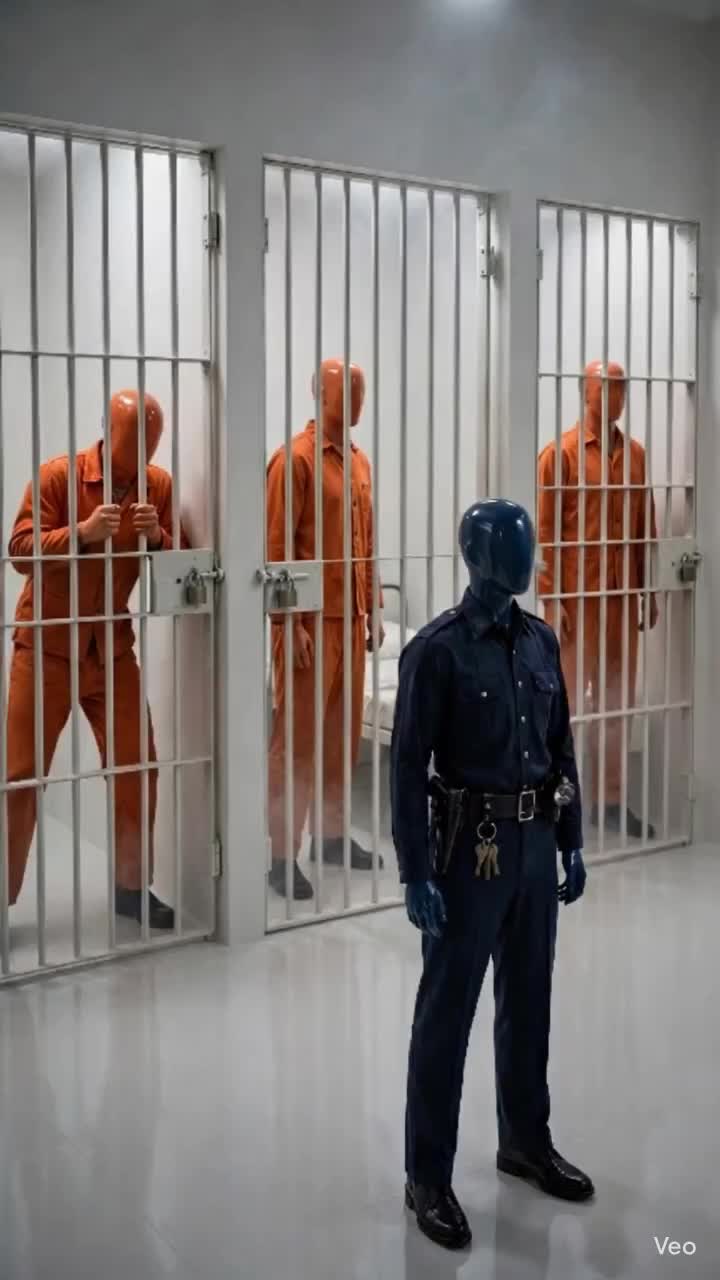

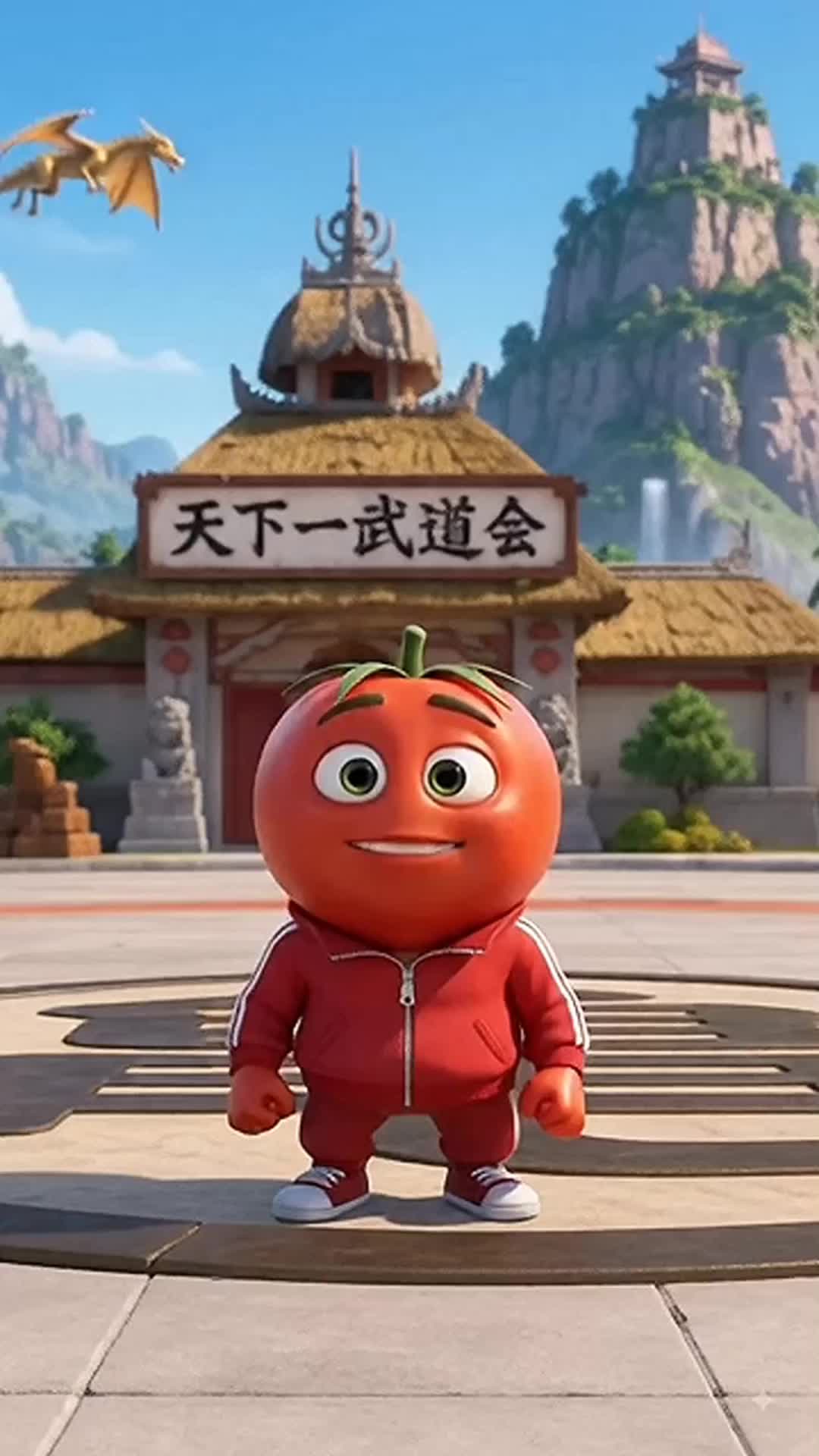


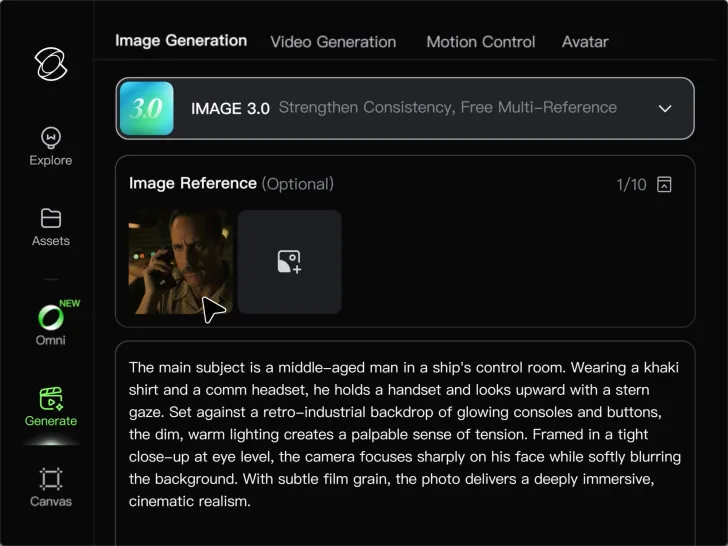
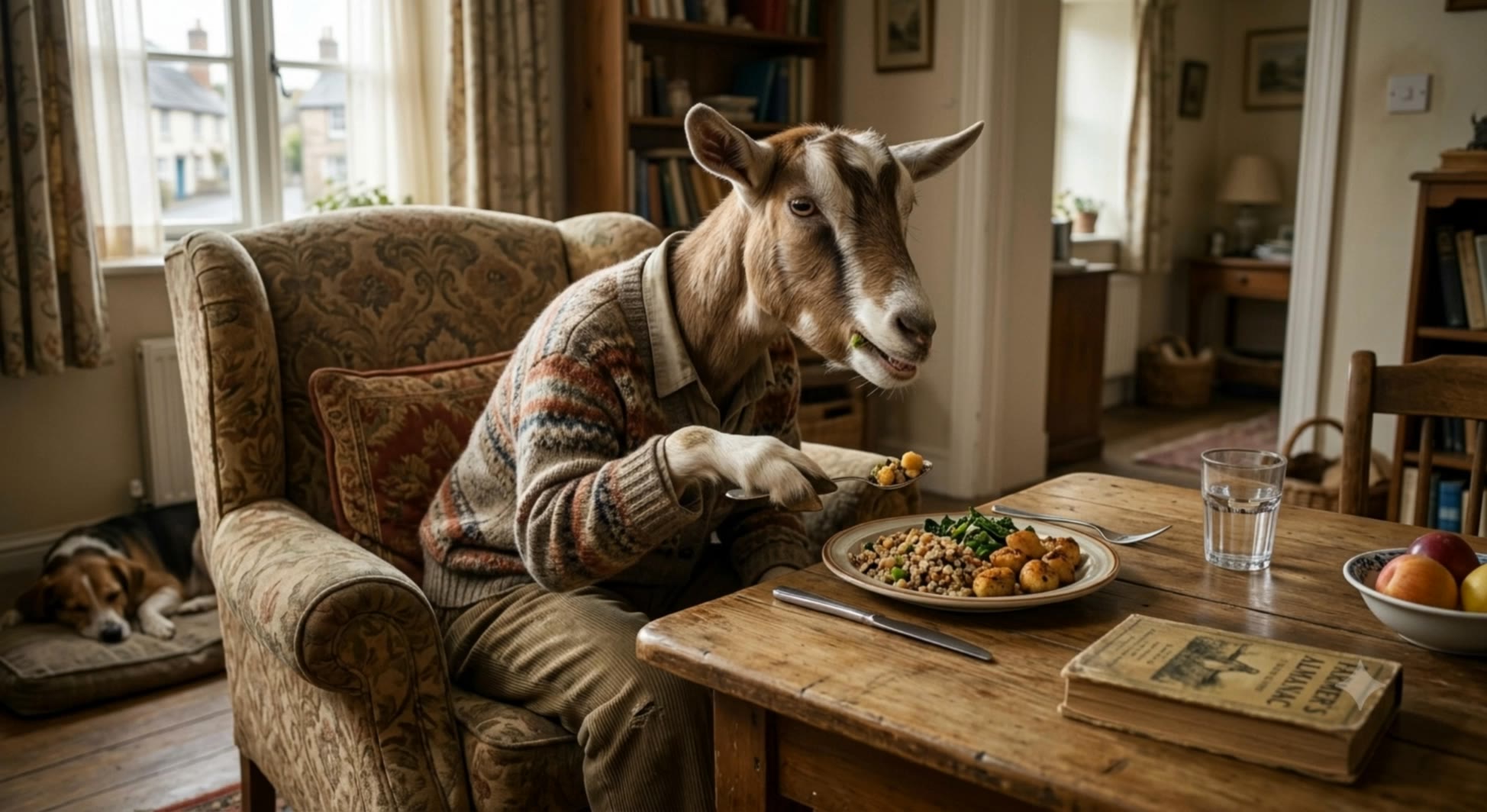
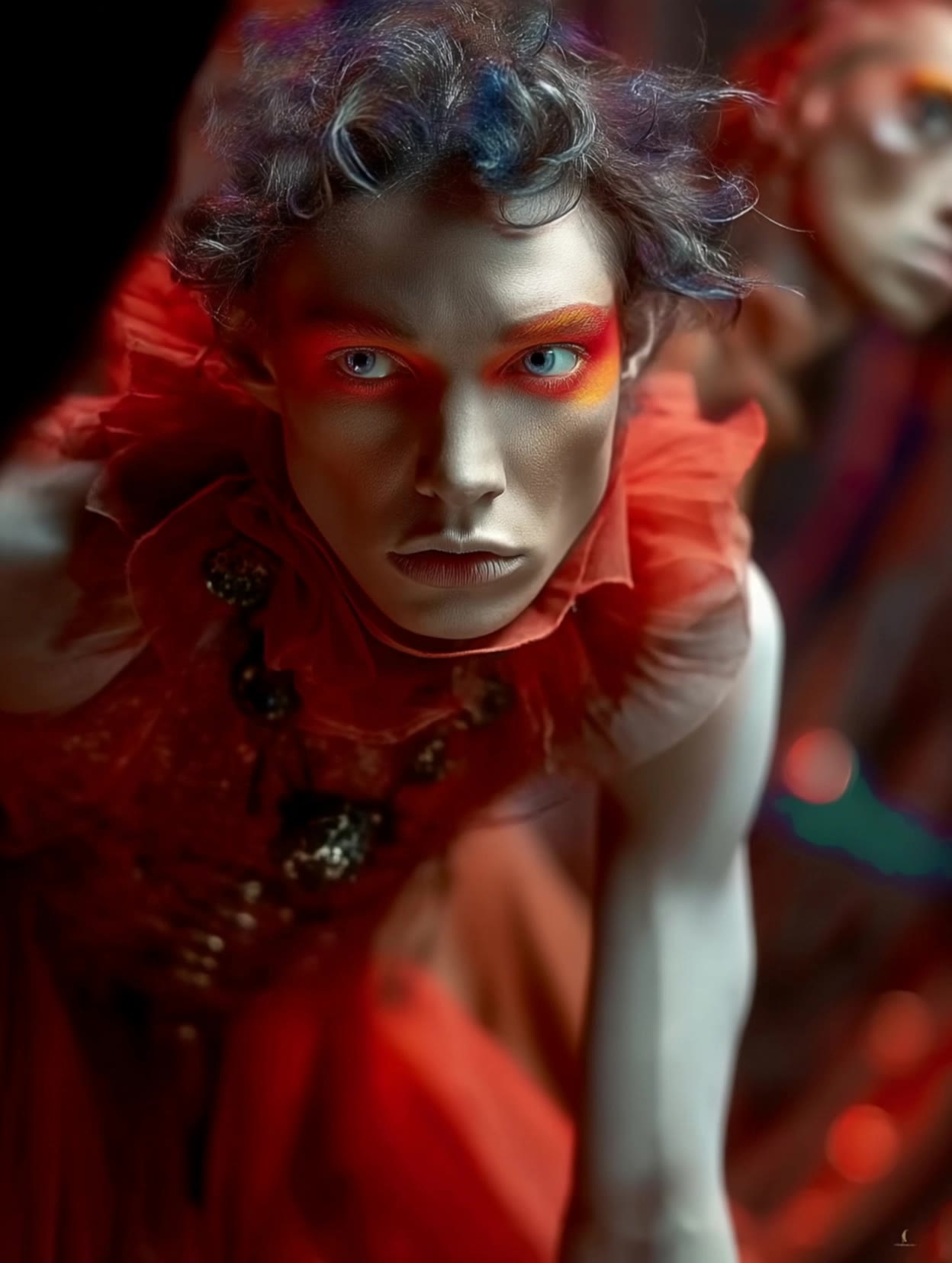
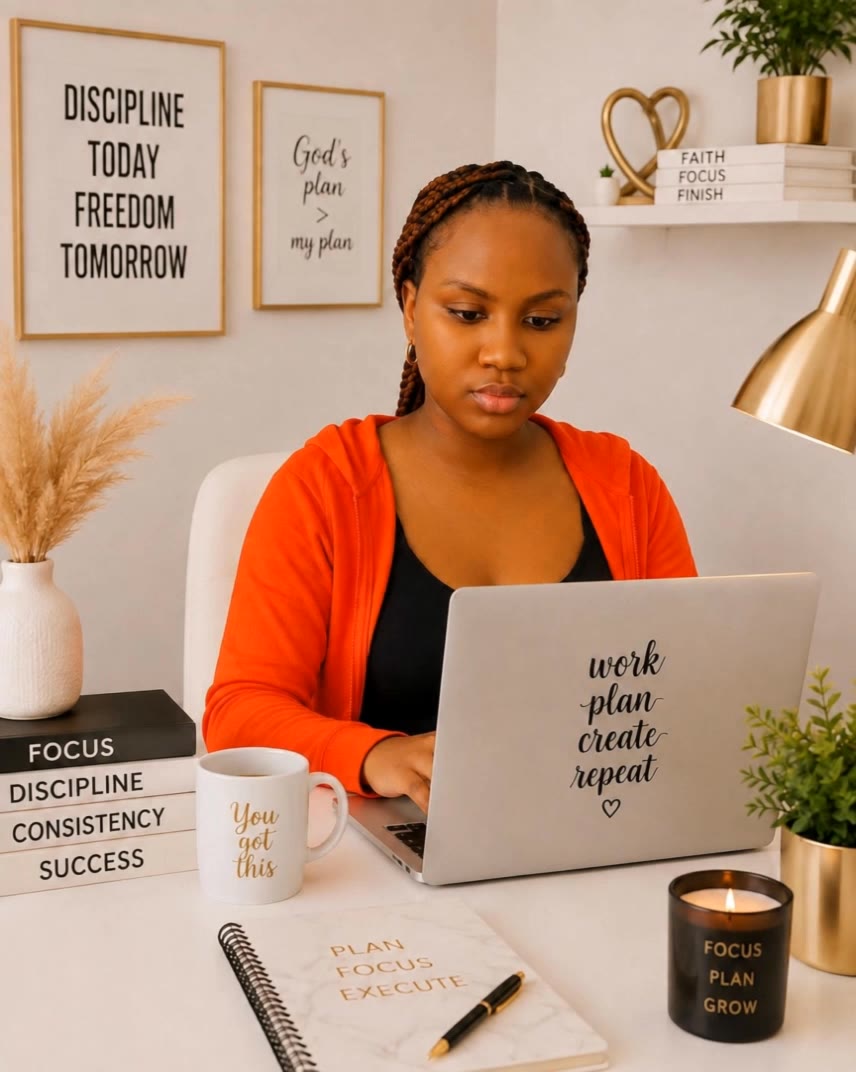
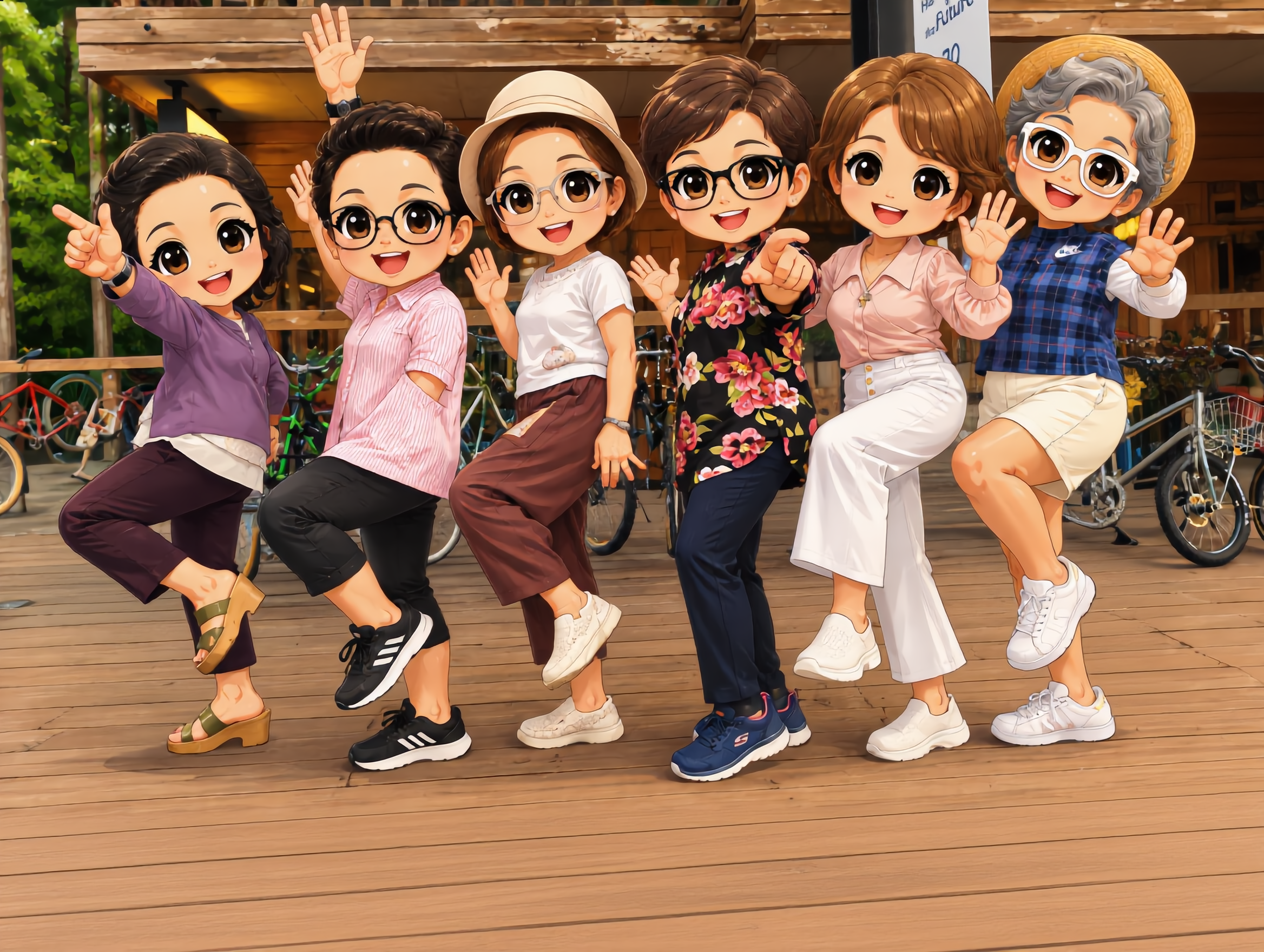
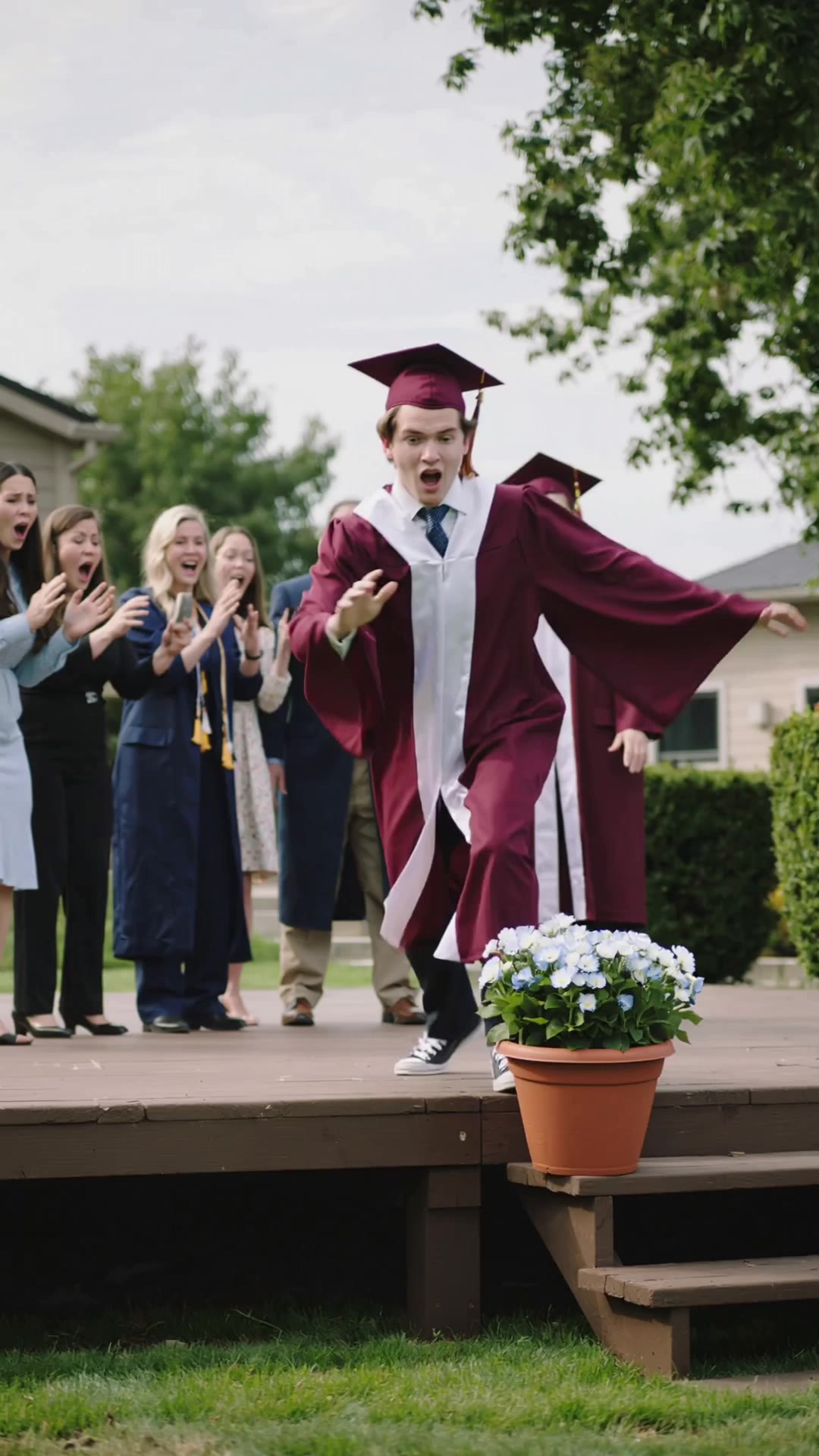
Animate portraits, artwork, and action images with natural character movement and physical interactions. Kling 4.0's dynamic motions improves stability during large movements, fast action, and complex scenes. From subtle facial expressions to sports and fight choreography, create motion that develops naturally from your image while keeping the subject and surrounding scene visually coherent.
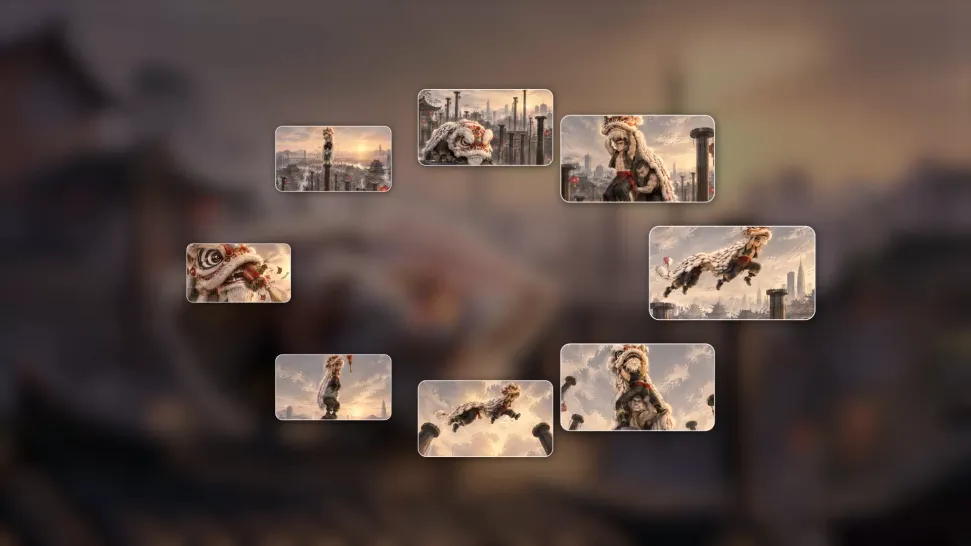
A single image can lead to a tracking shot, camera orbit, close-up, or wider scene. Kling 4.0 offers stronger camera control, with native video generation up to 30 seconds for longer movements and connected action. Start and end frames help guide a transition, while up to 10 flexible keyframes let you define additional compositions, character poses, and scene changes as the video develops.
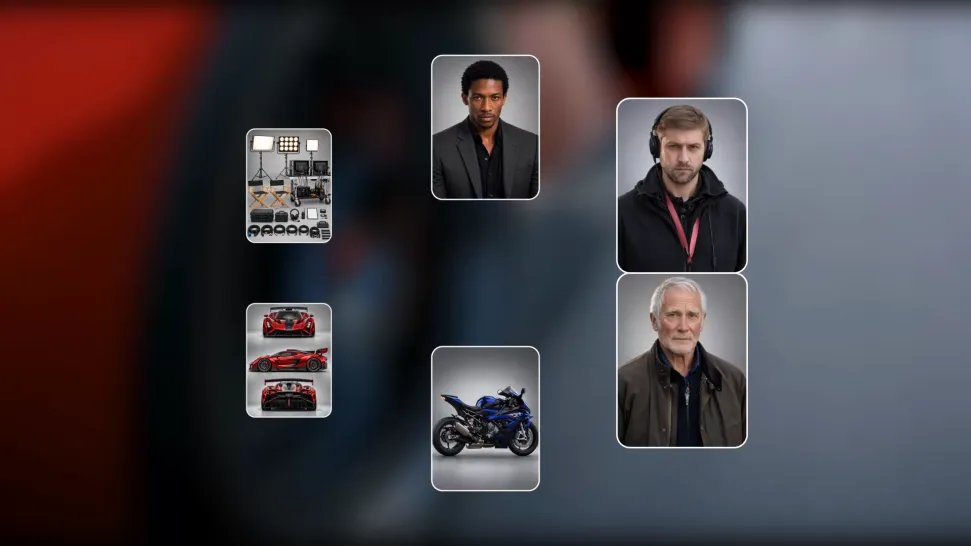
Keep recognizable characters, products, and visual styles as your images begin to move. Kling 4.0's Omni Reference supports up to 15 combined assets, including images, videos, and subjects, to guide appearance, actions, camera work, and settings. Use multiple views of a character or product alongside style and motion references. Stronger visual consistency helps preserve familiar details across new shots, with realistic textures.

















I use AI daily and Kling AI is a crucial part of my workflow, whether for client work or personal projects. What I love most about using Kling AI is that it provides all the tools I need in one place, from keyframes to character references, elements and special effects.

I use Kling AI every day. It's amazing to see the almost daily progress it makes. I used AI for fun at first, and I now find that Kling AI's animations allow me to gain professional visibility, with three times more views on my animated posts than on my static posts.
Kling AI has made it easy for us to generate world class visuals for Fortune 500 companies, TV shows and music for big artists. We love the easy of use of the platform and the quality of the generations. My first time using Kling AI, I got 22 million views on just one video. It's that good.
Start with the image you have and rework it for the look, message, or moment you have in mind.
Object removal | Background changes | Portrait retouching | Photo restyling