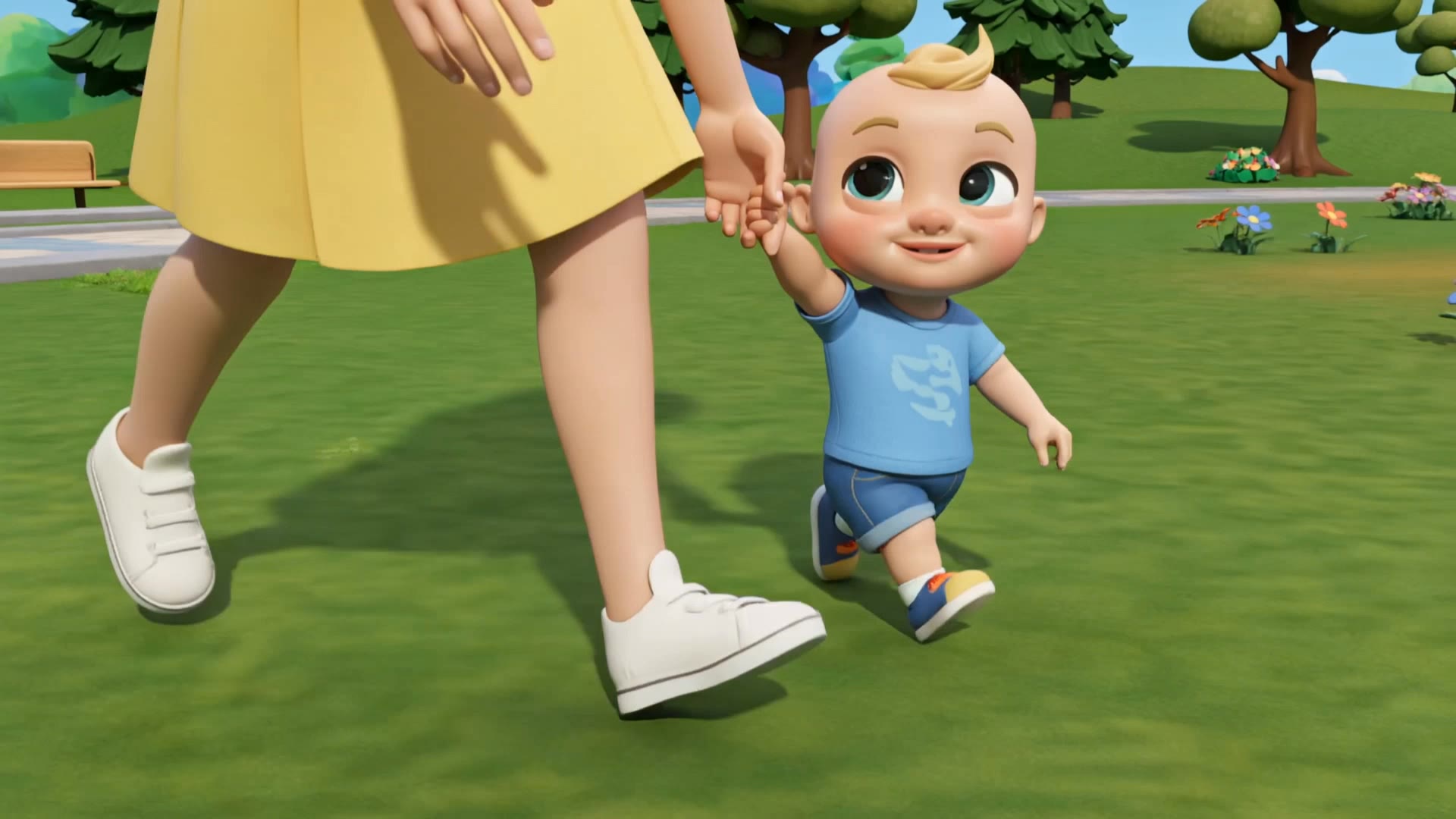
ai kids voice generator - 3D animation & whimsical fantasy

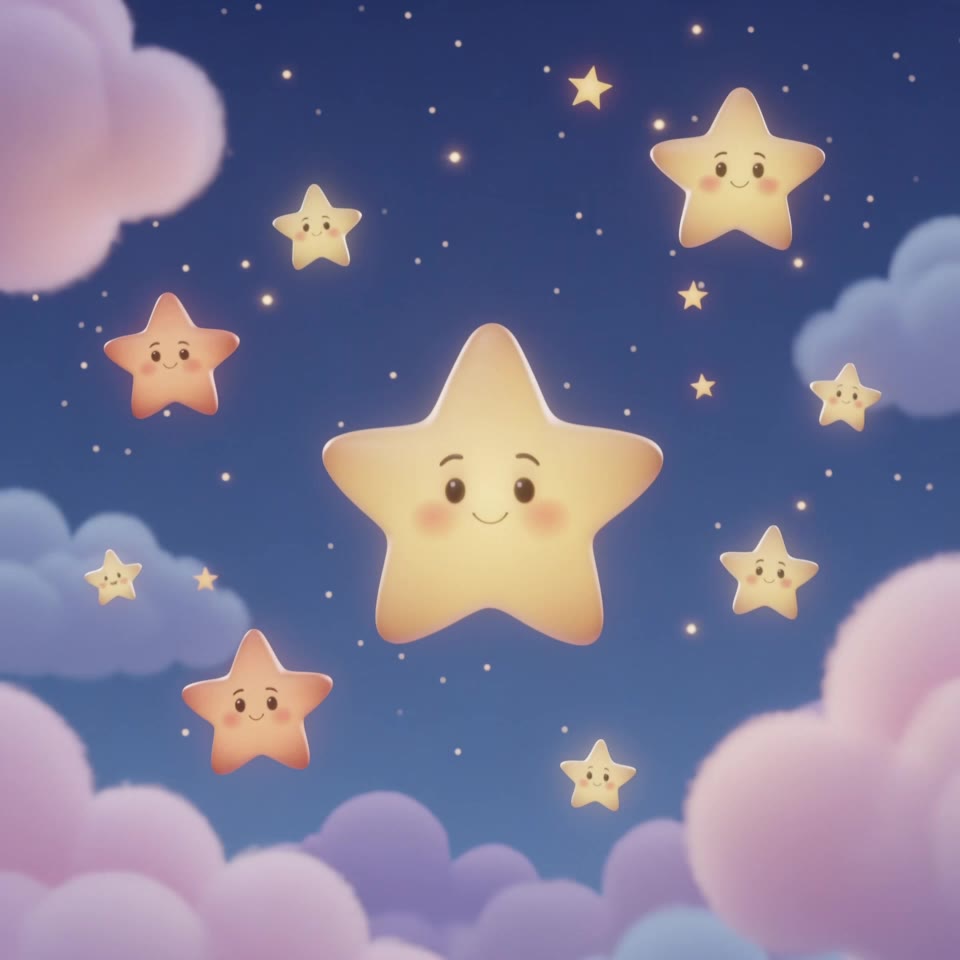
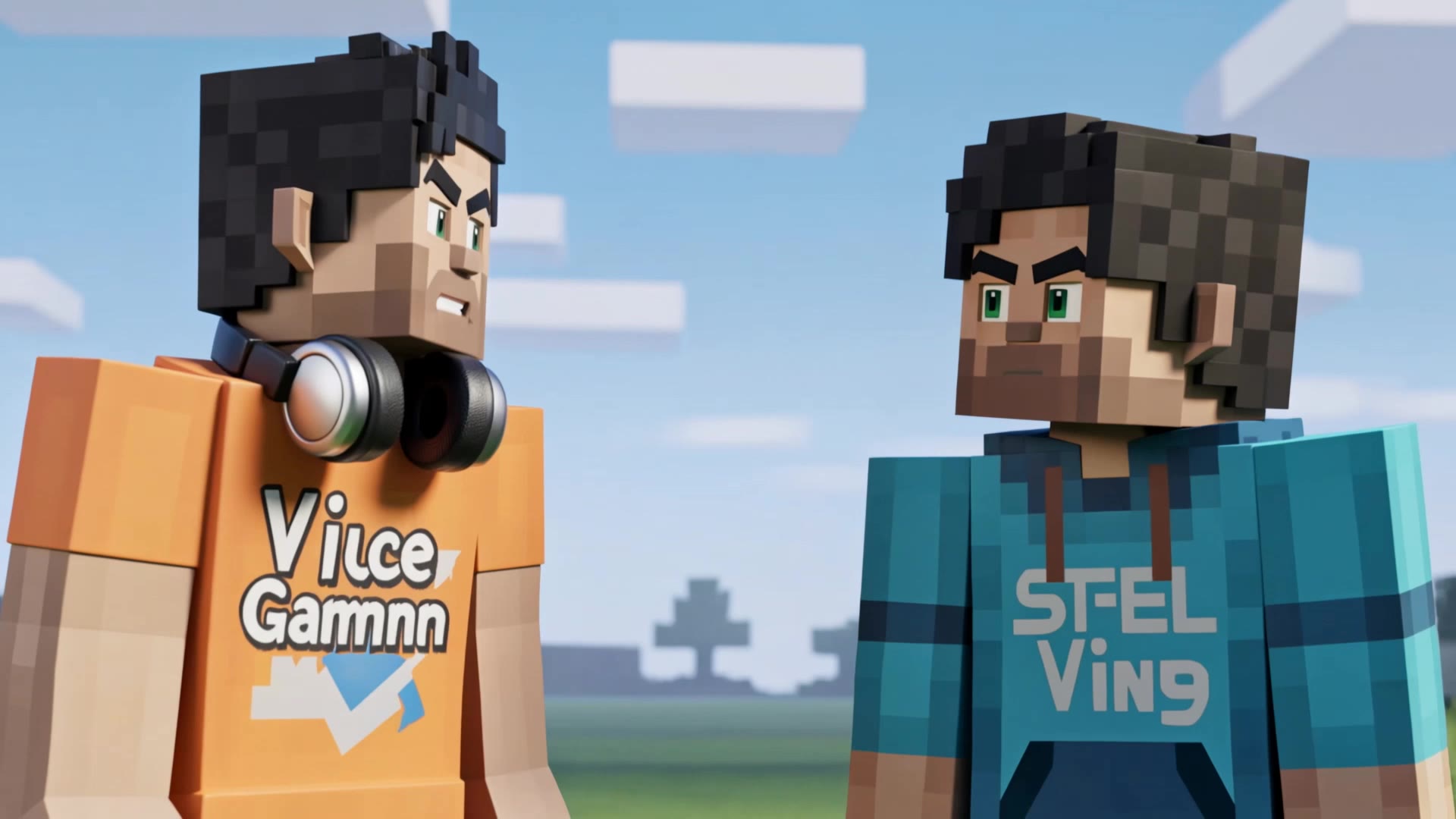
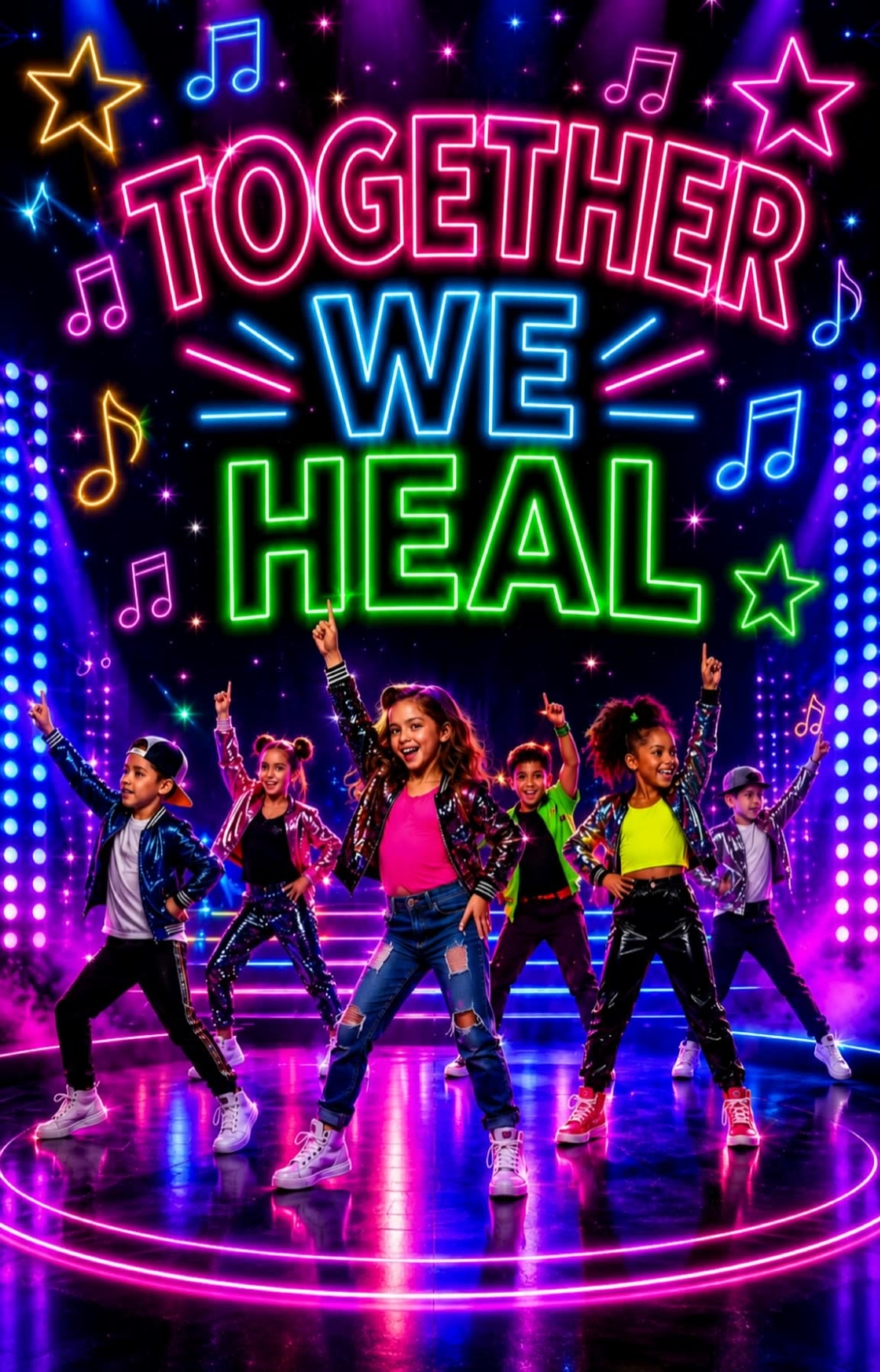
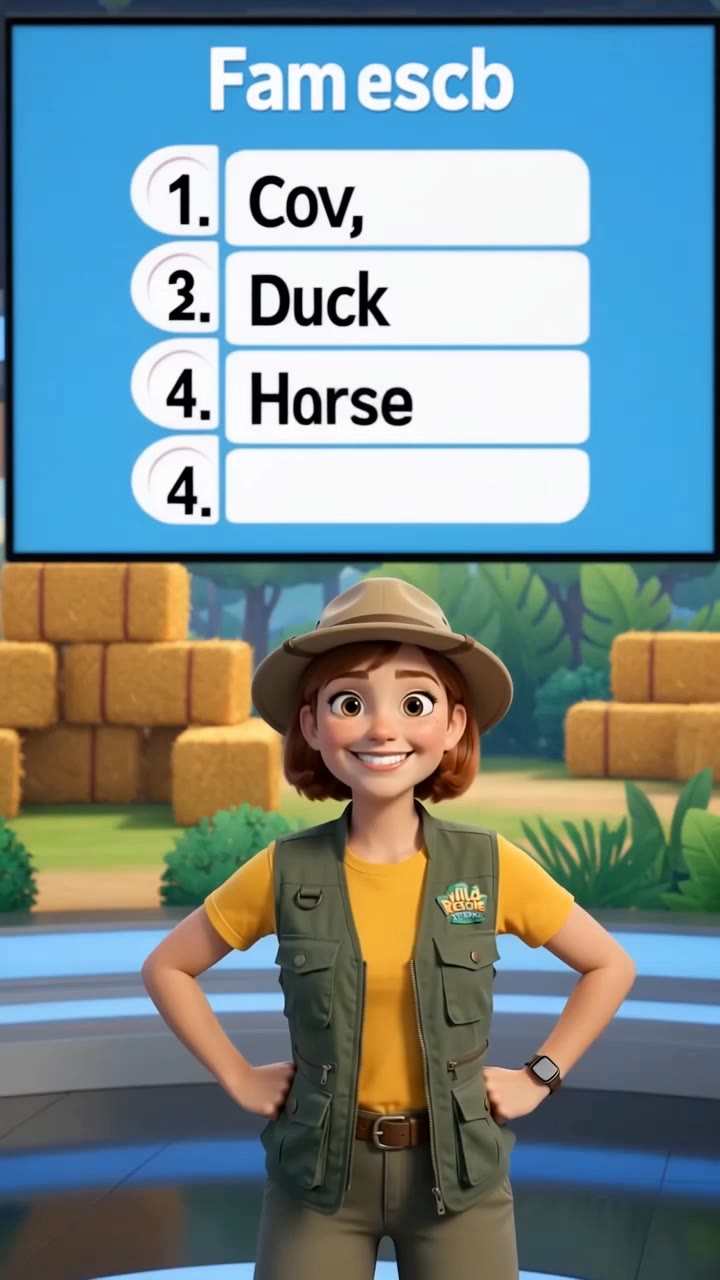
Immerse in a whimsical world where 3D kids dance with animals and sing with heartfelt emotion. Unleash creativity with AI-powered voice generation inspired by imaginative themes and vibrant visuals. Start exploring ai kids voice generator ideas and generate your own content with AI.

ai kids voice generator - 3D animation & whimsical fantasy

Recommended

Kling AI work 311832991612590 - ai kids voice generator AI video
XWYDIsmB avatar
XWYDIsmB
Kling AI work 321402679658319 - ai kids voice generator AI video
qxAFWdLZ avatar
qxAFWdLZ
Gus! - ai kids voice generator AI video
Ms Minn avatar
Ms Minn
nurse  - ai kids voice generator AI video
Chris Kay avatar
Chris Kay
Computer virus joke - ai kids voice generator AI video
dJypsSzn avatar
dJypsSzn
Kling AI work 306984509535058 - ai kids voice generator AI video
wBgnnZnM avatar
wBgnnZnM
Kling AI work 317504961615076 - ai kids voice generator AI video
etIovjAg avatar
etIovjAg
Kling AI work 312526456661183 - ai kids voice generator AI video
QJAjnLRU avatar
QJAjnLRU
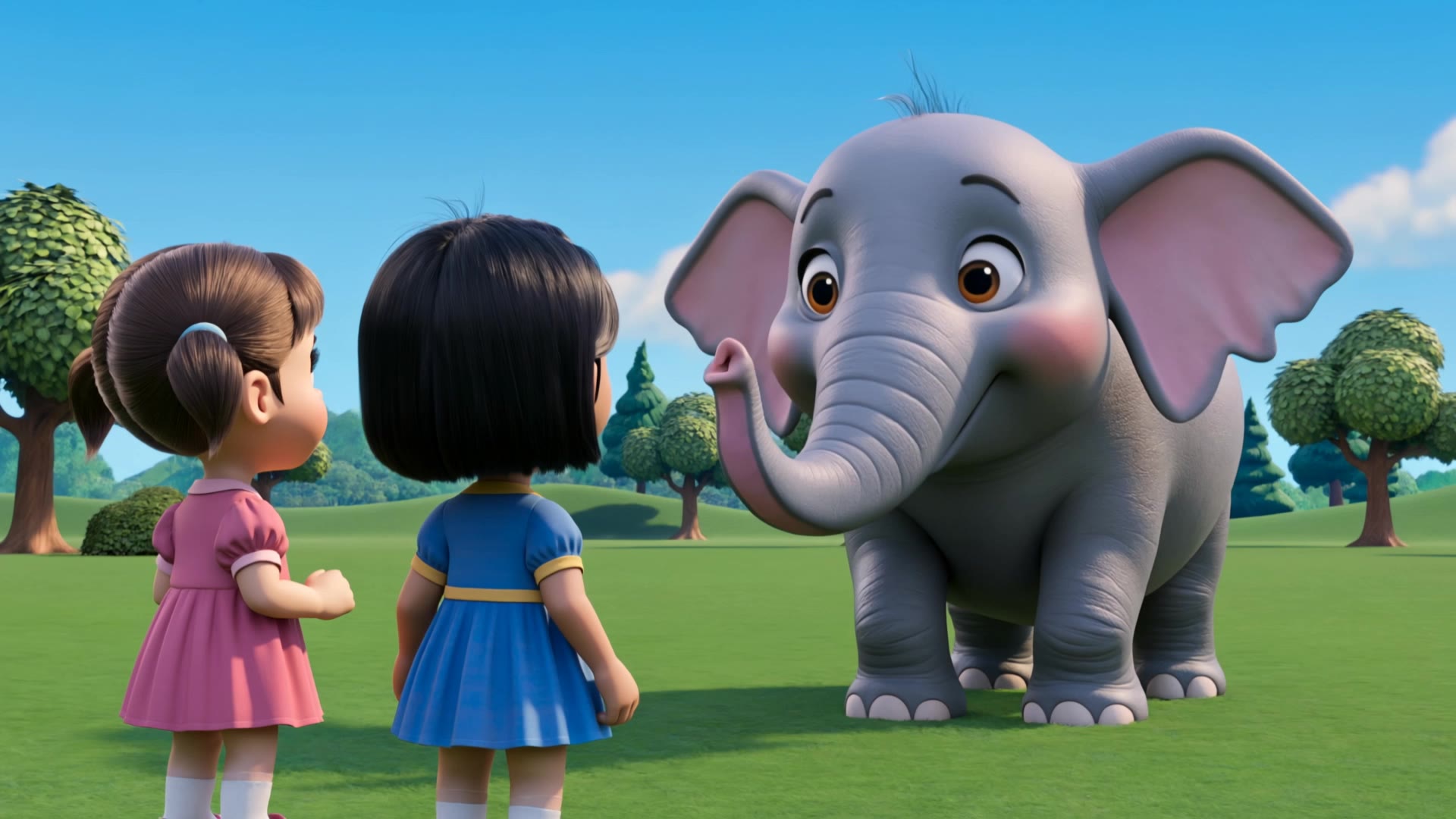
elephant  - ai kids voice generator AI video
rSCtTIPV avatar
rSCtTIPV
Kling AI work 316639422662747 - ai kids voice generator AI video
rhwjCBtA avatar
rhwjCBtA
Kling AI work 319496762321390 - ai kids voice generator AI video
egreKQde avatar
egreKQde
Kling AI work 314401696668254 - ai kids voice generator AI video
vgMZzZRX avatar
vgMZzZRX
ai video generator  - ai kids voice generator AI video
00:10
WPZnwzke avatar
WPZnwzke
that's best video generator ai a - ai kids voice generator AI video
00:08
ffskoEee avatar
ffskoEee
nursery  - ai kids voice generator AI video
Chris Kay avatar
Chris Kay
Kling AI work 318039336611299 - ai kids voice generator AI video
TkUcmCZZ avatar
TkUcmCZZ
kids rhyme creating  - ai kids voice generator AI video
jupdAPGH avatar
jupdAPGH
Kling AI work 318588243667468 - ai kids voice generator AI video
zMAxvMHM avatar
zMAxvMHM
nursery  - ai kids voice generator AI video
Chris Kay avatar
Chris Kay

How to Animate an Image with AI

Upload Your Image

Upload Your Image

Upload a portrait, product photo, illustration, or other image. For additional control, Kling 4.0's Omni Reference supports up to 15 combined reference assets, subject to individual input limits.

Describe the Motion

Describe the Motion

Specify how your subject moves and what the camera does. You can also add start and end frames or use up to 10 flexible keyframes to guide important changes with supported Kling 4.0 settings.

Generate and Download

Generate and Download

Choose your video settings and generate a clip up to 30 seconds long with Kling 4.0. Preview the result, make adjustments if needed, and download your video.

Edit the Parts That Matter

Change Subjects, Backgrounds, and Style

Change Subjects, Backgrounds, and Style

A different character, a new product, or a completely different location can change the purpose of a video. Keep the footage you already have and update the elements that need another take. No green screen needed. Kling 4.0 supports adding, removing, and replacing subjects and scene elements using prompts and visual references. Change a product, replace a character, or move the action into a new setting. Reference images help guide the appearance of new elements while keeping the rest of the scene closer to the original.

Recreate Videos with Your Own References

Recreate Videos with Your Own References

Found a camera move, transition, or video concept that would work with your own character or product? You can use the original clip as a creative reference rather than recreating the entire shoot. Kling 4.0 draws on reference footage for pacing, shot composition, and movement while introducing your own subjects and visual style. Omni Reference supports up to 15 combined assets, subject to individual input limits. Combine character images, product photos, and video references to explore new versions while helping recognizable details stay consistent.

Extend Your Video Up to 2 Minutes

Extend Your Video Up to 2 Minutes

Continue an existing video forward or backward, adding footage before the opening or after the ending. Extend actions, camera movements, and storylines while keeping the new footage connected to the original scene. Kling 4.0's Video Extension supports multiple extension passes, reaching a total video length of up to 2 minutes. Build longer sequences with continuity in characters, settings, and movement, without recreating the entire video.

Apps

Video Generation
Video Generation

Video Generation

Image Generation
Image Generation

Image Generation

Motion Control
Motion Control

Motion Control

Avatar
Avatar

Avatar

AI Portraits
AI Portraits

AI Portraits

Lip Sync
Lip Sync

Lip Sync

60M+
60M+
Users
600M+
600M+
AI Videos Generated
4.7 ★
4.7 ★
App Store
Industry-Leading
Industry-Leading
Cinematic 4K

Reviews

Samuele Poggi (@visualsk2)

Samuele Poggi (@visualsk2)

★★★★★

I use Kling AI daily to push the limits of AI filmmaking. It allows me to create highly cinematic content, blending AI and VFX to develop innovative projects. It has significantly impacted my creative process, enabling me to achieve complex animations that would otherwise require high production budgets.

Maria Rubtsova

Maria Rubtsova

★★★★★

I’m Maria Rubtsova, an AIGC digital artist passionate about creating stunning visuals in the worlds of fashion, aesthetics, and fantasy. I use KlingAi to bring imagination to life through video. My work is all about exploring beauty, emotion, and the limitless possibilities of digital art.

KakuDrop

KakuDrop

★★★★★

I have successfully collaborated with world-renowned artists and well-known companies that are recognized globally

FAQ

Q1What is an AI image generator?
Q2Can I turn an image created with Kling AI into a video?
Q3How do I create an AI image with Kling AI?

Your Next Visual Starts Here

Start with a sentence, a sketch, or a reference photo. Shape the composition, dial in the details, and keep iterating in Kling AI.

Free tier available | Text-to-image | Image-to-image | Fast generation