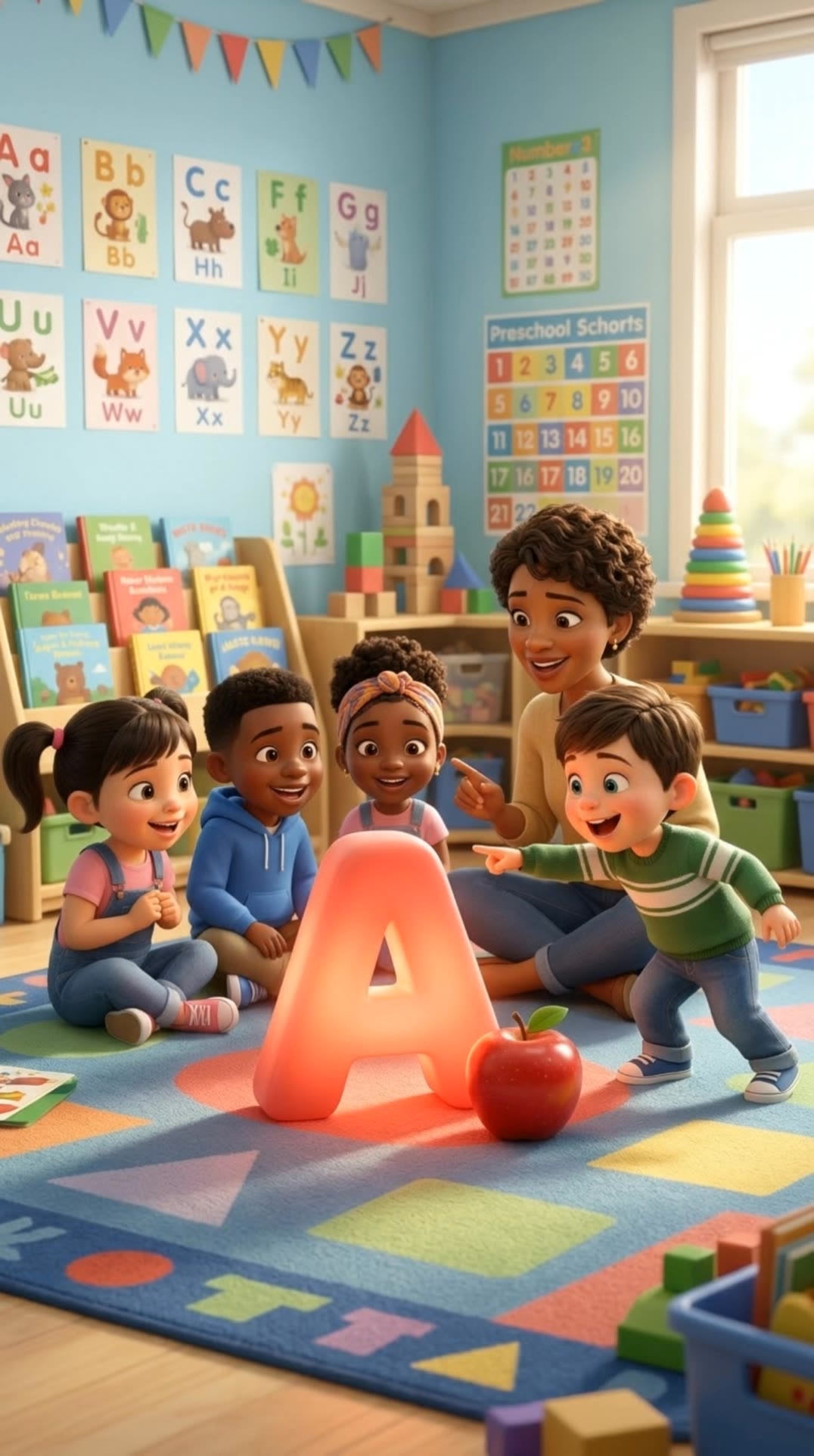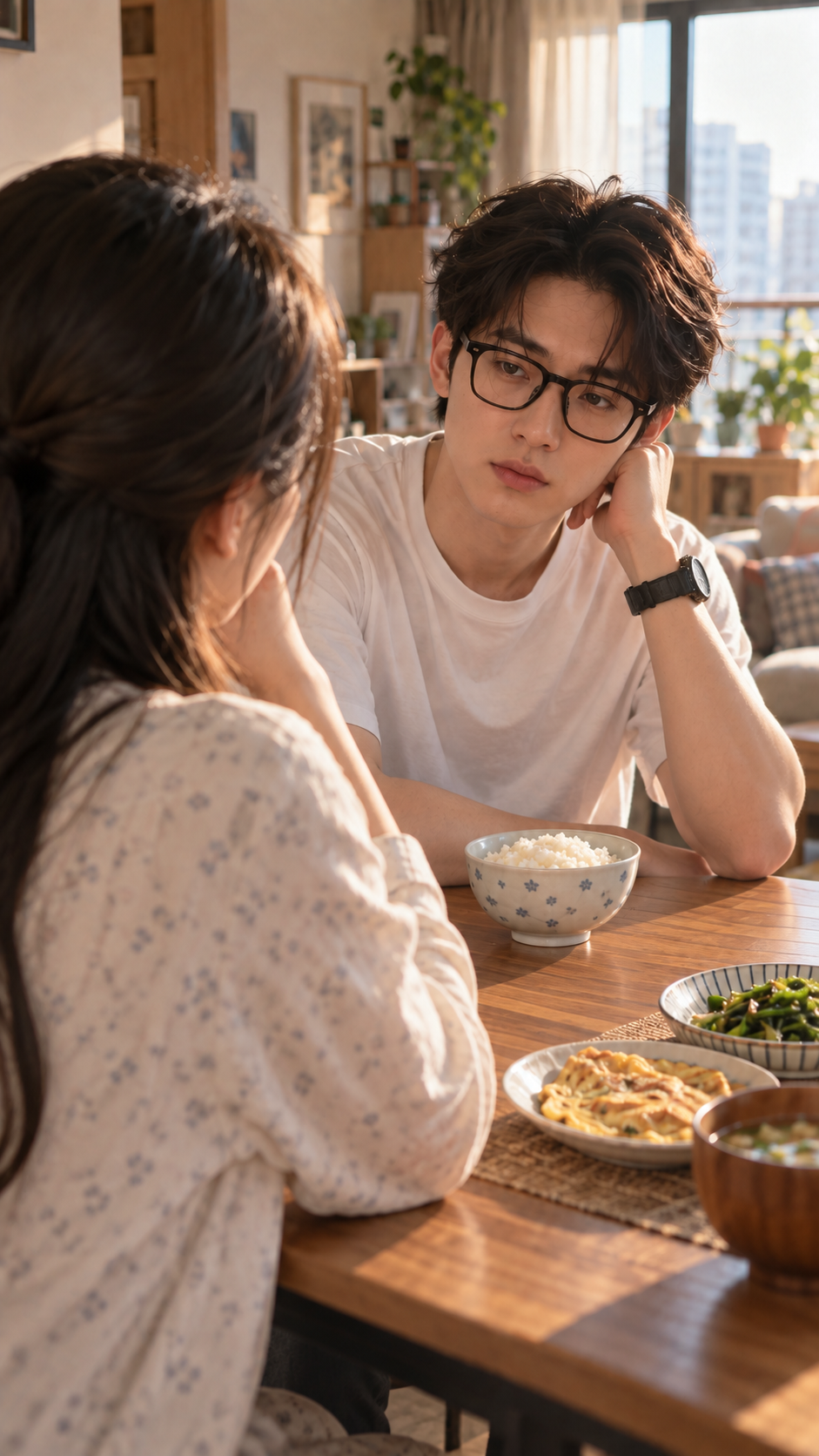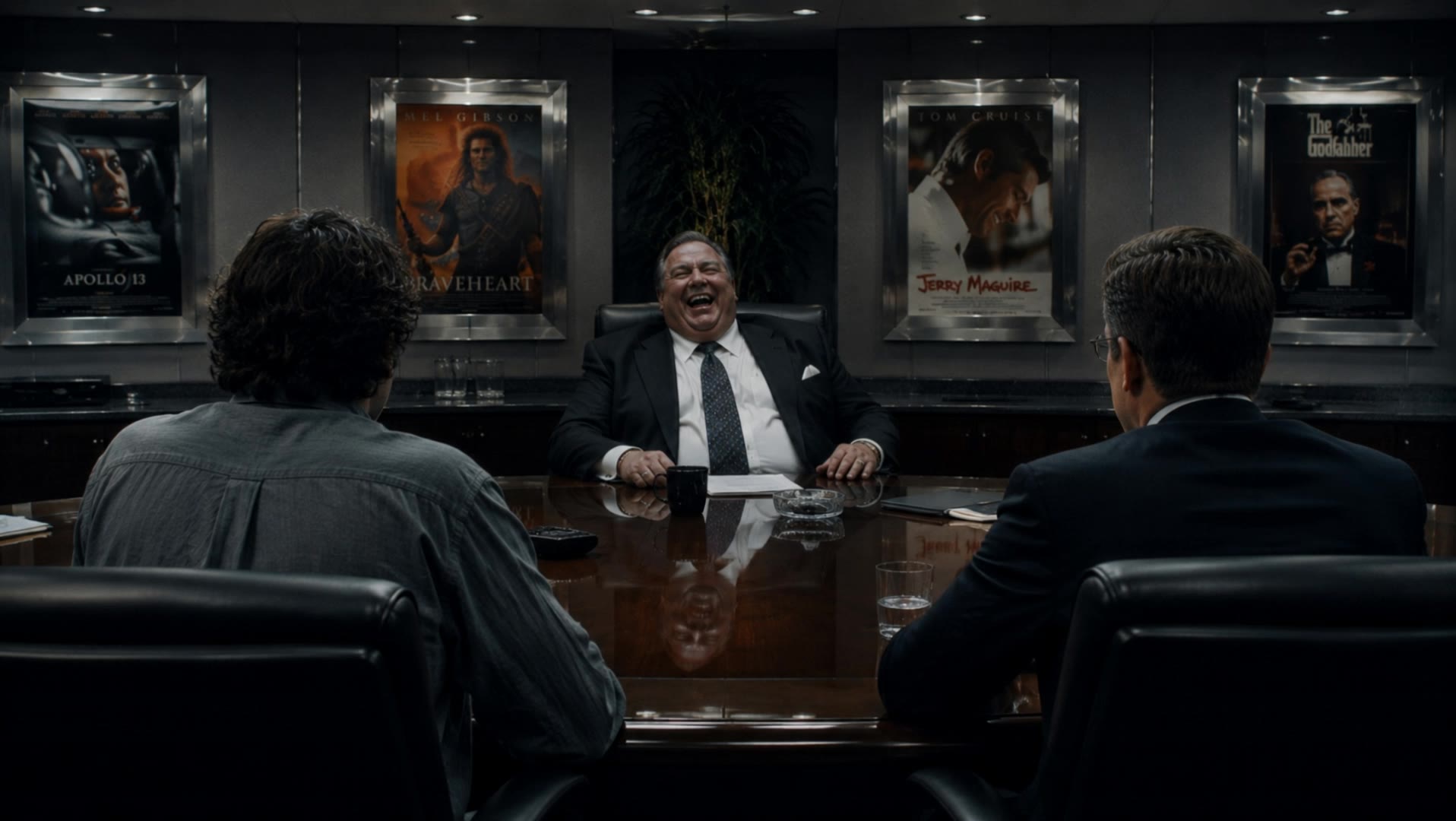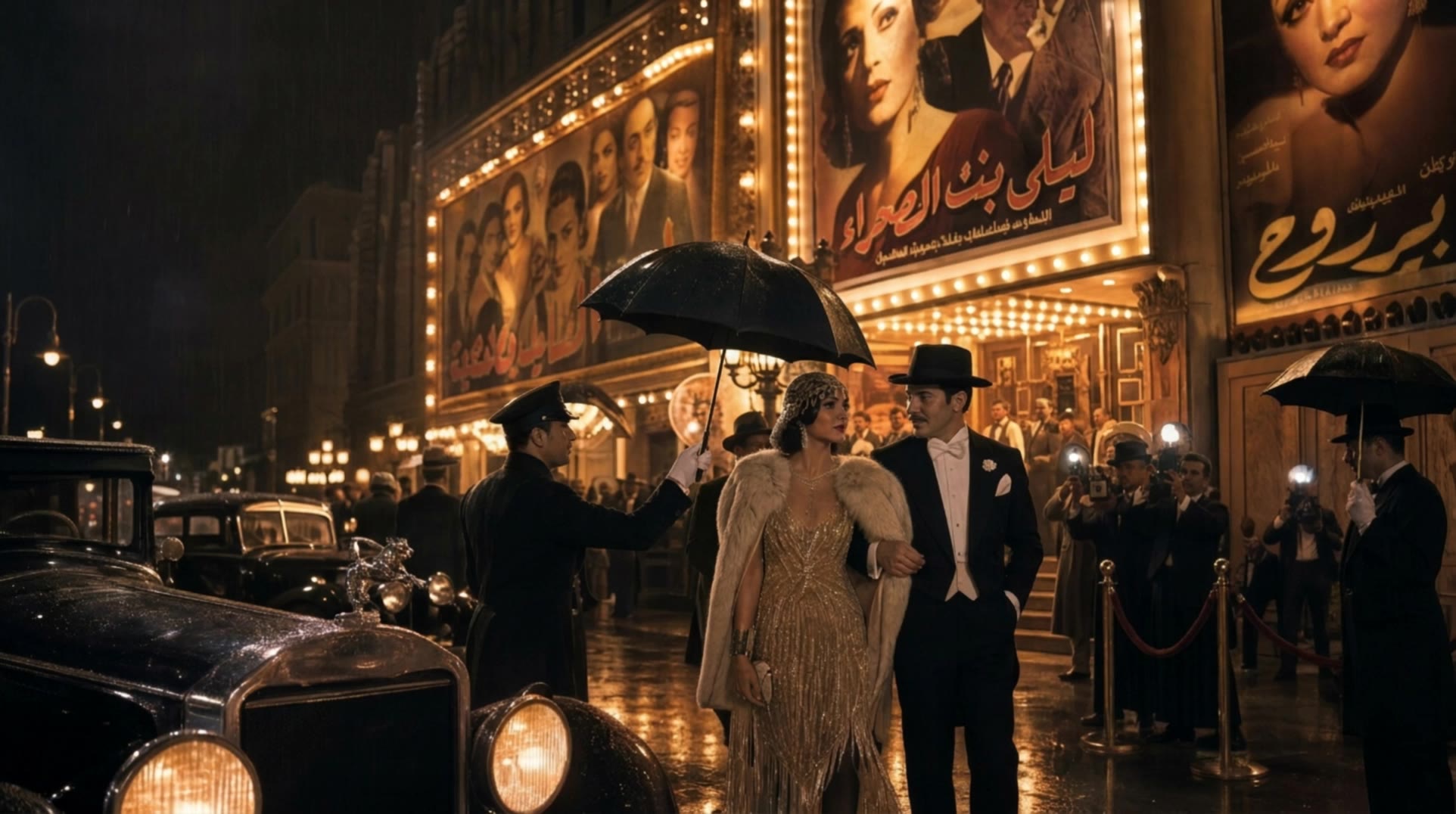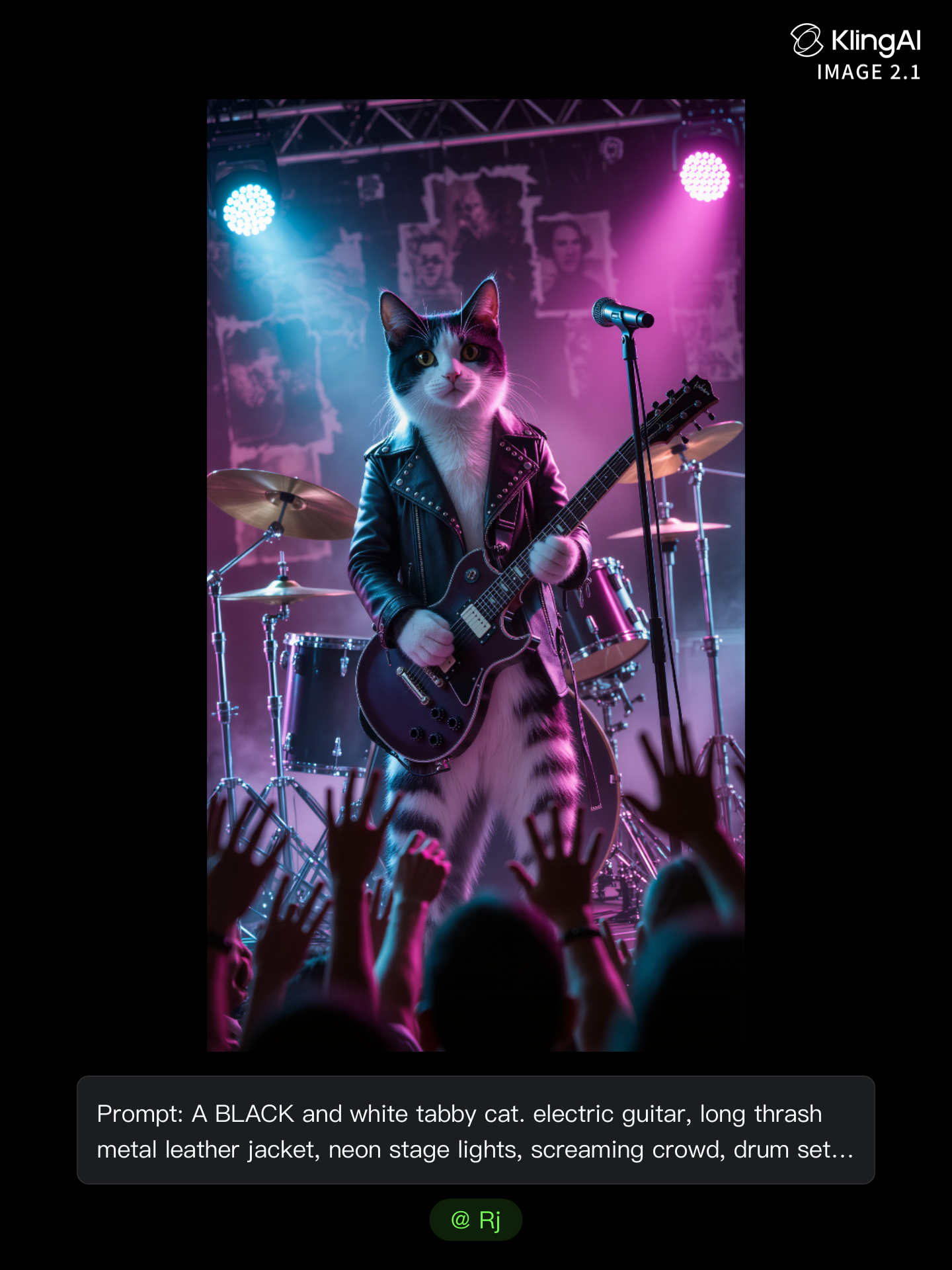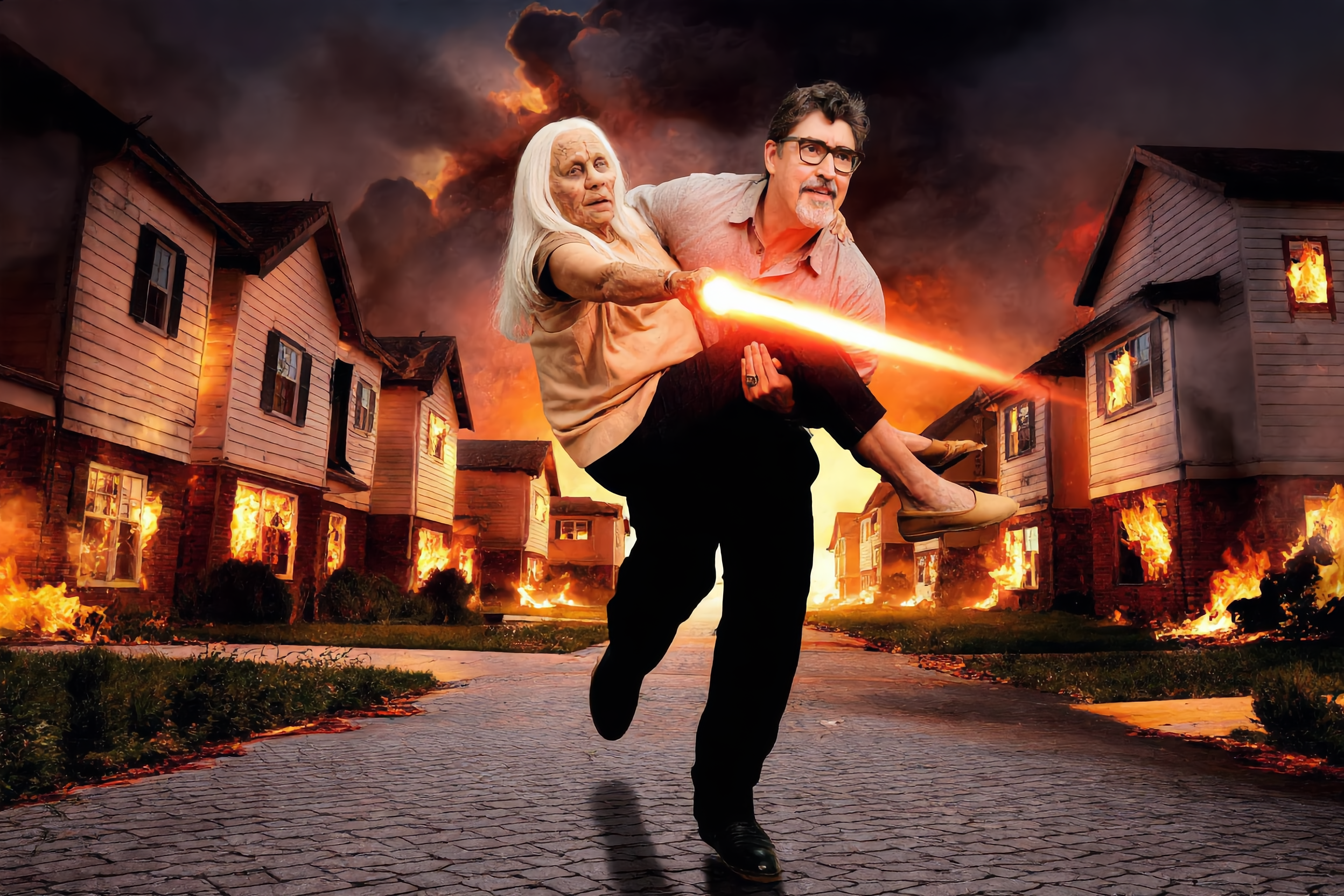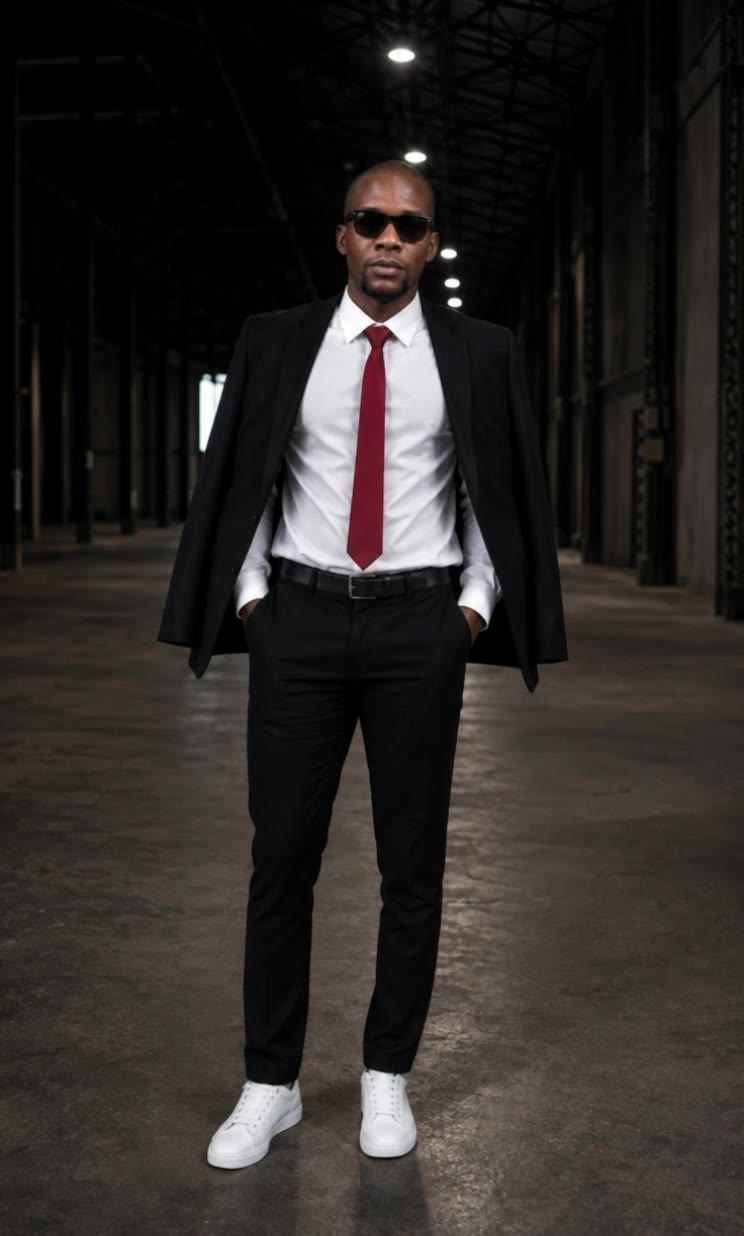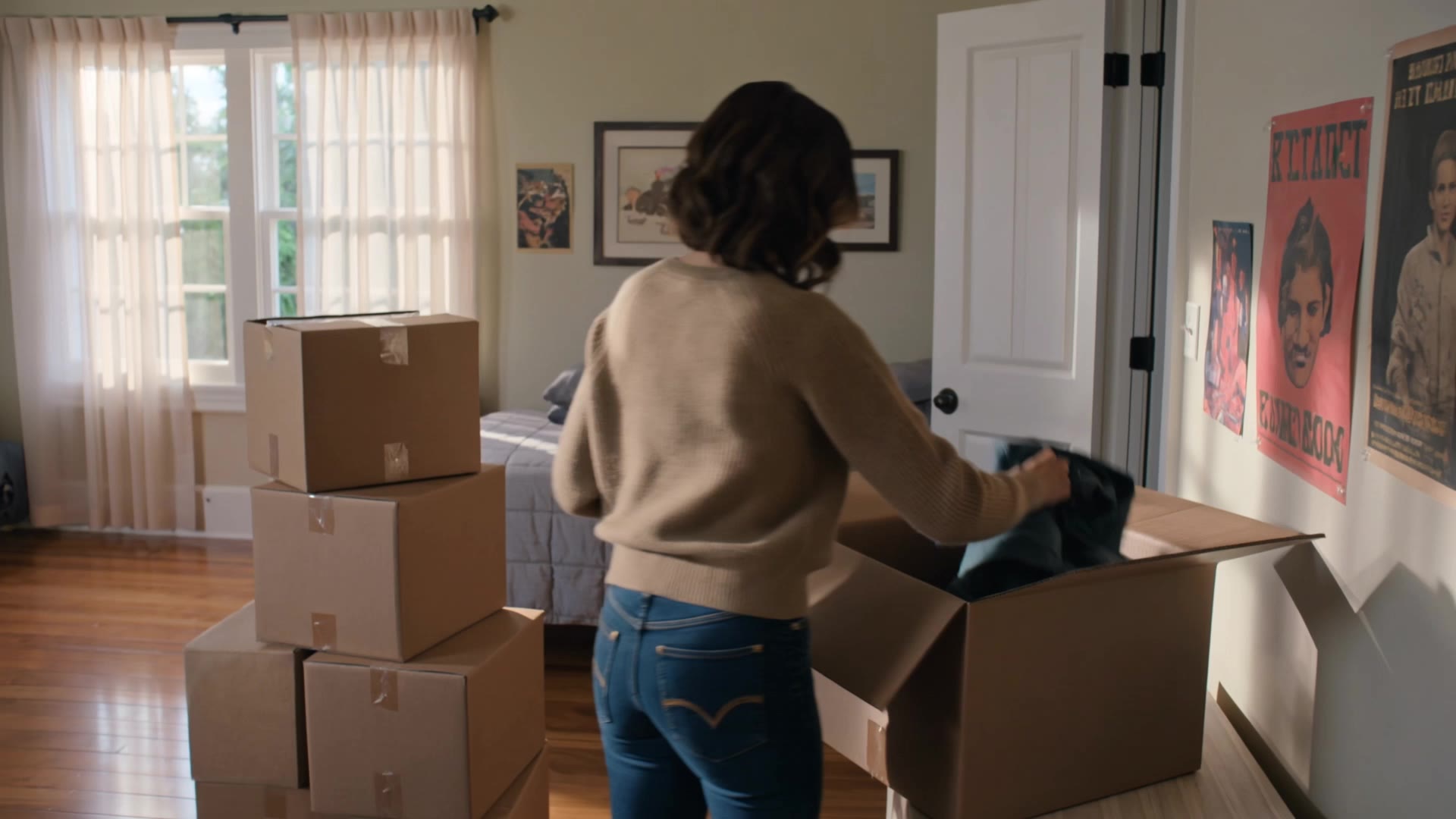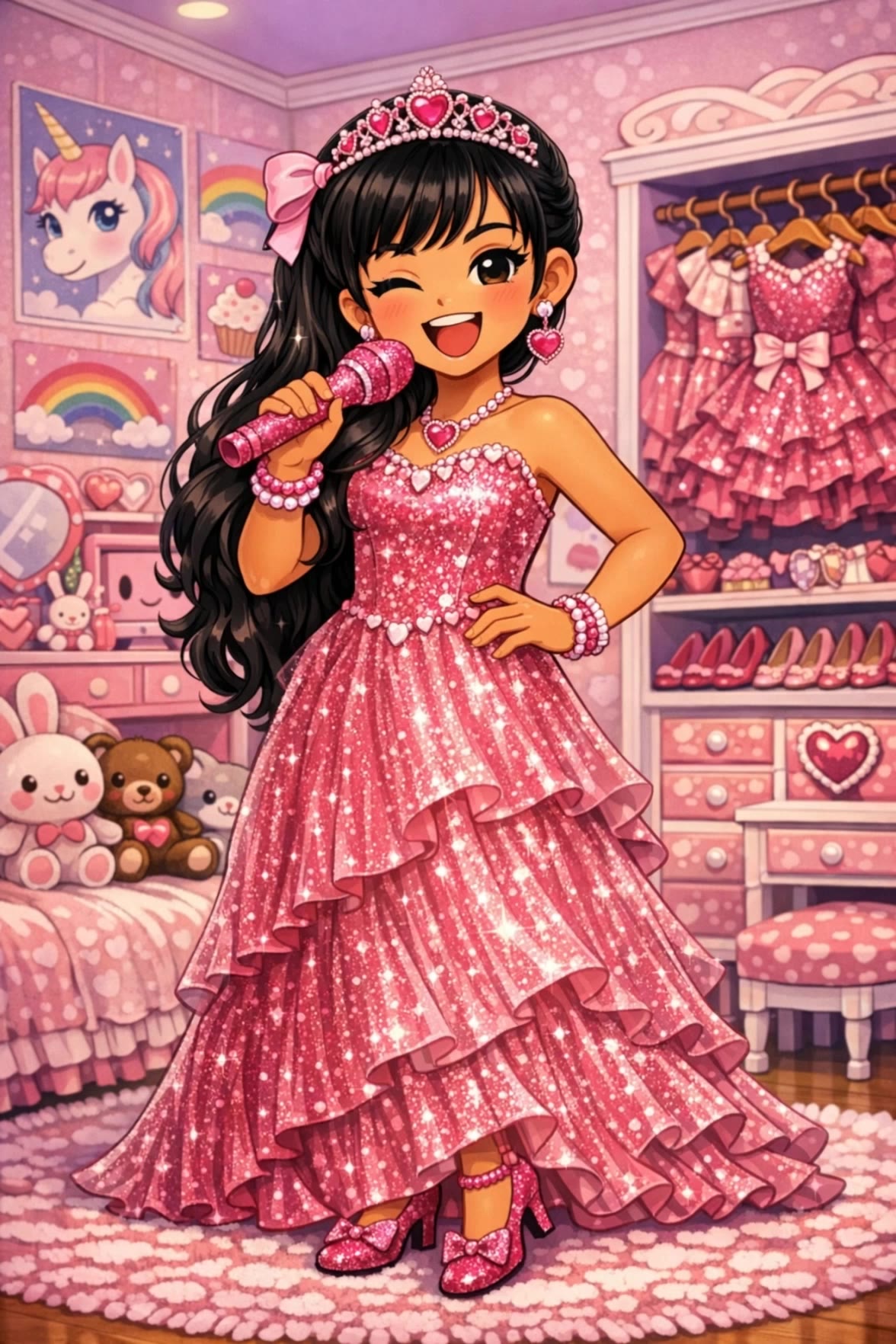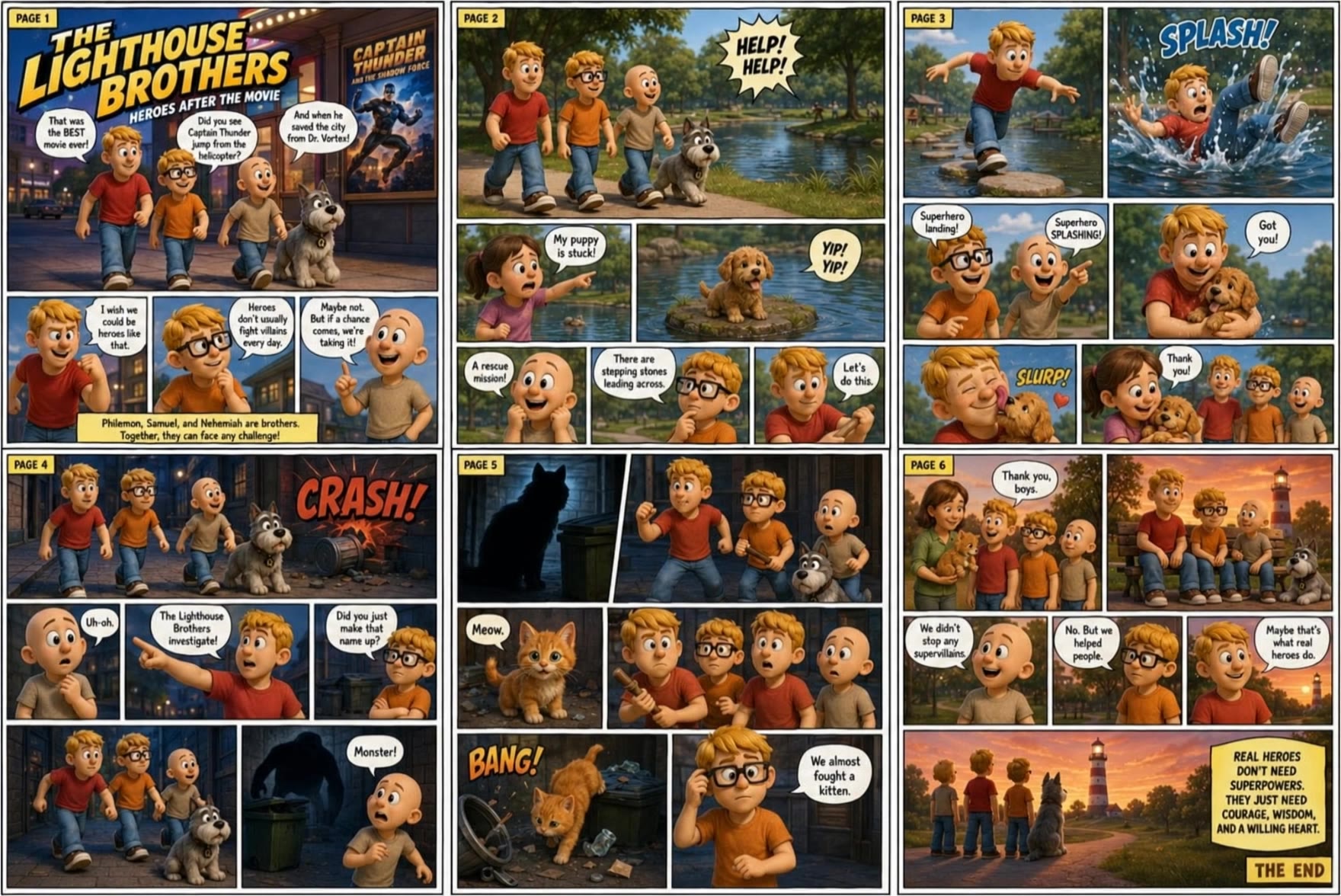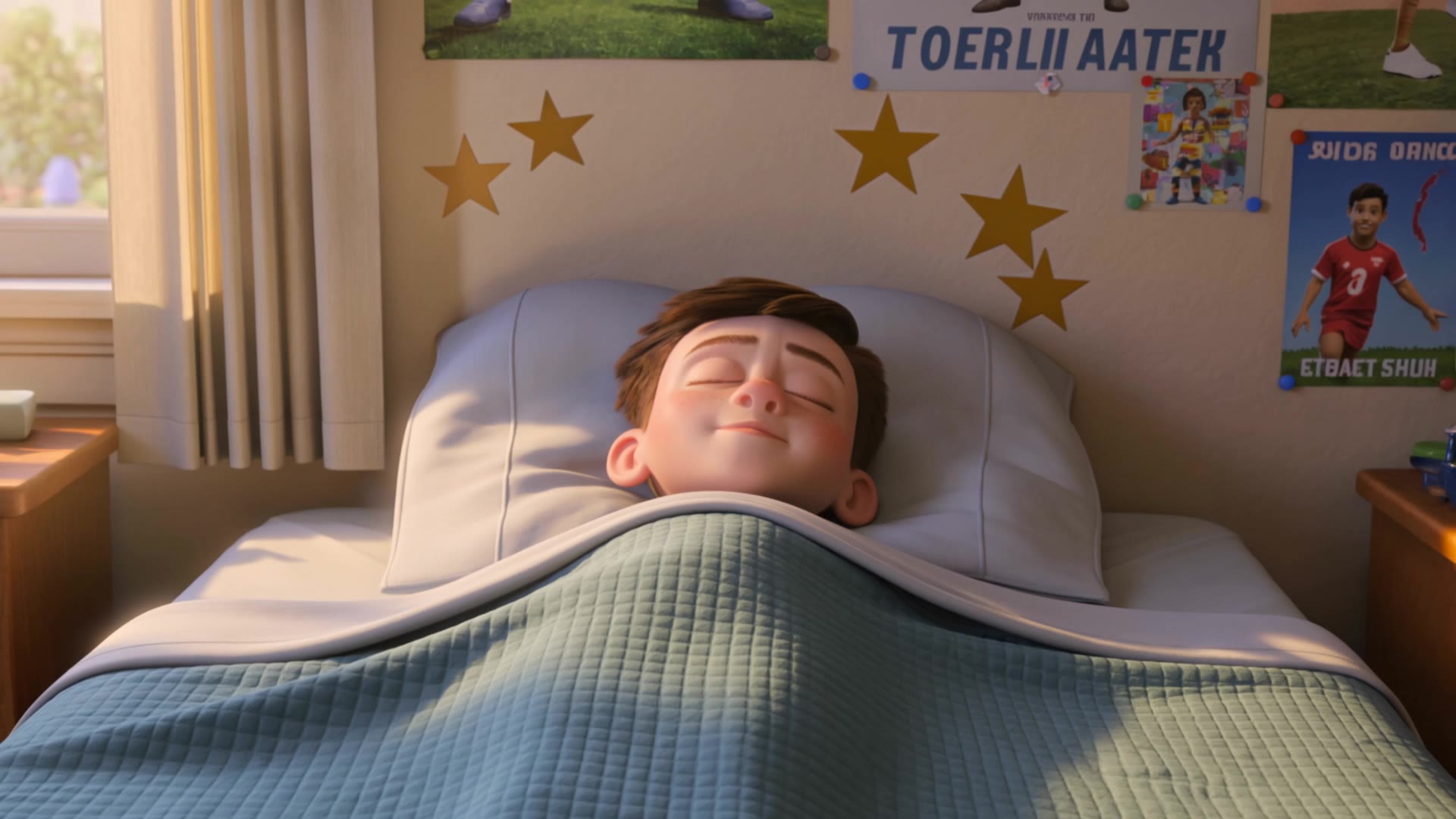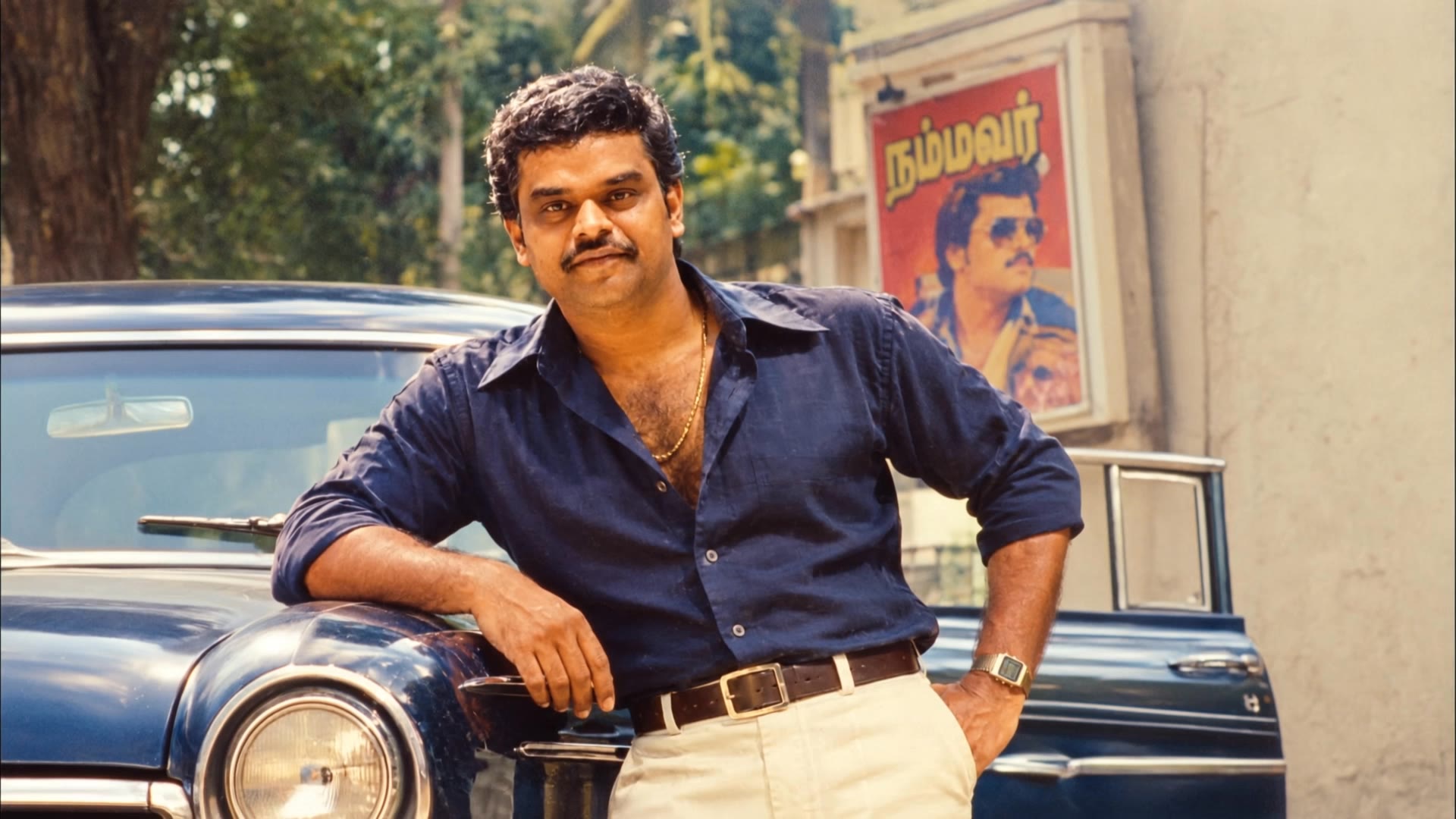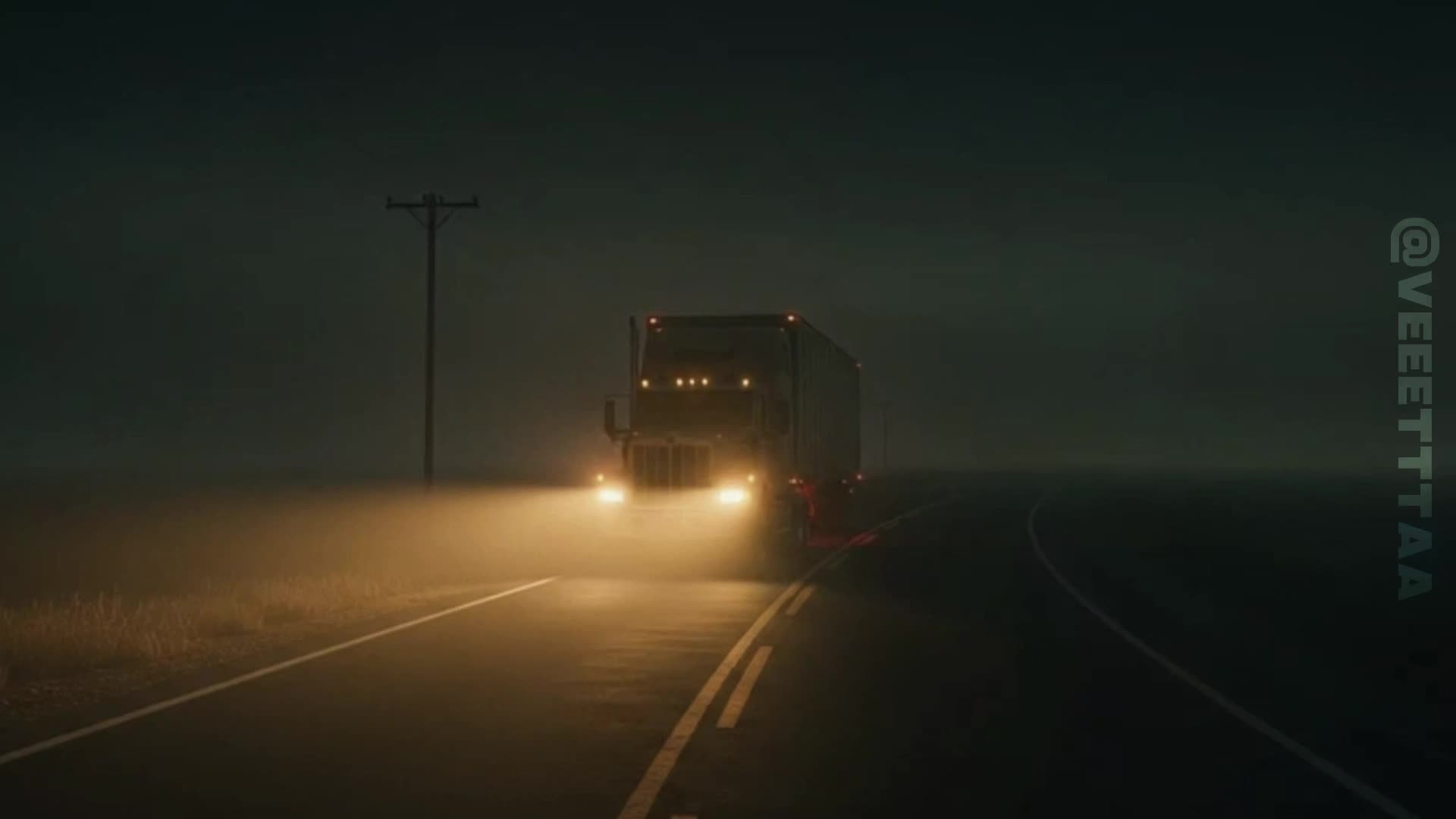

ai movie posters - retro 80's & hyper-cinematic action

Immerse in retro 80's nostalgia and hyper-cinematic action with AI-generated movie posters. Start exploring ai movie posters ideas and generate your own content with AI.

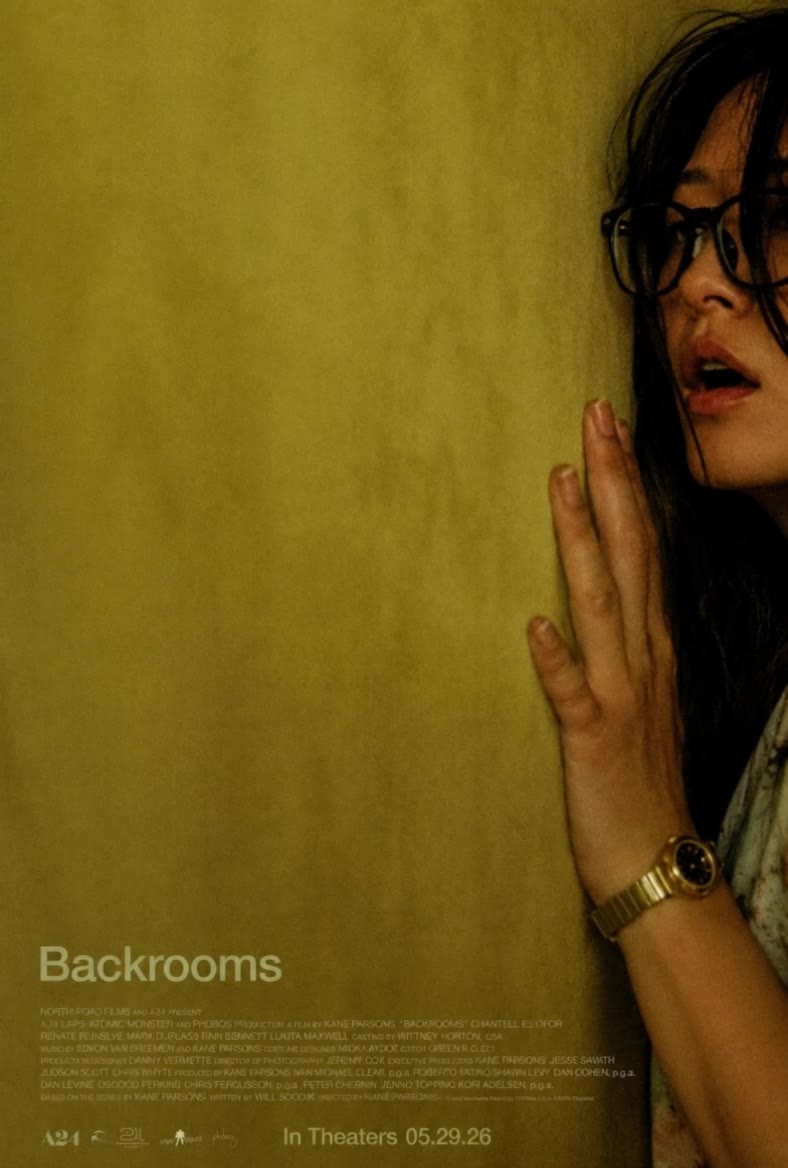
ai movie posters - retro 80's & hyper-cinematic action

Recommended

AI movie - ai movie posters AI video
01:54
CKNazrIw avatar
CKNazrIw
Kling AI work 314772881665685 - ai movie posters AI video
mGSfewDX avatar
mGSfewDX
Kling AI work 319472718506537 - ai movie posters AI video
pWoYauLN avatar
pWoYauLN
AI movie - ai movie posters AI video
00:03
vKQDNEOM avatar
vKQDNEOM
Body-shaking laugh - ai movie posters AI video
xdSRcSFe avatar
xdSRcSFe
Kling AI work 310325986527175 - ai movie posters AI video
Malzahran avatar
Malzahran
Creative Partner
Kling AI work 309659516616849 - ai movie posters AI image
Rj avatar
Rj
AI movie recreation - ai movie posters AI video
00:15
Fluffy Tom avatar
Fluffy Tom
Kling AI work 310218748501778 - ai movie posters AI video
hAPIdTSn avatar
hAPIdTSn
Kling AI work 310166365664337 - ai movie posters AI image
Rj avatar
Rj
Action Sci-Fi movie poster - ai movie posters AI image
CorVega avatar
CorVega
New Movie  - ai movie posters AI video
Scan Devo avatar
Scan Devo
Kling AI work 311113820612438 - ai movie posters AI video
zspqwUuA avatar
zspqwUuA
Kling AI work 312575621520695 - ai movie posters AI video
gfpqlVEs avatar
gfpqlVEs
Ai Movie in process - ai movie posters AI video
YJkYMvre avatar
YJkYMvre
Kling AI work 313775994505623 - ai movie posters AI video
jcruse2026 avatar
jcruse2026
Kling AI work 313674088505844 - ai movie posters AI video
BIpKmXWE avatar
BIpKmXWE
80's pose Tamil movie.  - ai movie posters AI video
Pobalan Sreedharan avatar
Pobalan Sreedharan

A Complete AI Video Editing Workflow

Upload Your Footage

Upload Your Footage

Start with a video you've filmed or generated. Add reference images, characters, or other supported assets if you want to guide how the edited scene should look.

Describe What You Want to Change

Describe What You Want to Change

Tell Kling what to replace, remove, or adjust. You can change the subject, background, action, camera angle, or visual style. Include details you want to keep from the original footage.

Preview and Download Your Video

Preview and Download Your Video

Generate your edited video and review the changes. Refine your prompt or references if needed, then download the version you're happy with.

Edit the Parts That Matter

Change Subjects, Backgrounds, and Style

Change Subjects, Backgrounds, and Style

A different character, a new product, or a completely different location can change the purpose of a video. Keep the footage you already have and update the elements that need another take. No green screen needed. Kling 4.0 supports adding, removing, and replacing subjects and scene elements using prompts and visual references. Change a product, replace a character, or move the action into a new setting. Reference images help guide the appearance of new elements while keeping the rest of the scene closer to the original.

Recreate Videos with Your Own References

Recreate Videos with Your Own References

Found a camera move, transition, or video concept that would work with your own character or product? You can use the original clip as a creative reference rather than recreating the entire shoot. Kling 4.0 draws on reference footage for pacing, shot composition, and movement while introducing your own subjects and visual style. Omni Reference supports up to 15 combined assets, subject to individual input limits. Combine character images, product photos, and video references to explore new versions while helping recognizable details stay consistent.

Extend Your Video Up to 2 Minutes

Extend Your Video Up to 2 Minutes

Continue an existing video forward or backward, adding footage before the opening or after the ending. Extend actions, camera movements, and storylines while keeping the new footage connected to the original scene. Kling 4.0's Video Extension supports multiple extension passes, reaching a total video length of up to 2 minutes. Build longer sequences with continuity in characters, settings, and movement, without recreating the entire video.

Apps

Video Generation
Video Generation

Video Generation

Image Generation
Image Generation

Image Generation

Motion Control
Motion Control

Motion Control

Avatar
Avatar

Avatar

AI Portraits
AI Portraits

AI Portraits

Lip Sync
Lip Sync

Lip Sync

60M+
60M+
Users
600M+
600M+
AI Videos Generated
4.7 ★
4.7 ★
App Store
Industry-Leading
Industry-Leading
Cinematic 4K

Reviews

Vincent Smadja

Vincent Smadja

★★★★★

Kling AI seamlessly integrates into my creative workflow, playing a key role in transforming my images. After generating and upscaling an image, Kling becomes a crucial element, bringing my creations to life with movement and depth.

Ozan Sihay

Ozan Sihay

★★★★★

Kling AI allows me to rapidly prototype ideas, refine storytelling elements, and produce visually compelling content efficiently. It has not only accelerated my creative processes, but also deepened my understanding of how AI can enrich visual storytelling.

Halim Alrasihi

Halim Alrasihi

★★★★★

I use AI daily and Kling AI is a crucial part of my workflow, whether for client work or personal projects. What I love most about using Kling AI is that it provides all the tools I need in one place, from keyframes to character references, elements and special effects.

FAQ

Q1How long can AI-generated videos be?
Q2Can I generate AI videos from text prompts?
Q3Is Kling AI a free AI video generator?

Start Creating AI Videos with Kling

Start with text or images and see what's possible with Kling AI. Create the footage, guide the movement, and keep working until the scene feels right. No complicated setup.

Text to Video | Image to Video | Omni Reference | Free tier includes watermark