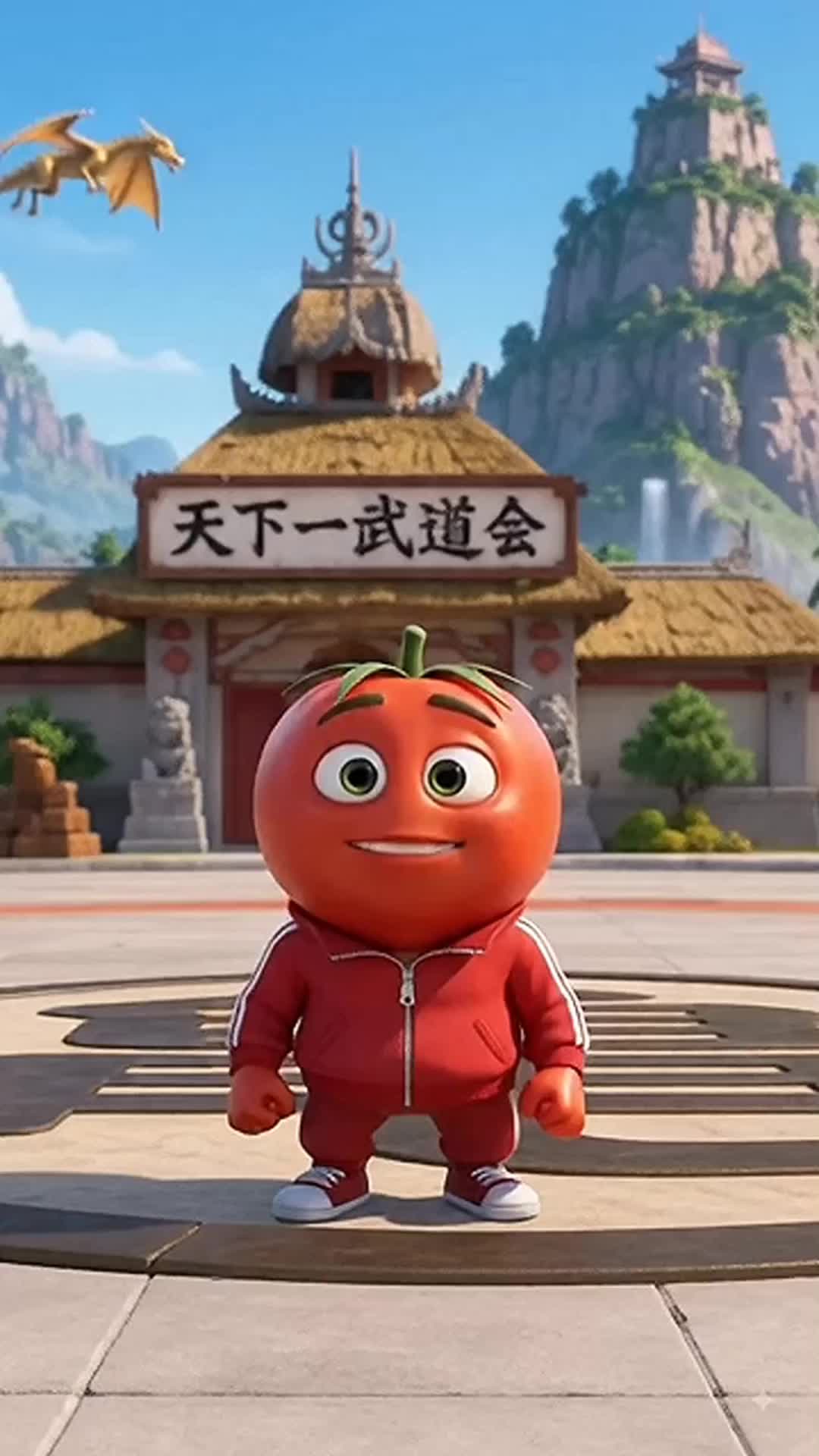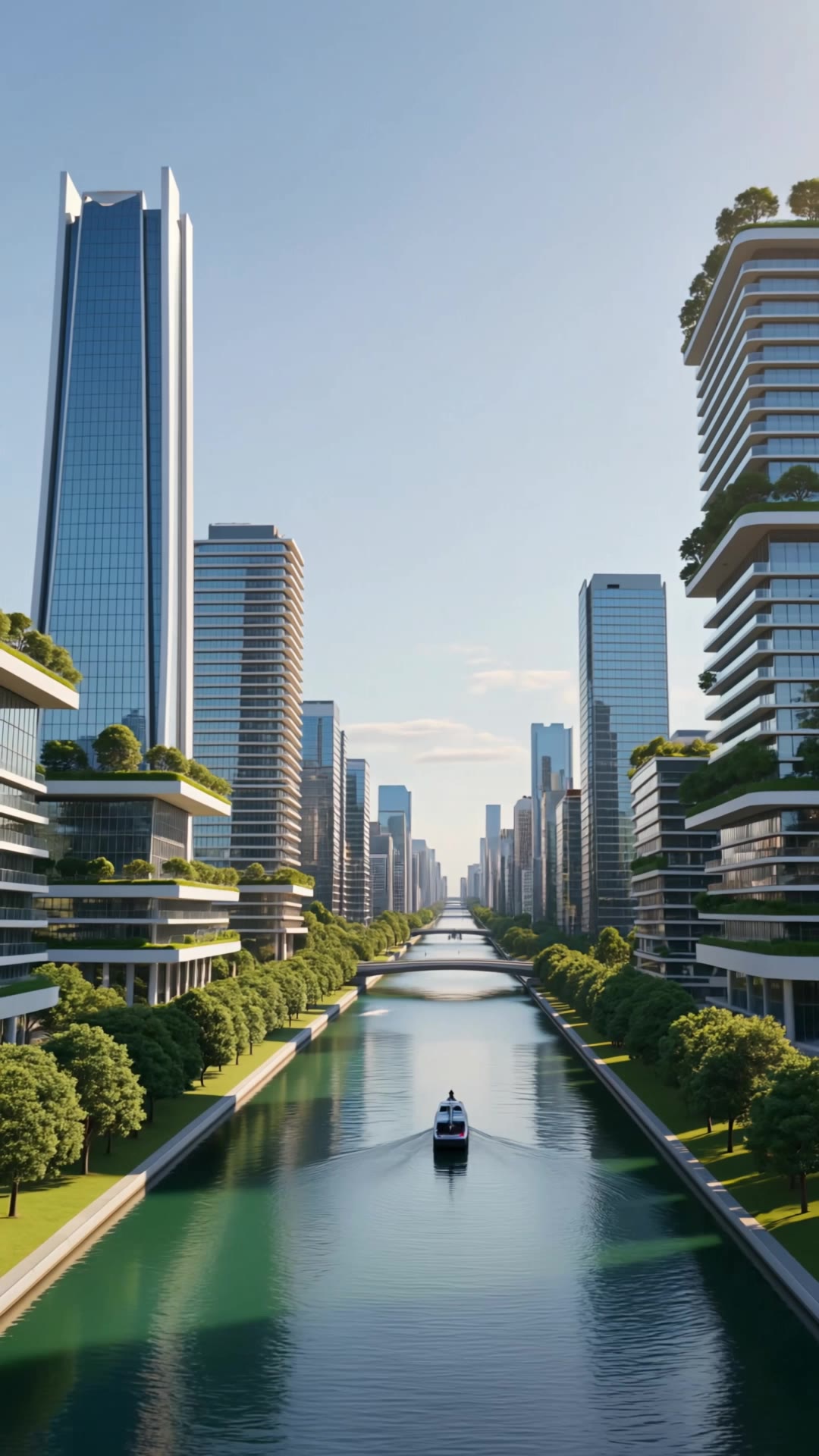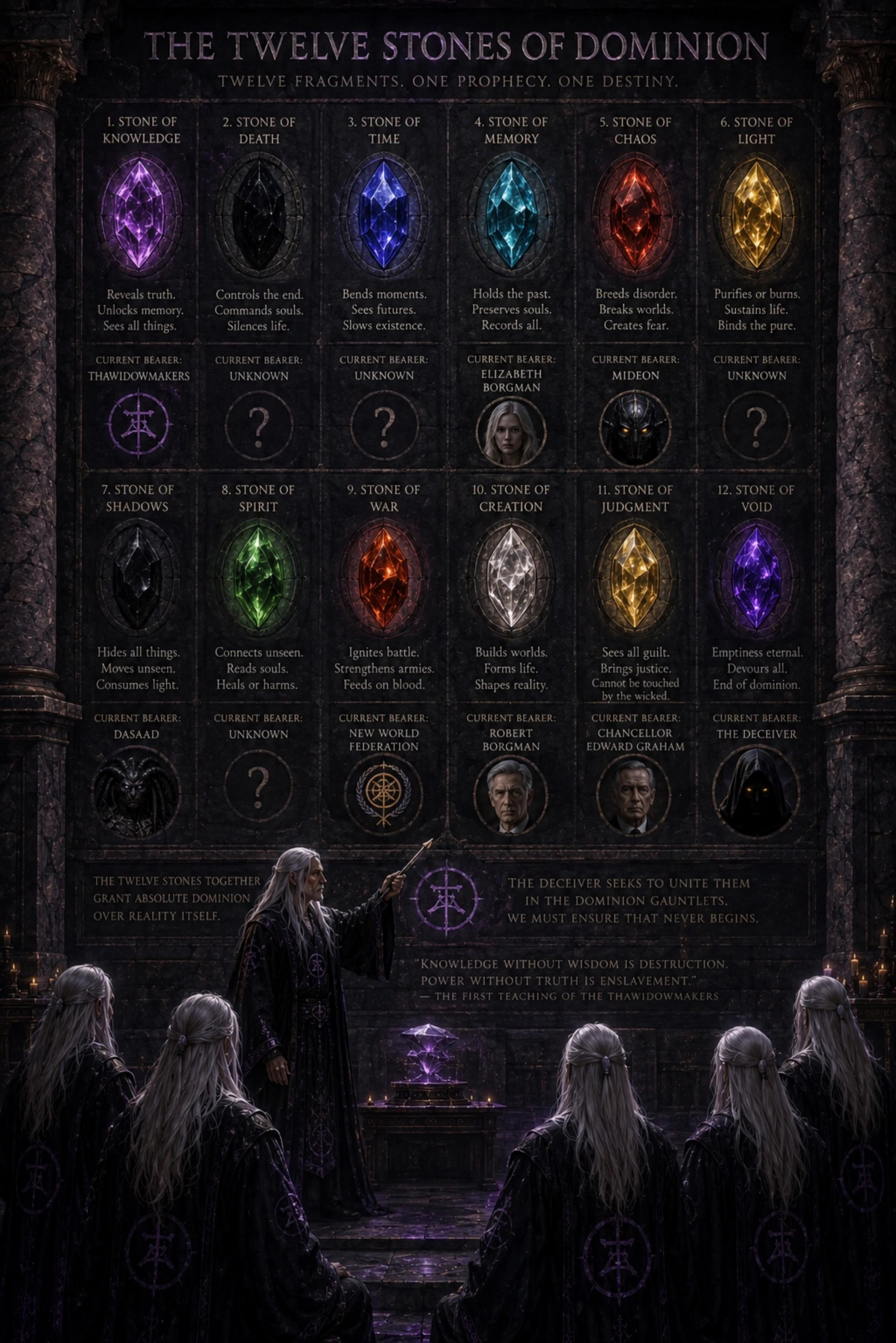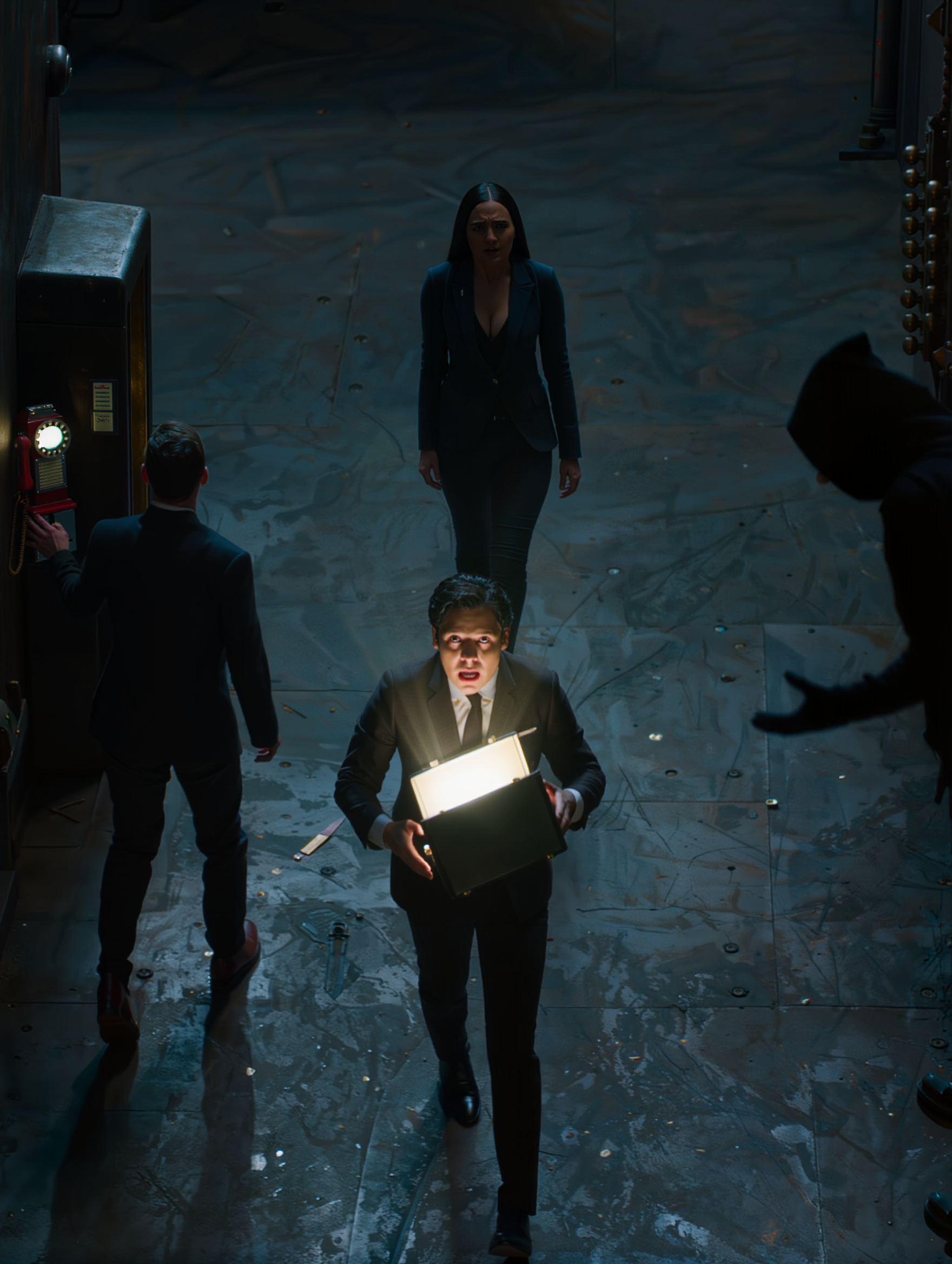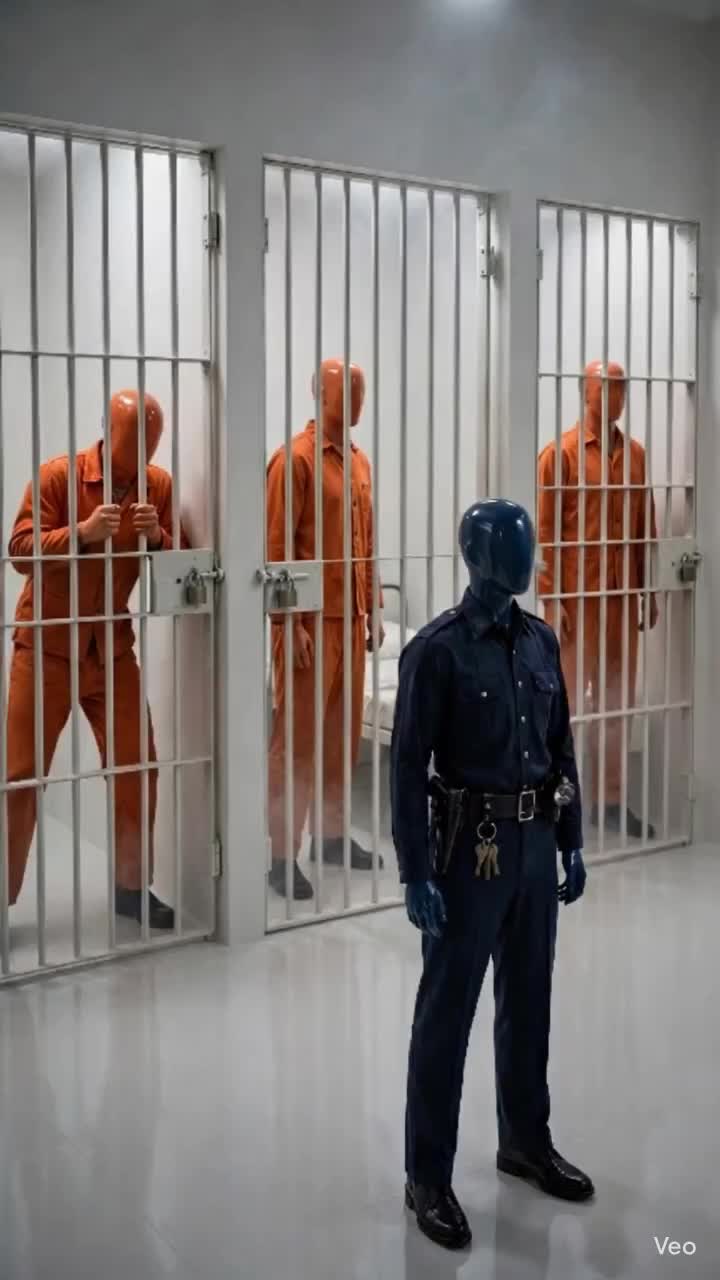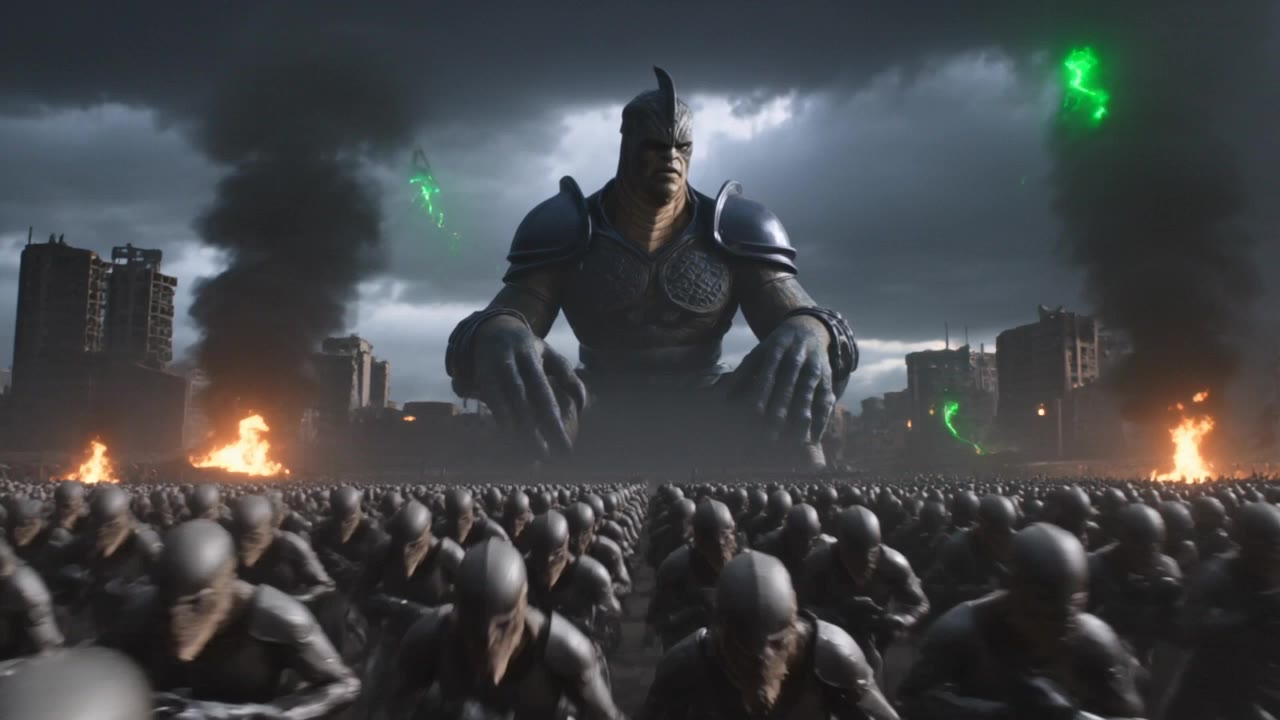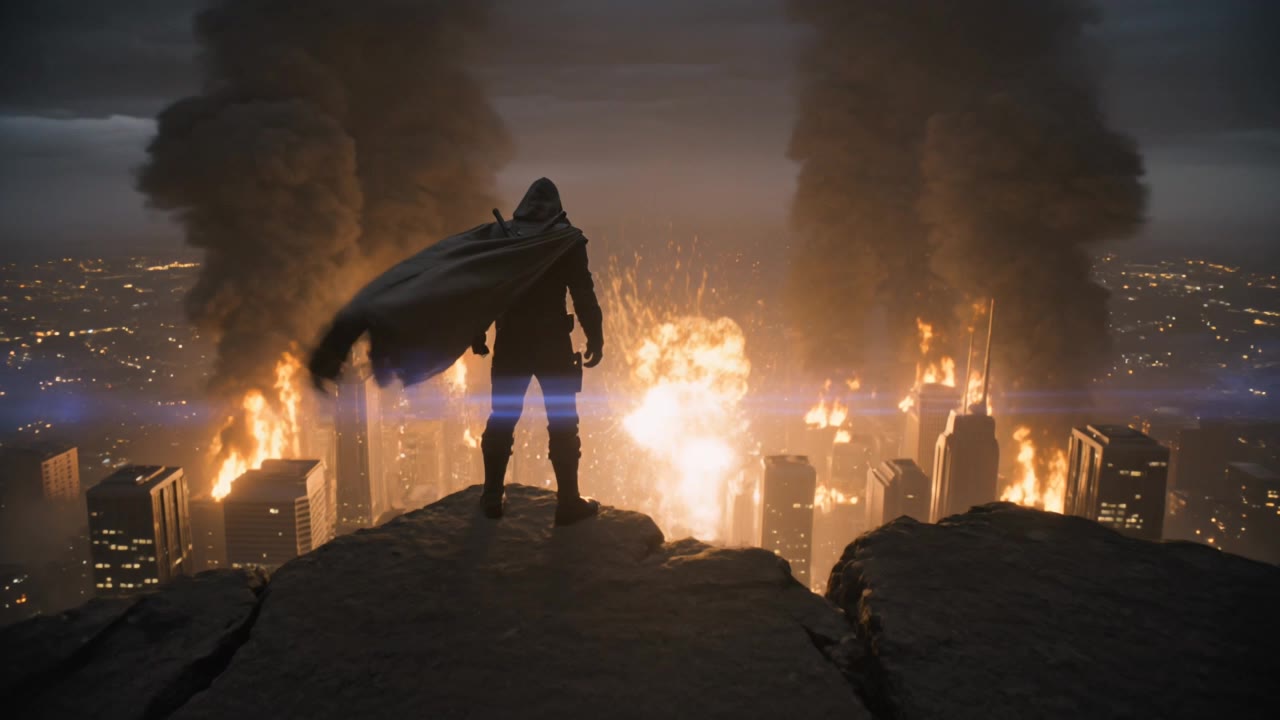

ai movie trailer generator - action & horror

Unleash creativity with dynamic, photorealistic visuals and dramatic Hollywood-style action scenes. Craft captivating trailers with retro film aesthetics and intense, plot-driven narratives. Start exploring ai movie trailer generator ideas and generate your own content with AI.

ai movie trailer generator - action & horror

Recommended

Kling AI work 315944237522979 - ai movie trailer generator AI video
spFnycOu avatar
spFnycOu
Kling AI work 316667416662810 - ai movie trailer generator AI video
JDowcUqY avatar
JDowcUqY
Kling AI work 321304786650587 - ai movie trailer generator AI video
weceUdMa avatar
weceUdMa
New Movie  - ai movie trailer generator AI video
Scan Devo avatar
Scan Devo
Trailer to my ai movie  - ai movie trailer generator AI video
neQhmVUs avatar
neQhmVUs
Kling AI work 317396043662720 - ai movie trailer generator AI video
qrhvTedD avatar
qrhvTedD
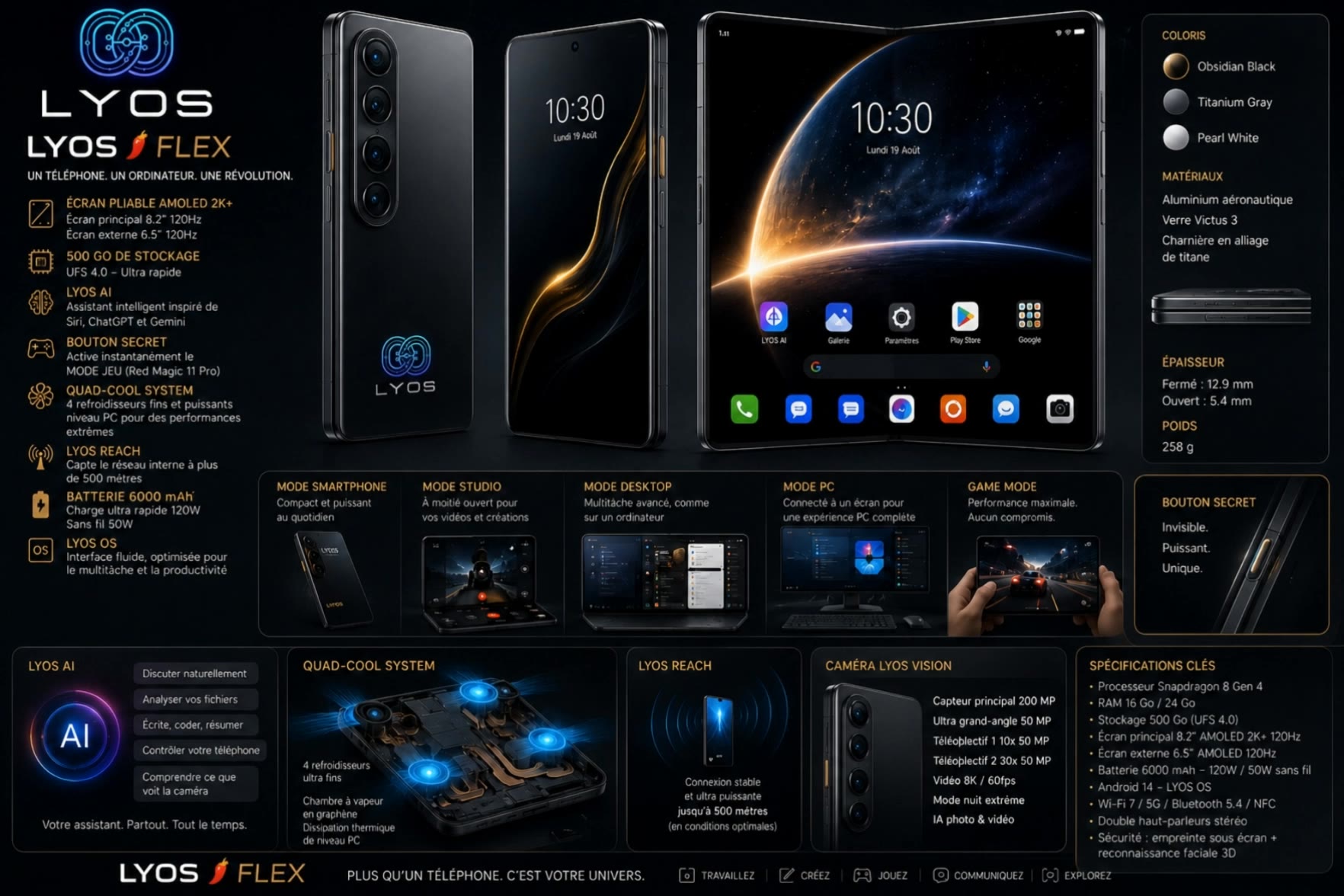
trailer and veux LYOS - ai movie trailer generator AI video
REqezQPY avatar
REqezQPY
ai video generator  - ai movie trailer generator AI video
00:10
WPZnwzke avatar
WPZnwzke
Kling AI work 311141033665747 - ai movie trailer generator AI video
cIiXUxly avatar
cIiXUxly
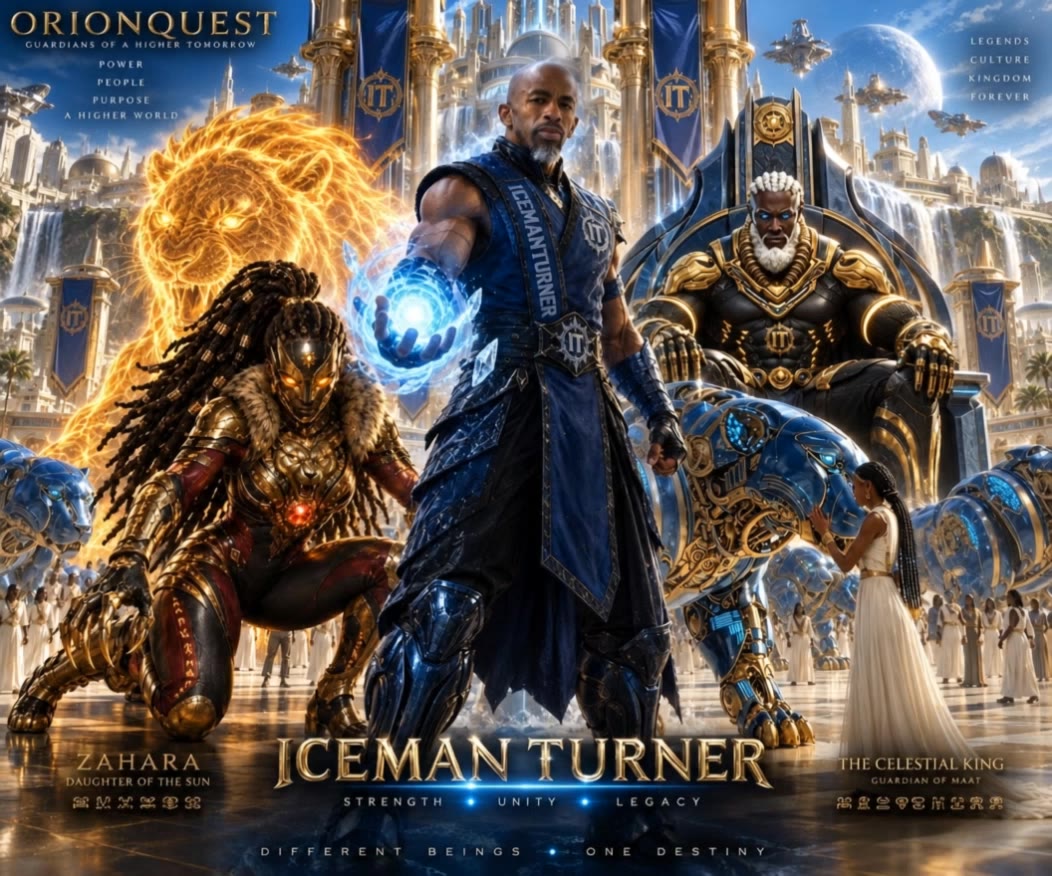
Orion quest in movie  - ai movie trailer generator AI video
Icemanturner avatar
Icemanturner
Kling AI work 311116127616738 - ai movie trailer generator AI video
vMfhLNdg avatar
vMfhLNdg
Kling AI work 316039707666131 - ai movie trailer generator AI image
rSxOMVxZ avatar
rSxOMVxZ
Movie trailer  - ai movie trailer generator AI video
Vicky's Ai avatar
Vicky's Ai
Kling AI work 314658608525064 - ai movie trailer generator AI video
sFWkhoZm avatar
sFWkhoZm
that's best video generator ai a - ai movie trailer generator AI video
00:08
ffskoEee avatar
ffskoEee
Kling AI work 314070984506991 - ai movie trailer generator AI video
NetAgPUH avatar
NetAgPUH
Kling AI work 314199582664916 - ai movie trailer generator AI video
Oll¥ avatar
Oll¥
Kling AI work 309428448521578 - ai movie trailer generator AI video
LdFSymEk avatar
LdFSymEk

How to Animate an Image with AI

Upload Your Image

Upload Your Image

Upload a portrait, product photo, illustration, or other image. For additional control, Kling 4.0's Omni Reference supports up to 15 combined reference assets, subject to individual input limits.

Describe the Motion

Describe the Motion

Specify how your subject moves and what the camera does. You can also add start and end frames or use up to 10 flexible keyframes to guide important changes with supported Kling 4.0 settings.

Generate and Download

Generate and Download

Choose your video settings and generate a clip up to 30 seconds long with Kling 4.0. Preview the result, make adjustments if needed, and download your video.

Edit the Parts That Matter

Change Subjects, Backgrounds, and Style

Change Subjects, Backgrounds, and Style

A different character, a new product, or a completely different location can change the purpose of a video. Keep the footage you already have and update the elements that need another take. No green screen needed. Kling 4.0 supports adding, removing, and replacing subjects and scene elements using prompts and visual references. Change a product, replace a character, or move the action into a new setting. Reference images help guide the appearance of new elements while keeping the rest of the scene closer to the original.

Recreate Videos with Your Own References

Recreate Videos with Your Own References

Found a camera move, transition, or video concept that would work with your own character or product? You can use the original clip as a creative reference rather than recreating the entire shoot. Kling 4.0 draws on reference footage for pacing, shot composition, and movement while introducing your own subjects and visual style. Omni Reference supports up to 15 combined assets, subject to individual input limits. Combine character images, product photos, and video references to explore new versions while helping recognizable details stay consistent.

Extend Your Video Up to 2 Minutes

Extend Your Video Up to 2 Minutes

Continue an existing video forward or backward, adding footage before the opening or after the ending. Extend actions, camera movements, and storylines while keeping the new footage connected to the original scene. Kling 4.0's Video Extension supports multiple extension passes, reaching a total video length of up to 2 minutes. Build longer sequences with continuity in characters, settings, and movement, without recreating the entire video.

Apps

Image to Video
Image to Video

Image to Video

Text to Video
Text to Video

Text to Video

Omni
Omni

Omni

Digital Human
Digital Human

Digital Human

Restyle
Restyle

Restyle

Text to Image
Text to Image

Text to Image

60M+
60M+
Users
600M+
600M+
AI Videos Generated
4.7 ★
4.7 ★
App Store
Industry-Leading
Industry-Leading
Cinematic 4K

Reviews

PJ Ace

PJ Ace

★★★★★

Kling AI has made it easy for us to generate world class visuals for Fortune 500 companies, TV shows and music for big artists. We love the easy of use of the platform and the quality of the generations. My first time using Kling AI, I got 22 million views on just one video. It's that good.

Huang Lu (Elson)

Huang Lu (Elson)

★★★★★

I’ve been using Kling AI since its initial release, and it’s remained one of the leading AI media generators ever since. With Kling AI, I’ve created hundreds of videos, collectively amassing millions of views.

Maria Rubtsova

Maria Rubtsova

★★★★★

I’m Maria Rubtsova, an AIGC digital artist passionate about creating stunning visuals in the worlds of fashion, aesthetics, and fantasy. I use KlingAi to bring imagination to life through video. My work is all about exploring beauty, emotion, and the limitless possibilities of digital art.

FAQ

Q1Can I create an AI video from an image?
Q2Can I use AI-generated videos for commercial purposes?
Q3How do I generate an AI video?

Start Creating AI Videos with Kling

Start with text or images and see what's possible with Kling AI. Create the footage, guide the movement, and keep working until the scene feels right. No complicated setup.

Text to Video | Image to Video | Omni Reference | Free tier includes watermark