
Creative Studio
API
Resources
Features
About Us
Download

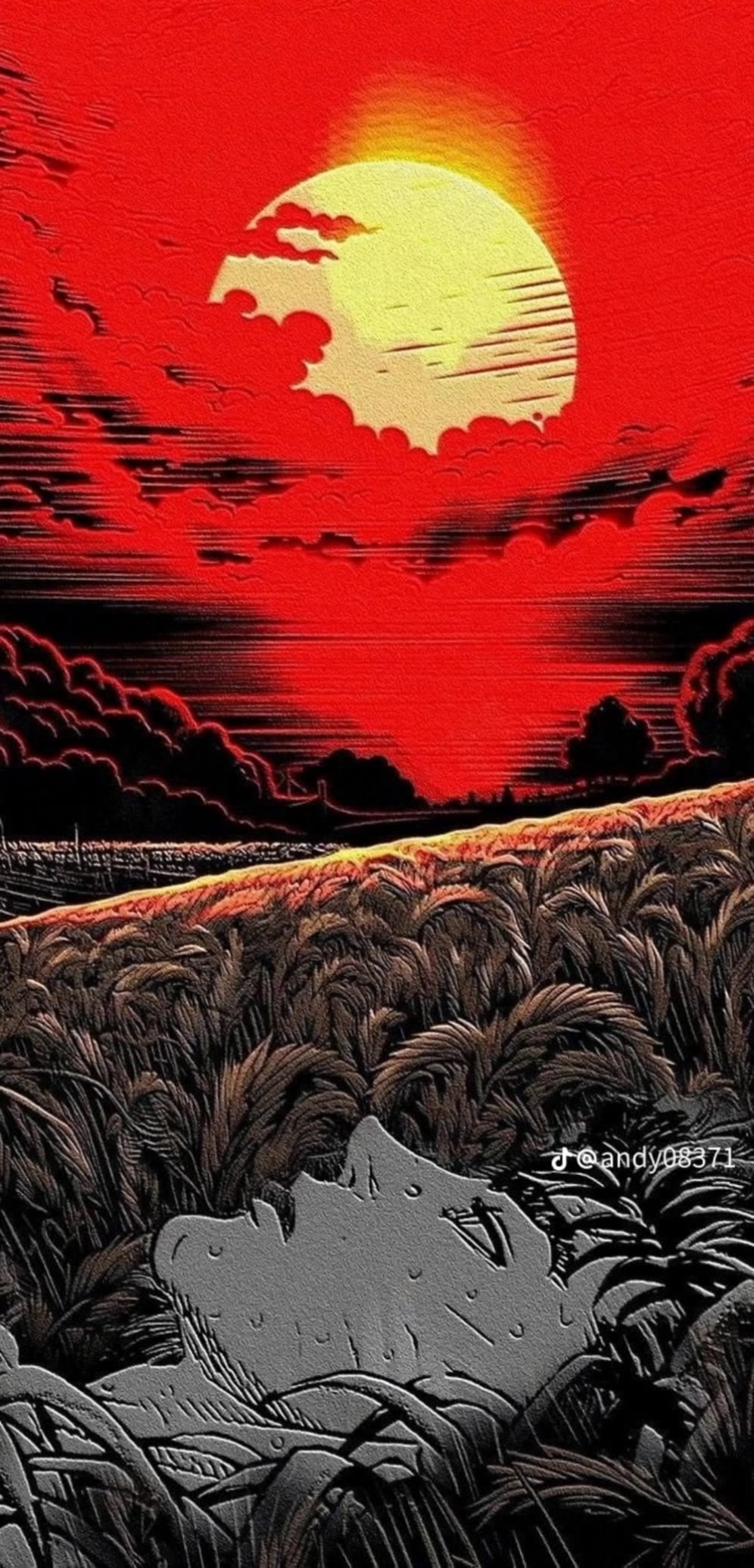
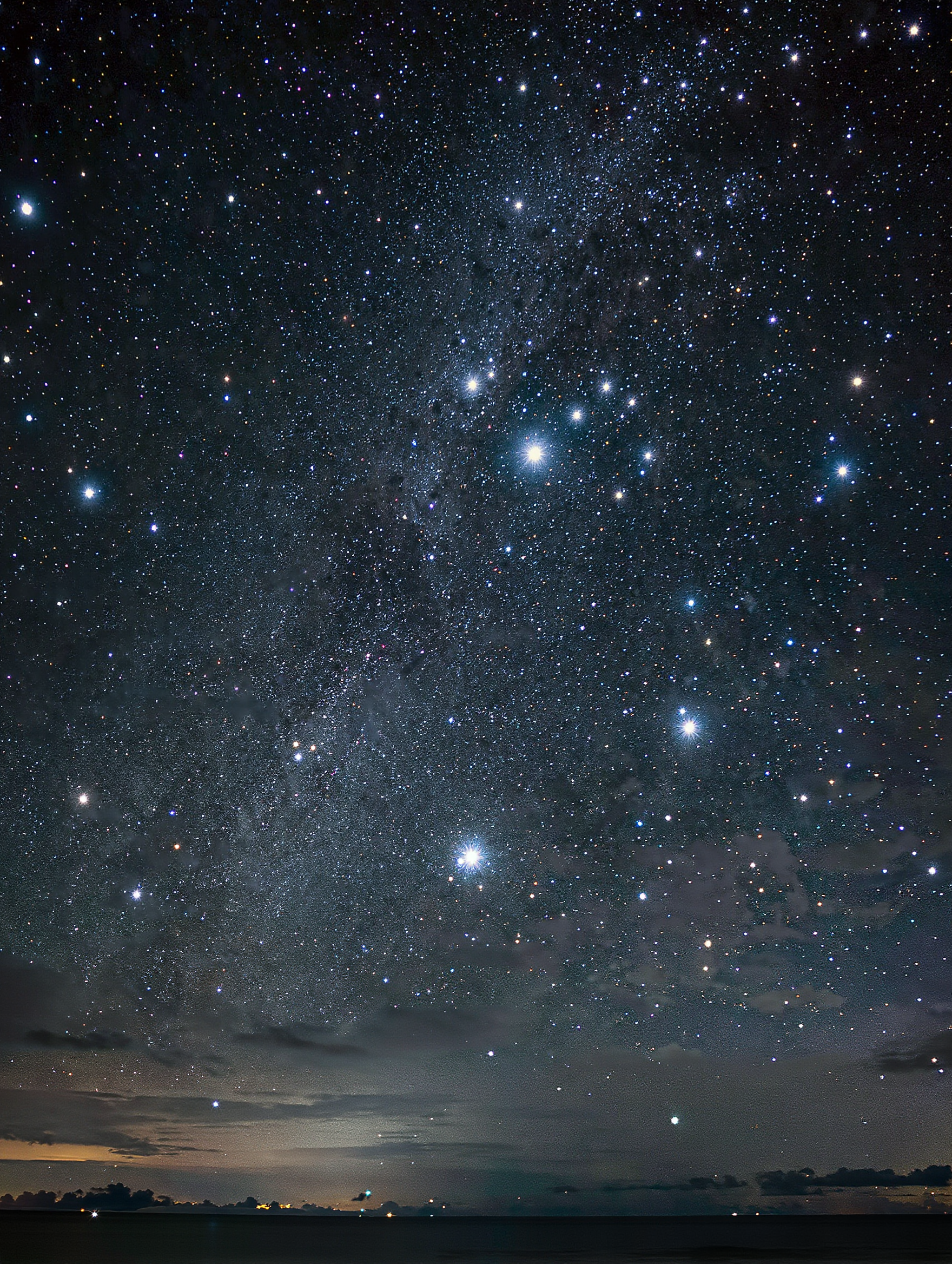
AI phone wallpaper ideas – Kling AI inspirations

Explore AI-generated AI phone wallpapers by Kling AI. Get unique, customizable wallpapers quickly for your device.

AI phone wallpaper ideas – Kling AI inspirations

Recommended

Kling AI work 308484686617678 - ai phone wallpaper AI video
wallpaper Ai avatar
wallpaper Ai
Kling AI work 310337028528021 - ai phone wallpaper AI video
tXMkzqop avatar
tXMkzqop
Kling AI work 310389743612535 - ai phone wallpaper AI video
YwSxysKV avatar
YwSxysKV
Kling AI work 306415880500507 - ai phone wallpaper AI image
KZwAsYfP avatar
KZwAsYfP
Kling AI work 310651930501382 - ai phone wallpaper AI video
uYfchqat avatar
uYfchqat
Kling AI work 312568919618711 - ai phone wallpaper AI video
HJioAXqM avatar
HJioAXqM
Kling AI work 311893326617837 - ai phone wallpaper AI video
crLtFSYi avatar
crLtFSYi
Kling AI work 310341111617144 - ai phone wallpaper AI video
SQdPyzjj avatar
SQdPyzjj
Kling AI work 306118830500483 - ai phone wallpaper AI image
TgbJbwlC avatar
TgbJbwlC
Kling AI work 312071025667124 - ai phone wallpaper AI video
gUZsRObK avatar
gUZsRObK
Kling AI work 310643964660202 - ai phone wallpaper AI video
uYfchqat avatar
uYfchqat
Kling AI work 310351662666074 - ai phone wallpaper AI video
kiTQaZUf avatar
kiTQaZUf
Kling AI work 309206035506279 - ai phone wallpaper AI video
KcMnUIqD avatar
KcMnUIqD
Kling AI work 311705828528281 - ai phone wallpaper AI video
YeOcLPwm avatar
YeOcLPwm
Kling AI work 310400965613307 - ai phone wallpaper AI video
GMFFcoaq avatar
GMFFcoaq
Kling AI work 310299137616417 - ai phone wallpaper AI video
CayOOxjo avatar
CayOOxjo
Kling AI work 310387351666169 - ai phone wallpaper AI video
XyGaffEj avatar
XyGaffEj
Kling AI work 310546847612386 - ai phone wallpaper AI video
RgMyKQfp avatar
RgMyKQfp
Kling AI work 311312035662924 - ai phone wallpaper AI video
NlMqfLFY avatar
NlMqfLFY

How to Extend an Image with AI

Step 1: Upload and Describe

Step 1: Upload and Describe

Upload the image you want to expand, such as a portrait, product photo, landscape, or social media visual. Use a text prompt to specify which side to extend and what should appear in the new area, such as more sky, scenery, or background details, while keeping the main subject unchanged.

Step 2: Choose the Output Settings and Generate

Step 2: Choose the Output Settings and Generate

Choose the image ratio, number of outputs, and resolution, then generate your extended image. Creating multiple versions makes it easier to compare the results and choose your favorite.

Step 3: Expand Your Image with Image Expansion

Step 3: Expand Your Image with Image Expansion

Open the Image Expansion workflow when you want a dedicated way to extend an existing image. Upload your source image, describe what should appear beyond the original frame, choose from the available output settings, and generate the expanded result.

Make Images Clearer, Sharper, and More Detailed

Make Soft or Blurry-Looking Images Clearer

Make Soft or Blurry-Looking Images Clearer

Improve images that look soft, blurry, or short on detail so important subjects appear clearer and easier to recognize. Kling IMAGE 3.0 Omni can refine facial features, object edges, textures, and other key areas while preserving the overall look and character of the original image.

Enhance Low-Resolution Images in 2K/4K

Enhance Low-Resolution Images in 2K/4K

Need more resolution for a larger screen, campaign visual, product image, or creative project? Use your existing image as the starting point and generate a higher-resolution version in native 2K or 4K. You get more room for fine textures and visual detail to come through, making your result better suited to larger displays, print, presentations, and other high-resolution uses.

Improve Color and Lighting Your Way

Improve Color and Lighting Your Way

If your image feels too dark, flat, or visually uneven, describe the look you want and guide changes to lighting, shadows, contrast, color tone, or saturation. You can create softer light, richer color, or a more balanced finish while keeping control over the overall visual direction.

Apps

Image to Video
Image to Video

Image to Video

Text to Video
Text to Video

Text to Video

Omni
Omni

Omni

Digital Human
Digital Human

Digital Human

Restyle
Restyle

Restyle

Text to Image
Text to Image

Text to Image

60M+
60M+
Users
600M+
600M+
AI Videos Generated
4.7 ★
4.7 ★
App Store
Industry-Leading
Industry-Leading
Cinematic 4K

Reviews

James Phillips

James Phillips

★★★★★

Kling AI has transformed my workflow by collapsing timelines and democratizing production. It’s shifted my mindset from resource-dependent filmmaking to a boundless creative sandbox, where experimentation yields unexpected beauty.

Ozan Sihay

Ozan Sihay

★★★★★

Kling AI allows me to rapidly prototype ideas, refine storytelling elements, and produce visually compelling content efficiently. It has not only accelerated my creative processes, but also deepened my understanding of how AI can enrich visual storytelling.

Déborah

Déborah

★★★★★

I use Kling AI every day. It's amazing to see the almost daily progress it makes. I used AI for fun at first, and I now find that Kling AI's animations allow me to gain professional visibility, with three times more views on my animated posts than on my static posts.

FAQ

Q1What character styles can I create with Kling AI?
Q2Can I keep the same character consistent across different images?
Q3What can I use AI-generated characters for?

Bring Every Voice Into the Story

Create character dialogue, multilingual voices, consistent voice identities, ambience, and sound effects with Kling VIDEO 3.0.

Multilingual Dialogue | Multi-Character Voices | Native Audio