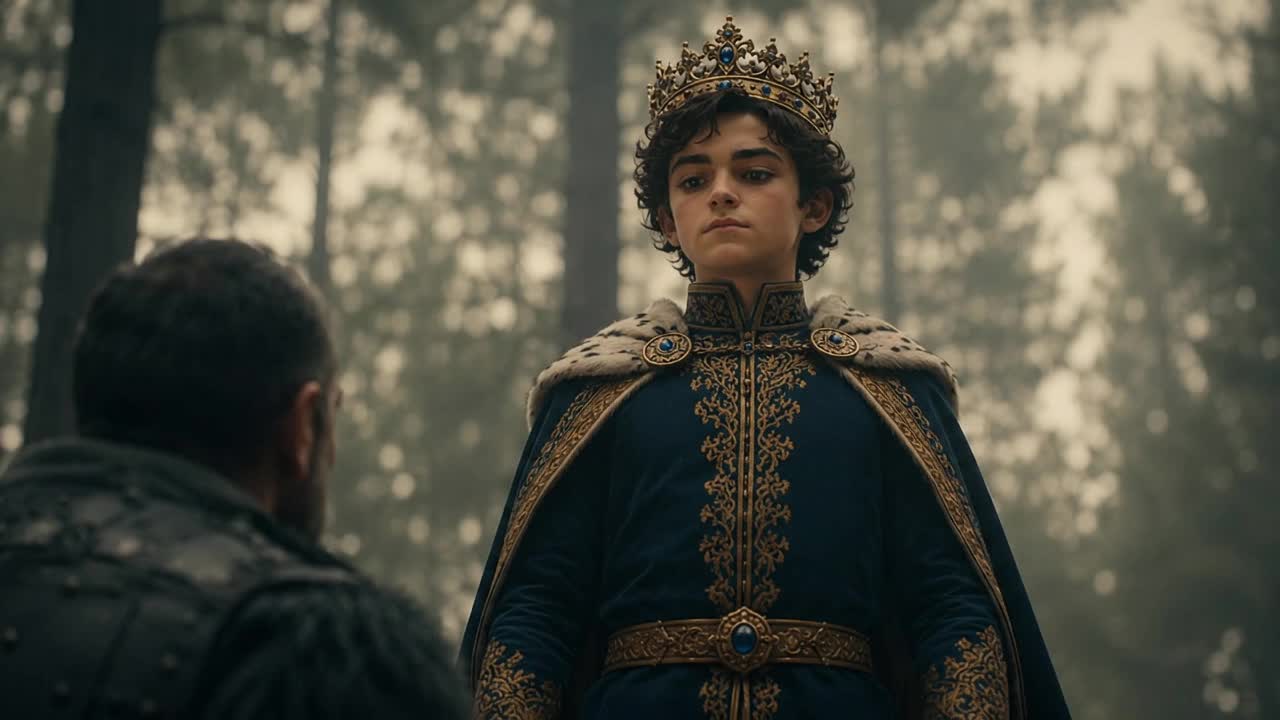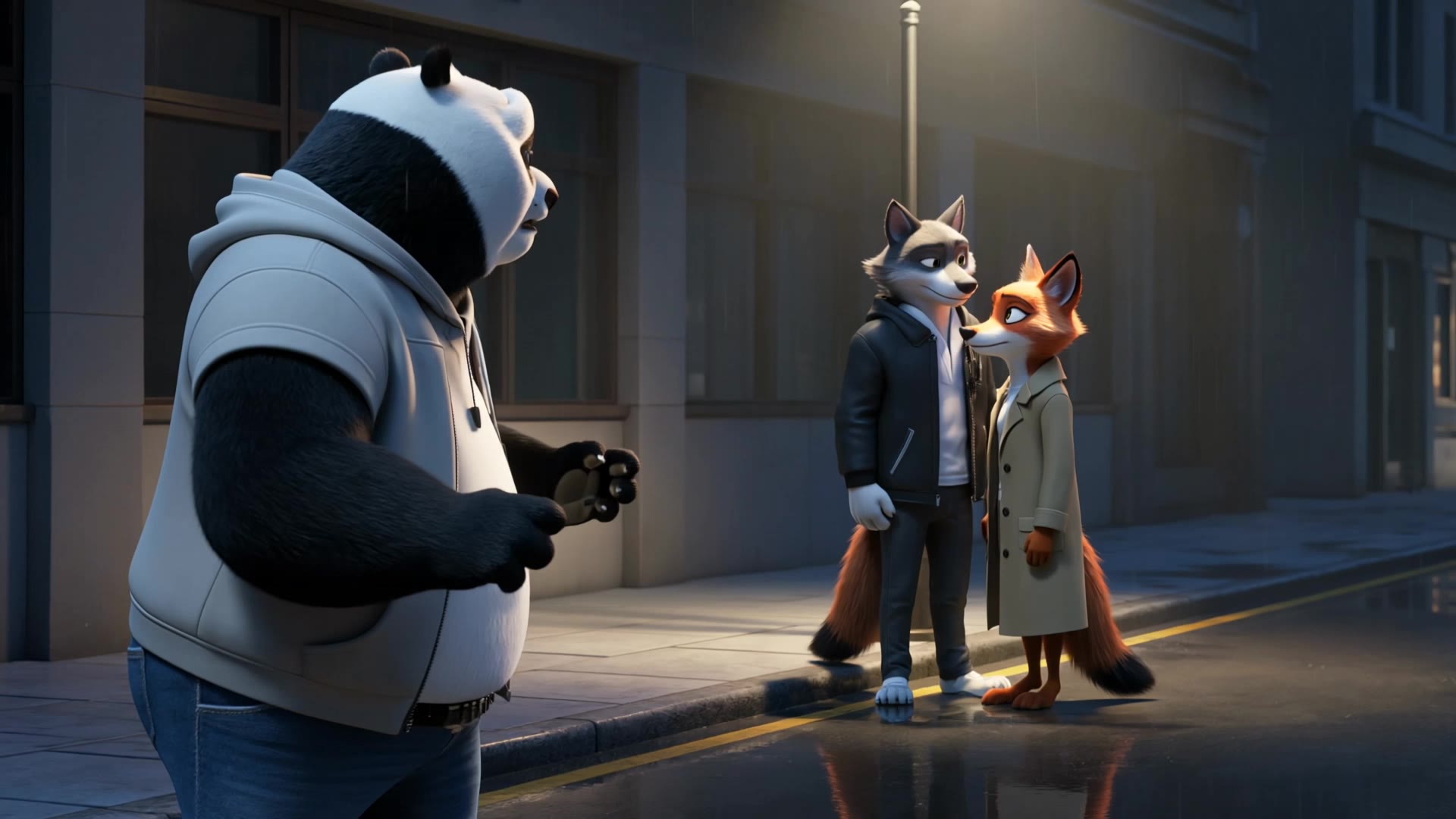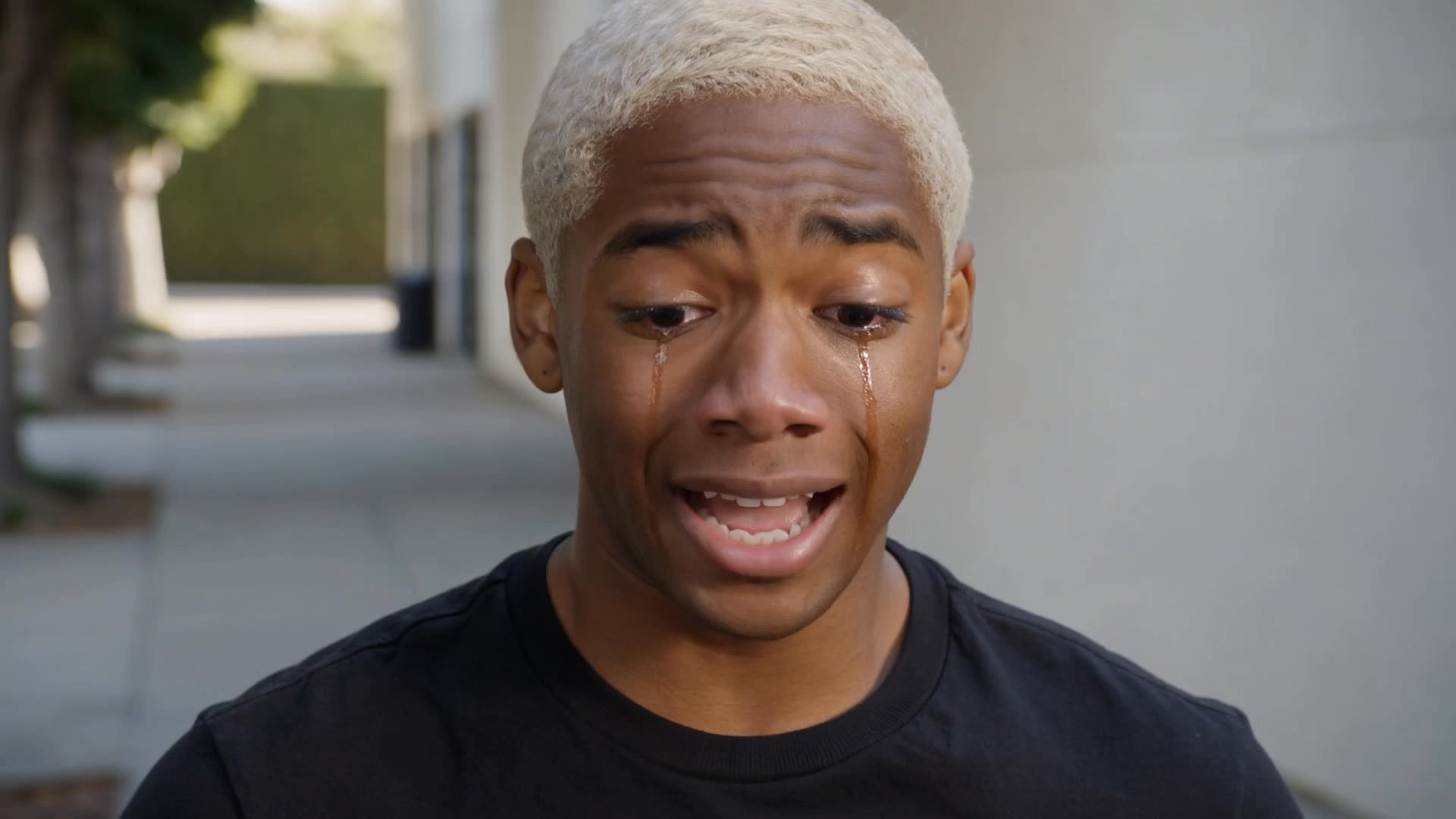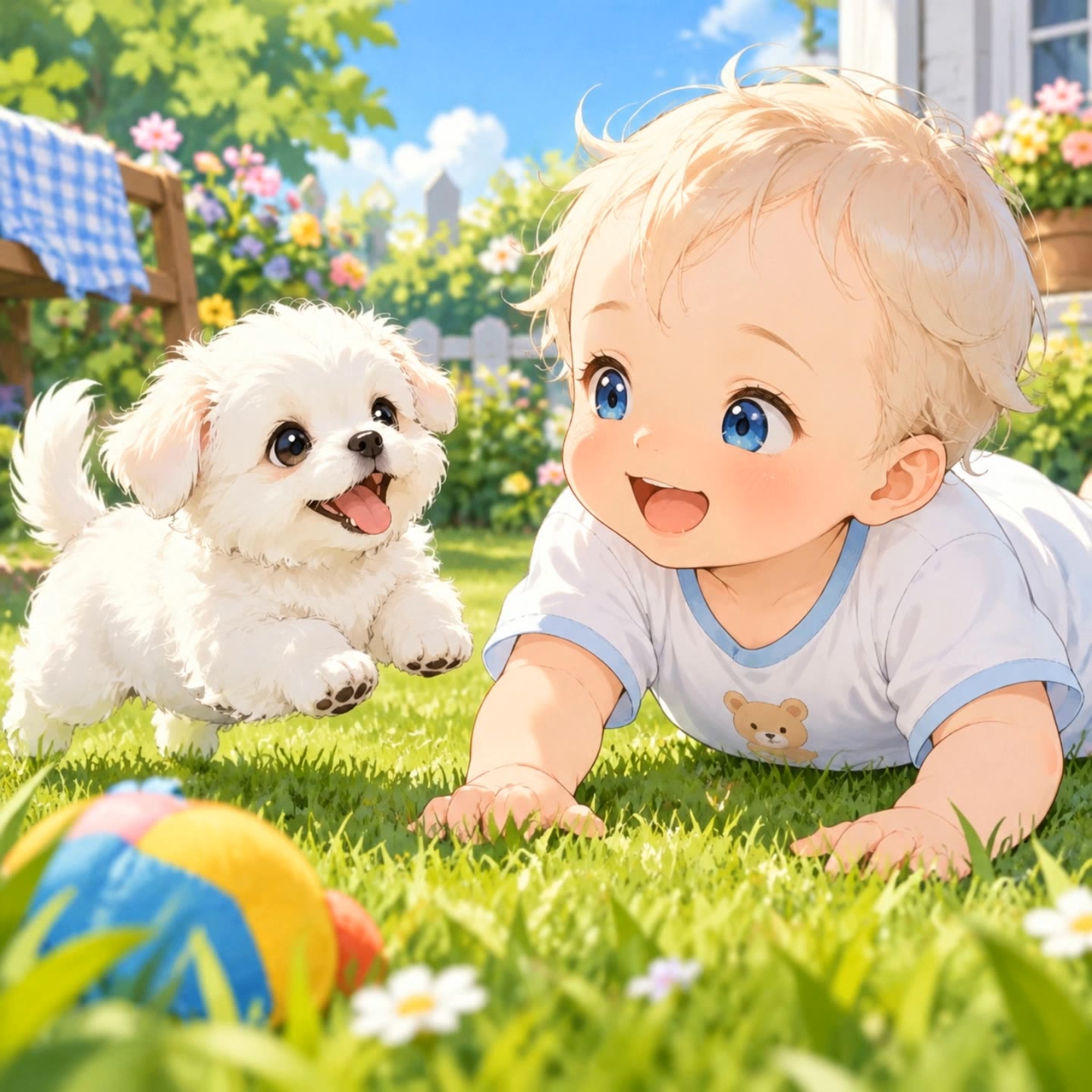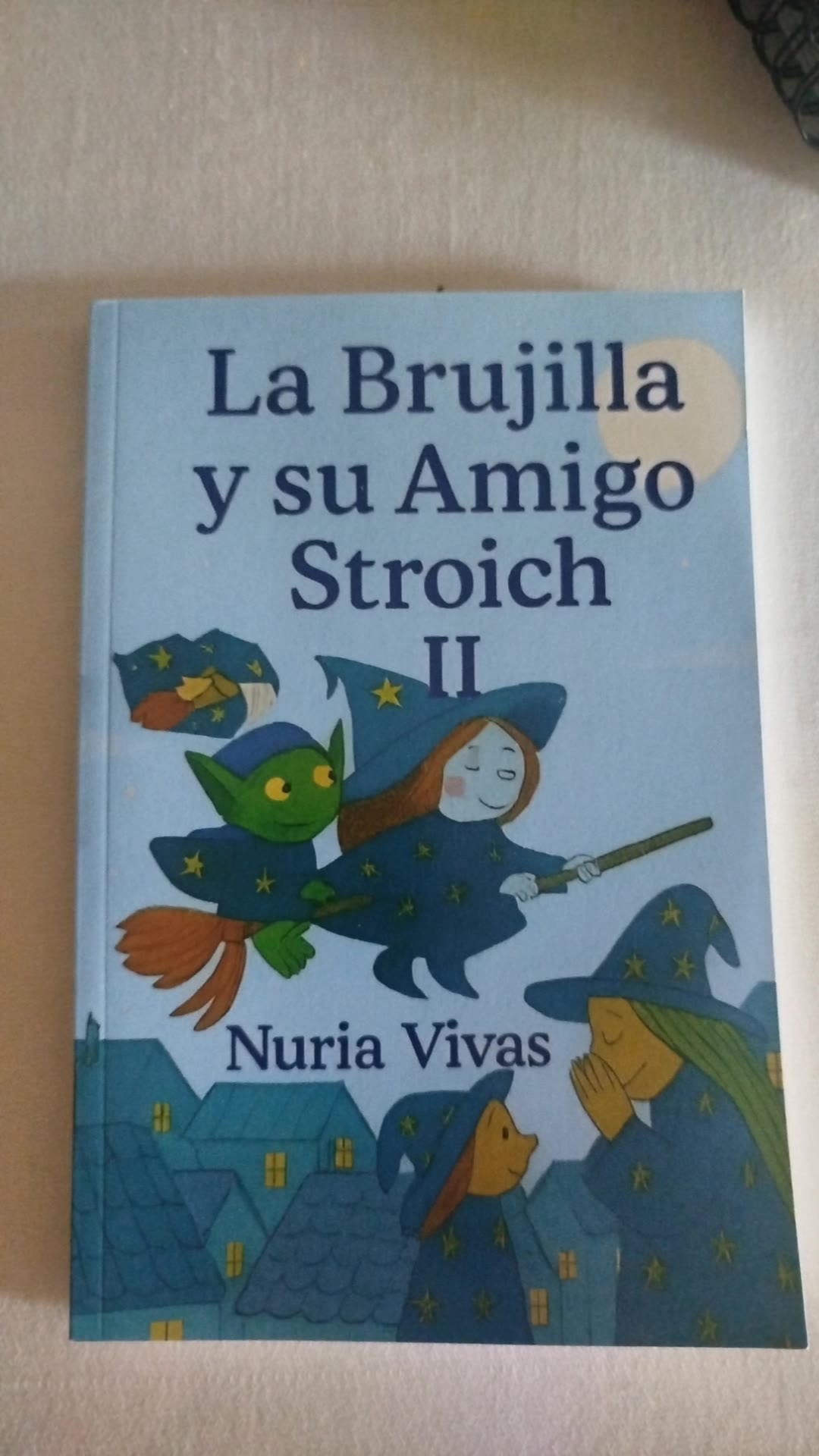
amigo movie - AI generation & action sequences

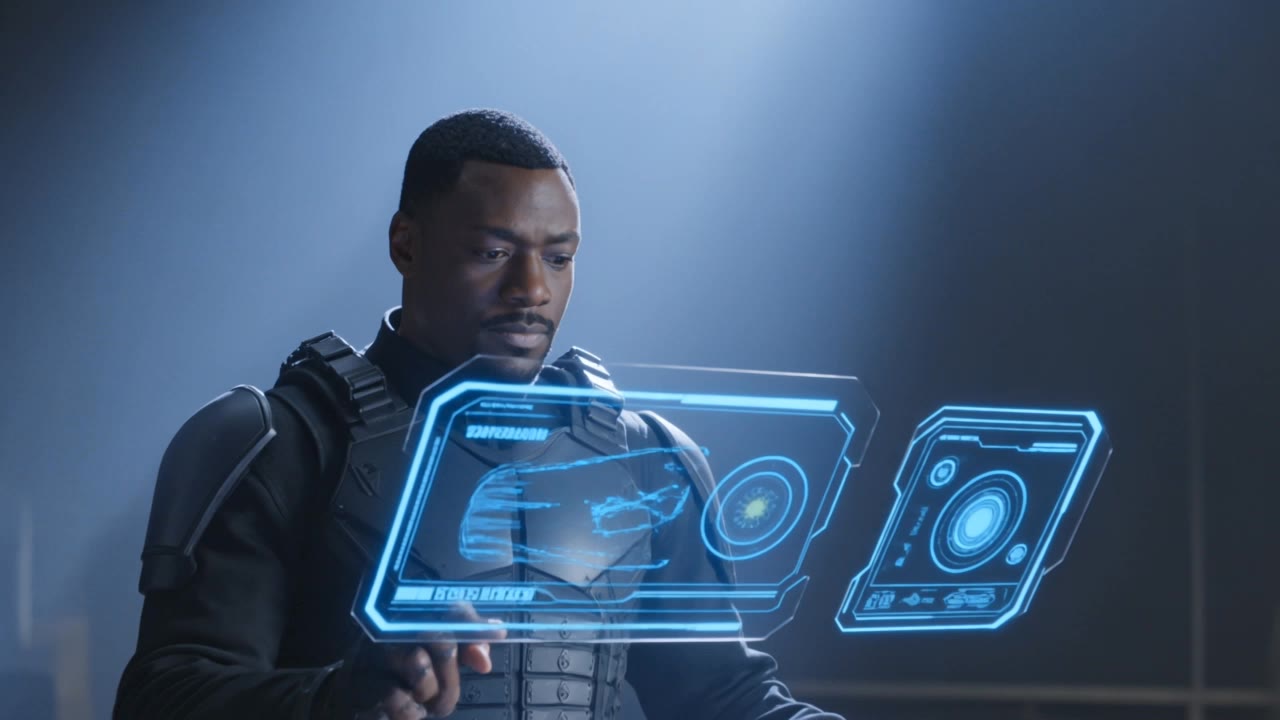
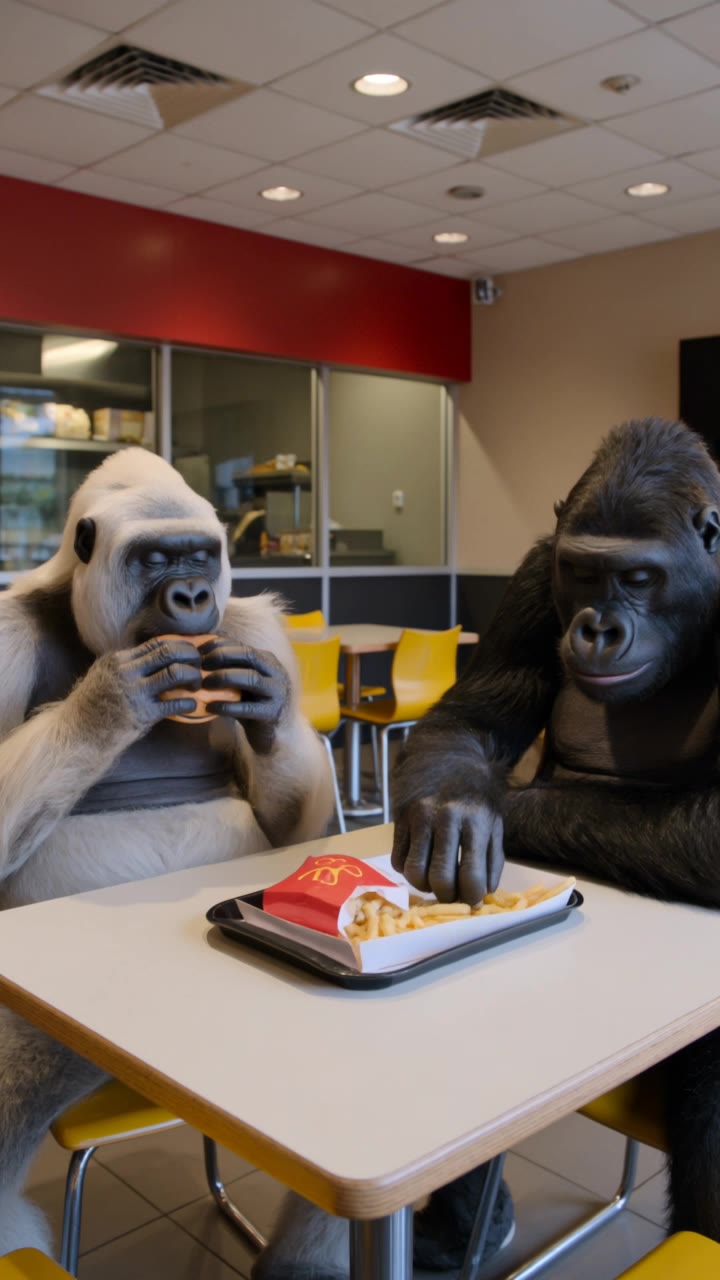
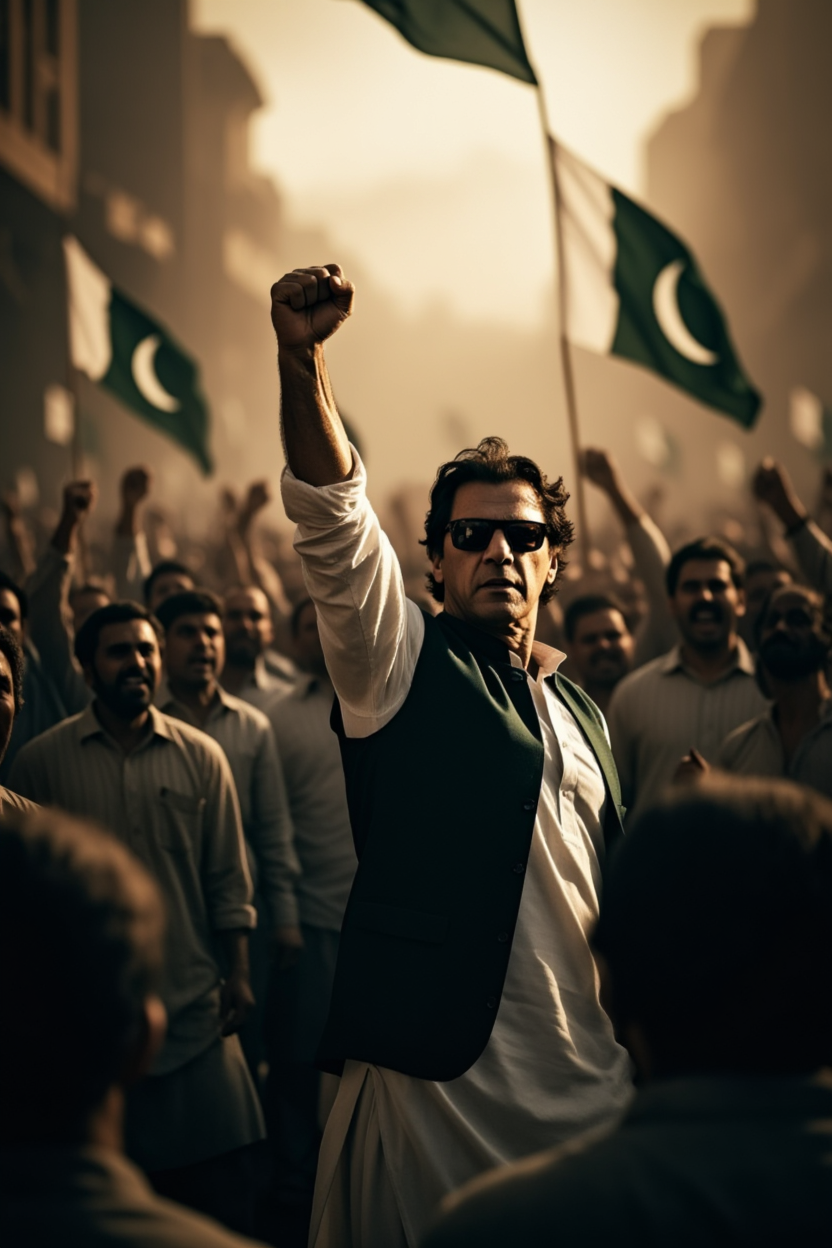
Immerse in the thrilling visuals of ultra-realistic slow-motion action and the charm of AI-generated block toy adventures. Experience cutting-edge native audio upgrades enhancing character dialogues across multiple languages. Start exploring amigo movie ideas and generate your own content with AI.

amigo movie - AI generation & action sequences

Recommended

Kling AI work 314319732612306 - amigo movie AI video
Uncle Jr avatar
Uncle Jr
Kling AI work 315629142618823 - amigo movie AI video
EnrwyCJn avatar
EnrwyCJn
movie  - amigo movie AI video
00:10
QFfyGnps avatar
QFfyGnps
Kling AI work 317940925660433 - amigo movie AI video
UeszeetH avatar
UeszeetH
Kling AI work 318998608506284 - amigo movie AI video
qSoBZBCR avatar
qSoBZBCR
Movie  - amigo movie AI video
Secret Girl avatar
Secret Girl
movie - amigo movie AI video
SwFhVnhz avatar
SwFhVnhz
Kling AI work 315520368500816 - amigo movie AI video
KlingICO avatar
KlingICO
Xd - amigo movie AI video
thzRFGHG avatar
thzRFGHG
Kling AI work 314581134508122 - amigo movie AI video
pwfVuniG avatar
pwfVuniG
Movie  - amigo movie AI image
toOHNBGF avatar
toOHNBGF
un nuevo amigo  - amigo movie AI video
yeOyWLxQ avatar
yeOyWLxQ
Movie - amigo movie AI image
esgSuiQU avatar
esgSuiQU
Kling AI work 318439795501391 - amigo movie AI video
FcyqLisz avatar
FcyqLisz
Un amigo en apuros - amigo movie AI video
KRuLIHWW avatar
KRuLIHWW
Kling AI work 305931504615219 - amigo movie AI video
KUxwuafO avatar
KUxwuafO
movie  - amigo movie AI video
FK king avatar
FK king
somos tu mejor amigo - amigo movie AI video
fVCGJsEO avatar
fVCGJsEO

How to Create Images with Kling AI

Write Down You Ideas

Write Down You Ideas

Open the AI Image Generator and choose the model that fits your project. Describe the subject and scene, then add details such as lighting, color, and visual style to shape the result.

Add References Or Not

Add References Or Not

Upload reference images for a character, product, composition, or style. References are optional, but they give Kling AI a clearer visual foundation when specific features, colors, or design details need to carry into the final image.

Generate Your Image

Generate Your Image

Choose your preferred format and output settings, then hit Generate. Once the result is ready, download it directly or open it in the image-to-video workflow to bring it to life with motion.

How Kling AI Sets the Standard for AI Video Creation

Realistic Motion from a Still Image

Realistic Motion from a Still Image

Animate portraits, artwork, and action images with natural character movement and physical interactions. Kling 4.0's dynamic motions improves stability during large movements, fast action, and complex scenes. From subtle facial expressions to sports and fight choreography, create motion that develops naturally from your image while keeping the subject and surrounding scene visually coherent.

Direct the Camera and Every Key Moment

Direct the Camera and Every Key Moment

A single image can lead to a tracking shot, camera orbit, close-up, or wider scene. Kling 4.0 offers stronger camera control, with native video generation up to 30 seconds for longer movements and connected action. Start and end frames help guide a transition, while up to 10 flexible keyframes let you define additional compositions, character poses, and scene changes as the video develops.

Combine References, Keep the Look

Combine References, Keep the Look

Keep recognizable characters, products, and visual styles as your images begin to move. Kling 4.0's Omni Reference supports up to 15 combined assets, including images, videos, and subjects, to guide appearance, actions, camera work, and settings. Use multiple views of a character or product alongside style and motion references. Stronger visual consistency helps preserve familiar details across new shots, with realistic textures.

Apps

Video Generation
Video Generation

Video Generation

Image Generation
Image Generation

Image Generation

Motion Control
Motion Control

Motion Control

Avatar
Avatar

Avatar

AI Portraits
AI Portraits

AI Portraits

Lip Sync
Lip Sync

Lip Sync

60M+
60M+
Users
600M+
600M+
AI Videos Generated
4.7 ★
4.7 ★
App Store
Industry-Leading
Industry-Leading
Cinematic 4K

Reviews

James Phillips

James Phillips

★★★★★

Kling AI has transformed my workflow by collapsing timelines and democratizing production. It’s shifted my mindset from resource-dependent filmmaking to a boundless creative sandbox, where experimentation yields unexpected beauty.

Halim Alrasihi

Halim Alrasihi

★★★★★

I use AI daily and Kling AI is a crucial part of my workflow, whether for client work or personal projects. What I love most about using Kling AI is that it provides all the tools I need in one place, from keyframes to character references, elements and special effects.

Ozan Sihay

Ozan Sihay

★★★★★

Kling AI allows me to rapidly prototype ideas, refine storytelling elements, and produce visually compelling content efficiently. It has not only accelerated my creative processes, but also deepened my understanding of how AI can enrich visual storytelling.

FAQ

Q1Can an AI video editor remove or replace objects?
Q2How long can videos be when editing with Kling 4.0?
Q3How is an AI video editor different from an AI video generator?

Change the Shot Without Reshooting It

Upload your footage, describe the result, and let Kling rebuild the scene around your direction.

Free tier available | Prompt-Based Editing | Subject Replacement | Creative Recreation