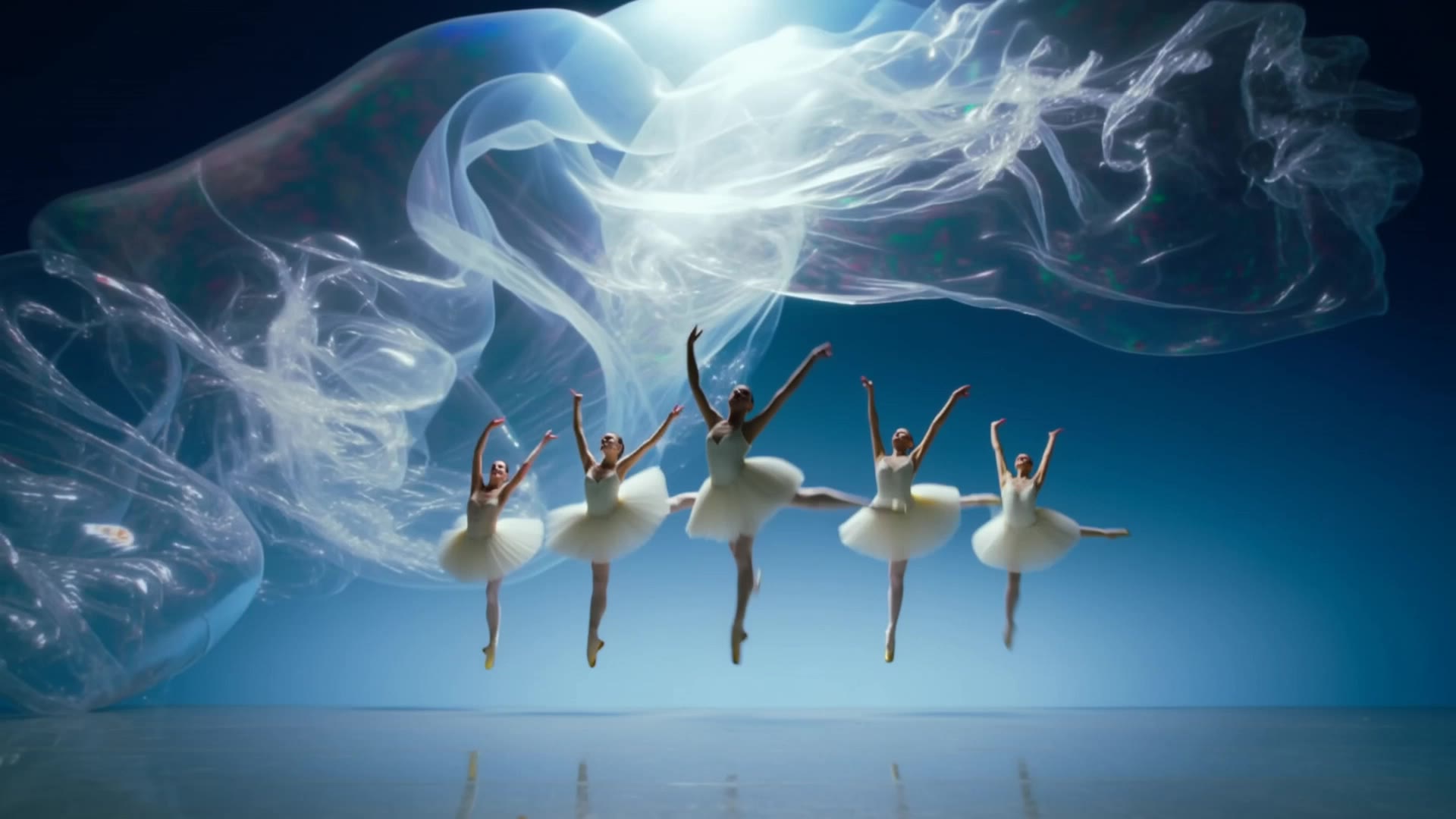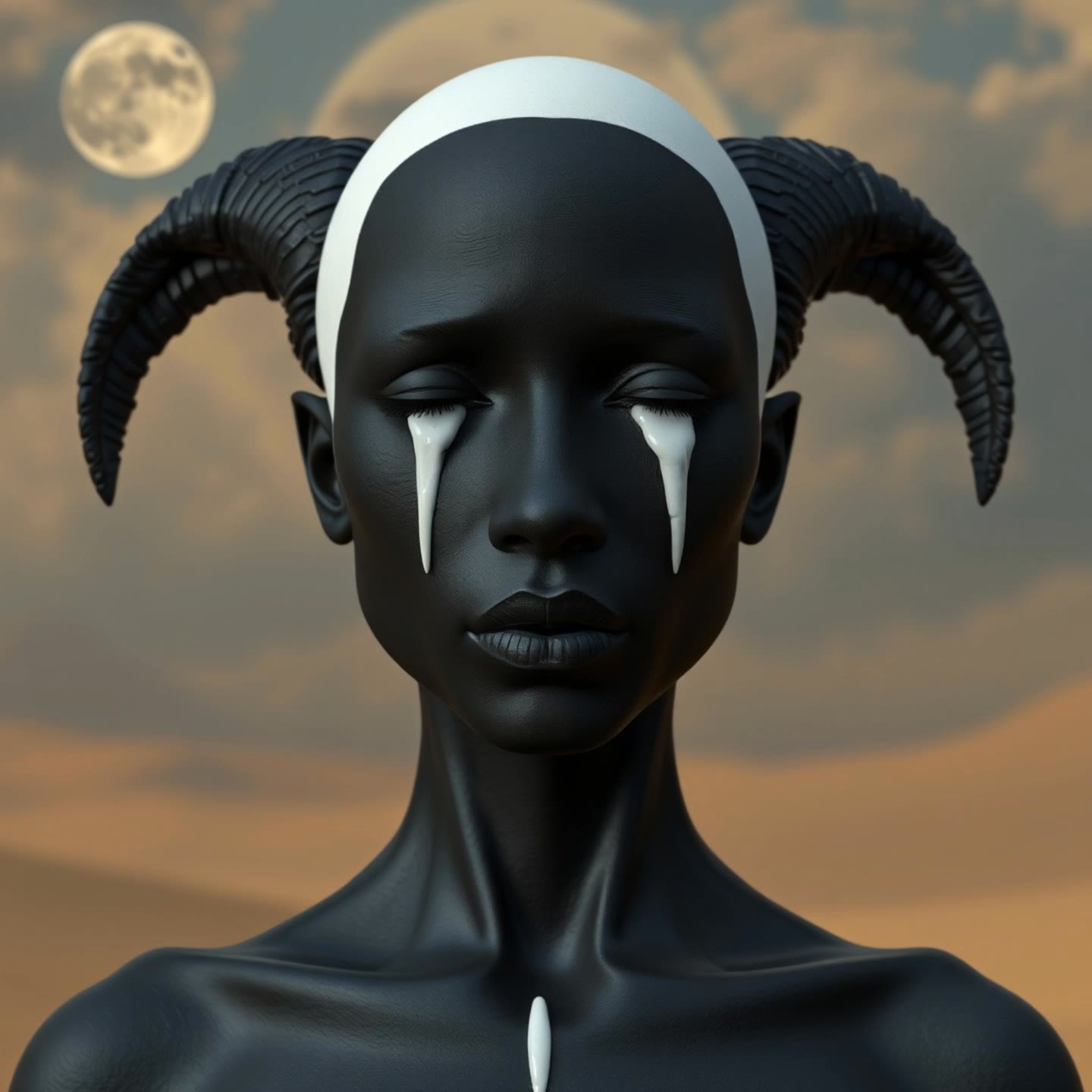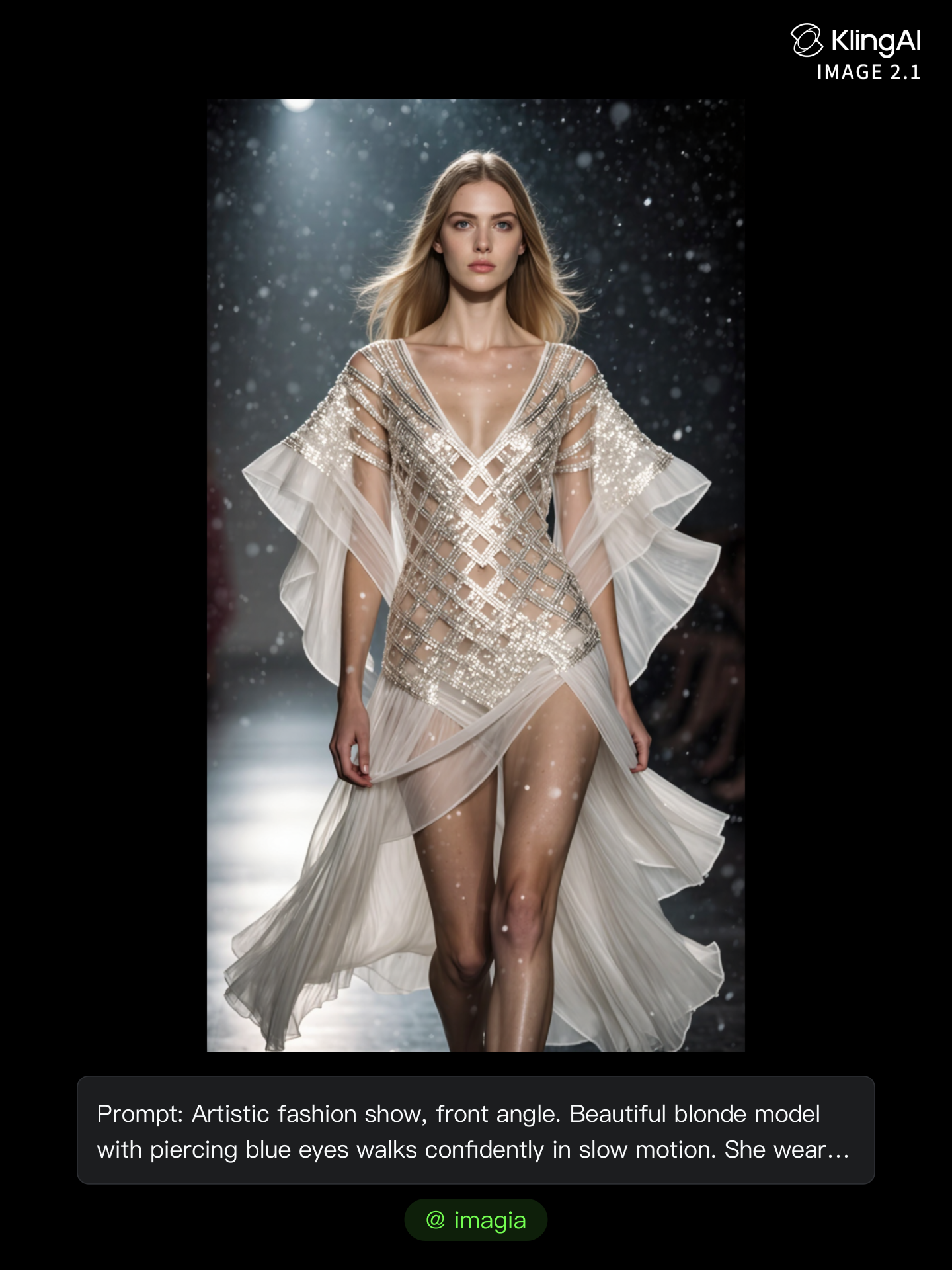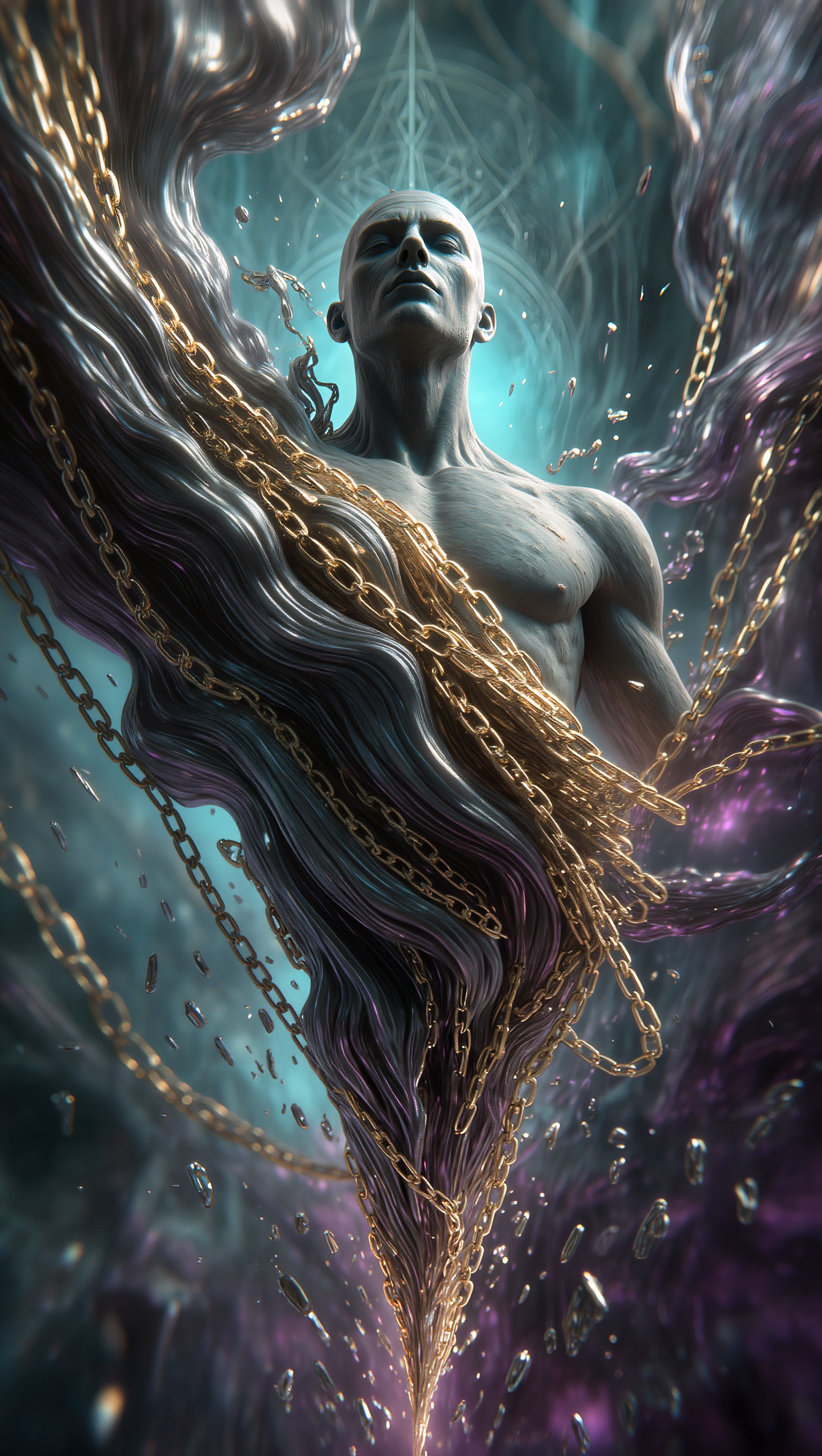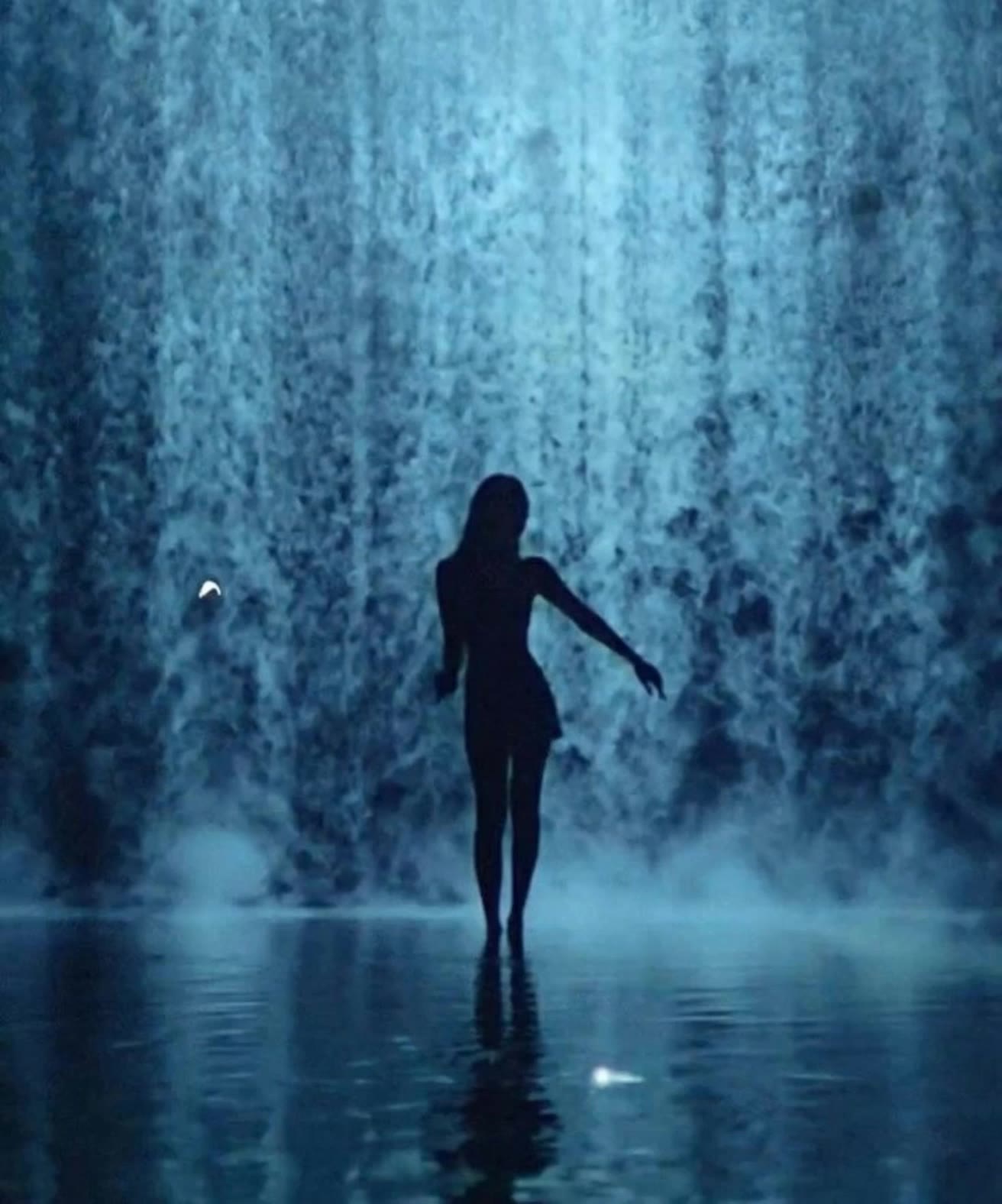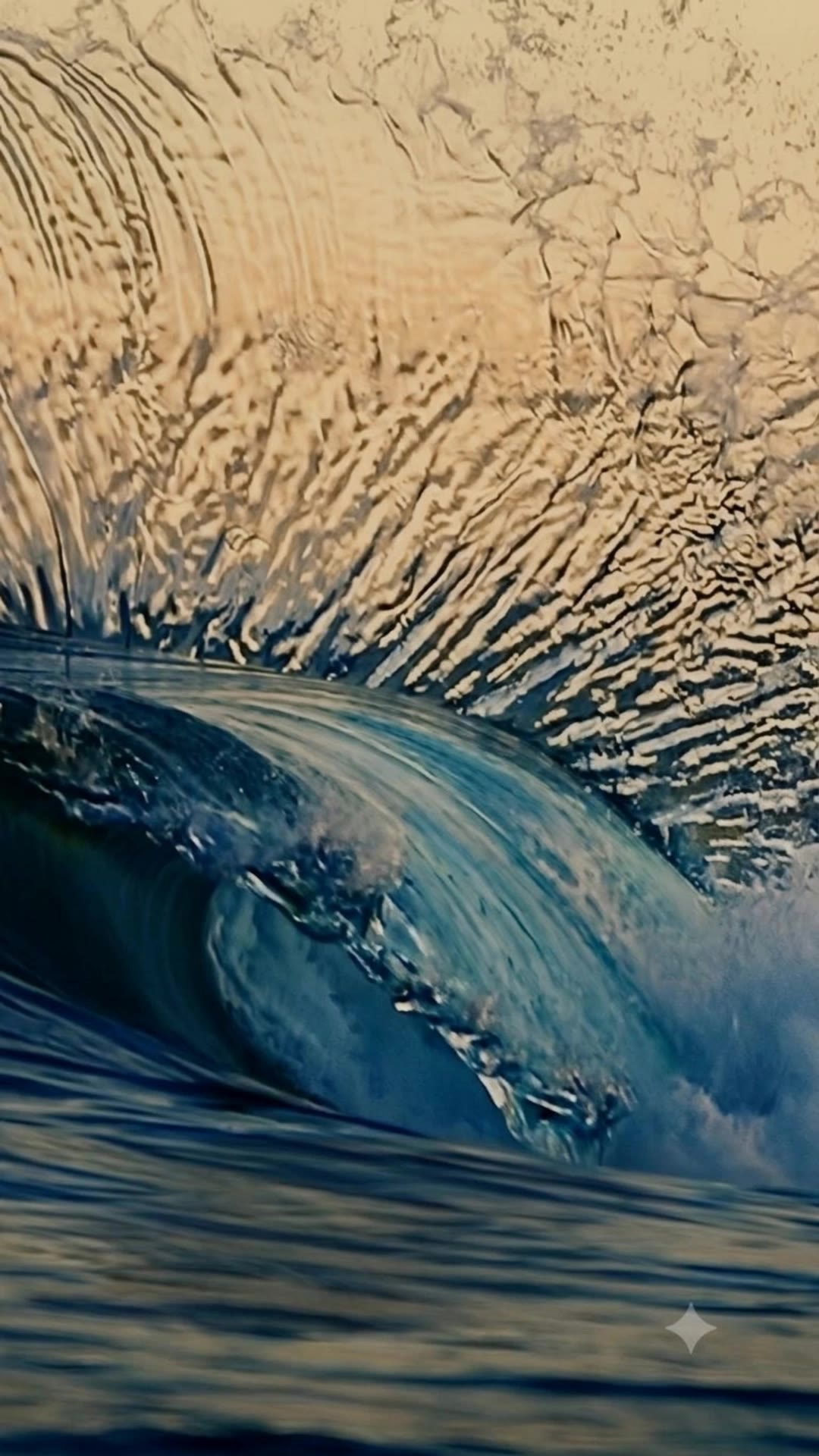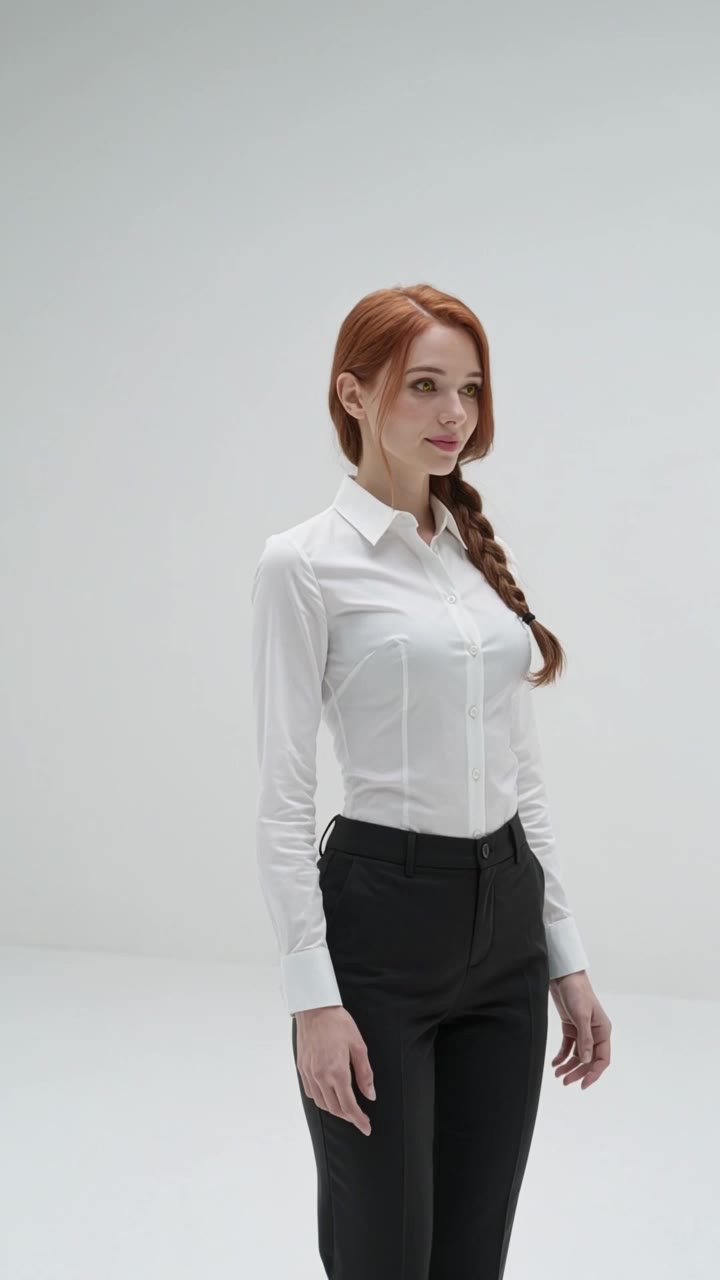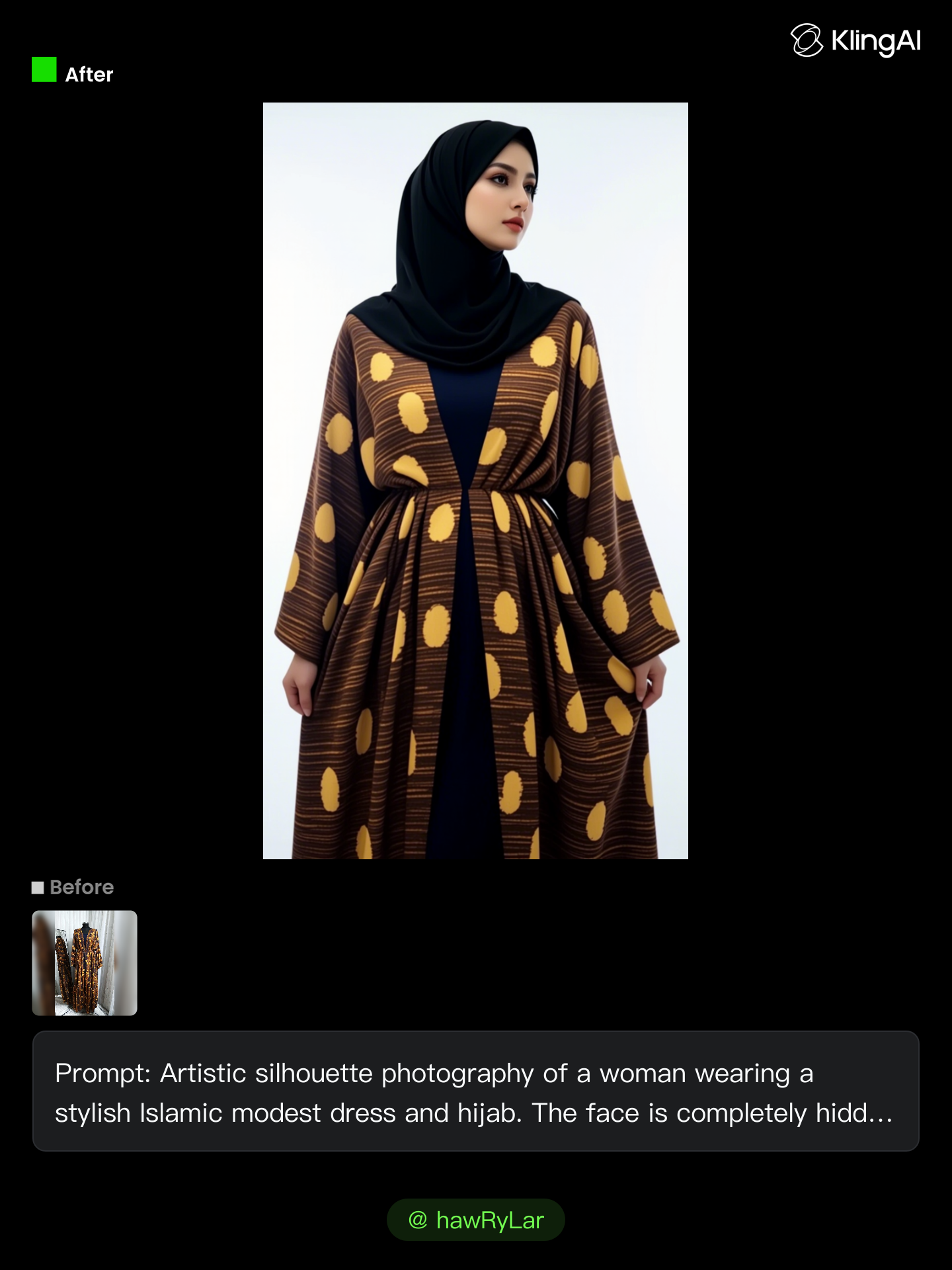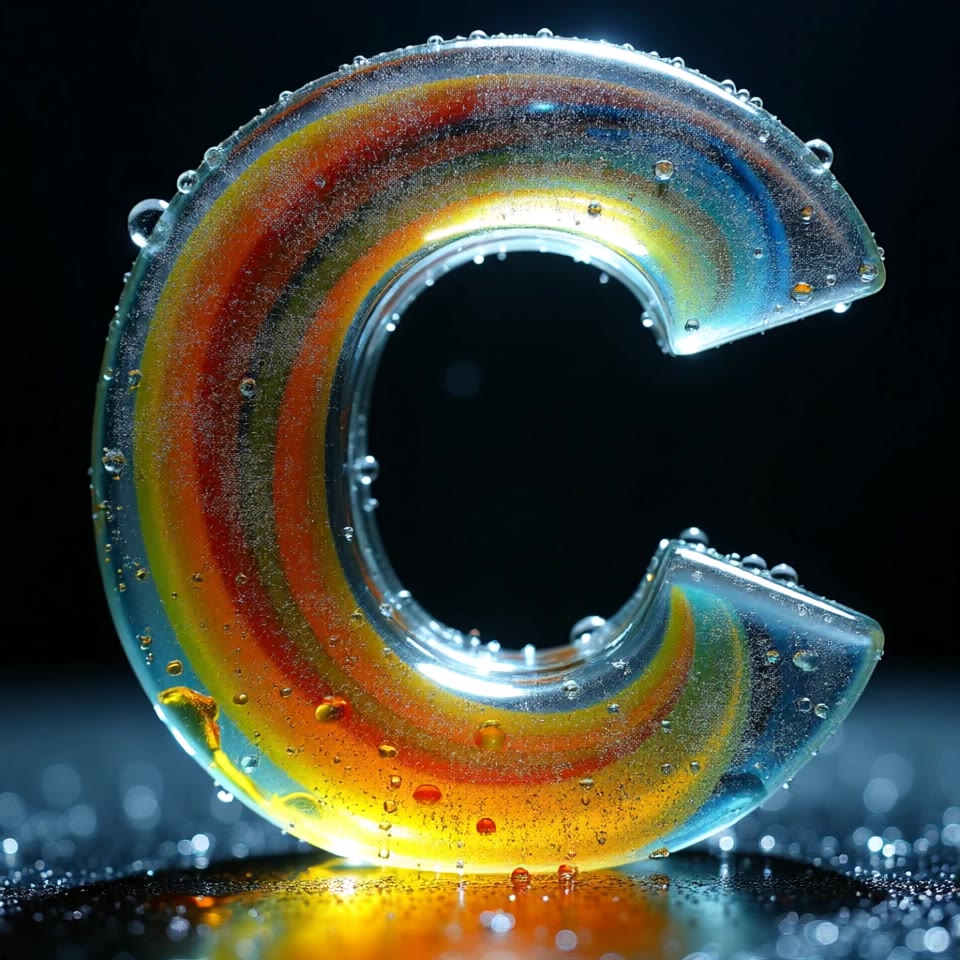
artistic flow - nature's energy & surreal textures

Immerse in the vibrant energy of summer waves and the surreal beauty of jade rainbows arching through stormy skies. Start exploring artistic flow ideas and generate your own content with AI.

artistic flow - nature's energy & surreal textures

Recommended

Kling AI work 310125818663768 - artistic flow AI image
BunnyLOVE Studios avatar
BunnyLOVE Studios
Kling AI work 311327763524288 - artistic flow AI video
Botagoz ID avatar
Botagoz ID
Kling AI work 299914140506113 - artistic flow AI video
ICEDONG avatar
ICEDONG
Kling AI work 309839367528443 - artistic flow AI video
SupgKQnB avatar
SupgKQnB
Kling AI work 321837873655782 - artistic flow AI video
Roar72 avatar
Roar72
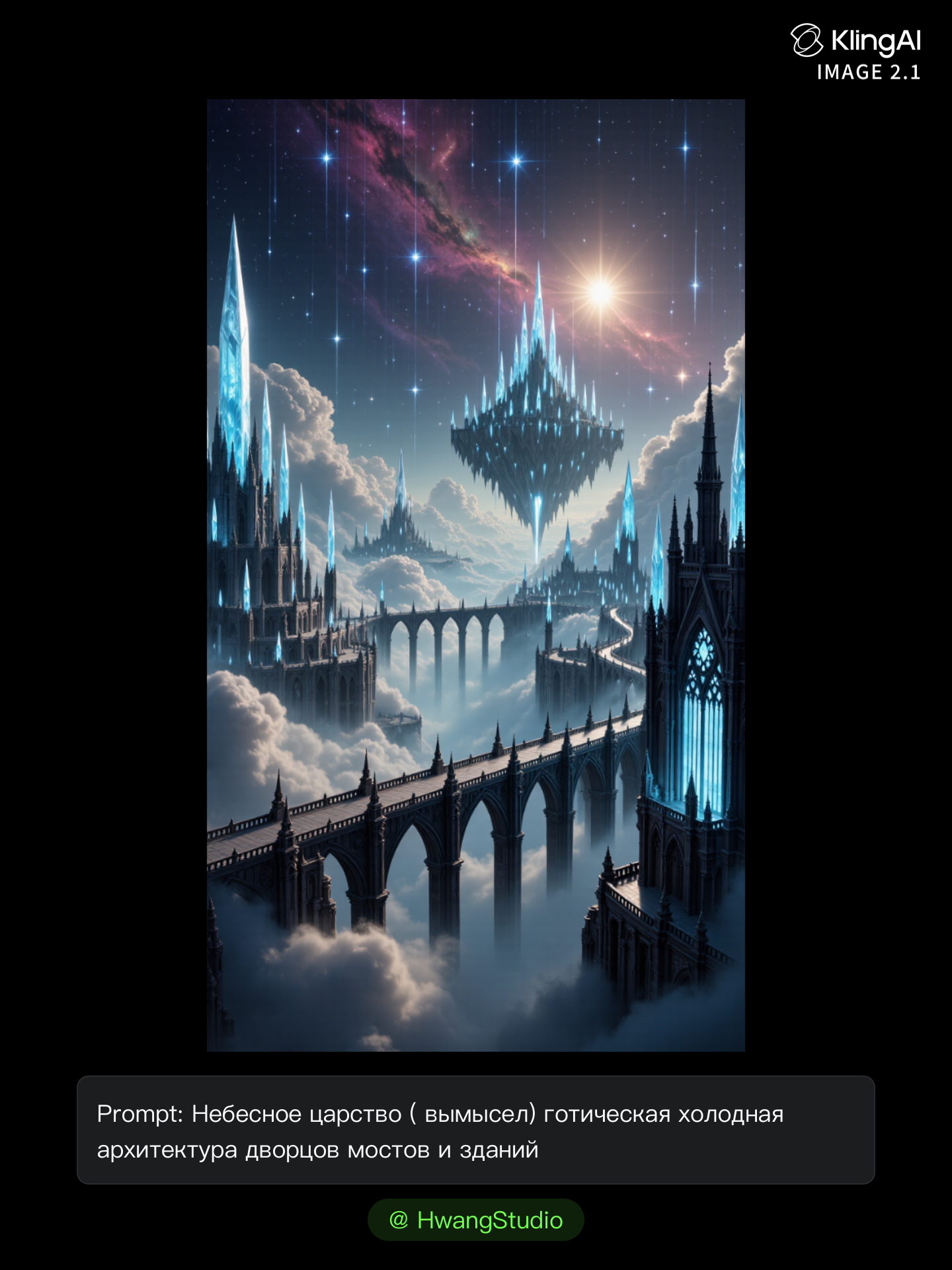
Celestial Flow — Concept Art   - artistic flow AI image
HwangStudio avatar
HwangStudio
Kling AI work 309844489665015 - artistic flow AI image
TacZrNfI avatar
TacZrNfI
Flow - artistic flow AI video
Da'Boxman avatar
Da'Boxman
Kling AI work 298864221650362 - artistic flow AI image
imagia avatar
imagia
Kling AI work 301003416507995 - artistic flow AI image
ÃtLįRîũz avatar
ÃtLįRîũz
Kling AI work 315562664505947 - artistic flow AI video
EGlxhdOr avatar
EGlxhdOr
Kling AI work 311198296663281 - artistic flow AI video
vQOHKitp avatar
vQOHKitp
Kling AI work 315412828507601 - artistic flow AI video
crINMCwh avatar
crINMCwh
flow - artistic flow AI video
00:15
SILVER avatar
SILVER
Kling AI work 300574797657882 - artistic flow AI image
hawRyLar avatar
hawRyLar
Kling AI work 286022408533926 - artistic flow AI video
STN avatar
STN
Ambient flow - artistic flow AI video
DetMaroz avatar
DetMaroz
The flow. - artistic flow AI image
WncaRRoy avatar
WncaRRoy
Flow - artistic flow AI video
UQEPHeIP avatar
UQEPHeIP

How to Create Images with Kling AI

Write Down You Ideas

Write Down You Ideas

Open the AI Image Generator and choose the model that fits your project. Describe the subject and scene, then add details such as lighting, color, and visual style to shape the result.

Add References Or Not

Add References Or Not

Upload reference images for a character, product, composition, or style. References are optional, but they give Kling AI a clearer visual foundation when specific features, colors, or design details need to carry into the final image.

Generate Your Image

Generate Your Image

Choose your preferred format and output settings, then hit Generate. Once the result is ready, download it directly or open it in the image-to-video workflow to bring it to life with motion.

Key Features of Kling AI Image Generator

Turn Ideas into Images

Turn Ideas into Images

Describe the scene, character, product, or style you have in mind, and watch your idea come to life. Whether you're generating from scratch or fine-tuning an existing result, Kling IMAGE 3.0 follows your instructions, including tweaking the composition, shifting the lighting, and adjusting visual details until it looks right.

Bring References Into New Creations

Bring References Into New Creations

Bring in references for a character, product, color palette, material, composition, or visual style. IMAGE 3.0 draws on the defining qualities of up to 10 images and brings them together in one cohesive result, keeping the details that make each reference recognizable.

Produce Professional Image Series in 4K

Produce Professional Image Series in 4K

Plan and create a complete visual series as one cohesive project, rather than generating each image separately. IMAGE 3.0 Omni supports intentional shot progression, varied framing, and a unified creative direction across the set, with native 4K output for cinematic storyboards, product campaigns, character development, comics, and branded content.

Apps

Image to Video
Image to Video

Image to Video

Text to Video
Text to Video

Text to Video

Omni
Omni

Omni

Digital Human
Digital Human

Digital Human

Restyle
Restyle

Restyle

Text to Image
Text to Image

Text to Image

60M+
60M+
Users
600M+
600M+
AI Videos Generated
4.7 ★
4.7 ★
App Store
Industry-Leading
Industry-Leading
Cinematic 4K

Reviews

KakuDrop

KakuDrop

★★★★★

I have successfully collaborated with world-renowned artists and well-known companies that are recognized globally

Ozan Sihay

Ozan Sihay

★★★★★

Kling AI allows me to rapidly prototype ideas, refine storytelling elements, and produce visually compelling content efficiently. It has not only accelerated my creative processes, but also deepened my understanding of how AI can enrich visual storytelling.

Jyo John Mulloor

Jyo John Mulloor

★★★★★

Kling AI has been instrumental in transforming my creative workflow, unlocking new dimensions of artistic expression that were once unimaginable. I use Kling AI extensively to develop high-concept visuals, animate surreal dreamscapes, and create AI-assisted films that blur the line between reality and fantasy. Kling AI’s deep learning capabilities have not only enhanced my creative efficiency but also inspired me to explore storytelling in ways I never thought possible.

FAQ

Q1How can I make a video from photos with AI?
Q2Can I make a video from photos online for free?
Q3Can I use AI-generated videos from photos commercially?

Your Photos Have More to Show

A portrait, product image, or illustration can be the starting point for your next video. Add movement, explore different camera shots, and work with the visual details you want to keep in Kling AI.

Dynamic Motions | Multiple Keyframes | Omni Reference | Free tier available