

Dilshoda
0
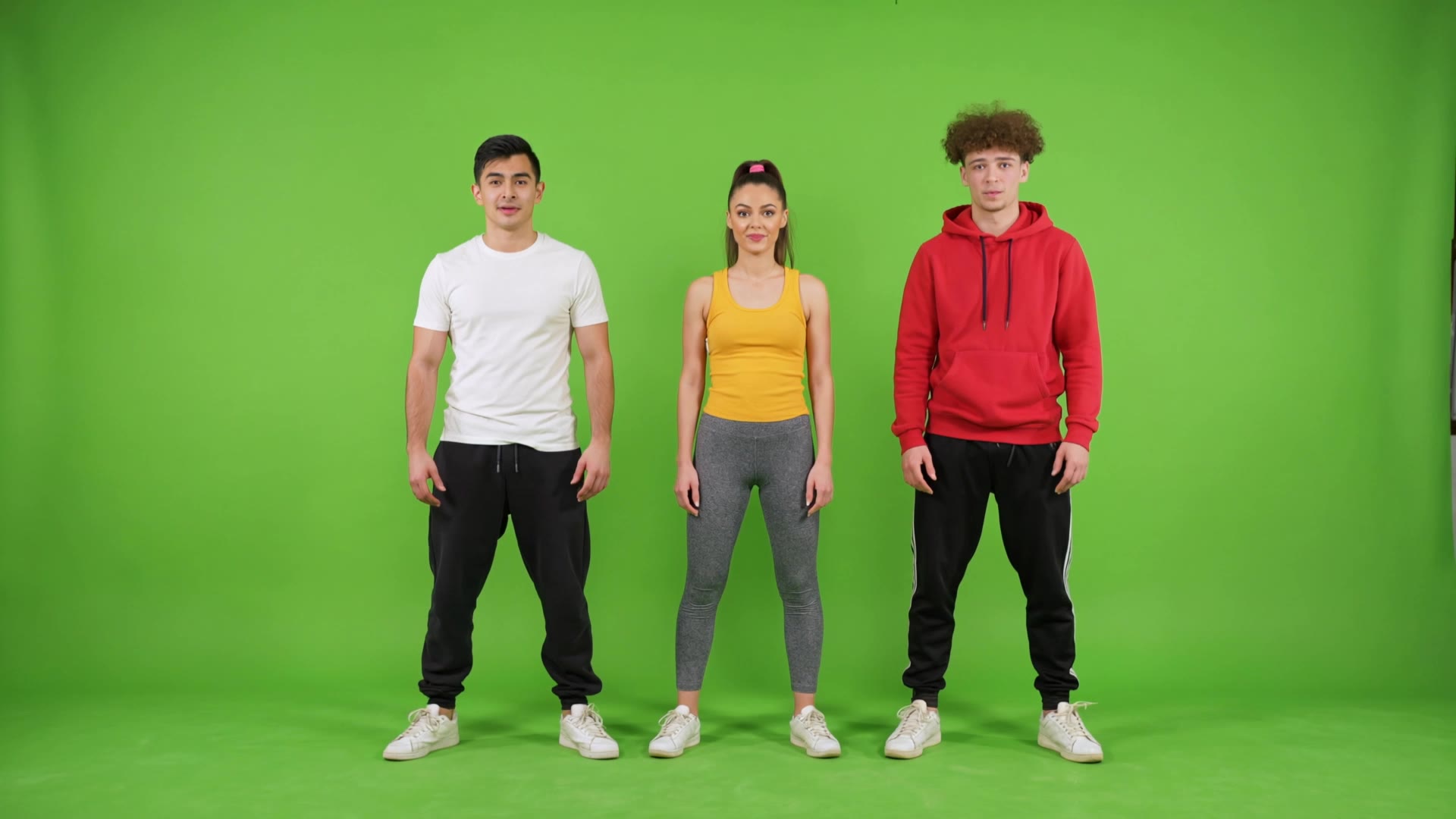
Experience seamless background audio removal with vibrant, energetic animations on a bold green chroma key backdrop, and enjoy the fusion of cutting-edge audio and video technology. Start exploring background audio remover ideas and generate your own content with AI.

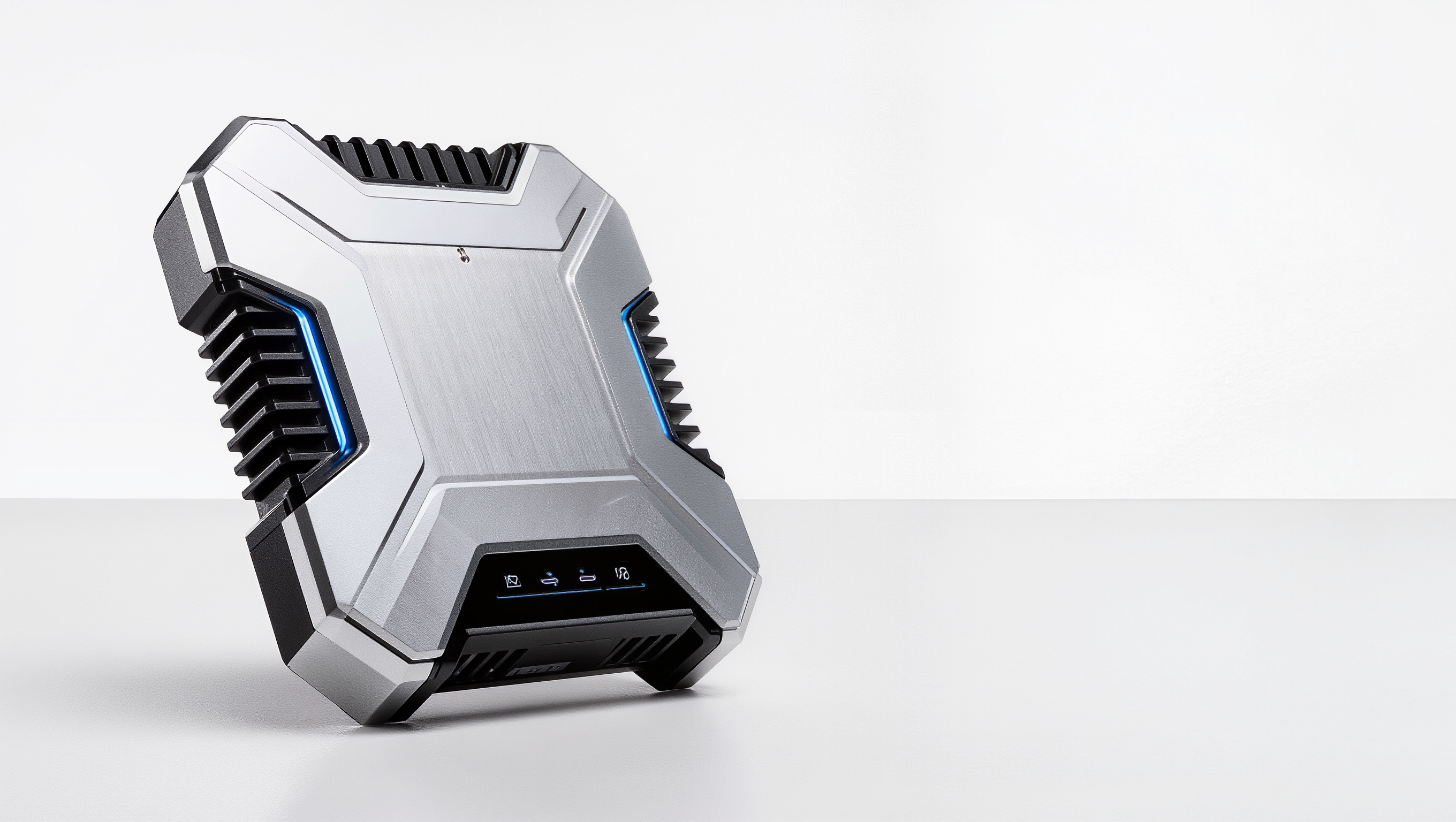
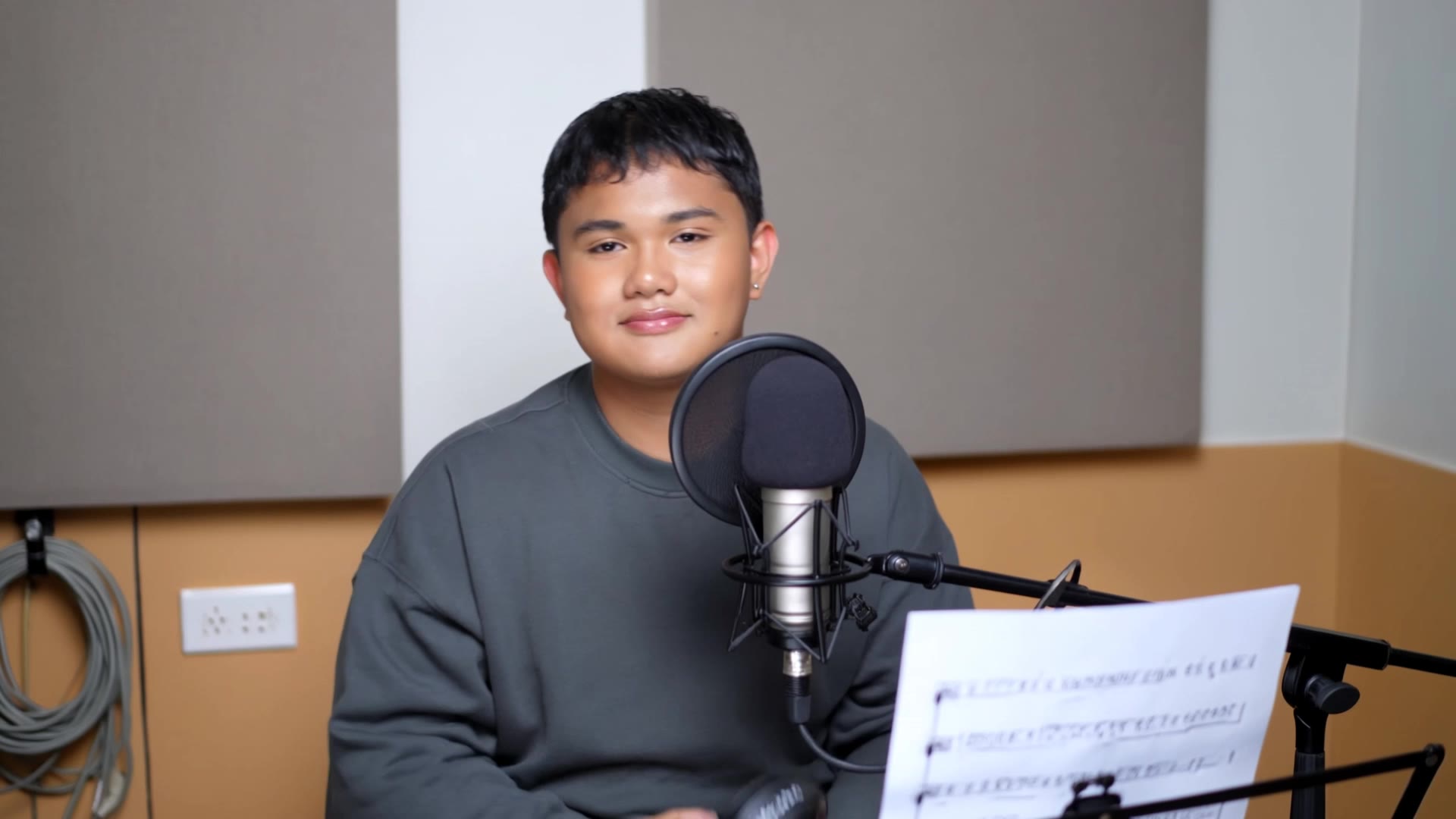
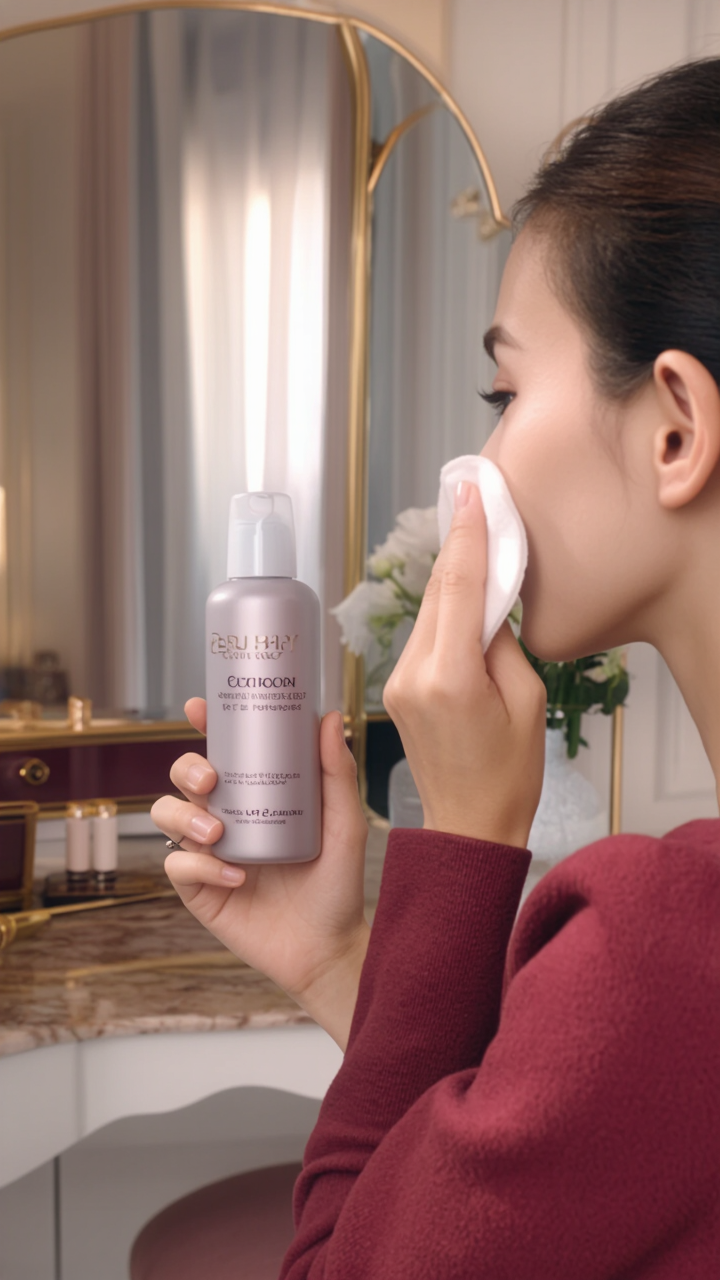




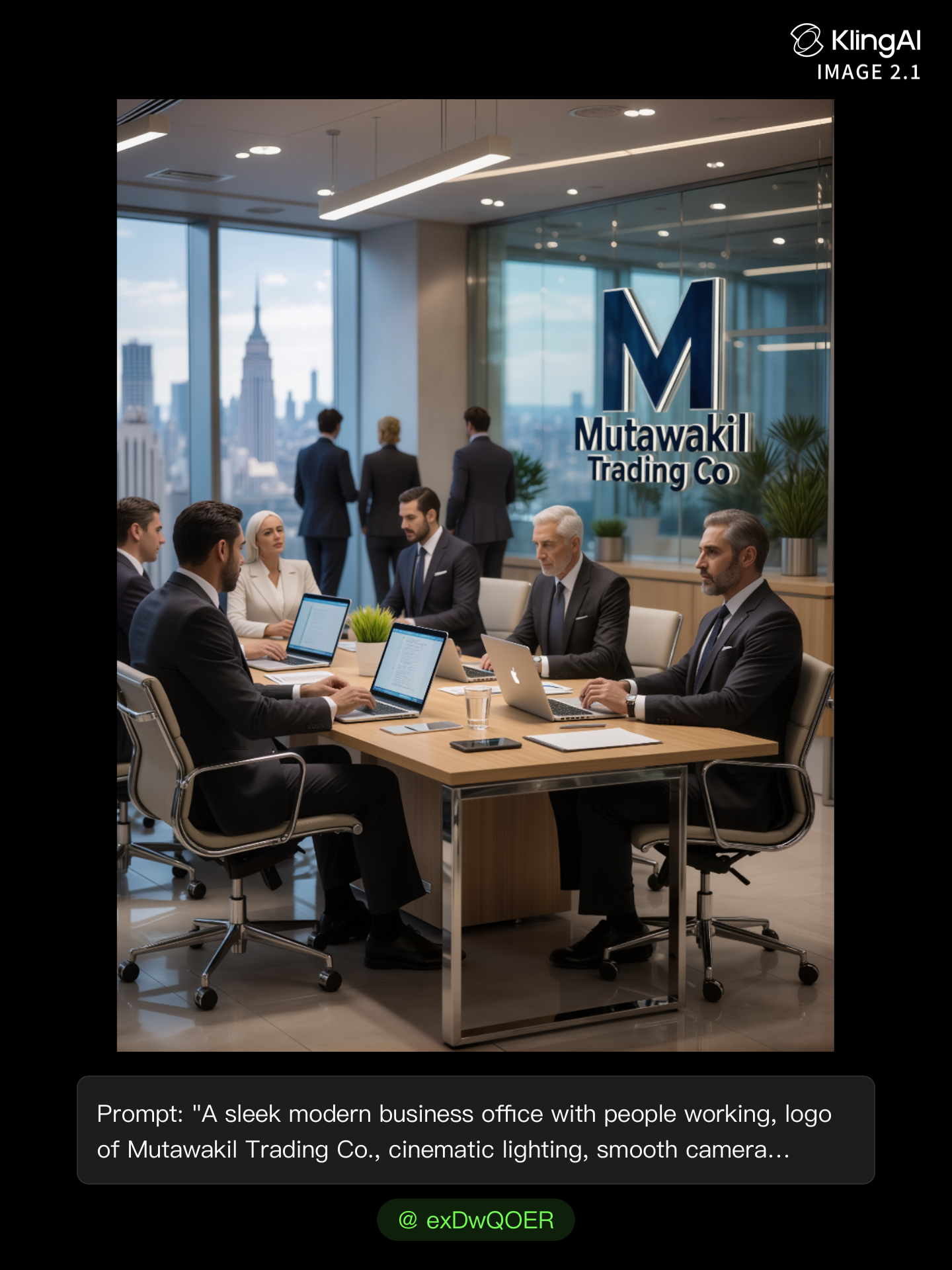


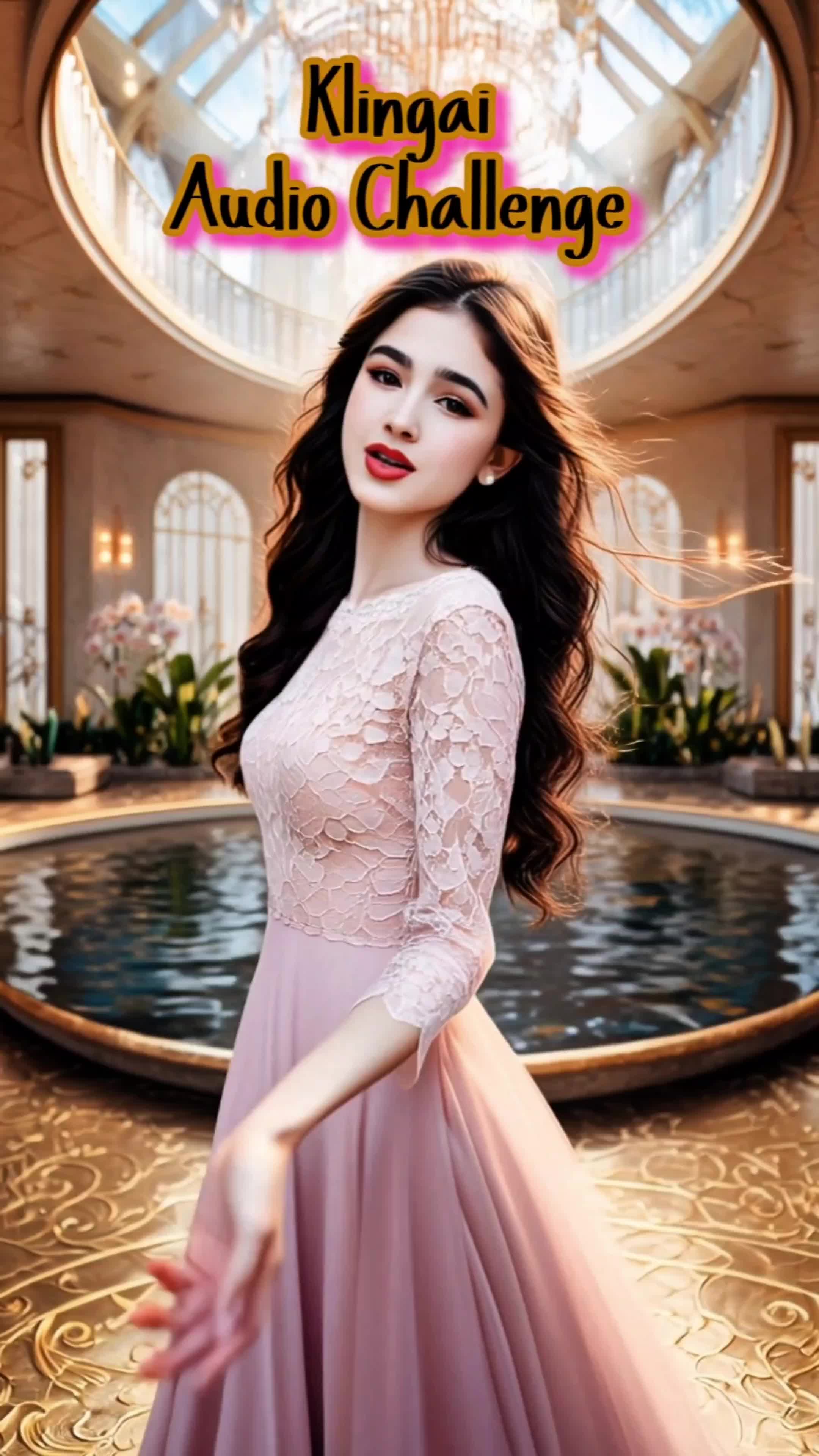

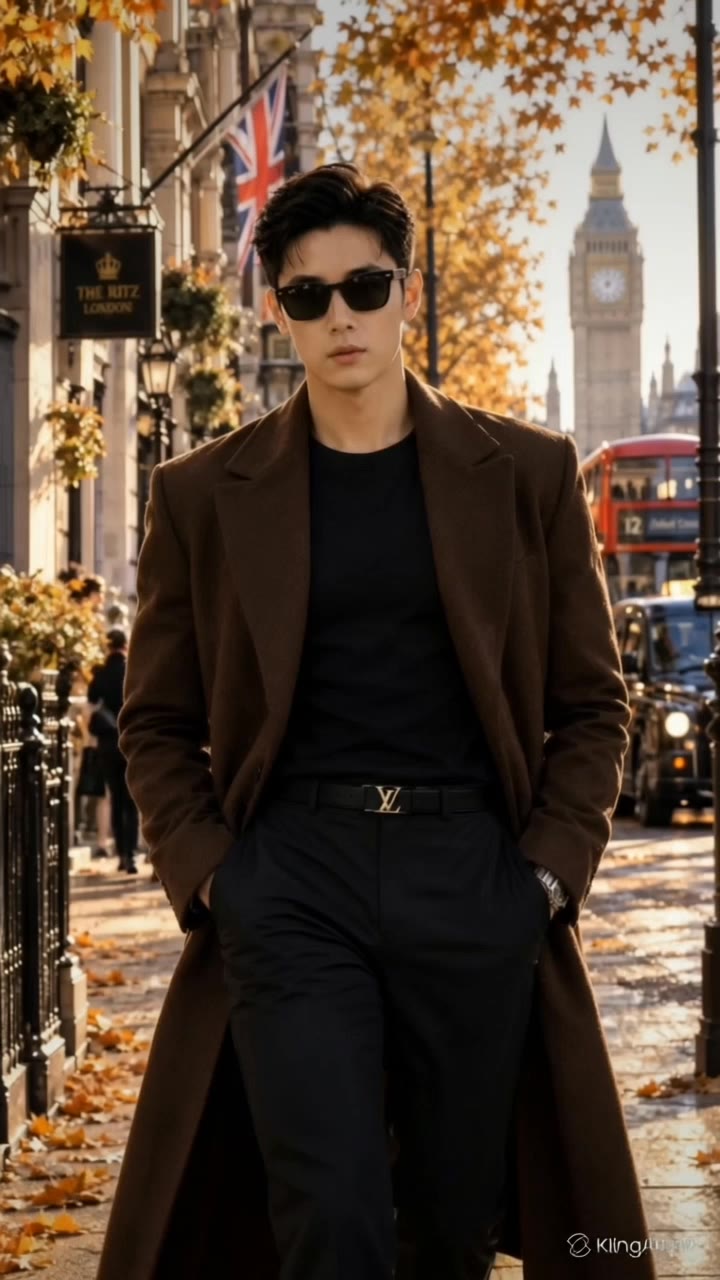
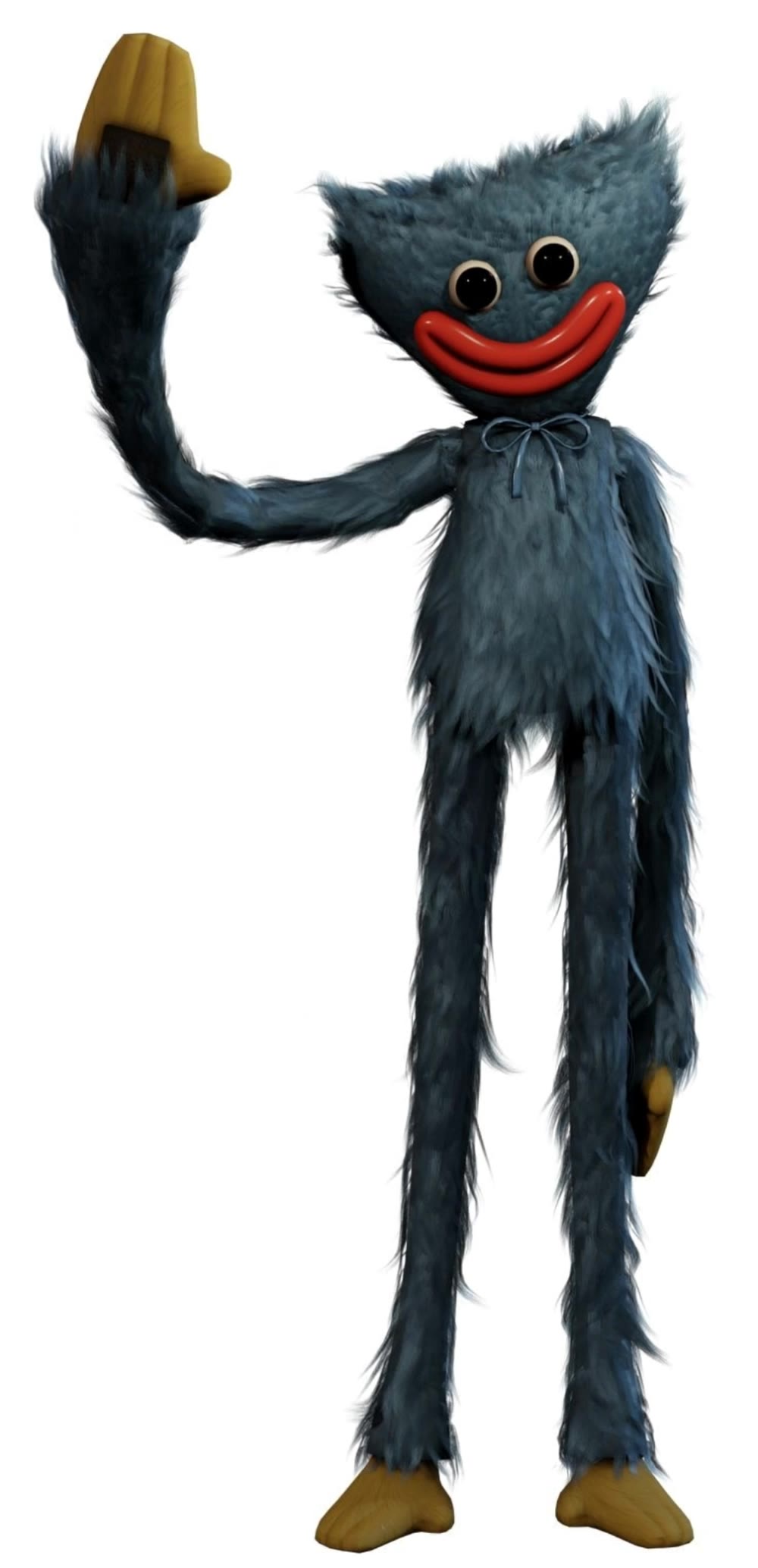


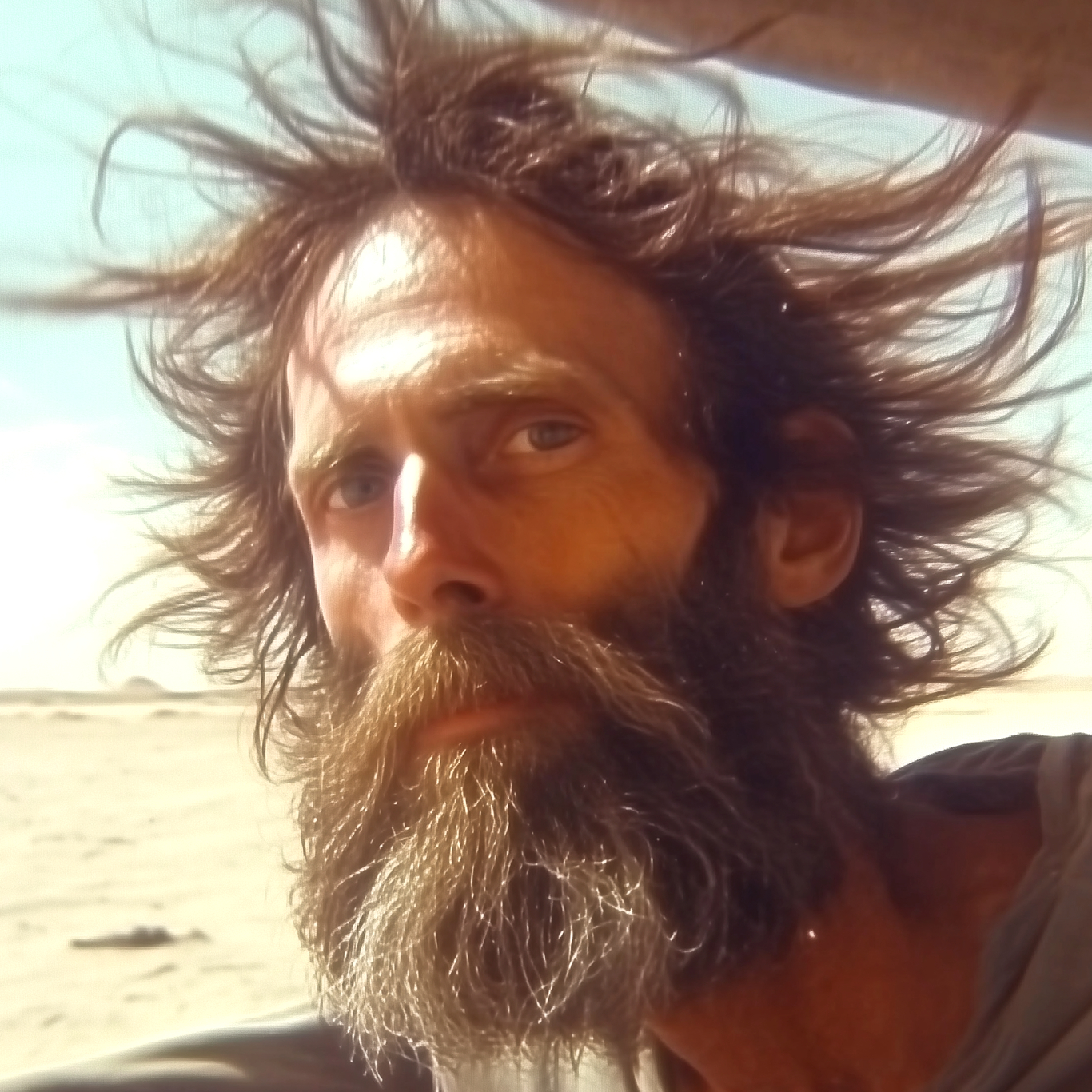
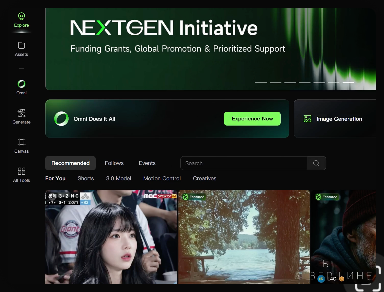
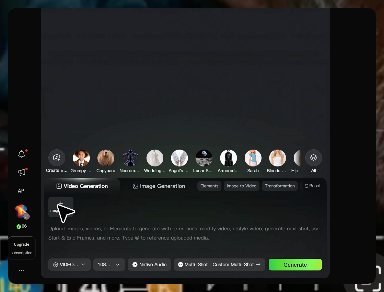
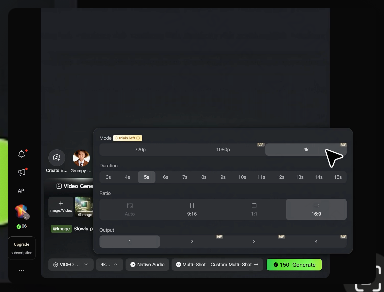
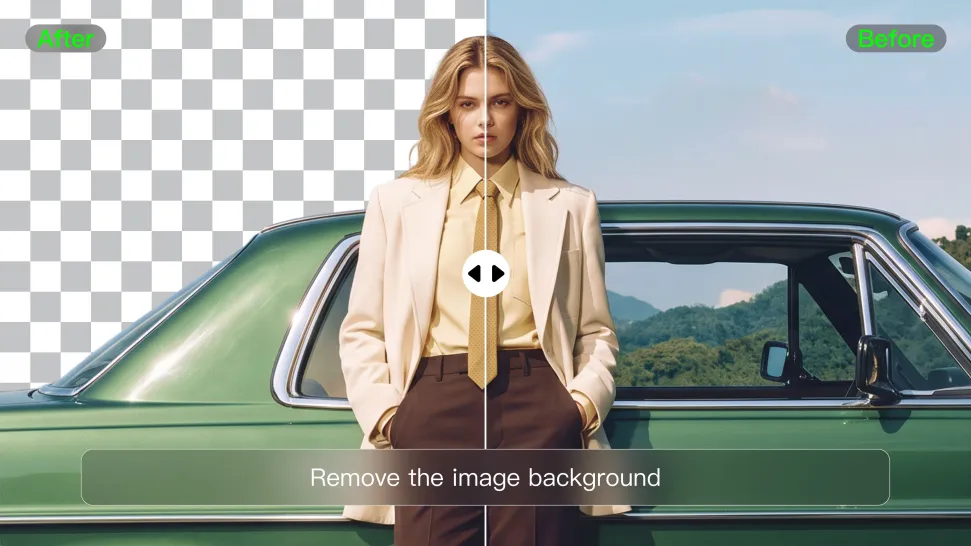
When you want to isolate a person, product, or other subject, Kling AI keeps background removal simple. A short prompt like “Remove the background” or “Keep the person and remove everything behind them” can clear away the surroundings without tracing edges by hand.
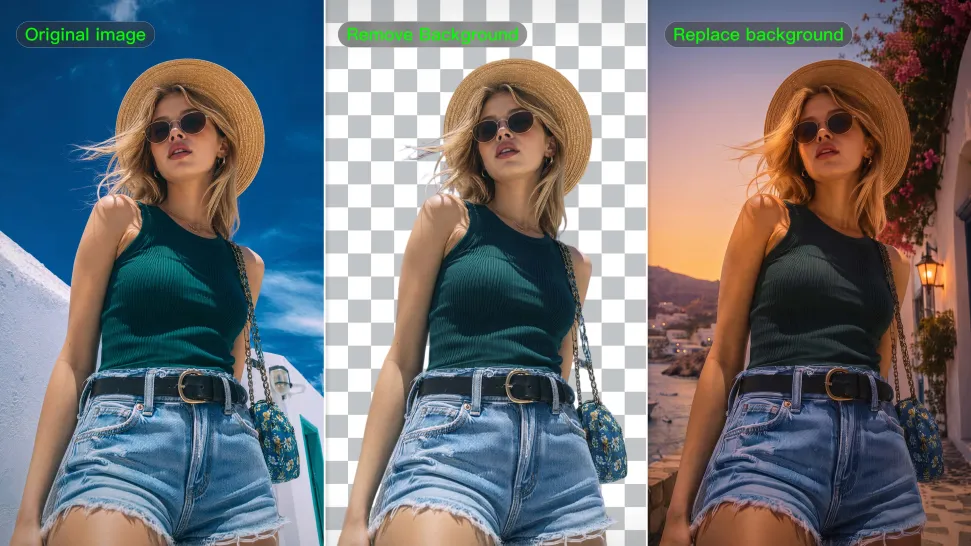
Removing the background does not mean you want the subject itself to change. Kling IMAGE 3.0 supports targeted image editing while helping preserve important visual characteristics such as the subject's appearance, shape, style, lighting, and texture. You can also specify what should stay unchanged when the image includes details that matter to the final result.
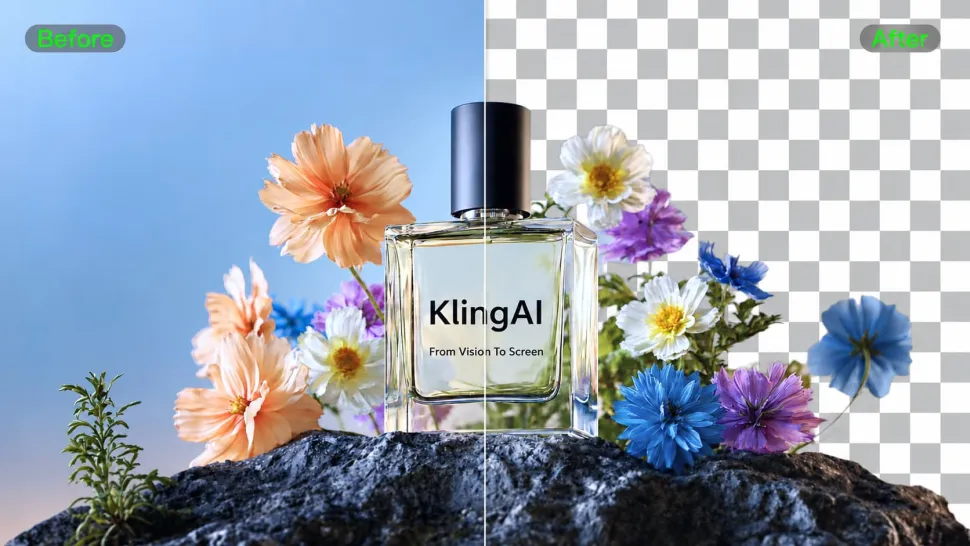
When you need more detail or higher resolution, Kling IMAGE 3.0 Omni lets you create images with background removals and output them in 2K or 4K. They’re ideal for product displays, posters, marketing assets, presentations, and designs that need to work across different sizes.

















I use Kling AI every day. It's amazing to see the almost daily progress it makes. I used AI for fun at first, and I now find that Kling AI's animations allow me to gain professional visibility, with three times more views on my animated posts than on my static posts.

I use Kling AI daily to push the limits of AI filmmaking. It allows me to create highly cinematic content, blending AI and VFX to develop innovative projects. It has significantly impacted my creative process, enabling me to achieve complex animations that would otherwise require high production budgets.

Kling AI seamlessly integrates into my creative workflow, playing a key role in transforming my images. After generating and upscaling an image, Kling becomes a crucial element, bringing my creations to life with movement and depth.
Start with a sentence, a sketch, or a reference photo. Shape the composition, dial in the details, and keep iterating in Kling AI.
Free tier available | Text-to-image | Image-to-image | Fast generation