Creative Studio
API
Resources
Features
About Us
Download

background swap - character swap & dynamic lighting effects

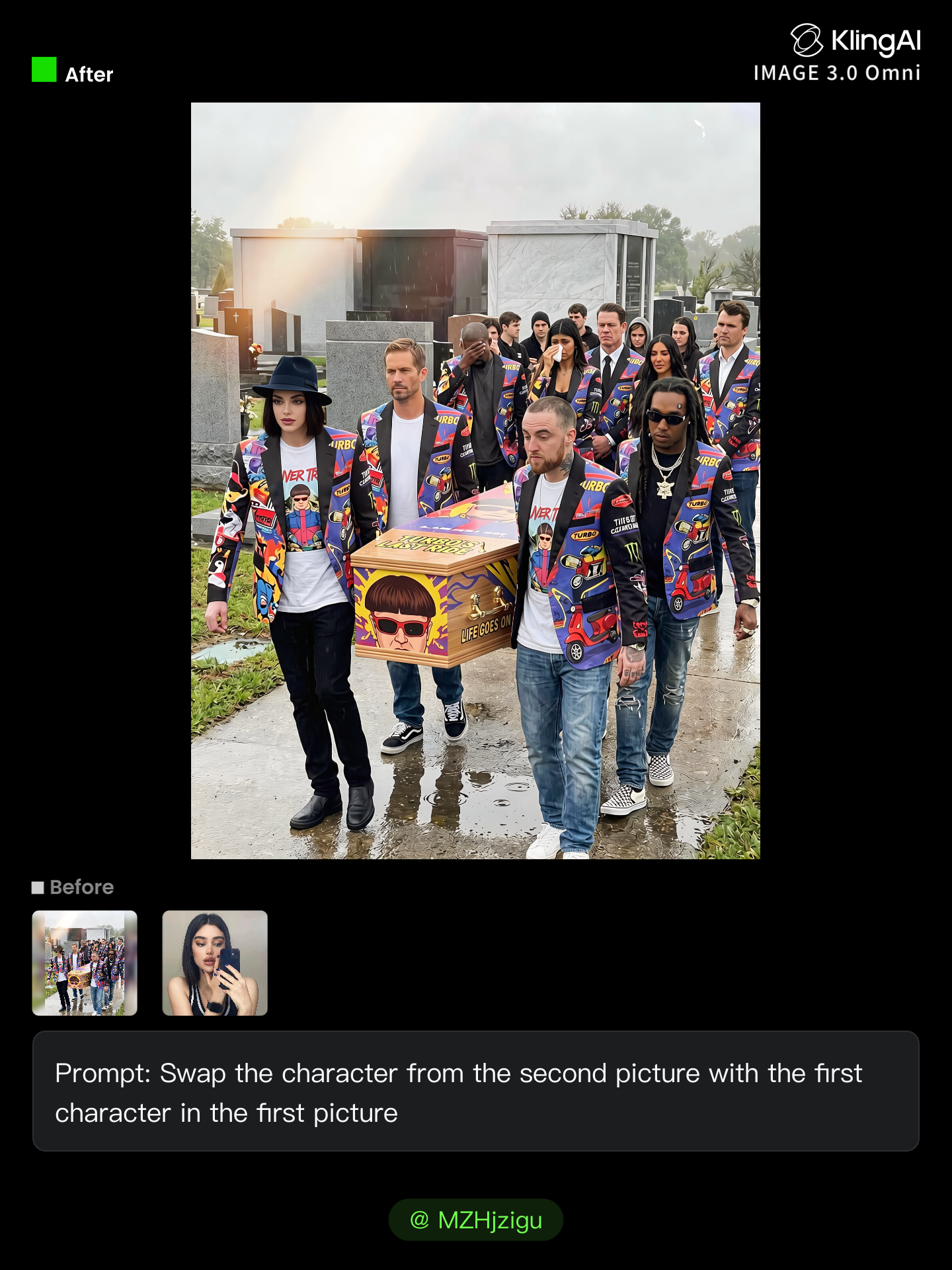
Unveil the magic of visual storytelling with dynamic lighting and character swaps inspired by sacred legends and cinematic compositions. Immerse in creative transformations and emotional narratives through innovative face swaps and thematic templates. Start exploring background swap ideas and generate your own content with AI.

background swap - character swap & dynamic lighting effects

Recommended

Kling AI work 307706152617683 - background swap AI image
VMaOpYhi avatar
VMaOpYhi
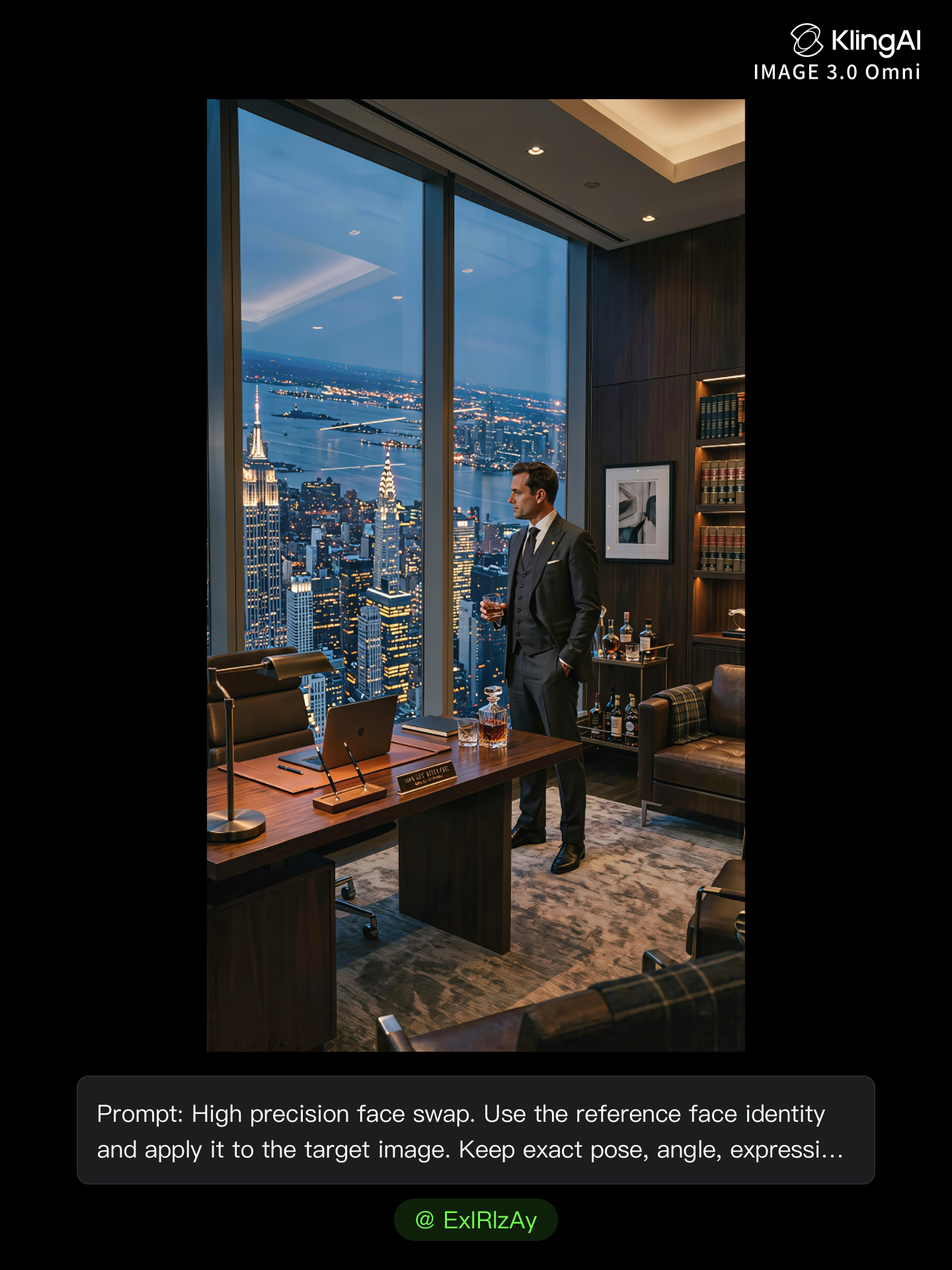
Kling AI work 306486161537074 - background swap AI image
ExIRlzAy avatar
ExIRlzAy
Kling AI work 296929984503565 - background swap AI image
7rouble avatar
7rouble
Kling AI work 299084304654096 - background swap AI video
oQHLWruK avatar
oQHLWruK
Kling AI work 296663617528727 - background swap AI image
VeyWBAxn avatar
VeyWBAxn
Character Swap AI - background swap AI image
BHzmNhKN avatar
BHzmNhKN
Kling AI work 307835032664290 - background swap AI video
qisKpfJc avatar
qisKpfJc
Kling AI work 320776075505030 - background swap AI video
bQDYTVNn avatar
bQDYTVNn
Kling AI work 317191018522621 - background swap AI image
Zoe avatar
Zoe
Kling AI work 311522140666614 - background swap AI video
AUdxVYwi avatar
AUdxVYwi
Kling AI work 314939795661289 - background swap AI image
nlEWboUk avatar
nlEWboUk
Kling AI work 312105694612224 - background swap AI image
Future avatar
Future
Kling AI work 296283181527466 - background swap AI video
HYSutIeq avatar
HYSutIeq
“The Vision of Etchmiadzin” - background swap AI video
oPbpOXOR avatar
oPbpOXOR
Kling AI work 314466234661245 - background swap AI image
MZHjzigu avatar
MZHjzigu
Kling AI work 296929984521554 - background swap AI image
7rouble avatar
7rouble
Car Swap - background swap AI video
FireStorm avatar
FireStorm
Kling AI work 308738382661677 - background swap AI video
SBgLqPPE avatar
SBgLqPPE

How to Create AI Video Dubbing with Kling

Step 1: Set Up Your Characters and Scene

Step 1: Set Up Your Characters and Scene

Describe the characters and scene you want to create, or add supported image or Character Element references when you already have a specific look in mind. Make each speaker easy to identify before adding dialogue.

Step 2: Add Dialogue and Set Each Voice

Step 2: Add Dialogue and Set Each Voice

Write each character’s lines and keep them clearly paired with the right speaker. Add the language, accent, tone, or delivery to your prompt when you want to shape how each line sounds, and mix supported languages within the same scene when needed.

Step 3: Generate with Native Audio

Step 3: Generate with Native Audio

Generate the video with Native Audio to create dialogue, lip movements, visuals, ambience, and supporting sound together. Enable Multi-Shot when you want the conversation to unfold across different shots, camera angles, or scene beats.

Remove Objects from Images with More Control

Remove Objects with Simple Text Prompts

Remove Objects with Simple Text Prompts

Skip complex masks and manual retouching. Tell Kling IMAGE 3.0 what you want gone in a text prompt, and it interprets your instruction as a targeted image edit. It gives you a faster way to clean up photos without a complicated editing workflow.

Target the Exact Object You Want Gone

Target the Exact Object You Want Gone

When several similar people or objects appear in the same image, describe the target by its position, appearance, or nearby context. Clearer instructions give you more control over which element is removed while helping reduce unintended changes to unrelated parts of the scene.

Keep the Edited Area Visually Consistent

Keep the Edited Area Visually Consistent

Removing an object also means recreating the area it once covered. Kling IMAGE 3.0 is designed to preserve surrounding style, lighting, and texture during targeted edits, helping the cleared area feel more connected to the rest of the image instead of standing out as an obvious edit.

Apps

Image to Video
Image to Video

Image to Video

Text to Video
Text to Video

Text to Video

Omni
Omni

Omni

Digital Human
Digital Human

Digital Human

Restyle
Restyle

Restyle

Text to Image
Text to Image

Text to Image

60M+
60M+
Users
600M+
600M+
AI Videos Generated
4.7 ★
4.7 ★
App Store
Industry-Leading
Industry-Leading
Cinematic 4K

Reviews

Déborah

Déborah

★★★★★

I use Kling AI every day. It's amazing to see the almost daily progress it makes. I used AI for fun at first, and I now find that Kling AI's animations allow me to gain professional visibility, with three times more views on my animated posts than on my static posts.

Vincent Smadja

Vincent Smadja

★★★★★

Kling AI seamlessly integrates into my creative workflow, playing a key role in transforming my images. After generating and upscaling an image, Kling becomes a crucial element, bringing my creations to life with movement and depth.

Jyo John Mulloor

Jyo John Mulloor

★★★★★

Kling AI has been instrumental in transforming my creative workflow, unlocking new dimensions of artistic expression that were once unimaginable. I use Kling AI extensively to develop high-concept visuals, animate surreal dreamscapes, and create AI-assisted films that blur the line between reality and fantasy. Kling AI’s deep learning capabilities have not only enhanced my creative efficiency but also inspired me to explore storytelling in ways I never thought possible.

FAQ

Q1Can AI remove backgrounds while preserving hair and fine details?
Q2What types of images can Kling AI remove backgrounds from?
Q3What is an AI image background remover?

Create a Whole New Look from One Photo

Swap outfits, mix references, and explore new styles with IMAGE 3.0 Omni. Keep the person recognizable and let new clothing blend naturally into the original photo.