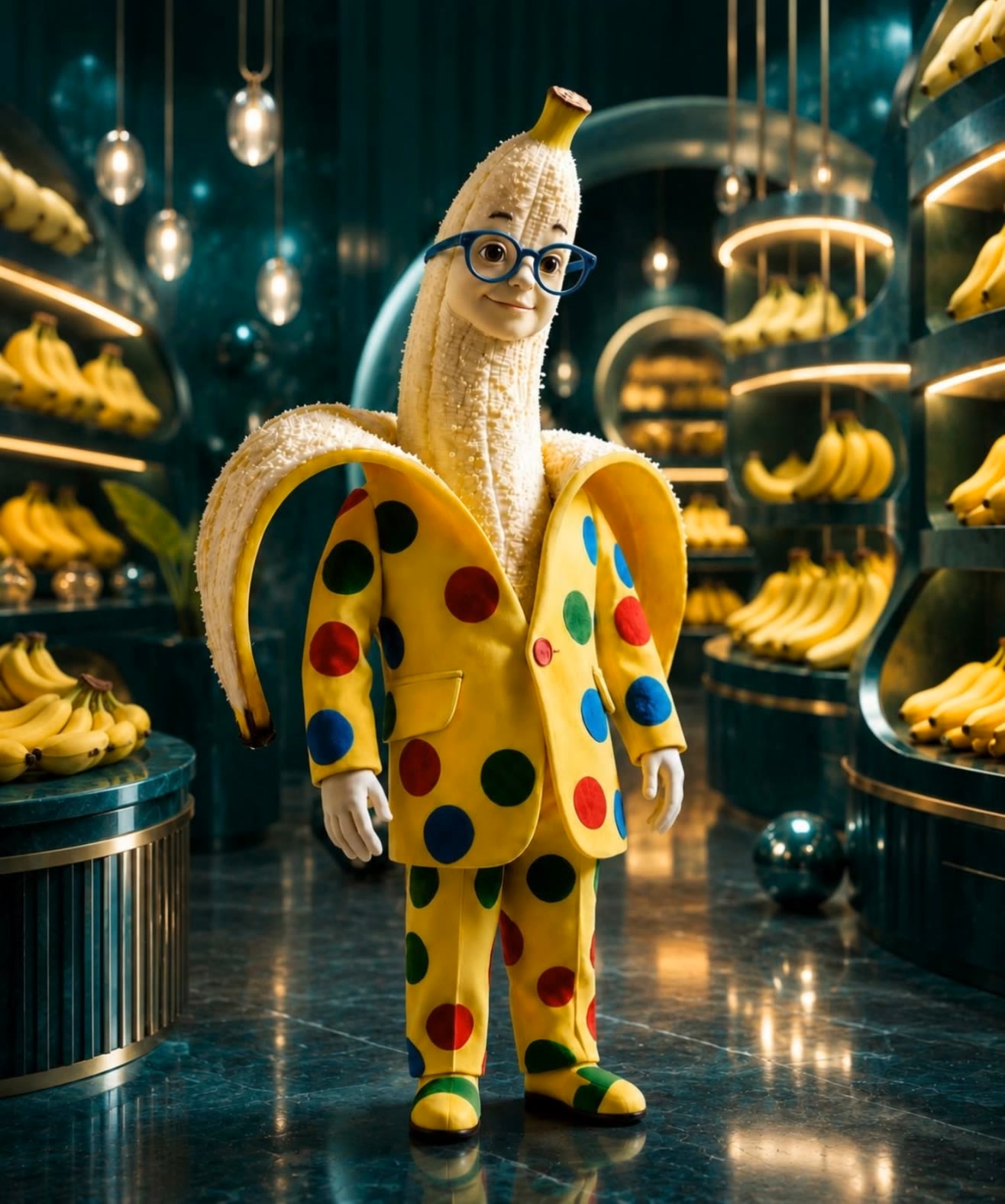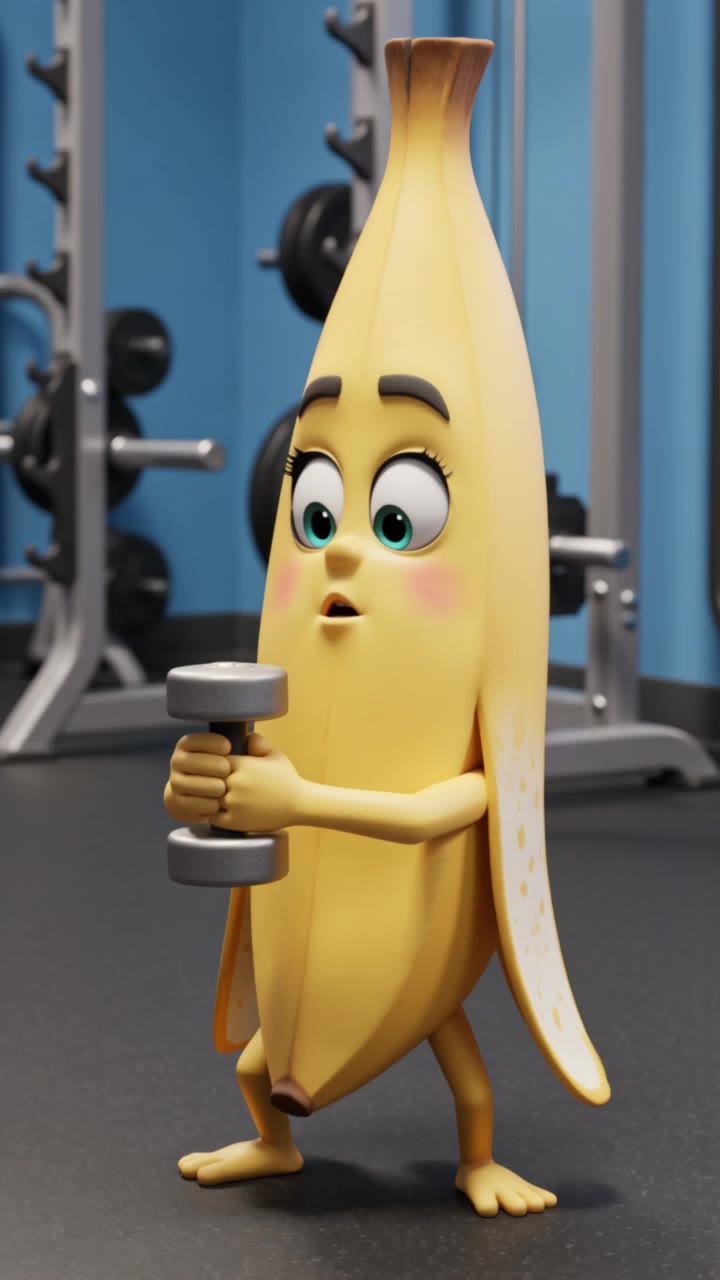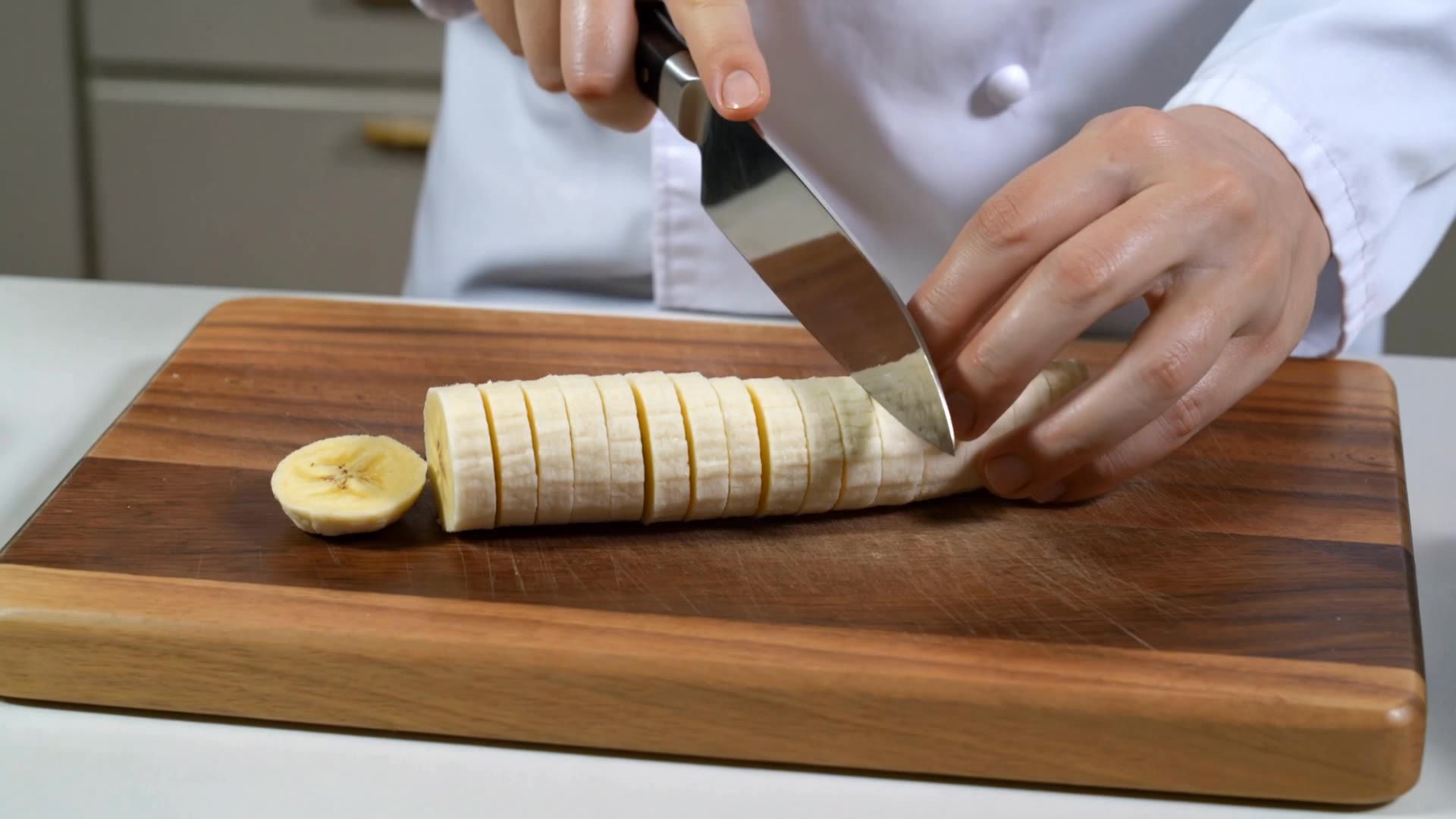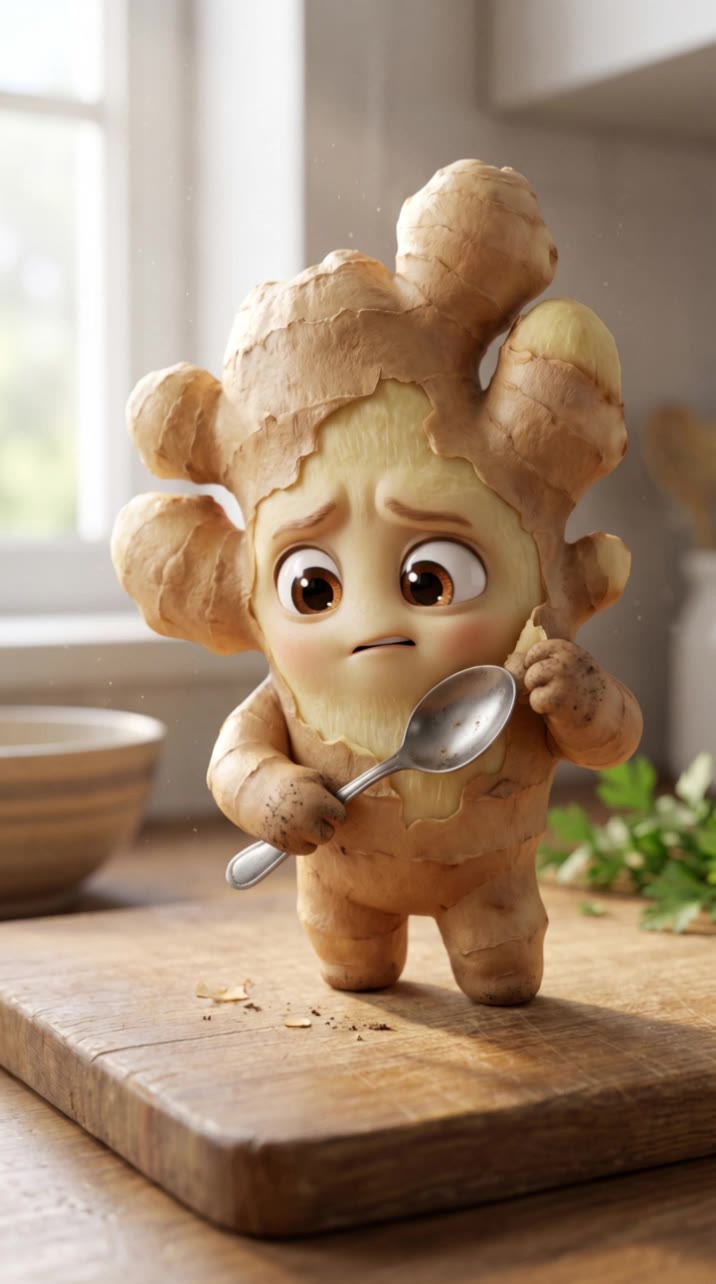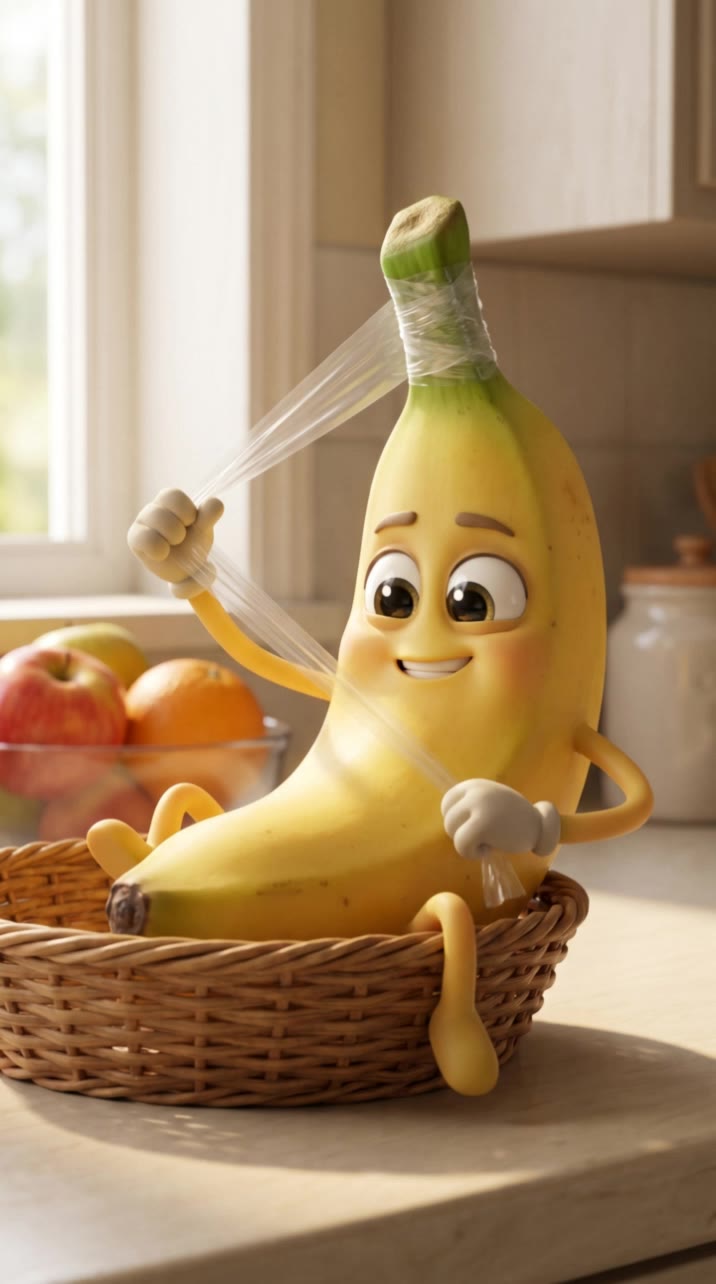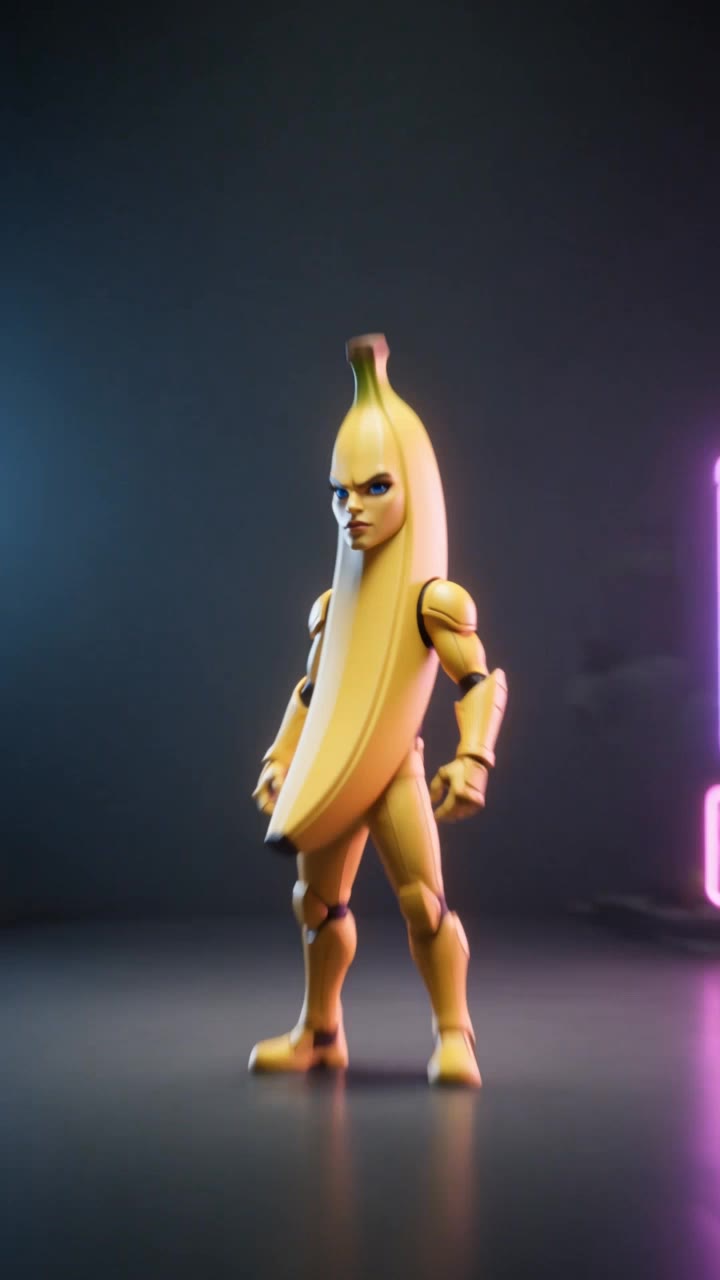

banana pro ai - ASMR cutting & hyperrealistic imagery

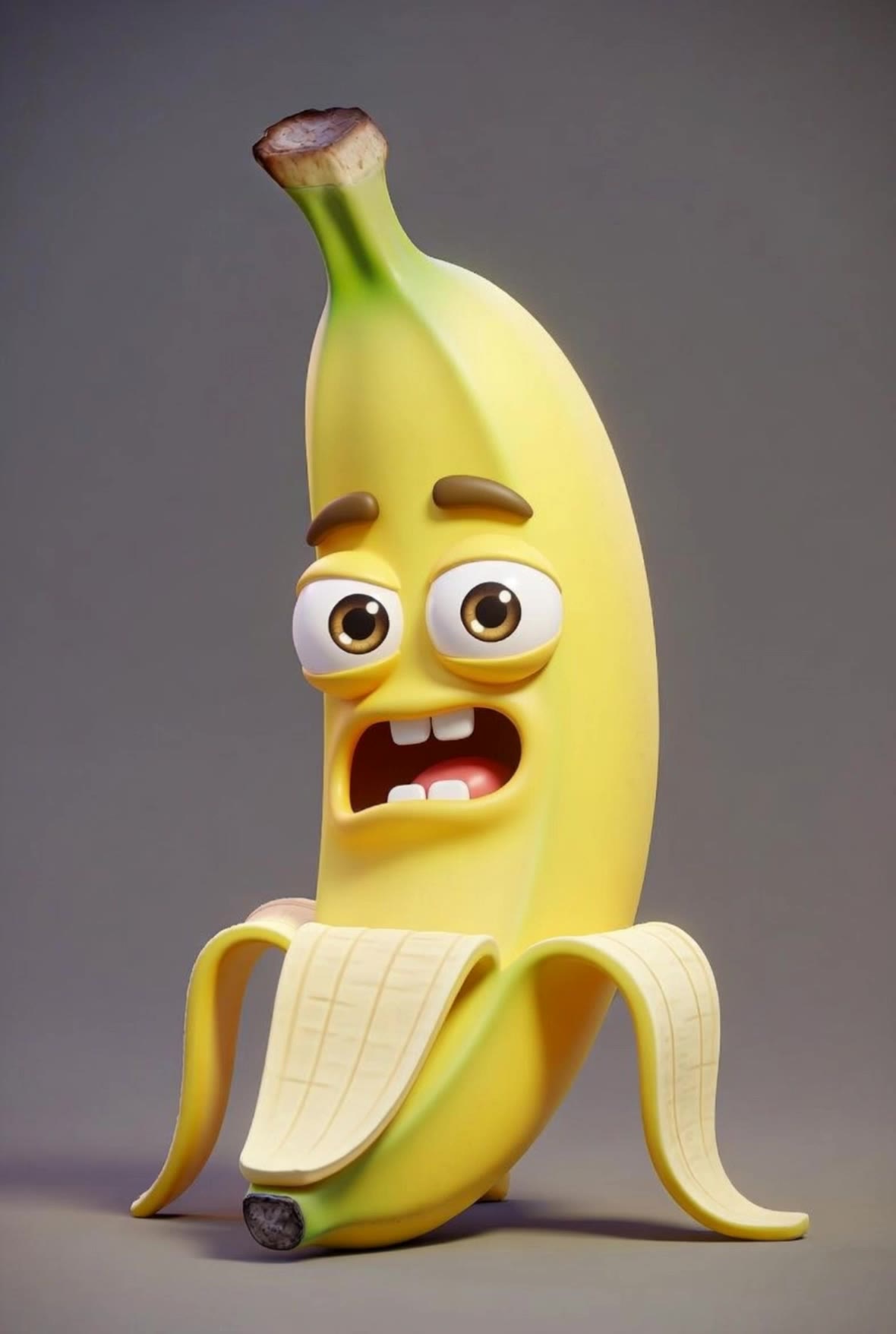
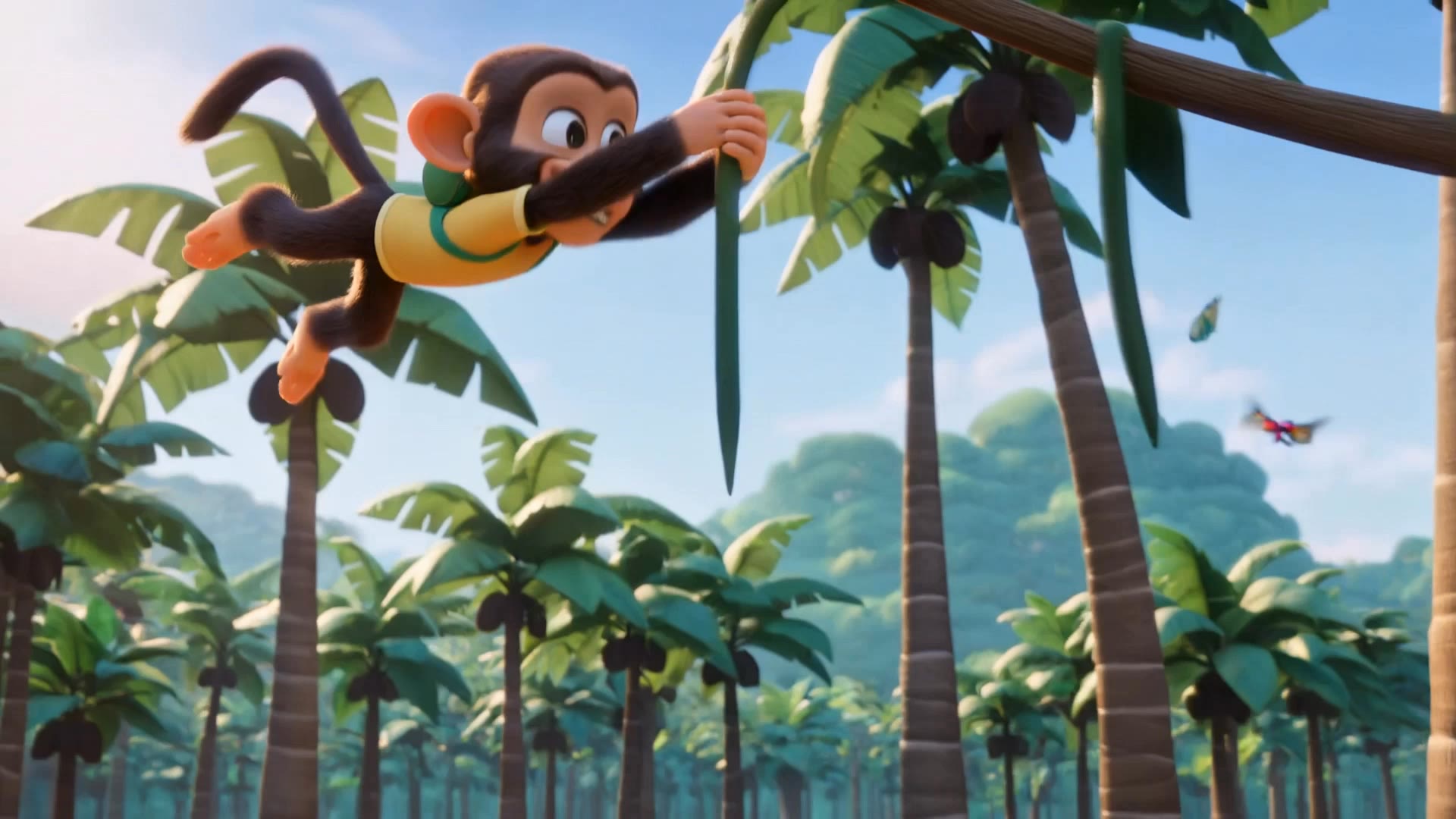
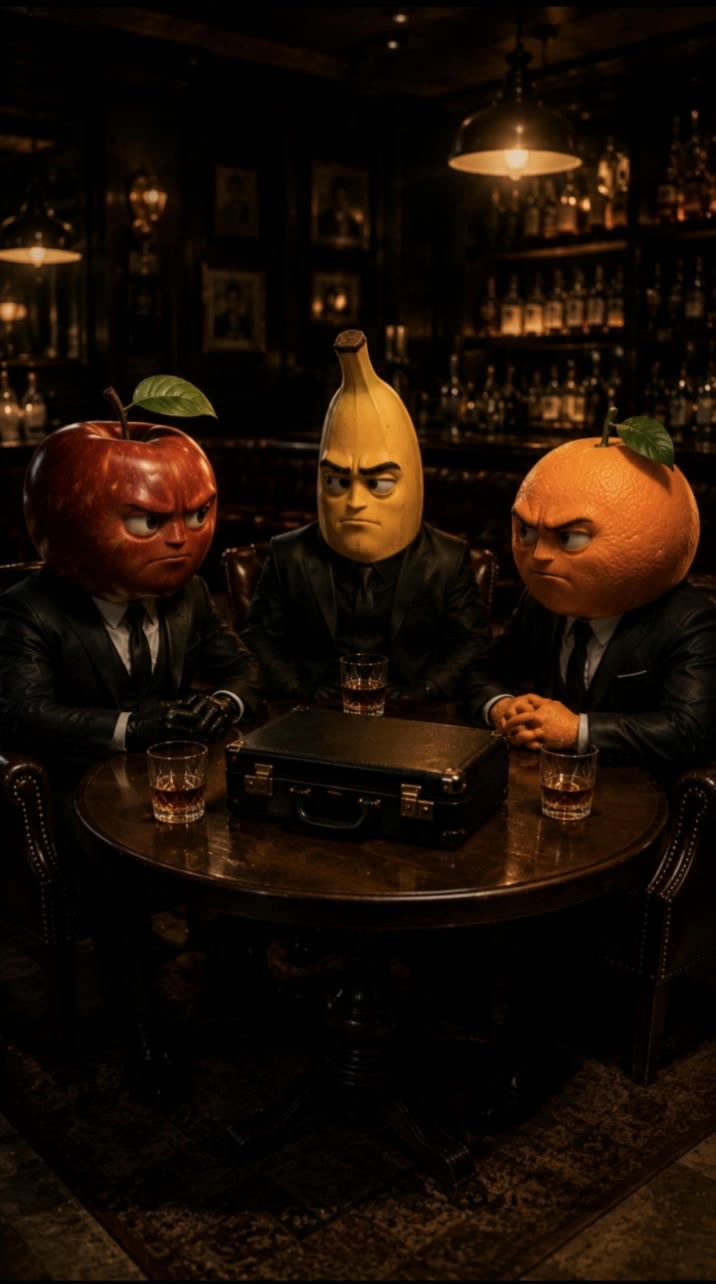
Unleash your creativity with ultra-realistic banana imagery and mesmerizing ASMR cutting sequences. Dive into a world where bananas inspire miniature cities and cosmic VFX wonders. Start exploring banana pro ai ideas and generate your own content with AI.

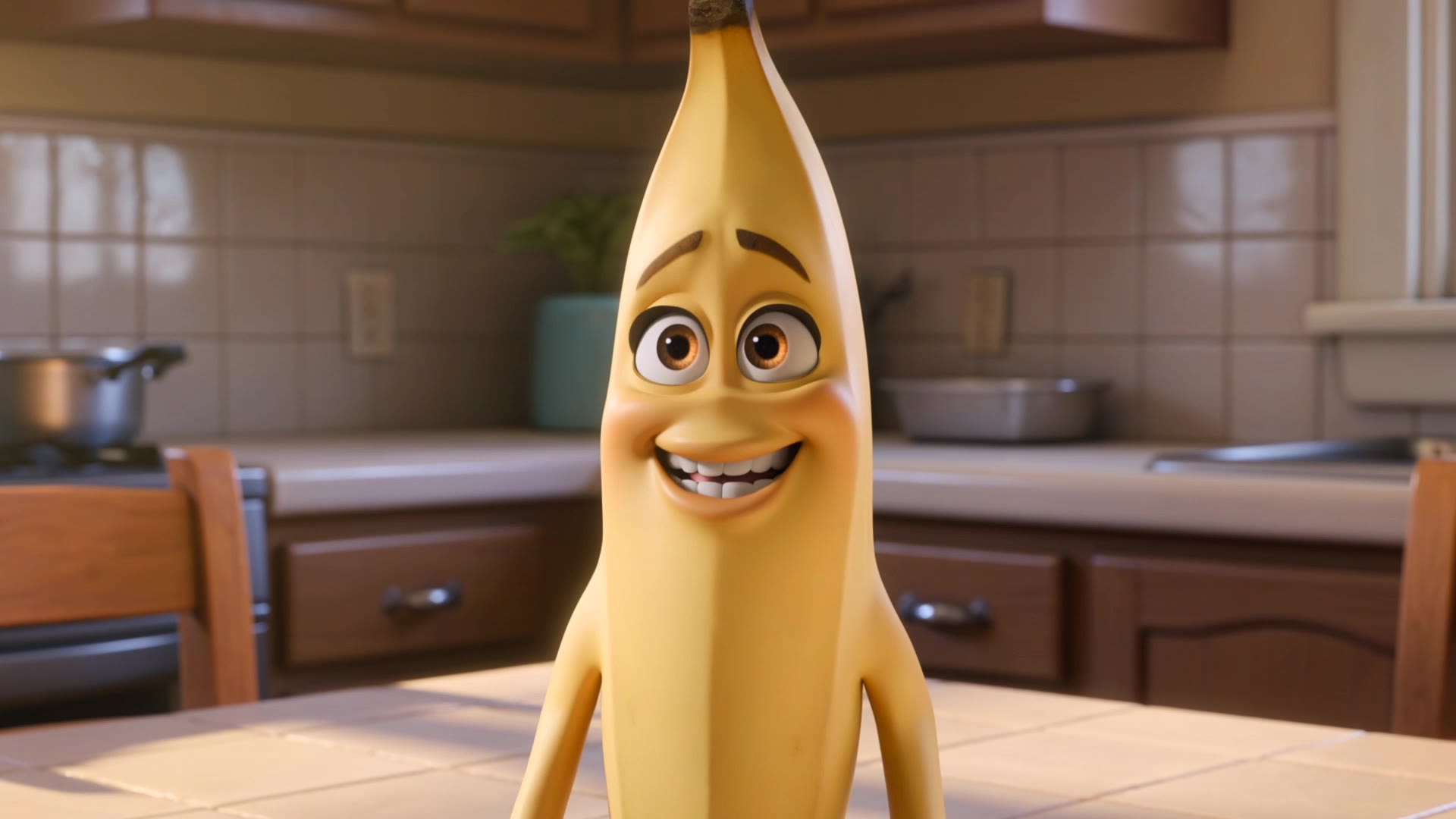
banana pro ai - ASMR cutting & hyperrealistic imagery

Recommended

banana - banana pro ai AI video
YbVzawHX avatar
YbVzawHX
Super banana  - banana pro ai AI video
André Yabu avatar
André Yabu
Why am I turning brow: Mr Banana - banana pro ai AI video
rHlwvNiu avatar
rHlwvNiu
Kling AI work 318974614521911 - banana pro ai AI video
Jullietta avatar
Jullietta
Did you see my banana? - banana pro ai AI video
oYUVKsMN avatar
oYUVKsMN
Kling AI work 316367790662764 - banana pro ai AI video
YaWhqZSo avatar
YaWhqZSo
Kling AI work 317448774661167 - banana pro ai AI video
vzpuPRcU avatar
vzpuPRcU
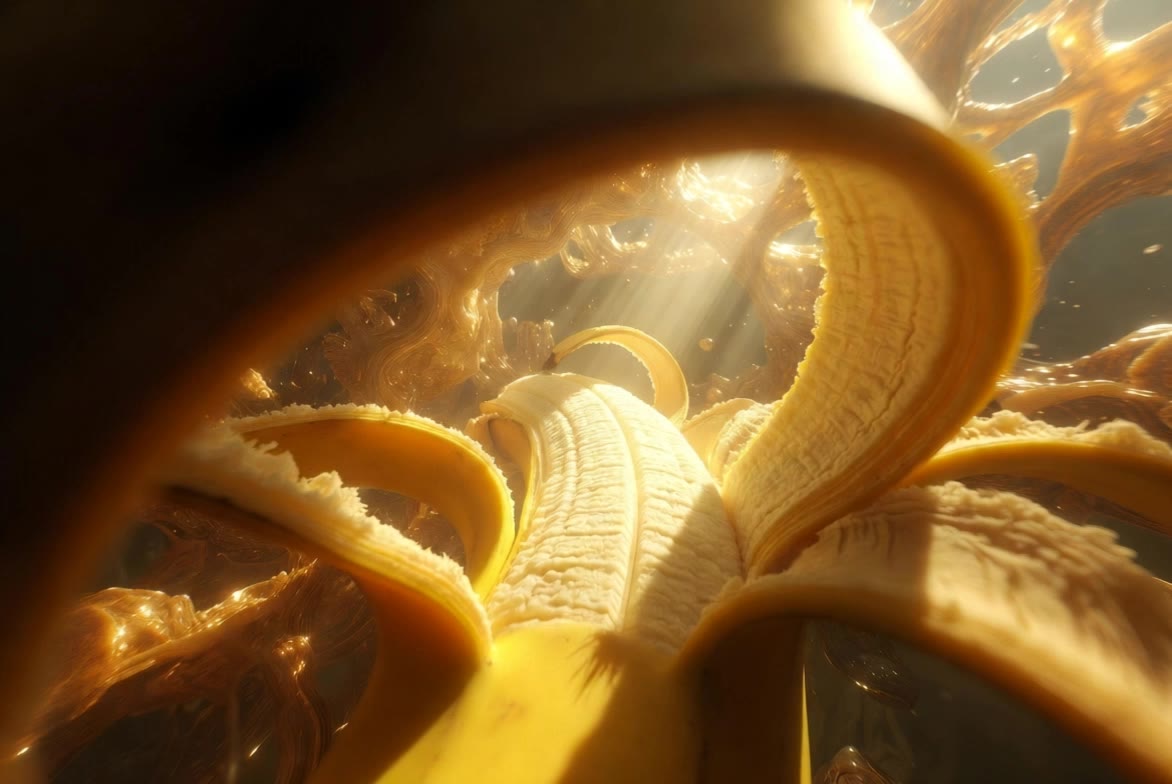
Inside A Banana - banana pro ai AI video
kAplHRfZ avatar
kAplHRfZ
The biggest banana ever  - banana pro ai AI video
fJeyEkXU avatar
fJeyEkXU
Ai slop banana - banana pro ai AI video
lLFmZndt avatar
lLFmZndt
Kling AI work 317449999662872 - banana pro ai AI video
vzpuPRcU avatar
vzpuPRcU
Banana go to the bathroom - banana pro ai AI video
WglBXFcN avatar
WglBXFcN
Biggest banana surprise ever  - banana pro ai AI video
fJeyEkXU avatar
fJeyEkXU
Cooking banana chips🍌 - banana pro ai AI video
cIUbhbUq avatar
cIUbhbUq
Dron banana - banana pro ai AI image
xcQHvDFI avatar
xcQHvDFI
Zingiber or Banana - banana pro ai AI video
KLING4648 avatar
KLING4648
Kling AI work 318160249660015 - banana pro ai AI video
AFDITsFm avatar
AFDITsFm
Kling AI work 312708409615176 - banana pro ai AI image
CzhfLQme avatar
CzhfLQme
banana bunch character - banana pro ai AI video
KLING4648 avatar
KLING4648

A Complete AI Video Editing Workflow

Upload Your Footage

Upload Your Footage

Start with a video you've filmed or generated. Add reference images, characters, or other supported assets if you want to guide how the edited scene should look.

Describe What You Want to Change

Describe What You Want to Change

Tell Kling what to replace, remove, or adjust. You can change the subject, background, action, camera angle, or visual style. Include details you want to keep from the original footage.

Preview and Download Your Video

Preview and Download Your Video

Generate your edited video and review the changes. Refine your prompt or references if needed, then download the version you're happy with.

Edit Any Part with Kling AI

Add, Remove, or Replace Image Content

Add, Remove, or Replace Image Content

Tell Kling what you want to change in text prompts. Replace a person, remove an object, or fine-tune details such as color, material, pose, and expression. Even detailed edits take fewer and easier steps because you can change the photo with AI instead of with traditional photo editing tools. IMAGE 3.0 follows your instruction while keeping the photo’s original style, lighting, and texture in place, so the edited area still belongs in the same shot.

Change the Color, Lighting, or Style

Change the Color, Lighting, or Style

Give an existing photo a different mood effortlessly. Lift a dim scene, soften harsh light, warm or cool the colors, or bring color to a black-and-white photo or line drawing. A short prompt replaces the usual round of manual adjustments. Looking for a bigger shift? Add a style reference or spell out the visual direction. IMAGE 3.0 carries the palette, texture, and atmosphere across the whole image, so the new look feels cohesive rather than pasted on. Use it for studio-style professional headshots, distinctive portrait treatments, cinematic scene design, or a visual style that feels entirely your own.

Rework the Shot or Camera Angle

Rework the Shot or Camera Angle

Tell Kling how you want the shot to look in a text prompt. Turn a front-facing photo into a side view, move the camera higher or lower, or change a wide shot into a close-up. You can explore a new composition around the same subject without setting up another shoot. IMAGE 3.0 rebuilds the scene from the angle you request, adjusting the perspective, camera height, shot size, focal length, and depth of field along with it. The result is a newly generated view based on the source photo, rather than hidden details recovered from outside the original frame.

Apps

Video Generation
Video Generation

Video Generation

Image Generation
Image Generation

Image Generation

Motion Control
Motion Control

Motion Control

Avatar
Avatar

Avatar

AI Portraits
AI Portraits

AI Portraits

Lip Sync
Lip Sync

Lip Sync

60M+
60M+
Users
600M+
600M+
AI Videos Generated
4.7 ★
4.7 ★
App Store
Industry-Leading
Industry-Leading
Cinematic 4K

Reviews

KakuDrop

KakuDrop

★★★★★

I have successfully collaborated with world-renowned artists and well-known companies that are recognized globally

Ozan Sihay

Ozan Sihay

★★★★★

Kling AI allows me to rapidly prototype ideas, refine storytelling elements, and produce visually compelling content efficiently. It has not only accelerated my creative processes, but also deepened my understanding of how AI can enrich visual storytelling.

Jyo John Mulloor

Jyo John Mulloor

★★★★★

Kling AI has been instrumental in transforming my creative workflow, unlocking new dimensions of artistic expression that were once unimaginable. I use Kling AI extensively to develop high-concept visuals, animate surreal dreamscapes, and create AI-assisted films that blur the line between reality and fantasy. Kling AI’s deep learning capabilities have not only enhanced my creative efficiency but also inspired me to explore storytelling in ways I never thought possible.

FAQ

Q1Can I edit an existing image with Kling AI?
Q2Can Kling AI keep characters consistent across multiple images?
Q3Does Kling AI support 2K or 4K image generation?

Your Next Visual Starts Here

Start with a sentence, a sketch, or a reference photo. Shape the composition, dial in the details, and keep iterating in Kling AI.

Free tier available | Text-to-image | Image-to-image | Fast generation