
Creative Studio
API
Resources
Features
About Us
Download

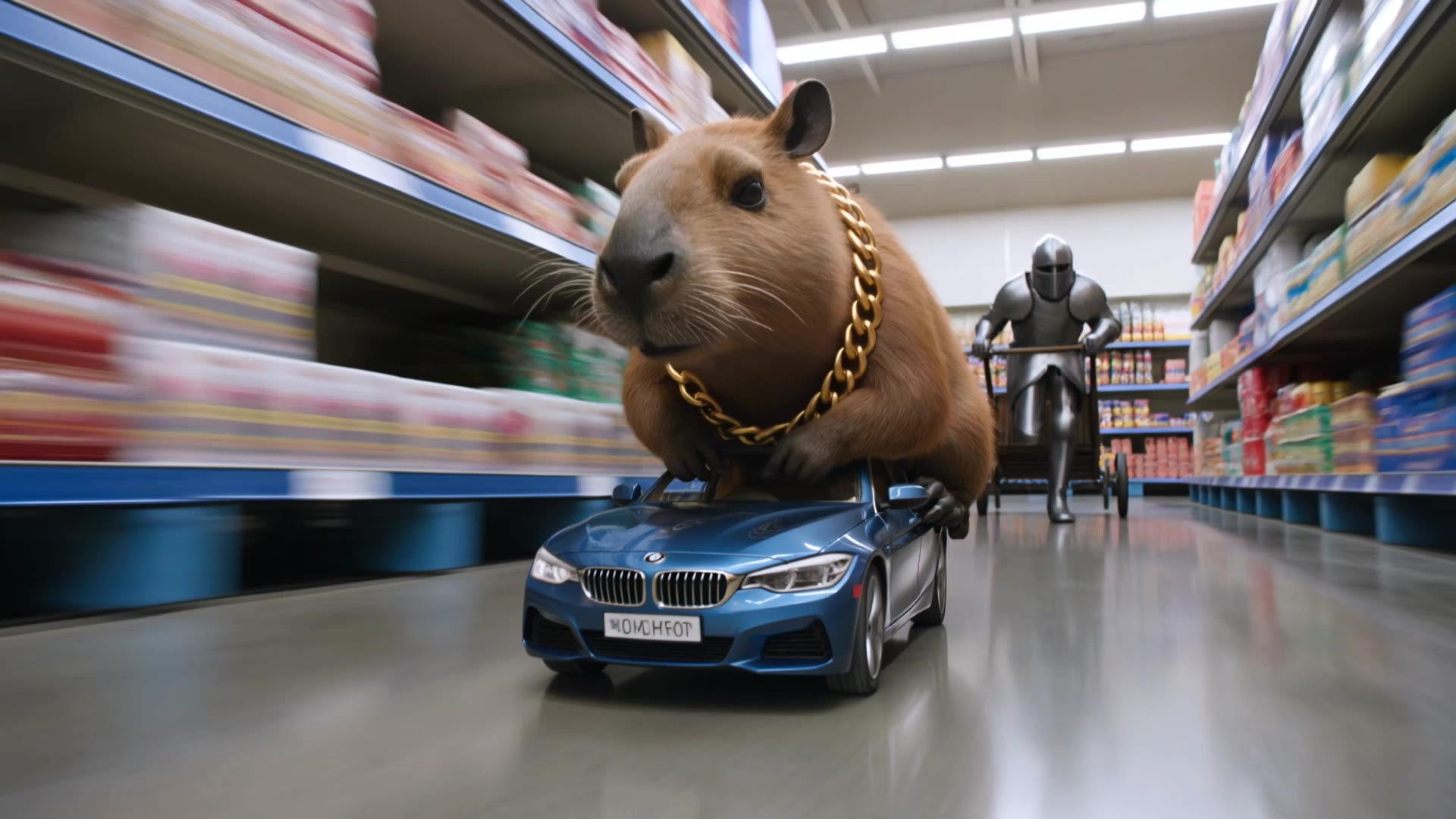
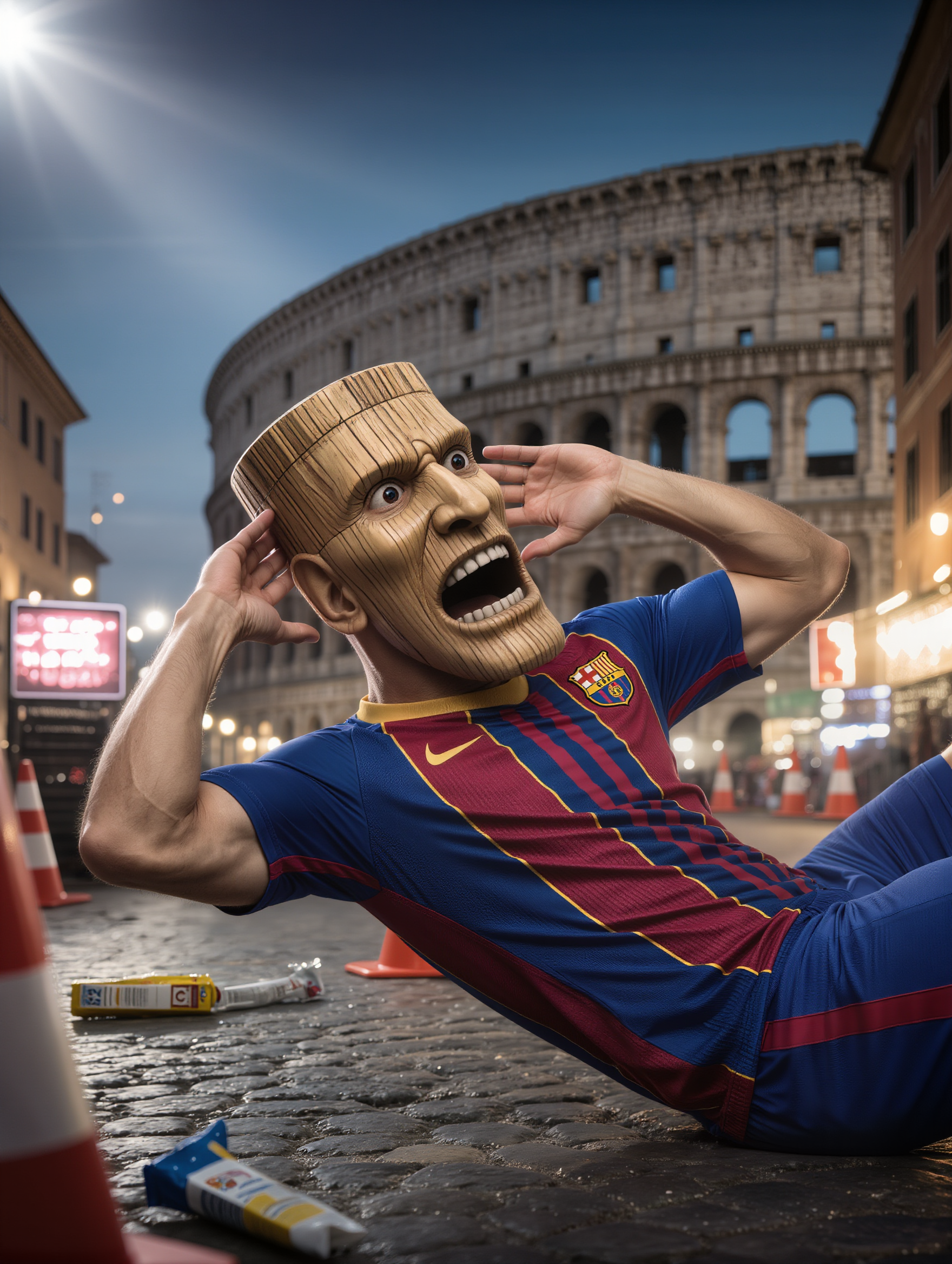
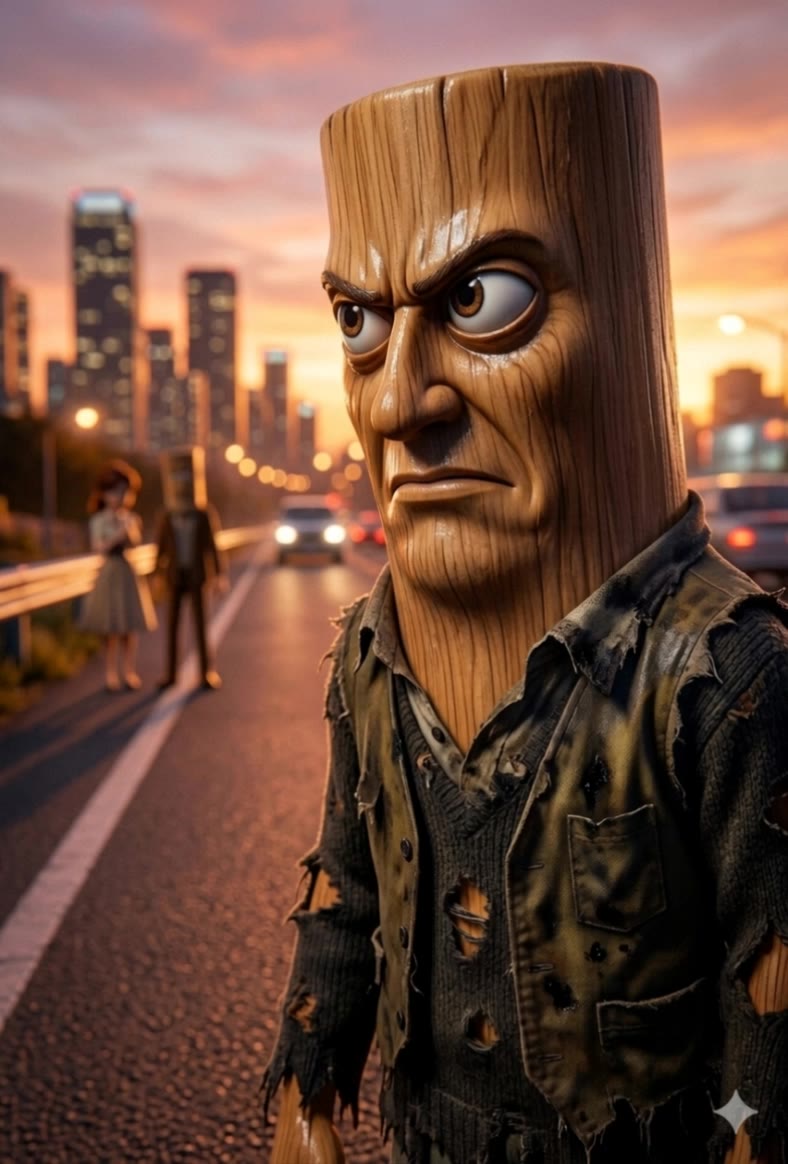
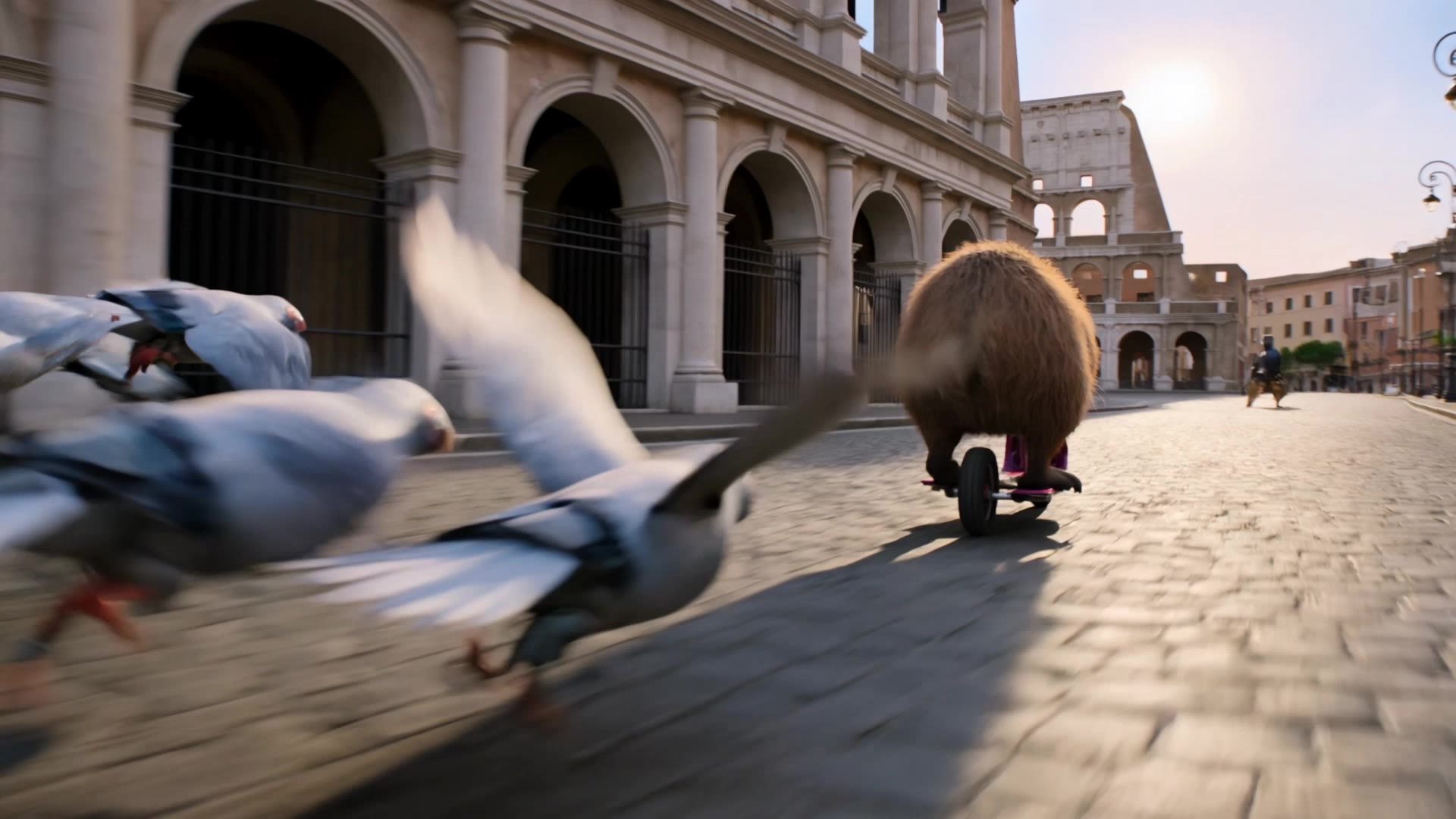
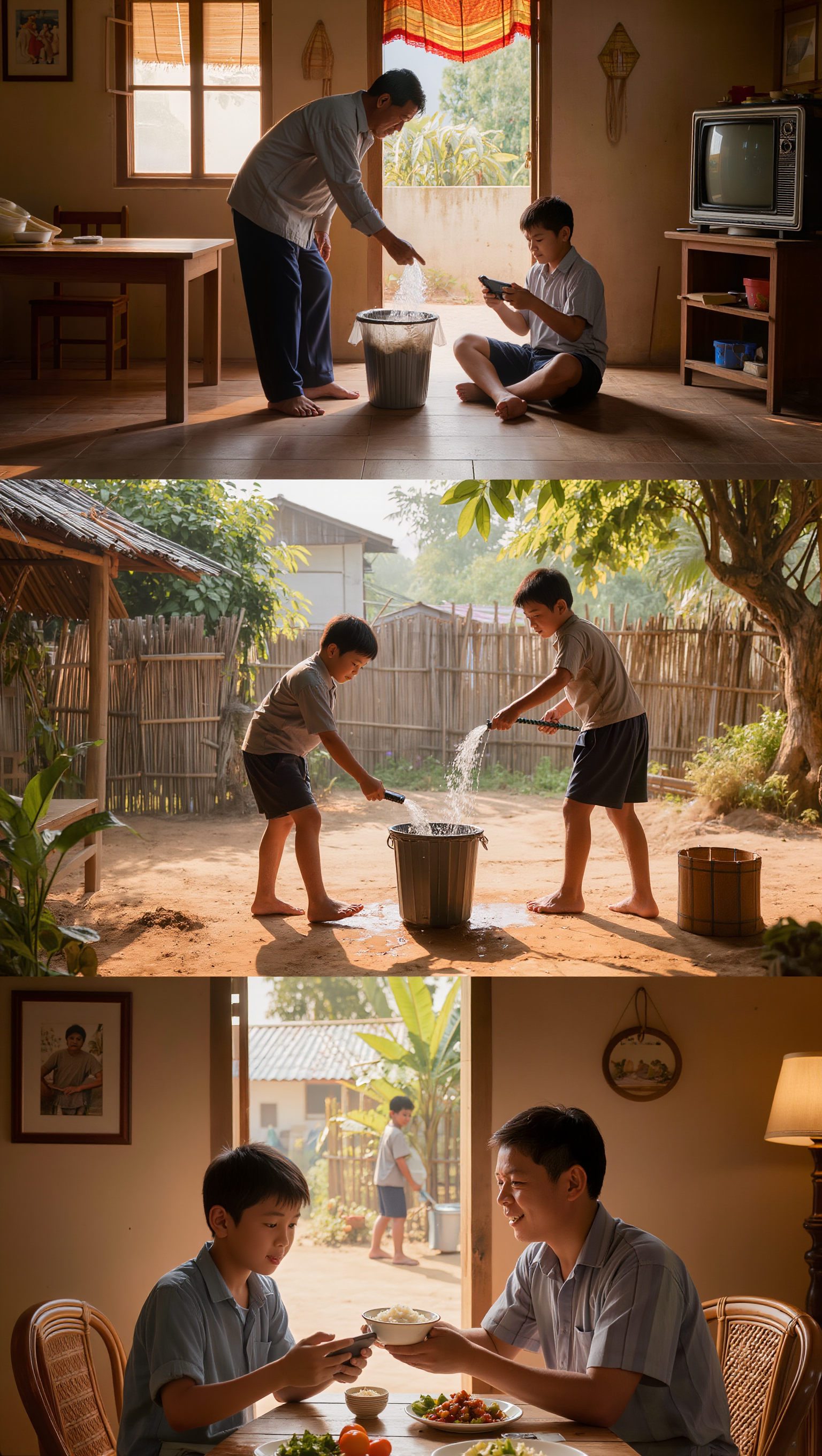
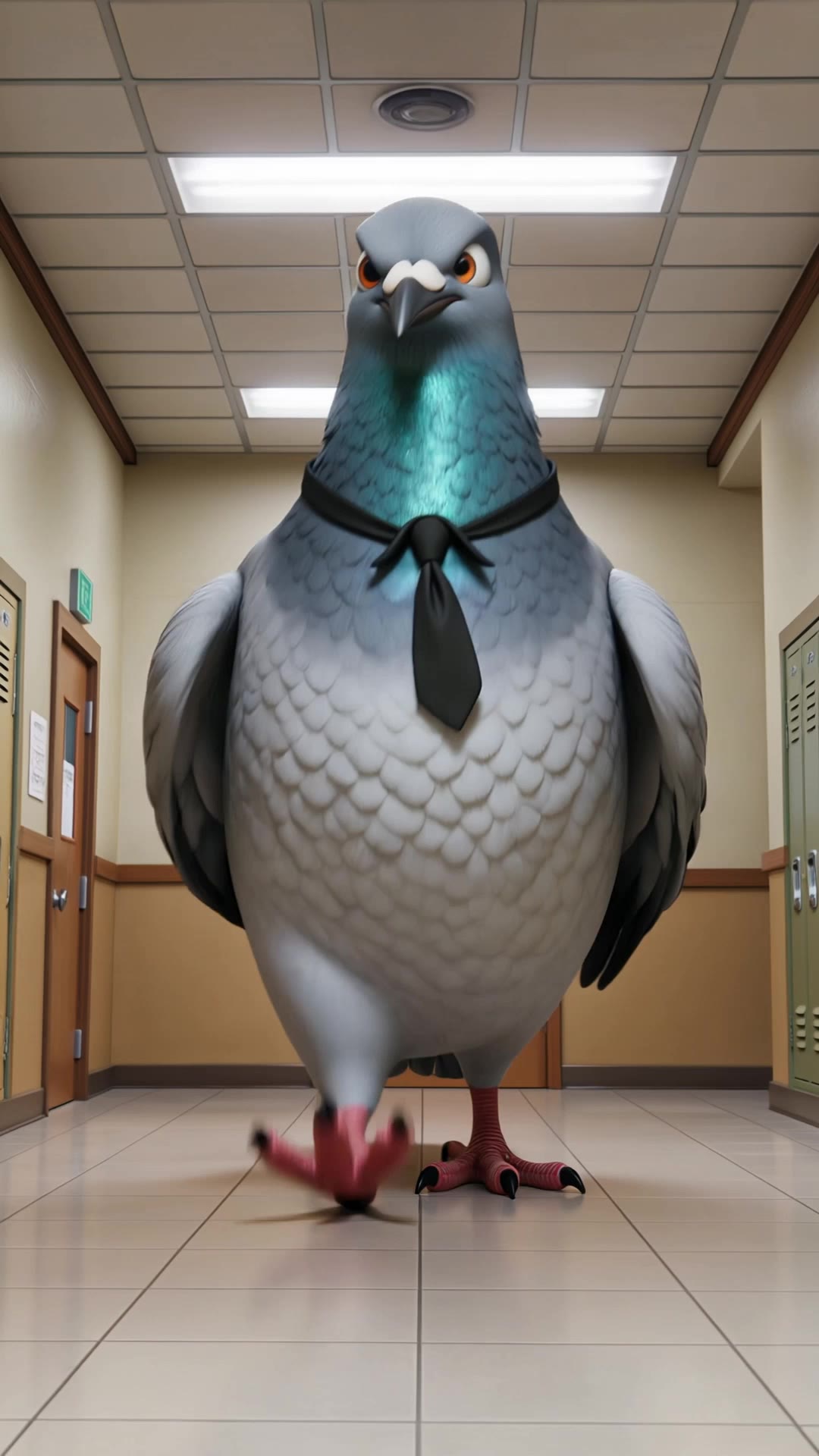
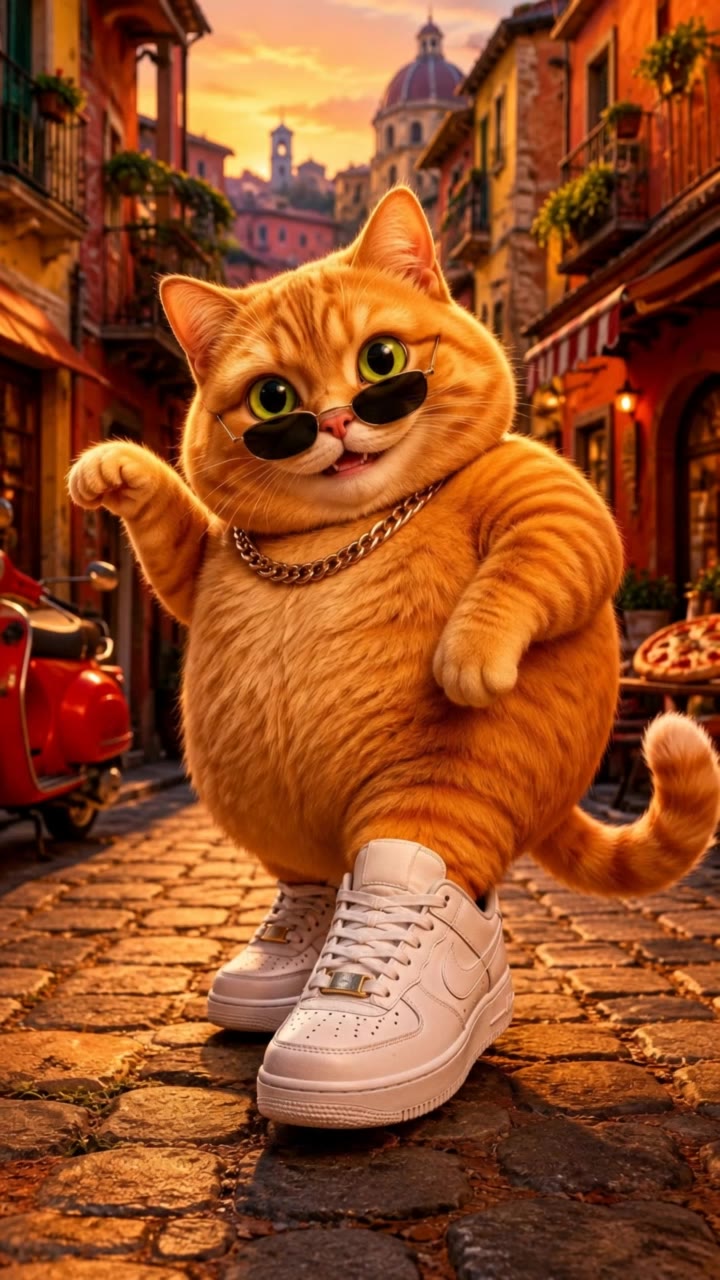
AI-generated brainrot visuals – Explore creative ideas

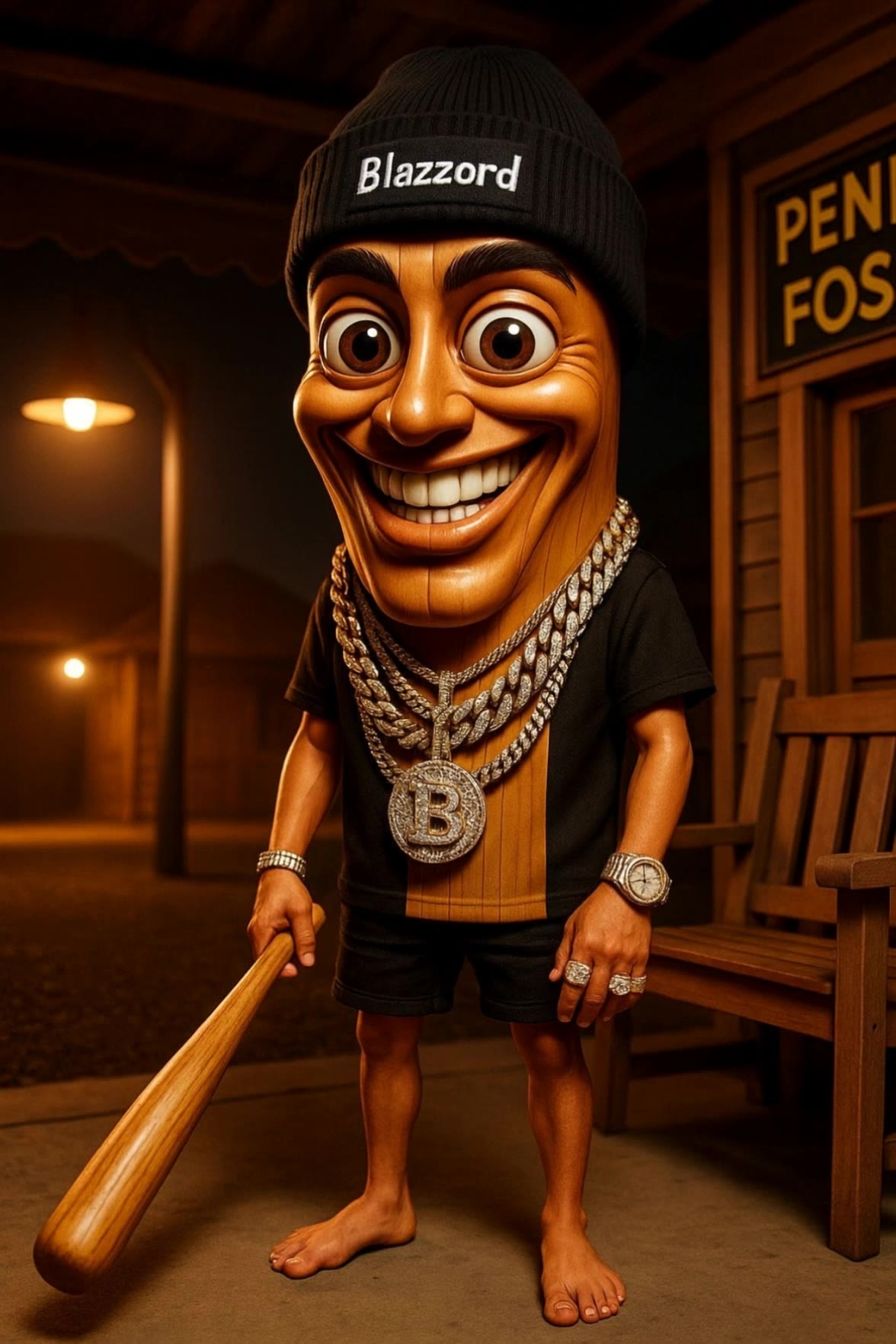
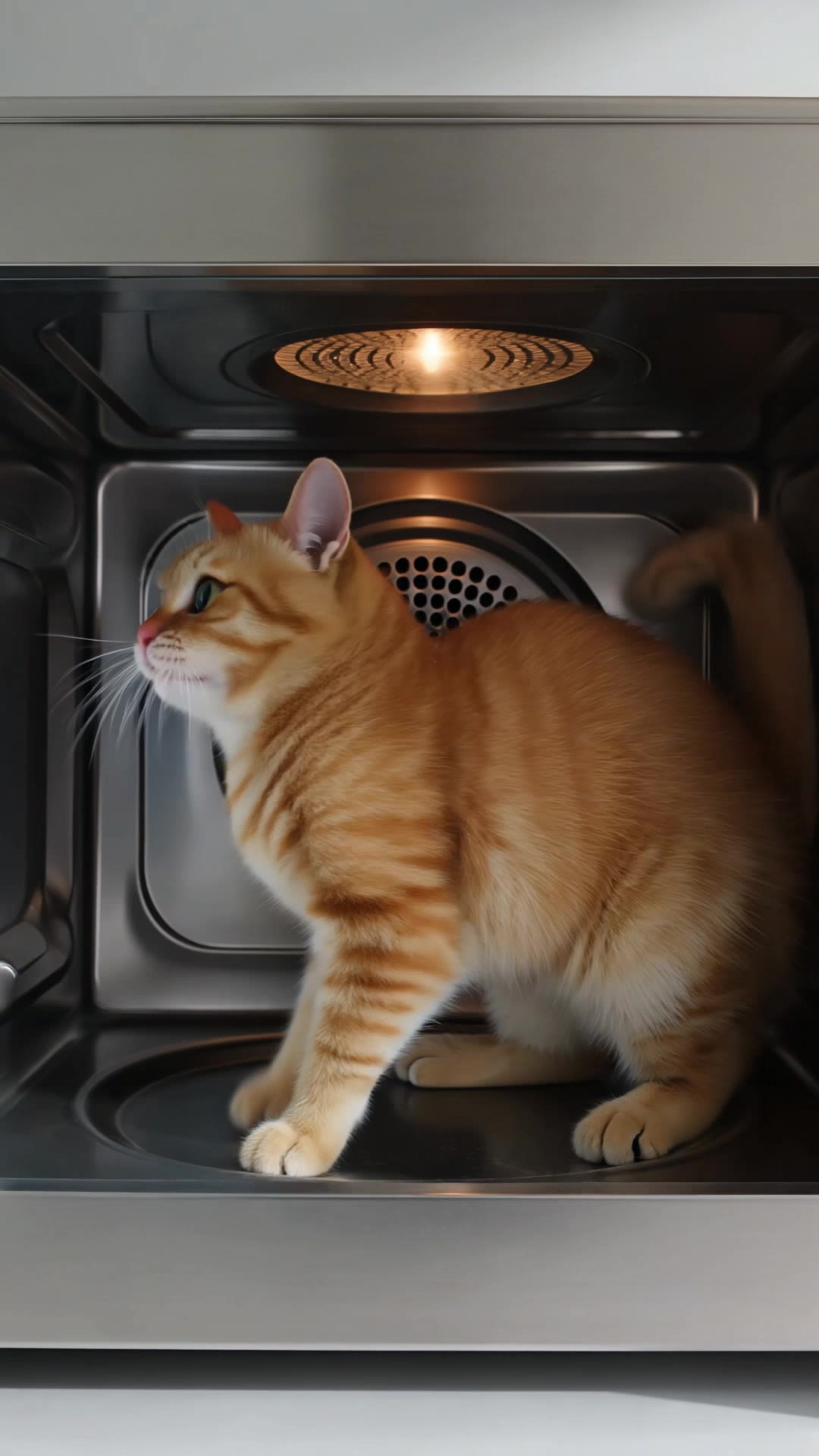
AI-generated brainrot visuals offer a variety of creative ideas that can be adapted to your needs. Discover how AI helps you quickly explore different concepts and customize them to fit your theme and style.

AI-generated brainrot visuals – Explore creative ideas

Recommended

Kling AI work 309184567618452 - brainrot ai generator AI image
LwIpKiZz avatar
LwIpKiZz
Kling AI work 296484147525944 - brainrot ai generator AI image
uUKqiRoc avatar
uUKqiRoc
Kling AI work 296484147506926 - brainrot ai generator AI image
uUKqiRoc avatar
uUKqiRoc
Kling AI work 306974269506299 - brainrot ai generator AI video
mPzjBSJG avatar
mPzjBSJG
Kling AI work 300032706316130 - brainrot ai generator AI video
ncHWqLai avatar
ncHWqLai
Kling AI work 302906995538383 - brainrot ai generator AI video
vlGDvczP avatar
vlGDvczP
Kling AI work 298447408506230 - brainrot ai generator AI video
chaosgrania avatar
chaosgrania
Kling AI work 301312072616283 - brainrot ai generator AI video
JVpsUTqk avatar
JVpsUTqk
Kling AI work 301409048501814 - brainrot ai generator AI image
Forever Rockin avatar
Forever Rockin
Kling AI work 317587317667769 - brainrot ai generator AI video
MonkeyMonkeys avatar
MonkeyMonkeys
Kling AI work 313052839664208 - brainrot ai generator AI video
SHXCbHmG avatar
SHXCbHmG
Kling AI work 295023129661602 - brainrot ai generator AI image
HPBpJrMR avatar
HPBpJrMR
Kling AI work 296063874504443 - brainrot ai generator AI image
NRsAVJgR avatar
NRsAVJgR
Kling AI work 297857325617478 - brainrot ai generator AI video
JhyjCOel avatar
JhyjCOel
Kling AI work 317467928616647 - brainrot ai generator AI video
UeWWOQvj avatar
UeWWOQvj
Kling AI work 301409048535822 - brainrot ai generator AI image
Forever Rockin avatar
Forever Rockin
Kling AI work 317641553667152 - brainrot ai generator AI video
lBjSsjTs avatar
lBjSsjTs
Kling AI work 296484147504930 - brainrot ai generator AI image
uUKqiRoc avatar
uUKqiRoc

How to Extend an Image with AI

Step 1: Upload and Describe

Step 1: Upload and Describe

Upload the image you want to expand, such as a portrait, product photo, landscape, or social media visual. Use a text prompt to specify which side to extend and what should appear in the new area, such as more sky, scenery, or background details, while keeping the main subject unchanged.

Step 2: Choose the Output Settings and Generate

Step 2: Choose the Output Settings and Generate

Choose the image ratio, number of outputs, and resolution, then generate your extended image. Creating multiple versions makes it easier to compare the results and choose your favorite.

Step 3: Expand Your Image with Image Expansion

Step 3: Expand Your Image with Image Expansion

Open the Image Expansion workflow when you want a dedicated way to extend an existing image. Upload your source image, describe what should appear beyond the original frame, choose from the available output settings, and generate the expanded result.

Effortless Background Removal, Refined Details, New Visual Possibilities

Remove Image Backgrounds with Simple Prompts

Remove Image Backgrounds with Simple Prompts

When you want to isolate a person, product, or other subject, Kling AI keeps background removal simple. A short prompt like “Remove the background” or “Keep the person and remove everything behind them” can clear away the surroundings without tracing edges by hand.

Keep Important Subject Details

Keep Important Subject Details

Removing the background does not mean you want the subject itself to change. Kling IMAGE 3.0 supports targeted image editing while helping preserve important visual characteristics such as the subject's appearance, shape, style, lighting, and texture. You can also specify what should stay unchanged when the image includes details that matter to the final result.

Create Background-Free Images in 2K or 4K

Create Background-Free Images in 2K or 4K

When you need more detail or higher resolution, Kling IMAGE 3.0 Omni lets you create images with background removals and output them in 2K or 4K. They’re ideal for product displays, posters, marketing assets, presentations, and designs that need to work across different sizes.

Apps

Image to Video
Image to Video

Image to Video

Text to Video
Text to Video

Text to Video

Omni
Omni

Omni

Digital Human
Digital Human

Digital Human

Restyle
Restyle

Restyle

Text to Image
Text to Image

Text to Image

60M+
60M+
Users
600M+
600M+
AI Videos Generated
4.7 ★
4.7 ★
App Store
Industry-Leading
Industry-Leading
Cinematic 4K

Reviews

Halim Alrasihi

Halim Alrasihi

★★★★★

I use AI daily and Kling AI is a crucial part of my workflow, whether for client work or personal projects. What I love most about using Kling AI is that it provides all the tools I need in one place, from keyframes to character references, elements and special effects.

Maria Rubtsova

Maria Rubtsova

★★★★★

I’m Maria Rubtsova, an AIGC digital artist passionate about creating stunning visuals in the worlds of fashion, aesthetics, and fantasy. I use KlingAi to bring imagination to life through video. My work is all about exploring beauty, emotion, and the limitless possibilities of digital art.

Vincent Smadja

Vincent Smadja

★★★★★

Kling AI seamlessly integrates into my creative workflow, playing a key role in transforming my images. After generating and upscaling an image, Kling becomes a crucial element, bringing my creations to life with movement and depth.

FAQ

Q1What is text-to-image AI?
Q2How does Kling AI text-to-image work?
Q3What makes Kling IMAGE 3.0 different from other text-to-image tools?

Change the Shot Without Reshooting It

Upload your footage, describe the result, and let Kling rebuild the scene around your direction.

Free tier available | Simple prompt editing | Up to 4K output | Fast generation