Creative Studio
API
Resources
Features
About Us
Download

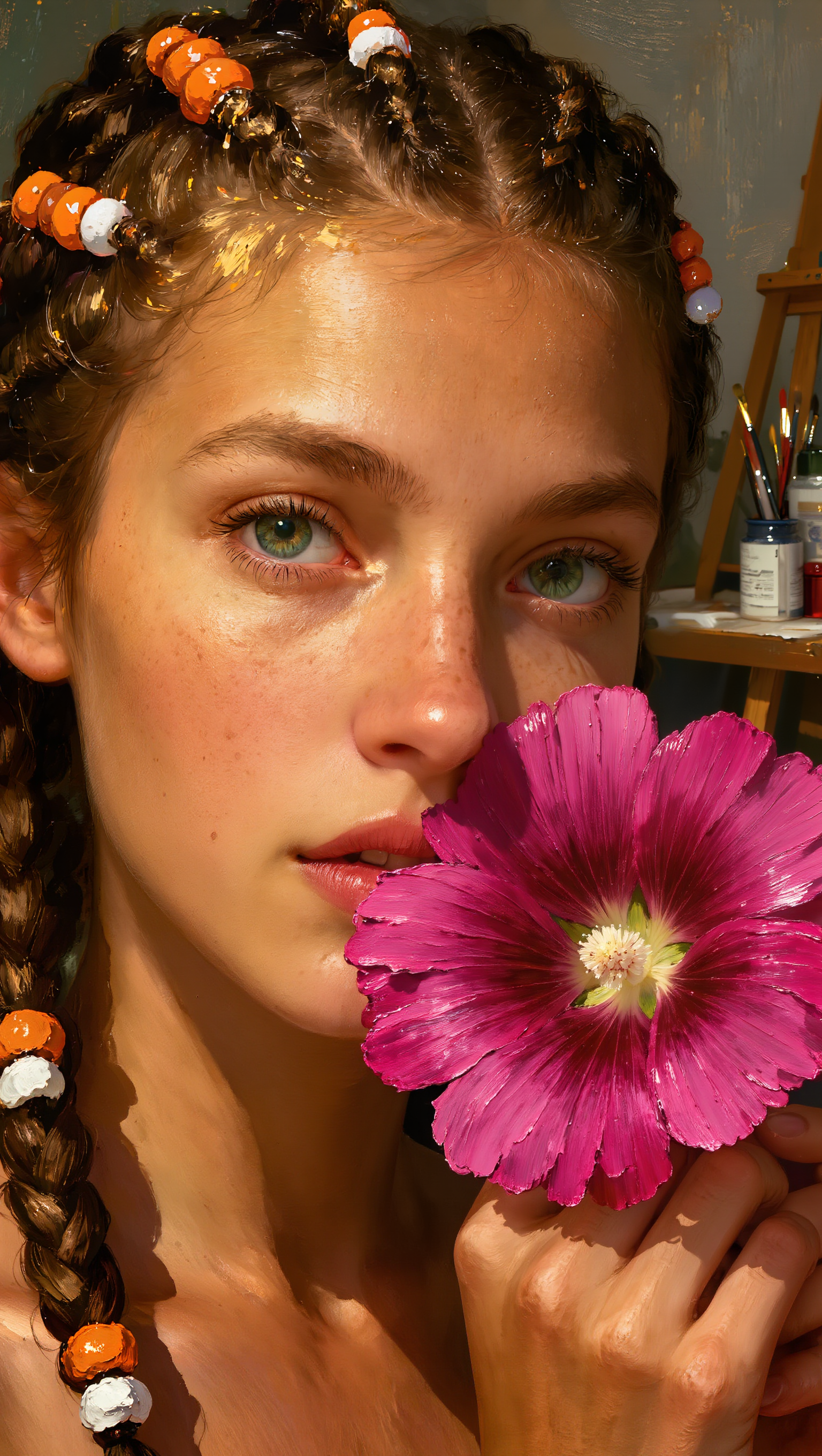
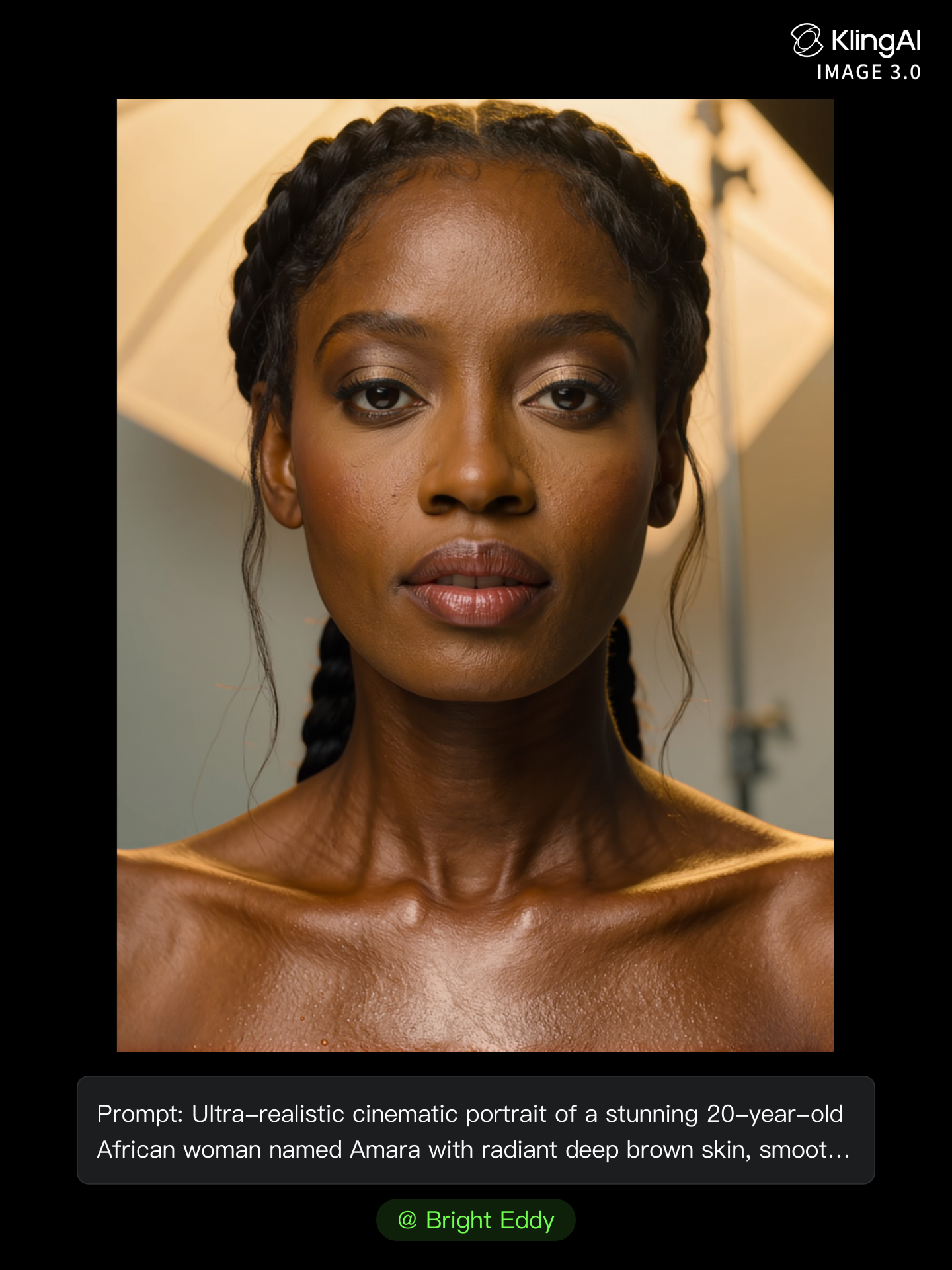
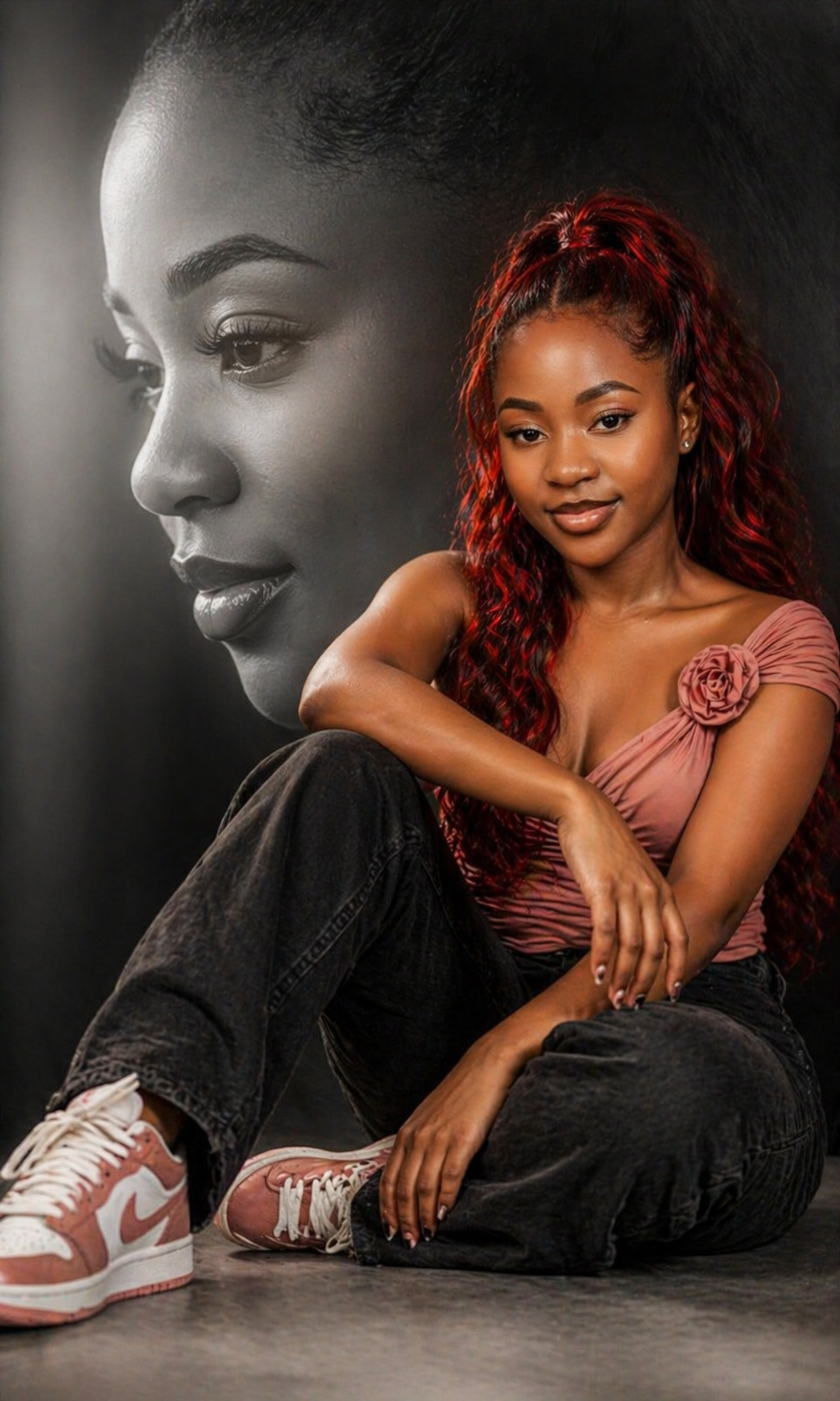
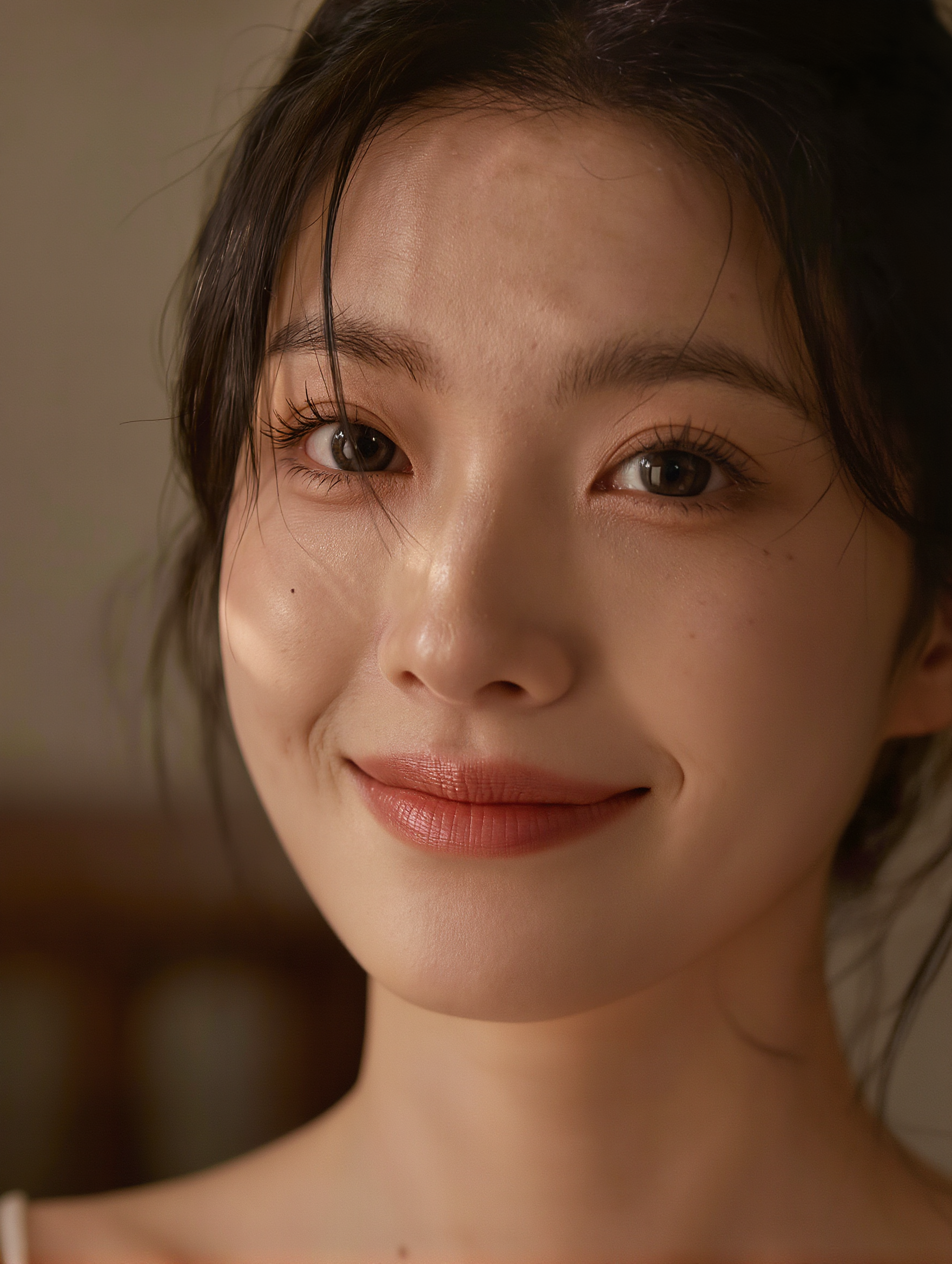
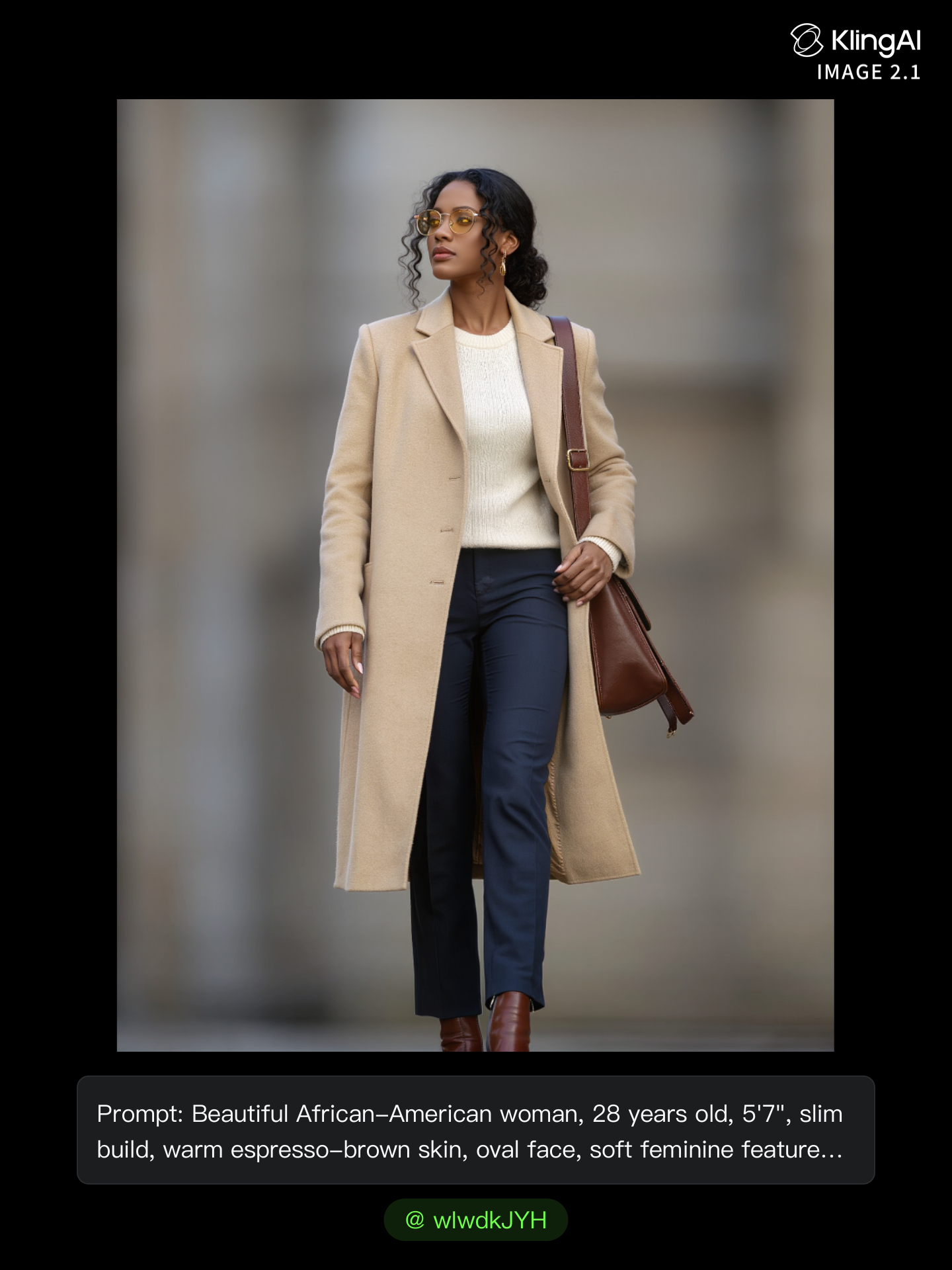
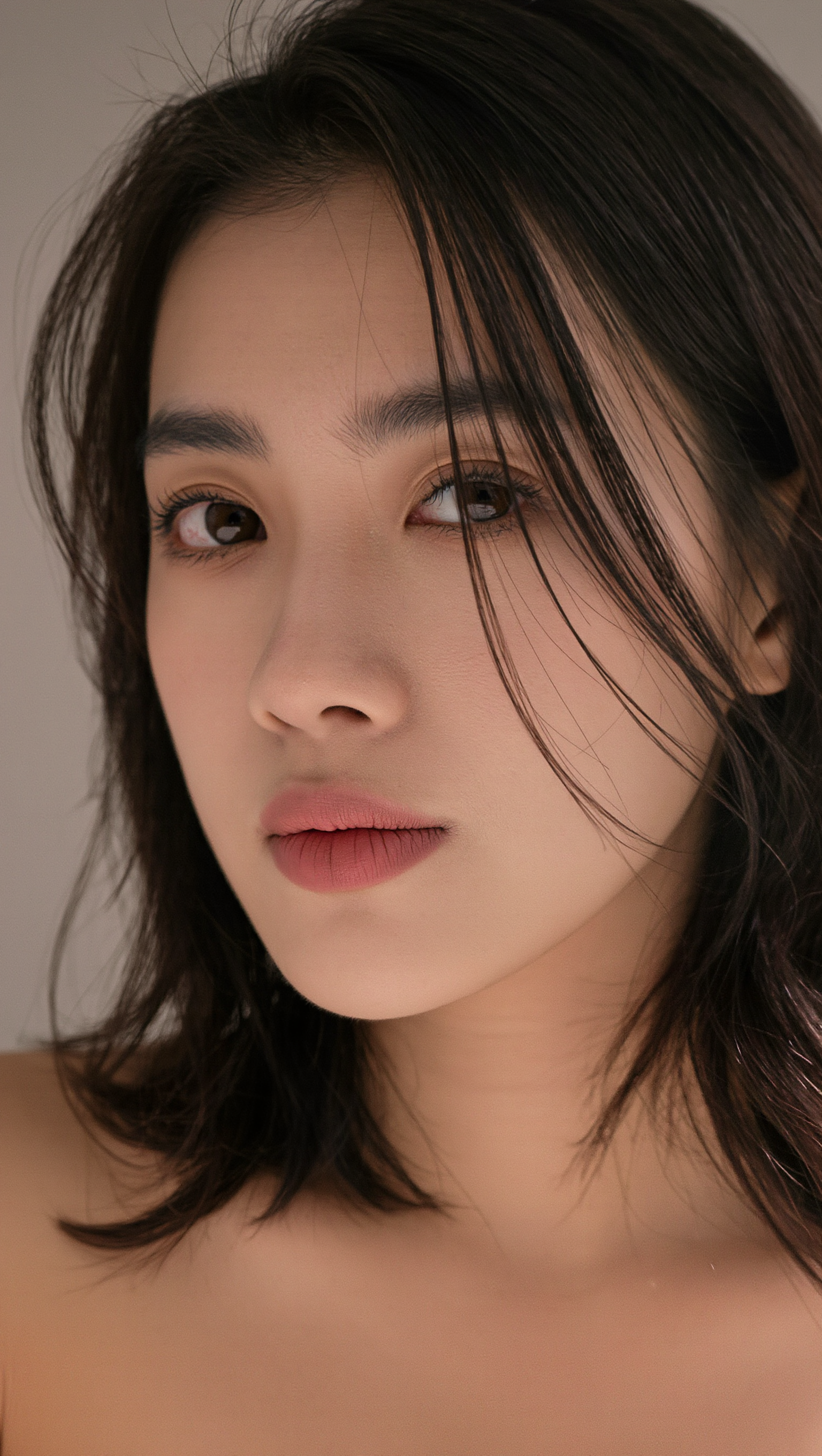
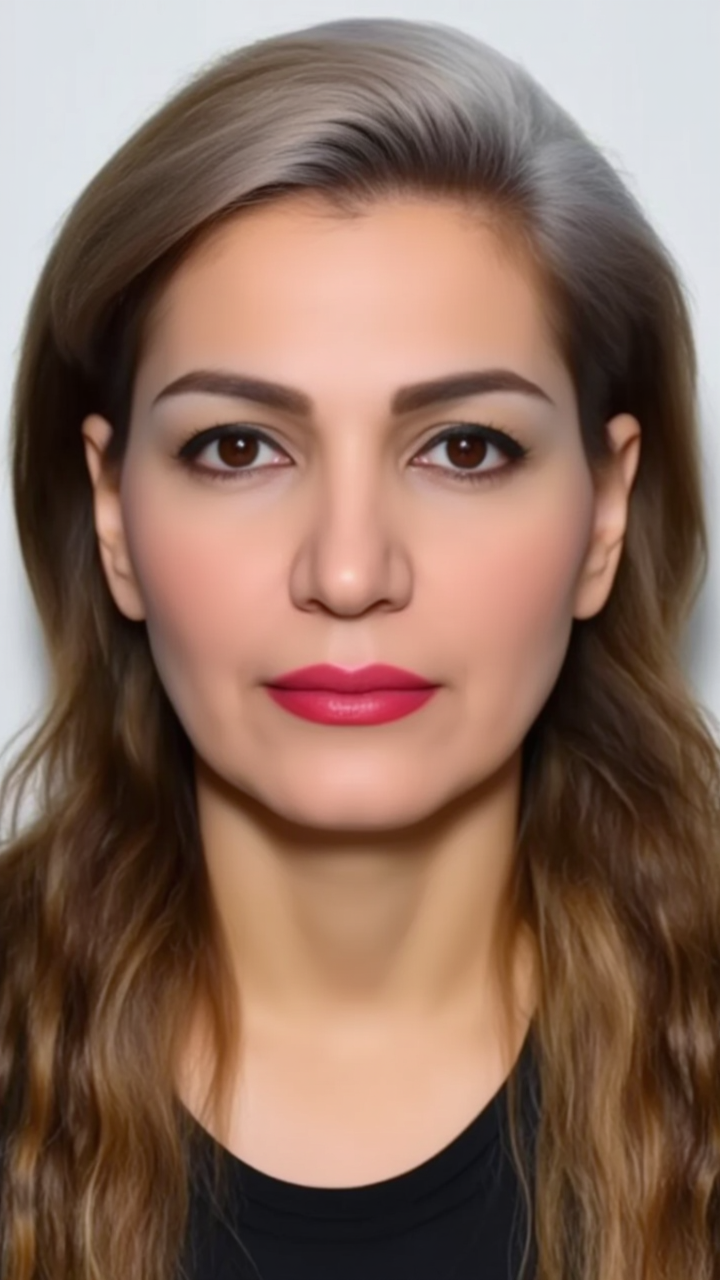
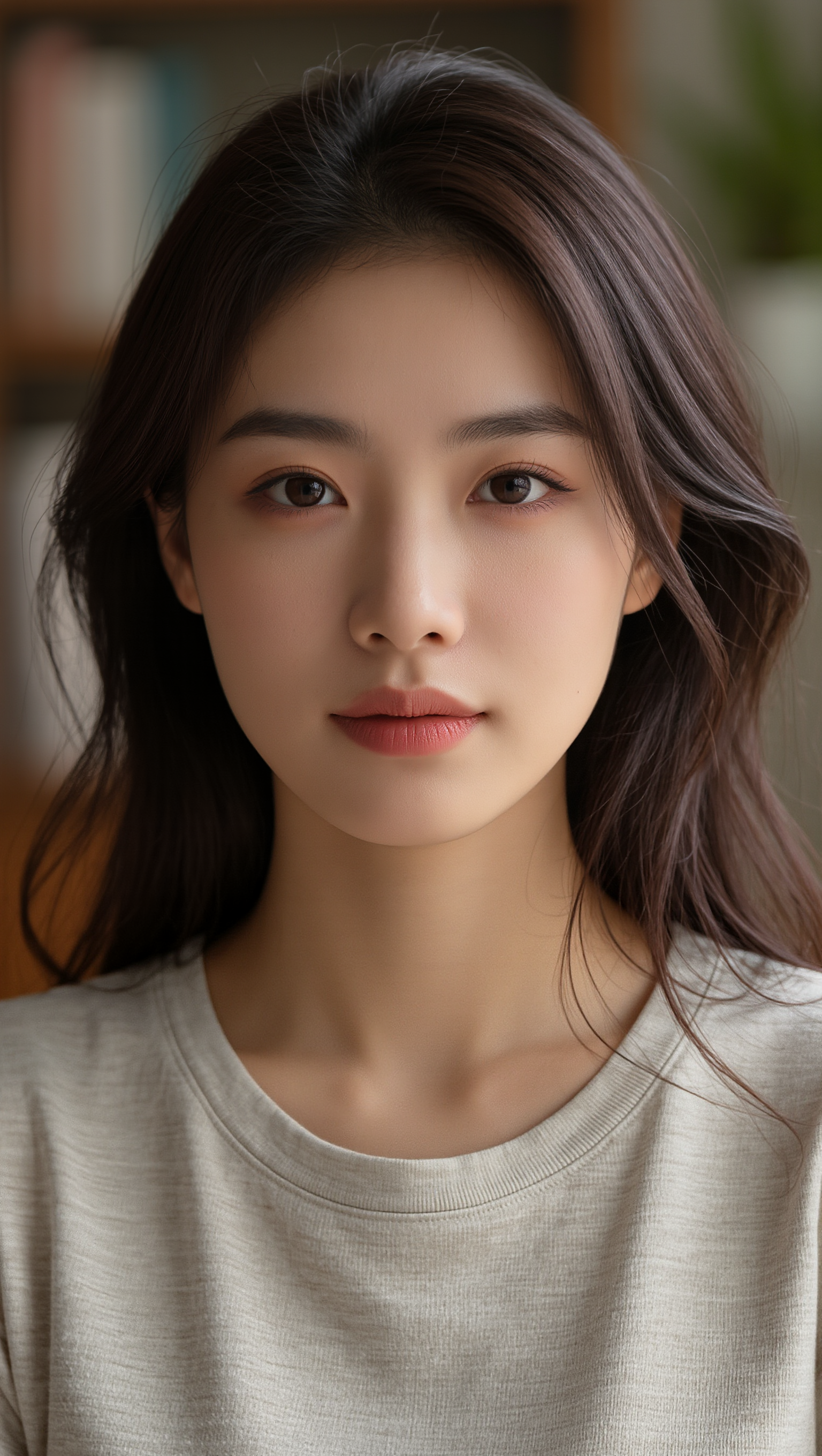
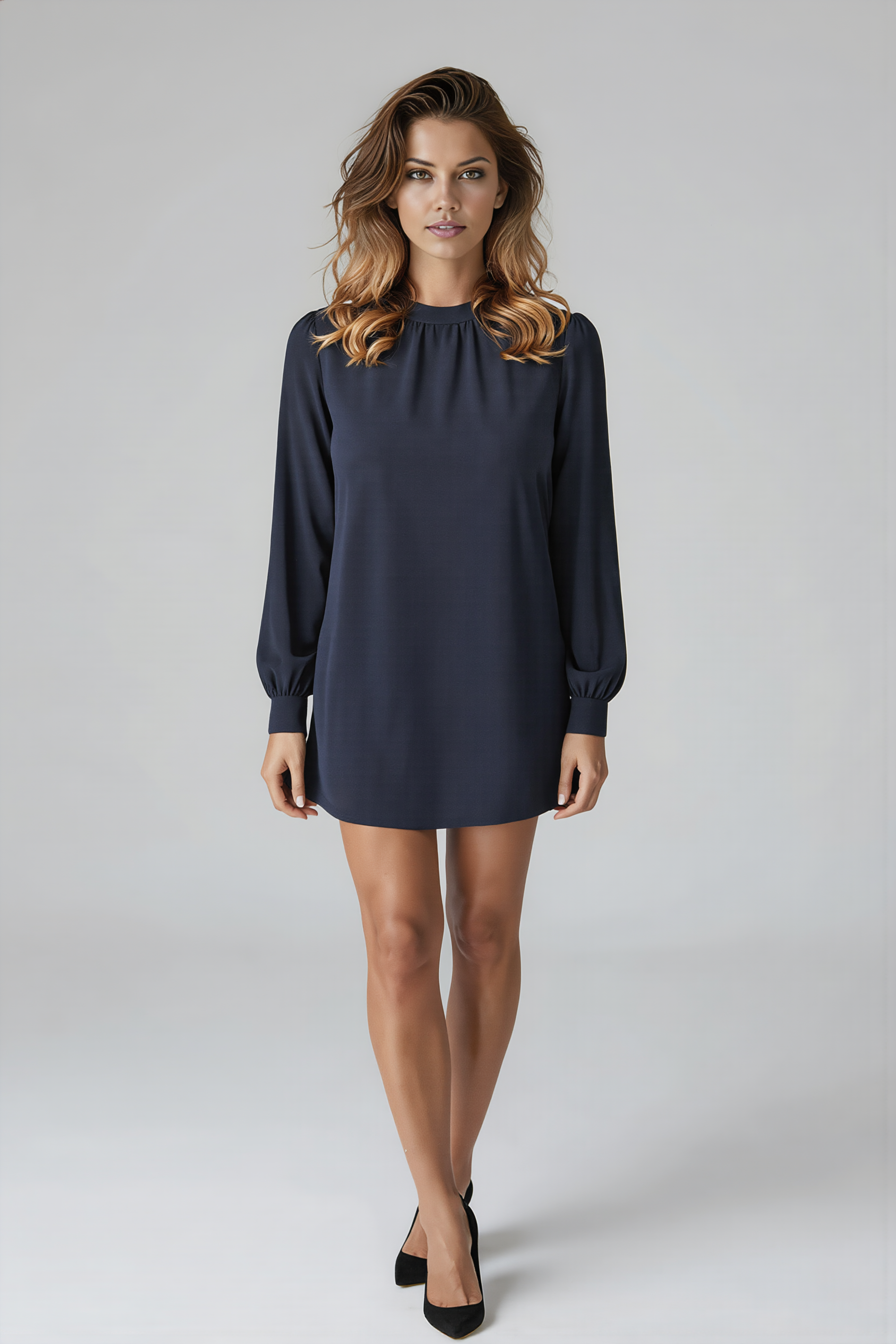
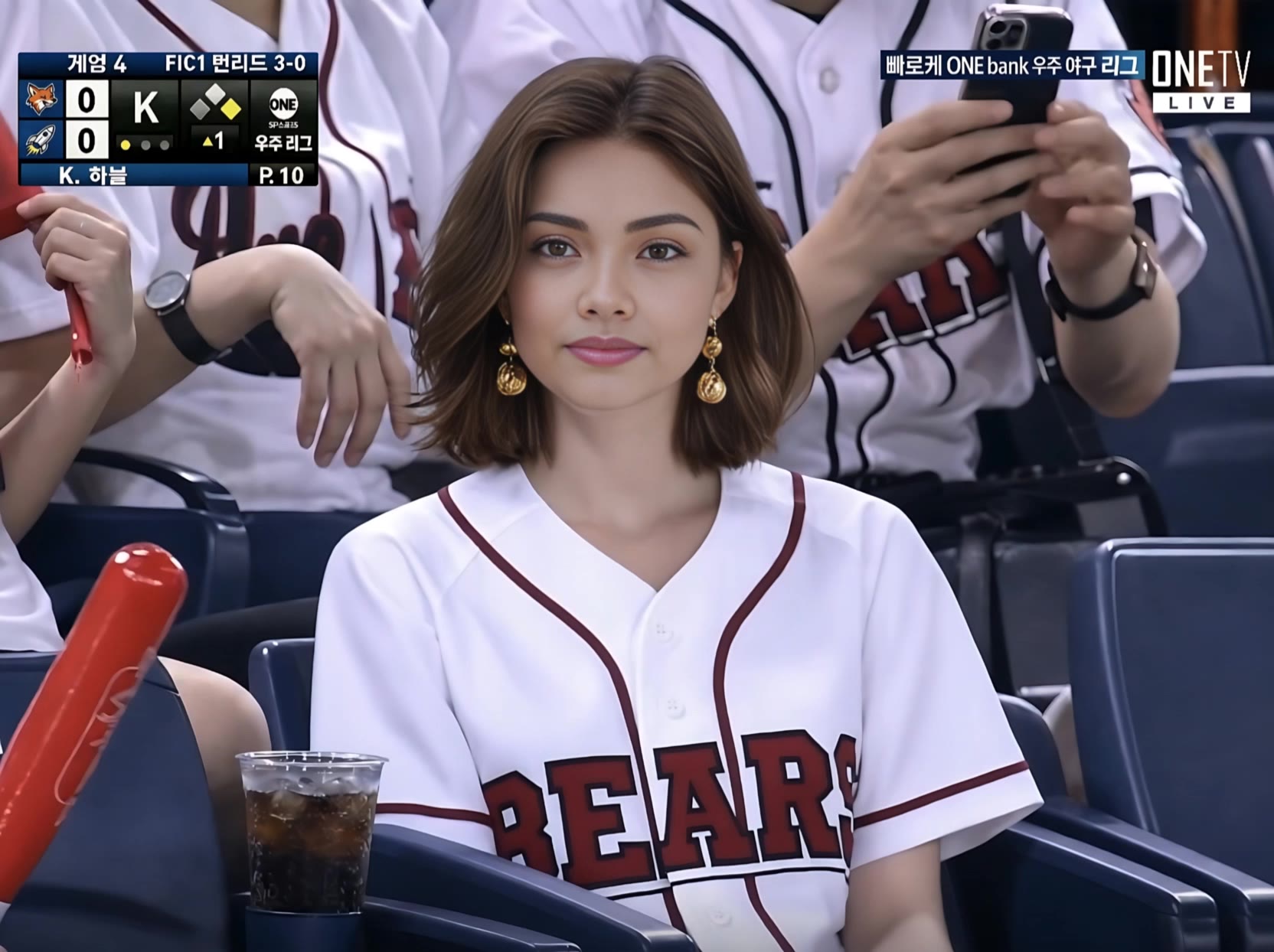
brown hair with face framing highlights - Middle Eastern & photorealistic

Elevate your style with stunning brown hair enhanced by face framing highlights, inspired by serene outdoor photoshoots and luxurious desert wind vibes. Start exploring brown hair with face framing highlights ideas and generate your own content with AI.

brown hair with face framing highlights - Middle Eastern & photorealistic

Recommended

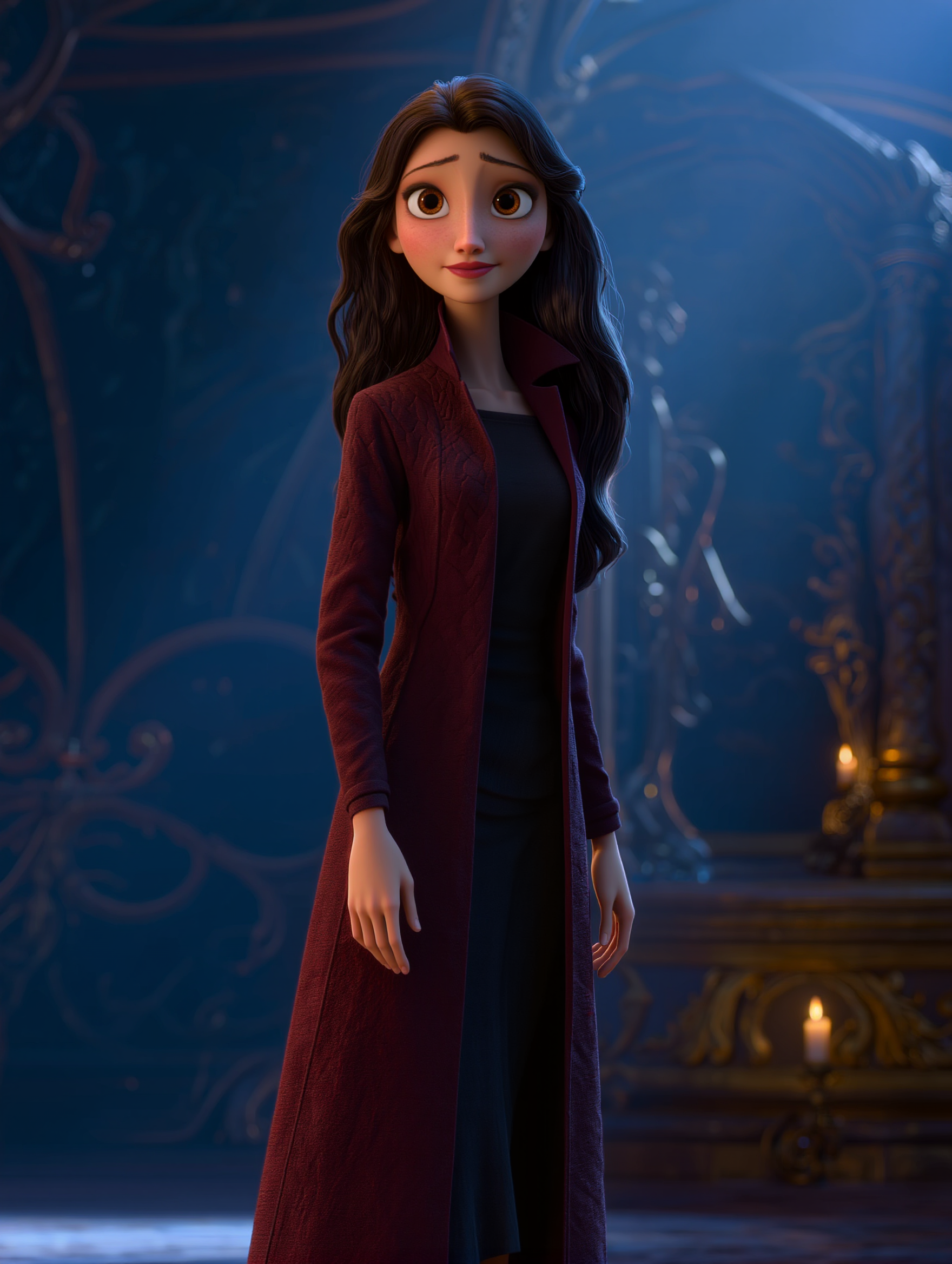
Kling AI work 312868144526545 - brown hair with face framing highlights AI image
Timea-AI avatar
Timea-AI
Kling AI work 299335951657382 - brown hair with face framing highlights AI image
KC with Power Cosmic avatar
KC with Power Cosmic
Kling AI work 297944998618581 - brown hair with face framing highlights AI image
Lisa Renee avatar
Lisa Renee
Kling AI work 313604850321913 - brown hair with face framing highlights AI image
Timea-AI avatar
Timea-AI
Kling AI work 298010427505116 - brown hair with face framing highlights AI image
QhycoiFh avatar
QhycoiFh
Kling AI work 297944998614569 - brown hair with face framing highlights AI image
Lisa Renee avatar
Lisa Renee
Kling AI work 308107336665915 - brown hair with face framing highlights AI image
IOQaTNCT avatar
IOQaTNCT
Kling AI work 299409082508178 - brown hair with face framing highlights AI image
bZWiSMXk avatar
bZWiSMXk
Kling AI work 319684079665275 - brown hair with face framing highlights AI image
Rave_Midnite avatar
Rave_Midnite
Kling AI work 309996725612815 - brown hair with face framing highlights AI image
rzjrPuqe avatar
rzjrPuqe
Kling AI work 308145620531773 - brown hair with face framing highlights AI image
alab' avatar
alab'
Kling AI work 313605193528683 - brown hair with face framing highlights AI image
Timea-AI avatar
Timea-AI
Kling AI work 314648700667589 - brown hair with face framing highlights AI image
rScRNXcd avatar
rScRNXcd
Kling AI work 316011912508485 - brown hair with face framing highlights AI image
Bright Eddy avatar
Bright Eddy
Kling AI work 308141446304895 - brown hair with face framing highlights AI image
alab' avatar
alab'
Kling AI work 297837451661188 - brown hair with face framing highlights AI image
KC with Power Cosmic avatar
KC with Power Cosmic
Kling AI work 297944998615586 - brown hair with face framing highlights AI image
Lisa Renee avatar
Lisa Renee
Kling AI work 317353840324580 - brown hair with face framing highlights AI image
wIwdkJYH avatar
wIwdkJYH
Kling AI work 314864663527360 - brown hair with face framing highlights AI image
Jennifer L. avatar
Jennifer L.

How to Animate an Image

Upload Your Image

Upload Your Image

Upload any image—drag and drop a portrait, product photo, or illustration. Kling supports various formats and brings images to life while maintaining consistent, high-quality results.

Describe the Motion

Describe the Motion

Type what you want to see, like “she turns, smiles, and starts talking to the camera.” For advanced control, you can also upload a start and end frame to define the exact transition.

Generate & Export

Generate & Export

Hit generate, wait a few seconds, and download your animated video. Free image to video generation is available in 1080p, while Pro users can unlock stunning native 4K resolution.

Edit the Parts That Matter

Change Subjects, Backgrounds, and Style

Change Subjects, Backgrounds, and Style

Keep what works and change what does not. Replace a character or product, update an outfit, remove a distraction, or move the action into a different setting. You can also change the weather, lighting, time of day, or overall look. With Kling VIDEO 3.0 Omni, you can start with a prompt and add a reference image when a face, product, or branded detail needs a closer match.

Reframe the Shot

Reframe the Shot

Keep the original action, then change how the moment is framed. Move in for a close-up, open to a wider view, shift the angle, or rebalance the composition around the subject. The source footage keeps the motion and scene context in place while your prompt sets the new framing.

Extend the Video

Extend the Video

Continue a clip beyond its current ending without building the next scene from scratch. Kling carries the subject, motion, and setting into the new footage; add a prompt when you want to steer what happens next. Use Video Extension when a clip ends too soon, an action needs more time, or the next beat is still missing.

Apps

Image to Video
Image to Video

Image to Video

Text to Video
Text to Video

Text to Video

Omni
Omni

Omni

Digital Human
Digital Human

Digital Human

Restyle
Restyle

Restyle

Text to Image
Text to Image

Text to Image

60M+
60M+
Users
600M+
600M+
AI Videos Generated
4.7 ★
4.7 ★
App Store
Industry-Leading
Industry-Leading
Cinematic 4K

Reviews

Huang Lu (Elson)

Huang Lu (Elson)

★★★★★

I’ve been using Kling AI since its initial release, and it’s remained one of the leading AI media generators ever since. With Kling AI, I’ve created hundreds of videos, collectively amassing millions of views.

Ozan Sihay

Ozan Sihay

★★★★★

Kling AI allows me to rapidly prototype ideas, refine storytelling elements, and produce visually compelling content efficiently. It has not only accelerated my creative processes, but also deepened my understanding of how AI can enrich visual storytelling.

Maria Rubtsova

Maria Rubtsova

★★★★★

I’m Maria Rubtsova, an AIGC digital artist passionate about creating stunning visuals in the worlds of fashion, aesthetics, and fantasy. I use KlingAi to bring imagination to life through video. My work is all about exploring beauty, emotion, and the limitless possibilities of digital art.

FAQ

Q1Is it suitable for product demo videos?
Q2What’s the difference between Video 2.6 and 3.0?
Q3Can I use this for global AI video marketing?

Experience Video 3.0 on Kling

Create cinematic, multi-shot videos with native audio and precise control—all in one generation.

Native audio | Multi-shot control | Up to 15s continuous output