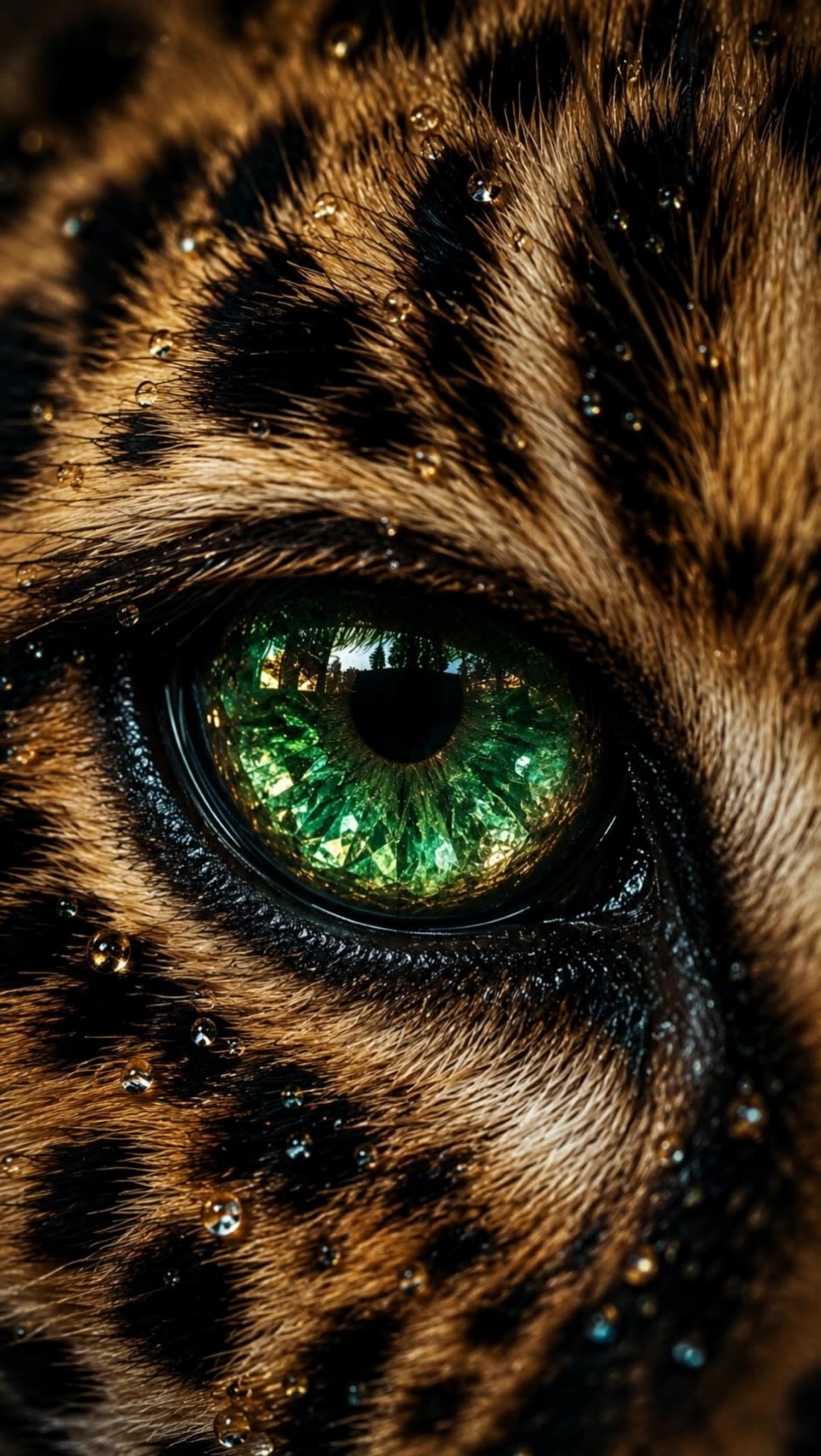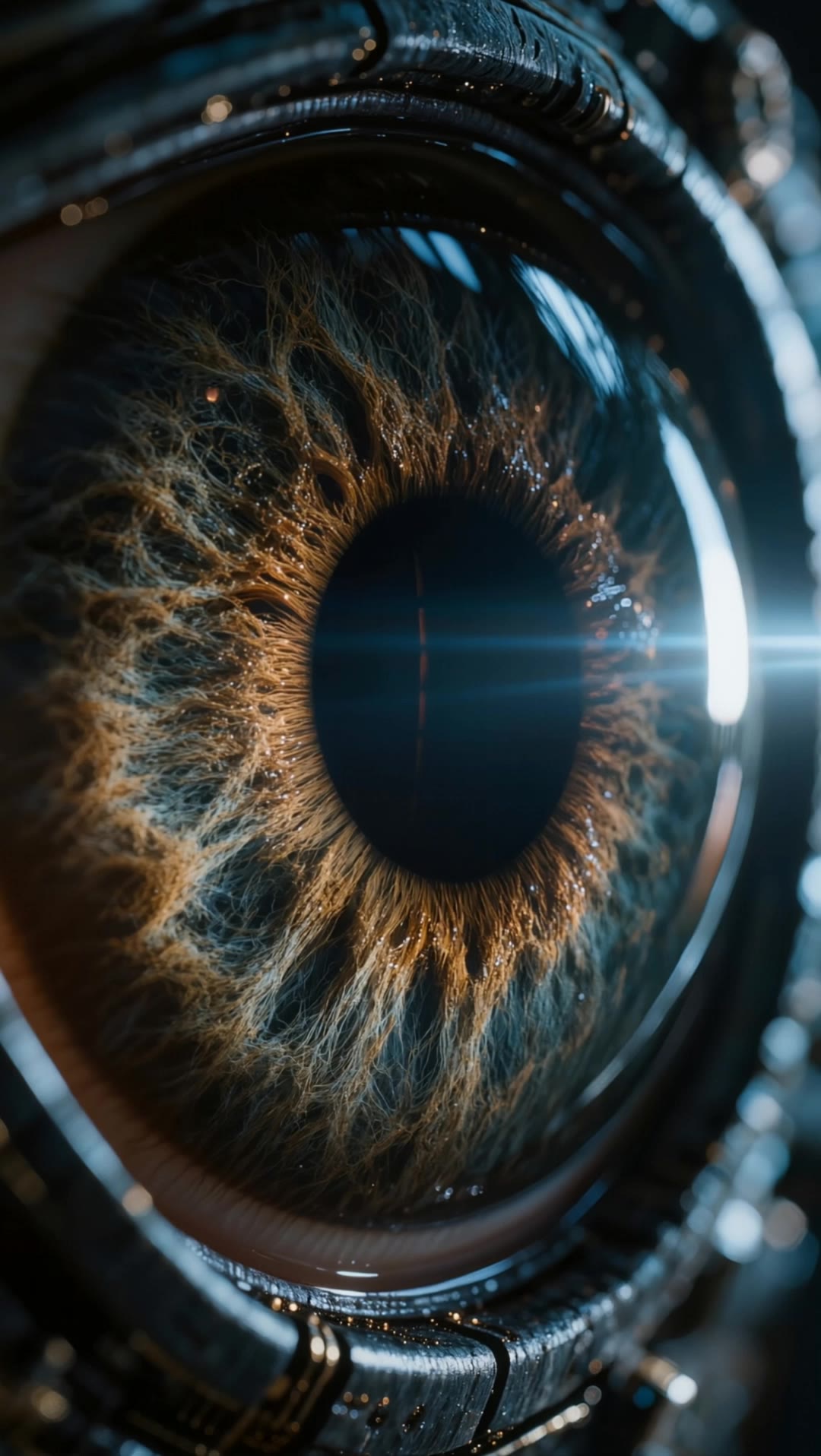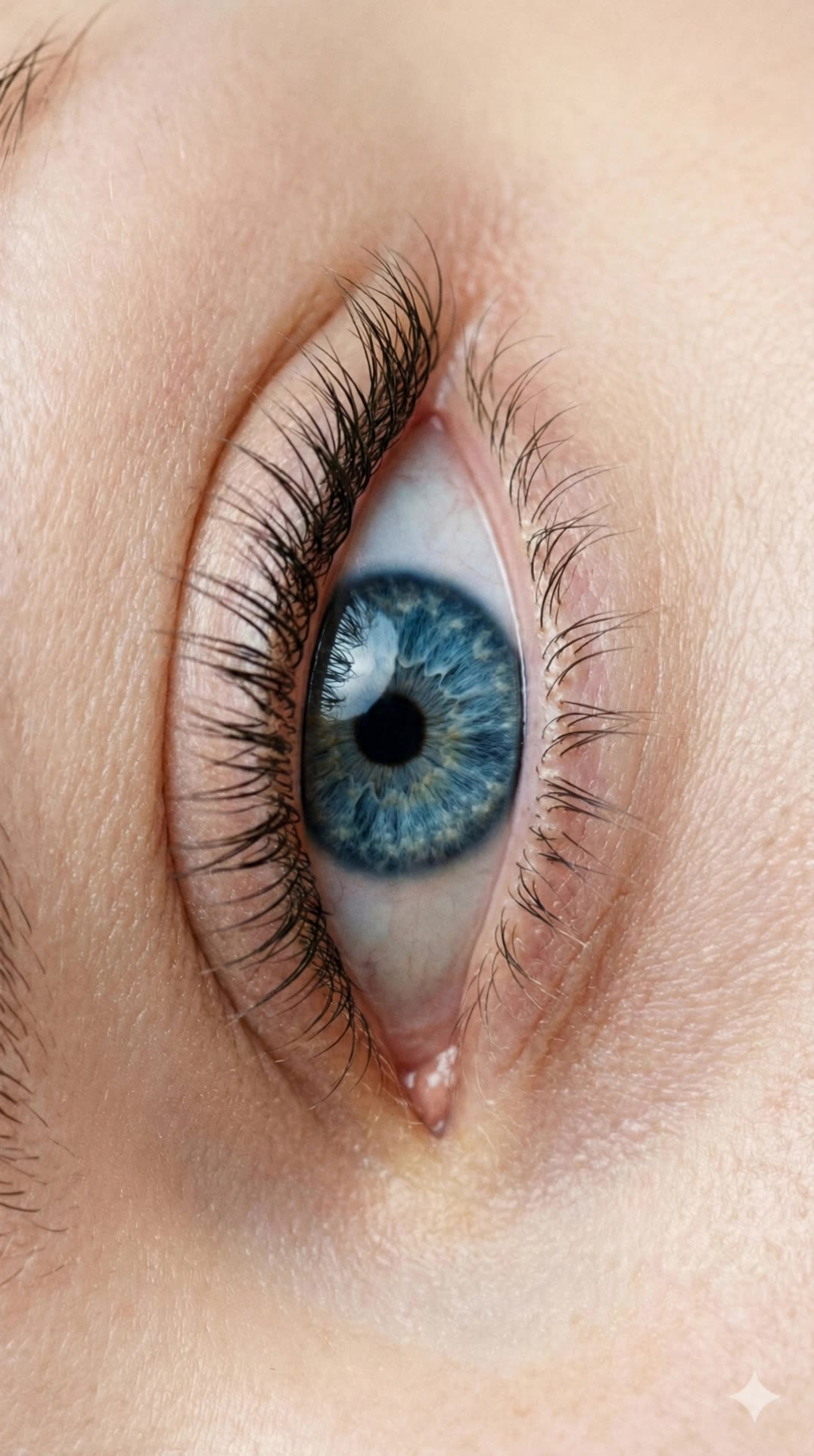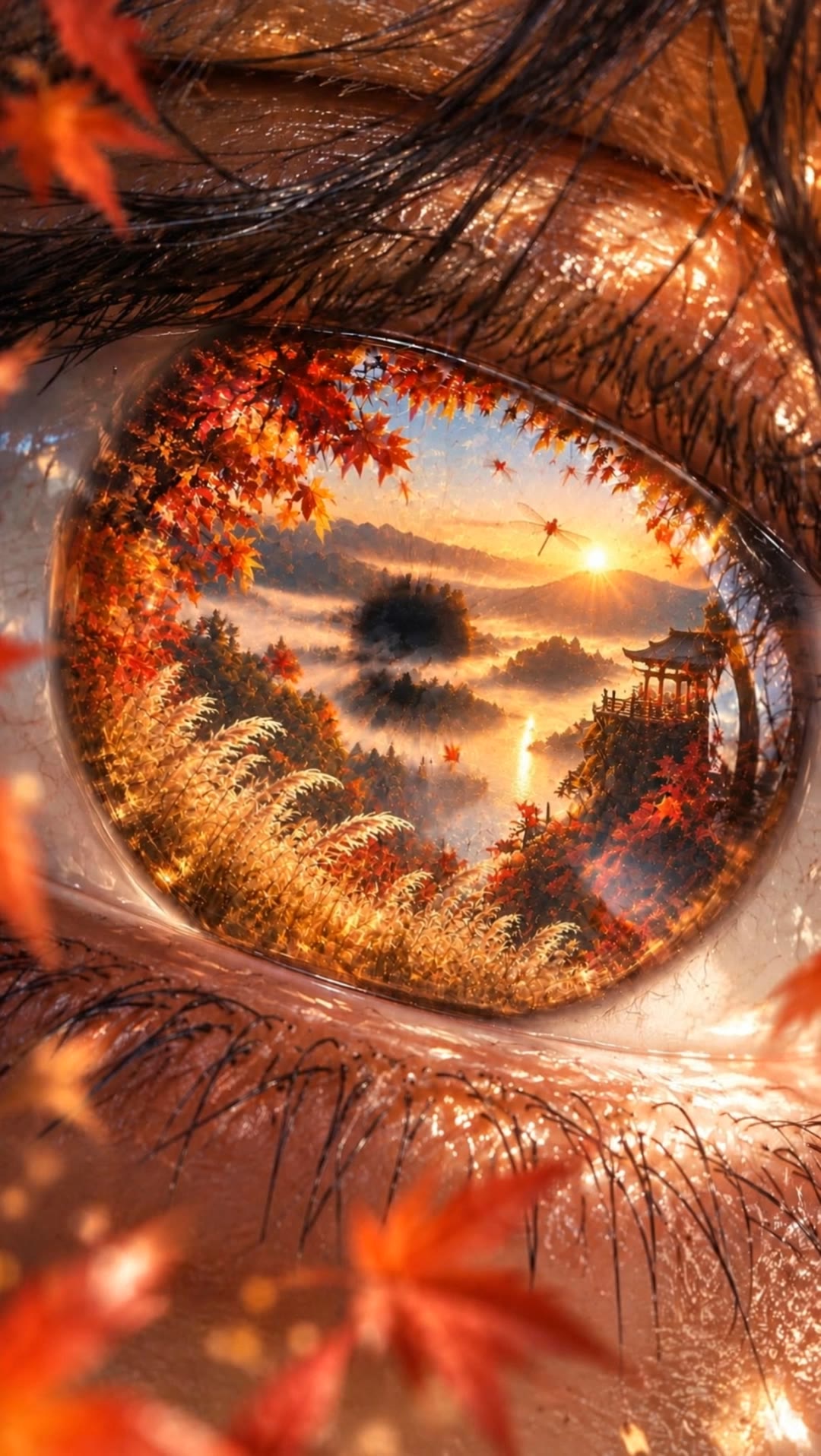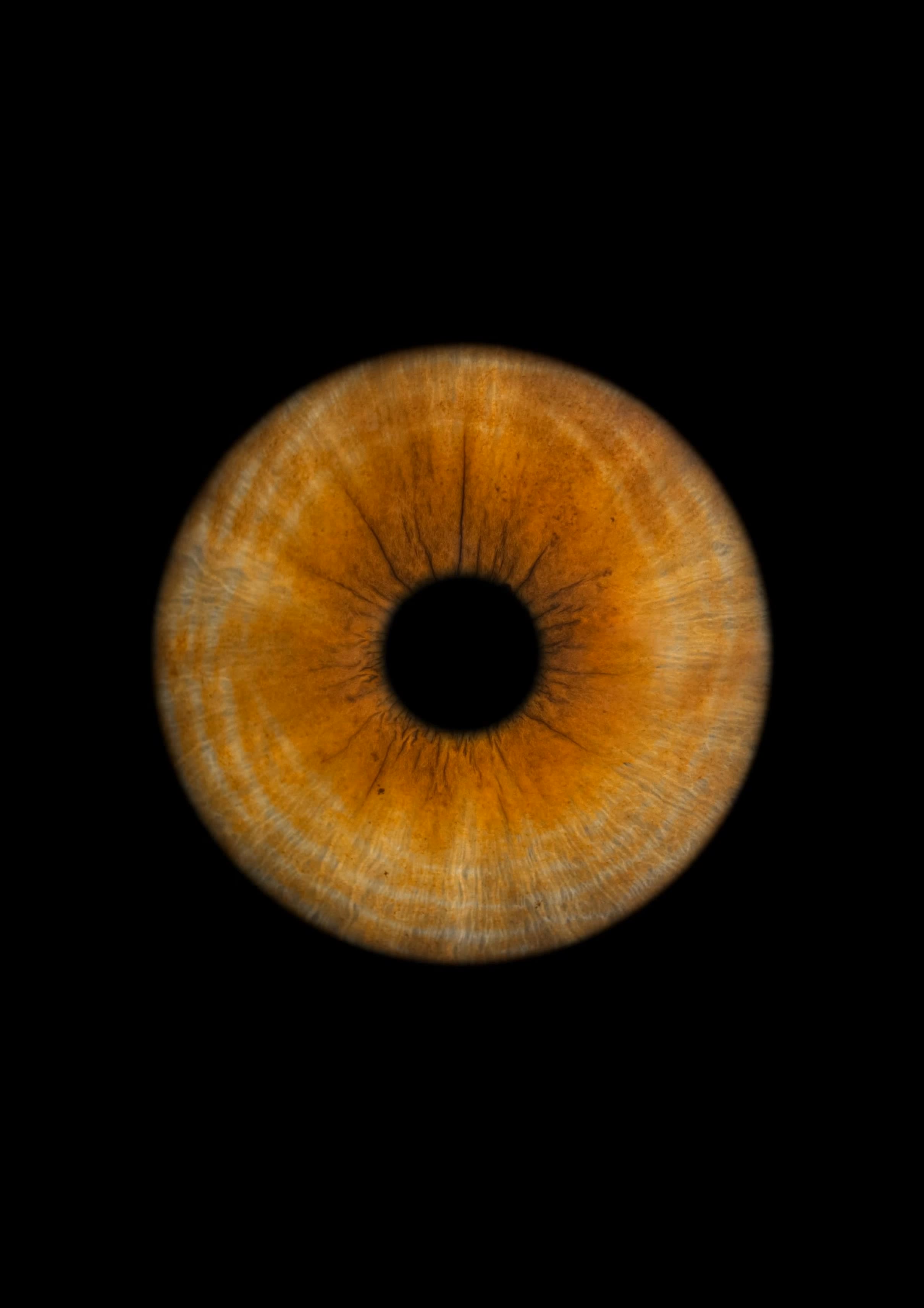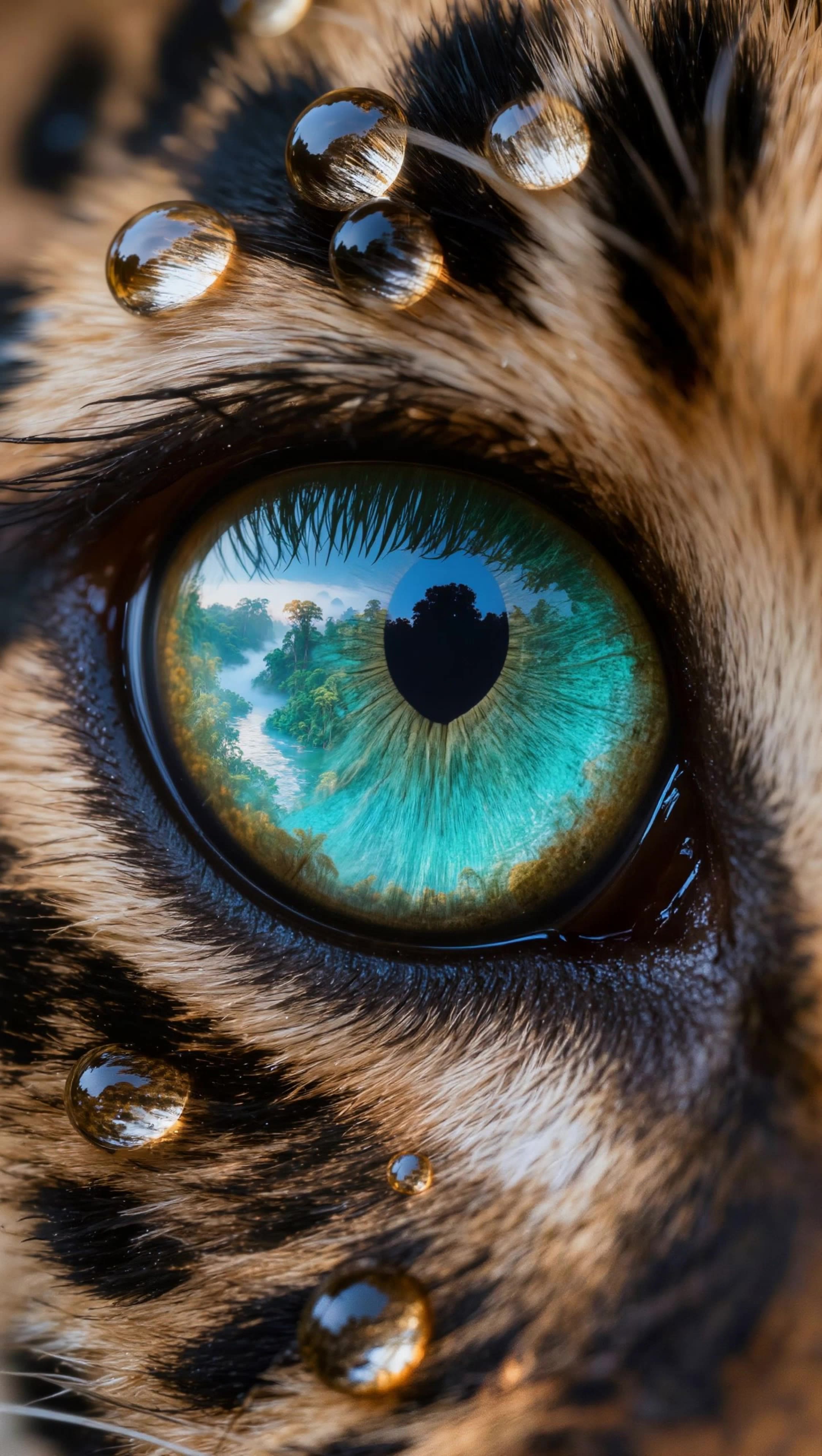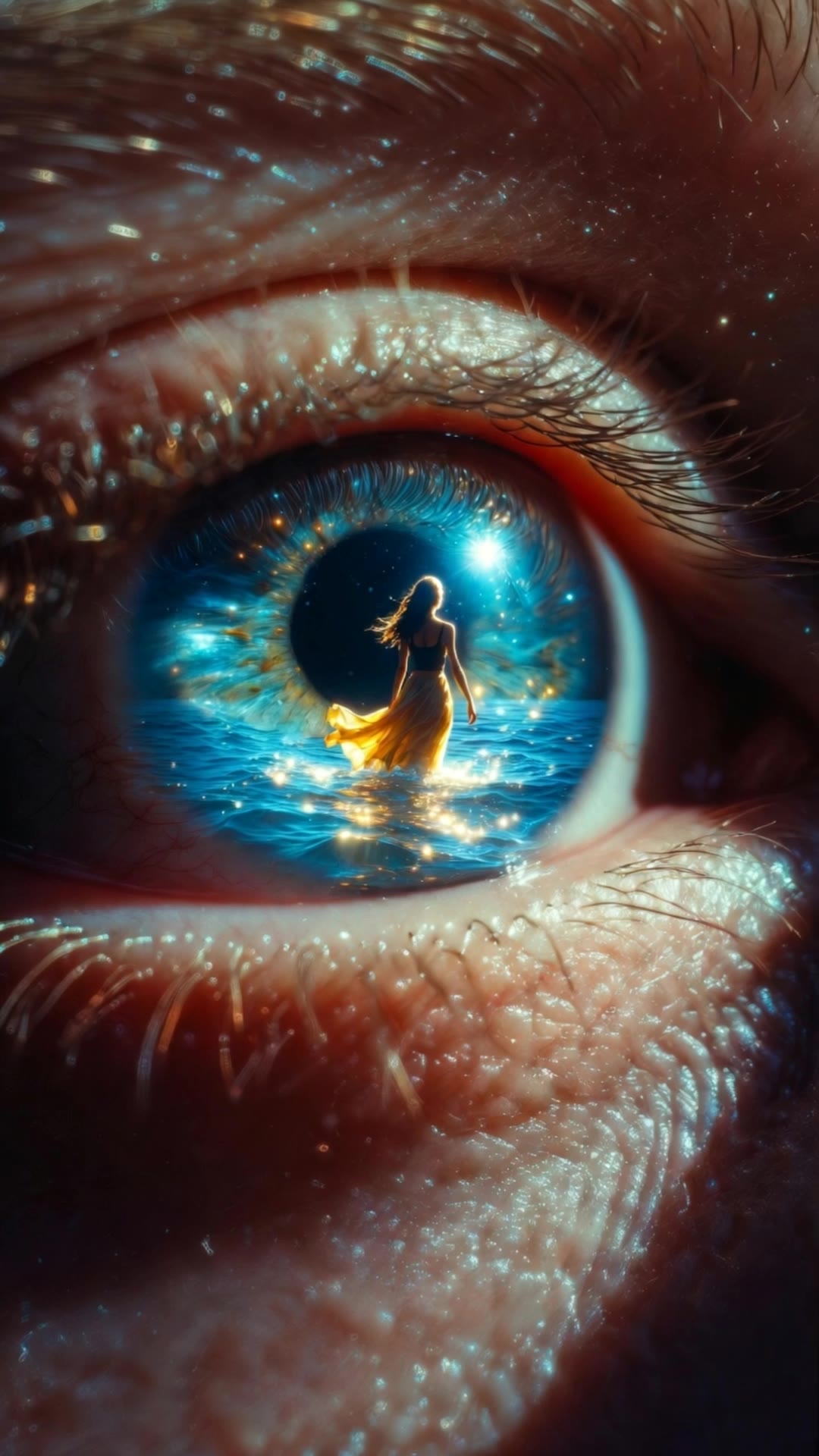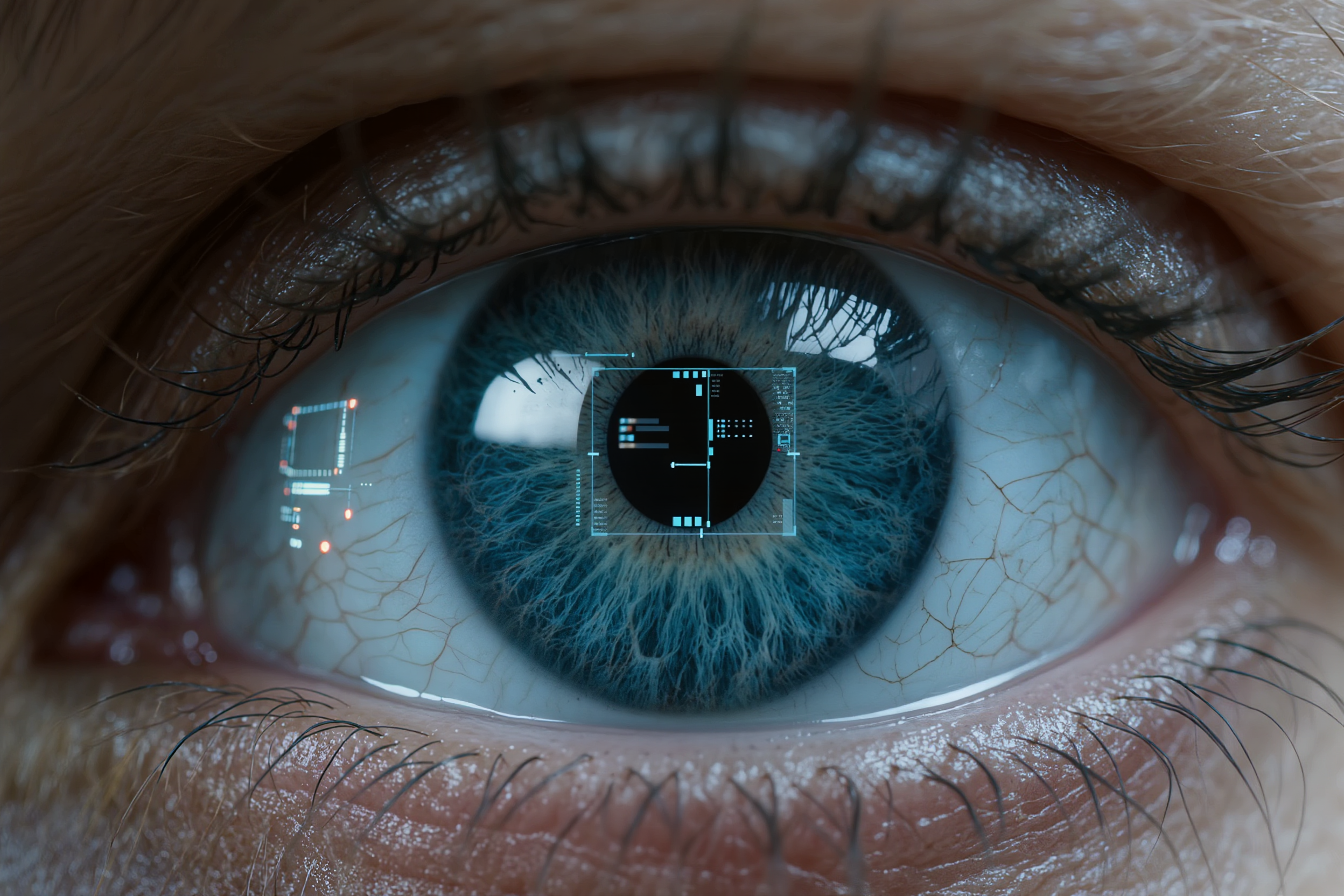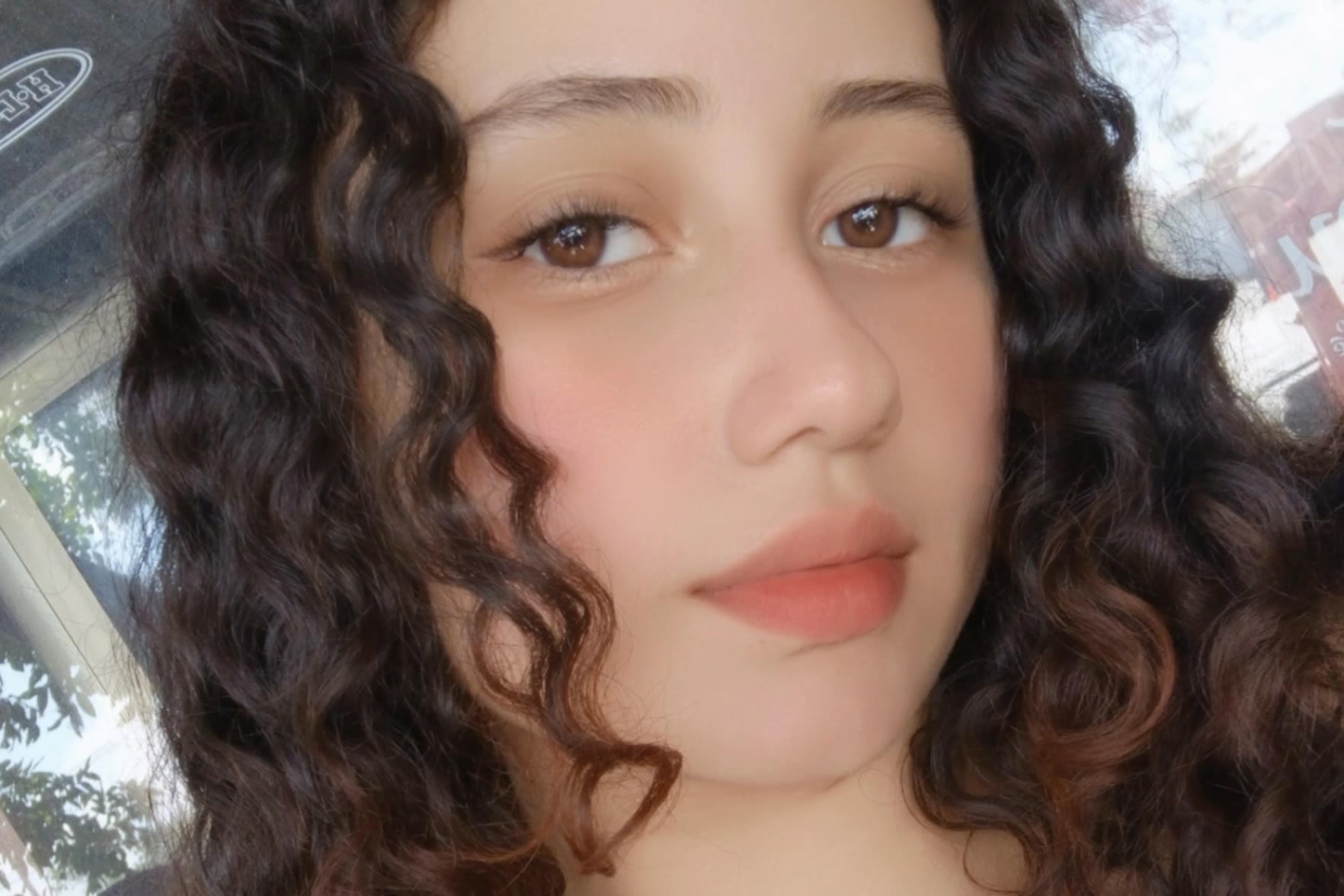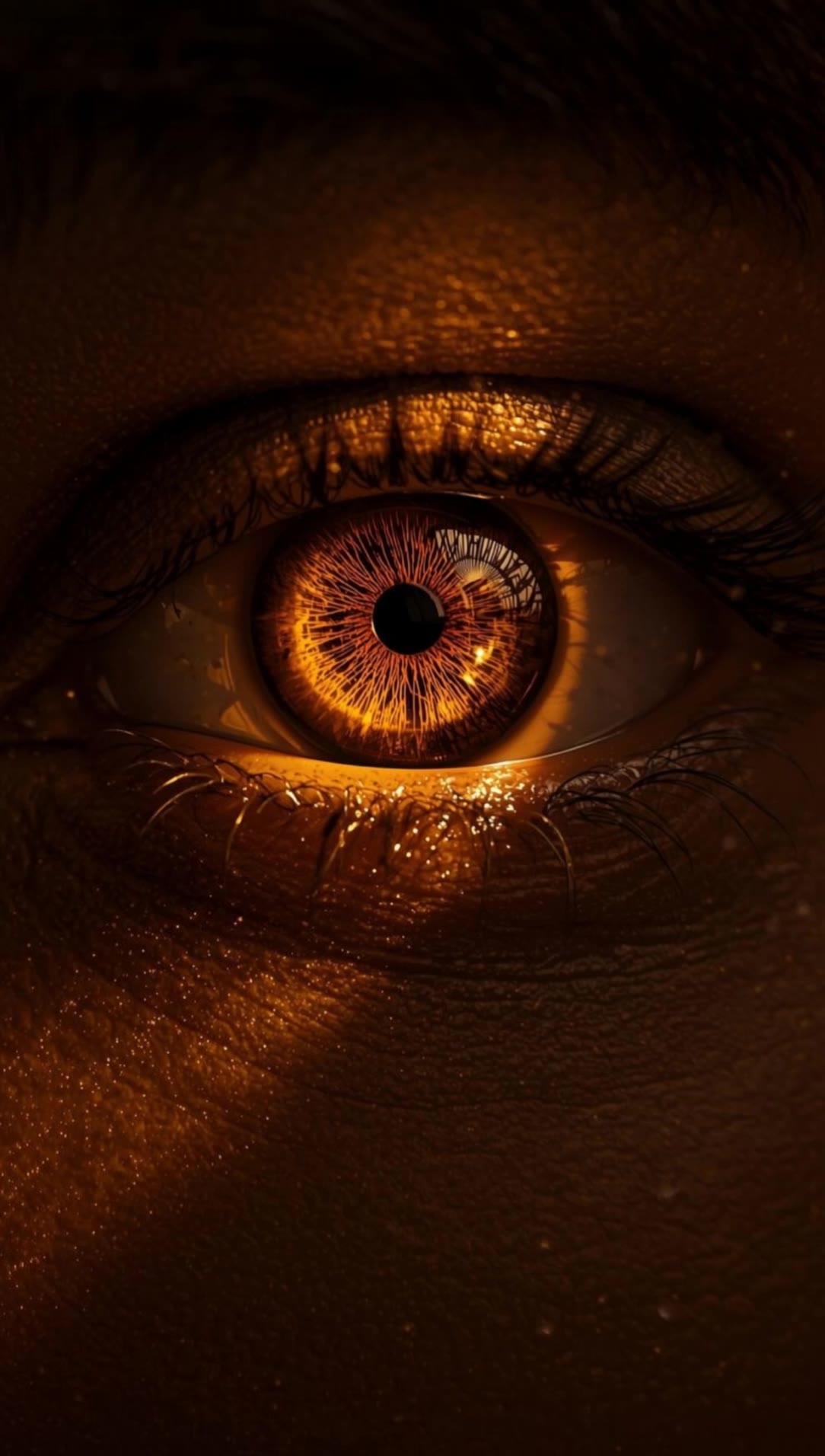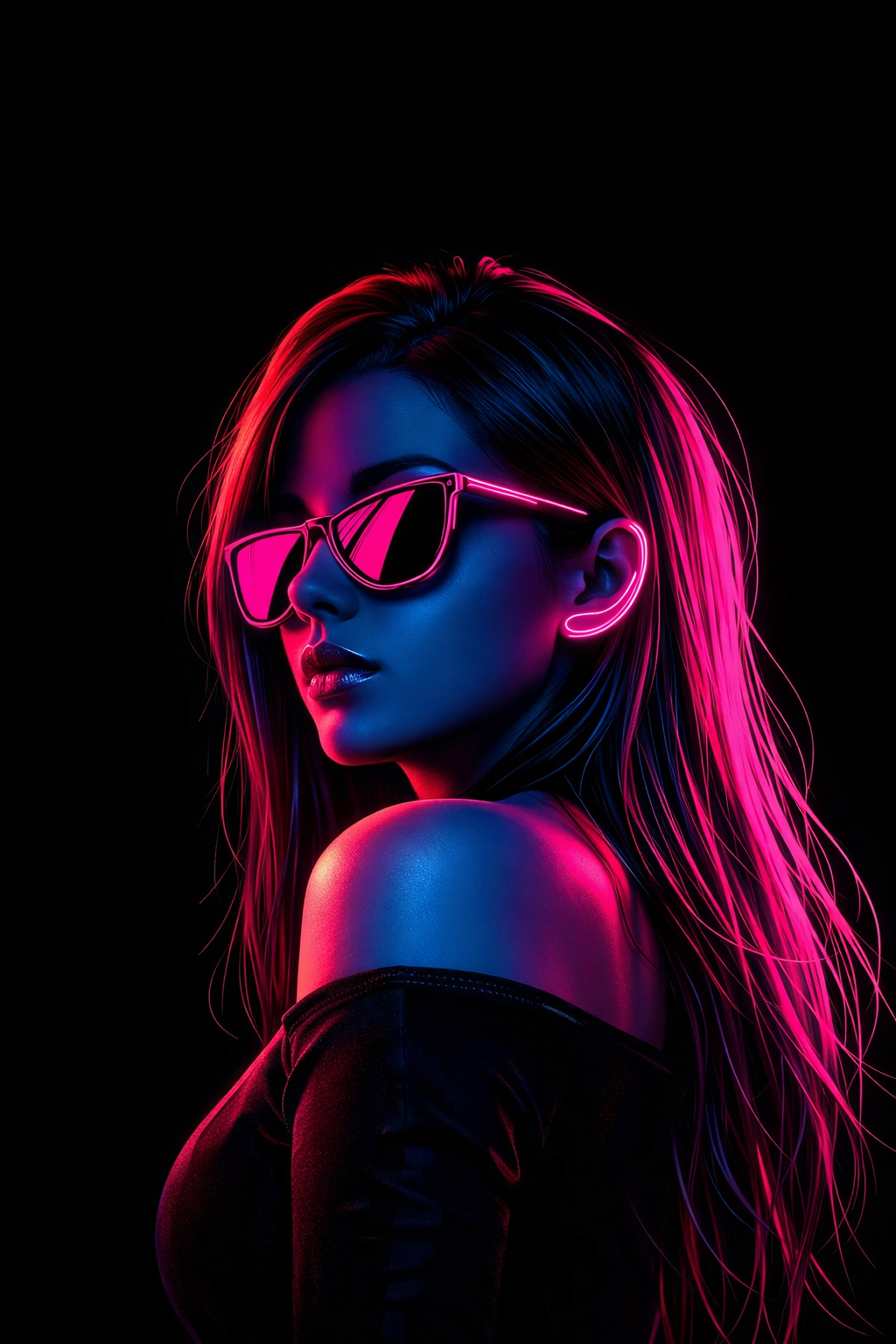
camera iris - underwater realm & elegant painting

Unveil the artistry of camera iris through ethereal underwater realms and elegant iris paintings, blending nature's beauty with sophisticated decor. Start exploring camera iris ideas and generate your own content with AI.

camera iris - underwater realm & elegant painting

Recommended

retina - camera iris AI video
MoussTV avatar
MoussTV
Elite Creator
Kling AI work 313414679306823 - camera iris AI video
KLING2560 avatar
KLING2560
Kling AI work 316865840320612 - camera iris AI video
Gold avatar
Gold
Kling AI work 317990293613405 - camera iris AI video
DeepScroll avatar
DeepScroll
retina - camera iris AI video
MoussTV avatar
MoussTV
Elite Creator
Kling AI work 301414427315036 - camera iris AI video
KLING8556 avatar
KLING8556
— IMAGINARY SCENERY 🍁 —  - camera iris AI video
Arice avatar
Arice
The Eye of Desire - camera iris AI video
KLING3848 avatar
KLING3848
Kling AI work 318103260618090 - camera iris AI video
wAUckuyJ avatar
wAUckuyJ
Kling AI work 315263026660230 - camera iris AI video
Marshelle 🦹🏽‍♀️ avatar
Marshelle 🦹🏽‍♀️
Kling AI work 313447537324815 - camera iris AI video
Ai.TimeMachine avatar
Ai.TimeMachine
Elite Creator
The Ocean in Her Eyes - camera iris AI video
DEKI avatar
DEKI
Kling AI work 313661579661698 - camera iris AI video
⚡️ EGZON THEWILD ⚡️ avatar
⚡️ EGZON THEWILD ⚡️
Kling AI work 316199880302931 - camera iris AI video
Fahad Naim avatar
Fahad Naim
Elite Creator
Human eye with advanced - camera iris AI image
kXRvJbDX avatar
kXRvJbDX
Kling AI work 320943653654287 - camera iris AI video
GhJwGKFn avatar
GhJwGKFn
Kling AI work 317420492612196 - camera iris AI video
JAsync avatar
JAsync
IRIS fiber progression - camera iris AI video
KLING2831 avatar
KLING2831
Kling AI work 320674891660386 - camera iris AI video
JcyNIQYp avatar
JcyNIQYp

A Complete AI Video Editing Workflow

Upload Your Footage

Upload Your Footage

Start with a video you've filmed or generated. Add reference images, characters, or other supported assets if you want to guide how the edited scene should look.

Describe What You Want to Change

Describe What You Want to Change

Tell Kling what to replace, remove, or adjust. You can change the subject, background, action, camera angle, or visual style. Include details you want to keep from the original footage.

Preview and Download Your Video

Preview and Download Your Video

Generate your edited video and review the changes. Refine your prompt or references if needed, then download the version you're happy with.

Edit the Parts That Matter

Change Subjects, Backgrounds, and Style

Change Subjects, Backgrounds, and Style

A different character, a new product, or a completely different location can change the purpose of a video. Keep the footage you already have and update the elements that need another take. No green screen needed. Kling 4.0 supports adding, removing, and replacing subjects and scene elements using prompts and visual references. Change a product, replace a character, or move the action into a new setting. Reference images help guide the appearance of new elements while keeping the rest of the scene closer to the original.

Recreate Videos with Your Own References

Recreate Videos with Your Own References

Found a camera move, transition, or video concept that would work with your own character or product? You can use the original clip as a creative reference rather than recreating the entire shoot. Kling 4.0 draws on reference footage for pacing, shot composition, and movement while introducing your own subjects and visual style. Omni Reference supports up to 15 combined assets, subject to individual input limits. Combine character images, product photos, and video references to explore new versions while helping recognizable details stay consistent.

Extend Your Video Up to 2 Minutes

Extend Your Video Up to 2 Minutes

Continue an existing video forward or backward, adding footage before the opening or after the ending. Extend actions, camera movements, and storylines while keeping the new footage connected to the original scene. Kling 4.0's Video Extension supports multiple extension passes, reaching a total video length of up to 2 minutes. Build longer sequences with continuity in characters, settings, and movement, without recreating the entire video.

Apps

Video Generation
Video Generation

Video Generation

Image Generation
Image Generation

Image Generation

Motion Control
Motion Control

Motion Control

Avatar
Avatar

Avatar

AI Portraits
AI Portraits

AI Portraits

Lip Sync
Lip Sync

Lip Sync

60M+
60M+
Users
600M+
600M+
AI Videos Generated
4.7 ★
4.7 ★
App Store
Industry-Leading
Industry-Leading
Cinematic 4K

Reviews

Halim Alrasihi

Halim Alrasihi

★★★★★

I use AI daily and Kling AI is a crucial part of my workflow, whether for client work or personal projects. What I love most about using Kling AI is that it provides all the tools I need in one place, from keyframes to character references, elements and special effects.

PJ Ace

PJ Ace

★★★★★

Kling AI has made it easy for us to generate world class visuals for Fortune 500 companies, TV shows and music for big artists. We love the easy of use of the platform and the quality of the generations. My first time using Kling AI, I got 22 million views on just one video. It's that good.

James Phillips

James Phillips

★★★★★

Kling AI has transformed my workflow by collapsing timelines and democratizing production. It’s shifted my mindset from resource-dependent filmmaking to a boundless creative sandbox, where experimentation yields unexpected beauty.

FAQ

Q1How long can videos be in Video 3.0?
Q2What’s the difference between Video 2.6 and 3.0?
Q3Can I use this for global AI video marketing?

Experience Video 3.0 on Kling

Create cinematic, multi-shot videos with native audio and precise control—all in one generation.

Native audio | Multi-shot control | Up to 15s continuous output