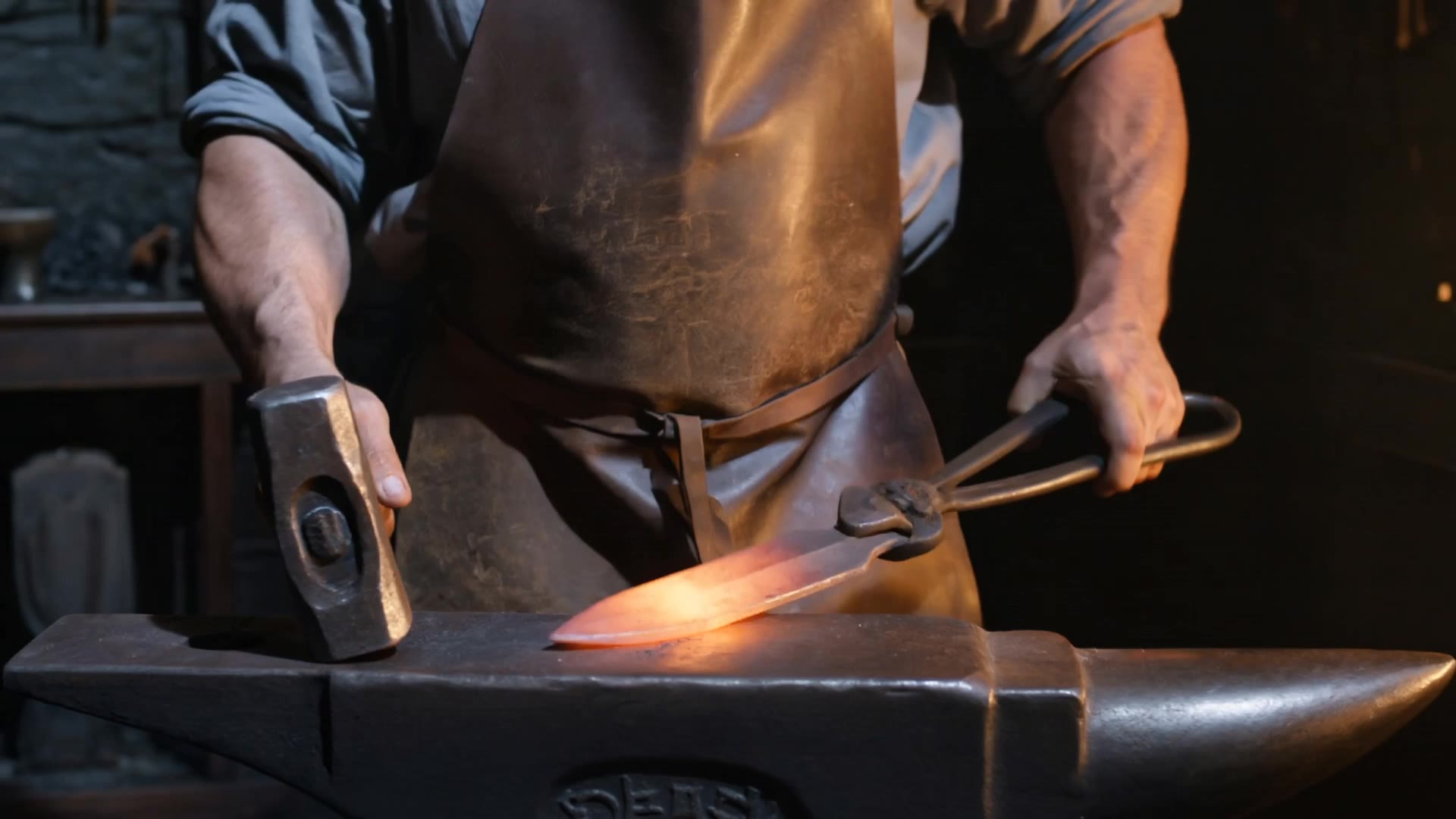
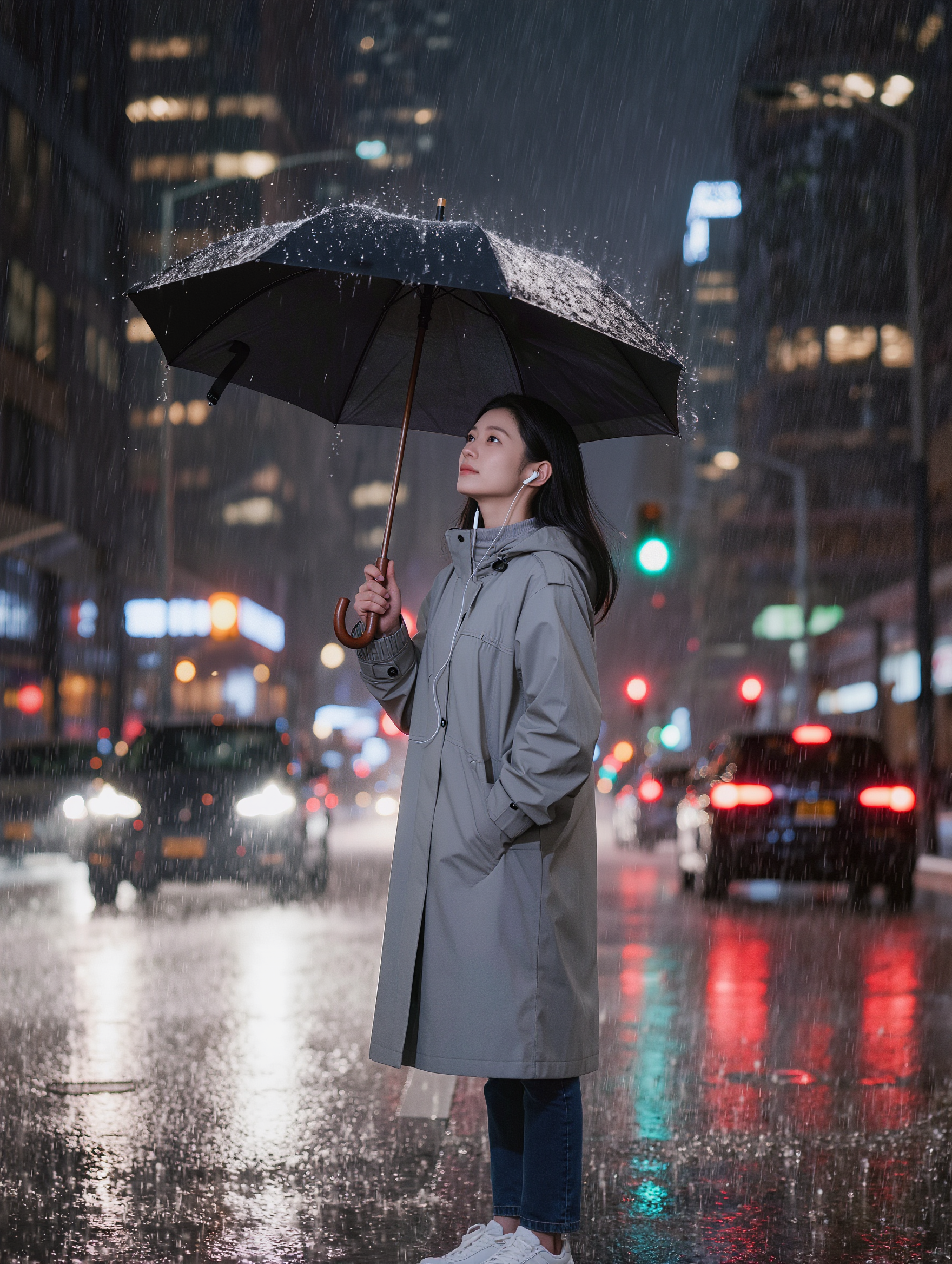
cinema poster creator - 70s style & urban night scenes

Embrace the charm of vintage film aesthetics and urban nightscapes in your designs. Unleash creativity with AI-driven tools for unique cinema poster creations. Start exploring cinema poster creator ideas and generate your own content with AI.

cinema poster creator - 70s style & urban night scenes

Recommended

Kling AI work 311034683505071 - cinema poster creator AI video
Blessed avatar
Blessed
Creator - cinema poster creator AI video
00:18
kigSBlXT avatar
kigSBlXT
content creator  - cinema poster creator AI image
ZUqwoINH avatar
ZUqwoINH
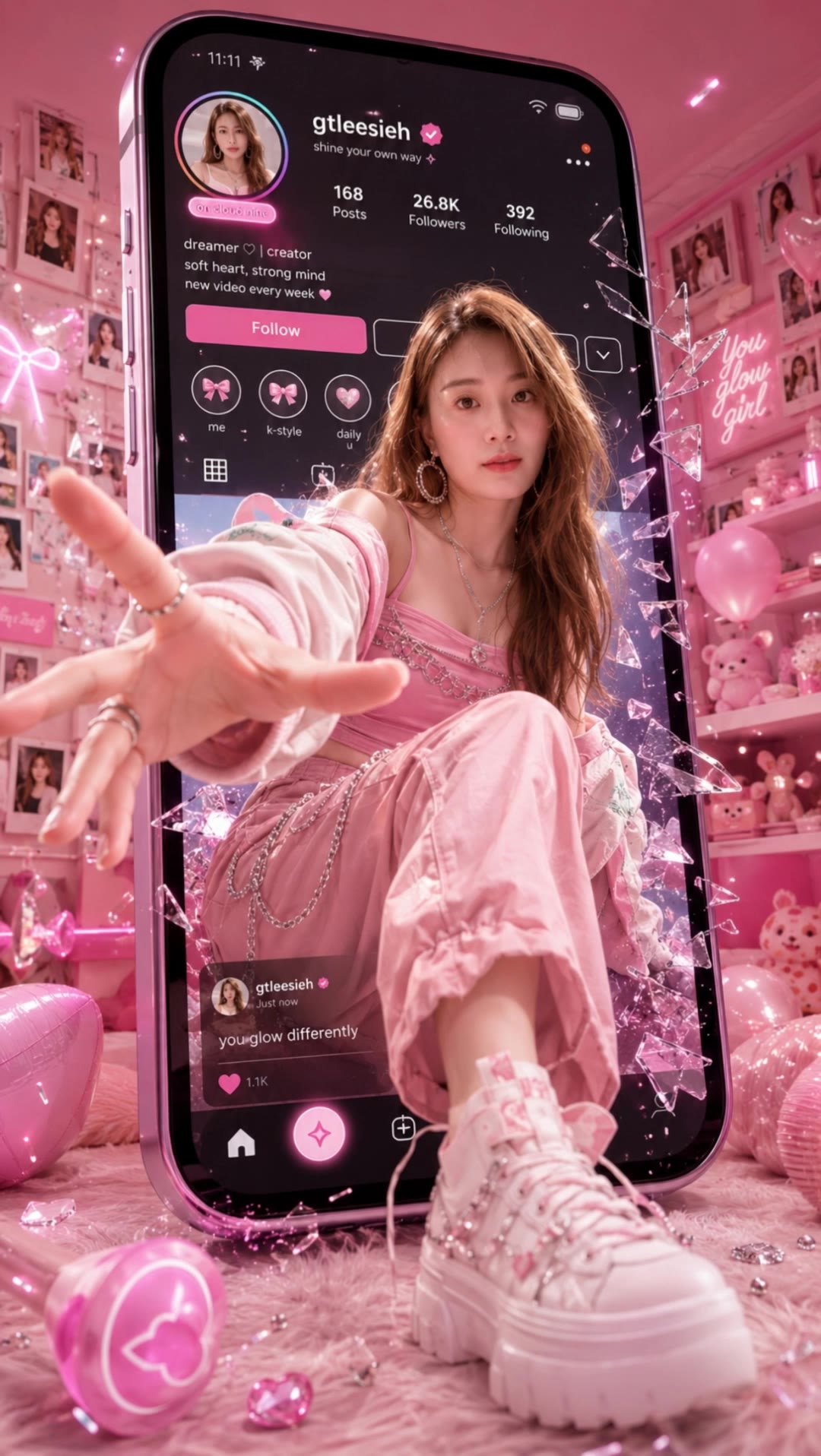
3D pop-out social media poster - cinema poster creator AI video
Roy avatar
Roy
Kling AI work 320936712526688 - cinema poster creator AI image
XjepdfIh avatar
XjepdfIh
Interactive posters  - cinema poster creator AI video
Indy Chaloemsri avatar
Indy Chaloemsri
Kling AI work 314114784525972 - cinema poster creator AI video
yzwKeYaH avatar
yzwKeYaH
Sci-Fi mock up poster - cinema poster creator AI image
CorVega avatar
CorVega
Action Sci-Fi movie poster - cinema poster creator AI image
CorVega avatar
CorVega
Glitches  - cinema poster creator AI video
EWade avatar
EWade
Kling AI work 315089065520463 - cinema poster creator AI video
NJjxYYSi avatar
NJjxYYSi
3D pop-out social media poster - cinema poster creator AI video
souvenir avatar
souvenir
Kling AI work 314997518662302 - cinema poster creator AI video
Blessed avatar
Blessed
creator - cinema poster creator AI video
Chinese trend
sAPHhQgK avatar
sAPHhQgK
Media Creator - cinema poster creator AI video
C2M7Productions avatar
C2M7Productions
3D pop-out social media poster - cinema poster creator AI video
Roy avatar
Roy
Kling AI work 311001064611465 - cinema poster creator AI video
odQDDPzg avatar
odQDDPzg
Kling AI work 317826004507580 - cinema poster creator AI video
LgbaZaul avatar
LgbaZaul
content creator  - cinema poster creator AI image
uVqxnjqH avatar
uVqxnjqH

How to Edit a Photo with Kling AI

Upload Your Photo

Upload Your Photo

Start with a clear photo. Add a reference image when you have a particular replacement, background, or style in mind.

Tell Kling What to Change

Tell Kling What to Change

Enter a clear text prompt, explaining what should change and what should stay the same. Kling applies the edit to the photo with AI directly, without layers or complex manual steps.

Review and Fine-Tune

Review and Fine-Tune

Check the result and the areas that matter most. When one detail needs more work, update the prompt for that area instead of starting over. Download the finished image and share it.

Why Kling Stands Out for Image-to-Video Creation

Realistic Motion, Up to 30s Cinematic Camera Work

Realistic Motion, Up to 30s Cinematic Camera Work

Kling 4.0 delivers more stable, physically convincing action in demanding scenes, from fast-paced fights to sports and large-scale movement. Stronger camera direction supports dynamic tracking, complex camera moves, and more coherent shot composition. With up to 30 seconds of native video generation, create longer takes and connected sequences with greater control over action, pacing, and camera movement.

More References, More Creative Control

More References, More Creative Control

Kling 4.0's Omni Reference supports up to 15 combined reference assets, including images, videos, and subjects. Combine character, scene, motion, and style references to guide different elements within the same generation. Up to 10 flexible keyframes give you additional control over composition, character actions, and scene progression. Experiment with different reference combinations and key moments without rebuilding your entire creative setup.

Recreate, Edit, and Explore New Possibilities

Recreate, Edit, and Explore New Possibilities

Kling 4.0 goes beyond generating new footage. It lets you reference existing videos to explore different characters, products, camera movements, and visual styles while retaining the original shot structure or motion as a guide. It also supports precise video editing, letting you target changes to subjects, backgrounds, actions, and camera angles. Rework existing scenes, try alternate versions, and develop new footage without starting from scratch.

Apps

Video Generation
Video Generation

Video Generation

Image Generation
Image Generation

Image Generation

Motion Control
Motion Control

Motion Control

Avatar
Avatar

Avatar

AI Portraits
AI Portraits

AI Portraits

Lip Sync
Lip Sync

Lip Sync

60M+
60M+
Users
600M+
600M+
AI Videos Generated
4.7 ★
4.7 ★
App Store
Industry-Leading
Industry-Leading
Cinematic 4K

Reviews

Maria Rubtsova

Maria Rubtsova

★★★★★

I’m Maria Rubtsova, an AIGC digital artist passionate about creating stunning visuals in the worlds of fashion, aesthetics, and fantasy. I use KlingAi to bring imagination to life through video. My work is all about exploring beauty, emotion, and the limitless possibilities of digital art.

Samuele Poggi (@visualsk2)

Samuele Poggi (@visualsk2)

★★★★★

I use Kling AI daily to push the limits of AI filmmaking. It allows me to create highly cinematic content, blending AI and VFX to develop innovative projects. It has significantly impacted my creative process, enabling me to achieve complex animations that would otherwise require high production budgets.

Ozan Sihay

Ozan Sihay

★★★★★

Kling AI allows me to rapidly prototype ideas, refine storytelling elements, and produce visually compelling content efficiently. It has not only accelerated my creative processes, but also deepened my understanding of how AI can enrich visual storytelling.

FAQ

Q1Is it suitable for product demo videos?
Q2What is Kling Video 3.0?
Q3Does Video 3.0 support multiple characters speaking?

Experience Video 3.0 on Kling

Create cinematic, multi-shot videos with native audio and precise control—all in one generation.

Native audio | Multi-shot control | Up to 15s continuous output