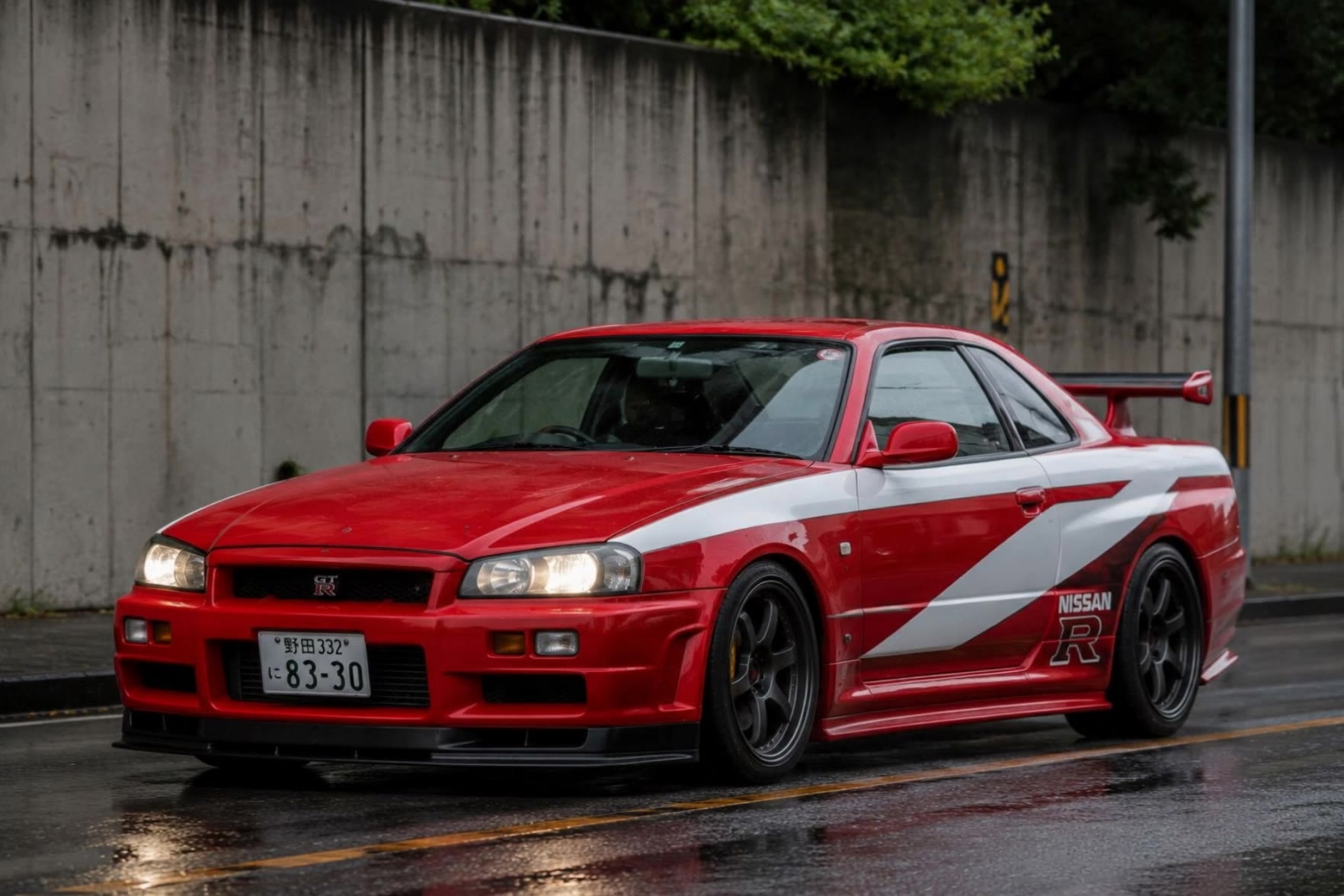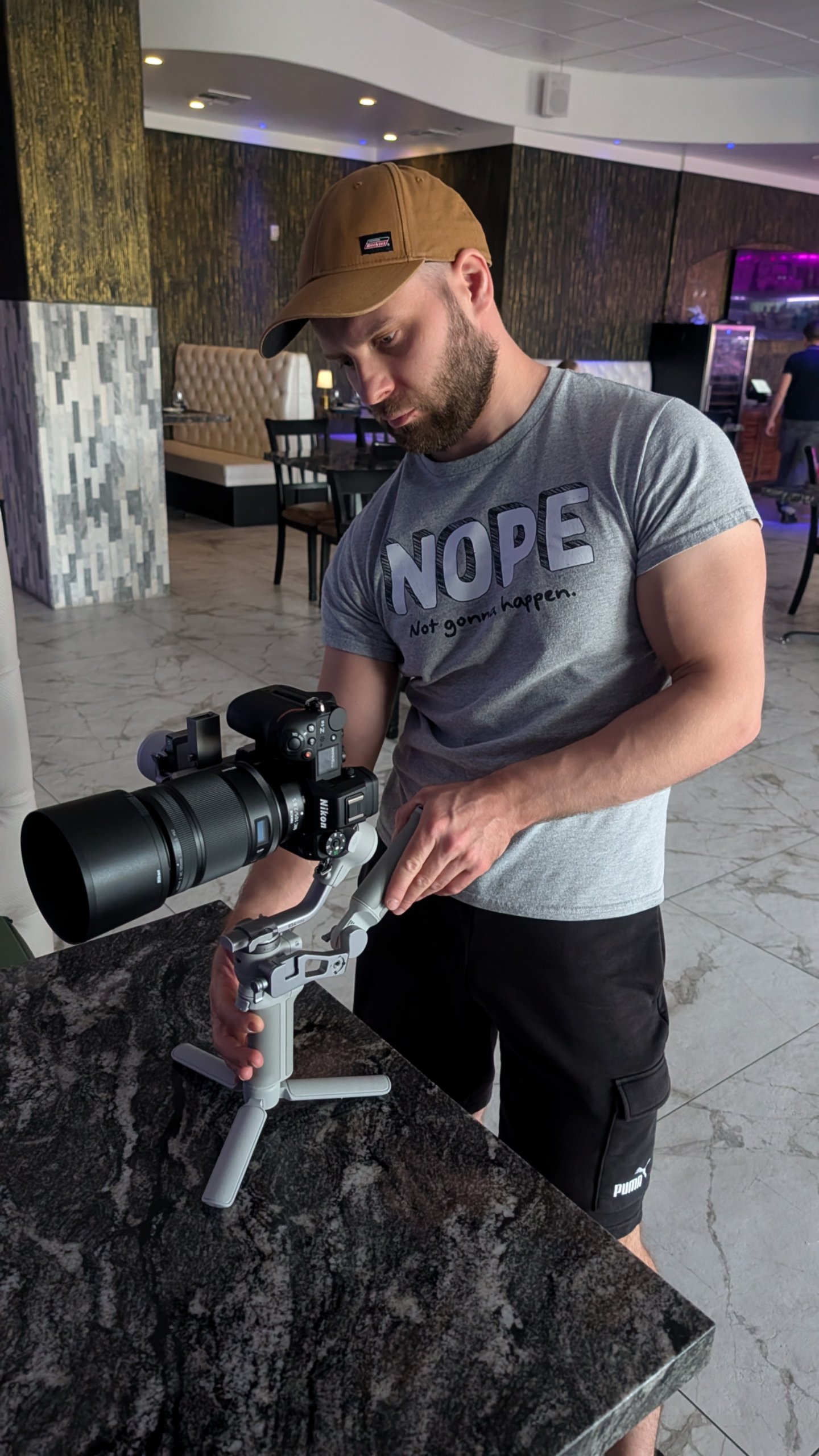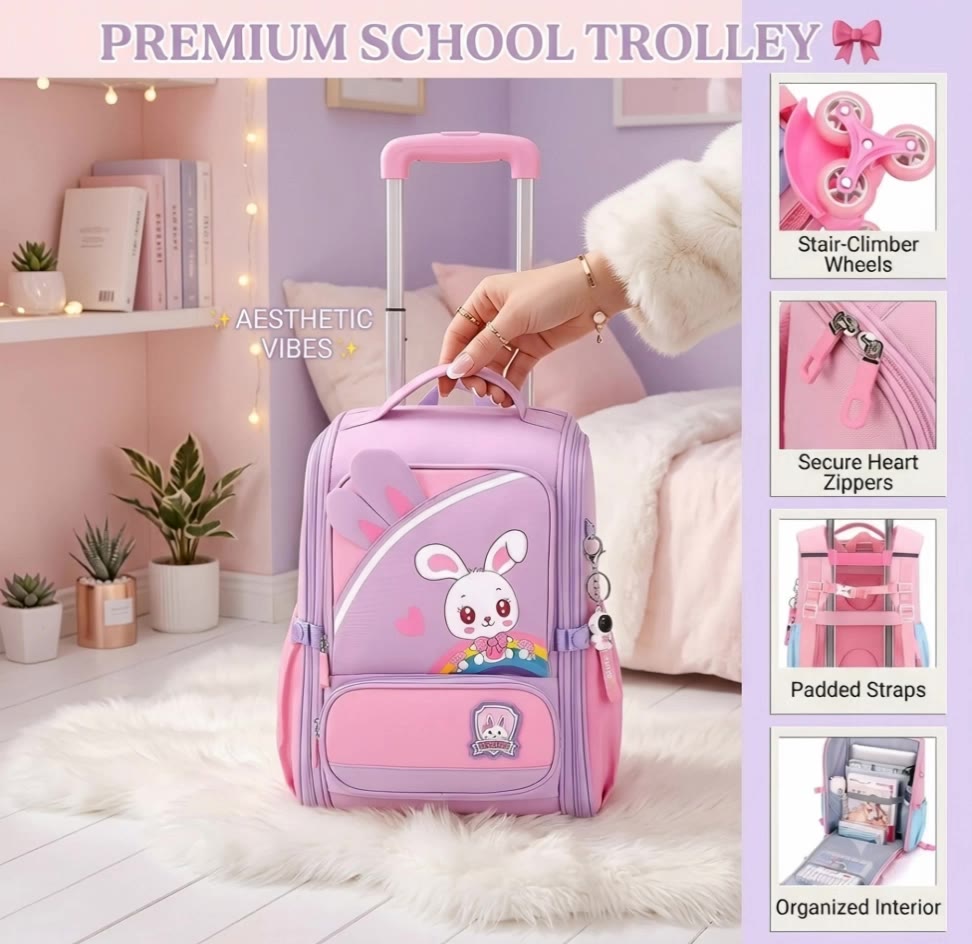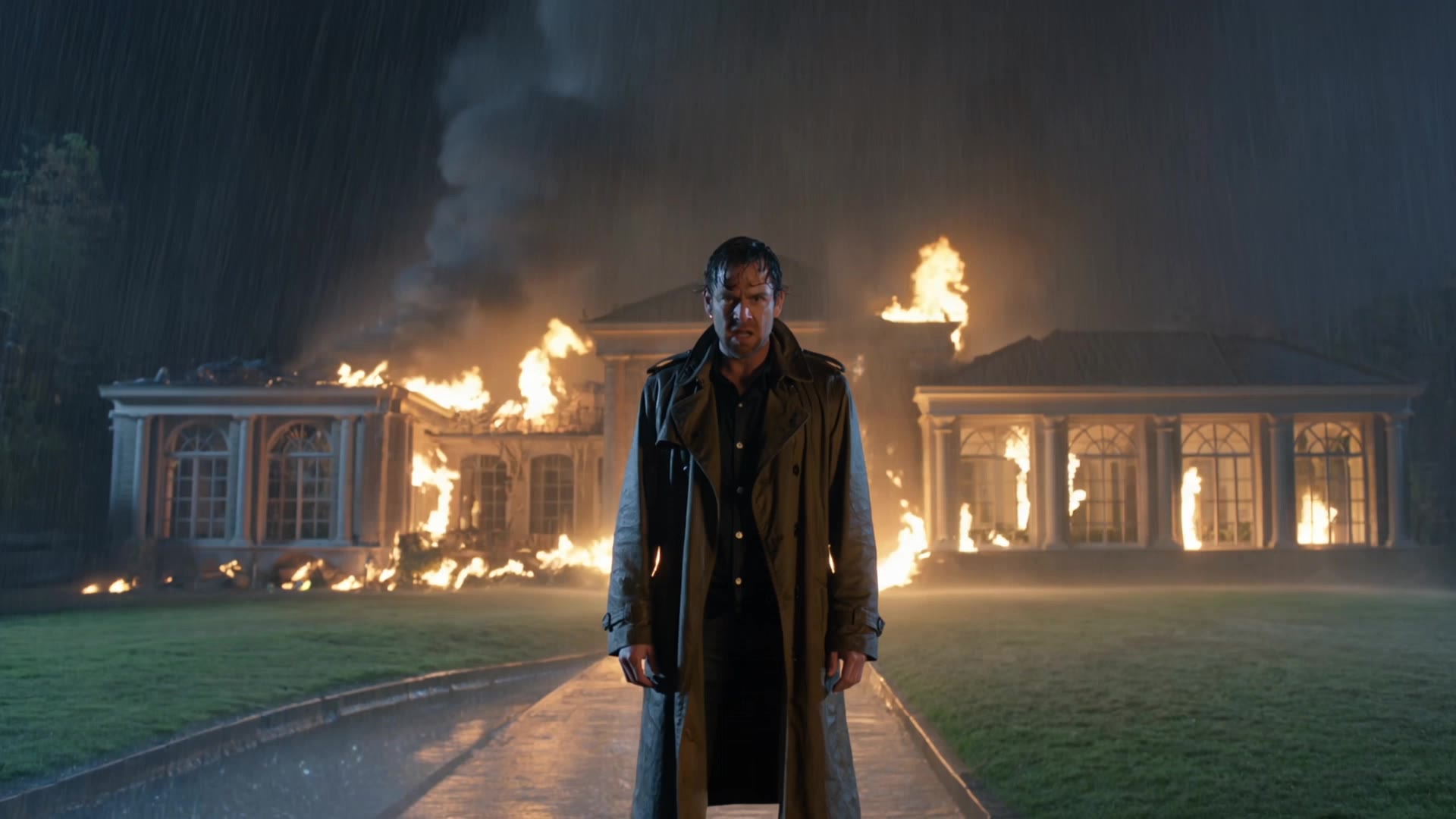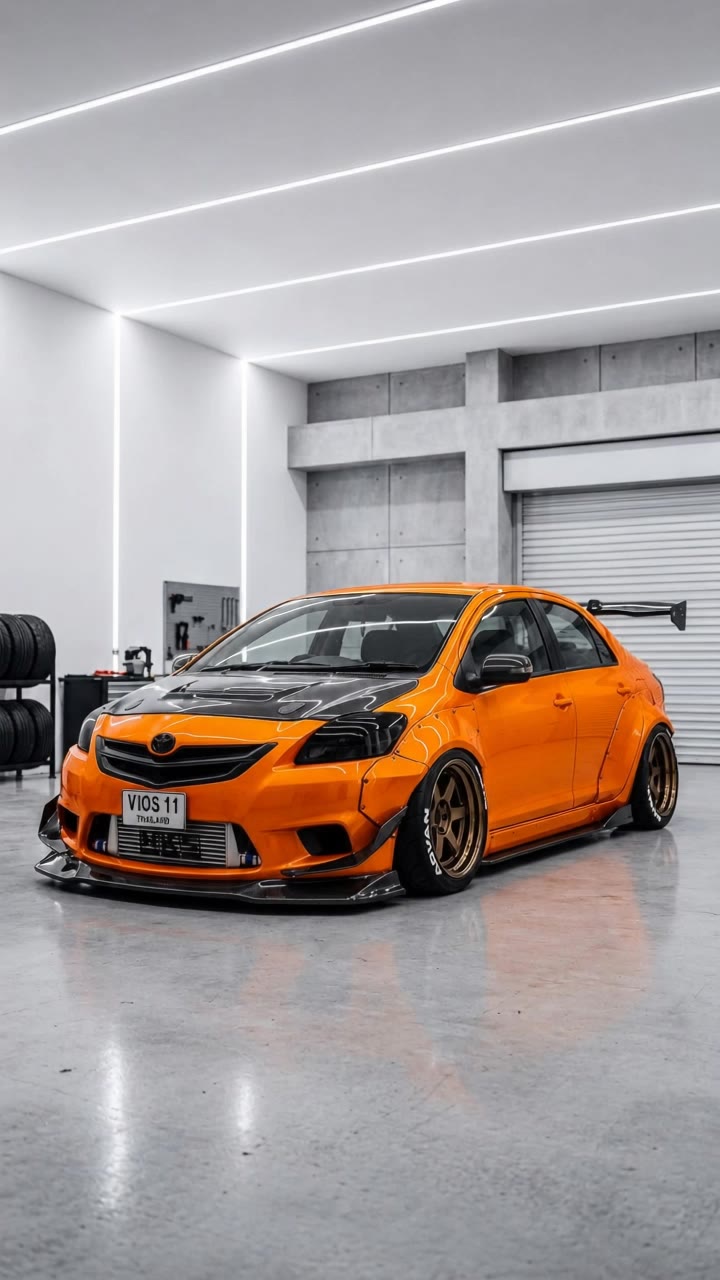

cinematography camera - dynamic action & ethereal underwater

Capture dynamic action shots with low-angle tracking or create ethereal, dreamlike scenes with soft lighting and surreal elements using a cinematography camera. Start exploring cinematography camera ideas and generate your own content with AI.

cinematography camera - dynamic action & ethereal underwater

Recommended

Kling AI work 310871334506468 - cinematography camera AI video
TumuUNAy avatar
TumuUNAy
realistic or 40 seconds
 - cinematography camera AI video
DPumKUQy avatar
DPumKUQy
Kling AI work 318857923661859 - cinematography camera AI video
ivEVuJbt avatar
ivEVuJbt
Kling AI work 321182564663474 - cinematography camera AI video
qPWxRQOc avatar
qPWxRQOc
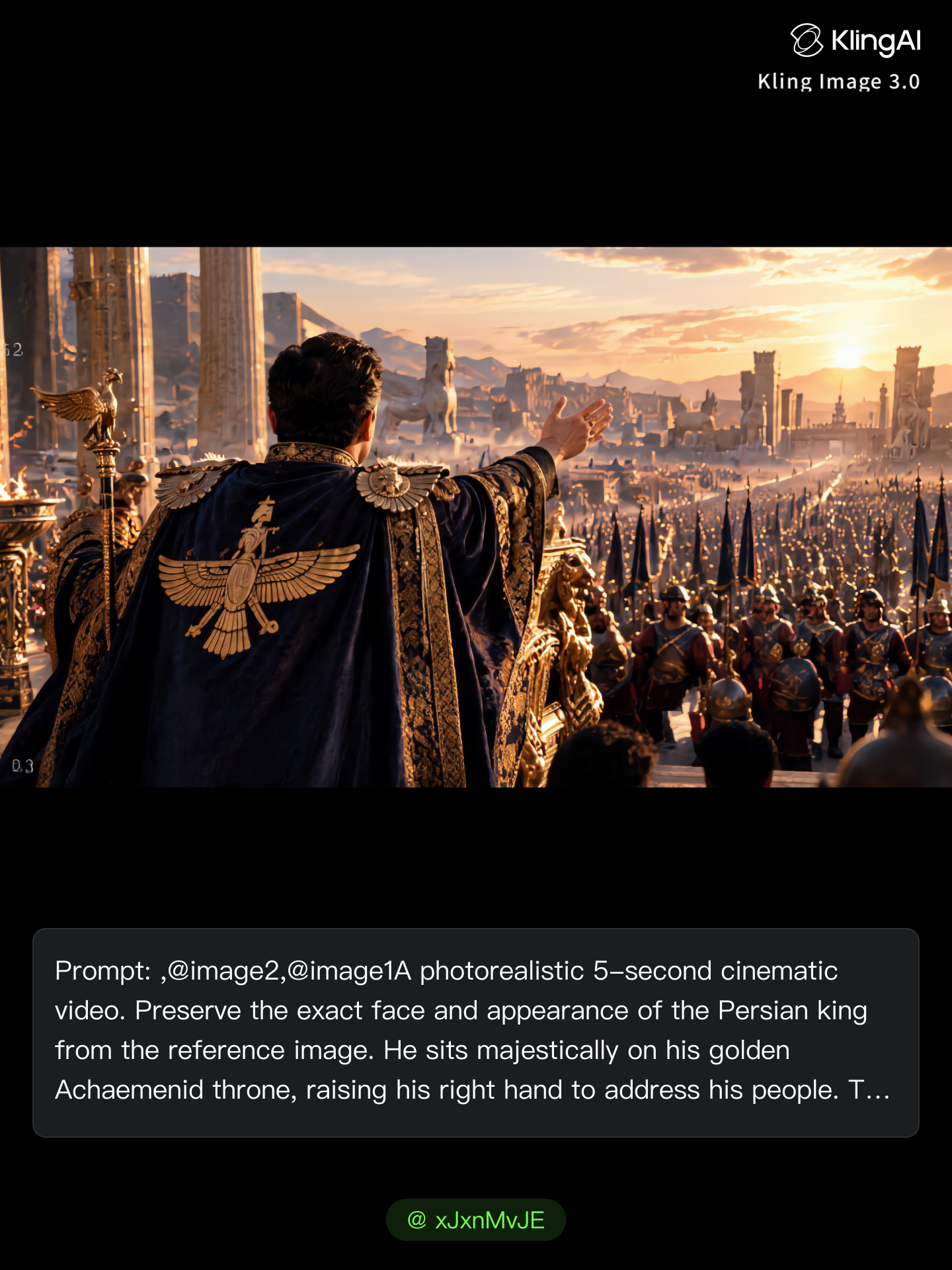
 One continuous cinematic camera - cinematography camera AI image
xJxnMvJE avatar
xJxnMvJE
Kling AI work 315504737528953 - cinematography camera AI video
yCTpkACh avatar
yCTpkACh
Kling AI work 317222387523221 - cinematography camera AI video
LbTdFcye avatar
LbTdFcye
cinematic subtle camera movement - cinematography camera AI image
XSoFWIQh avatar
XSoFWIQh
Kling AI work 321526582500017 - cinematography camera AI image
CsMiHozG avatar
CsMiHozG
CULTURE - cinematography camera AI video
THE CRUNCH BUNCH avatar
THE CRUNCH BUNCH
Kling AI work 312896069668137 - cinematography camera AI video
SESDYfsD avatar
SESDYfsD
Kling AI work 310915421522298 - cinematography camera AI video
igBcScWC avatar
igBcScWC
Epic cinematic drone shot intro. - cinematography camera AI video
BoldlyWithAi avatar
BoldlyWithAi
Elite Creator
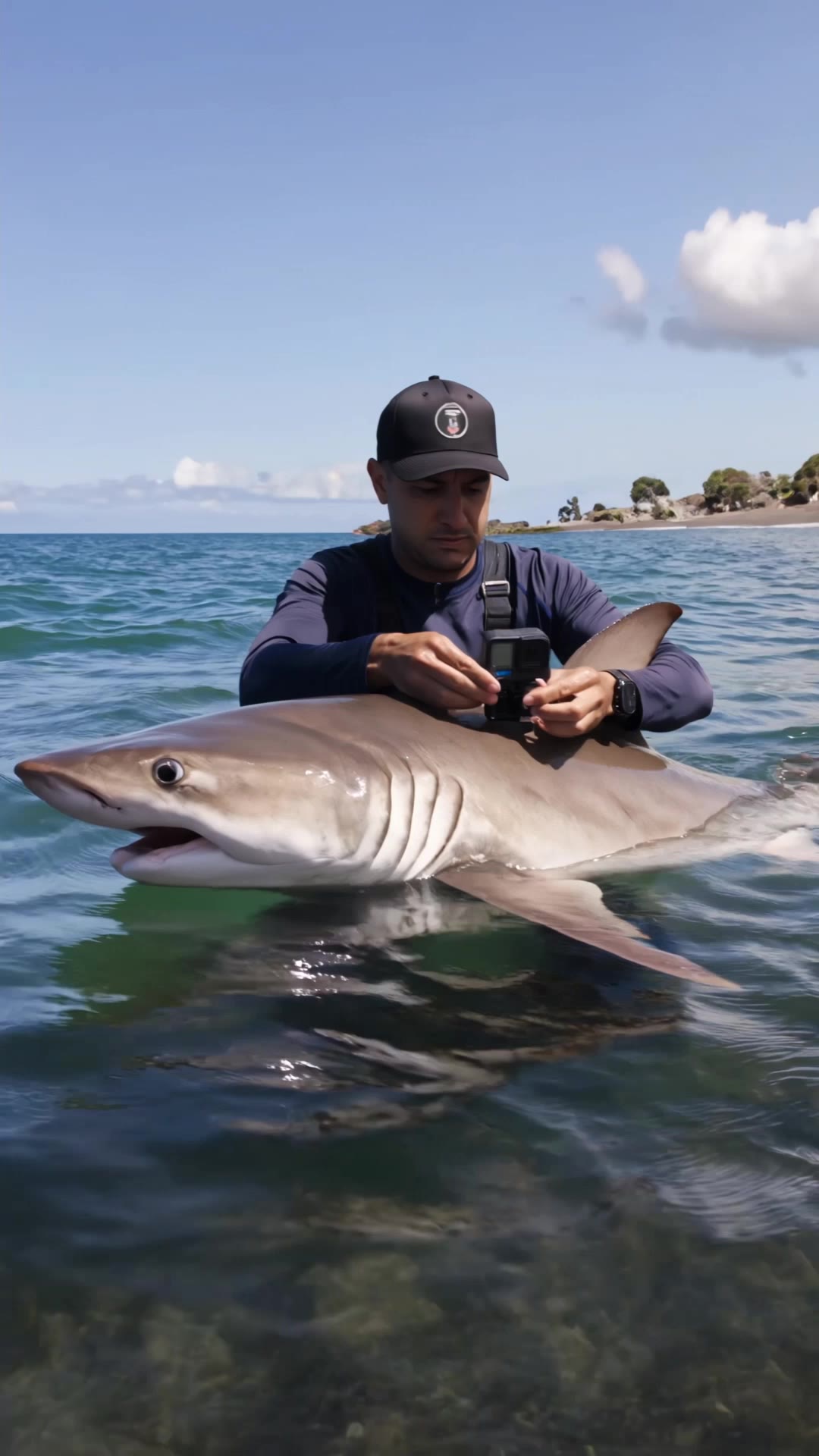
I Put a Camera on a Shark 😳 - cinematography camera AI video
MAXinventoR avatar
MAXinventoR
Kling AI work 321183340526853 - cinematography camera AI video
qPWxRQOc avatar
qPWxRQOc
Kling AI work 312913767614865 - cinematography camera AI image
AuRQdHKW avatar
AuRQdHKW
Kling AI work 311209052662022 - cinematography camera AI video
bnWRwsfg avatar
bnWRwsfg
Kling AI work 318198350666117 - cinematography camera AI video
Novrogap avatar
Novrogap
Kling AI work 312115602613992 - cinematography camera AI video
hxxgUJpf avatar
hxxgUJpf

How to Animate an Image with AI

Upload Your Image

Upload Your Image

Upload a portrait, product photo, illustration, or other image. For additional control, Kling 4.0's Omni Reference supports up to 15 combined reference assets, subject to individual input limits.

Describe the Motion

Describe the Motion

Specify how your subject moves and what the camera does. You can also add start and end frames or use up to 10 flexible keyframes to guide important changes with supported Kling 4.0 settings.

Generate and Download

Generate and Download

Choose your video settings and generate a clip up to 30 seconds long with Kling 4.0. Preview the result, make adjustments if needed, and download your video.

Edit the Parts That Matter

Change Subjects, Backgrounds, and Style

Change Subjects, Backgrounds, and Style

A different character, a new product, or a completely different location can change the purpose of a video. Keep the footage you already have and update the elements that need another take. No green screen needed. Kling 4.0 supports adding, removing, and replacing subjects and scene elements using prompts and visual references. Change a product, replace a character, or move the action into a new setting. Reference images help guide the appearance of new elements while keeping the rest of the scene closer to the original.

Recreate Videos with Your Own References

Recreate Videos with Your Own References

Found a camera move, transition, or video concept that would work with your own character or product? You can use the original clip as a creative reference rather than recreating the entire shoot. Kling 4.0 draws on reference footage for pacing, shot composition, and movement while introducing your own subjects and visual style. Omni Reference supports up to 15 combined assets, subject to individual input limits. Combine character images, product photos, and video references to explore new versions while helping recognizable details stay consistent.

Extend Your Video Up to 2 Minutes

Extend Your Video Up to 2 Minutes

Continue an existing video forward or backward, adding footage before the opening or after the ending. Extend actions, camera movements, and storylines while keeping the new footage connected to the original scene. Kling 4.0's Video Extension supports multiple extension passes, reaching a total video length of up to 2 minutes. Build longer sequences with continuity in characters, settings, and movement, without recreating the entire video.

Apps

Video Generation
Video Generation

Video Generation

Image Generation
Image Generation

Image Generation

Motion Control
Motion Control

Motion Control

Avatar
Avatar

Avatar

AI Portraits
AI Portraits

AI Portraits

Lip Sync
Lip Sync

Lip Sync

60M+
60M+
Users
600M+
600M+
AI Videos Generated
4.7 ★
4.7 ★
App Store
Industry-Leading
Industry-Leading
Cinematic 4K

Reviews

Huang Lu (Elson)

Huang Lu (Elson)

★★★★★

I’ve been using Kling AI since its initial release, and it’s remained one of the leading AI media generators ever since. With Kling AI, I’ve created hundreds of videos, collectively amassing millions of views.

Jyo John Mulloor

Jyo John Mulloor

★★★★★

Kling AI has been instrumental in transforming my creative workflow, unlocking new dimensions of artistic expression that were once unimaginable. I use Kling AI extensively to develop high-concept visuals, animate surreal dreamscapes, and create AI-assisted films that blur the line between reality and fantasy. Kling AI’s deep learning capabilities have not only enhanced my creative efficiency but also inspired me to explore storytelling in ways I never thought possible.

PJ Ace

PJ Ace

★★★★★

Kling AI has made it easy for us to generate world class visuals for Fortune 500 companies, TV shows and music for big artists. We love the easy of use of the platform and the quality of the generations. My first time using Kling AI, I got 22 million views on just one video. It's that good.

FAQ

Q1What’s the difference between Video 2.6 and 3.0?
Q2Is it suitable for product demo videos?
Q3Can I use this for global AI video marketing?

Experience Video 3.0 on Kling

Create cinematic, multi-shot videos with native audio and precise control—all in one generation.

Native audio | Multi-shot control | Up to 15s continuous output