clever monday quotes - Coffee Vibes & Monday Blues

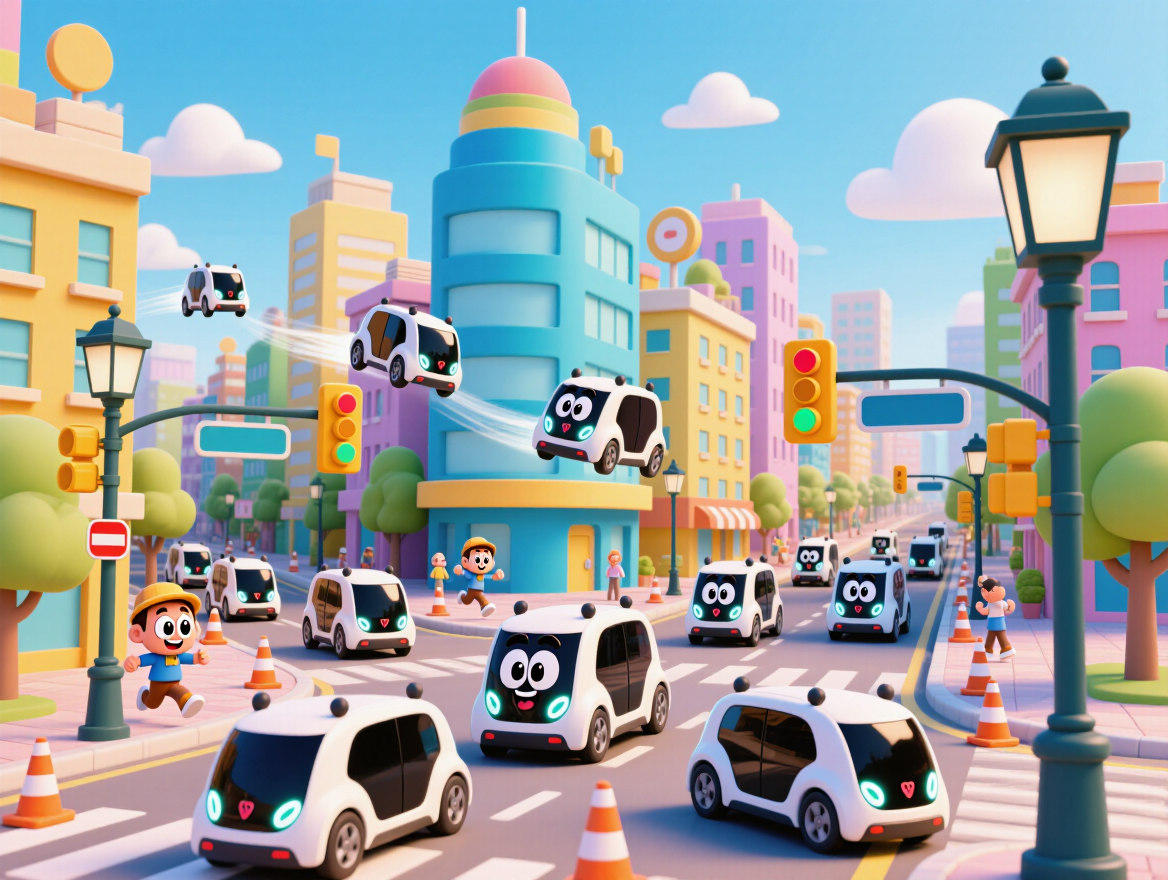
Embrace the Monday blues with whimsical coffee-inspired dioramas and clever AI-generated quotes for a refreshing start. Find humor and motivation in playful scenes and quirky characters to energize your week. Start exploring clever monday quotes ideas and generate your own content with AI.

clever monday quotes - Coffee Vibes & Monday Blues

Recommended

MONDAY - clever monday quotes AI video
Mokstory Studio avatar
Mokstory Studio
Kling AI work 315938613664561 - clever monday quotes AI image
Aintelligencer avatar
Aintelligencer
Kling AI work 315938845525942 - clever monday quotes AI image
Aintelligencer avatar
Aintelligencer
Kling AI work 318172119667638 - clever monday quotes AI image
yOGzBLRz avatar
yOGzBLRz
Kling AI work 311694523528766 - clever monday quotes AI video
ChrisCrypto213 avatar
ChrisCrypto213
Kling AI work 319566203663940 - clever monday quotes AI video
CbnmvOoz avatar
CbnmvOoz
Kling AI work 320906102651075 - clever monday quotes AI video
avJFhUuZ avatar
avJFhUuZ
Kling AI work 318172212664034 - clever monday quotes AI image
yOGzBLRz avatar
yOGzBLRz
Kling AI work 321222179506506 - clever monday quotes AI video
ftOCEudc avatar
ftOCEudc
Kling AI work 320936676654788 - clever monday quotes AI video
DCJepnXY avatar
DCJepnXY
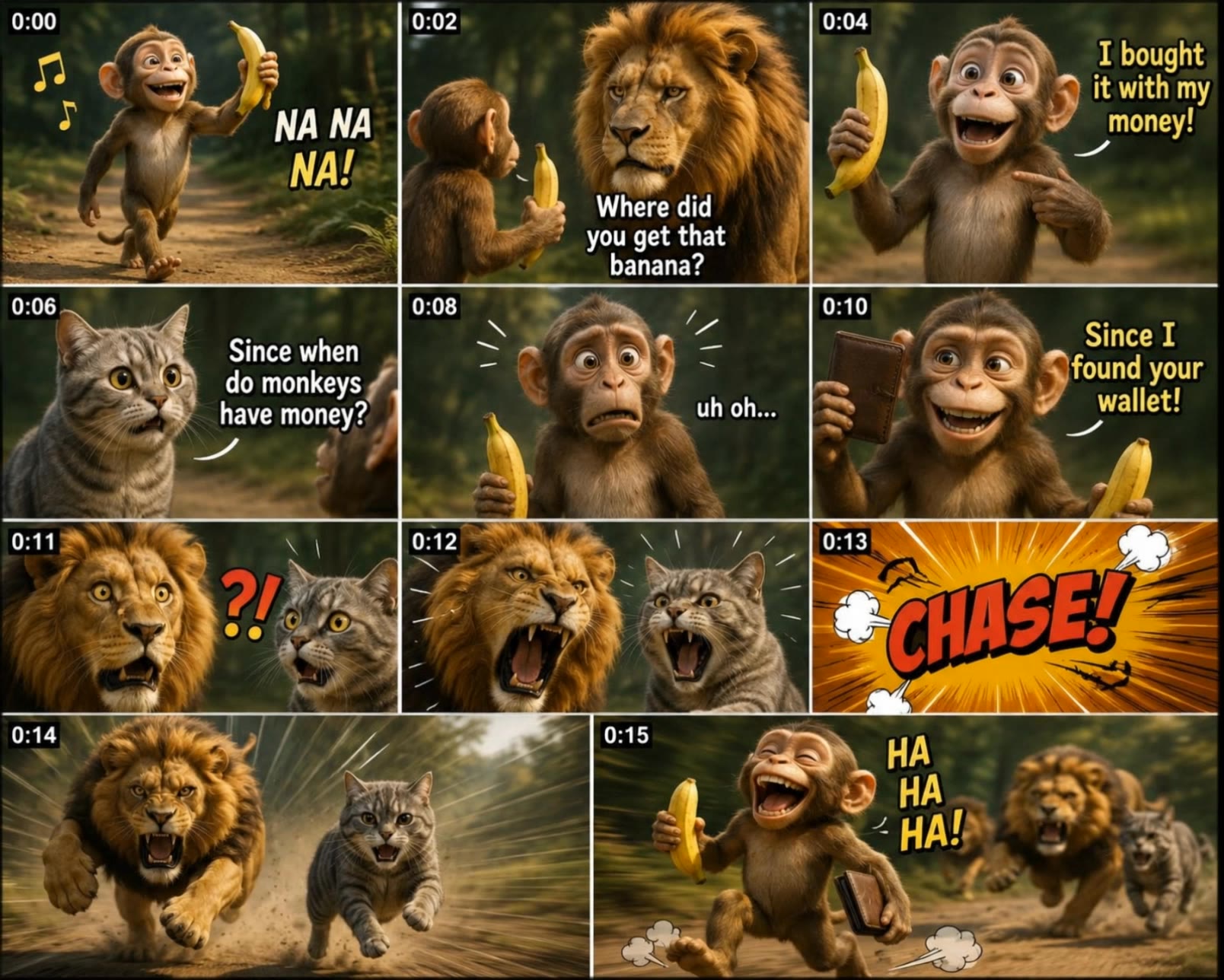
My Monday Bobroday`s joke - clever monday quotes AI video
XQqTvLus avatar
XQqTvLus
Kling AI work 315939062610739 - clever monday quotes AI image
Aintelligencer avatar
Aintelligencer
Kling AI work 316528767614695 - clever monday quotes AI video
The Gossiped Tv avatar
The Gossiped Tv
Kling AI work 317206771306020 - clever monday quotes AI video
pCeFfGtV avatar
pCeFfGtV
Kling AI work 318325212615203 - clever monday quotes AI video
zBKrKbAy avatar
zBKrKbAy
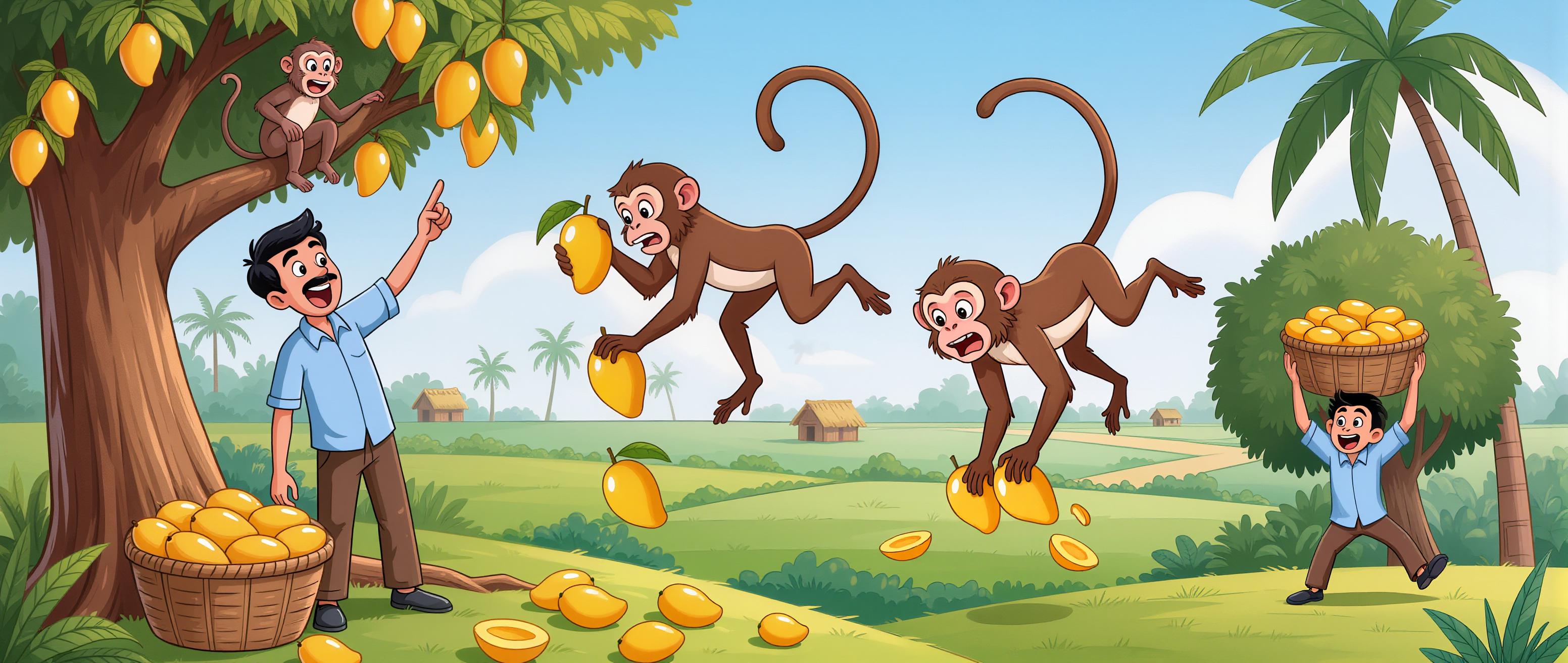
🐒 The Clever Farmer and the Mon - clever monday quotes AI image
nkHXLuQL avatar
nkHXLuQL
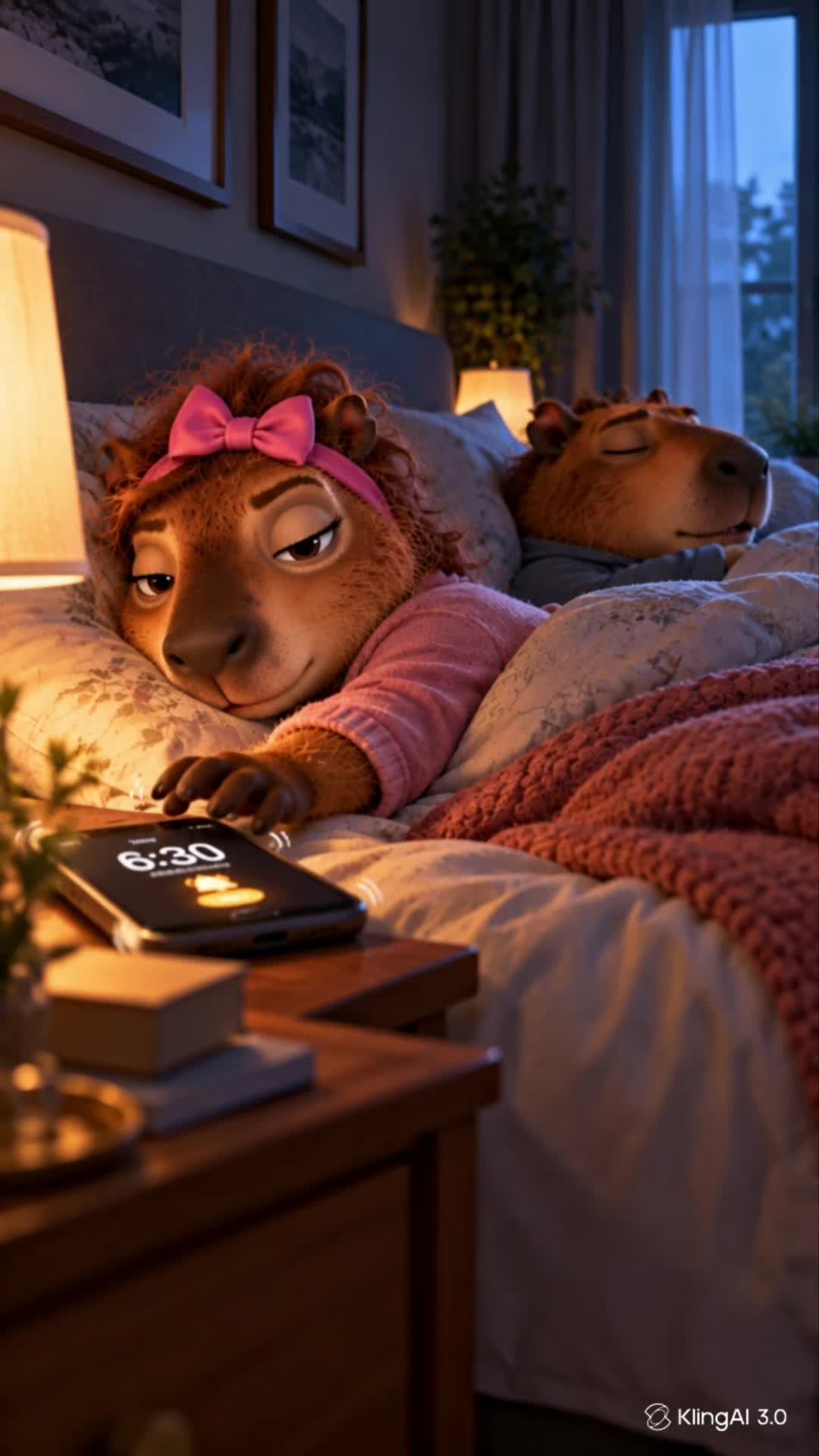
COFFEE FIRST. MONDAY LATER. ☕  - clever monday quotes AI video
00:25
Mr. & Mrs. Capybara avatar
Mr. & Mrs. Capybara
Kling AI work 318717802525733 - clever monday quotes AI video
xgCuwHfv avatar
xgCuwHfv
Kling AI work 311289227525196 - clever monday quotes AI video
rxtacULM avatar
rxtacULM

How to Animate an Image with AI

Upload Your Image

Upload Your Image

Upload a portrait, product photo, illustration, or other image. For additional control, Kling 4.0's Omni Reference supports up to 15 combined reference assets, subject to individual input limits.

Describe the Motion

Describe the Motion

Specify how your subject moves and what the camera does. You can also add start and end frames or use up to 10 flexible keyframes to guide important changes with supported Kling 4.0 settings.

Generate and Download

Generate and Download

Choose your video settings and generate a clip up to 30 seconds long with Kling 4.0. Preview the result, make adjustments if needed, and download your video.

Edit the Parts That Matter

Change Subjects, Backgrounds, and Style

Change Subjects, Backgrounds, and Style

A different character, a new product, or a completely different location can change the purpose of a video. Keep the footage you already have and update the elements that need another take. No green screen needed. Kling 4.0 supports adding, removing, and replacing subjects and scene elements using prompts and visual references. Change a product, replace a character, or move the action into a new setting. Reference images help guide the appearance of new elements while keeping the rest of the scene closer to the original.

Recreate Videos with Your Own References

Recreate Videos with Your Own References

Found a camera move, transition, or video concept that would work with your own character or product? You can use the original clip as a creative reference rather than recreating the entire shoot. Kling 4.0 draws on reference footage for pacing, shot composition, and movement while introducing your own subjects and visual style. Omni Reference supports up to 15 combined assets, subject to individual input limits. Combine character images, product photos, and video references to explore new versions while helping recognizable details stay consistent.

Extend Your Video Up to 2 Minutes

Extend Your Video Up to 2 Minutes

Continue an existing video forward or backward, adding footage before the opening or after the ending. Extend actions, camera movements, and storylines while keeping the new footage connected to the original scene. Kling 4.0's Video Extension supports multiple extension passes, reaching a total video length of up to 2 minutes. Build longer sequences with continuity in characters, settings, and movement, without recreating the entire video.

Apps

Video Generation
Video Generation

Video Generation

Image Generation
Image Generation

Image Generation

Motion Control
Motion Control

Motion Control

Avatar
Avatar

Avatar

AI Portraits
AI Portraits

AI Portraits

Lip Sync
Lip Sync

Lip Sync

60M+
60M+
Users
600M+
600M+
AI Videos Generated
4.7 ★
4.7 ★
App Store
Industry-Leading
Industry-Leading
Cinematic 4K

Reviews

Ozan Sihay

Ozan Sihay

★★★★★

Kling AI allows me to rapidly prototype ideas, refine storytelling elements, and produce visually compelling content efficiently. It has not only accelerated my creative processes, but also deepened my understanding of how AI can enrich visual storytelling.

PJ Ace

PJ Ace

★★★★★

Kling AI has made it easy for us to generate world class visuals for Fortune 500 companies, TV shows and music for big artists. We love the easy of use of the platform and the quality of the generations. My first time using Kling AI, I got 22 million views on just one video. It's that good.

Déborah

Déborah

★★★★★

I use Kling AI every day. It's amazing to see the almost daily progress it makes. I used AI for fun at first, and I now find that Kling AI's animations allow me to gain professional visibility, with three times more views on my animated posts than on my static posts.

FAQ

Q1Is Kling AI a free AI video generator?
Q2Is there a free AI video generator without a watermark?
Q3Can Kling AI generate videos with sound and talking characters?

Start Creating AI Videos with Kling

Start with text or images and see what's possible with Kling AI. Create the footage, guide the movement, and keep working until the scene feels right. No complicated setup.

Text to Video | Image to Video | Omni Reference | Free tier includes watermark