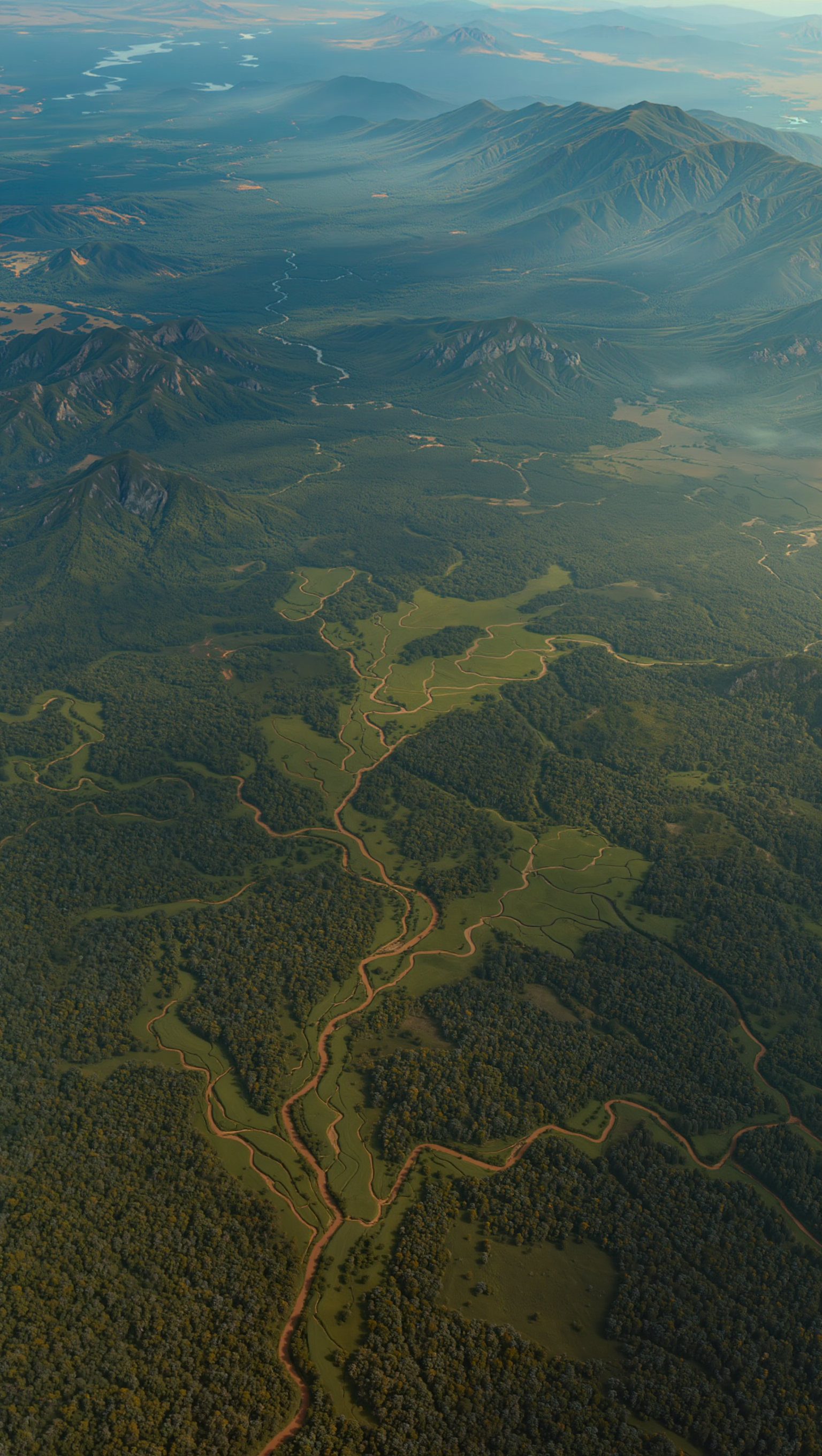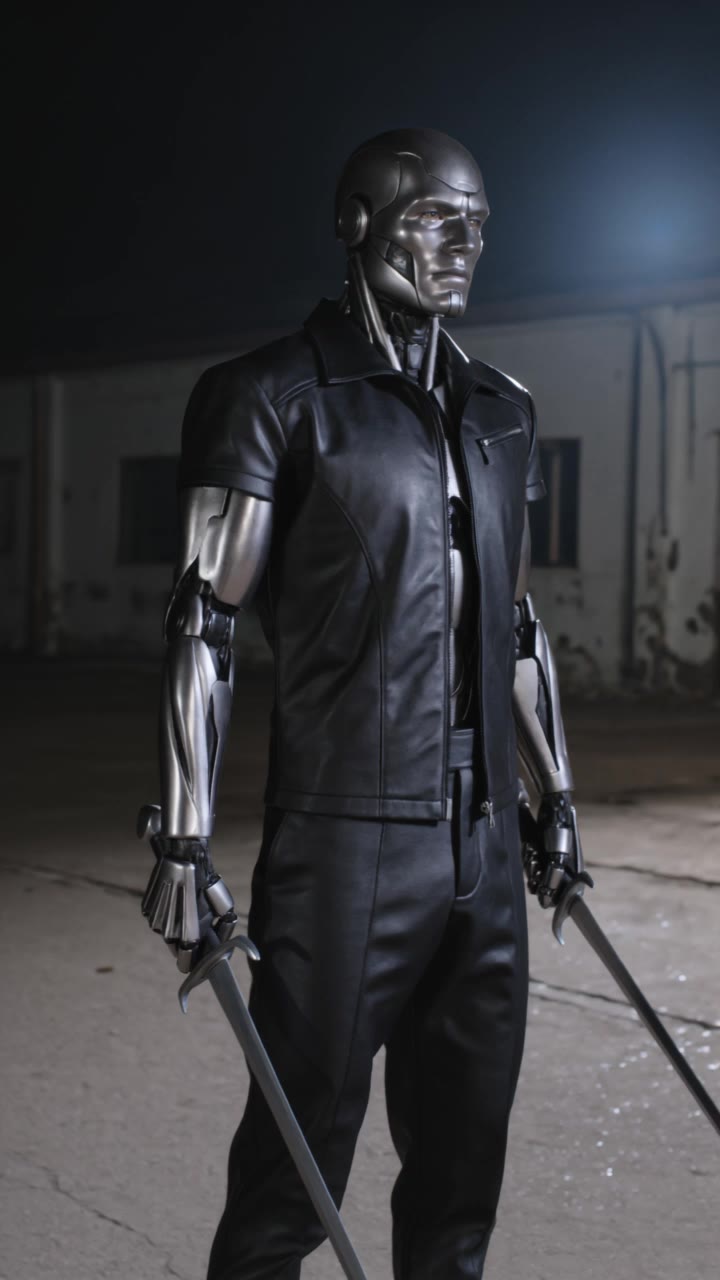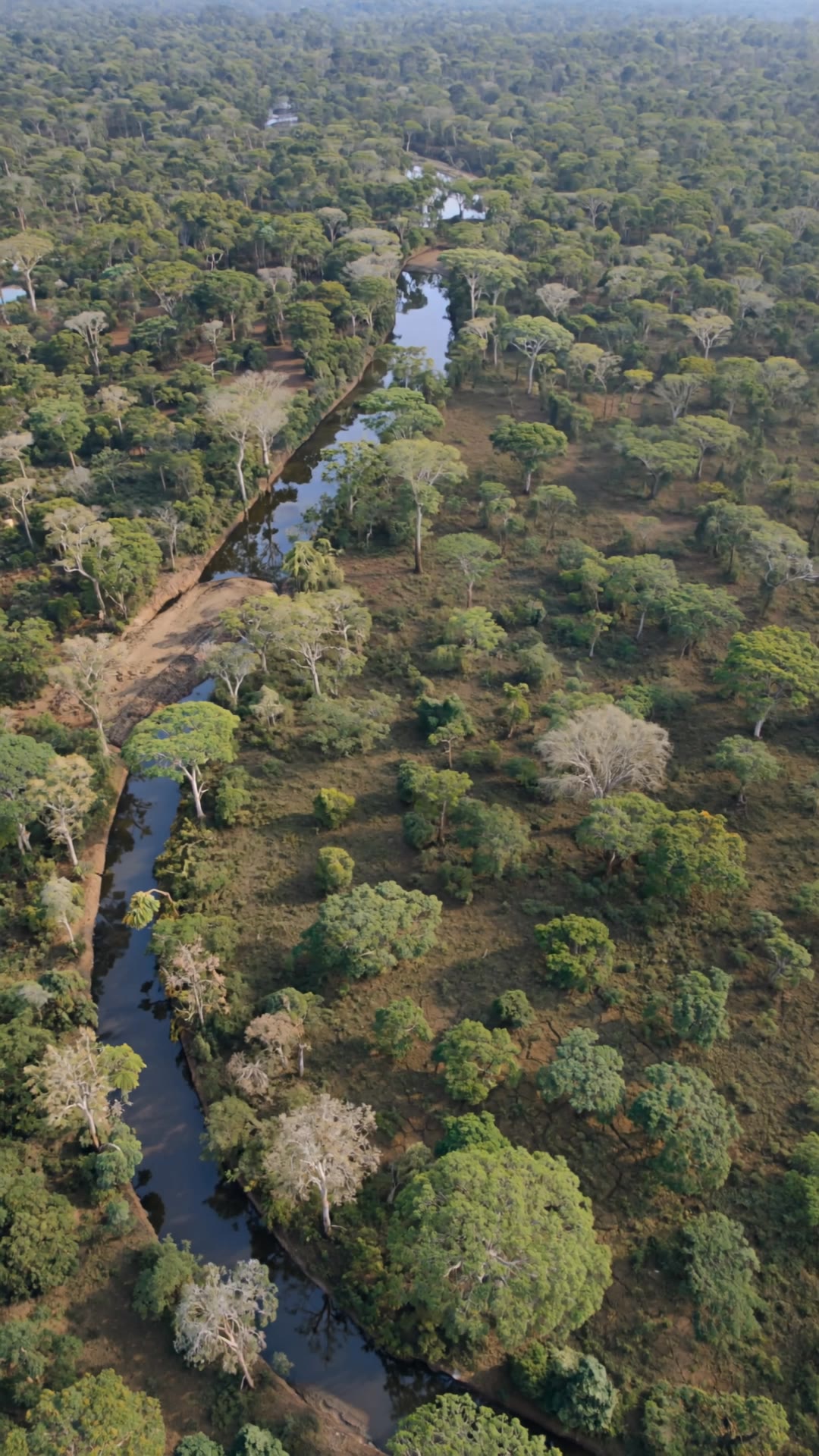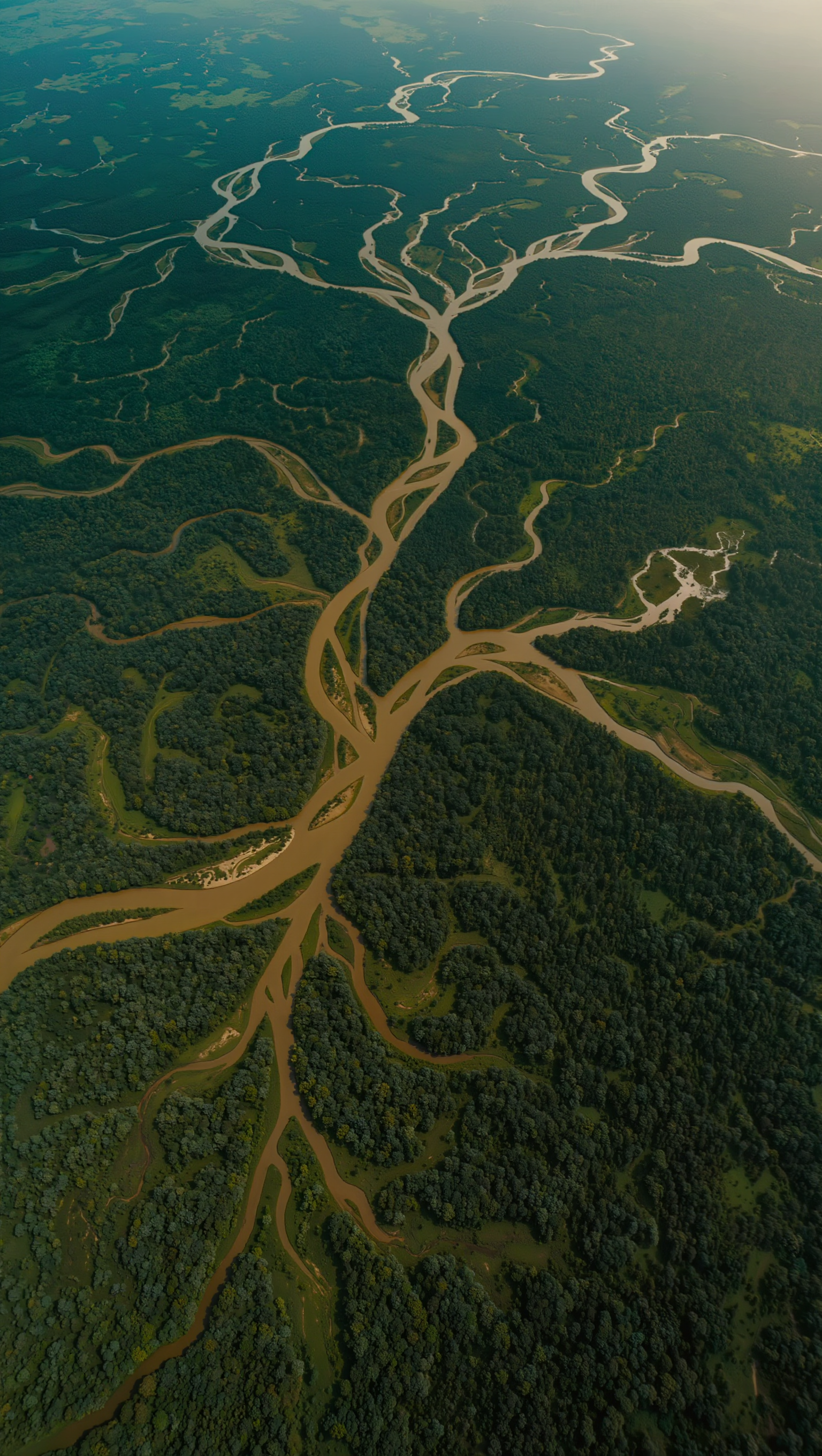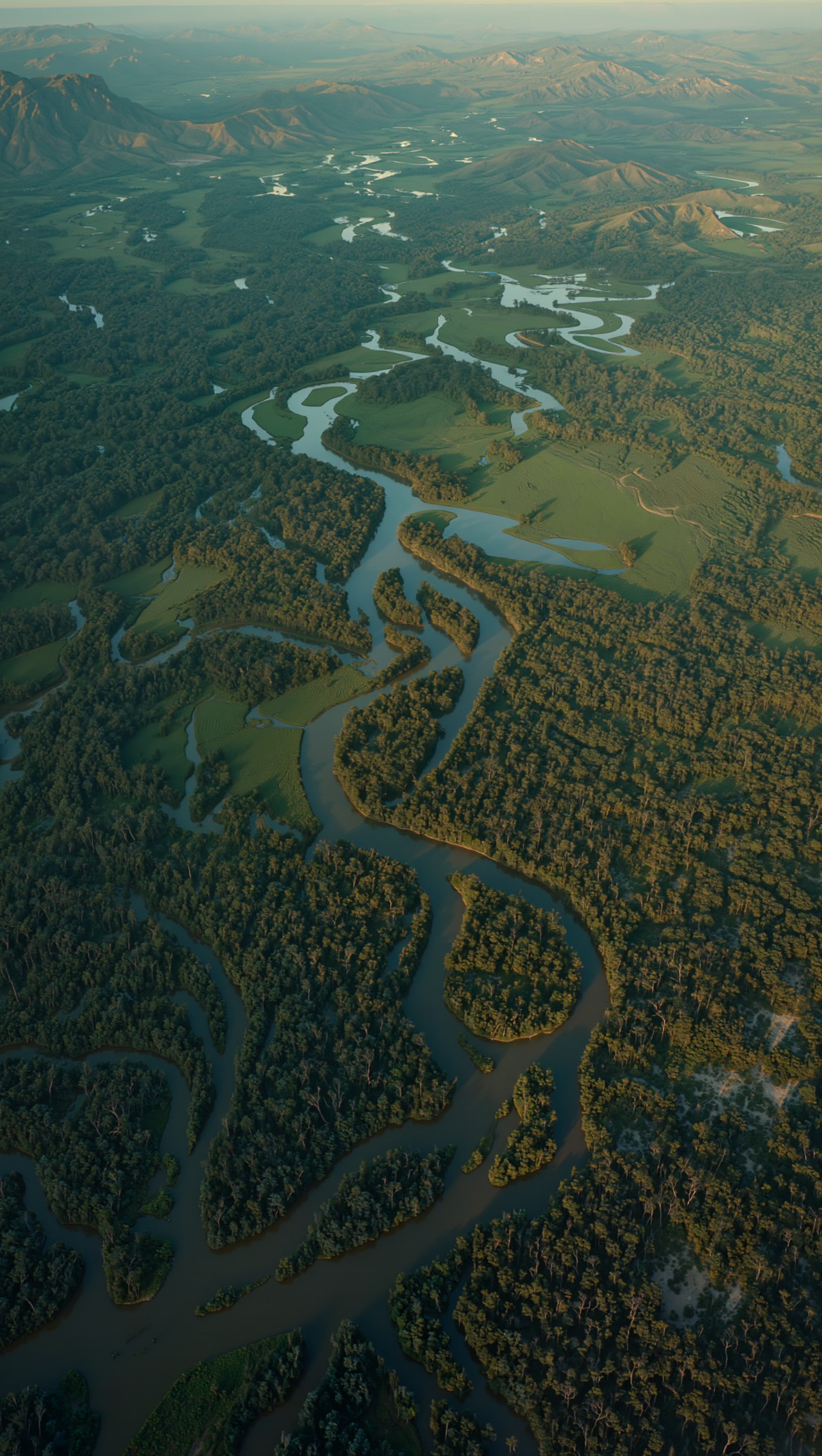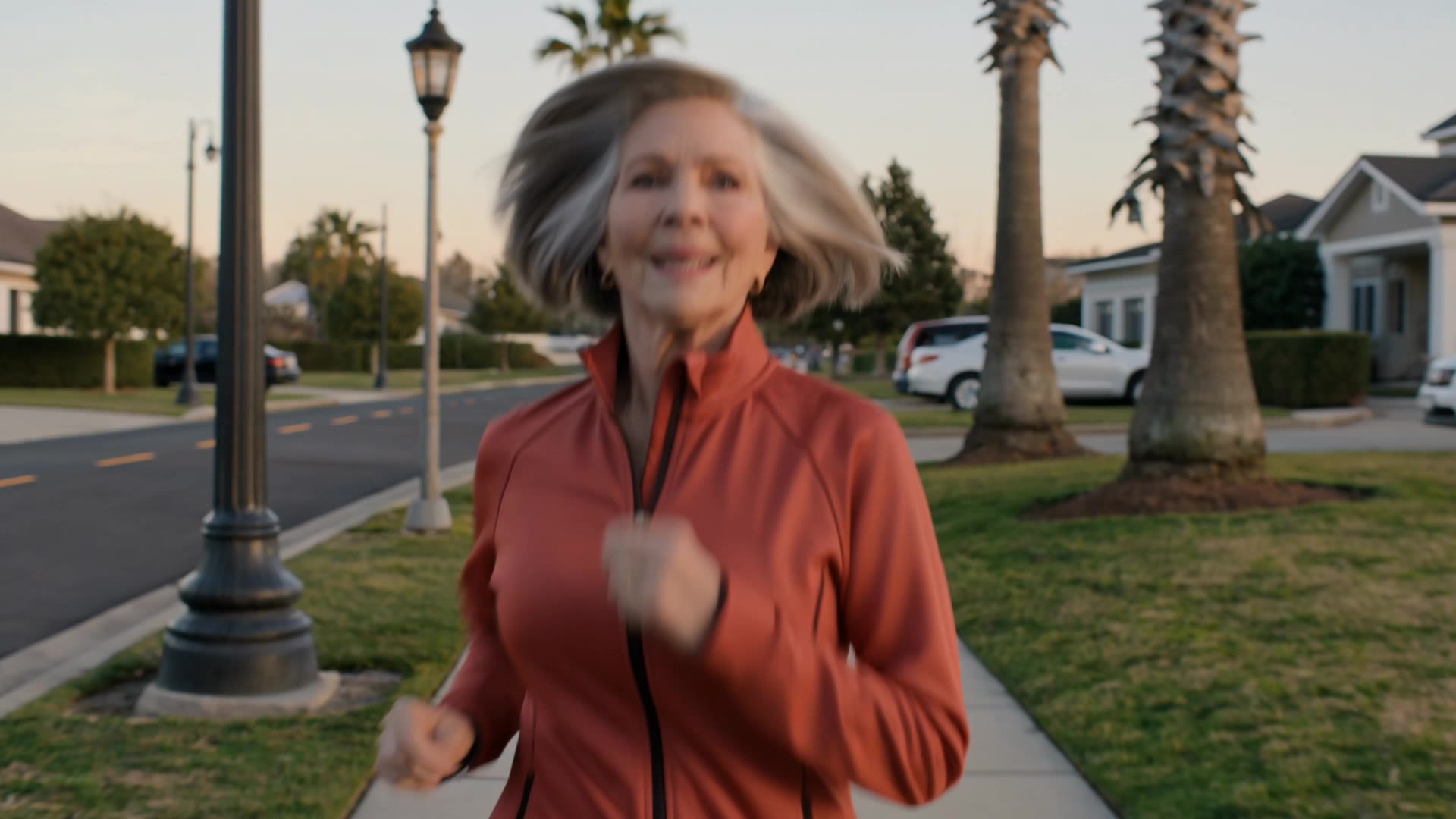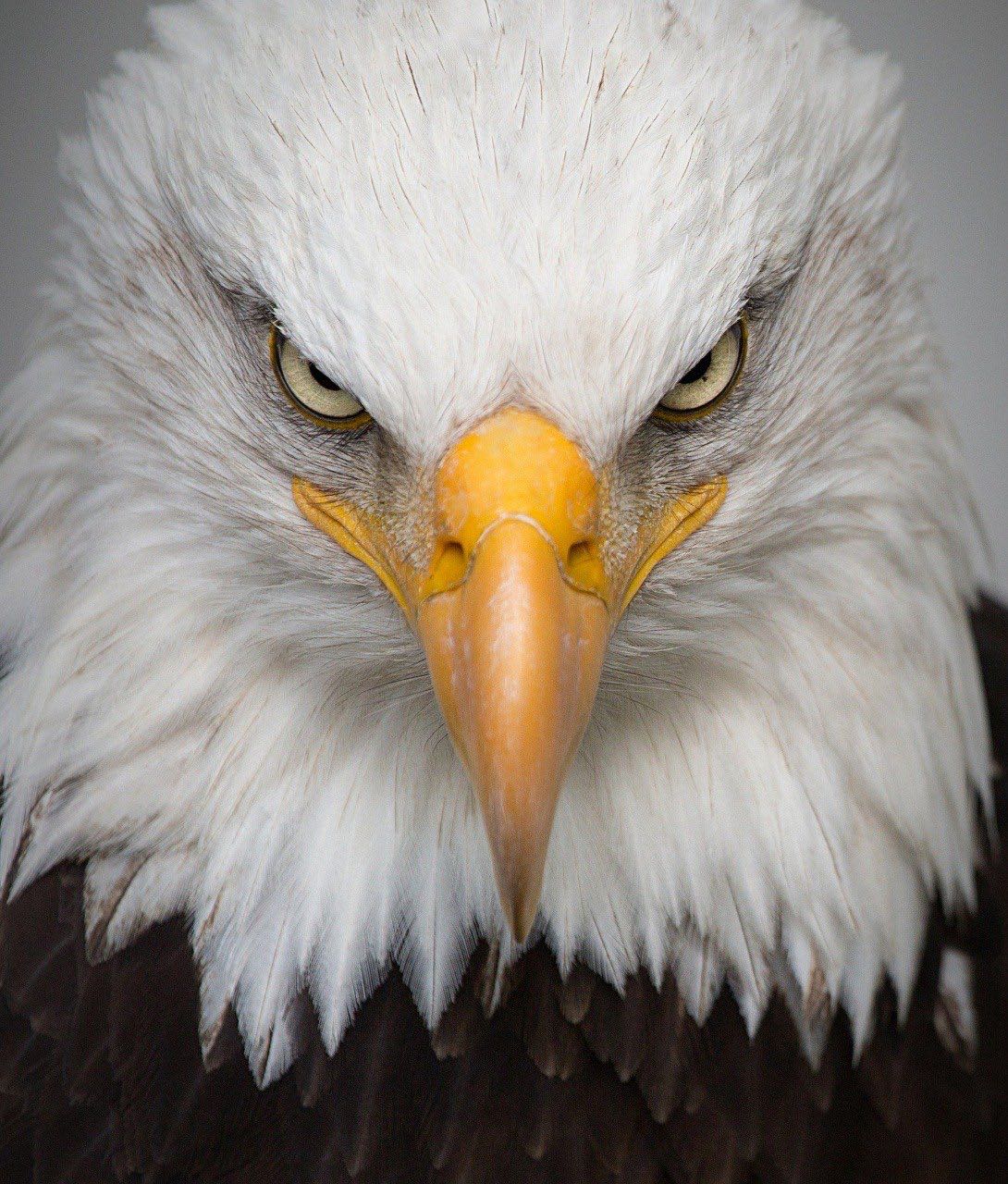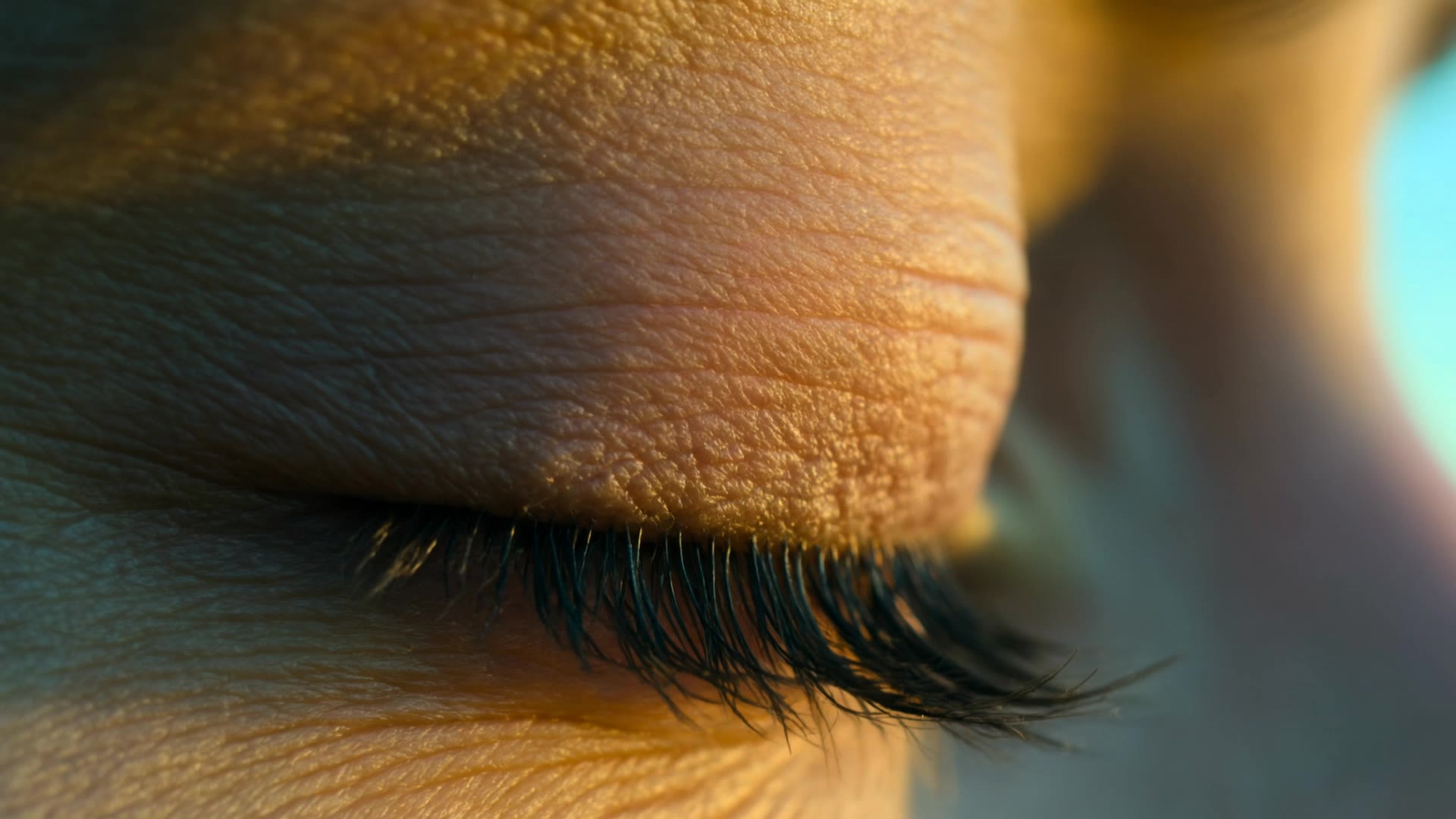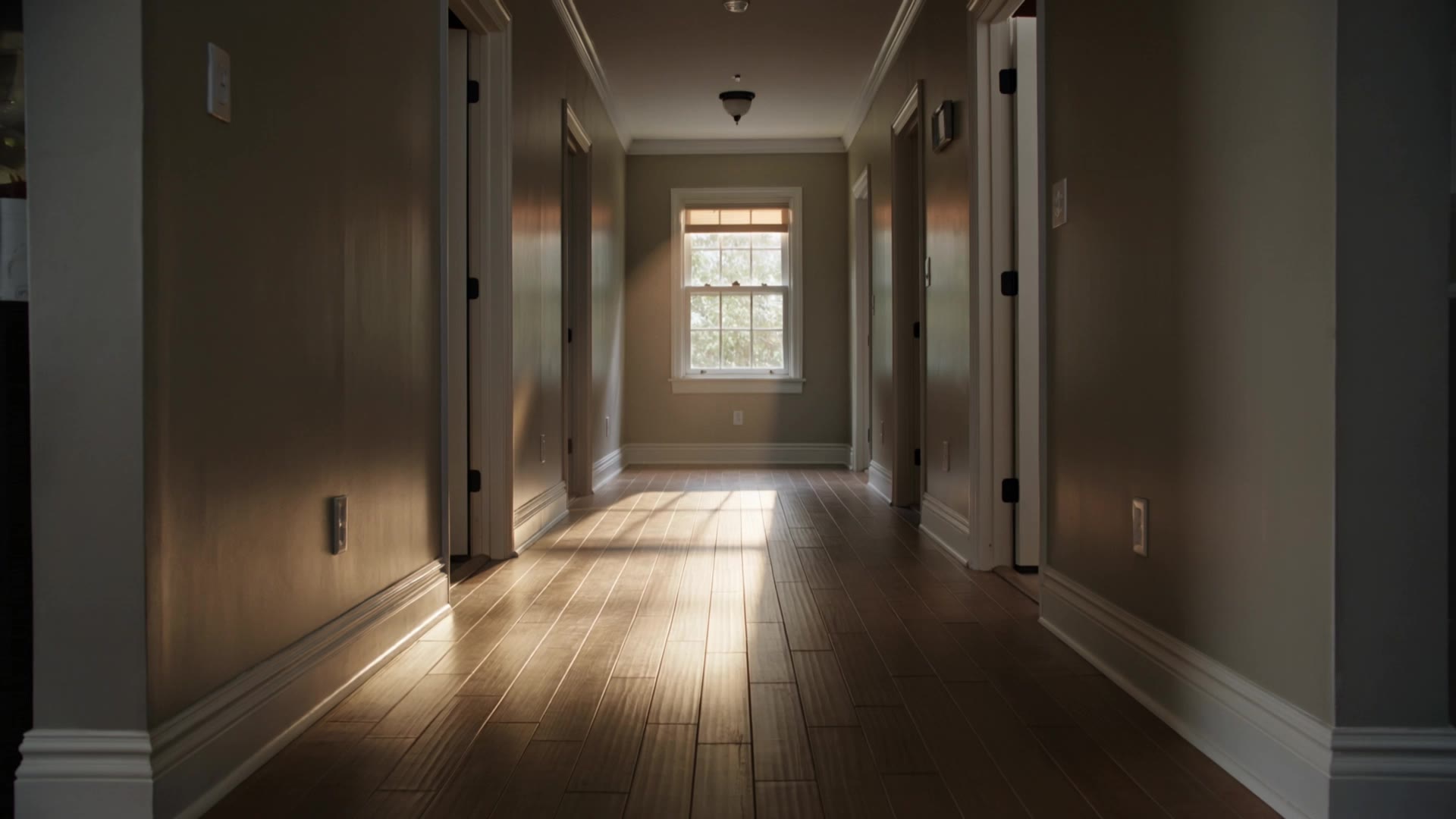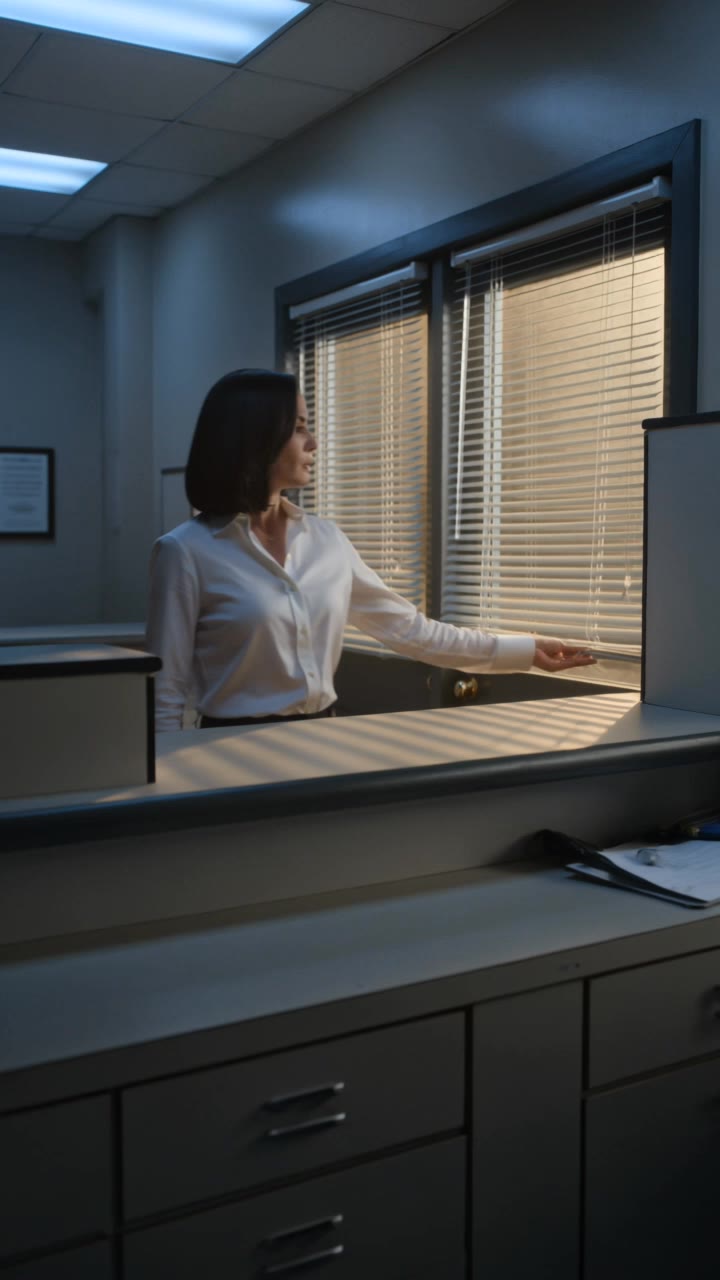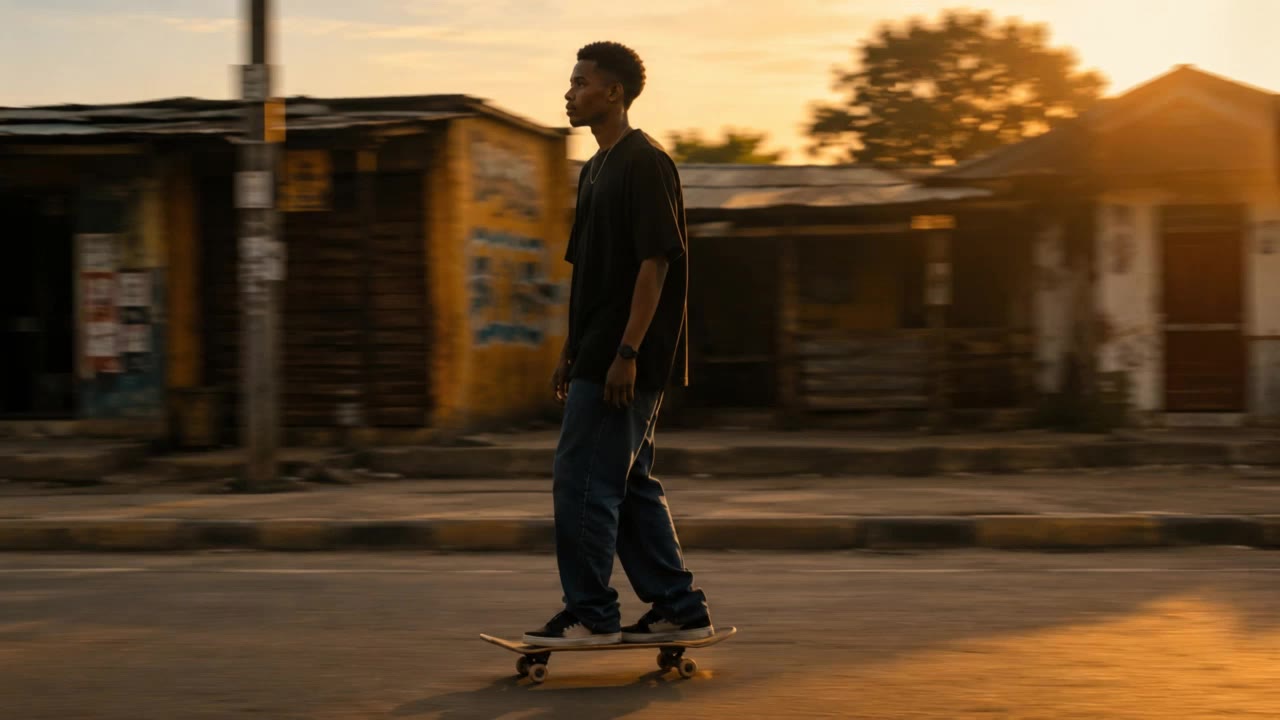

color grade - cyberpunk aesthetics & nostalgic filmic tones

Unveil the transformative power of color grading with cinematic examples and dynamic visual shifts. Immerse in diverse themes from serene snow-covered villages to neon-soaked cyberpunk streets. Start exploring color grade ideas and generate your own content with AI.


color grade - cyberpunk aesthetics & nostalgic filmic tones

Recommended

Kling AI work 318469219615996 - color grade AI video
dAsEuHqr avatar
dAsEuHqr
Morning Glow in St. Croix - color grade AI video
LoUeYNKP avatar
LoUeYNKP
Kling AI work 315425556523745 - color grade AI image
⚡️ EGZON THEWILD ⚡️ avatar
⚡️ EGZON THEWILD ⚡️
Kling AI work 309607835610483 - color grade AI video
GBloise ArtStudio avatar
GBloise ArtStudio
What if life disappears  - color grade AI video
TariqNawaz avatar
TariqNawaz
Kling AI work 319382684521783 - color grade AI video
MaDeaTut avatar
MaDeaTut
Kling AI work 315425543612162 - color grade AI image
⚡️ EGZON THEWILD ⚡️ avatar
⚡️ EGZON THEWILD ⚡️
Kling AI work 309132445303254 - color grade AI video
UYouEePA avatar
UYouEePA
Kling AI work 313448517615491 - color grade AI video
DORPcirJ avatar
DORPcirJ
Kling AI work 315425613665928 - color grade AI image
⚡️ EGZON THEWILD ⚡️ avatar
⚡️ EGZON THEWILD ⚡️
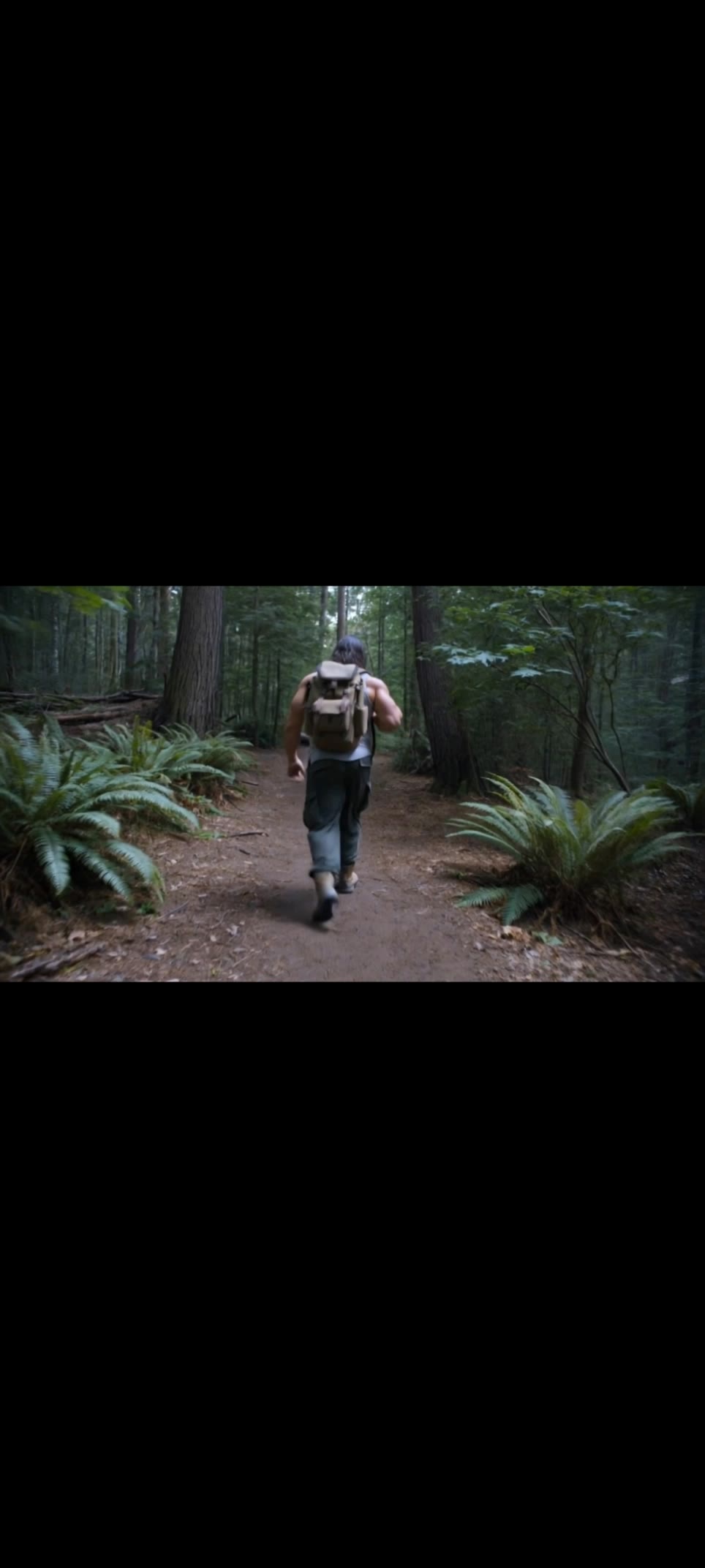
hiking  - color grade AI video
sZfBQqEW avatar
sZfBQqEW
Kling AI work 314954290507110 - color grade AI video
KtPGNPXF avatar
KtPGNPXF
Kling AI work 317929110525581 - color grade AI video
Reigas avatar
Reigas
Kling AI work 312768048528317 - color grade AI video
MCLhRgDe avatar
MCLhRgDe
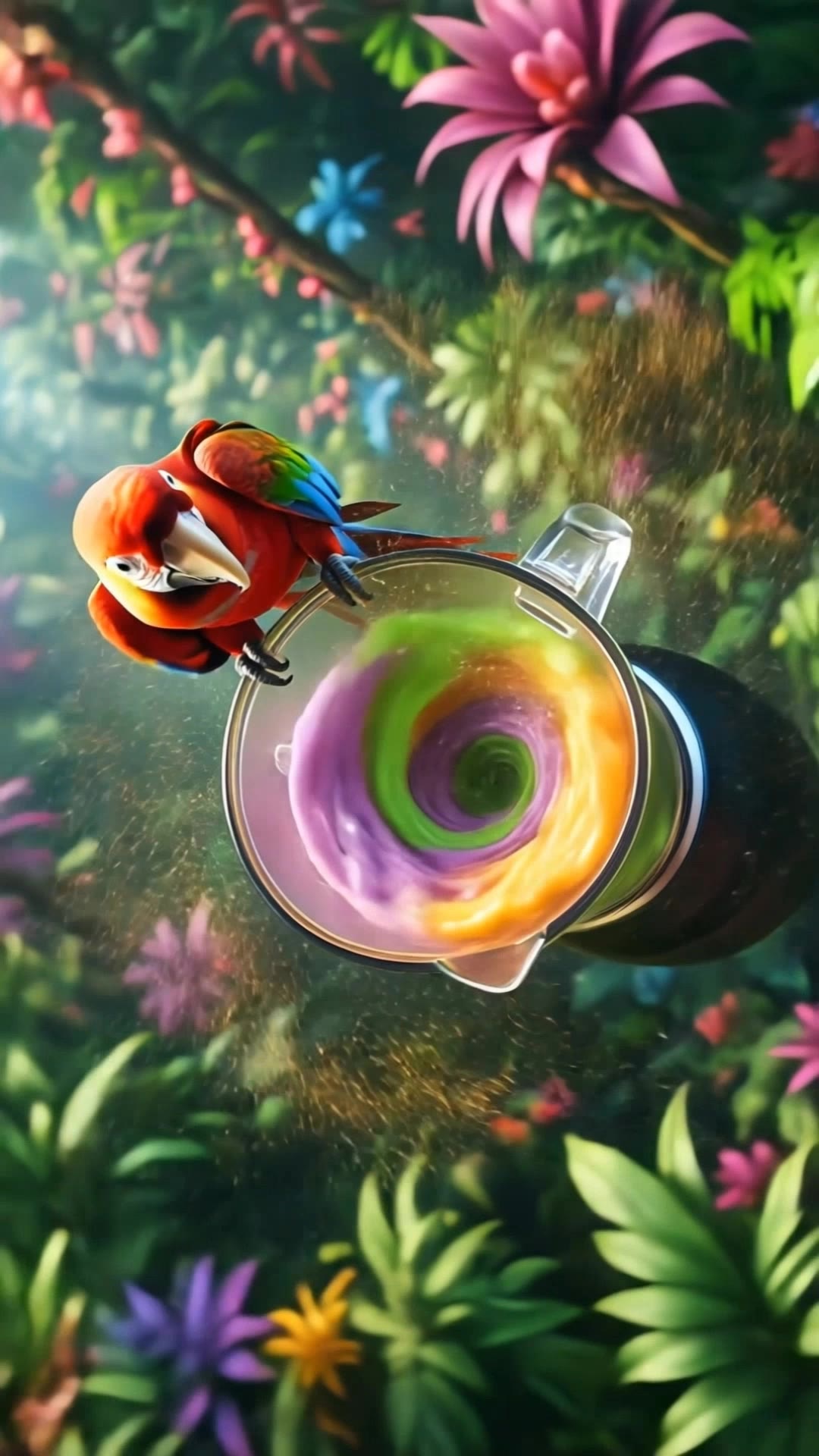
Batido de Guacamaya en la selva - color grade AI video
Aromas avatar
Aromas
Kling AI work 316382404611379 - color grade AI video
OxAGXPWa avatar
OxAGXPWa
Kling AI work 317150459325880 - color grade AI video
BILALFAME avatar
BILALFAME
i did it for the insurance  - color grade AI video
pwCrVADy avatar
pwCrVADy

How to Edit a Photo with Kling AI

Upload Your Photo

Upload Your Photo

Start with a clear photo. Add a reference image when you have a particular replacement, background, or style in mind.

Tell Kling What to Change

Tell Kling What to Change

Enter a clear text prompt, explaining what should change and what should stay the same. Kling applies the edit to the photo with AI directly, without layers or complex manual steps.

Review and Fine-Tune

Review and Fine-Tune

Check the result and the areas that matter most. When one detail needs more work, update the prompt for that area instead of starting over. Download the finished image and share it.

Why Kling Stands Out for Image-to-Video Creation

Realistic Motion, Up to 30s Cinematic Camera Work

Realistic Motion, Up to 30s Cinematic Camera Work

Kling 4.0 delivers more stable, physically convincing action in demanding scenes, from fast-paced fights to sports and large-scale movement. Stronger camera direction supports dynamic tracking, complex camera moves, and more coherent shot composition. With up to 30 seconds of native video generation, create longer takes and connected sequences with greater control over action, pacing, and camera movement.

More References, More Creative Control

More References, More Creative Control

Kling 4.0's Omni Reference supports up to 15 combined reference assets, including images, videos, and subjects. Combine character, scene, motion, and style references to guide different elements within the same generation. Up to 10 flexible keyframes give you additional control over composition, character actions, and scene progression. Experiment with different reference combinations and key moments without rebuilding your entire creative setup.

Recreate, Edit, and Explore New Possibilities

Recreate, Edit, and Explore New Possibilities

Kling 4.0 goes beyond generating new footage. It lets you reference existing videos to explore different characters, products, camera movements, and visual styles while retaining the original shot structure or motion as a guide. It also supports precise video editing, letting you target changes to subjects, backgrounds, actions, and camera angles. Rework existing scenes, try alternate versions, and develop new footage without starting from scratch.

Apps

Video Generation
Video Generation

Video Generation

Image Generation
Image Generation

Image Generation

Motion Control
Motion Control

Motion Control

Avatar
Avatar

Avatar

AI Portraits
AI Portraits

AI Portraits

Lip Sync
Lip Sync

Lip Sync

60M+
60M+
Users
600M+
600M+
AI Videos Generated
4.7 ★
4.7 ★
App Store
Industry-Leading
Industry-Leading
Cinematic 4K

Reviews

Maria Rubtsova

Maria Rubtsova

★★★★★

I’m Maria Rubtsova, an AIGC digital artist passionate about creating stunning visuals in the worlds of fashion, aesthetics, and fantasy. I use KlingAi to bring imagination to life through video. My work is all about exploring beauty, emotion, and the limitless possibilities of digital art.

James Phillips

James Phillips

★★★★★

Kling AI has transformed my workflow by collapsing timelines and democratizing production. It’s shifted my mindset from resource-dependent filmmaking to a boundless creative sandbox, where experimentation yields unexpected beauty.

Huang Lu (Elson)

Huang Lu (Elson)

★★★★★

I’ve been using Kling AI since its initial release, and it’s remained one of the leading AI media generators ever since. With Kling AI, I’ve created hundreds of videos, collectively amassing millions of views.

FAQ

Q1Does Video 3.0 support multiple characters speaking?
Q2Can I use this for global AI video marketing?
Q3What’s the difference between Video 2.6 and 3.0?

Experience Video 3.0 on Kling

Create cinematic, multi-shot videos with native audio and precise control—all in one generation.

Native audio | Multi-shot control | Up to 15s continuous output