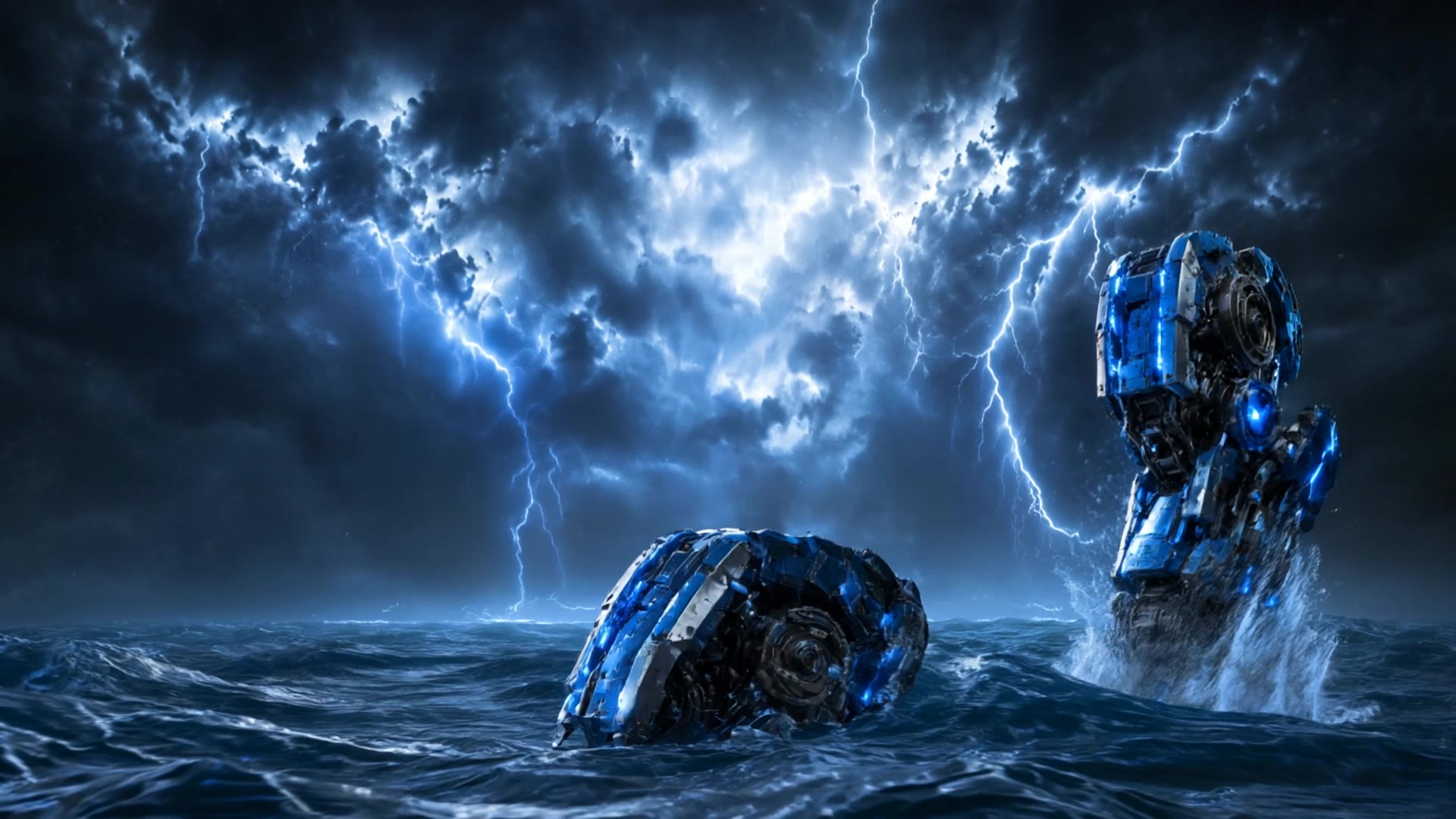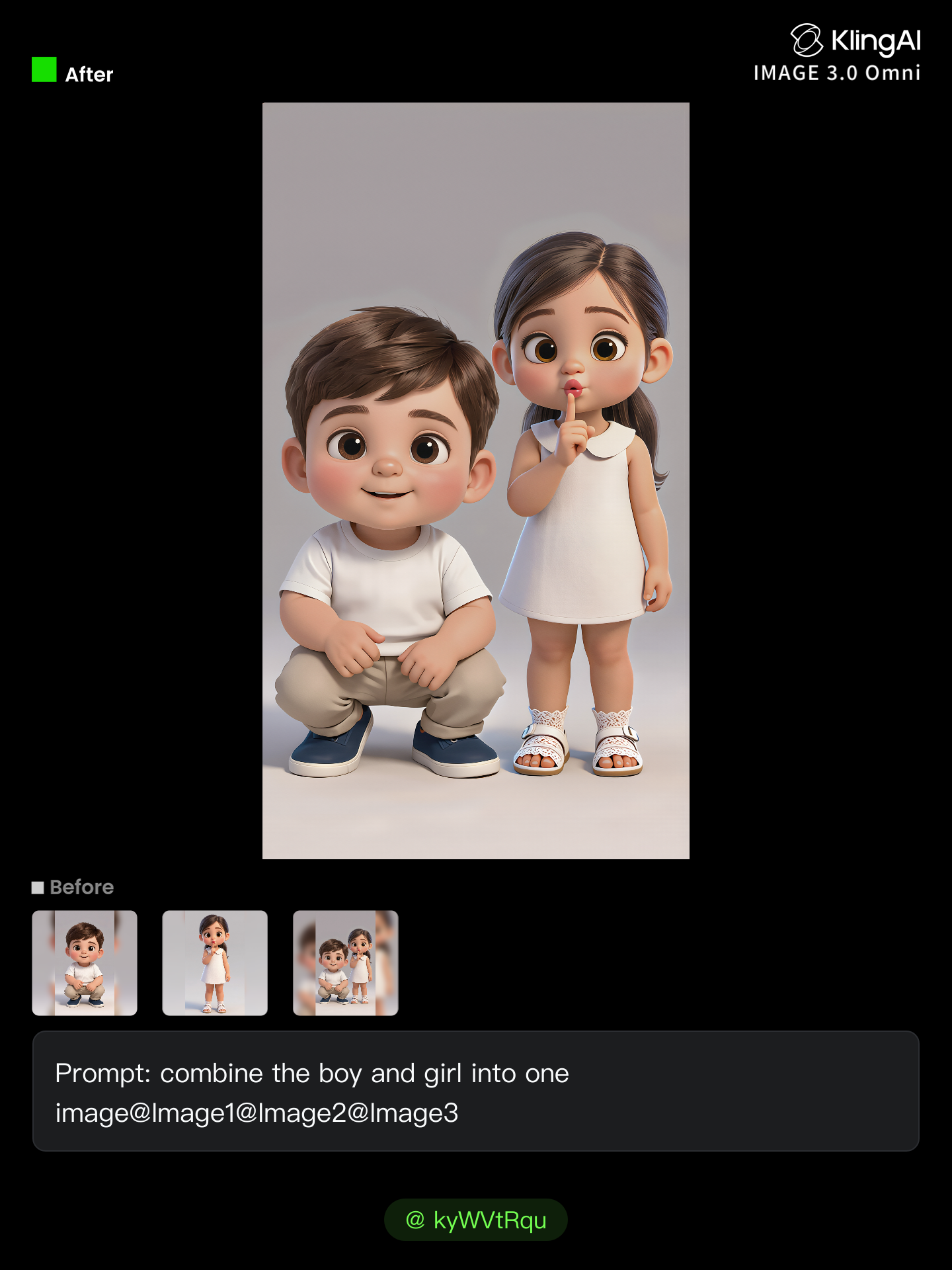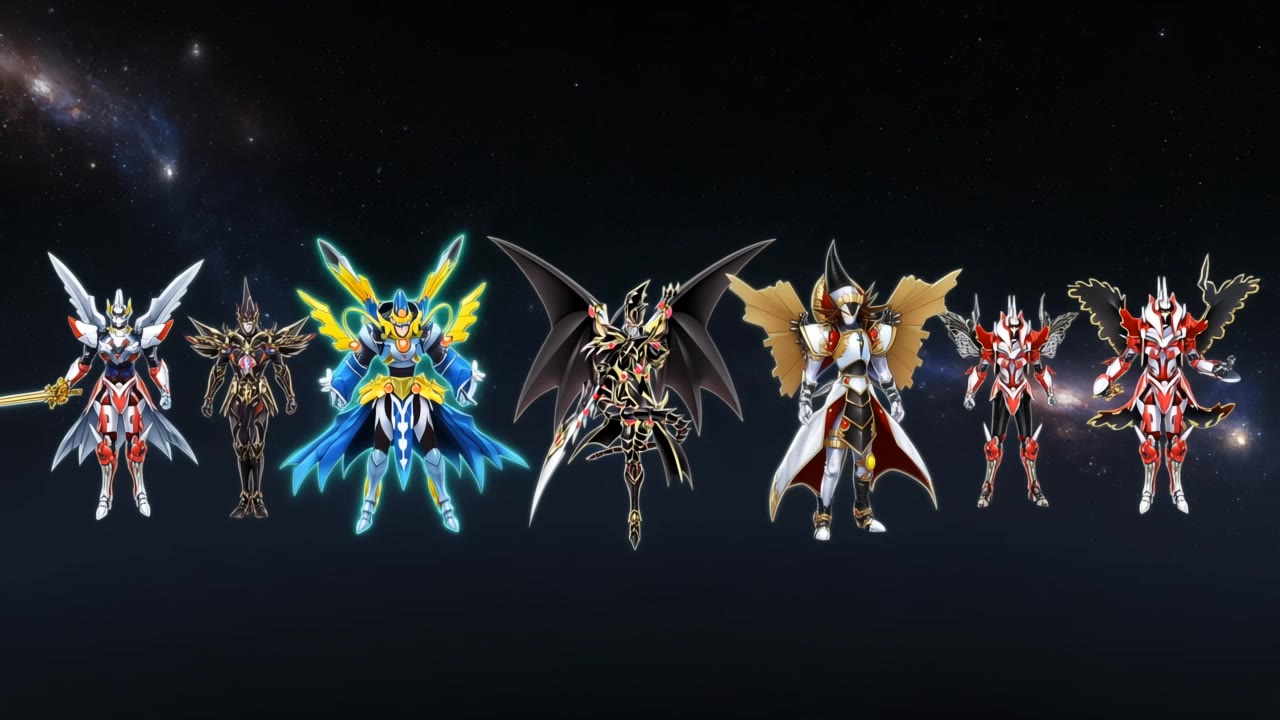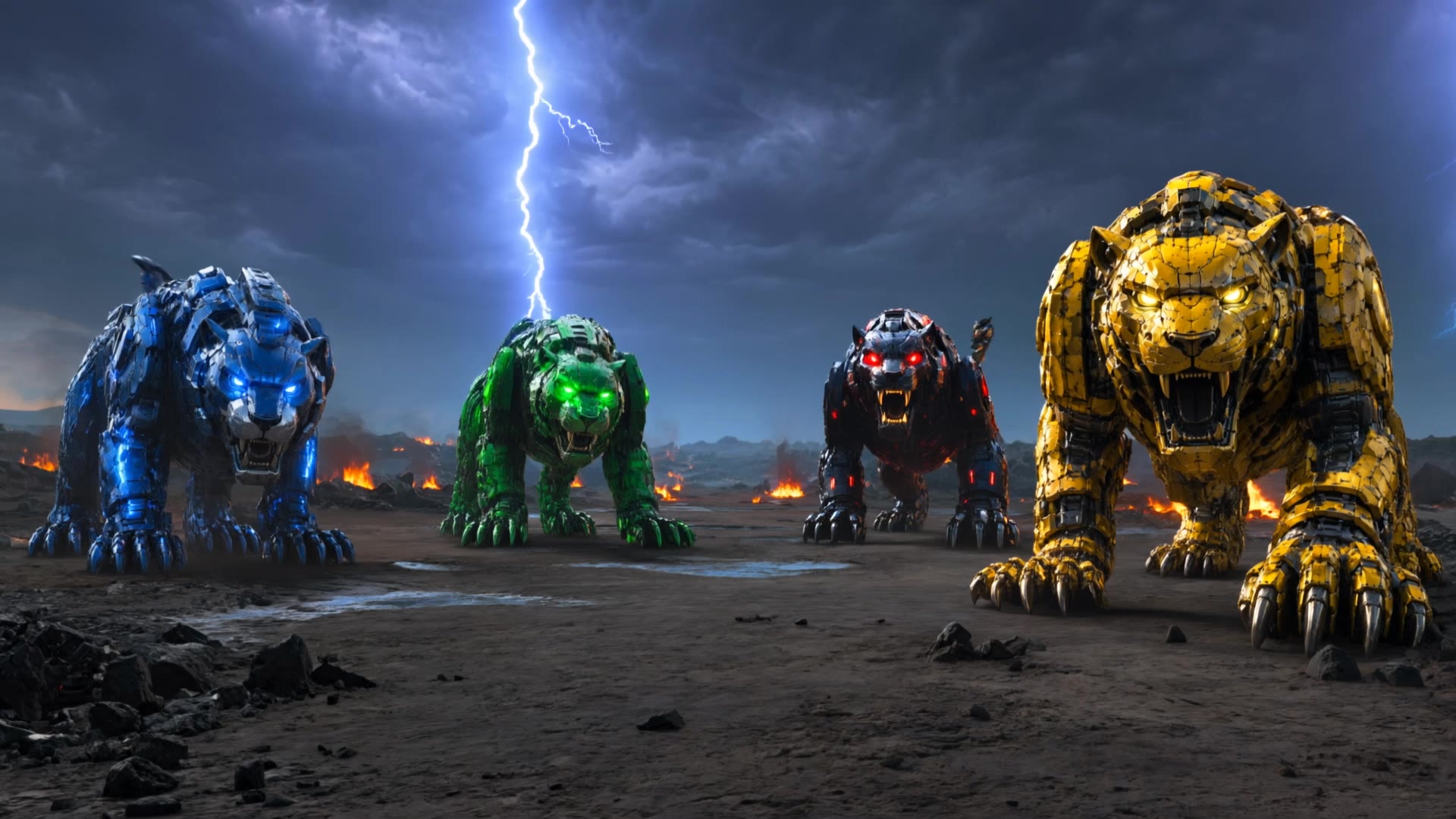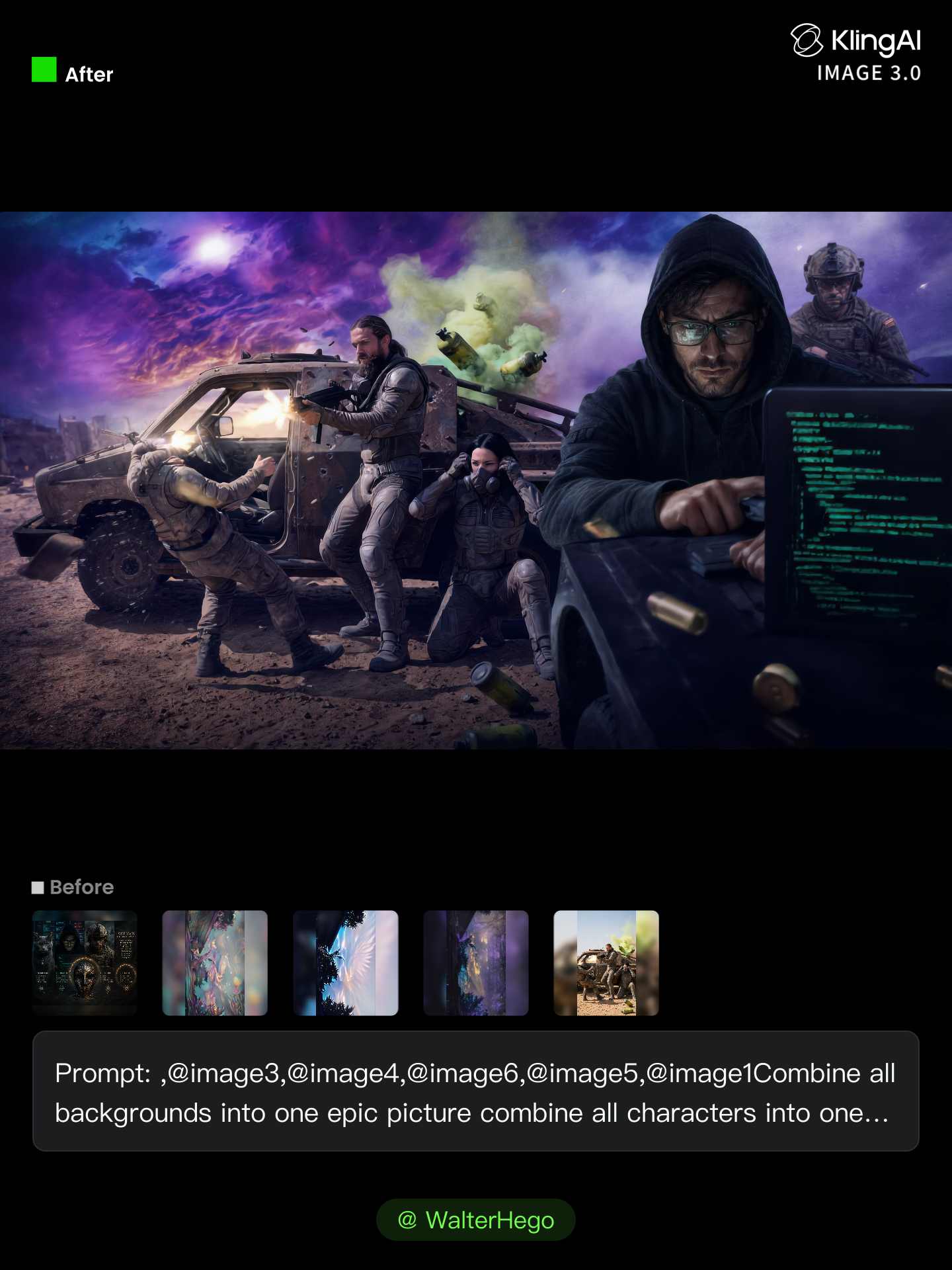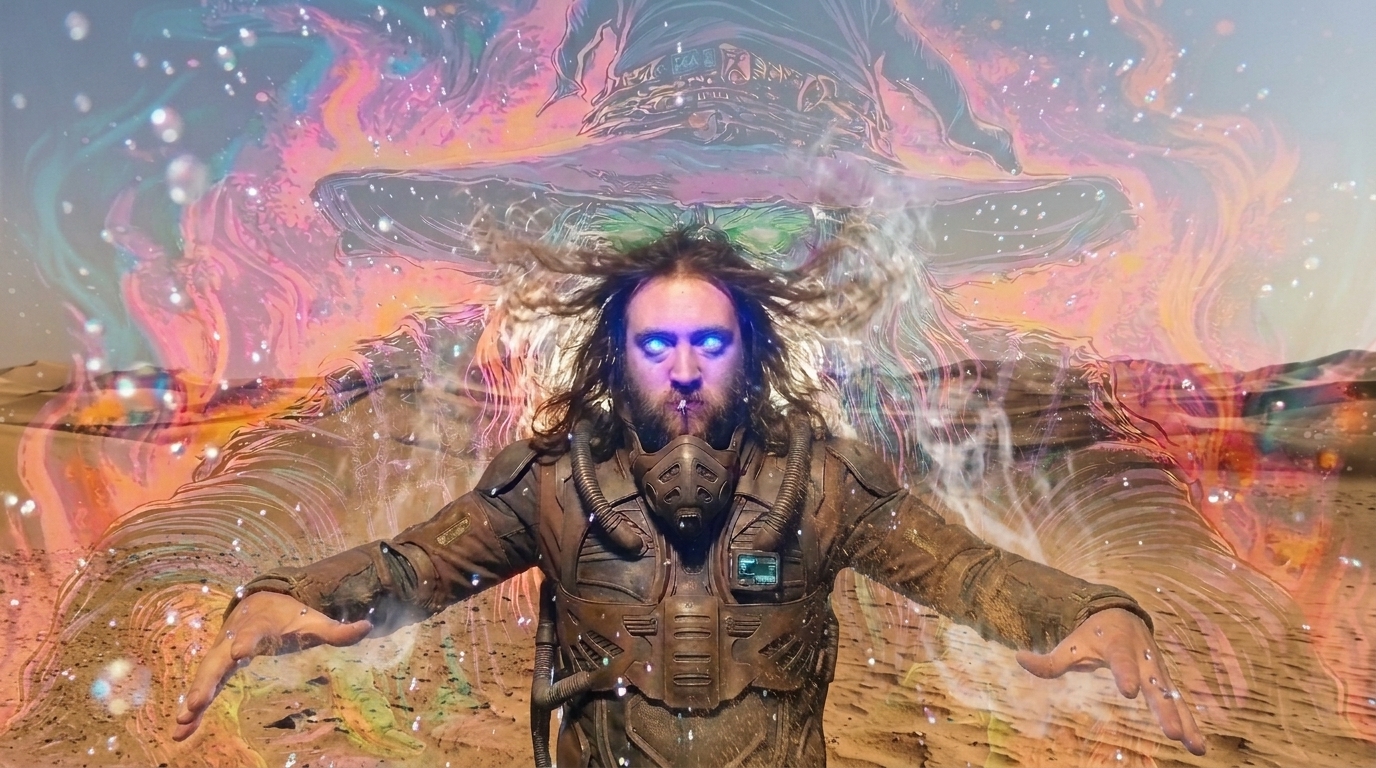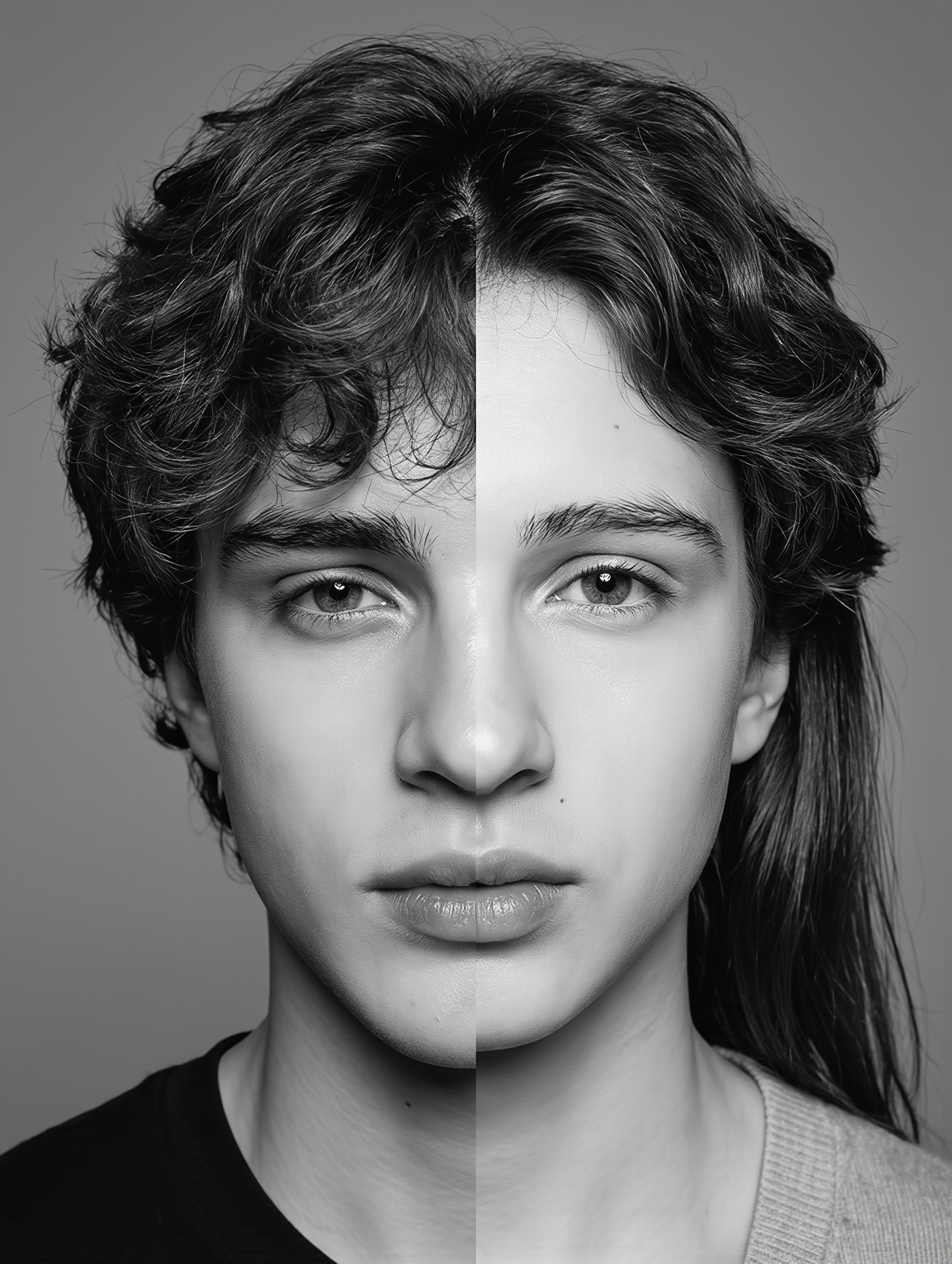
combine faces - superhero fusion & animal harmony

Unleash creativity with AI-driven face combinations featuring themes like mythical heroes and robotic fusions. Enjoy high-quality 4K videos blending diverse elements seamlessly. Start exploring combine faces ideas and generate your own content with AI.

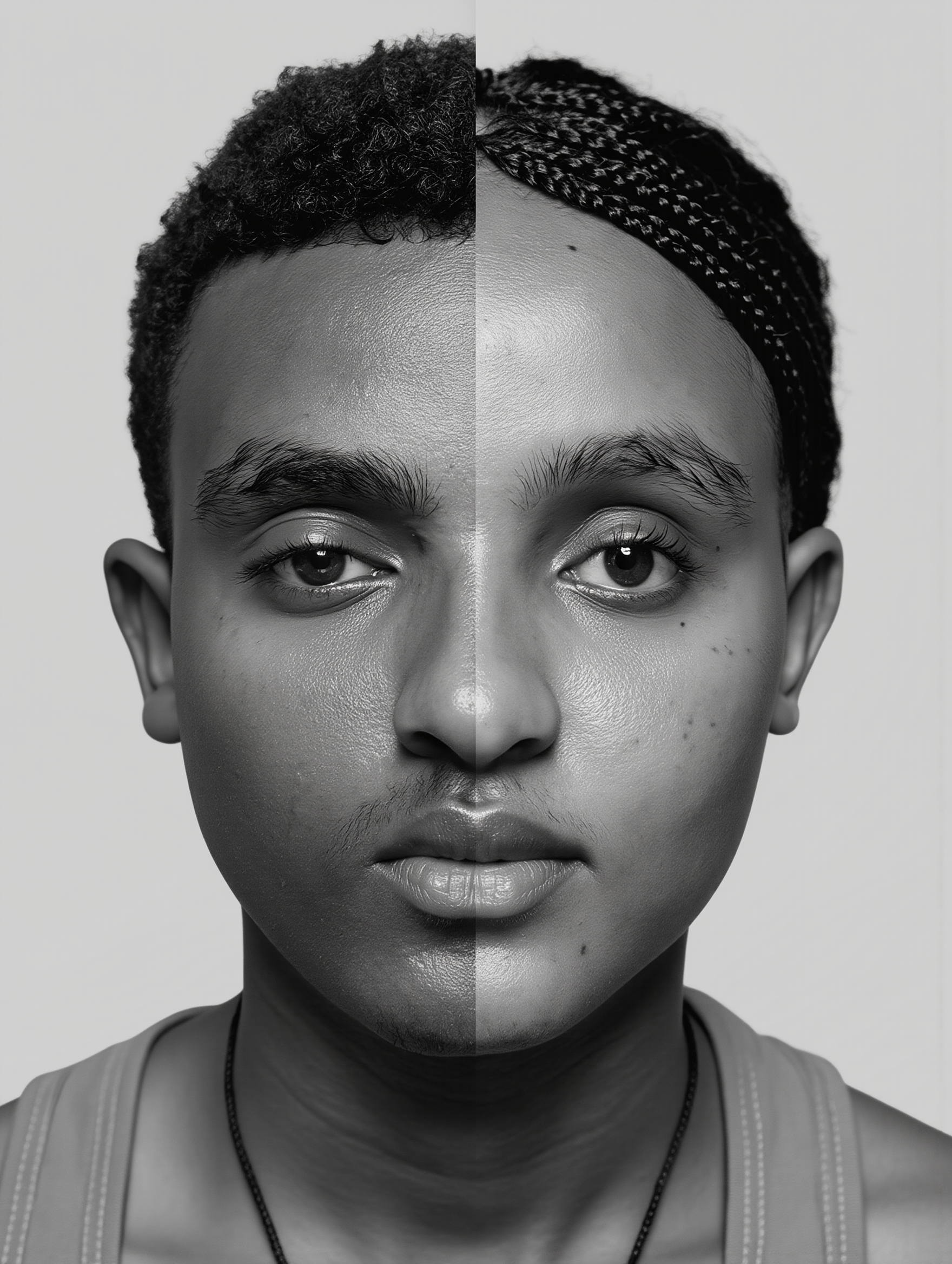
combine faces - superhero fusion & animal harmony

Recommended

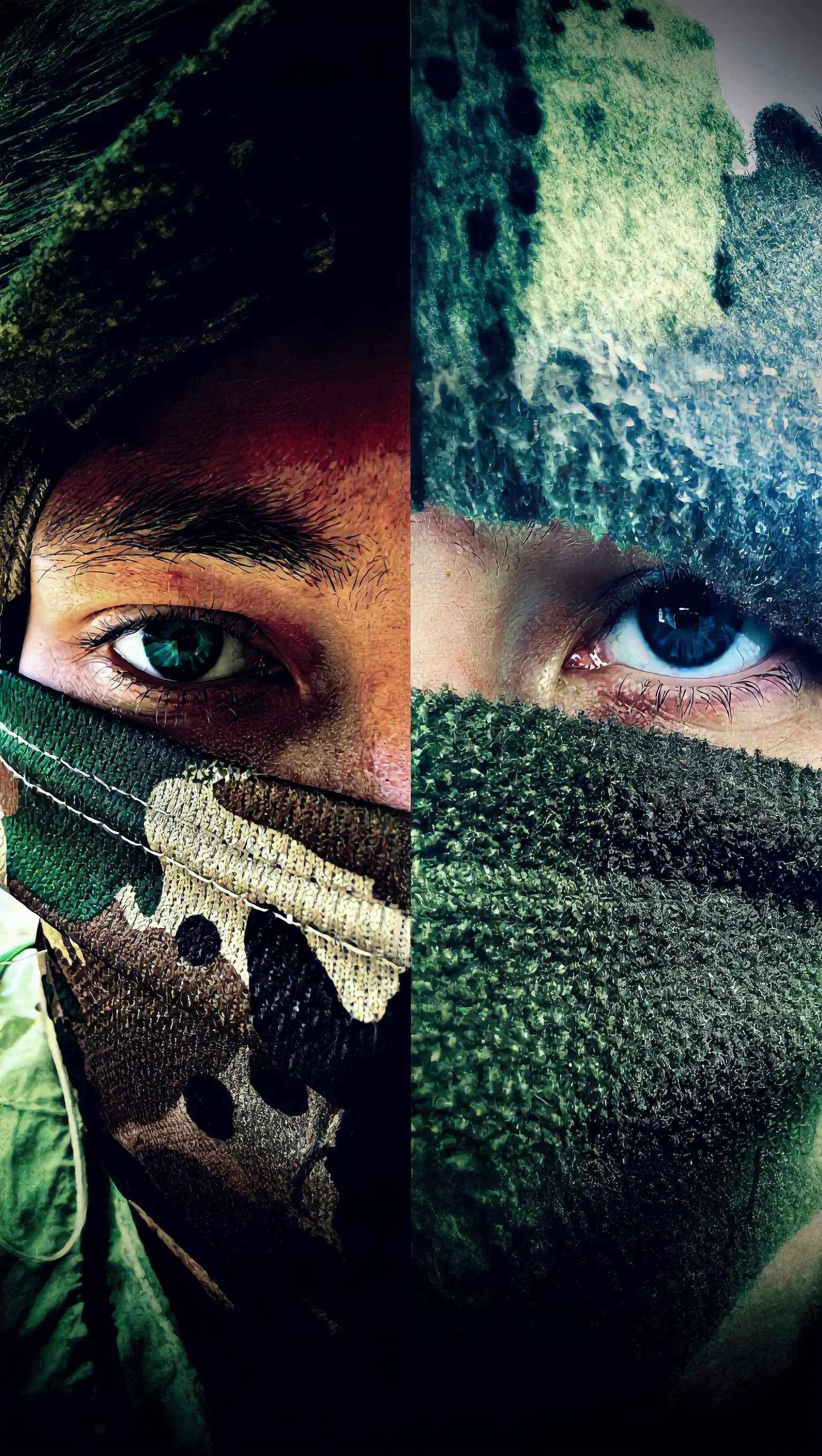
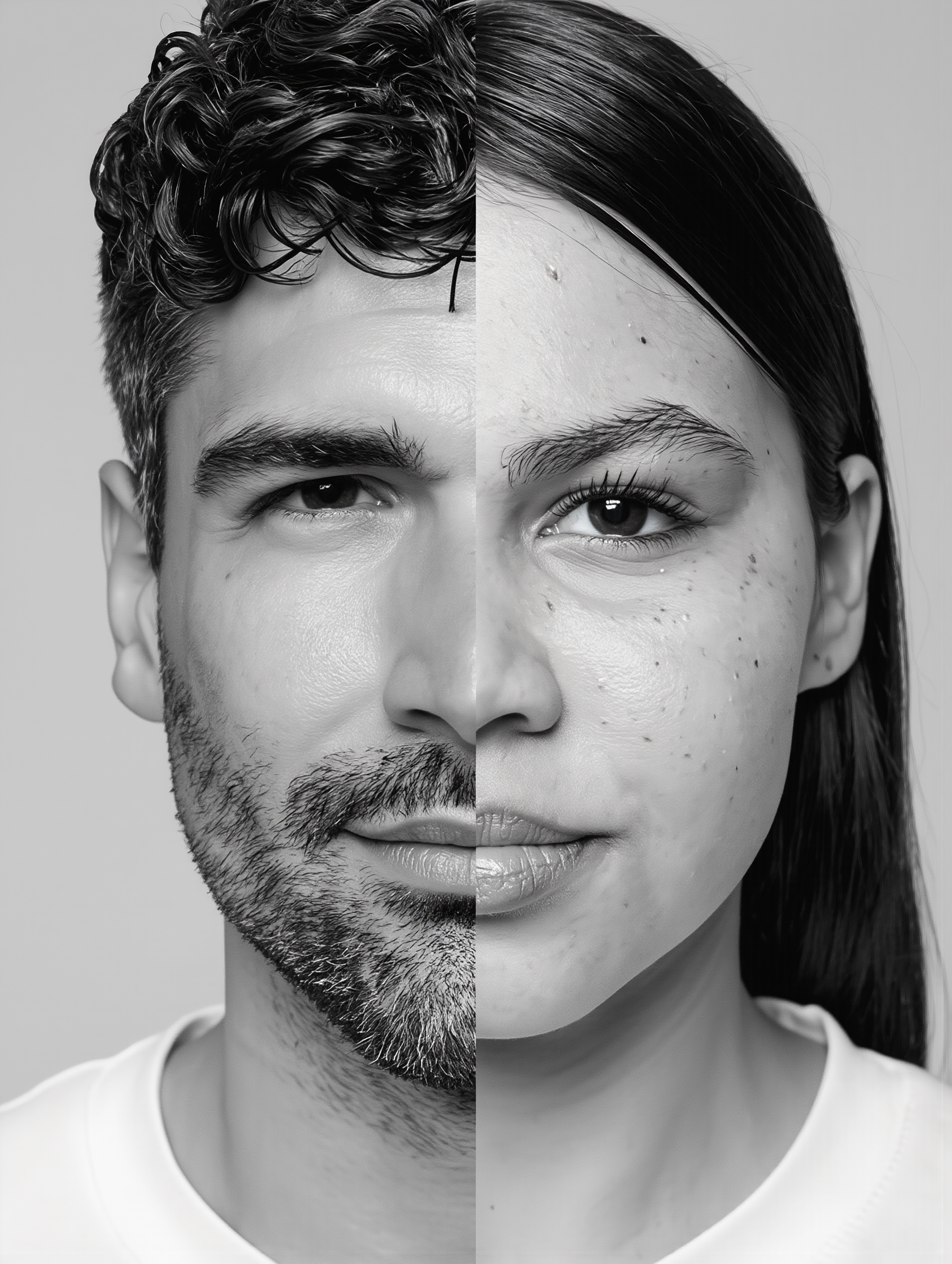
Split Face Trend - combine faces AI image
Daisy avatar
Daisy
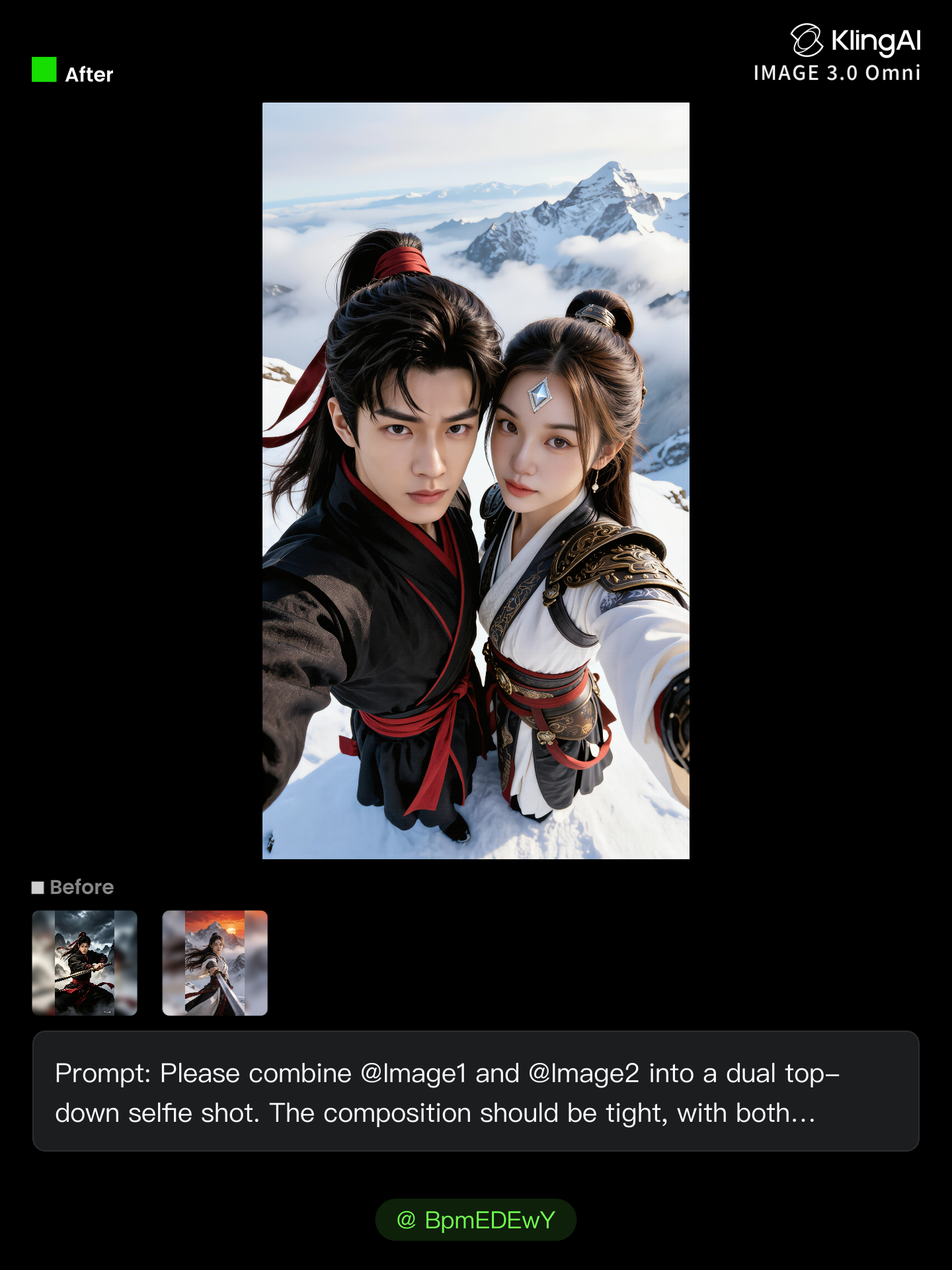
Kling AI work 321152582525118 - combine faces AI image
dJceDlea avatar
dJceDlea
Kling AI work 312292046663276 - combine faces AI image
BpmEDEwY avatar
BpmEDEwY
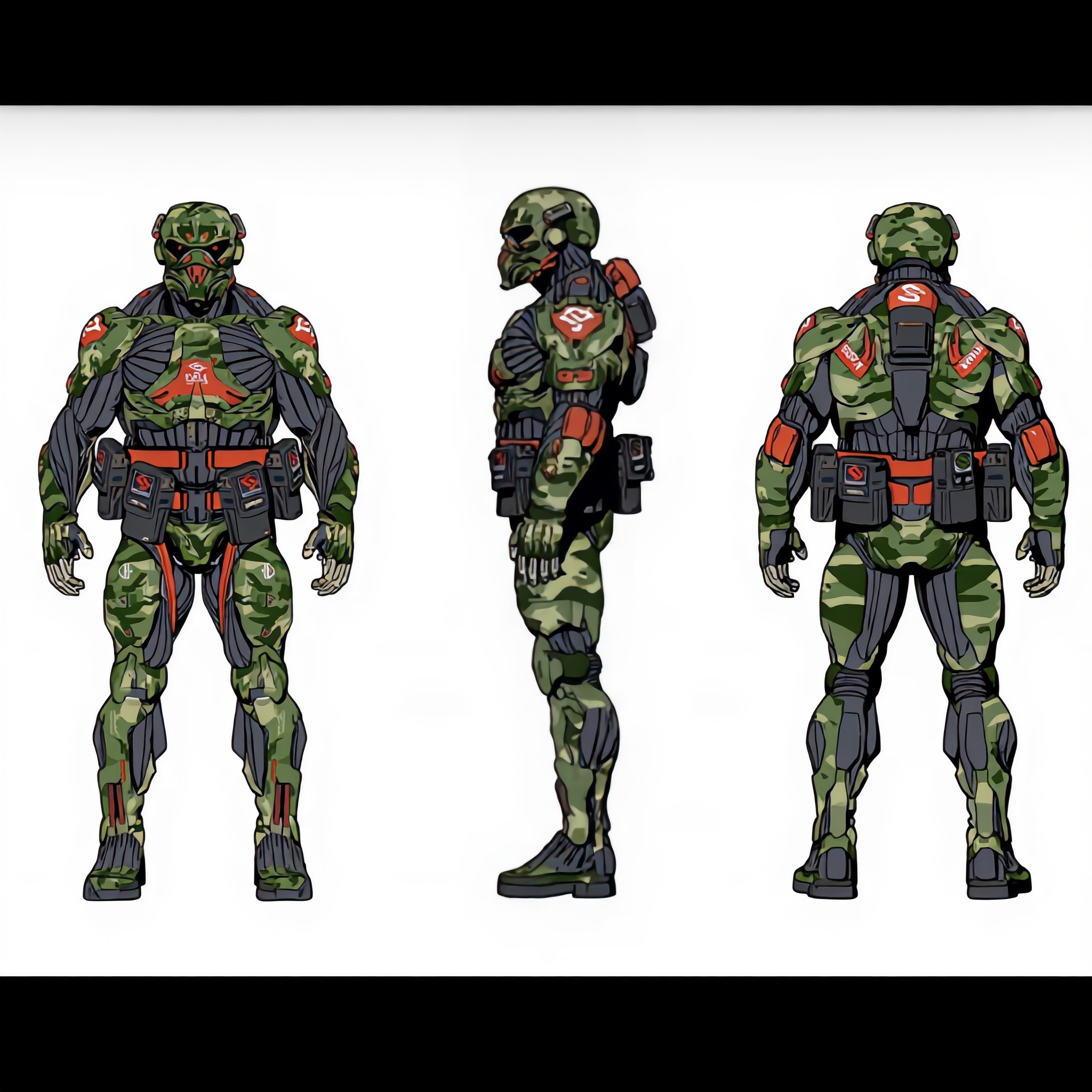
Character sheet sci-fi soldier - combine faces AI image
iiqNSpKl avatar
iiqNSpKl
Kling AI work 310658247520604 - combine faces AI image
yvrGCDqx avatar
yvrGCDqx
Kling AI work 320974644667227 - combine faces AI image
lee avatar
lee
Kling AI work 319252695500832 - combine faces AI video
MrDalTex avatar
MrDalTex
Kling AI work 312285142614893 - combine faces AI image
kCTcgPaT avatar
kCTcgPaT
EFR TSG - combine faces AI image
OURLMNqO avatar
OURLMNqO
Kling AI work 317998031613655 - combine faces AI video
FantasyTCH avatar
FantasyTCH
Kling AI work 320873210523590 - combine faces AI image
yKynsspP avatar
yKynsspP
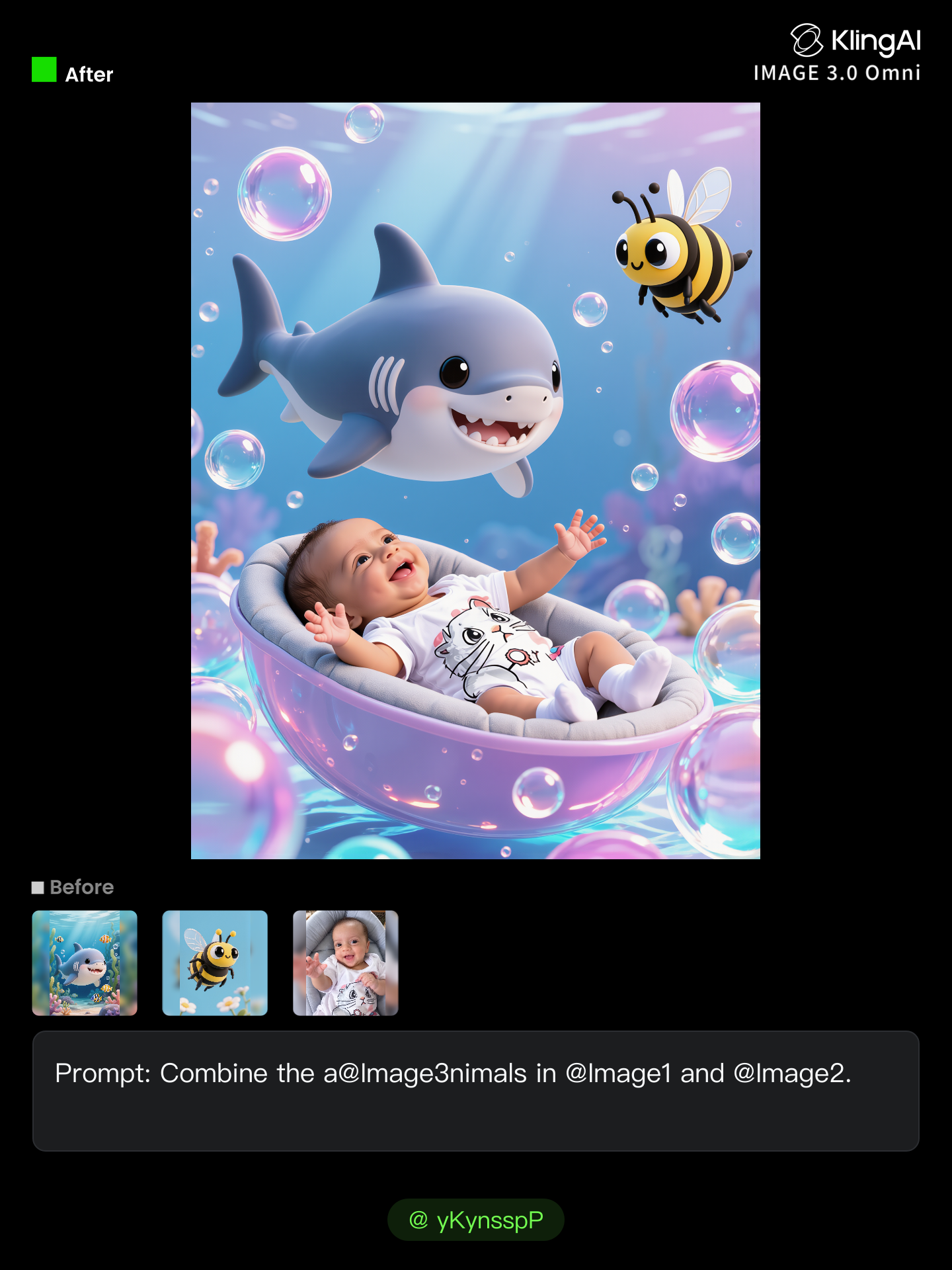
Kling AI work 312285979520961 - combine faces AI image
kCTcgPaT avatar
kCTcgPaT
Kling AI work 316038327501024 - combine faces AI video
DCNCfEzX avatar
DCNCfEzX
Kling AI work 309884819610785 - combine faces AI image
Twi Light avatar
Twi Light
Kling AI work 312474542507241 - combine faces AI image
natalie55555 avatar
natalie55555
Elite Creator
Kling AI work 316374814663180 - combine faces AI video
mech creation avatar
mech creation
Kling AI work 311657325525641 - combine faces AI image
kyWVtRqu avatar
kyWVtRqu
combine: enlighten paladin  - combine faces AI video
MSxSybfW avatar
MSxSybfW
Kling AI work 311026573507788 - combine faces AI video
mech creation avatar
mech creation
combo test backchar w style  - combine faces AI image
WalterHego avatar
WalterHego

How to Create Images with Kling AI

Write Down You Ideas

Write Down You Ideas

Open the AI Image Generator and choose the model that fits your project. Describe the subject and scene, then add details such as lighting, color, and visual style to shape the result.

Add References Or Not

Add References Or Not

Upload reference images for a character, product, composition, or style. References are optional, but they give Kling AI a clearer visual foundation when specific features, colors, or design details need to carry into the final image.

Generate Your Image

Generate Your Image

Choose your preferred format and output settings, then hit Generate. Once the result is ready, download it directly or open it in the image-to-video workflow to bring it to life with motion.

How Kling AI Sets the Standard for AI Video Creation

Realistic Motion from a Still Image

Realistic Motion from a Still Image

Animate portraits, artwork, and action images with natural character movement and physical interactions. Kling 4.0's dynamic motions improves stability during large movements, fast action, and complex scenes. From subtle facial expressions to sports and fight choreography, create motion that develops naturally from your image while keeping the subject and surrounding scene visually coherent.

Direct the Camera and Every Key Moment

Direct the Camera and Every Key Moment

A single image can lead to a tracking shot, camera orbit, close-up, or wider scene. Kling 4.0 offers stronger camera control, with native video generation up to 30 seconds for longer movements and connected action. Start and end frames help guide a transition, while up to 10 flexible keyframes let you define additional compositions, character poses, and scene changes as the video develops.

Combine References, Keep the Look

Combine References, Keep the Look

Keep recognizable characters, products, and visual styles as your images begin to move. Kling 4.0's Omni Reference supports up to 15 combined assets, including images, videos, and subjects, to guide appearance, actions, camera work, and settings. Use multiple views of a character or product alongside style and motion references. Stronger visual consistency helps preserve familiar details across new shots, with realistic textures.

Apps

Video Generation
Video Generation

Video Generation

Image Generation
Image Generation

Image Generation

Motion Control
Motion Control

Motion Control

Avatar
Avatar

Avatar

AI Portraits
AI Portraits

AI Portraits

Lip Sync
Lip Sync

Lip Sync

60M+
60M+
Users
600M+
600M+
AI Videos Generated
4.7 ★
4.7 ★
App Store
Industry-Leading
Industry-Leading
Cinematic 4K

Reviews

Huang Lu (Elson)

Huang Lu (Elson)

★★★★★

I’ve been using Kling AI since its initial release, and it’s remained one of the leading AI media generators ever since. With Kling AI, I’ve created hundreds of videos, collectively amassing millions of views.

Halim Alrasihi

Halim Alrasihi

★★★★★

I use AI daily and Kling AI is a crucial part of my workflow, whether for client work or personal projects. What I love most about using Kling AI is that it provides all the tools I need in one place, from keyframes to character references, elements and special effects.

Déborah

Déborah

★★★★★

I use Kling AI every day. It's amazing to see the almost daily progress it makes. I used AI for fun at first, and I now find that Kling AI's animations allow me to gain professional visibility, with three times more views on my animated posts than on my static posts.

FAQ

Q1Can I change the lighting, colors, or camera angle?
Q2Can I remove or replace part of a photo?
Q3Can I change the background of a photo?

Take Your Photo in a New Direction

Start with the image you have and rework it for the look, message, or moment you have in mind.

Object removal | Background changes | Portrait retouching | Photo restyling