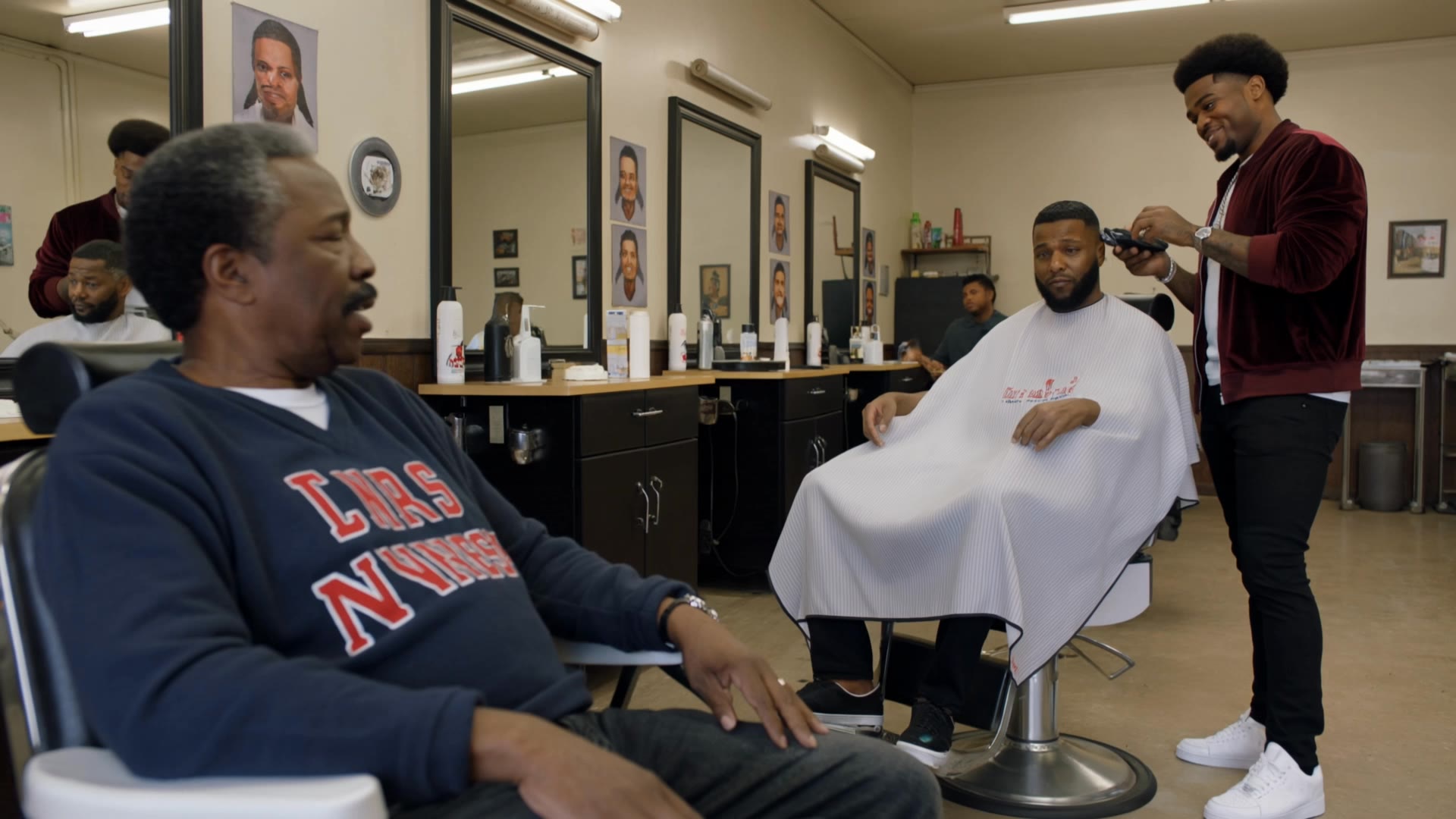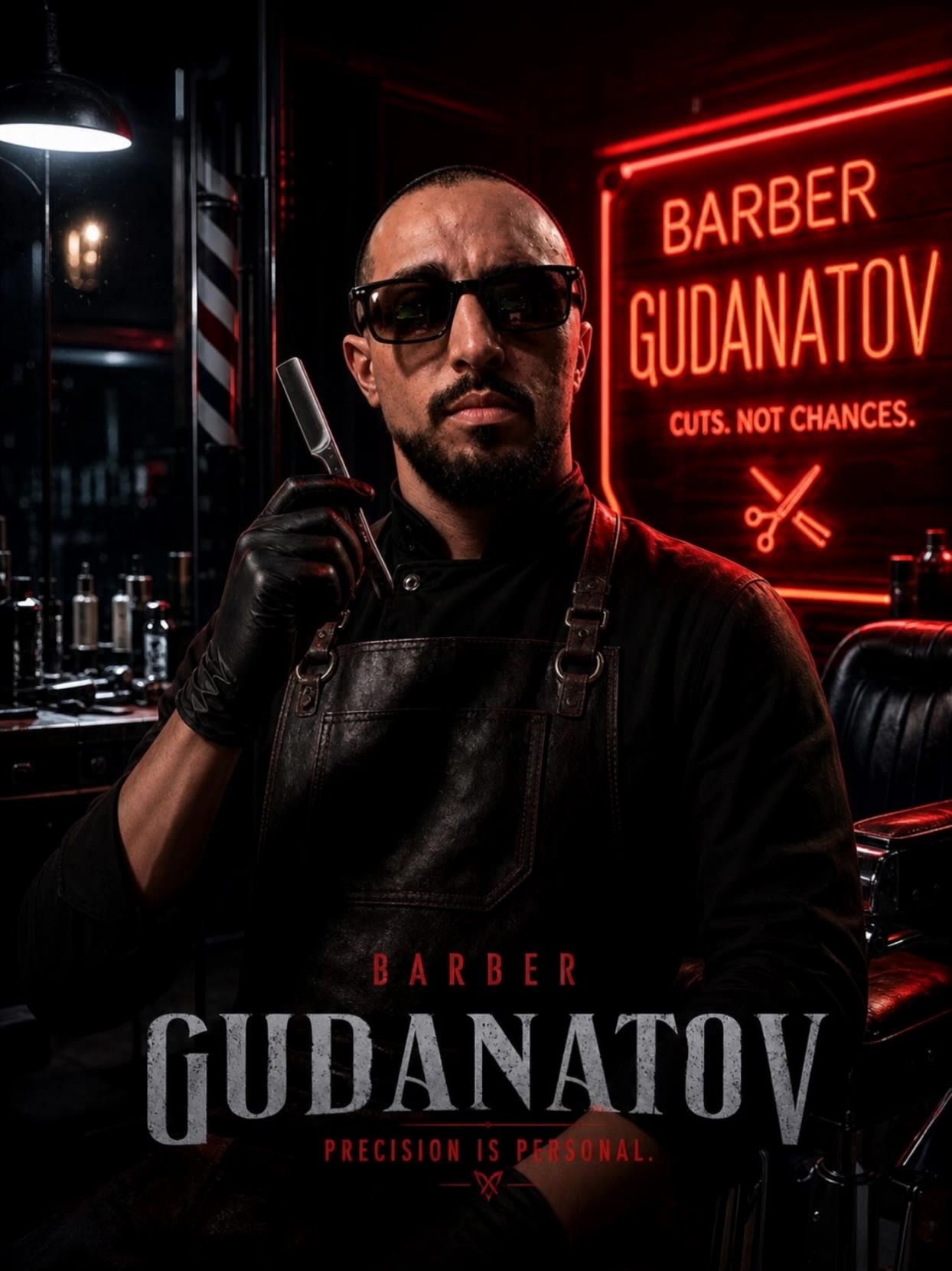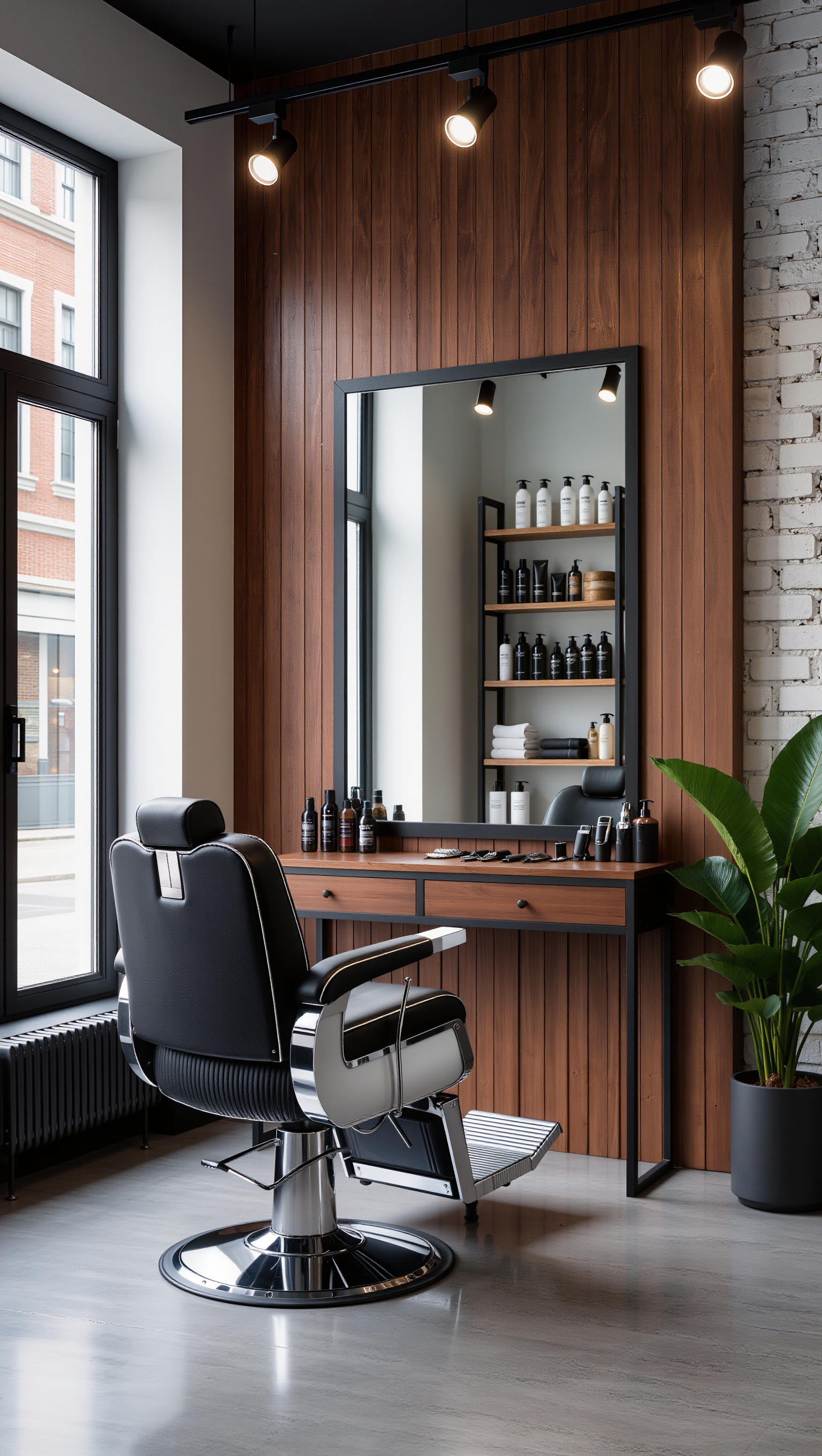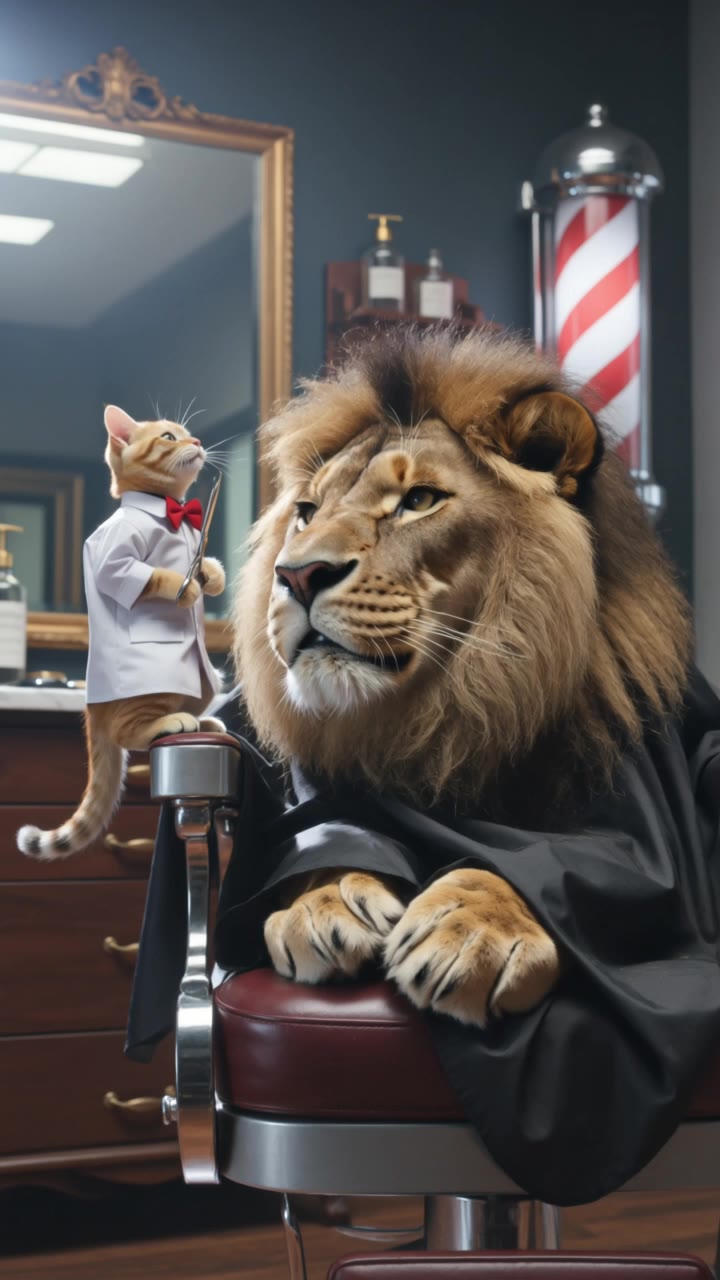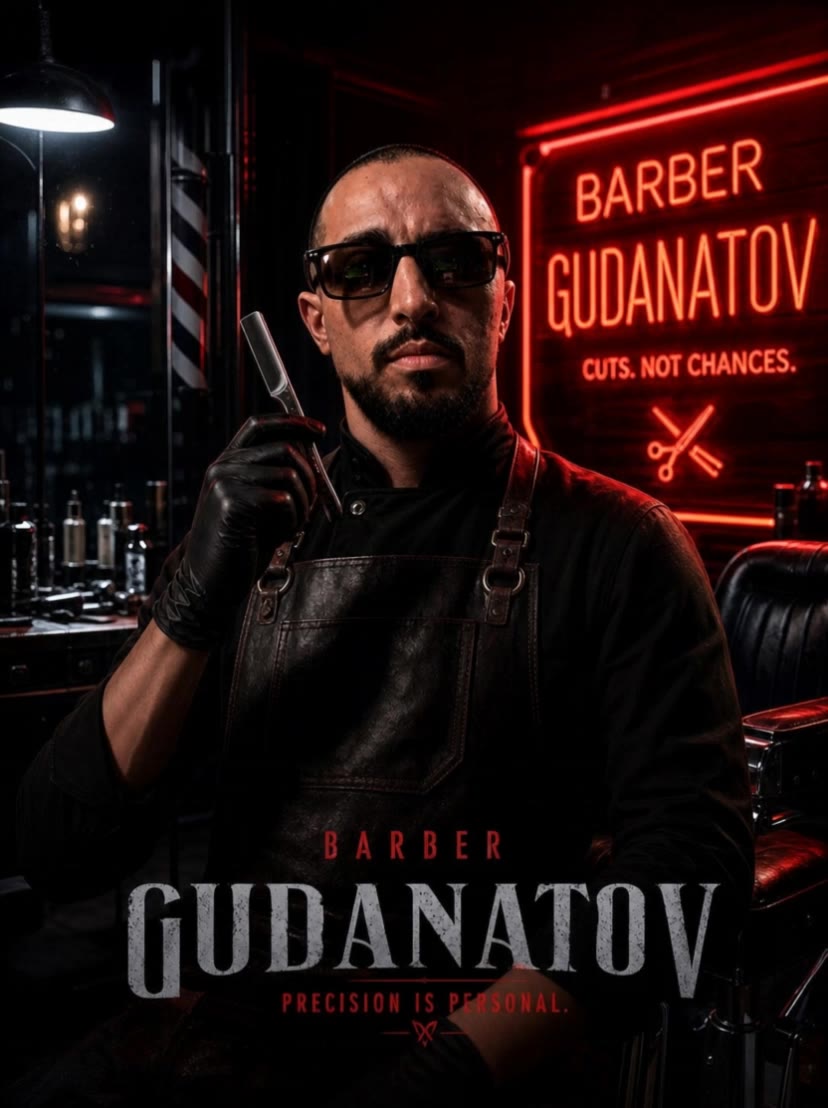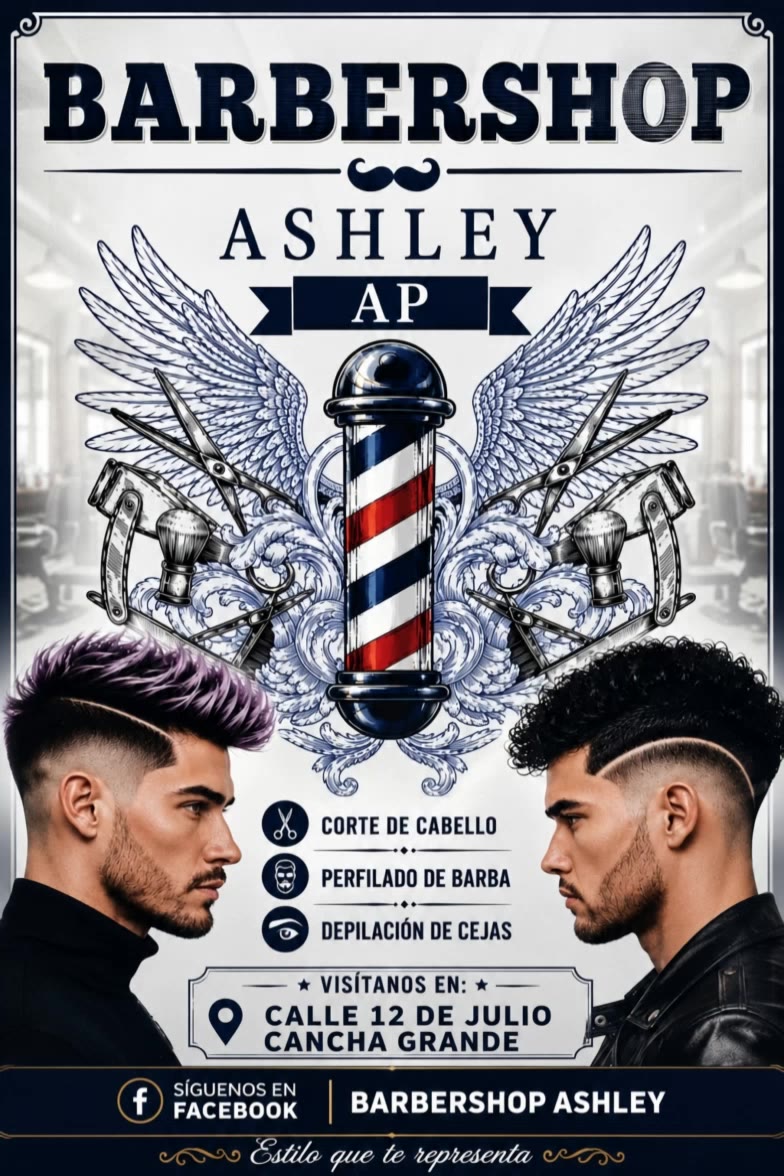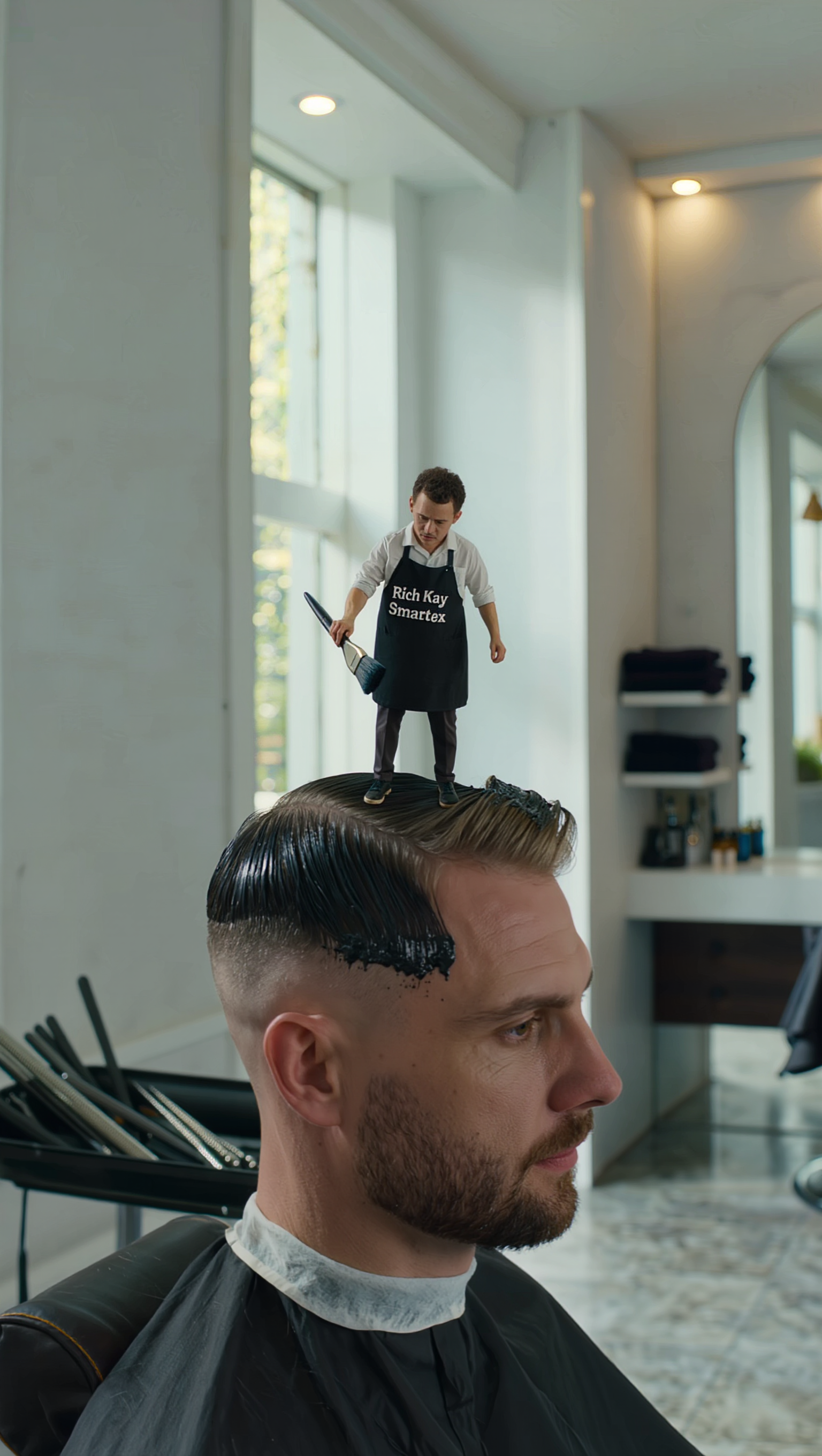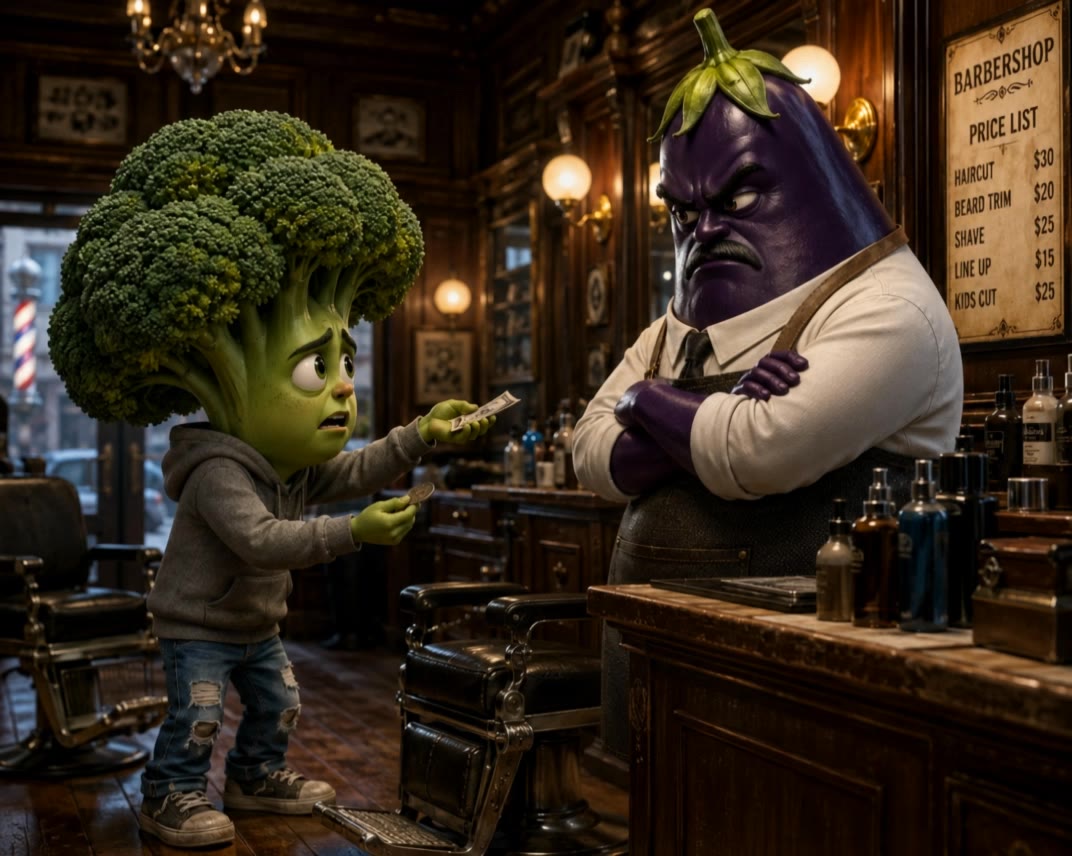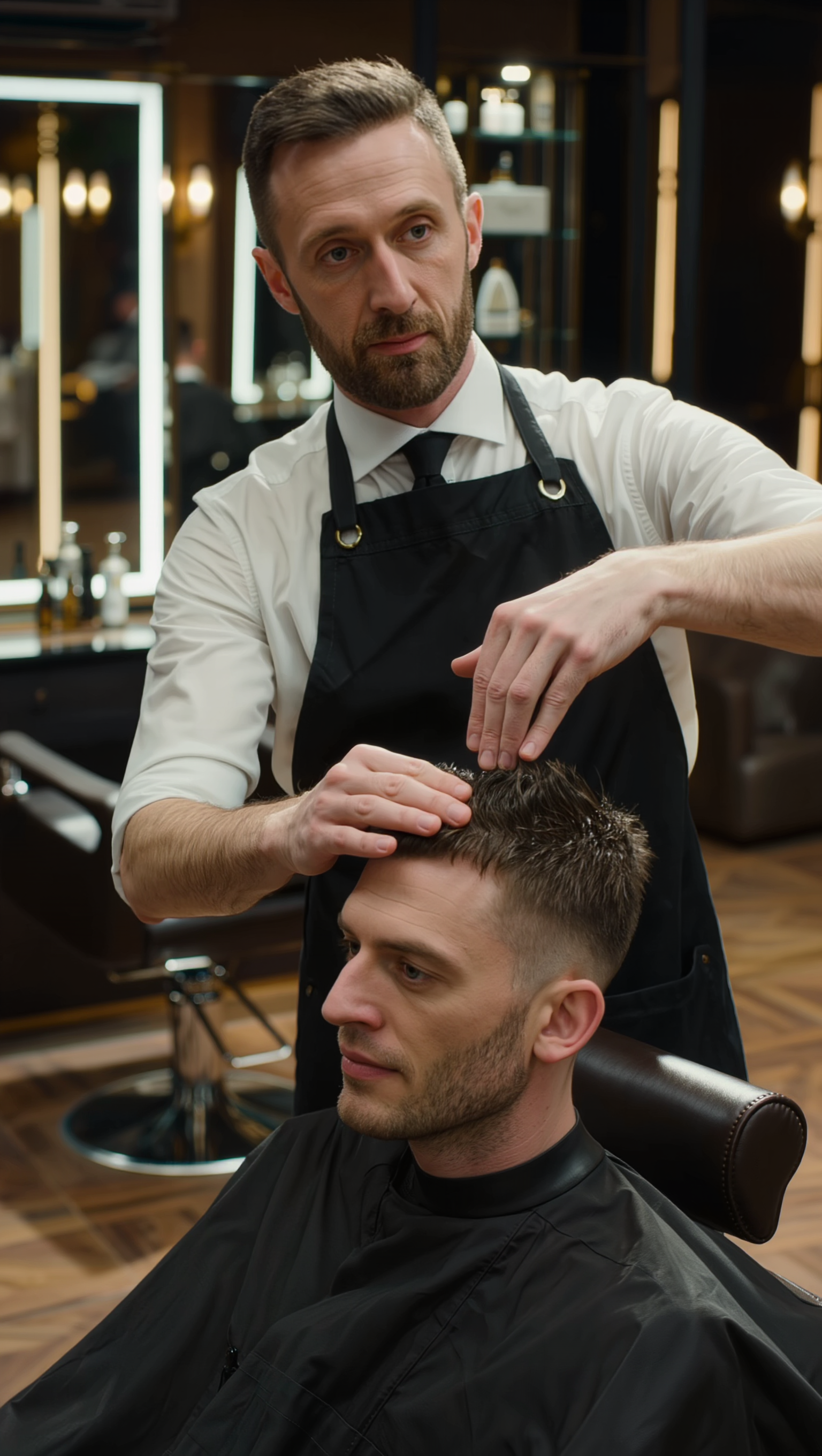

create barbershop - 3D cartoon & luxury renovation

Embrace the charm of a goat barber's humorous mishaps and the transformation of an old barbershop into a modern luxury haven. Start exploring create barbershop ideas and generate your own content with AI.

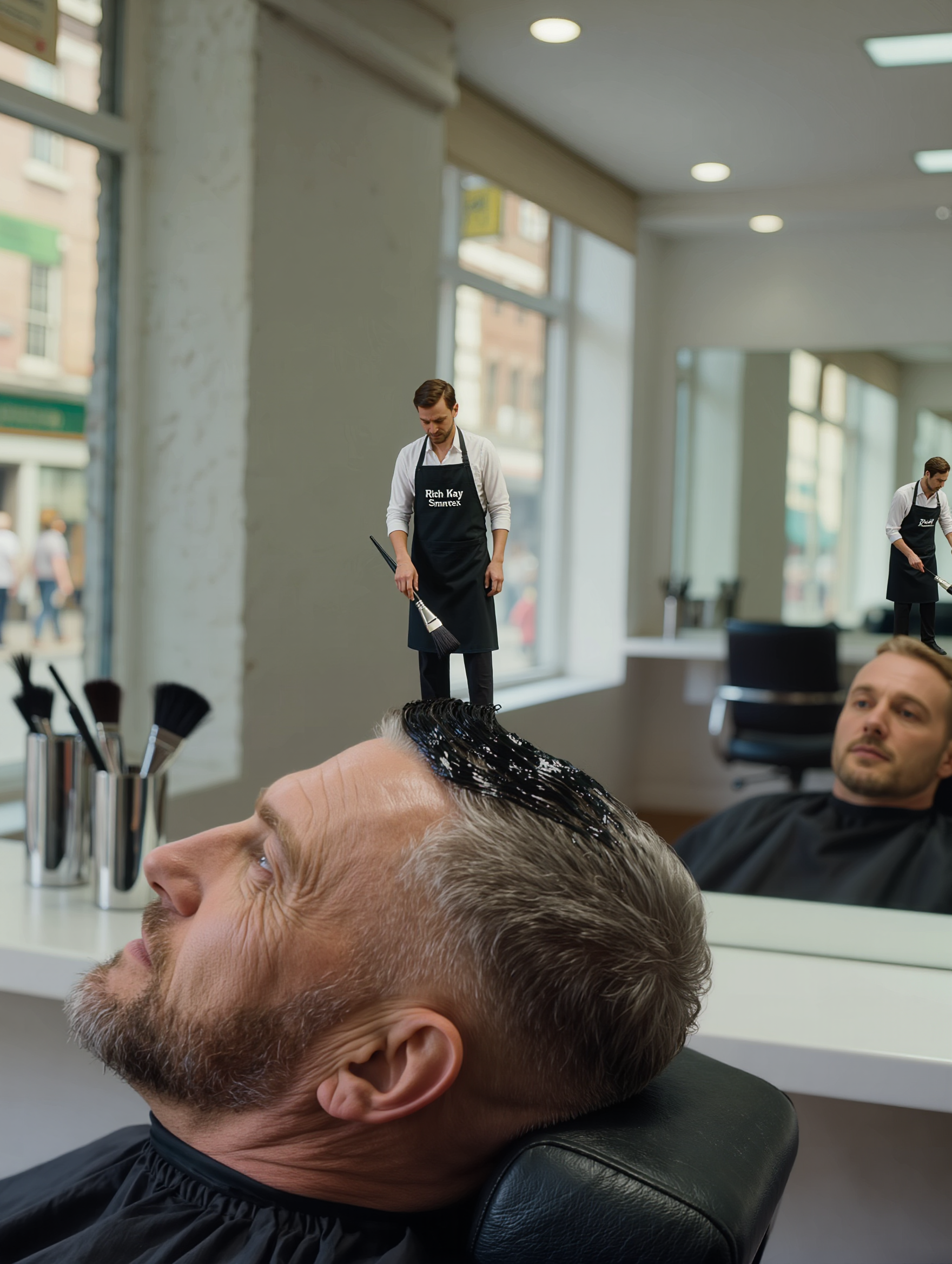
create barbershop - 3D cartoon & luxury renovation

Recommended

Kling AI work 314846881618457 - create barbershop AI image
yrtlLQfu avatar
yrtlLQfu
Kling AI work 317789638503536 - create barbershop AI image
JluKnjRc avatar
JluKnjRc
Kling AI work 315854215614497 - create barbershop AI image
oLFaRMfC avatar
oLFaRMfC
Kling AI work 319938273615145 - create barbershop AI video
TheGoldSailor avatar
TheGoldSailor
Kling AI work 309726820500562 - create barbershop AI video
lFTSPSKZ avatar
lFTSPSKZ
Kling AI work 316386130527136 - create barbershop AI video
vintex avatar
vintex
Barber shop design  - create barbershop AI image
VicPSaXv avatar
VicPSaXv
Kling AI work 309394321664635 - create barbershop AI video
CtdCsWGC avatar
CtdCsWGC
Kling AI work 316624621507276 - create barbershop AI video
bBnFdZEr avatar
bBnFdZEr
Kling AI work 315843234610742 - create barbershop AI video
vWKpUDcu avatar
vWKpUDcu
Kling AI work 319374830661994 - create barbershop AI video
qwnSxgEY avatar
qwnSxgEY
Kling AI work 317790061668772 - create barbershop AI image
JluKnjRc avatar
JluKnjRc
Kling AI work 321649416524047 - create barbershop AI image
xCSTAlox avatar
xCSTAlox
Kling AI work 313803591662577 - create barbershop AI video
kRyeHots avatar
kRyeHots
Kling AI work 311621877503268 - create barbershop AI video
MZ Creative AI avatar
MZ Creative AI
Kling AI work 317789638501541 - create barbershop AI image
JluKnjRc avatar
JluKnjRc
Kling AI work 319138124617327 - create barbershop AI video
OncnLkAU avatar
OncnLkAU
Kling AI work 317166611522870 - create barbershop AI video
SlLpnxGH avatar
SlLpnxGH

How to Animate an Image with AI

Upload Your Image

Upload Your Image

Upload a portrait, product photo, illustration, or other image. For additional control, Kling 4.0's Omni Reference supports up to 15 combined reference assets, subject to individual input limits.

Describe the Motion

Describe the Motion

Specify how your subject moves and what the camera does. You can also add start and end frames or use up to 10 flexible keyframes to guide important changes with supported Kling 4.0 settings.

Generate and Download

Generate and Download

Choose your video settings and generate a clip up to 30 seconds long with Kling 4.0. Preview the result, make adjustments if needed, and download your video.

Why Kling Stands Out for Image-to-Video Creation

Realistic Motion, Up to 30s Cinematic Camera Work

Realistic Motion, Up to 30s Cinematic Camera Work

Kling 4.0 delivers more stable, physically convincing action in demanding scenes, from fast-paced fights to sports and large-scale movement. Stronger camera direction supports dynamic tracking, complex camera moves, and more coherent shot composition. With up to 30 seconds of native video generation, create longer takes and connected sequences with greater control over action, pacing, and camera movement.

More References, More Creative Control

More References, More Creative Control

Kling 4.0's Omni Reference supports up to 15 combined reference assets, including images, videos, and subjects. Combine character, scene, motion, and style references to guide different elements within the same generation. Up to 10 flexible keyframes give you additional control over composition, character actions, and scene progression. Experiment with different reference combinations and key moments without rebuilding your entire creative setup.

Recreate, Edit, and Explore New Possibilities

Recreate, Edit, and Explore New Possibilities

Kling 4.0 goes beyond generating new footage. It lets you reference existing videos to explore different characters, products, camera movements, and visual styles while retaining the original shot structure or motion as a guide. It also supports precise video editing, letting you target changes to subjects, backgrounds, actions, and camera angles. Rework existing scenes, try alternate versions, and develop new footage without starting from scratch.

Apps

Video Generation
Video Generation

Video Generation

Image Generation
Image Generation

Image Generation

Motion Control
Motion Control

Motion Control

Avatar
Avatar

Avatar

AI Portraits
AI Portraits

AI Portraits

Lip Sync
Lip Sync

Lip Sync

60M+
60M+
Users
600M+
600M+
AI Videos Generated
4.7 ★
4.7 ★
App Store
Industry-Leading
Industry-Leading
Cinematic 4K

Reviews

James Phillips

James Phillips

★★★★★

Kling AI has transformed my workflow by collapsing timelines and democratizing production. It’s shifted my mindset from resource-dependent filmmaking to a boundless creative sandbox, where experimentation yields unexpected beauty.

Maria Rubtsova

Maria Rubtsova

★★★★★

I’m Maria Rubtsova, an AIGC digital artist passionate about creating stunning visuals in the worlds of fashion, aesthetics, and fantasy. I use KlingAi to bring imagination to life through video. My work is all about exploring beauty, emotion, and the limitless possibilities of digital art.

Ozan Sihay

Ozan Sihay

★★★★★

Kling AI allows me to rapidly prototype ideas, refine storytelling elements, and produce visually compelling content efficiently. It has not only accelerated my creative processes, but also deepened my understanding of how AI can enrich visual storytelling.

FAQ

Q1Can I create an AI video from an image?
Q2How long can AI-generated videos be?
Q3Is there a free AI video generator without a watermark?

Start Creating AI Videos with Kling

Start with text or images and see what's possible with Kling AI. Create the footage, guide the movement, and keep working until the scene feels right. No complicated setup.

Text to Video | Image to Video | Omni Reference | Free tier includes watermark